

You do not pick a sender address on this form. Add your addresses under the organization menu → Manage → Addresses. You choose the sender address on each shipment or in a shipping rule. Hermes sends from an address in Germany, and return shipments come back to one.
Before you start
- A Hermes Germany business customer contract and access to the Hermes Shipping Interface (HSI). Hermes gives you a client ID and a client secret at the end of your integration project. Ask your Hermes contact if you do not have them, and tell them you send through Zippendo.
- For Test mode, the test client ID and secret Hermes gave you for its integration environment. Your live client ID does not work there.
Connect Hermes
1
Open All carriers
In the sidebar, click Carriers, then open the All carriers tab.
2
Find Hermes
On the Hermes card, click Connect.
3
Fill in the form
The Connect carrier window opens. Carrier name is already filled in with “Hermes”. Enter your Client ID and Client secret. Test mode is under Optional fields.
4
Connect the carrier
Click Connect. Zippendo checks the client ID and secret with Hermes. You see “Carrier connected”, and the carrier appears on the My carriers tab.
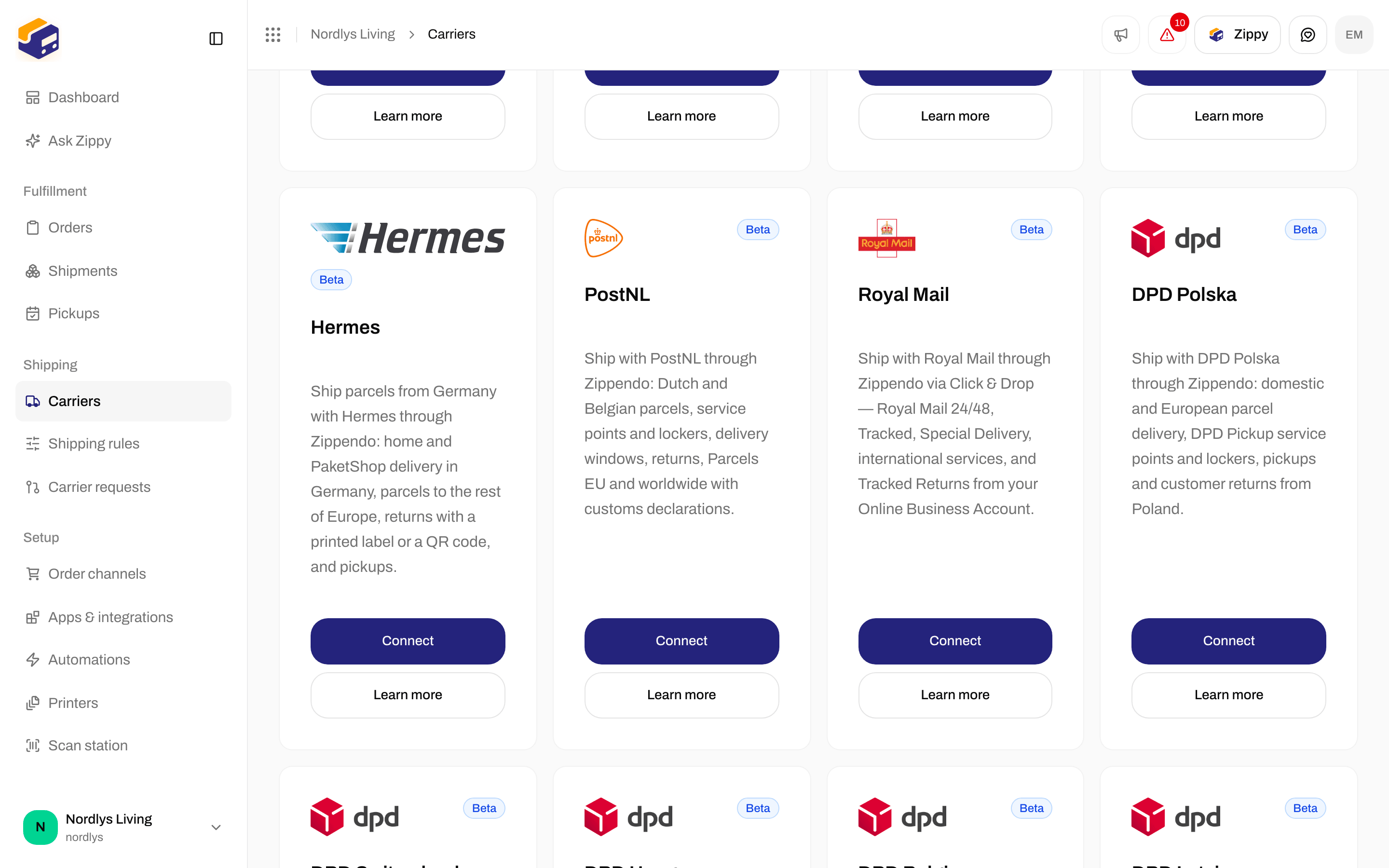
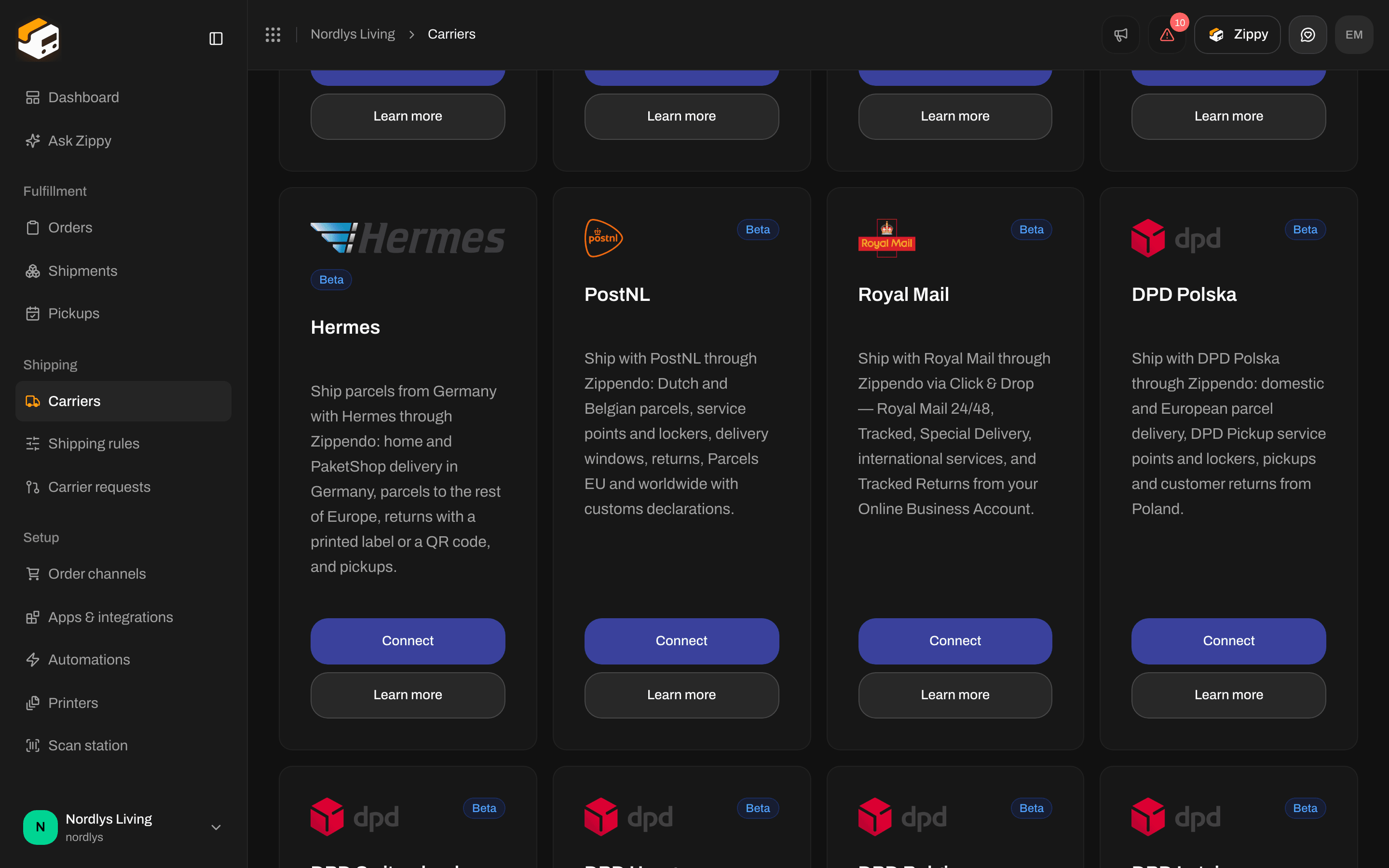
The Hermes card on All carriers
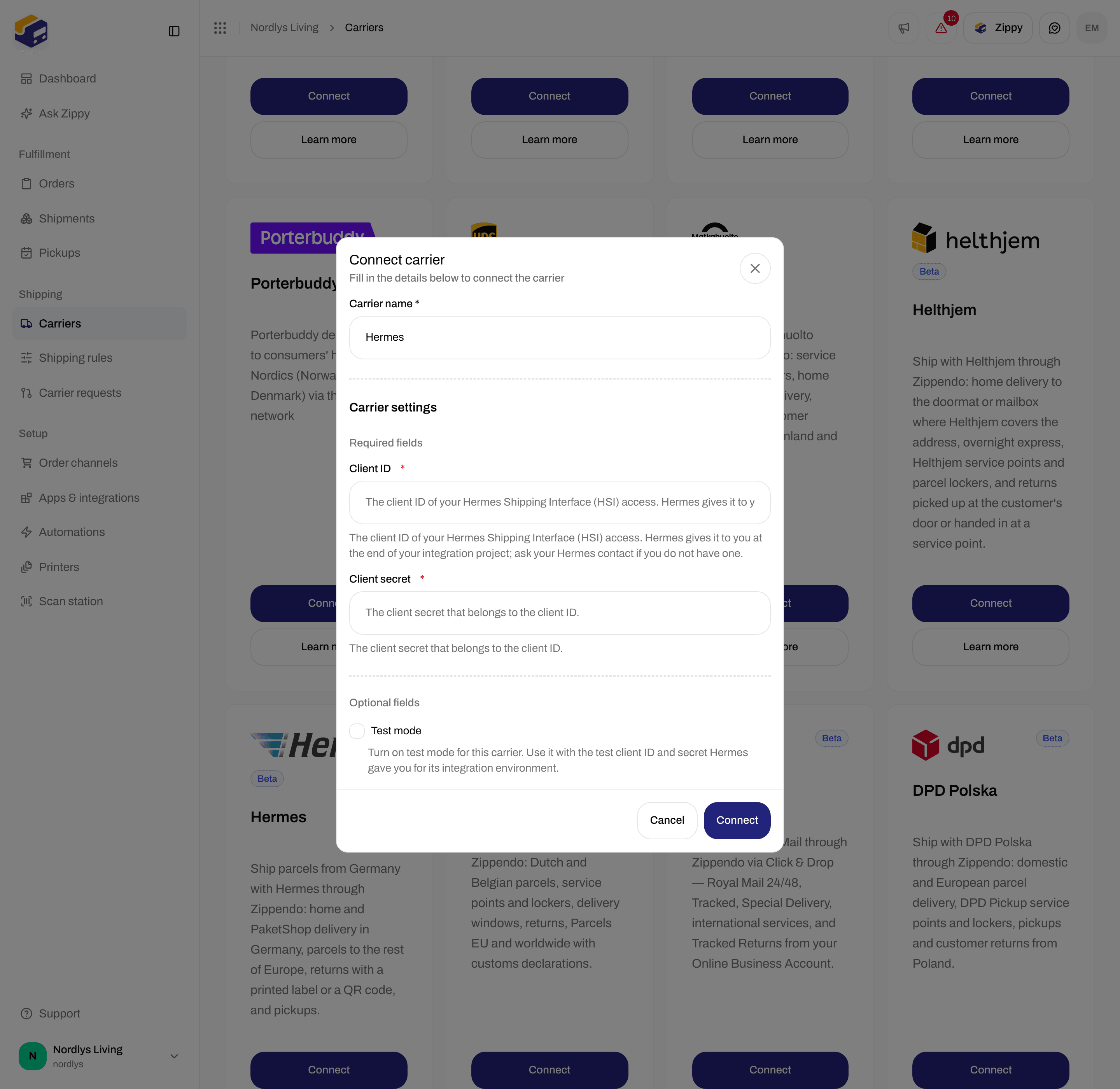
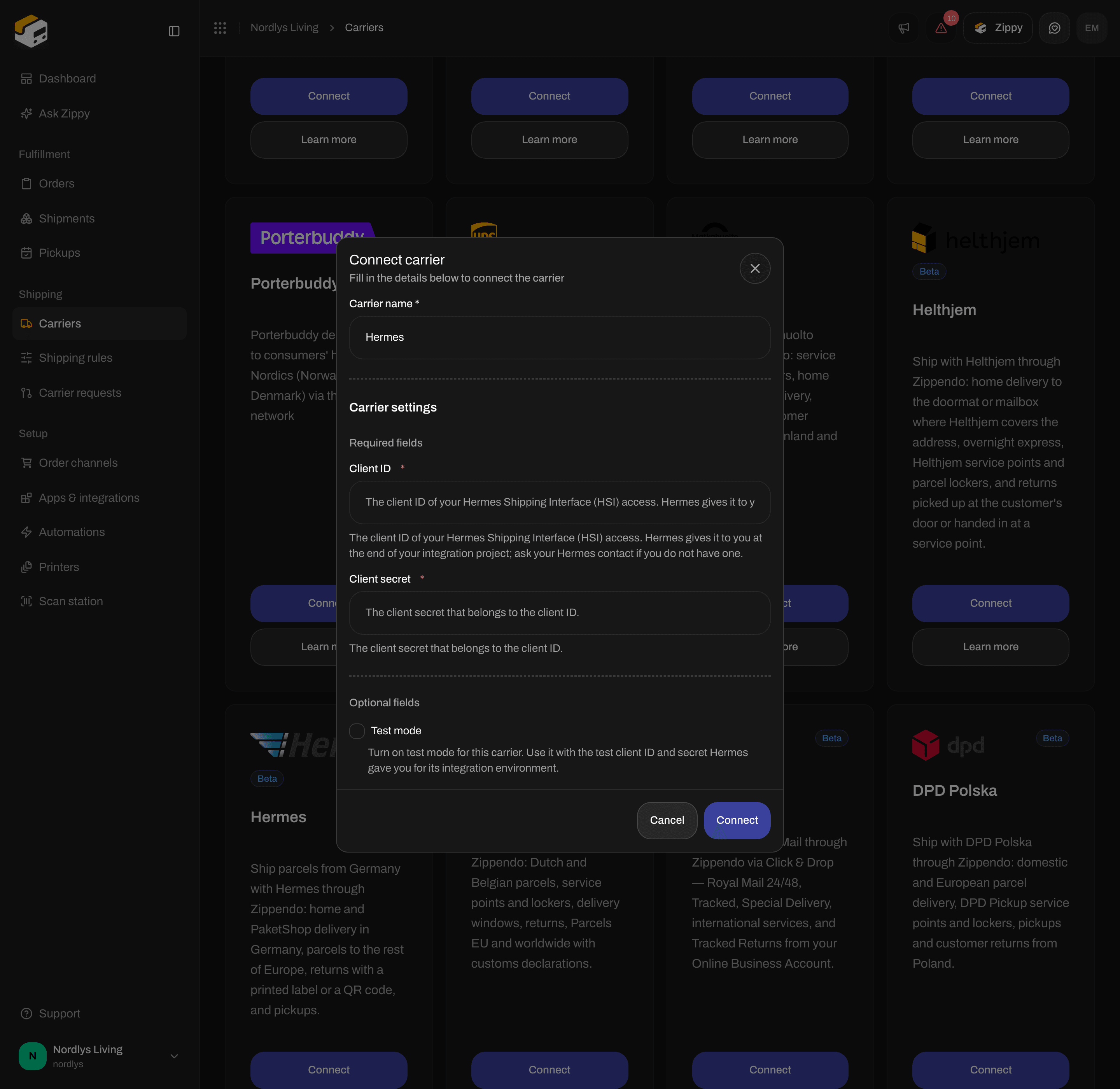
Connect carrier for Hermes - fill in Client ID and Client secret
Fields on the form
Connect does nothing until Carrier name, Client ID and Client secret have a value.
Test mode sends your shipments to Hermes’s integration environment. Test credentials only work with it on, and live credentials only with it off. Leave it off for real orders. See Test mode.
After you connect
The carrier appears on My carriers with a Connected badge and a Beta badge. You choose the product on each shipment or in a shipping rule, not on this form. See Carrier products and services. A product or service that is not on your Hermes contract is refused when you send, with Hermes’s reason.- Every Hermes shipment is one parcel of up to 31.5 kg. For more parcels, send one shipment per parcel.
- Hermes Parcel International, and returns from outside Germany, need the parcel’s length, width and height.
- If you opened your Hermes business account yourself on myhermes.de, Hermes needs the length, width and height on every parcel, in Germany too. Zippendo can’t tell which kind of account you have, so give the dimensions on every shipment, for example as your products’ default dimensions. Without them, Hermes refuses the shipment.
- Labels are PDF, sized for 100 x 150 mm label printers. Hermes has not published the label size, so check your first label.
- Hermes can change a shipment to deliver it, for example to another PaketShop, or add or remove a service. The shipment is sent with a warning that says what Hermes changed. Tell your customer if it affects their delivery.
Services
Choose services on the shipment or in a shipping rule. Values go under Extra details for the carrier.
These services cannot be combined: TAN delivery with No delivery to neighbours or with any age or ID check, two age or ID checks together, and Priority delivery with a chosen day or time window. Parcel size class is only for contracts that price parcels by size class.
Email notification, TAN delivery, Cash on delivery and every Hermes PaketShop delivery need the receiver’s email address. Hermes emails the receiver about these parcels. Hermes expects your customer to have agreed to these emails, and getting that agreement is up to you.
Hermes PaketShops
Hermes PaketShop delivery delivers to a Hermes PaketShop or parcel locker in Germany. Choose it in the Service point section of the shipment before you send. See Pick a service point and Service points.Customs
Shipments to Liechtenstein, Norway, Switzerland and the United Kingdom, and returns from Norway, Switzerland and the United Kingdom, carry customs data from the order lines. Give every line a description, quantity, price and currency, all lines in one currency, and a Tariff number and Country of origin where you have them. Add your EORI and VAT numbers under Organization settings. See Customs and documents.Pickups and tracking
- You can schedule Hermes pickups under Pickups. Pick an address in Germany with your company name and a street and house number. The pickup form has no time fields for Hermes: Hermes chooses the time of the pickup. See Schedule a pickup.
- Zippendo cannot cancel or change a Hermes pickup or a sent Hermes shipment. To cancel, contact Hermes.
- Tracking events from Hermes do not appear in Zippendo yet. Follow the Tracking link on the shipment to Hermes’s tracking page. See Carrier tracking webhooks.
Change or remove the connection
To change it, open Carriers → My carriers and click Edit carrier on the card. The Edit carrier page has two sections:- General: Carrier name, and Brand if your organization has brands.
- Carrier settings: Client ID, Client secret and Test mode.
HERMES), and click Delete. Shipping rules that use this carrier are deleted with it. Shipments you already sent keep their labels and tracking numbers. A carrier with booked pickups cannot be deleted.
Common problems
More help: Carrier authentication failures.