

There is no language, time zone, notification, currency or VAT field on this tab. You choose your language on your profile (Profile, language, and two-factor authentication). A brand’s VAT number is on the brand’s page (Create a brand). Sender, pickup and return addresses are on the Addresses tab (Sender, pickup, and return addresses).
Organization settings
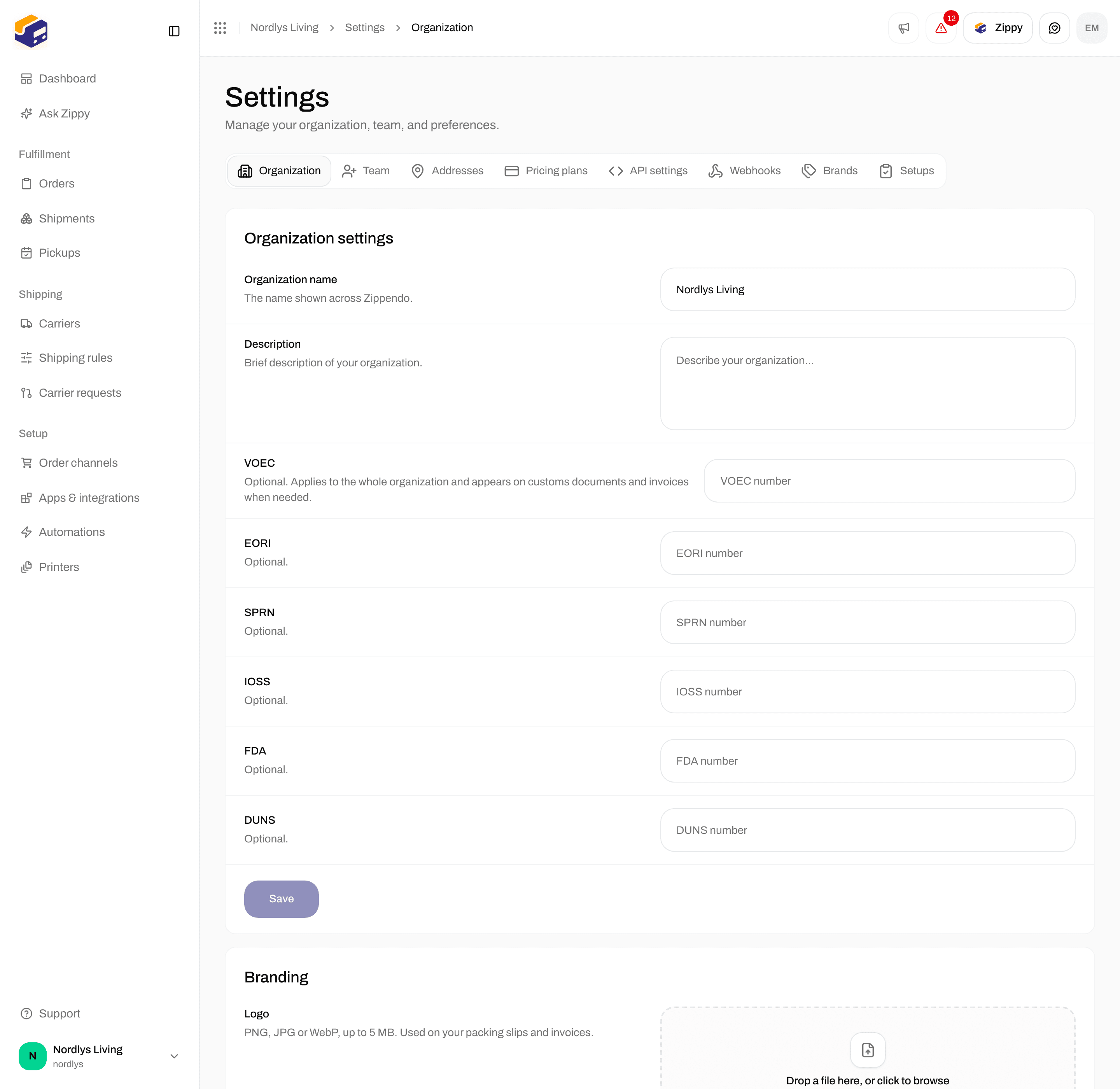
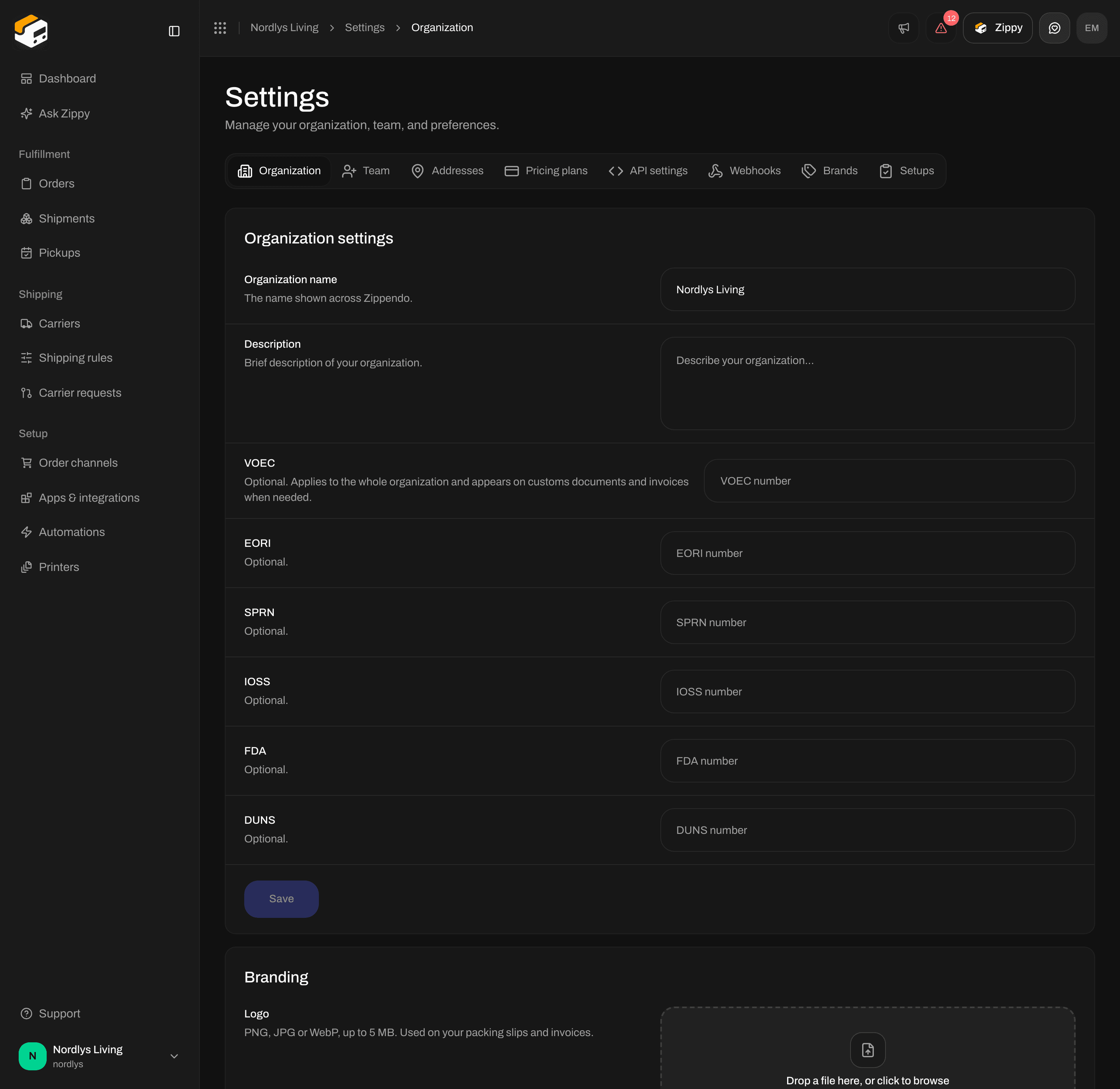
Organization settings - name, description and customs identifiers
Leave a customs field empty if you do not have that number. Zippendo only adds the identifiers you fill in to your shipments.
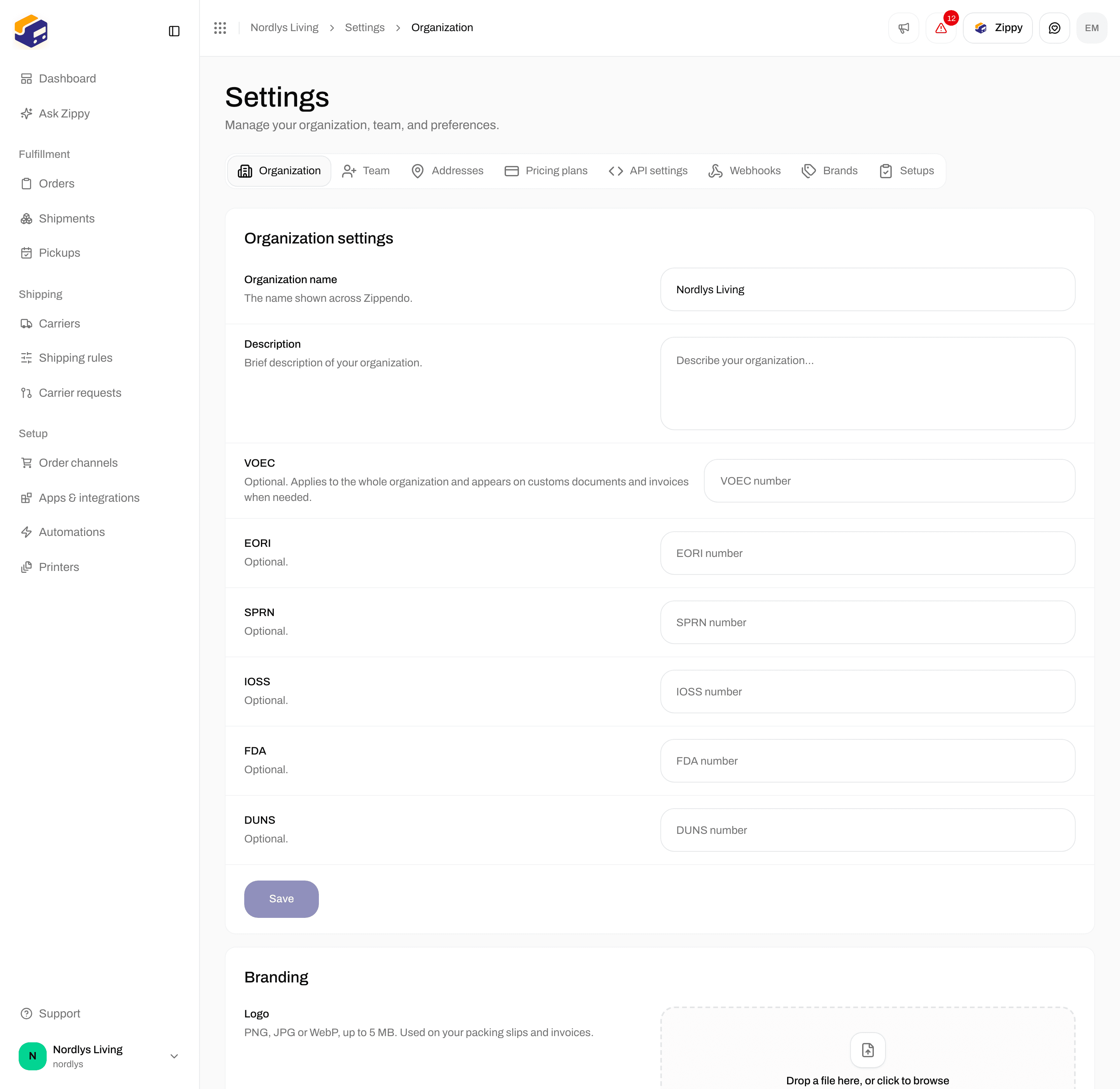
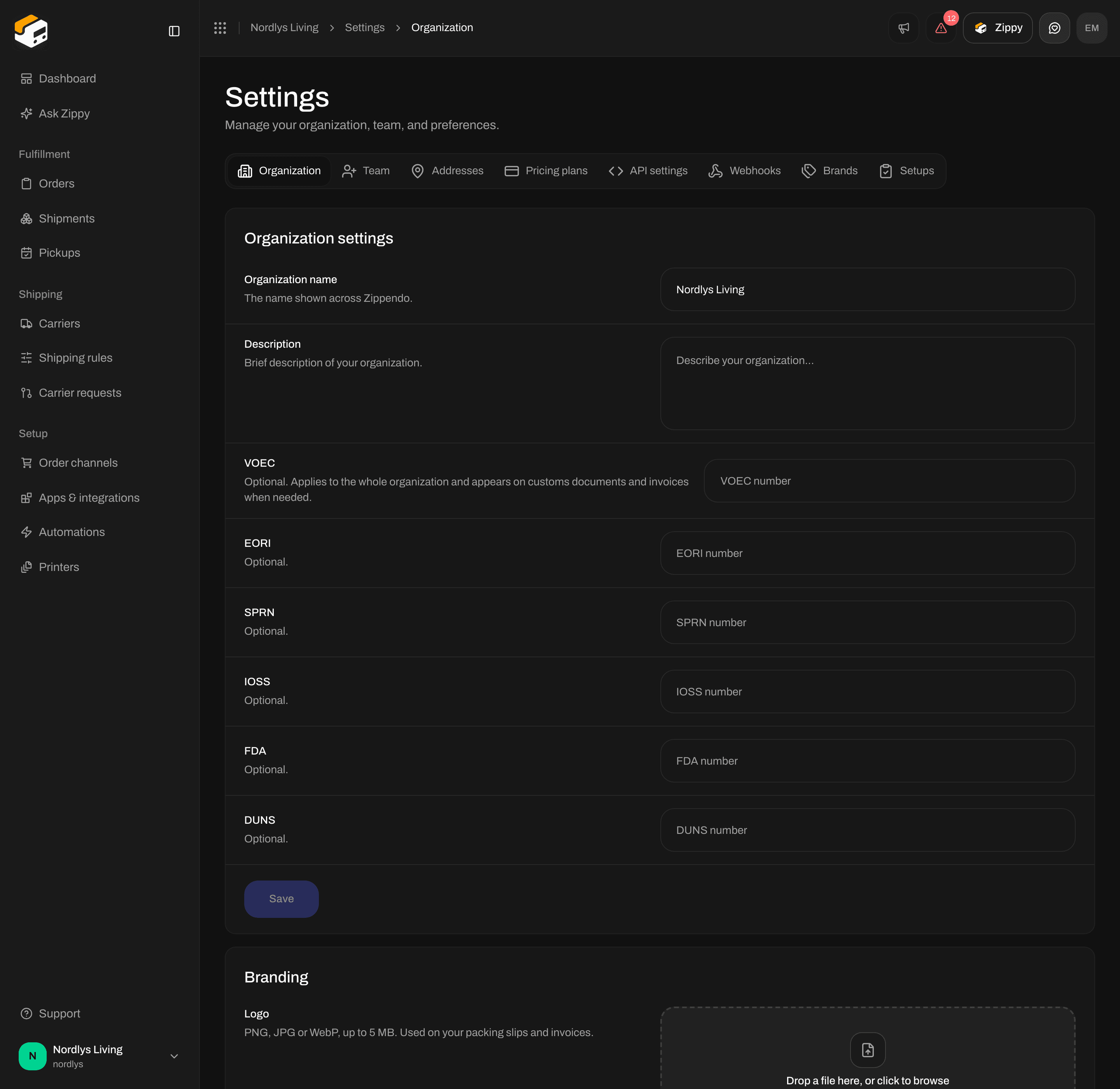
Customs identifiers through DUNS, then Save
1
Edit the name and description
Change Organization name and, if you like, Description.
2
Fill in the customs identifiers you have
Enter VOEC, EORI, SPRN, IOSS, FDA or DUNS only if your business has that number.
3
Click Save
Save stays grayed out until you change something. You see Changes saved under the form. If you see Couldn’t save. Please try again., check that your role allows it, then try again.
Further down this tab
To bring your setup across from another shipping platform, use the import cards on the Setups tab. See Import from another platform.