

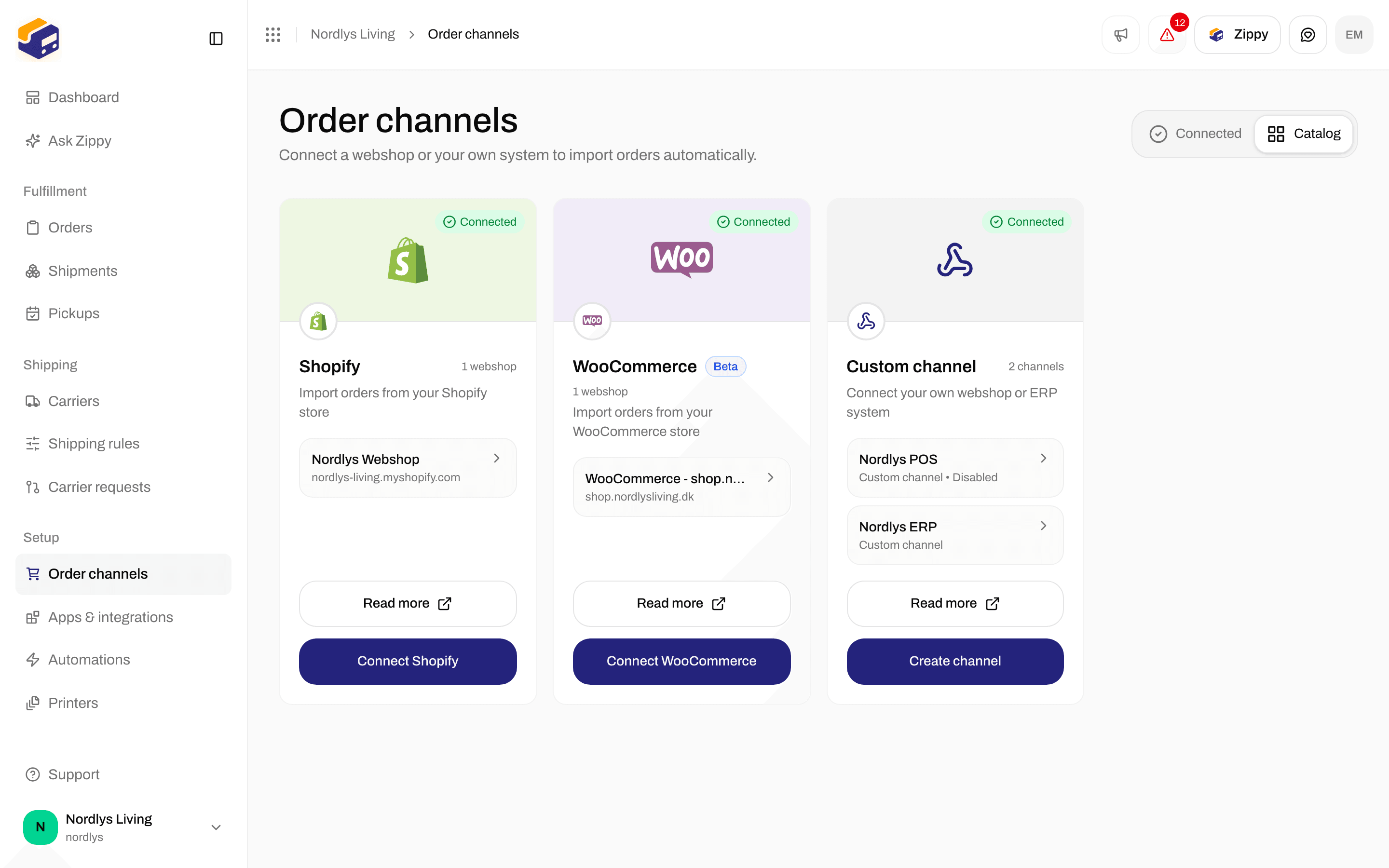
The Custom channel card in the catalog
Create the channel
Click Create channel. The Create custom channel window opens: An order channel for your own webshop or ERP system.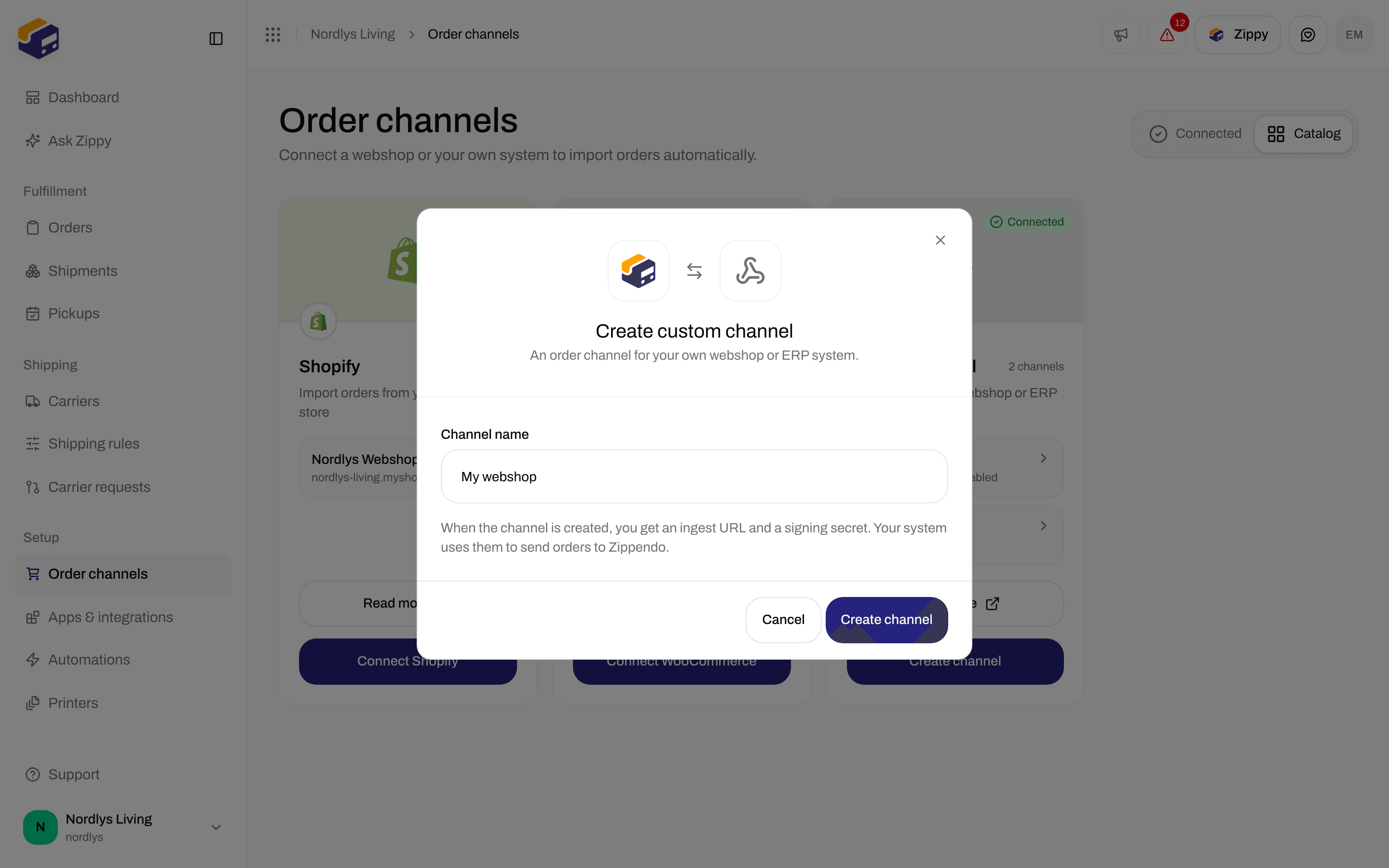
Create custom channel: enter a Channel name
Click Create channel (it shows Creating…). You see Order channel created, and Zippendo opens the new channel’s settings. If you see Couldn’t create the order channel, try again. Cancel closes the window.
Order ingestion
The settings page is headed by the channel name and Your own integration: send orders to the ingest URL, or use the API and SDKs. View documentation opens the Custom channels reference.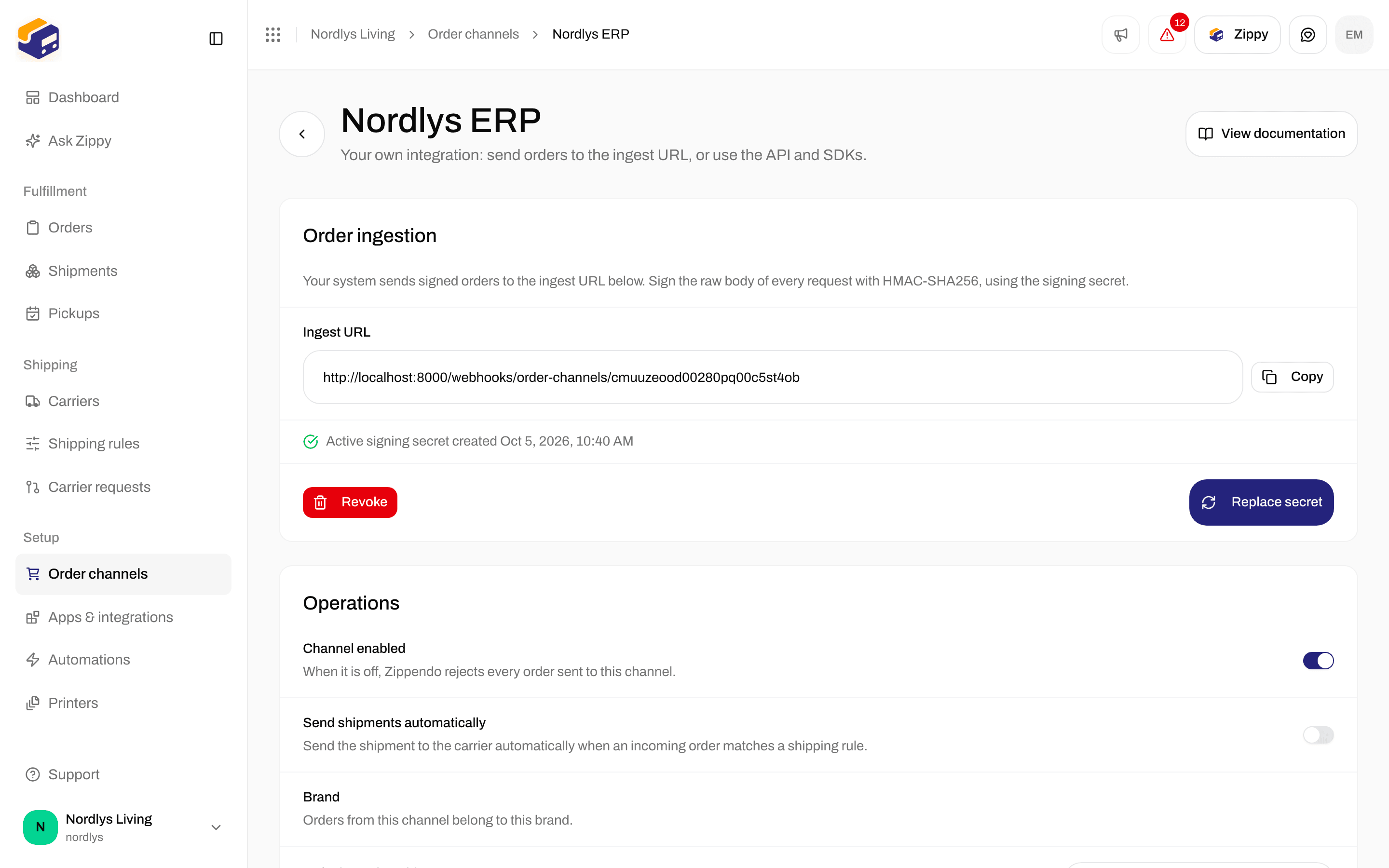
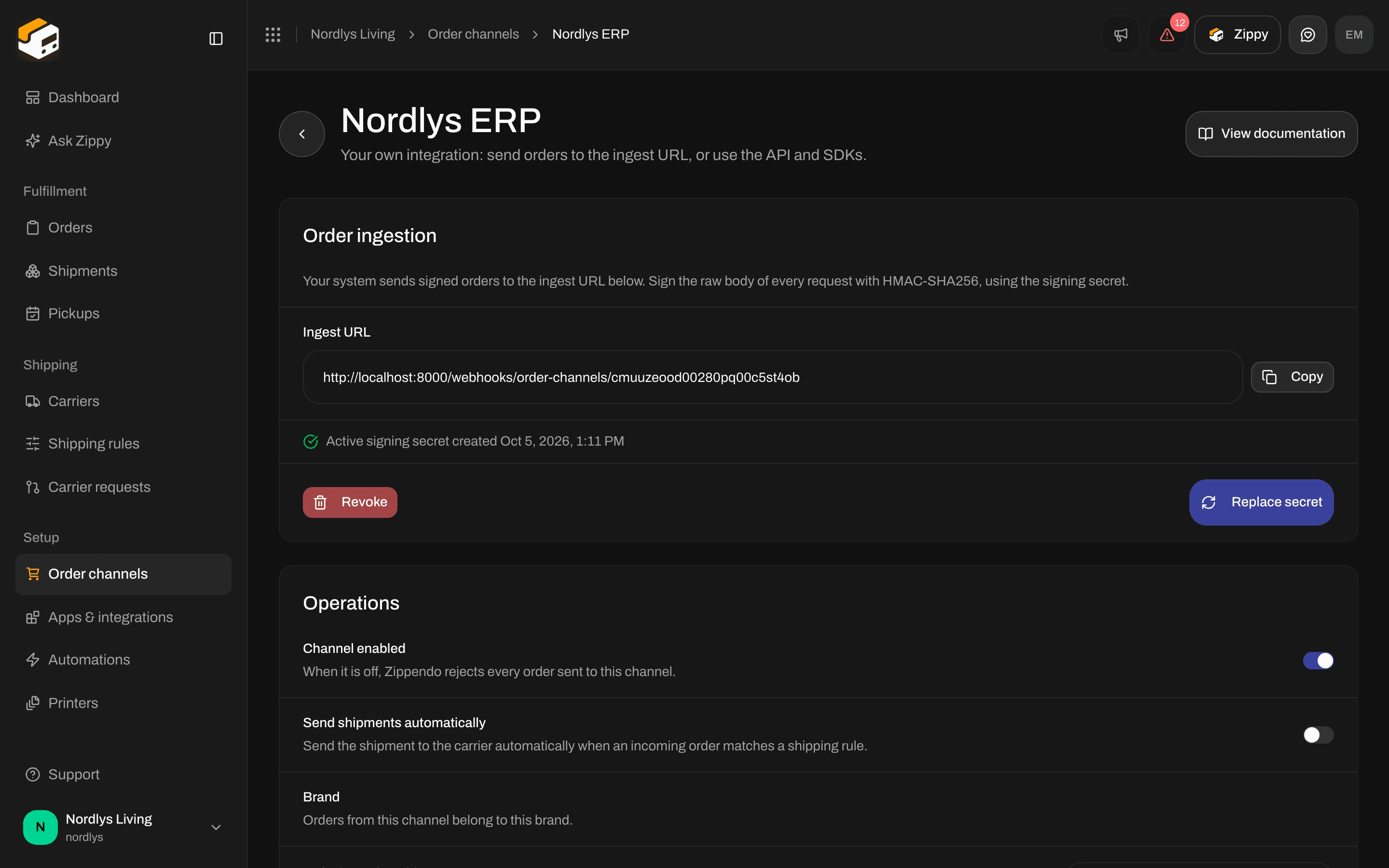
Order ingestion: the Ingest URL and Generate secret
The channel only accepts orders once a signing secret exists. There is no separate switch to turn ingestion on.
After Generate secret or Replace secret, the secret is shown once:
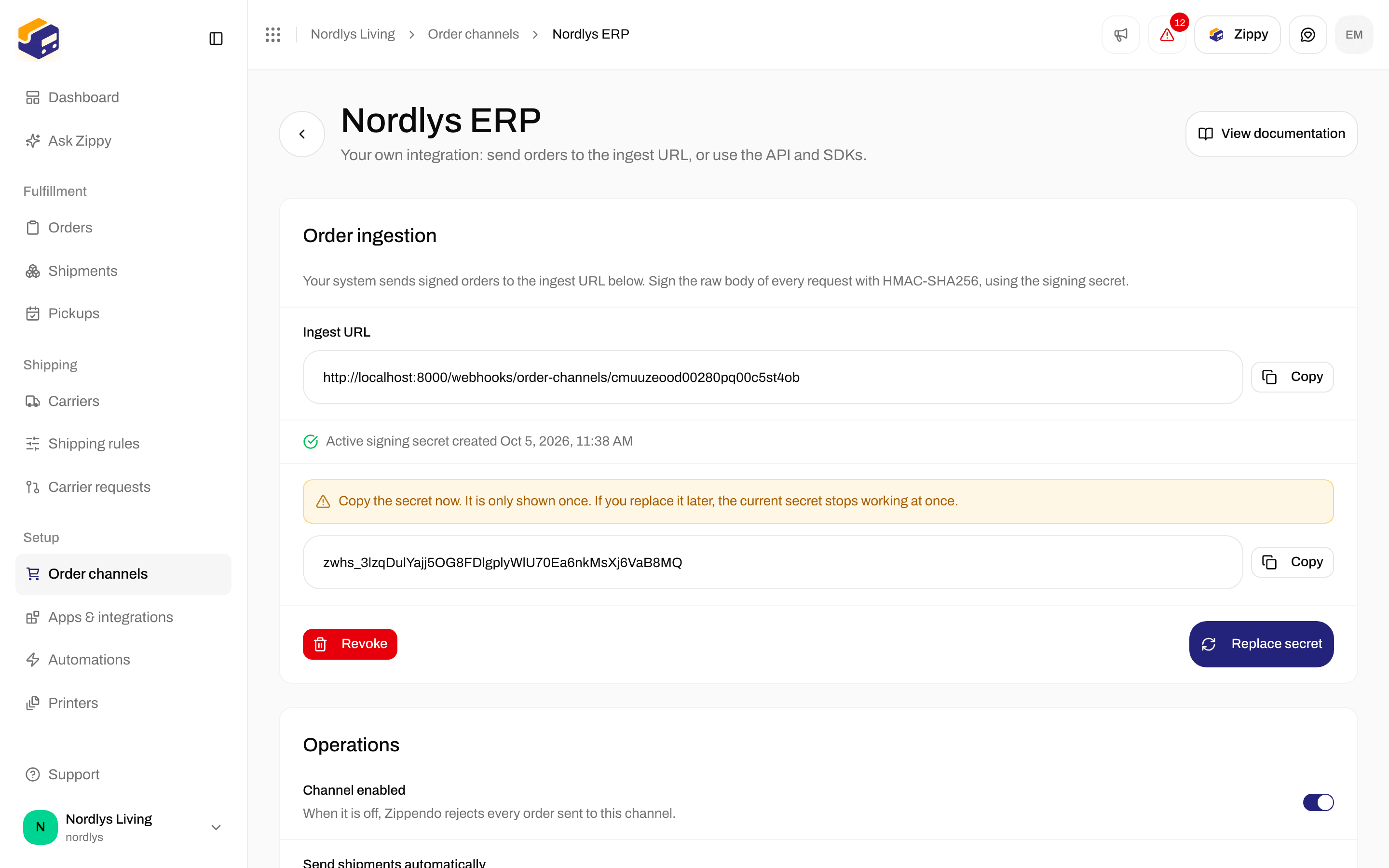
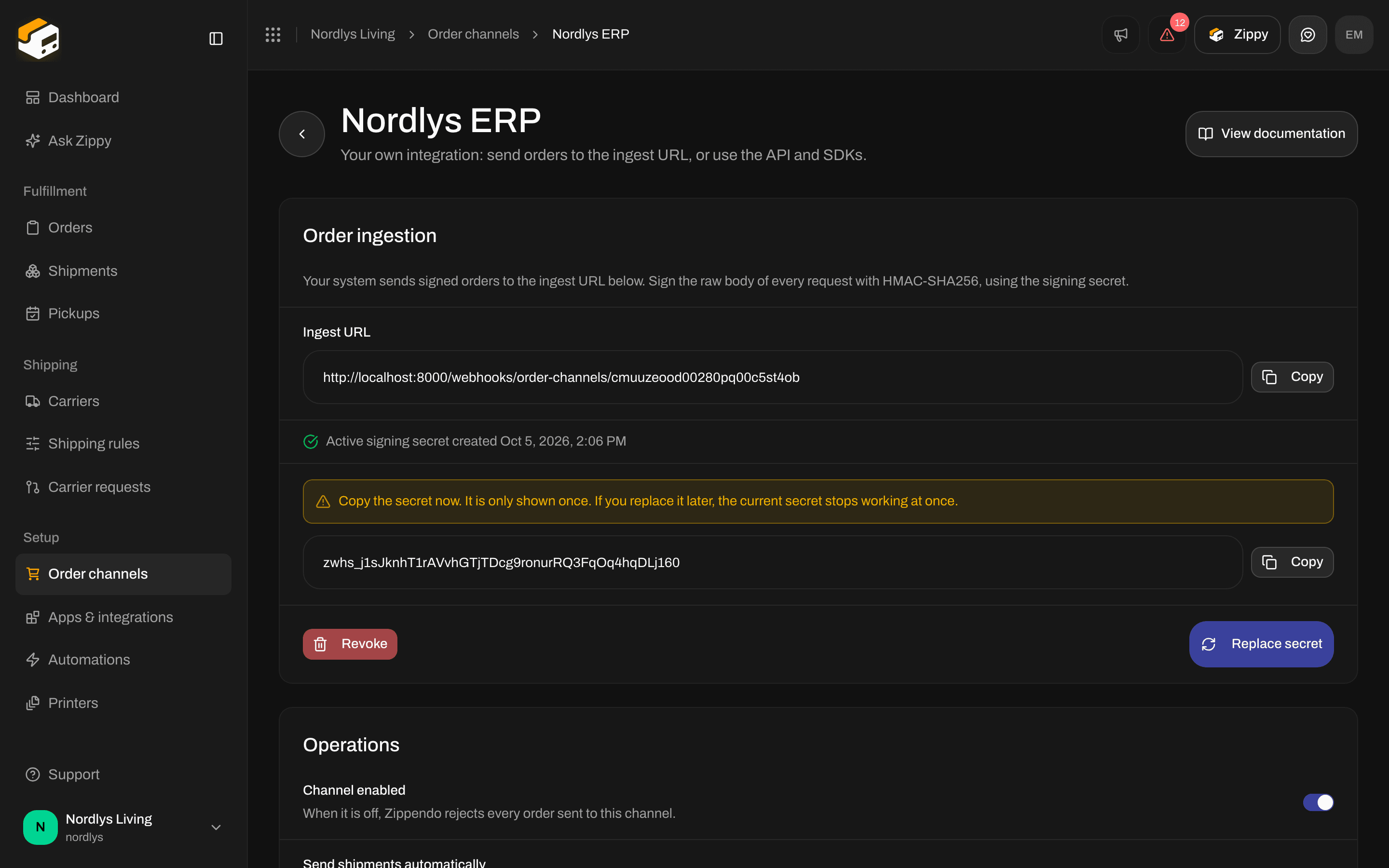
Copy the signing secret now. It is only shown once
Send an order
POST to the Ingest URL with two headers:
order.created and order.updated both create or update the order by its externalId. The order.cancelled body is { "externalId": "…" }. ping returns 200 { "received": true } without changing anything.
externalId, orderNumber and orderLines (at least one line with name and quantity). Optional: customerName, customerEmail, shippingAddress, subtotalAmount, totalAmount, currency, notes, shippingMethodTitle and serviceCode. Full field table: Custom channels.
Prefer request and response? Create orders with
POST /orgs/{orgId}/orders, passing orderChannelId, and an API token. A second order with the same externalId on the same channel returns 409 ORDER_EXISTS.
To get tracking numbers and status changes back, subscribe to your organization’s webhooks (shipment.dispatched, tracking.updated). A custom channel has no tracking callback of its own, and no shipping method mapping screen.
An order you send appears under Orders. Its status can be Error when Zippendo imported the order but could not create a shipment that is ready to send, for example because no shipping rule matched or the address is incomplete. The order still belongs to the channel.
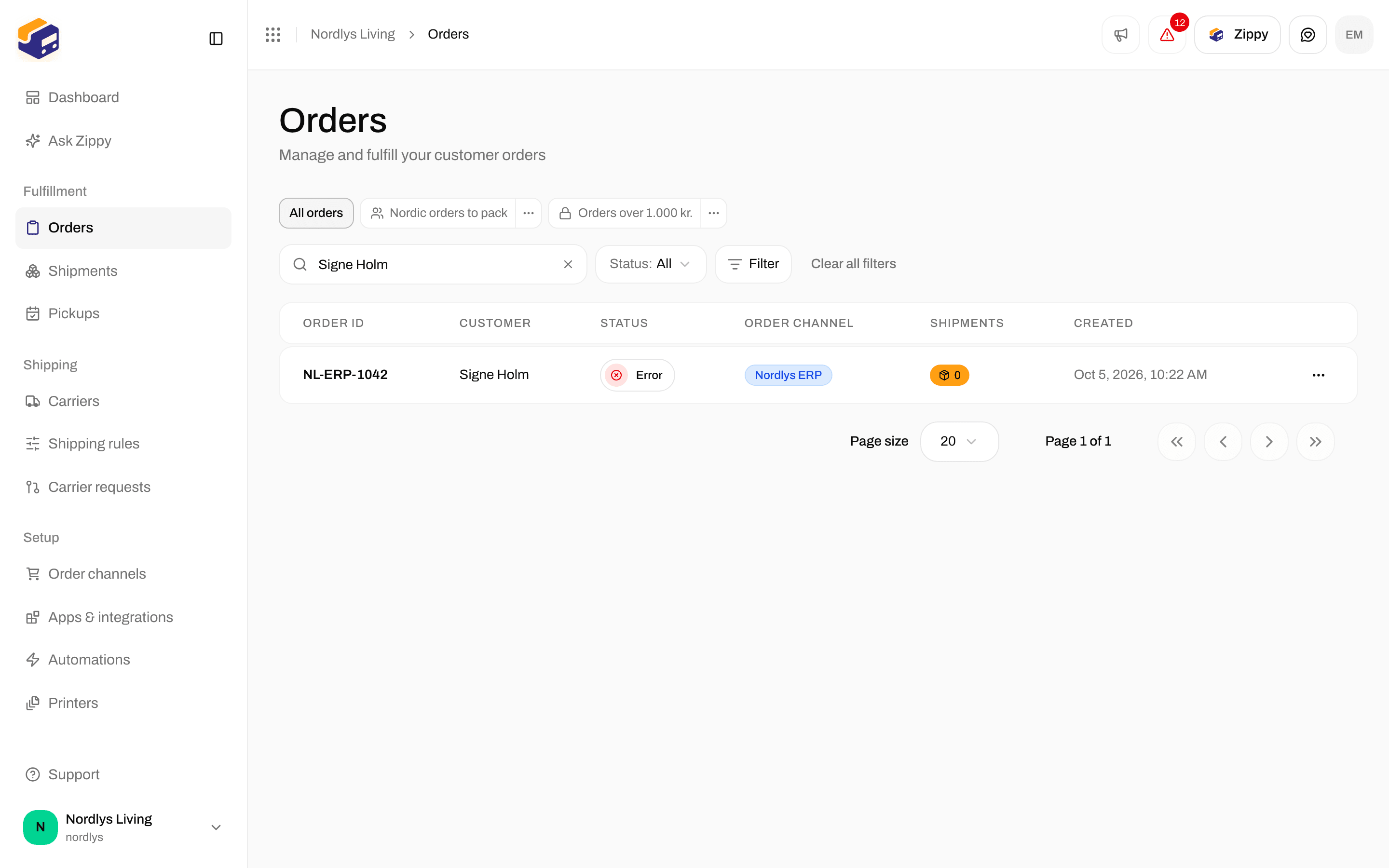
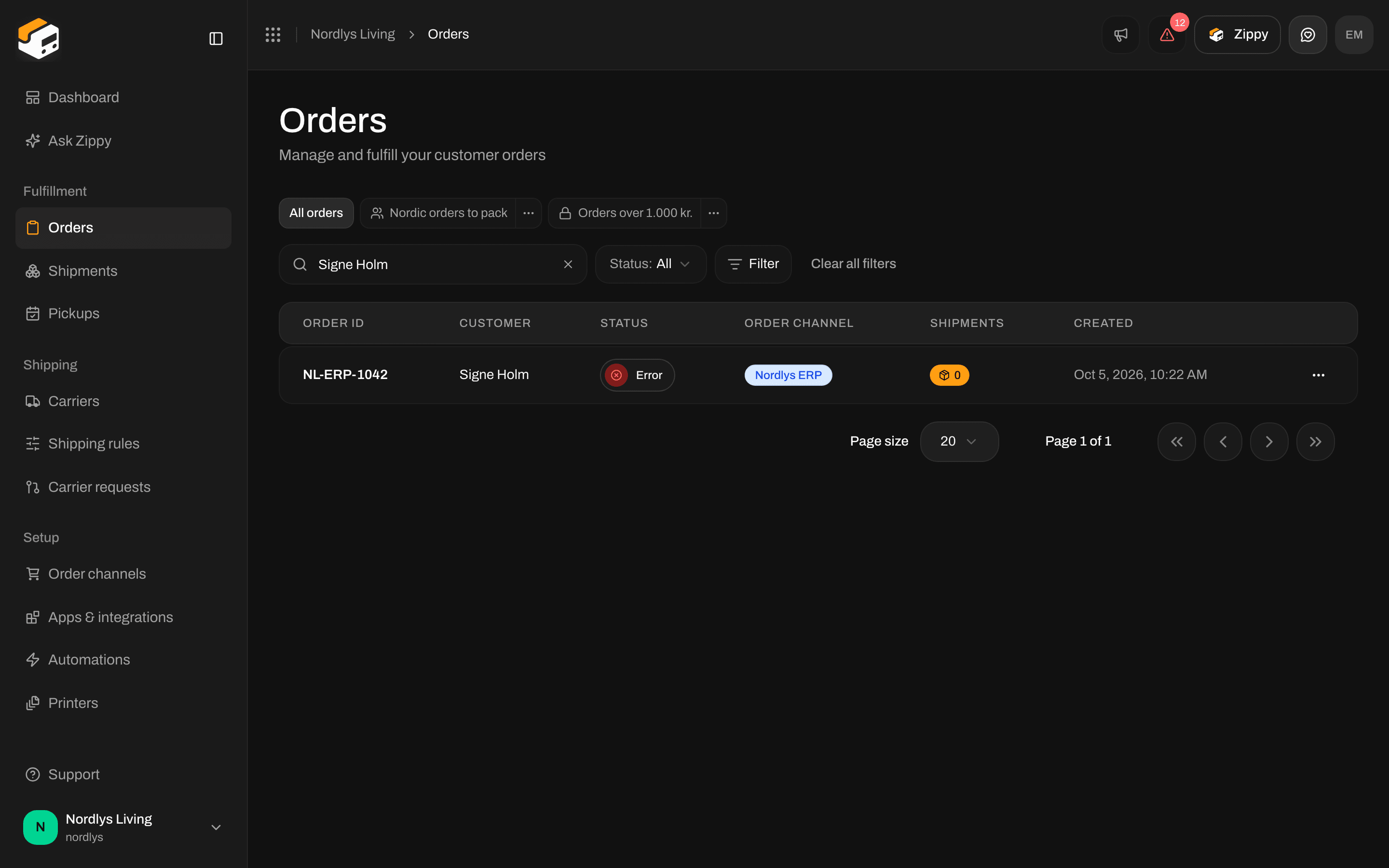
An order sent by your system on the Orders page
Operations
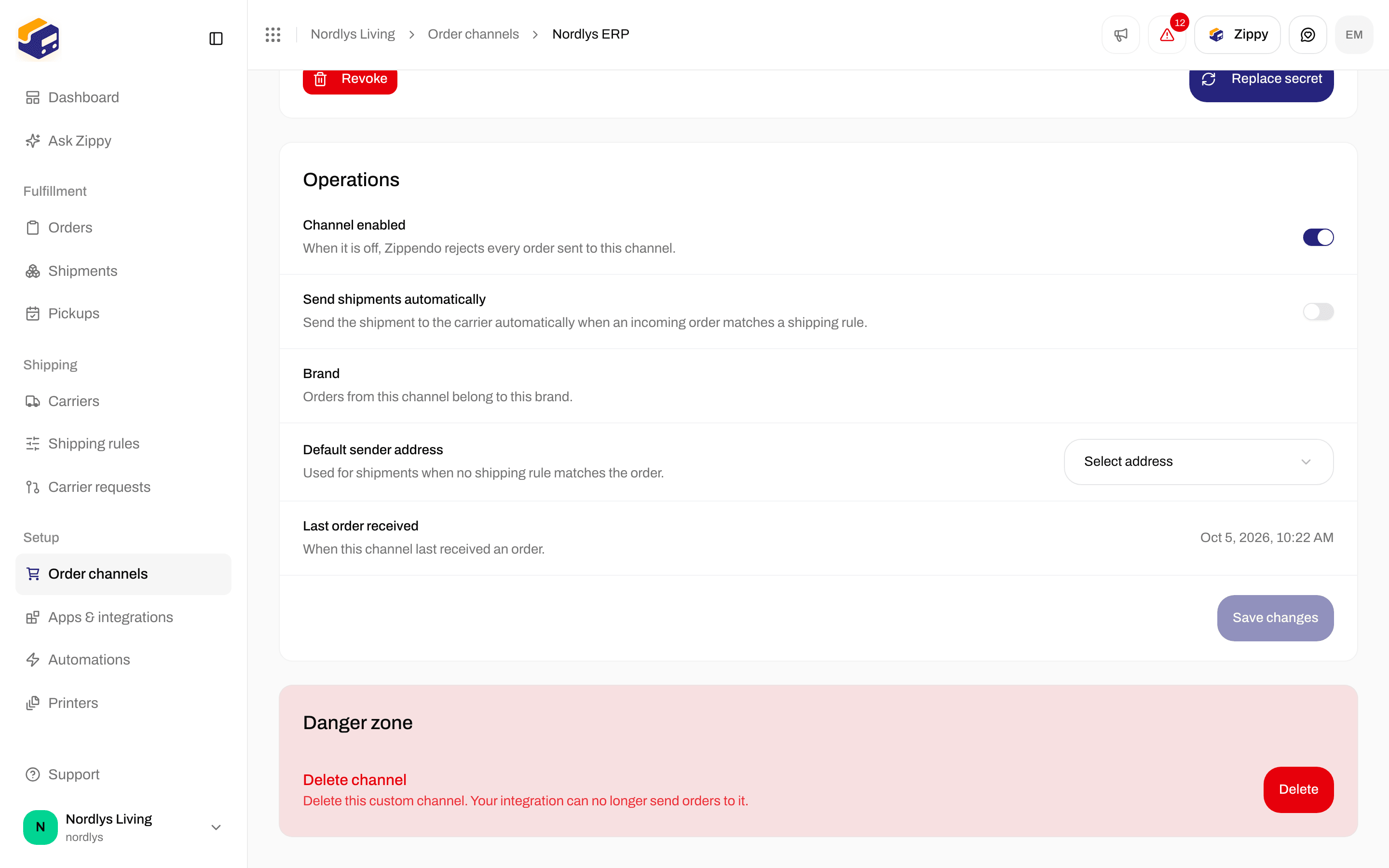
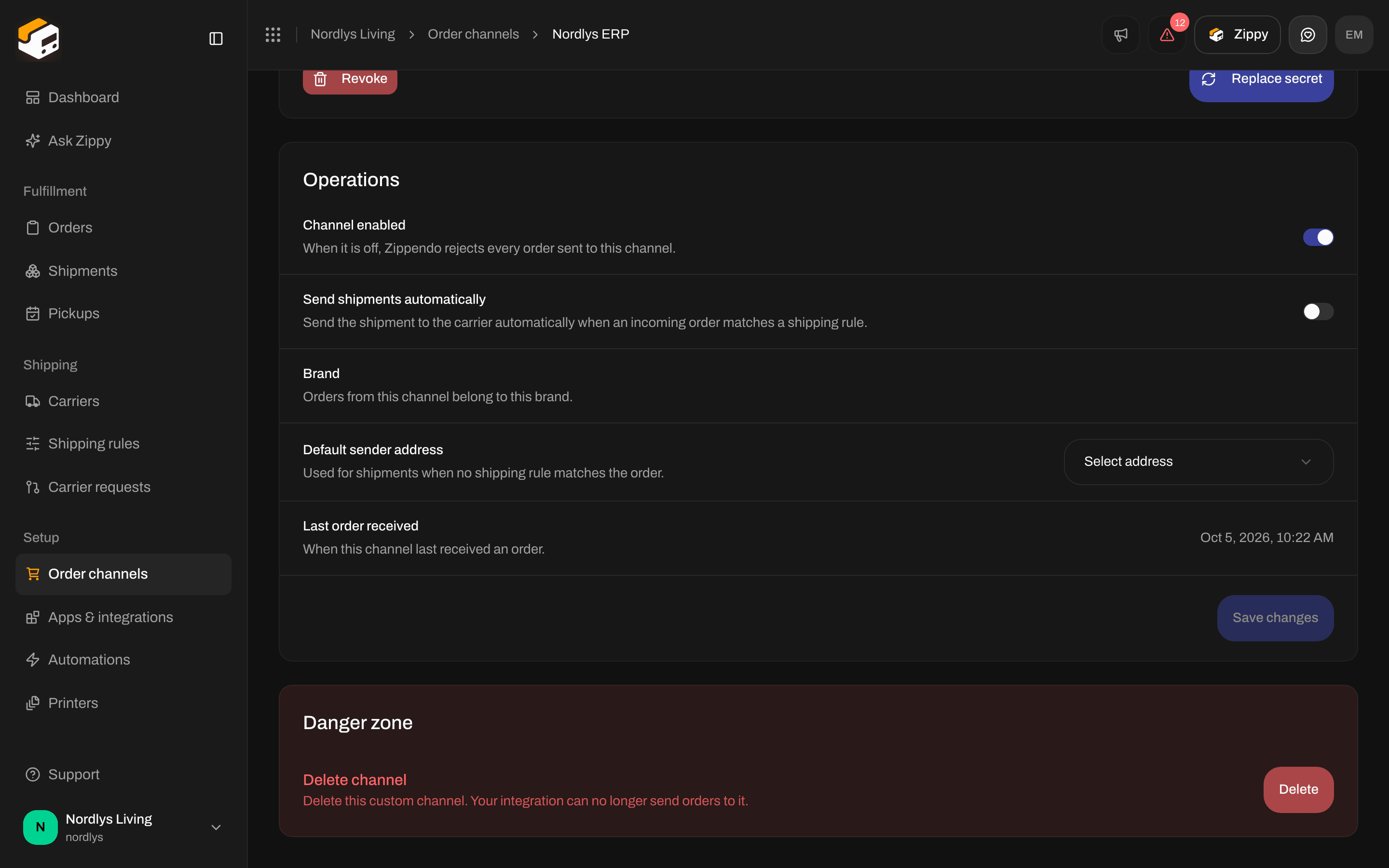
Operations: Channel enabled, Send shipments automatically and Default sender address
Save changes (Saving…) saves Send shipments automatically and Default sender address. You see Order channel updated, or Couldn’t update the order channel.
Turn a channel off
Turn Channel enabled off. On the Connected tab, the channel’s row in the Custom channel card then says Disabled. Custom channels always stay on the Connected tab, and never become leftover channels.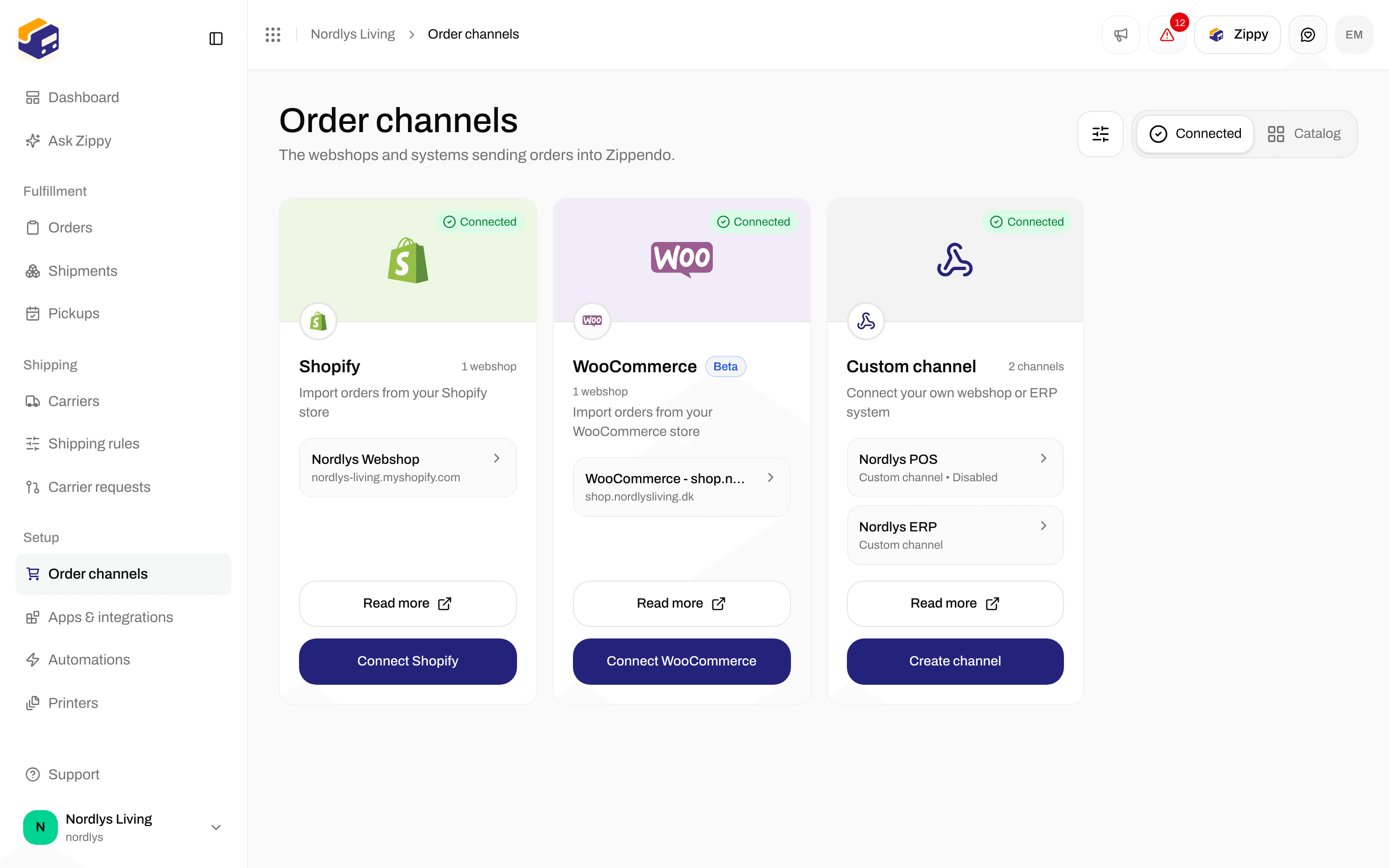
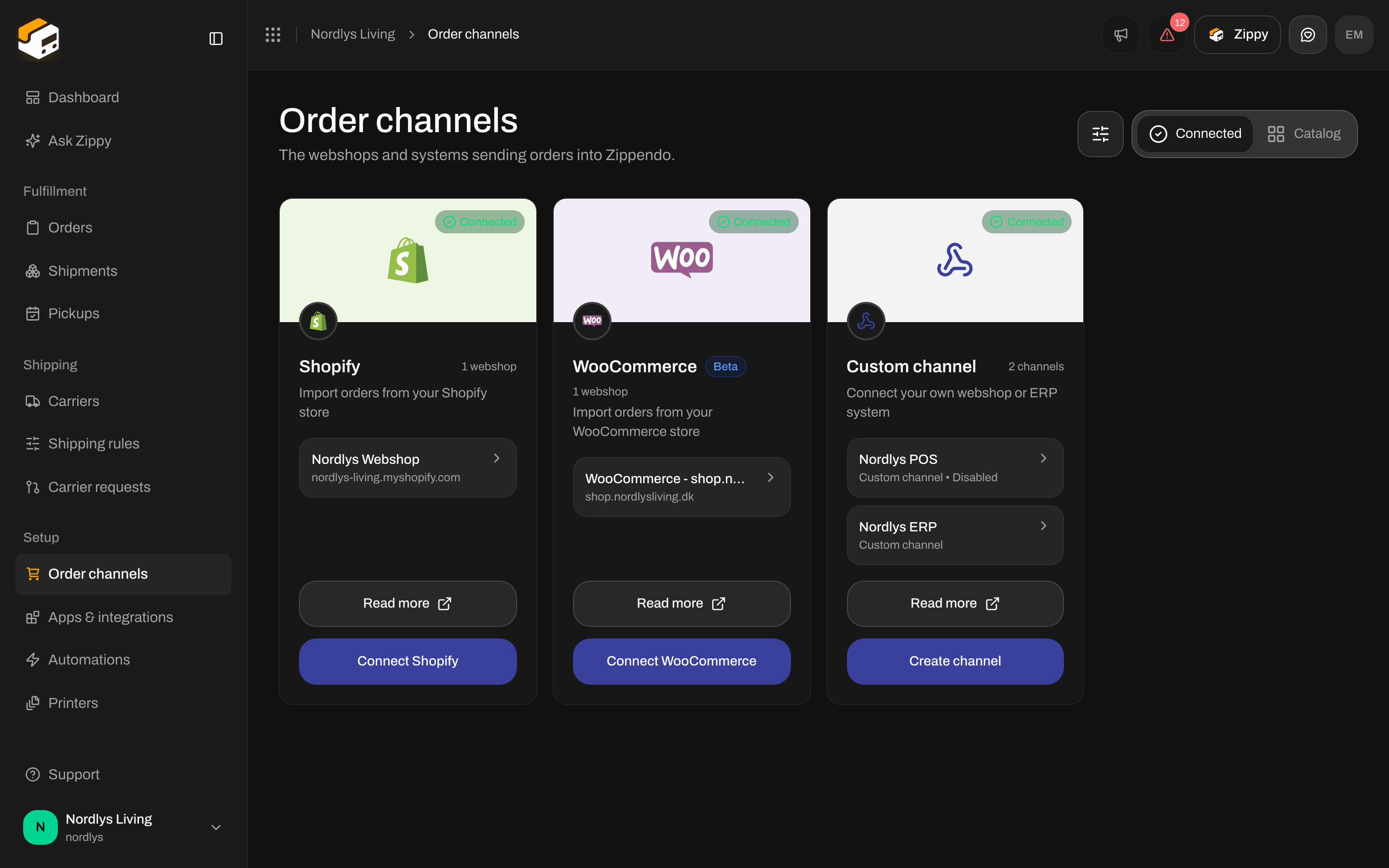
A custom channel that is turned off
Delete
Under Danger zone, find Delete channel: Delete this custom channel. Your integration can no longer send orders to it.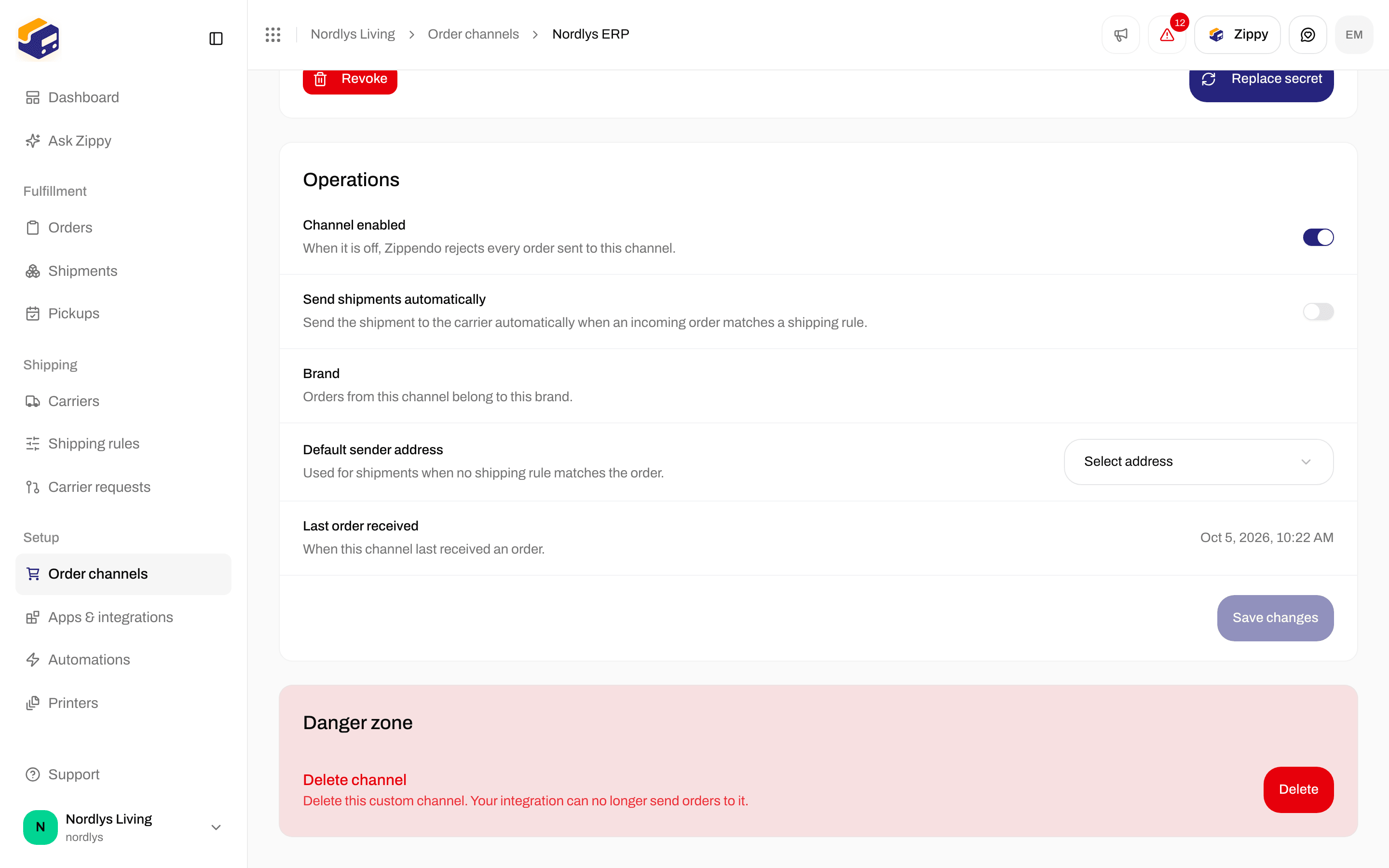
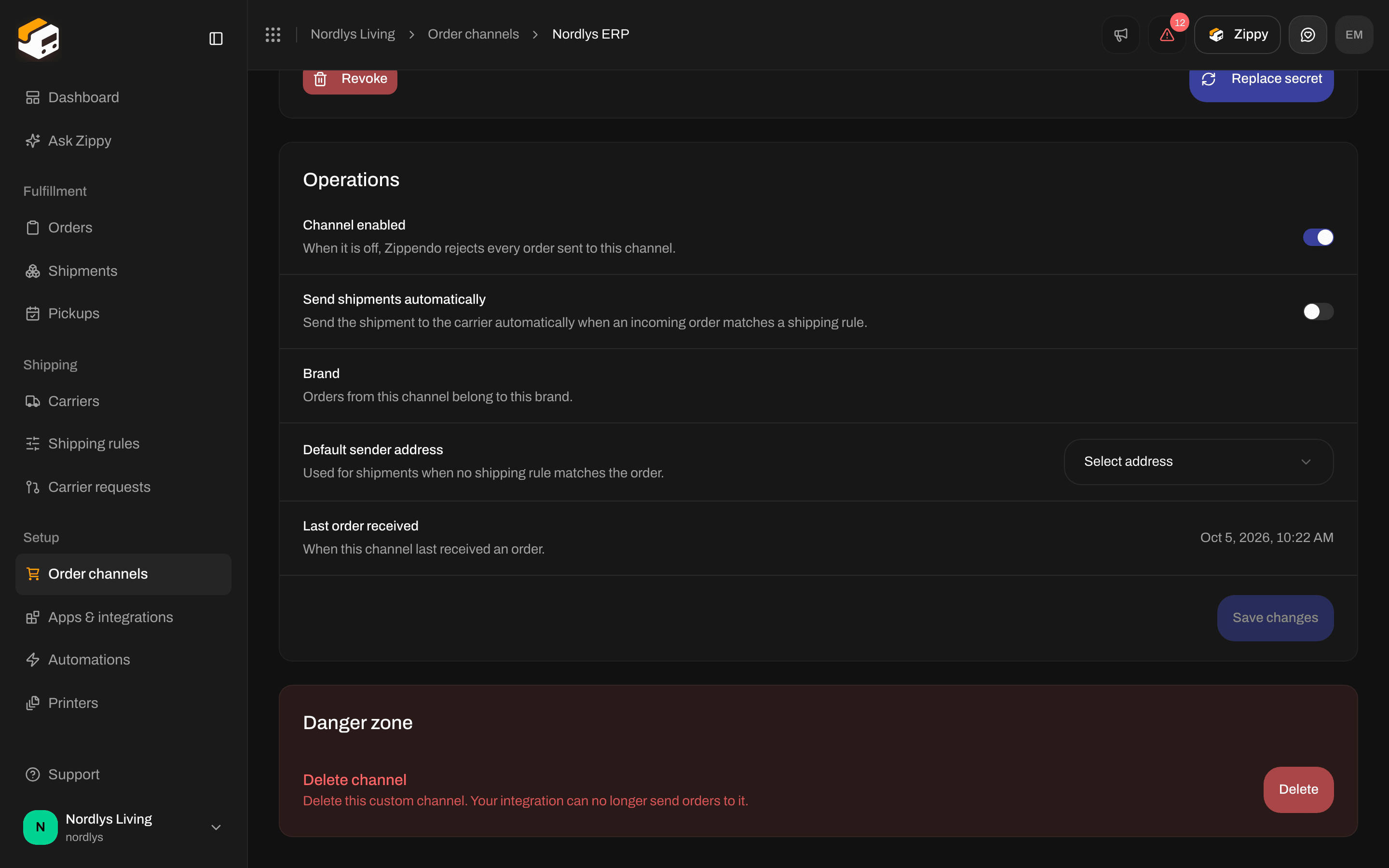
Delete channel under Danger zone
Related
Connect order channels
Create the channel from the catalog, then open Orders.
Custom channels reference
Full payload, cancel, ping and REST examples.
Order channel settings
The Order channels page, brands and leftover channels.
Create an API token
A token for POST /orgs/{orgId}/orders instead of signed pushes.