

What you need from GLS
- A GLS Denmark shipping agreement.
- Four values GLS gives you with that agreement: Login name, Password, Customer ID and Contact ID. You cannot create them yourself in Zippendo. Ask GLS if you do not have them.
Connect GLS Denmark
1
Open All carriers
In the sidebar, click Carriers, then the All carriers tab.
2
Click Connect on GLS Denmark
Find the GLS Denmark card and click Connect. (Learn more opens the GLS Denmark website.)
3
Fill in the form
The Connect carrier window opens. Carrier name is already filled in with “GLS Denmark”. Fill in Login name, Password, Customer ID and Contact ID. Test mode is under Optional fields.
4
Click Connect in the window
You see Carrier connected. GLS Denmark now appears on My carriers marked Connected.
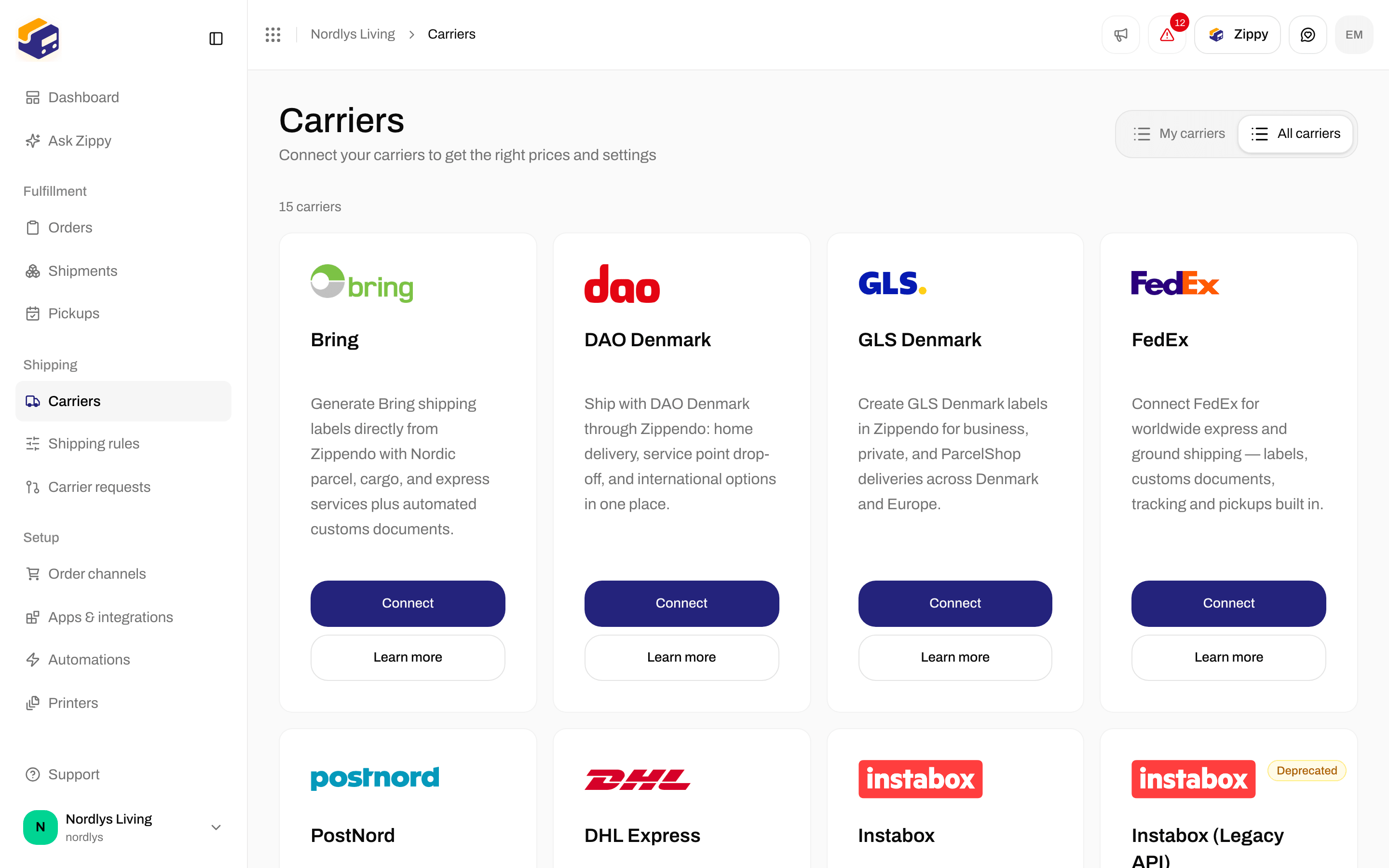
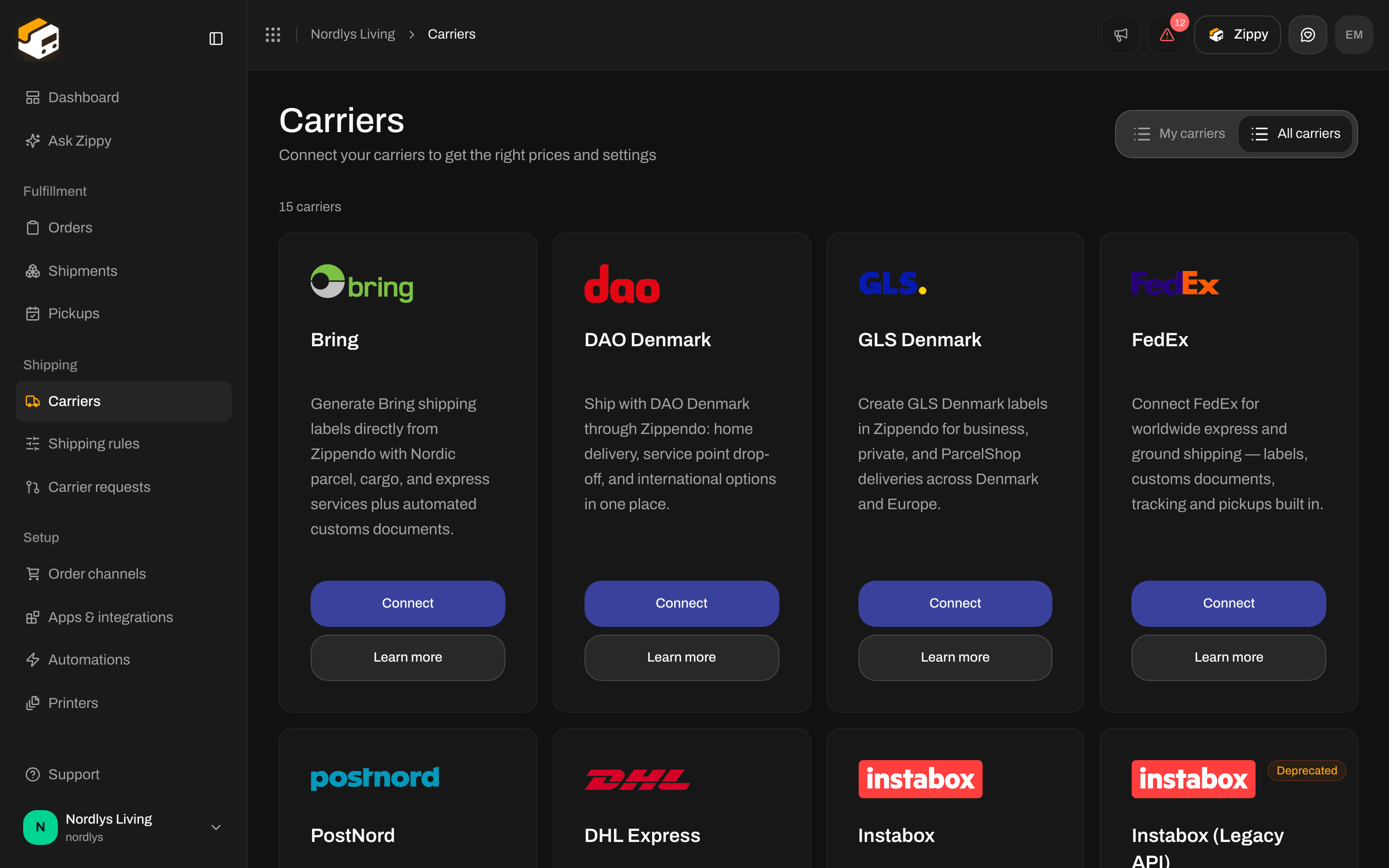
The GLS Denmark card on All carriers
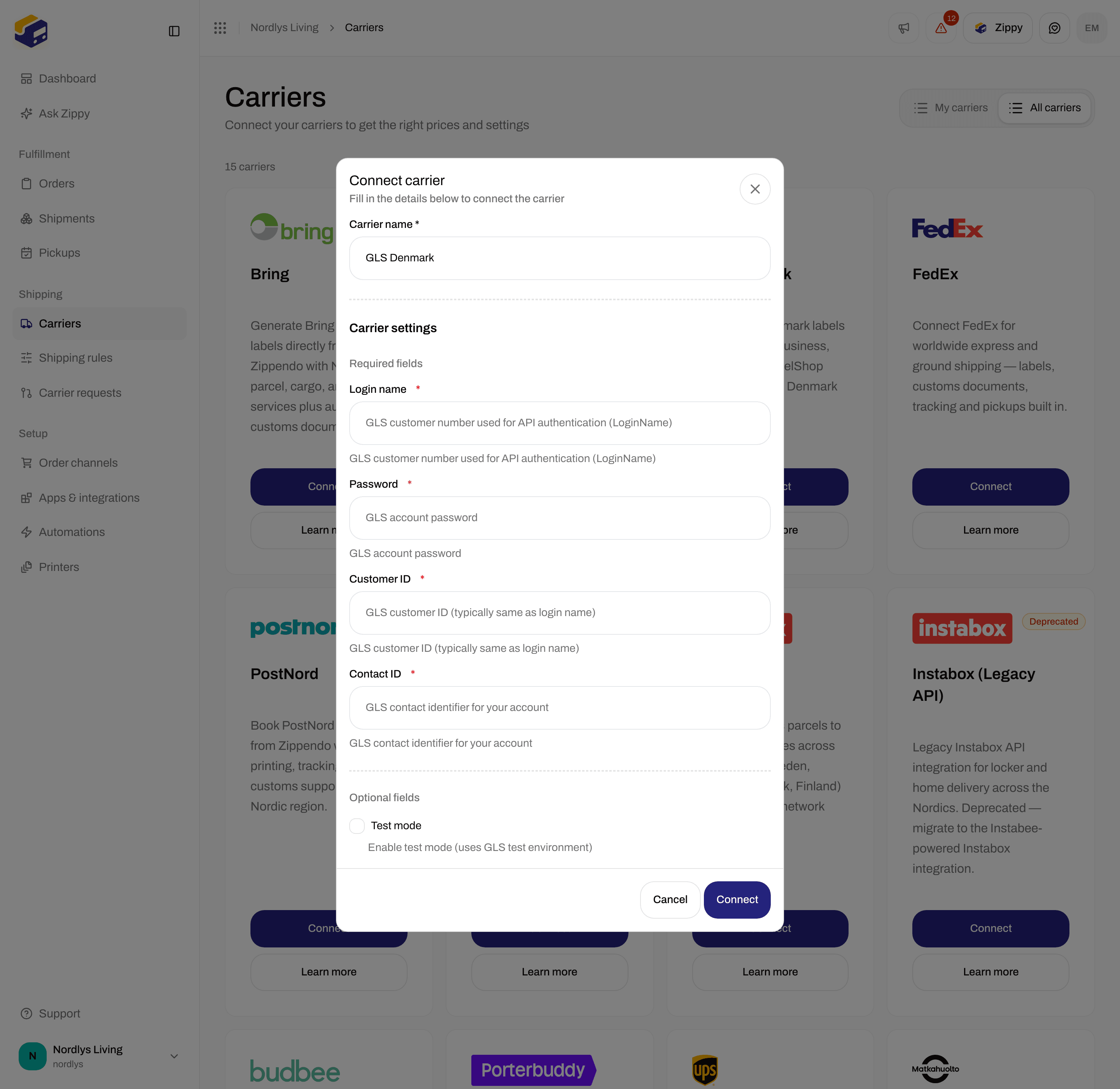
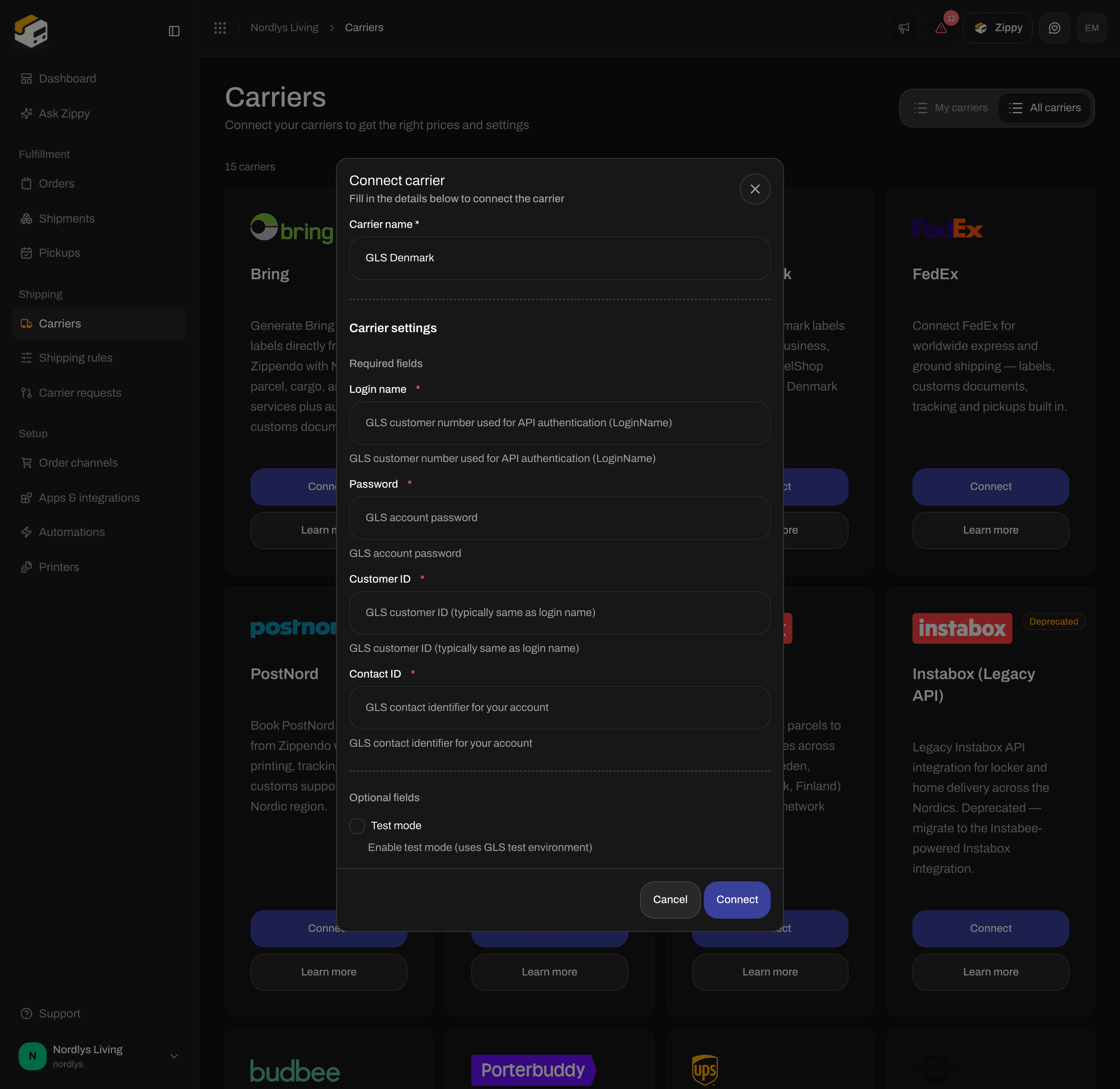
Connect carrier for GLS Denmark - Login name, Password, Customer ID and Contact ID
What to enter
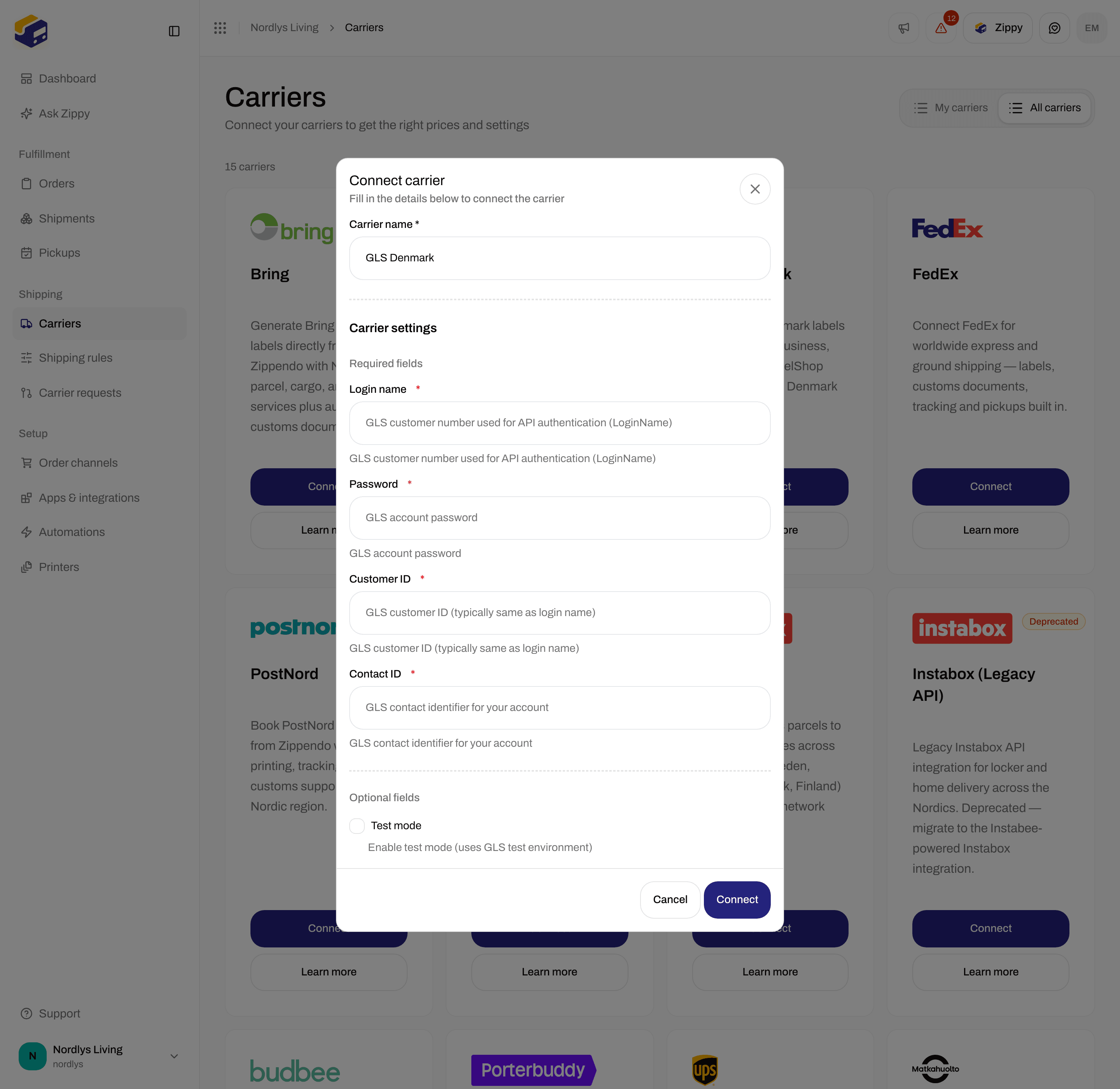
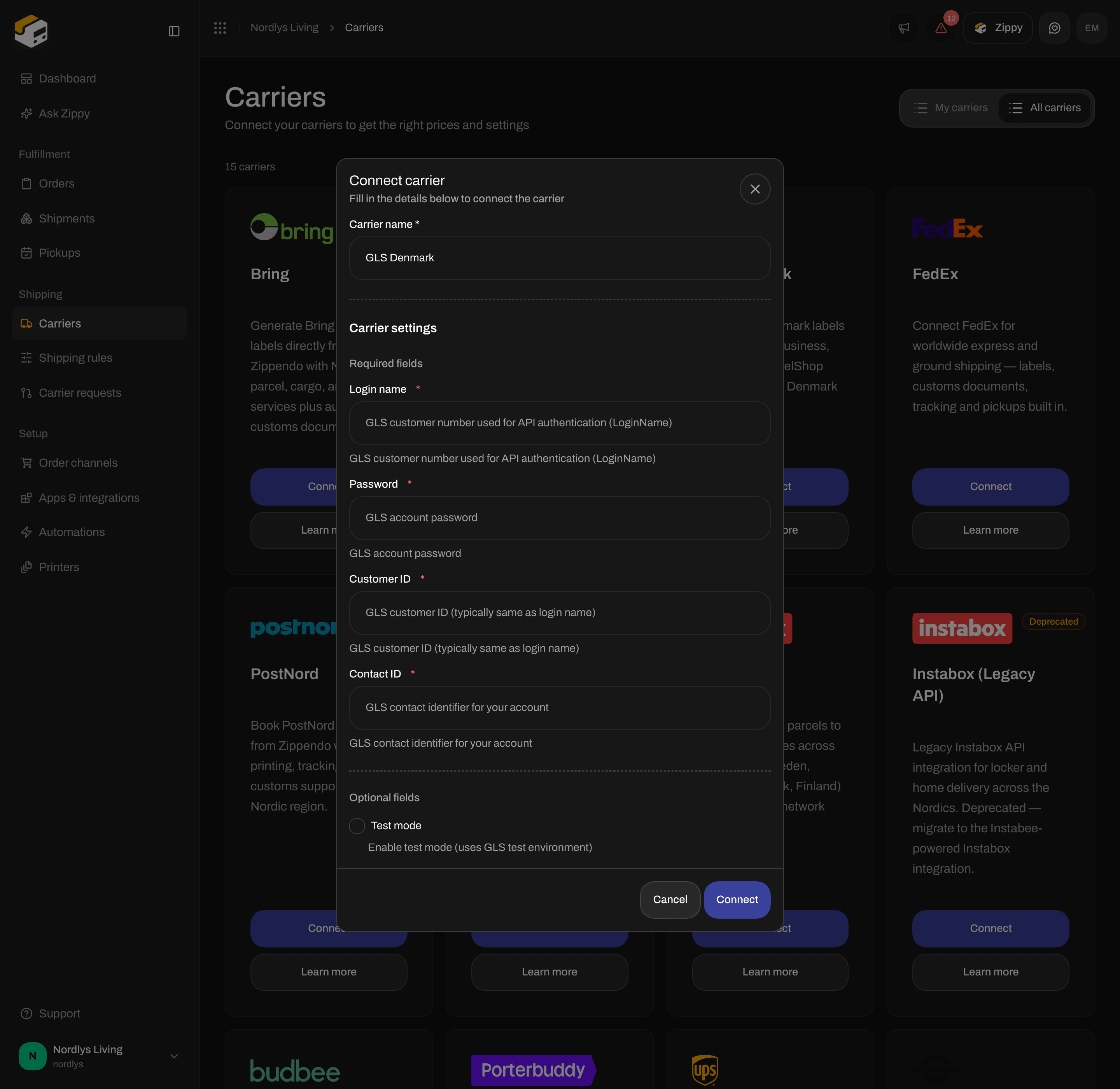
GLS Denmark Optional fields - Test mode
Test or live
With Test mode on, Zippendo sends your shipments to GLS’s test system. Ask GLS which login works there before you turn it on. The GLS ParcelShop search always shows GLS’s real shops, even in test mode. Turn Test mode off before you ship real orders. More in Test mode.After you connect
You choose a GLS product when you create a shipment or a shipping rule. See Carrier products and services. You send from Denmark, and each parcel can weigh 0.1 to 31.5 kg.- Service points: for GLS ShopDelivery, choose the GLS ParcelShop in the Service point section of the shipment before you send. See Pick a service point.
- Pickups: GLS is not available under Pickups.
- Tracking: once Zippendo switches GLS tracking on, GLS sends tracking updates to Zippendo as they happen, also for most shipments you sent in the 14 days before. Until then, each shipment shows the GLS tracking number and a link to GLS’s tracking page.
- Customs: GLS does not create customs documents. Zippendo creates them when a shipment needs them. See Customs and documents.
If the connection fails
Zippendo saves your GLS details without checking them. A mistake shows up the first time you send a shipment.
More help: Carrier authentication failures.
Change or remove the connection
To change the connection, open My carriers and click Edit carrier. Update the fields under Carrier settings and click Save.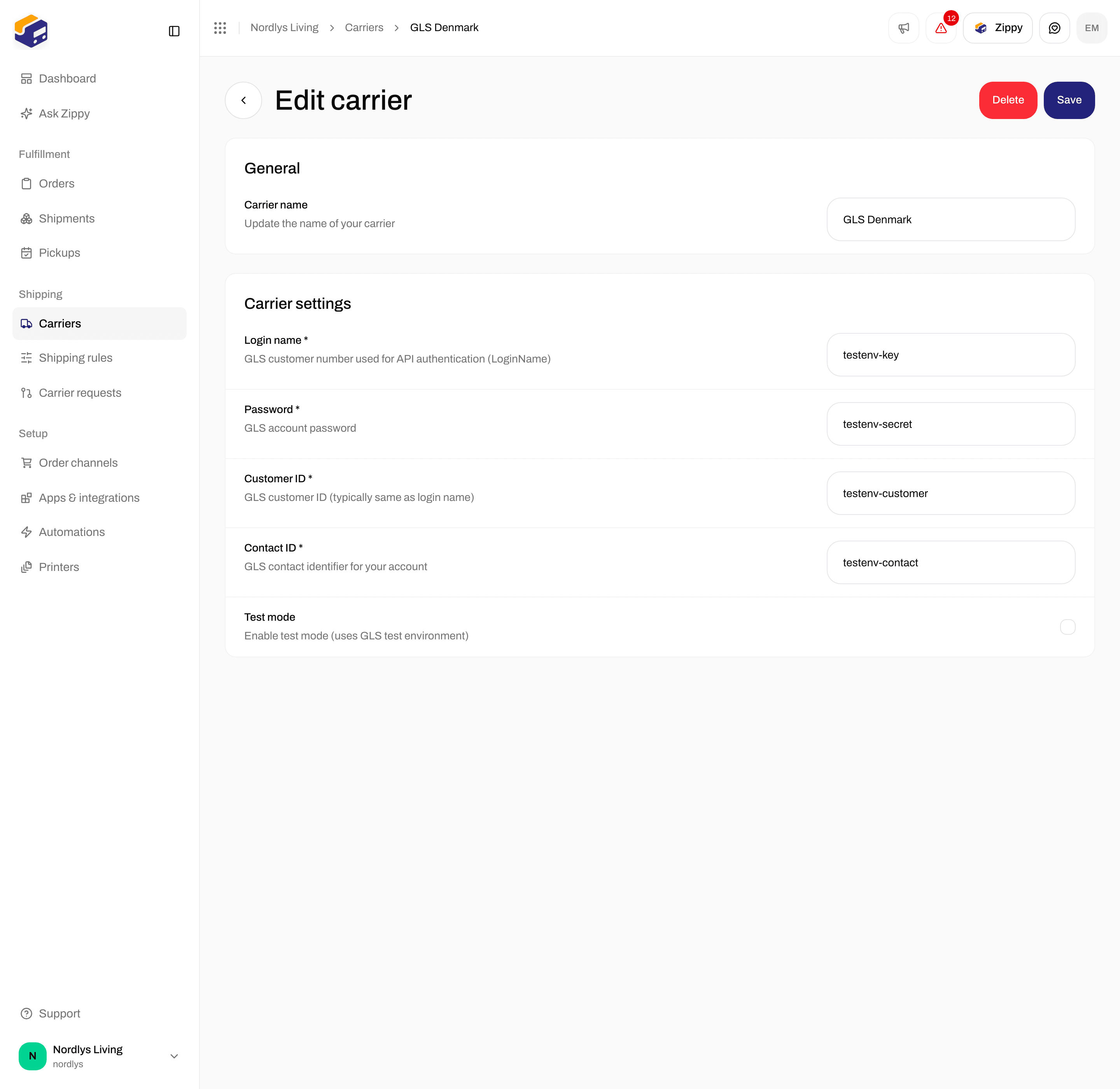
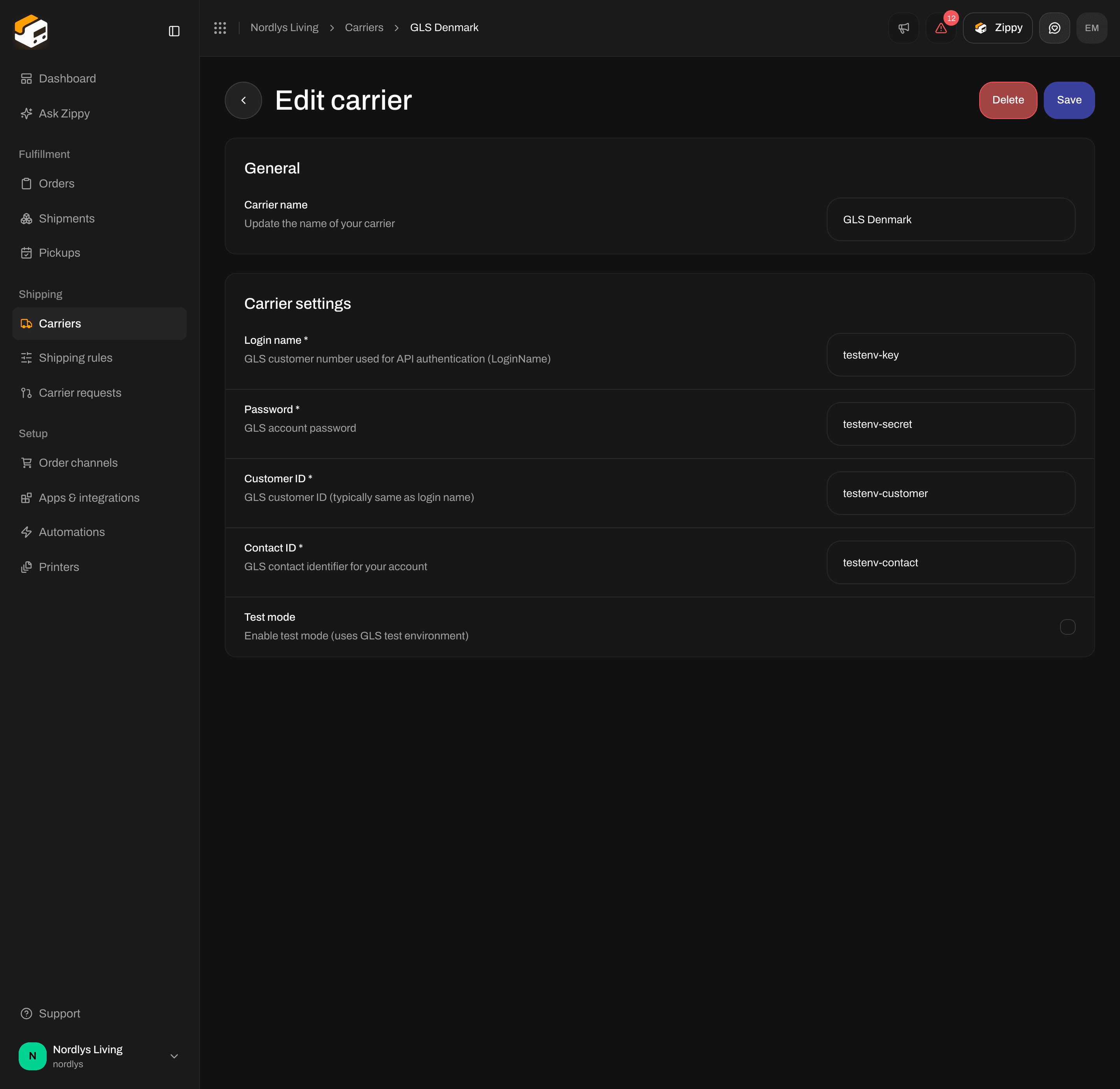
Edit carrier for GLS Denmark - the GLS fields and Test mode
GLS DENMARK) and click Delete. Shipping rules that use this carrier are deleted too. Shipments you already sent keep their labels and tracking numbers.
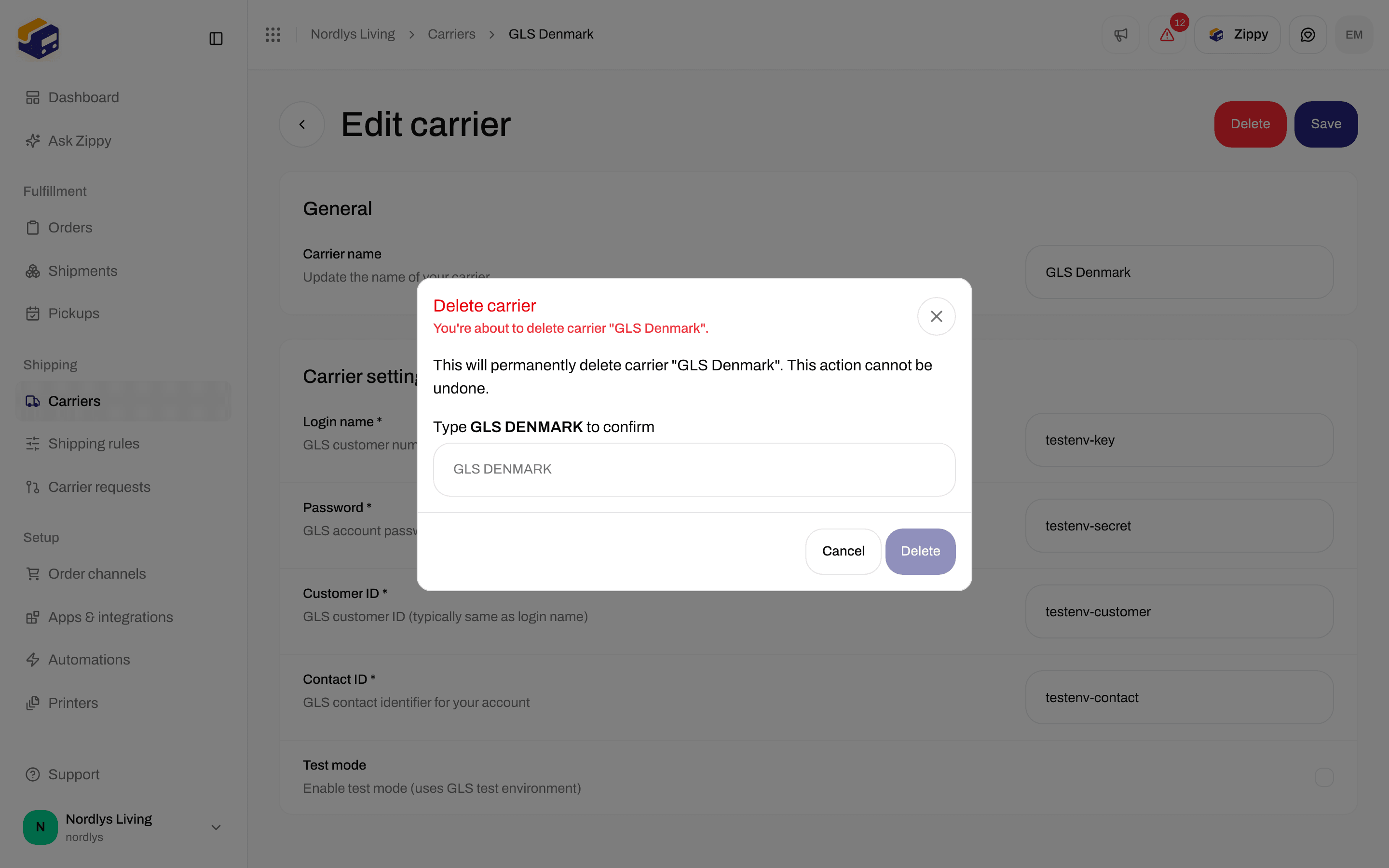
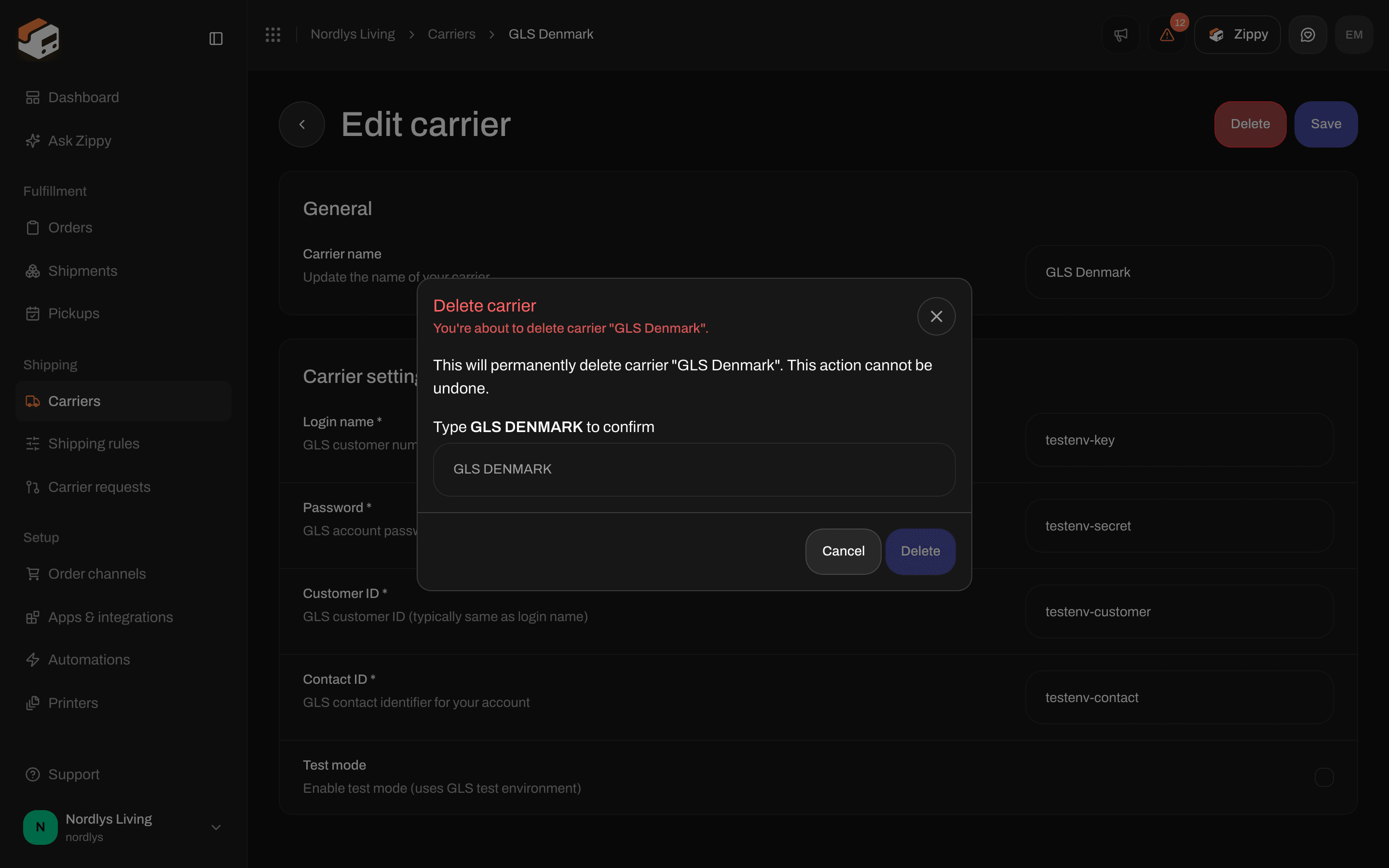
Delete carrier - type the name in capital letters to delete