

Integrations are included on every plan.
Where to find it
Click Apps & integrations in the sidebar. The page has two tabs:
The Catalog has two parts:
- Apps are tools Zippendo sends events to: Klaviyo, Slack, Customer.io, Mailchimp, SendGrid, Zapier and Make. This page covers them.
- Integrations are systems that connect to Zippendo and ask it to do something: a warehouse system such as PeakWMS printing labels, or an AI assistant connected through MCP.
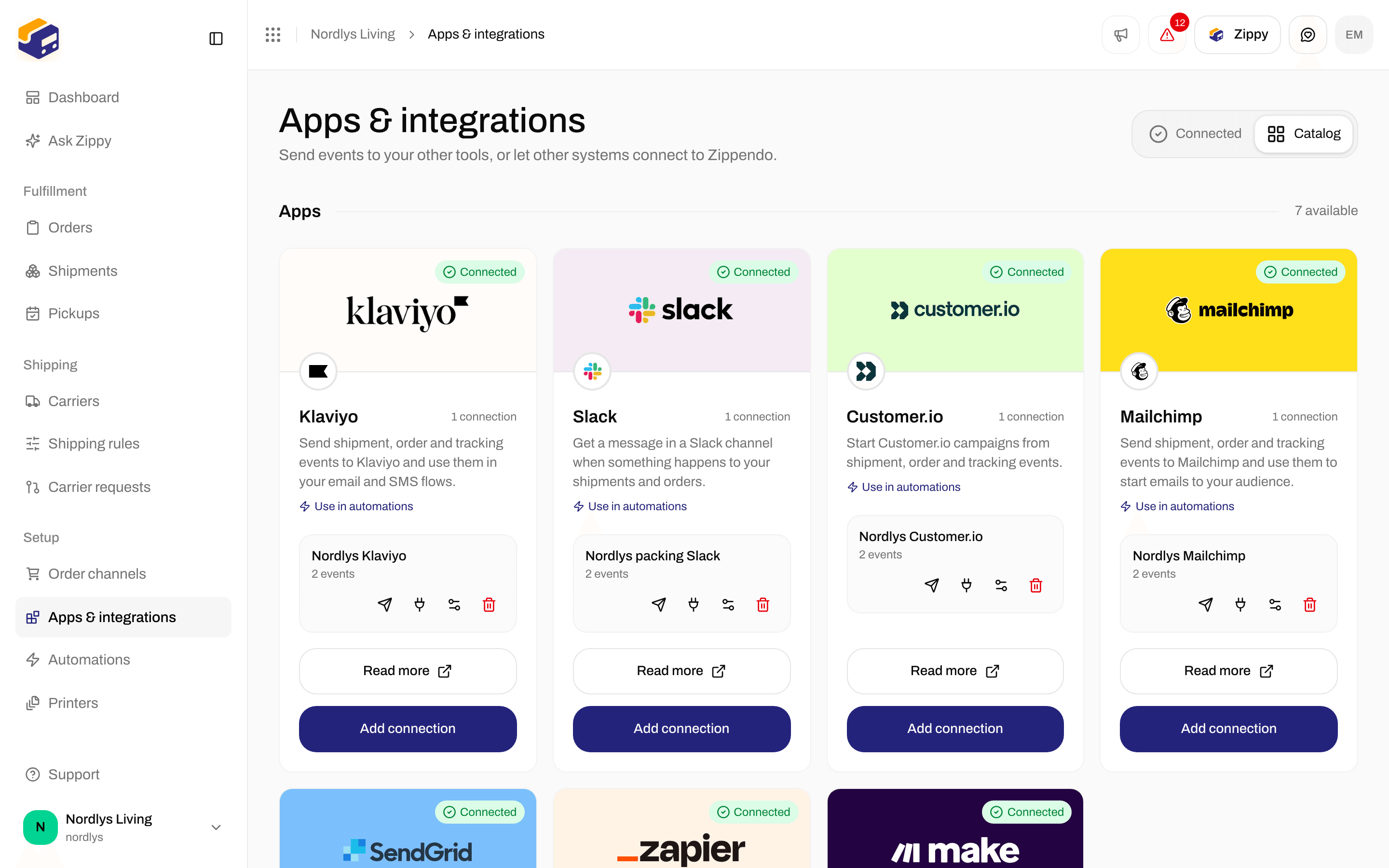
The catalog lists every app you can connect
- Use in automations opens Automations, where you can use the app as a step.
- Read more opens the setup guide for that app on this site in a new tab.
- Connect starts a new connection. Once the app has a connection, the button reads Add connection.
What each app asks for
Fields marked with * in the app are required.Connect an app
1
Open the catalog
Click Apps & integrations in the sidebar, then the Catalog tab. If the Connected tab says Nothing connected yet, click Open catalog.
2
Click Connect on the app
A window named after the app opens, such as Connect Zippendo to Slack.
3
Review access
The first step, Review access, lists what Zippendo will do under Zippendo would like to: send the events you pick, include what those events carry (customer name, email and phone, delivery address, order lines, parcels and tracking numbers), use the login details you enter (stored encrypted and never shown again), and record every delivery in the delivery log. Click Continue.
4
Fill in the connection details
Under Connection details, type a Connection name you will recognize later, such as “Packing team Slack” (up to 100 characters). Then fill in the app’s own fields from the table above.
5
Pick the events
Under Zippendo will send and the app’s name, tick each event the app should receive, or click Select all. You can also leave every box empty: then nothing is sent on its own, but you can still use the connection in an automation and send a test event.
6
Click Connect
Connect stays gray until the connection name and every required field are filled. When it works, you see Integration connected, and the app shows on the Connected tab.
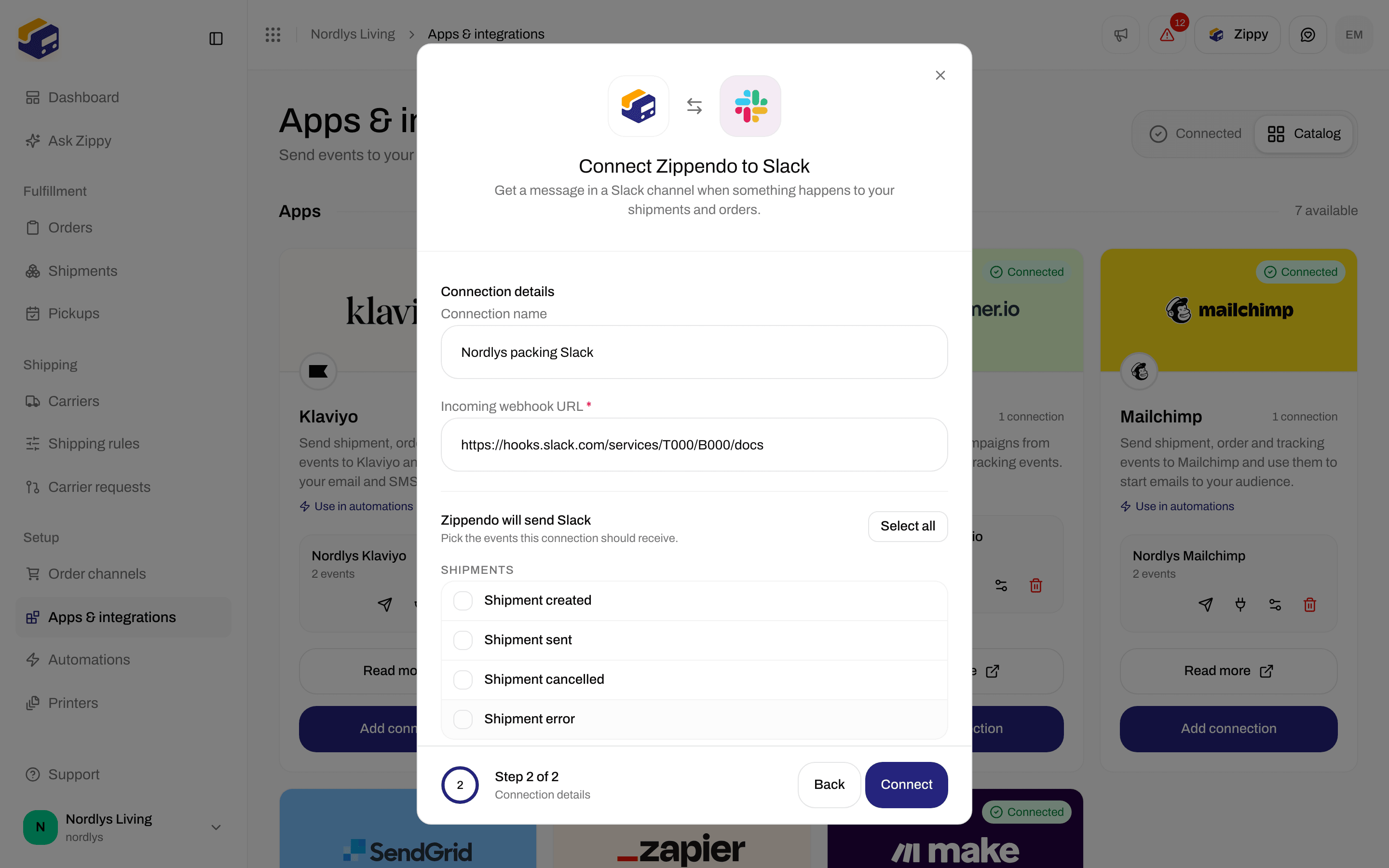
The connection details: a name, the app's own fields and the events to send
Events you can send
The events are grouped under Shipments, Orders and Tracking. Each app only shows the events it can use.
These are the same events as webhooks use. Carrier tracking webhooks are something else: see Carrier tracking webhooks.
Your connections
On the Connected tab, each app card has a green Connected badge and the number of connections, such as “2 connections”. You can connect the same app more than once, for example one Slack channel per team: click Add connection on the card.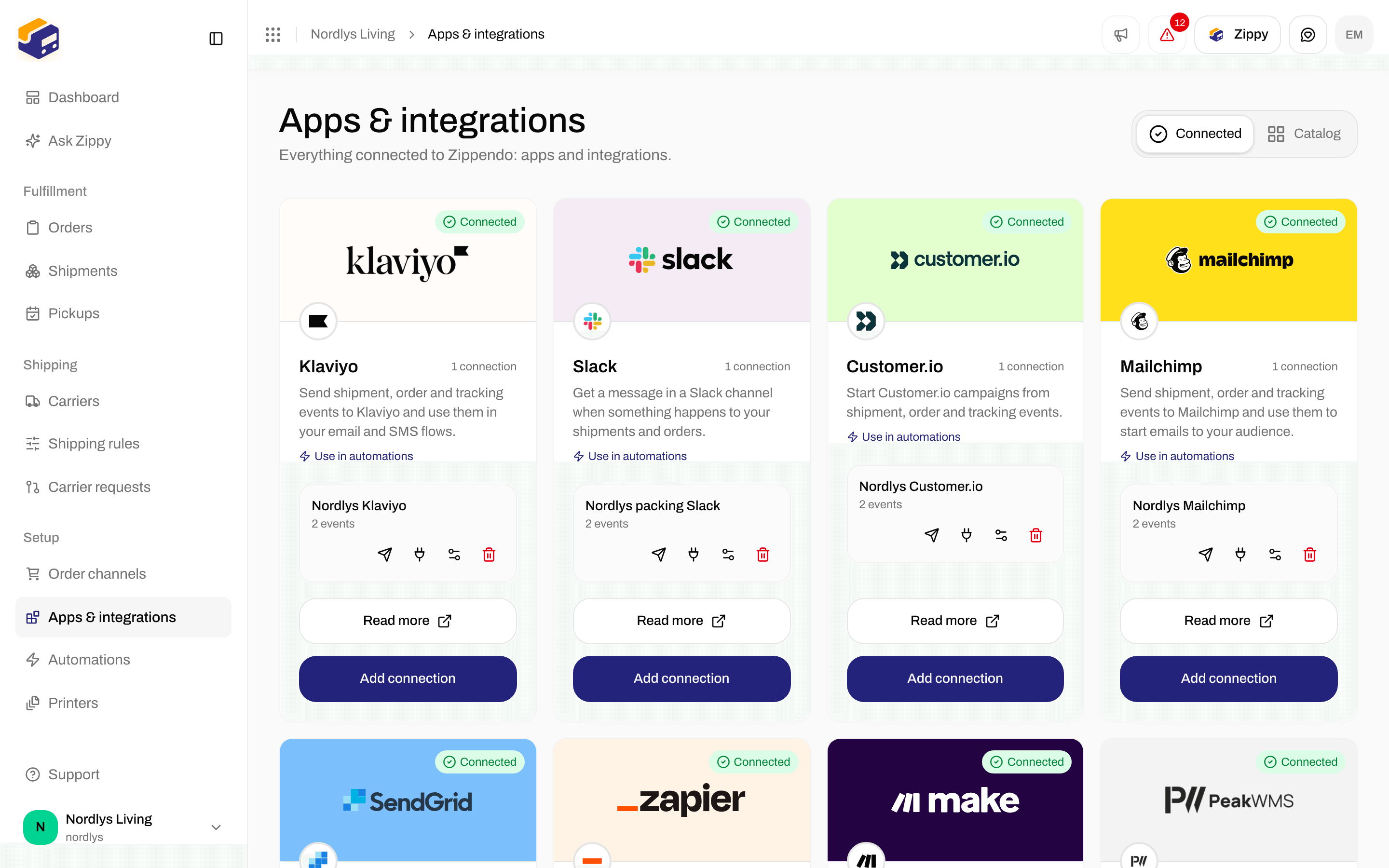
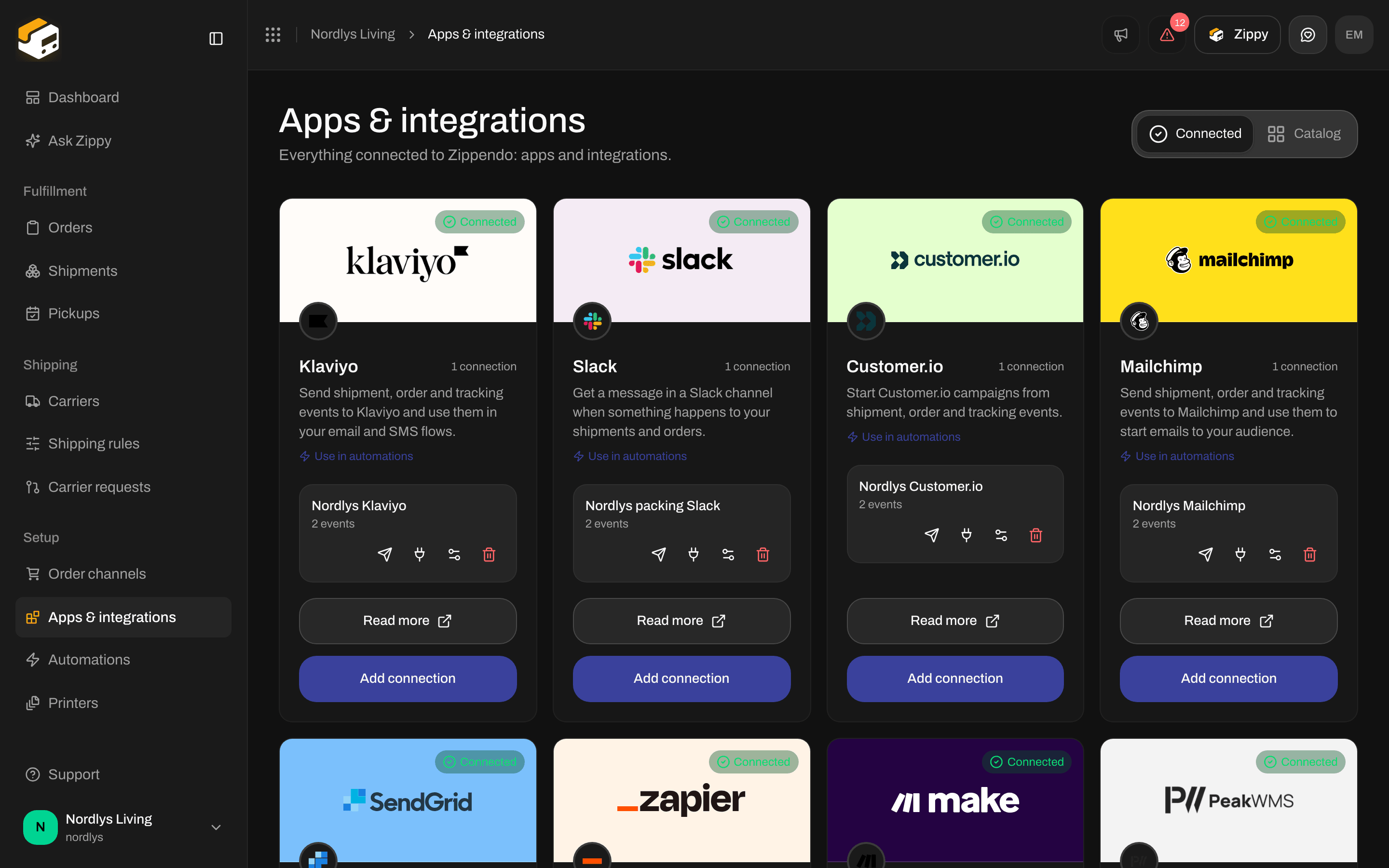
A connected app with its connection and the four icons
Send a test event
Click the paper plane. Test event sent means Zippendo has queued the test, not that the app accepted it. Open the delivery log a few seconds later to see how the app answered. If you see Couldn’t send the test event or another message instead, the test could not be queued: read the message and try again. A test event has no customer or order in it. Apps that file events under a customer’s email (Mailchimp, SendGrid and Klaviyo) can therefore show a failed test even when your credentials are right. Each app’s page says what to expect.Delivery log
Click the plug icon. The Delivery log window lists the recent deliveries for that connection, newest first. It says No deliveries yet until the first event or test.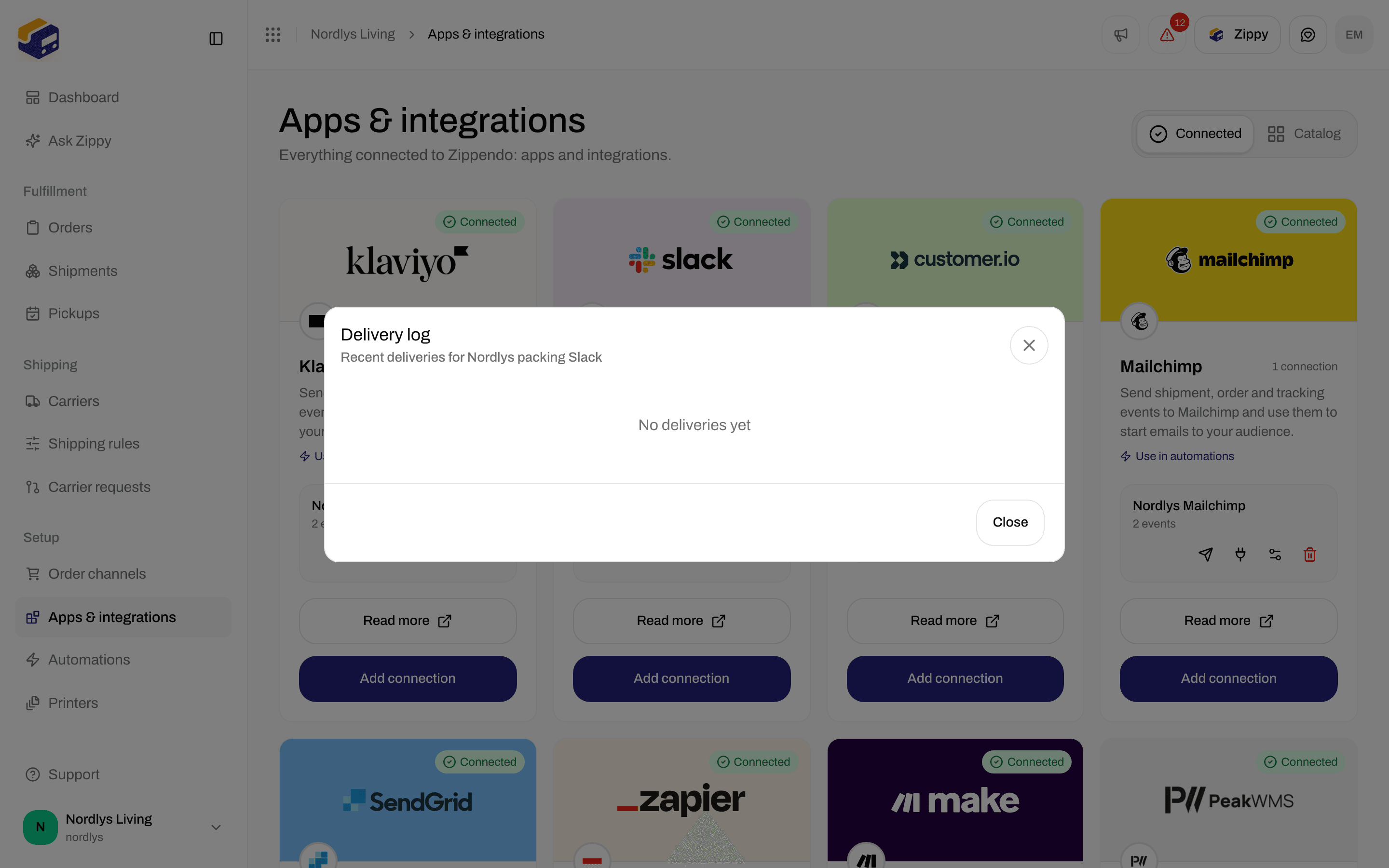
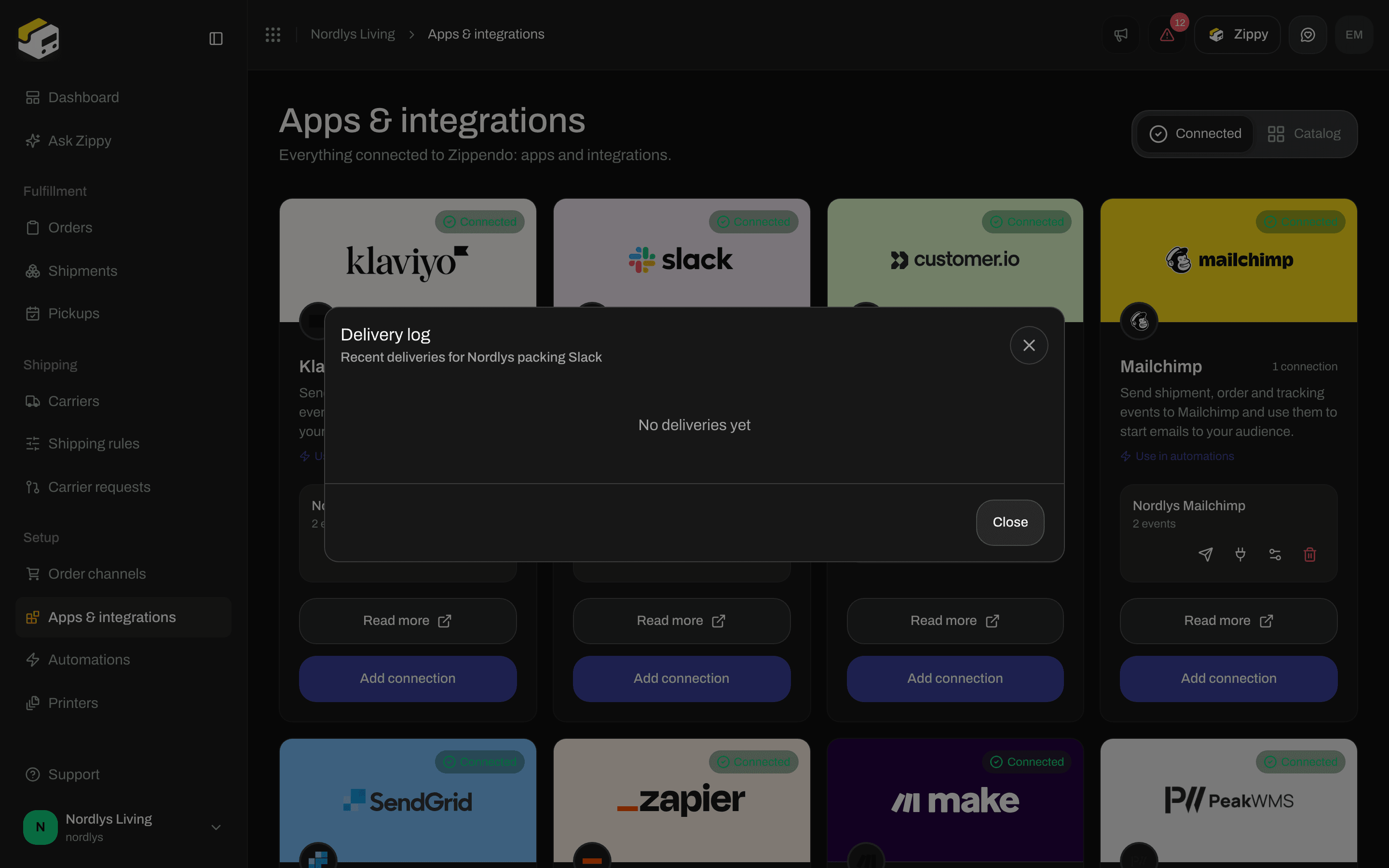
The delivery log stays empty until the first event or test
- a green tick if the app accepted the event, or a red cross if it did not
- the event in the form Zippendo sends it, such as
shipment.dispatched(a test shows asintegration.test) - the number the app answered with: a number in the 200s means accepted, 401 or 403 means the app refused your credentials, 404 means the web address no longer exists
- how long the delivery took and when it happened
- the app’s own error text when it failed
Edit a connection
Click the sliders icon. A window named after the app opens, such as Edit your Slack connection. It has the same fields as when you connected.- Change the Connection name and the ticked events freely.
- The credential fields start empty, because Zippendo never shows them again. Leave them all empty to keep what is stored.
- If you type in any credential field, everything stored for that connection is replaced by what you typed now. So when you change one of them, fill in all of them.
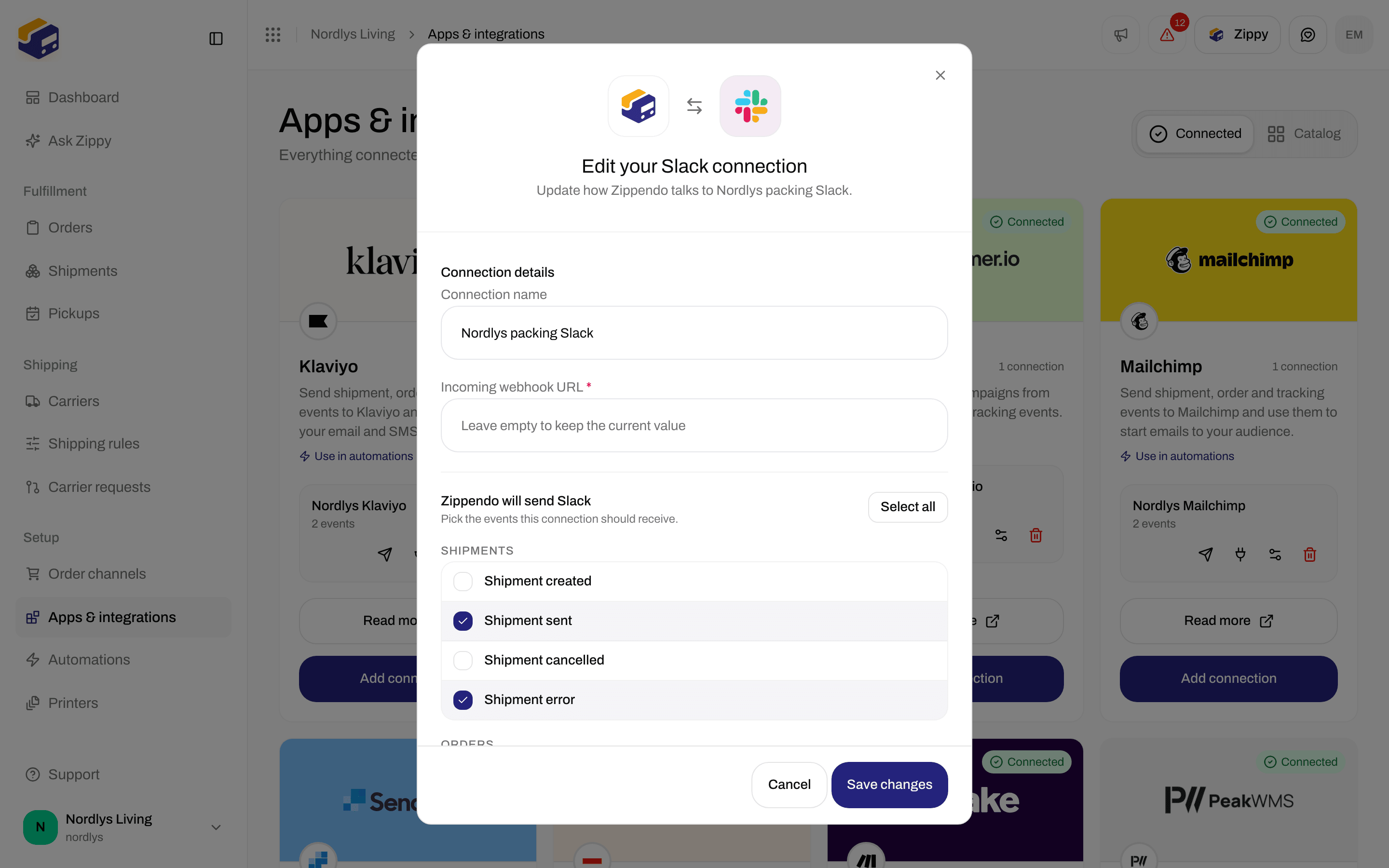
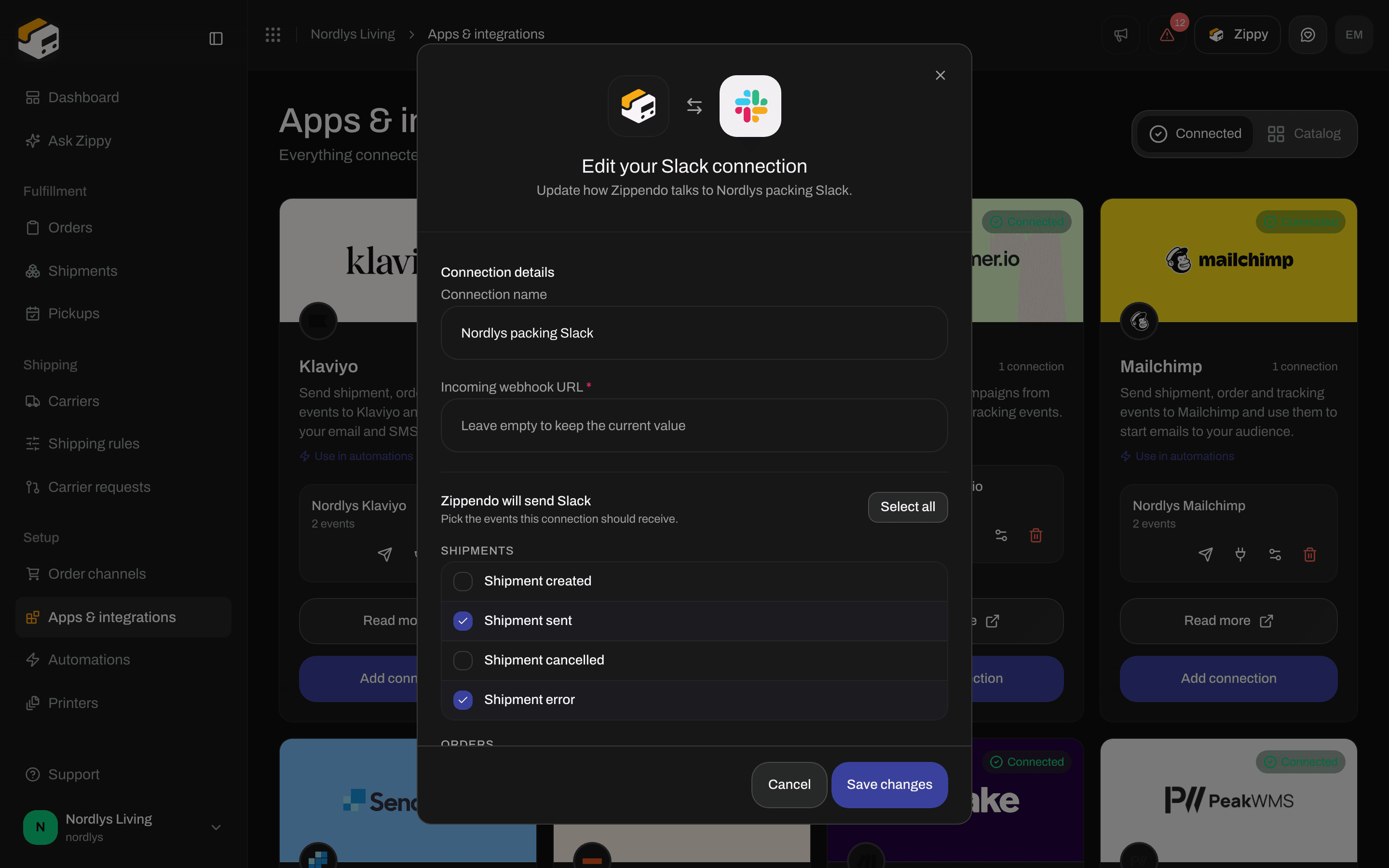
Edit a connection: rename it, replace its credentials or change its events
Disconnect an app
Click the trash can. The Disconnect integration window warns: Disconnect this integration? Zippendo stops sending it events and deletes its delivery history. Type DELETE in the box and click Disconnect. You see Integration disconnected. Automations that used this connection can no longer send to the app until you pick another connection in them.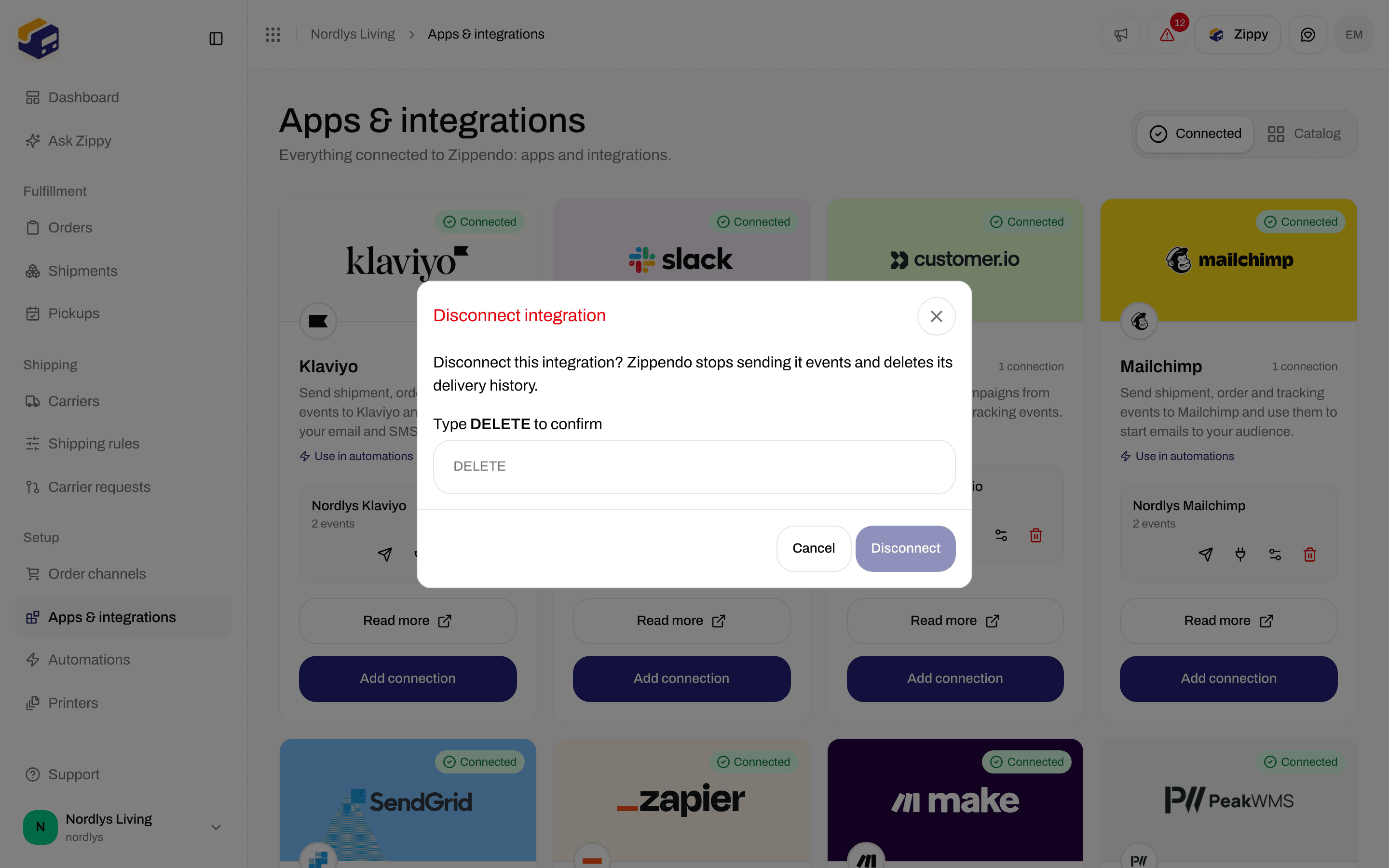
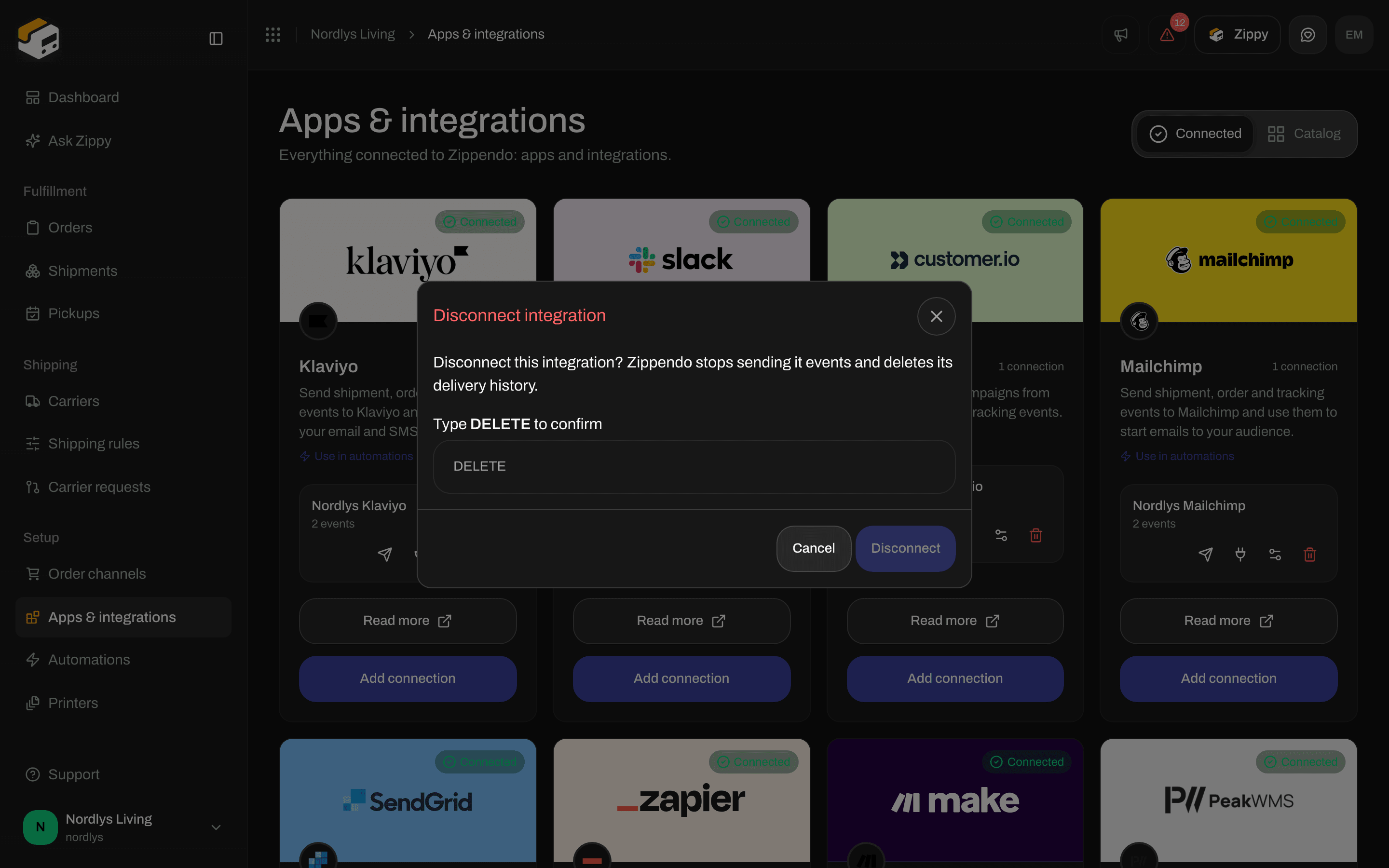
Type DELETE to disconnect
You are done when the app is on the Connected tab and the delivery log shows a green tick for an event, or No deliveries yet right after you connect.
Messages you may see
For problems on the app’s side, see Integrations troubleshooting.
Related
- Connect a carrier or integration - one page per carrier and app
- Integrations overview - a guide for each app
- Automations - conditions, delays and several steps
- Webhooks - send events to a web address you run yourself
- Carrier tracking webhooks - tracking updates from the carrier to Zippendo
- Request a carrier integration - a carrier that is not in the list yet