

Find your way around
- The header shows Shopify channel and the store’s name. If you have more than one Shopify store, click the store name to switch between them. The list marks each store Active or Off, and Connect another store adds one more. Settings are saved per store.
- Shopify admin opens your Shopify admin in a new tab.
- The settings are split over two tabs: Orders & checkout, which opens first, and Connection & integration.
Orders & checkout
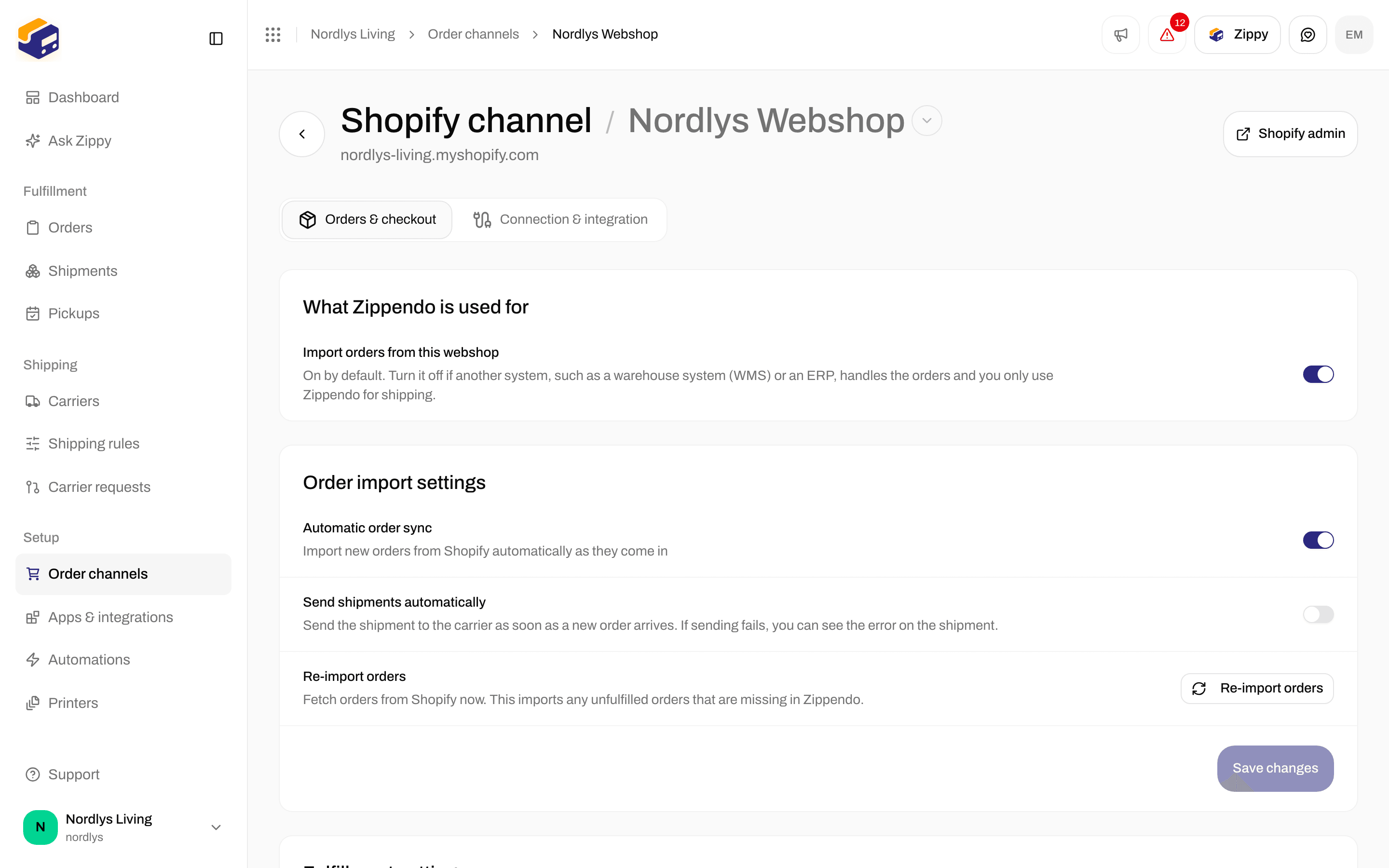
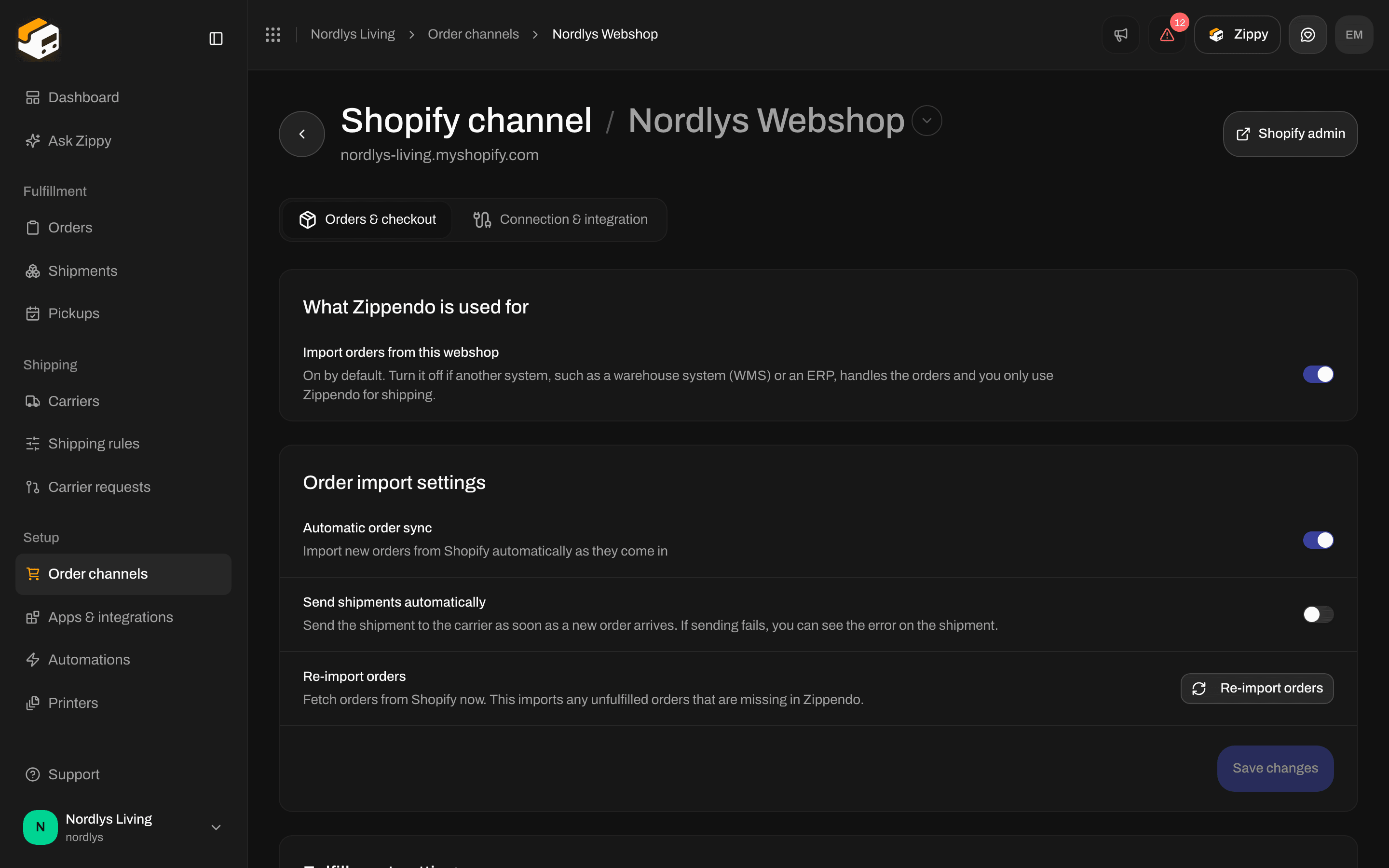
Orders & checkout: order import, fulfillment and default address
What Zippendo is used for
Import orders from this webshop is on by default. Turn it off if another system, such as a warehouse system (WMS) or an ERP, owns your orders and you only use Zippendo for shipping. The switch saves straight away. While it is off, checkout rates and service point selection still work. Orders are not imported, and Zippendo does not mark orders as fulfilled or send tracking back to Shopify. The Order import settings and Fulfillment settings cards are hidden. When you turn it back on, Zippendo asks you to confirm, because if another system already fulfills these orders, both it and Zippendo will start creating shipments for the same order. More in Connecting Shopify.Order import settings
After Re-import orders you see Order sync started and Orders are imported in the background, or Couldn’t import orders.
How far back to import is chosen once, when you install the app. See Connect from the Shopify App Store below.
Fulfillment settings
Default shipment settings
Checkout shipping rates
Choose which shipping rules your Shopify checkout offers, and how many service points it shows. Your webshop needs Shopify’s “Carrier-Calculated Shipping” for this. See Live rates in Shopify checkout.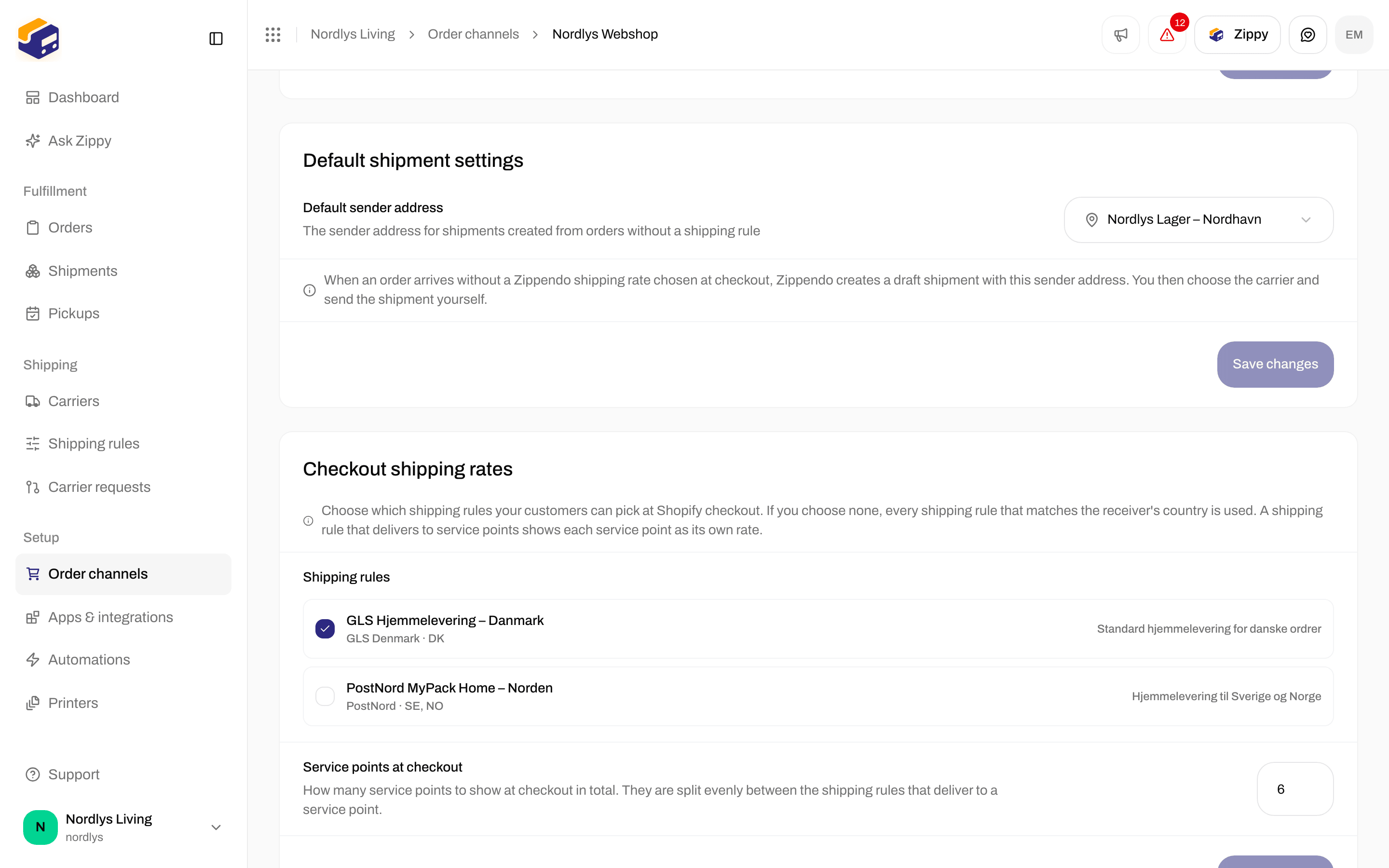
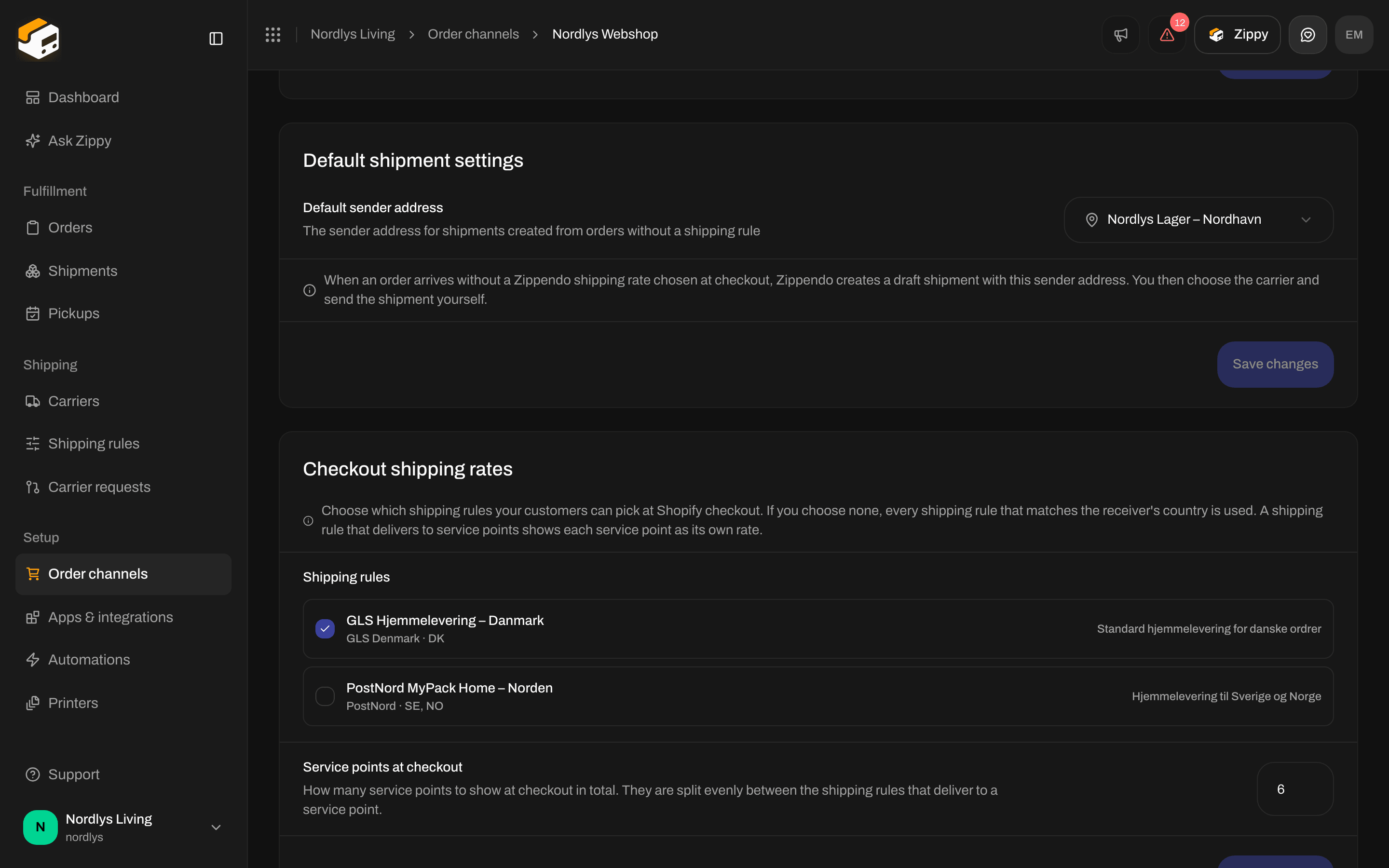
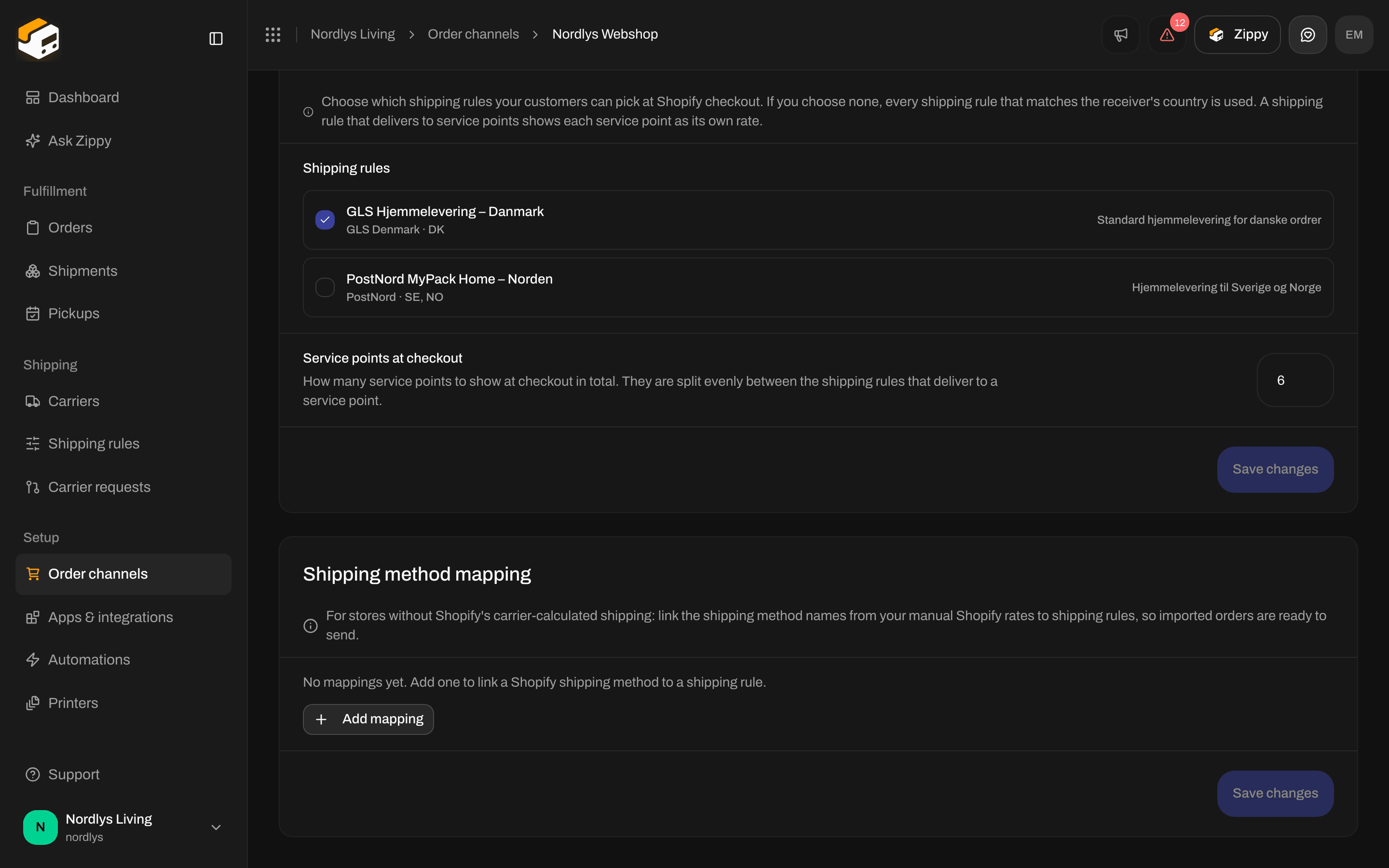
Checkout shipping rates: tick the shipping rules and set the number of service points
Each service point rule shows every service point as its own rate. Service points at checkout is shared between the service point rules that apply to that checkout, rounded up for each rule. Example: with 5 and two service point rules, each rule shows up to 3 service points, so up to 6 in all. With one service point rule, it shows up to 5. A carrier can return fewer.
Click Save changes on this card to save the rules and the number.
Shipping method mapping
Use this if your webshop does not have Shopify’s “Carrier-Calculated Shipping” and uses manual shipping rates instead. You link the name of each manual rate to a shipping rule, so imported orders are ready to send. Full guide: Shopify without carrier-calculated shipping.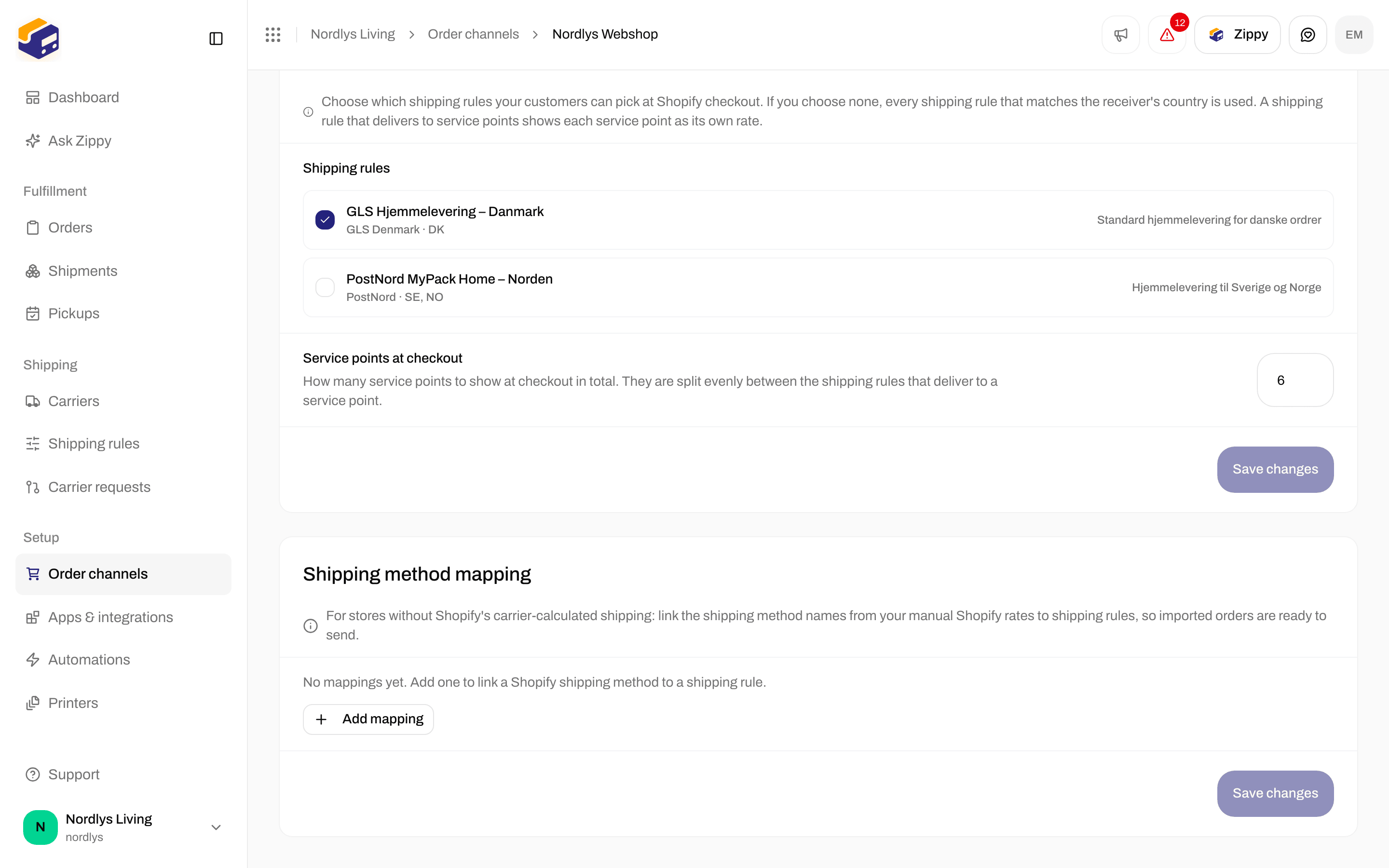
Shipping method mapping: link your Shopify rate names to shipping rules
The trash icon removes a row. Save changes stays inactive until every row has both a shipping method and a rule. If you change a row to a home delivery rule, its service point choice is dropped when you save.
Brands
This card only appears when your organization has brands.Connection & integration
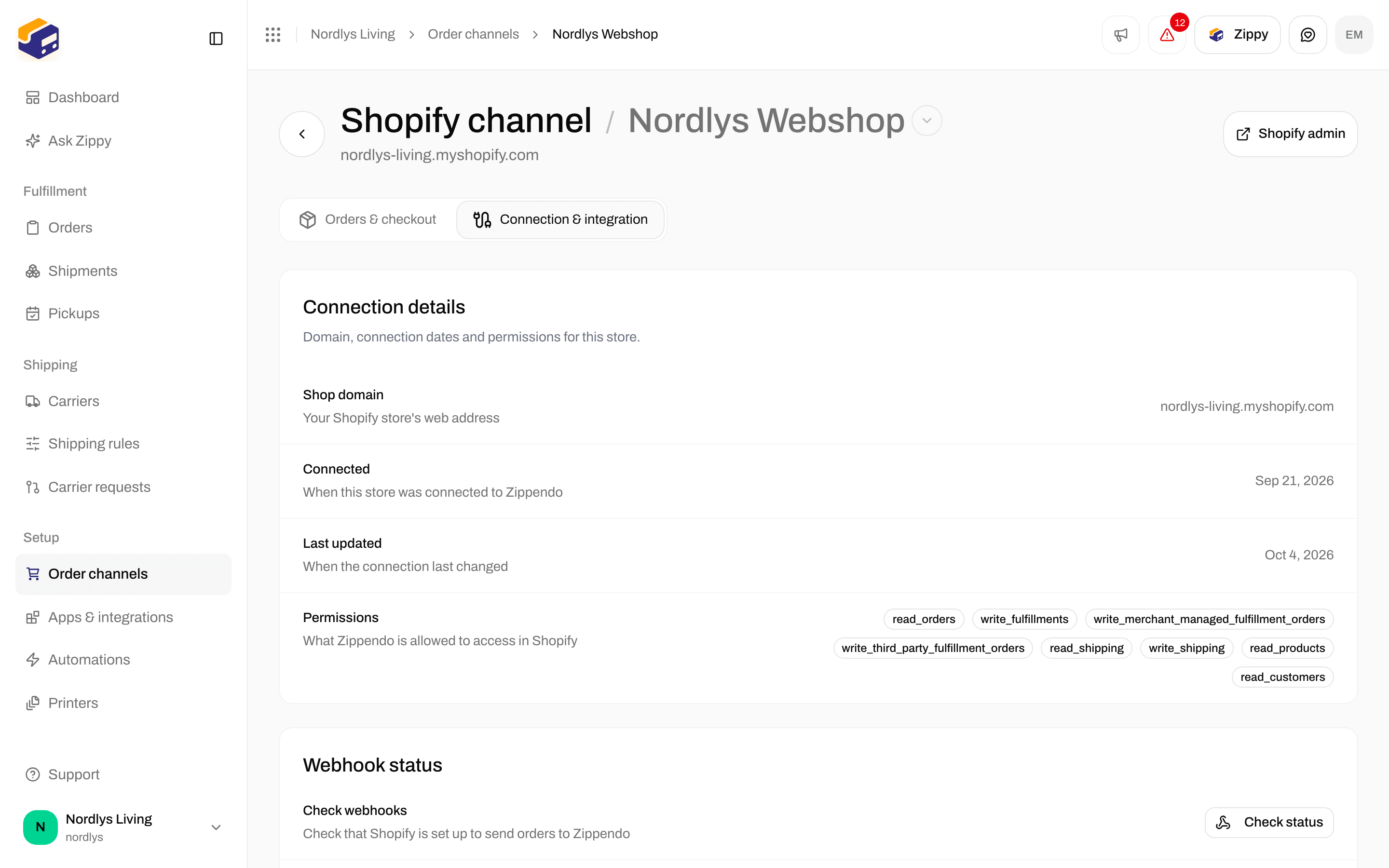
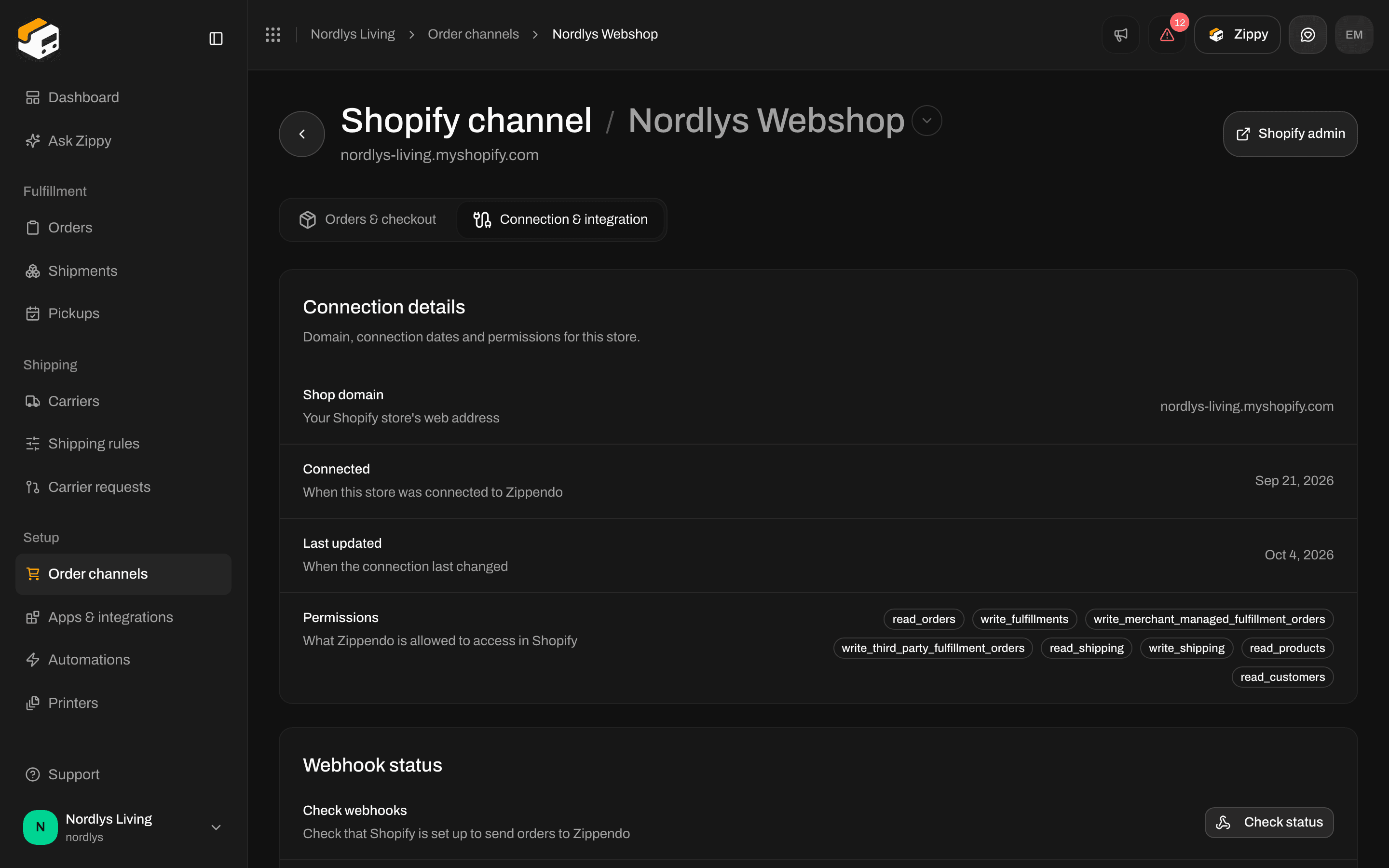
Connection & integration: Connection details, Webhook status, Carrier service and Danger zone
Connection details
For reading only.Webhook status
Shopify uses webhooks to tell Zippendo about new and changed orders. These are not the webhooks you set up for your own systems, and not carrier tracking webhooks.
Possible messages: Webhooks registered, Some webhooks couldn’t be registered, No webhooks registered, Couldn’t check the webhooks and Couldn’t register the webhooks. If registration keeps failing, contact support.
Carrier service
Shopify needs this “carrier service” registration to ask Zippendo for rates at checkout.
After registering, go to Shopify admin → Settings → Shipping and delivery and add “Zippendo Shipping” as a rate provider in your shipping zones. Step by step: Live rates in Shopify checkout.
Possible messages: Carrier service registered, Couldn’t check the carrier service and Couldn’t register the carrier service.
Danger zone
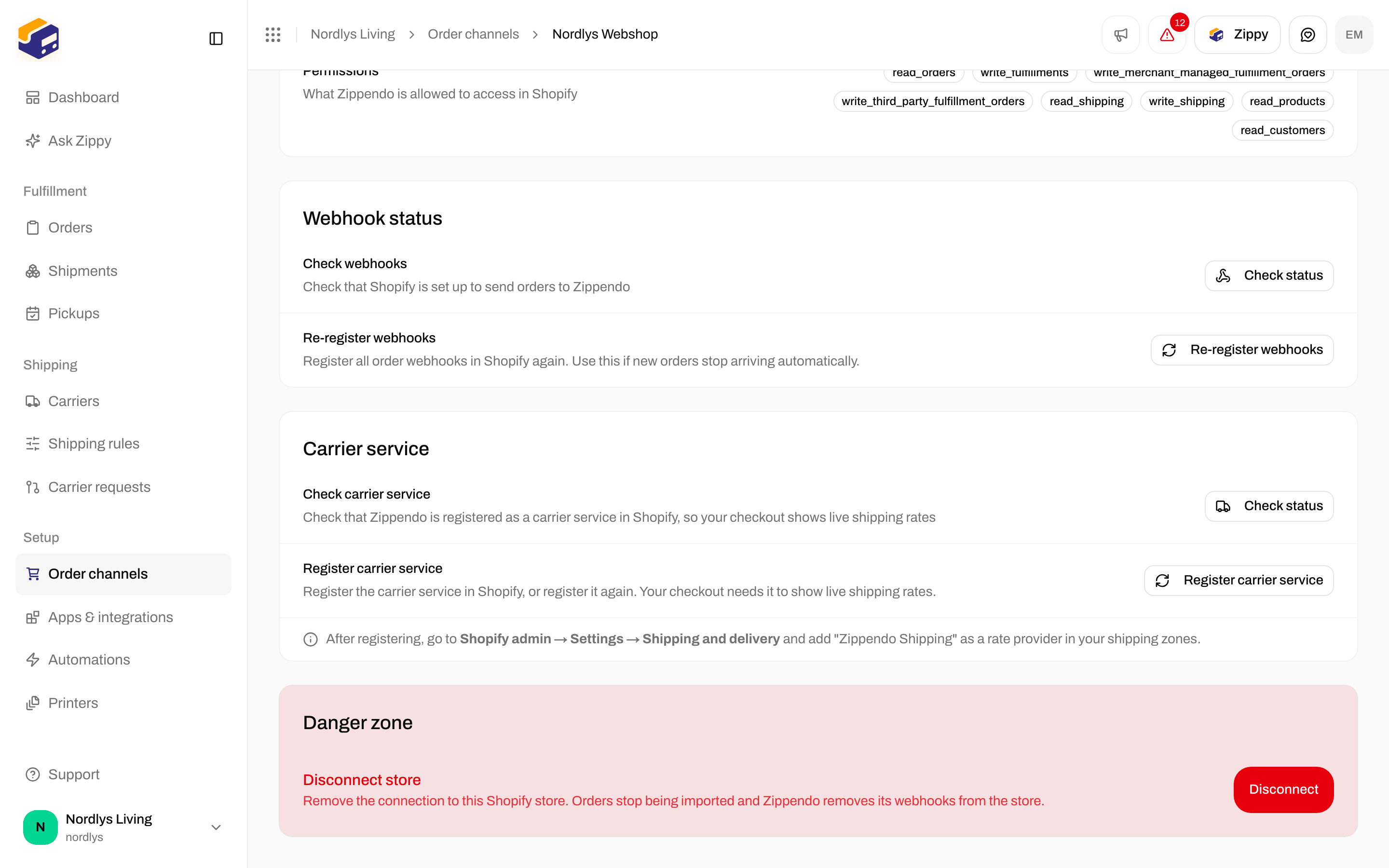
Disconnect store removes the connection to this Shopify store
Connect from the Shopify App Store
When you install Zippendo from the Shopify App Store, Shopify sends you to a Zippendo page to finish the setup. That page is where you choose:
Click Connect Shopify store. When it is done, you land on Order channels.
If something is wrong, you see one of these:
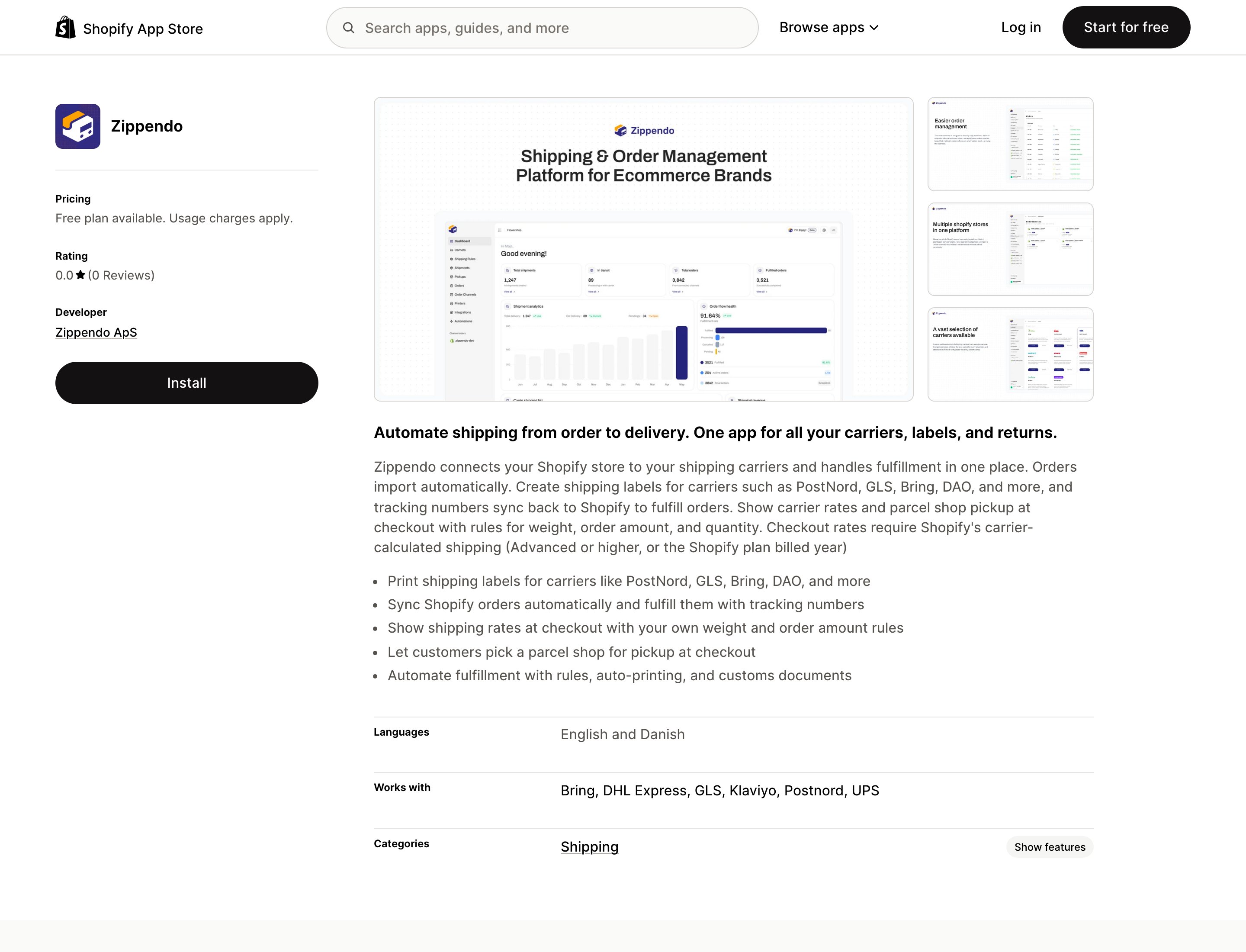
Zippendo on the Shopify App Store. Click Install, then approve the permissions in your own Shopify admin
Related
- Connect Shopify
- Checkout
- Shipping rule fields
- Service points
- Webhooks - events Zippendo sends to your own systems, not Shopify’s
- Carrier tracking webhooks
- Order channel settings