

- Product: what the carrier sells, such as GLS PrivateDelivery (home delivery) or Mypack Collect (delivery to a PostNord service point). Every shipment needs a product.
- Services: optional extras on top of the product, such as an SMS notice or a signature on delivery.
- Extra details: some products and services need more information, such as delivery instructions or an insured amount. On a shipment they are under Extra details for the carrier. In a shipping rule they appear as extra fields below Services.
Choose a product on a shipment
1
Start a shipment
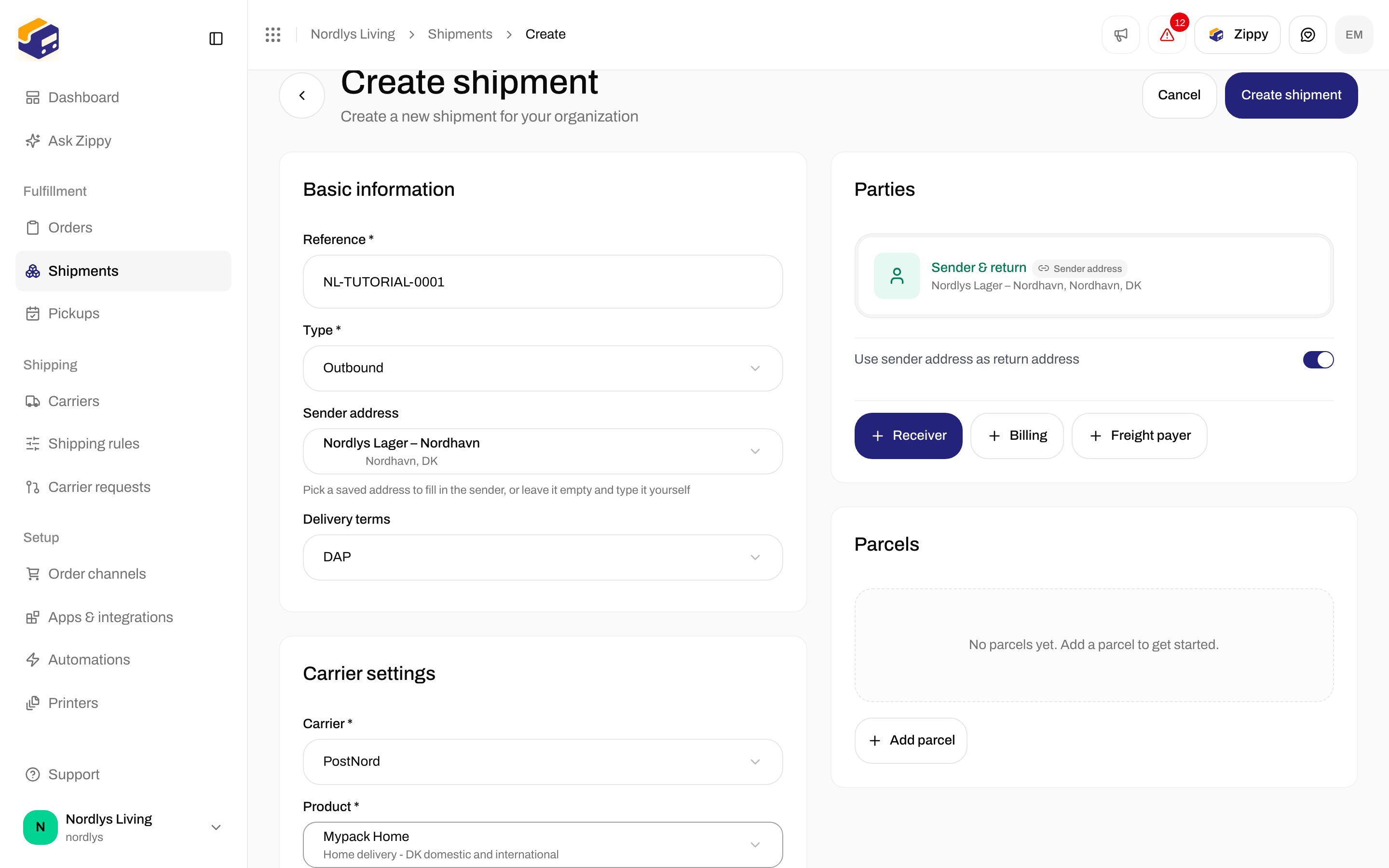
Open Shipments and click Create shipment. Set the shipment Type: Outbound for a normal shipment, Inbound for a return.
2
Pick the carrier
In the Carrier settings card, pick one of your connected carriers from the Carrier list. A carrier you should move away from shows a Deprecated badge.
3
Pick the product
Pick a product from the Product list. You only see the carrier’s products for the Type you chose. Each product shows its name and a short description. Prices are not shown here.
4
Add services and details
Turn on any Services you want, and fill in Extra details for the carrier if the product asks for them. Both are described below.
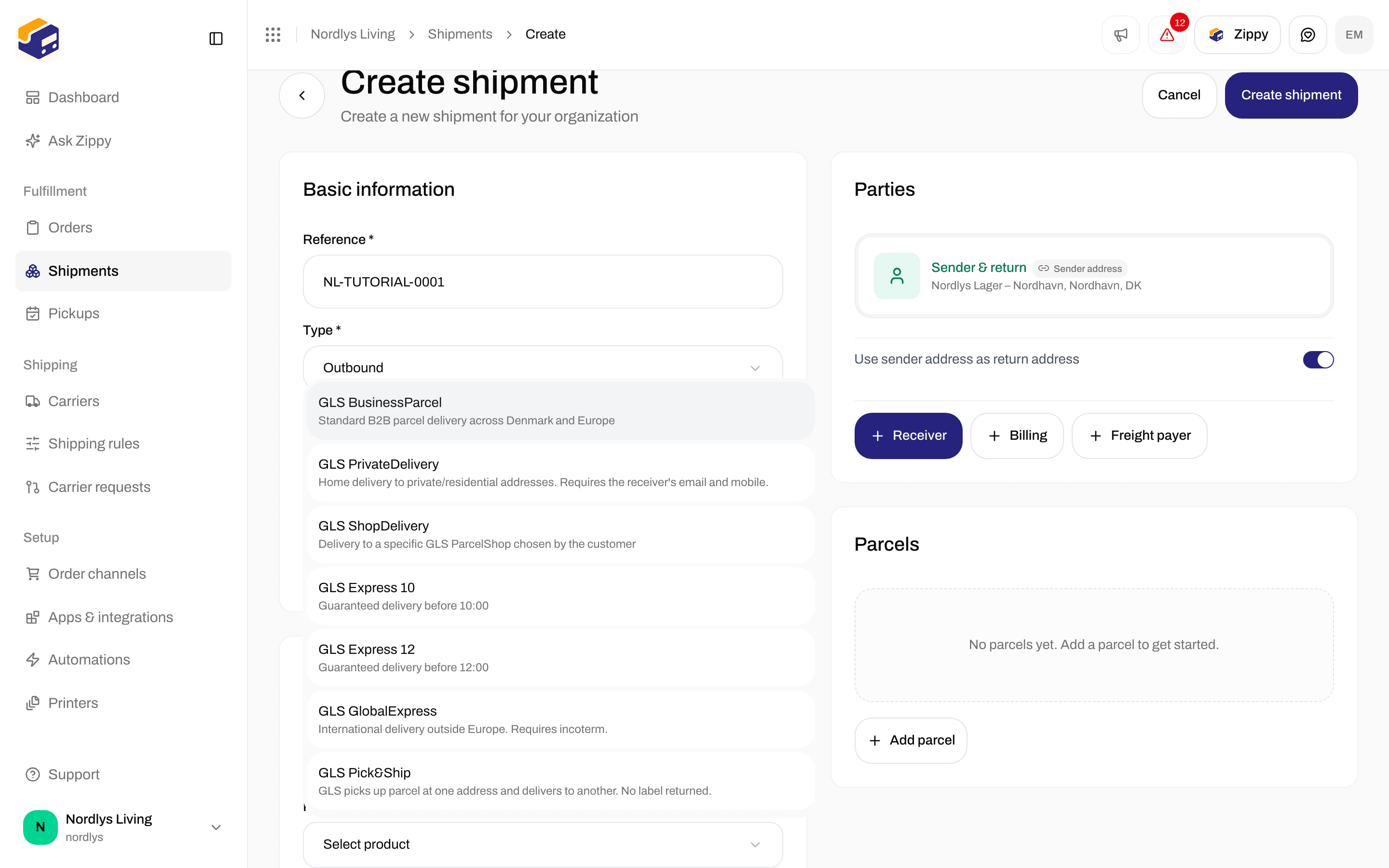
After you pick GLS Denmark, the Product list shows its products
When no product appears
Services
The Services section appears when the product has services. Click a service to turn it on, and click it again to turn it off. Clear all turns them all off. When a product has many services, a Search services… box helps you find one. The section shows how many are on, for example “3 services selected”. Services are optional. Products without services, such as GLS Express 10, do not show the section.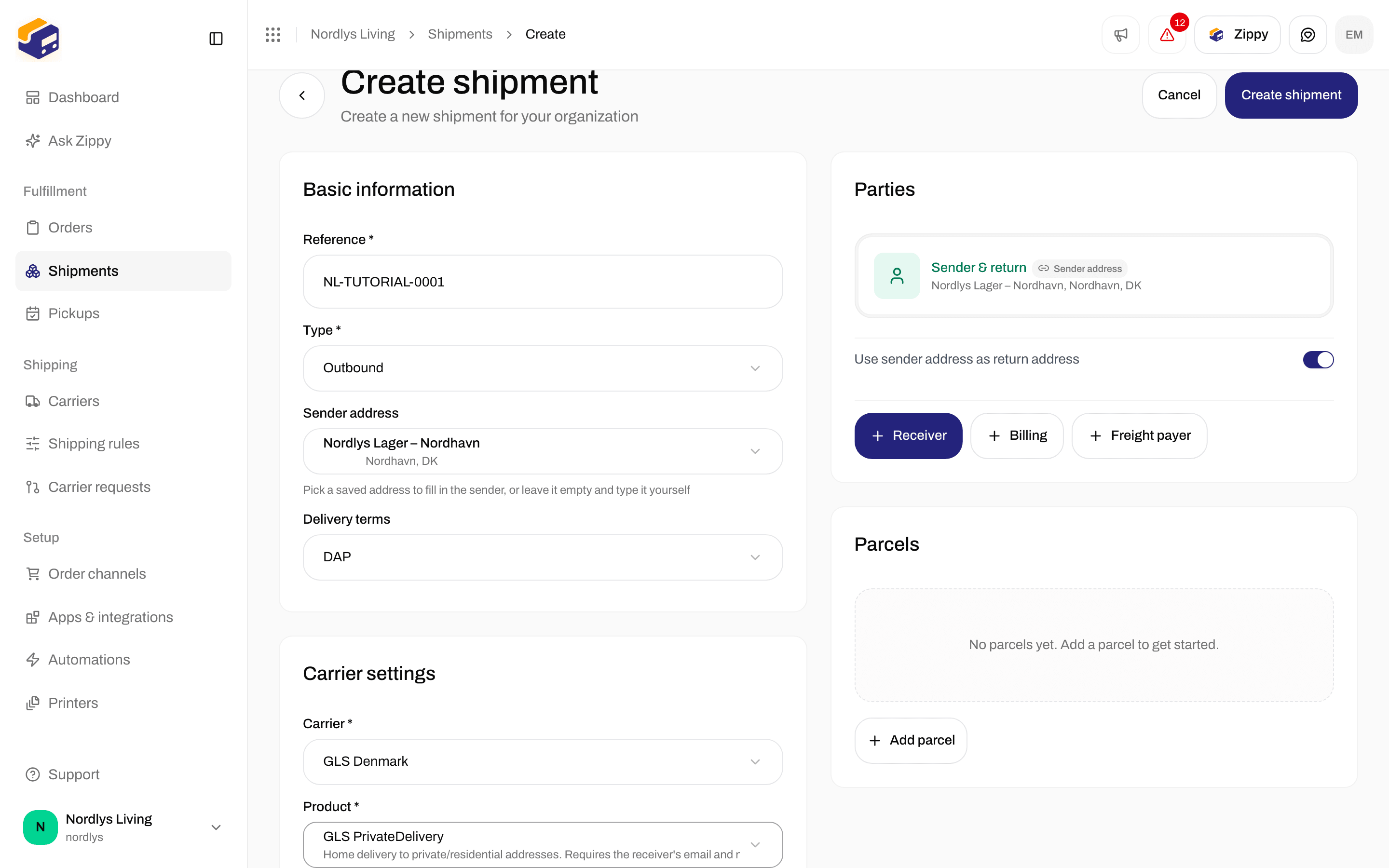
GLS PrivateDelivery offers Addressee only, Deposit and Notification email
Extra details for the carrier
Extra details for the carrier are extra details the carrier needs for this product. Some only appear after you turn on a service. For example, turning on Deposit for GLS adds Deposit instructions, where you say where the parcel may be left. Each field has a short explanation under it. Fields you must fill in are marked with *. A field can be a list to pick from, a checkbox, a date, a number or a text box. If you leave a required field empty, you see a message that names it, for example “Incoterm is required”. If a value is not allowed, the message says the field “has a value that isn’t allowed”. Fix the field and try again.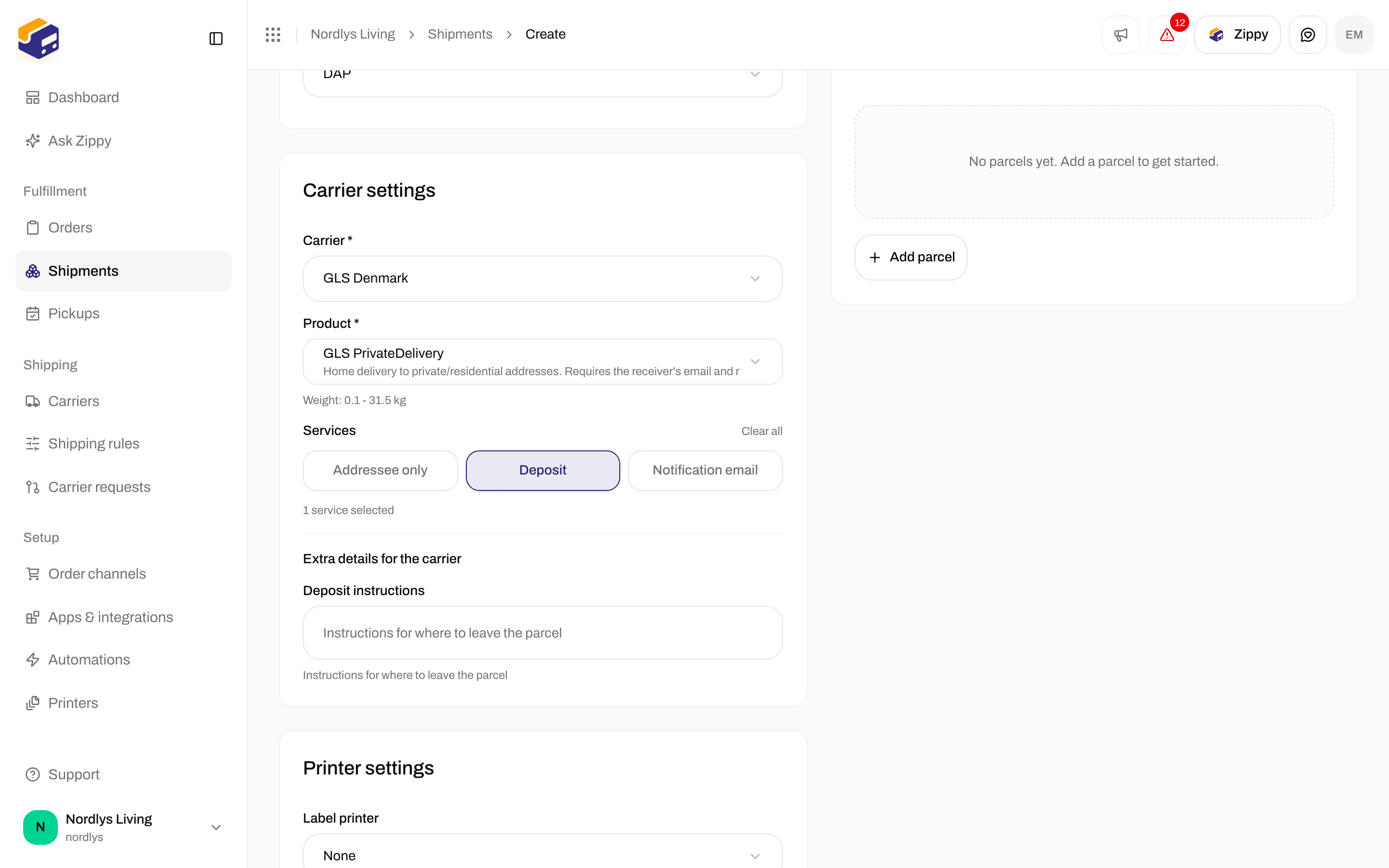
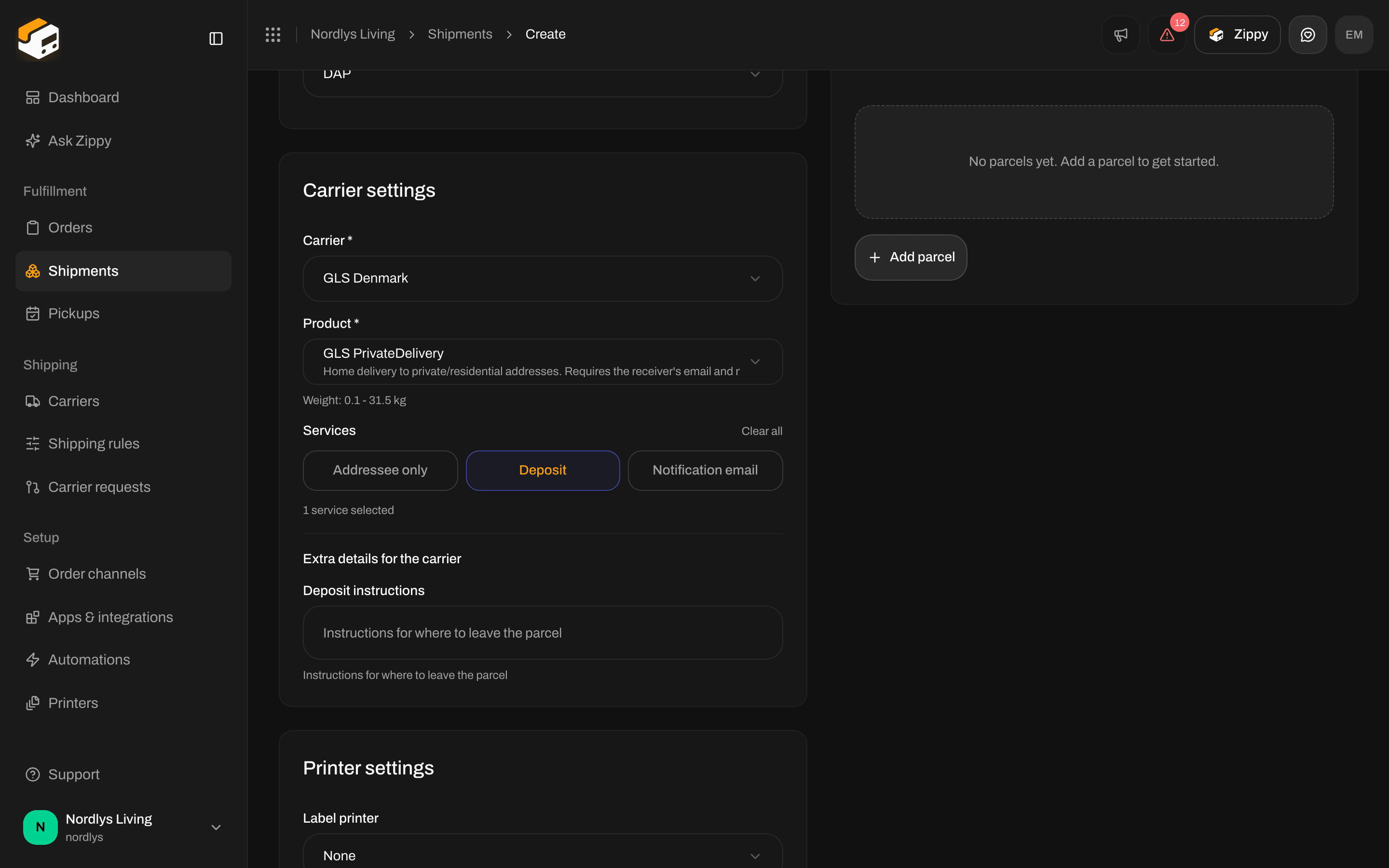
Turning on Deposit adds Deposit instructions under Extra details for the carrier
Change the product on an existing shipment
Open the shipment. On the shipment page, click the pencil on Carrier information. The Edit carrier settings window has the same Carrier, Product, Services and extra details, and the service point picker when the product needs one. Click Save changes. You see “Carrier settings updated”.Choose a product from an order
Open the order and click Create shipment. Pick the Carrier and the Product. The same services and extra details appear under them. See Send a shipment.Choose a product in a shipping rule
Open Shipping rules and click Add shipping rule, or open an existing rule. The rule uses the same products and services as a shipment, with these fields:
Every shipment the rule is applied to gets this carrier, product and these services. See Shipping rule fields and Apply a shipping rule.
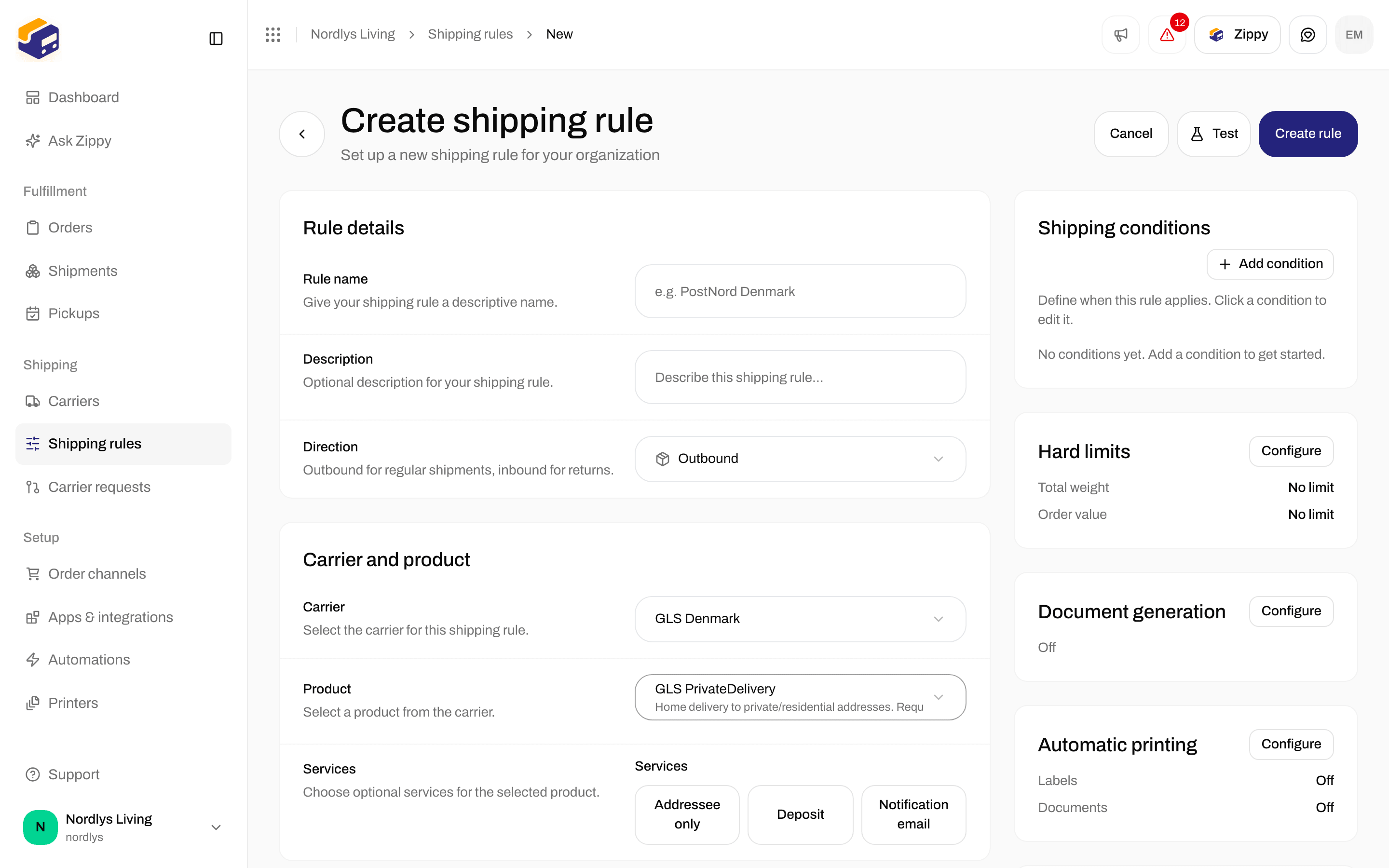
A shipping rule uses the same products and services as a shipment
Examples
Every carrier has its own products. These two show what to expect. The connect page for each carrier lists its products, see Connect a carrier or integration.GLS Denmark
All GLS Denmark products accept 0.1 to 31.5 kg.
PostNord (agreement in Denmark)
Mypack Home has more services than fit at a glance (SMS notification, Email notification, Insurance Europe, FlexDelivery, ID Check, Immediate return, Signature assurance, Climate contribution), so the Search services… box appears.
For PostNord Return, turning on the Print label service adds three extra details:
PostNord Mypack Home has many services, so Search services… appears