

The Test button on a shipping rule checks whether that rule would match a cart. It does not ask the carrier for a price. Zippendo has no preview of your checkout.
What you need first
1
Connect your webshop, or create an API token
Connect Shopify or WooCommerce under Order channels. For your own storefront, create an API token with View shipping rules.
2
Connect your carriers
See Carrier credentials. Each shipping rule uses a product from a connected carrier.
3
Add shipping rules for outbound shipments
Name each rule the way your customers should read it at checkout. Set the countries it ships to and any price or weight limits. See Shipping rule fields.
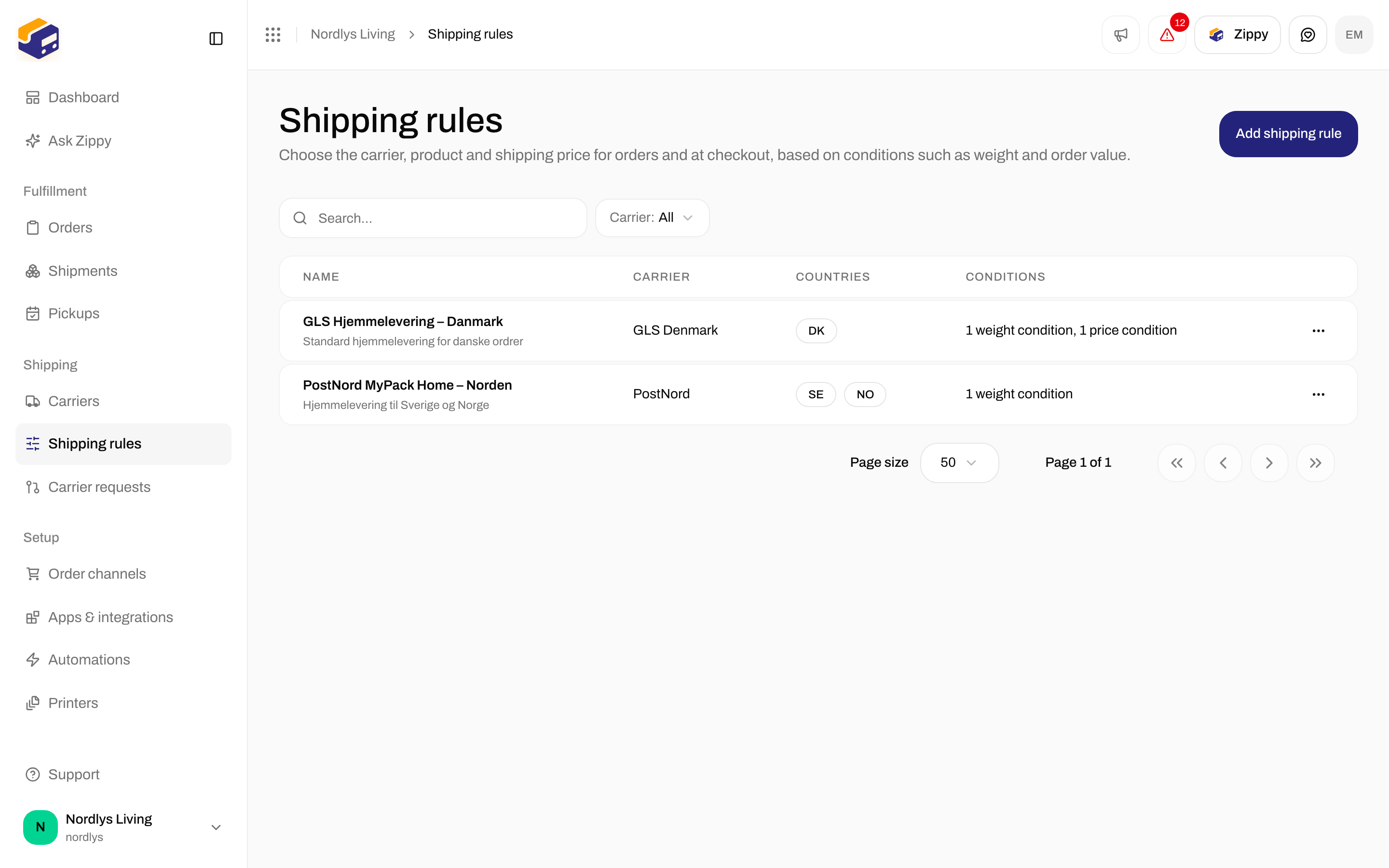
Your shipping rules are the shipping options checkout shows
Shopify: Checkout shipping rates
Open your Shopify order channel under Order channels. On the Orders & checkout tab, scroll to Checkout shipping rates. All Shopify settings: Shopify settings. Installing the app: Connect Shopify. The card says: Choose which shipping rules your customers can pick at Shopify checkout. If you choose none, every shipping rule that matches the receiver’s country is used. A shipping rule that delivers to service points shows each service point as its own rate.
More about service points at checkout: Service points.
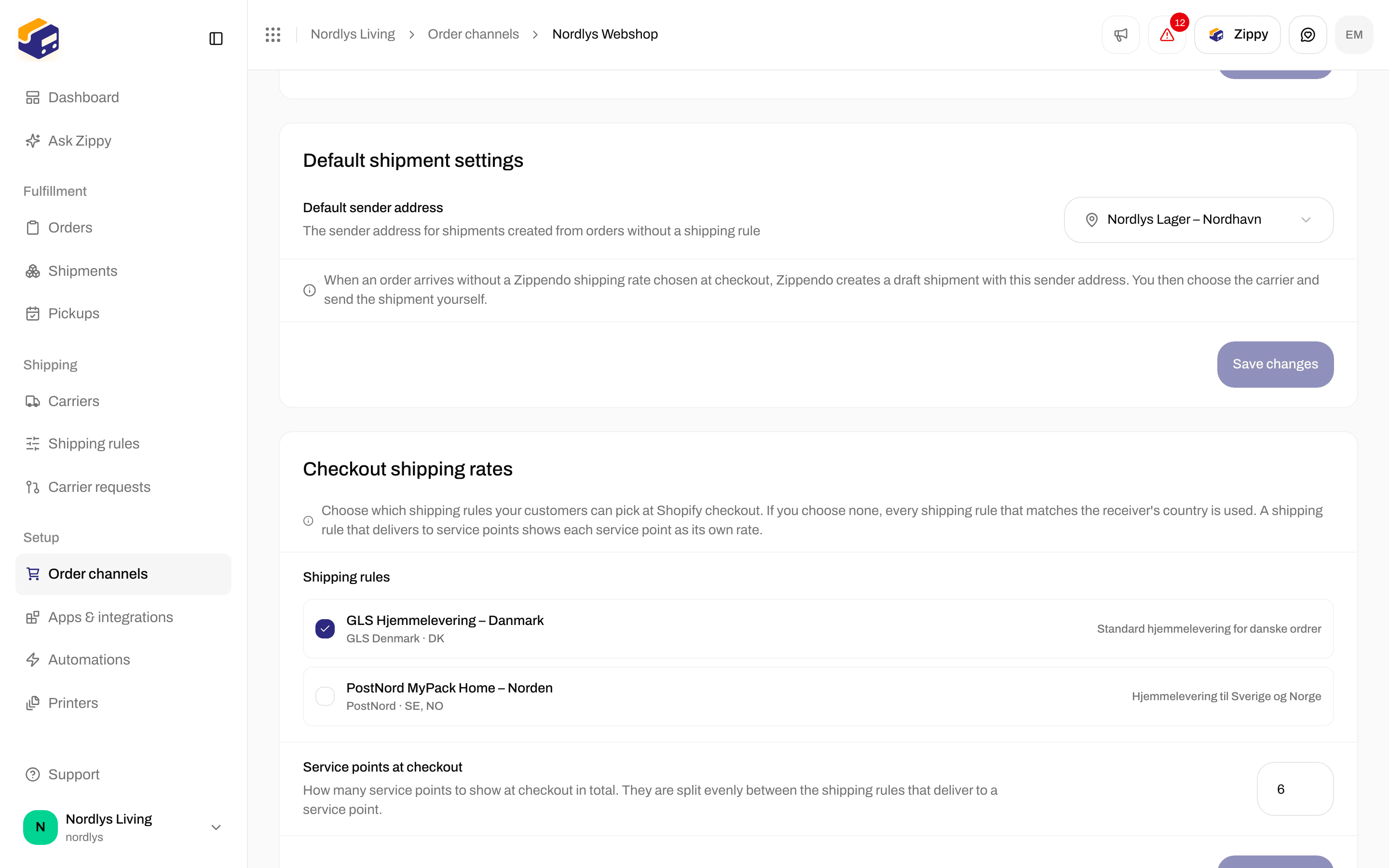
Checkout shipping rates: tick the rules Shopify should offer and set Service points at checkout
Register Zippendo Shipping with Shopify
Open the Connection & integration tab. On the Carrier service card:
The card also reminds you: after registering, go to Shopify admin → Settings → Shipping and delivery and add “Zippendo Shipping” as a rate provider in your shipping zones.
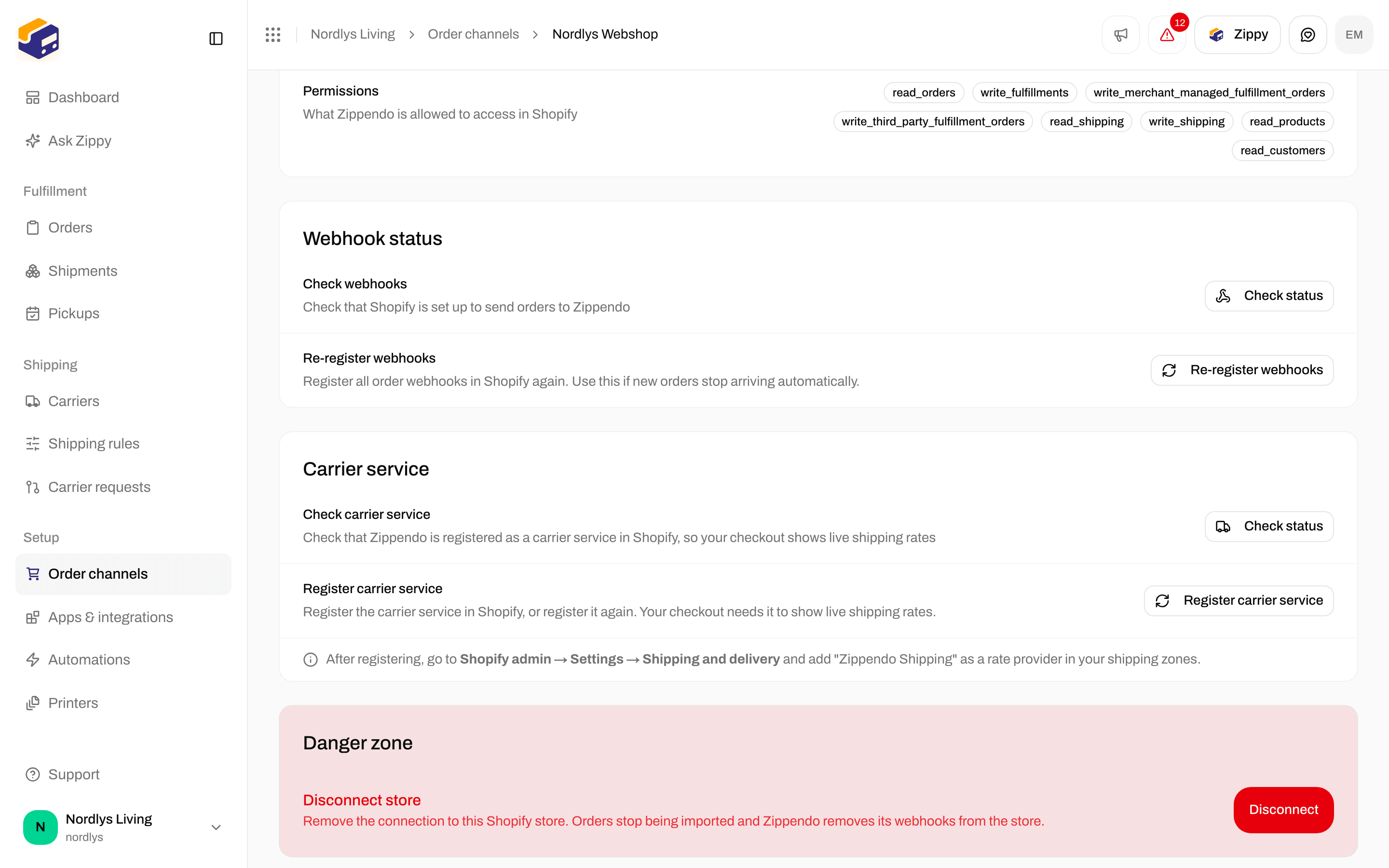
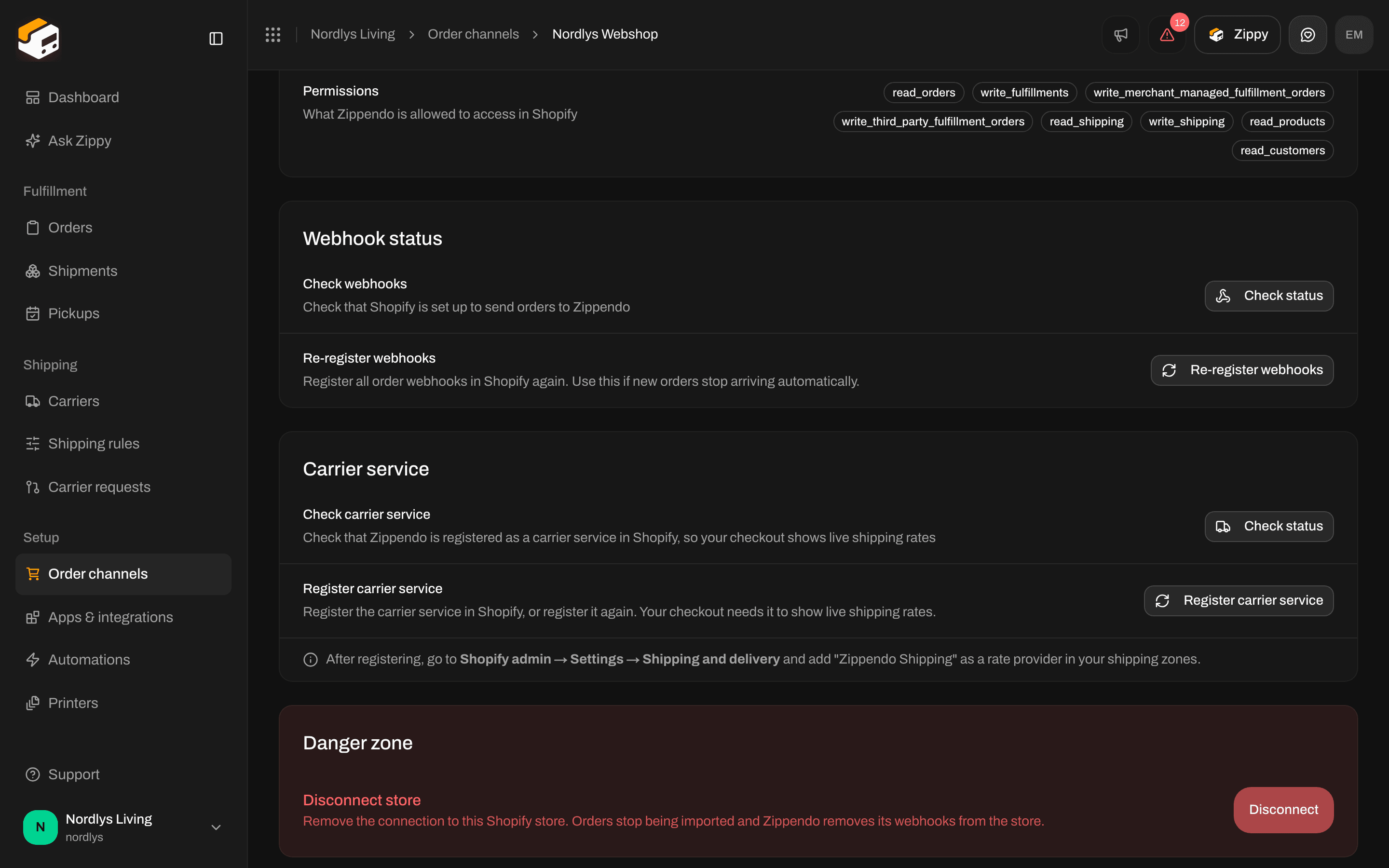
Carrier service: Check status and Register carrier service
WooCommerce: Checkout token
WooCommerce shows live prices through the Zippendo for WooCommerce plugin and a Checkout token (it starts withzck_). Connect the webshop first: Connect WooCommerce.
Open your WooCommerce order channel. On the Orders & checkout tab, find the Checkout token card: The Zippendo for WooCommerce plugin shows live shipping rates and service points at your checkout. Install the plugin, then paste this token into its settings.
Right after you generate or replace the token, the card warns: Copy this token now. You won’t be able to see it again, because Zippendo does not keep a readable copy. Paste it into the plugin’s settings in WordPress. Once a token exists, the card shows when it was created.
If something fails you see Couldn’t generate the checkout token or Couldn’t revoke the checkout token.
The plugin asks Zippendo for prices with this token, both for shipping options and for nearby service points when the customer changes postcode. It does not use an API token. Test connection on the Connection tab only checks the WooCommerce keys used to import orders.
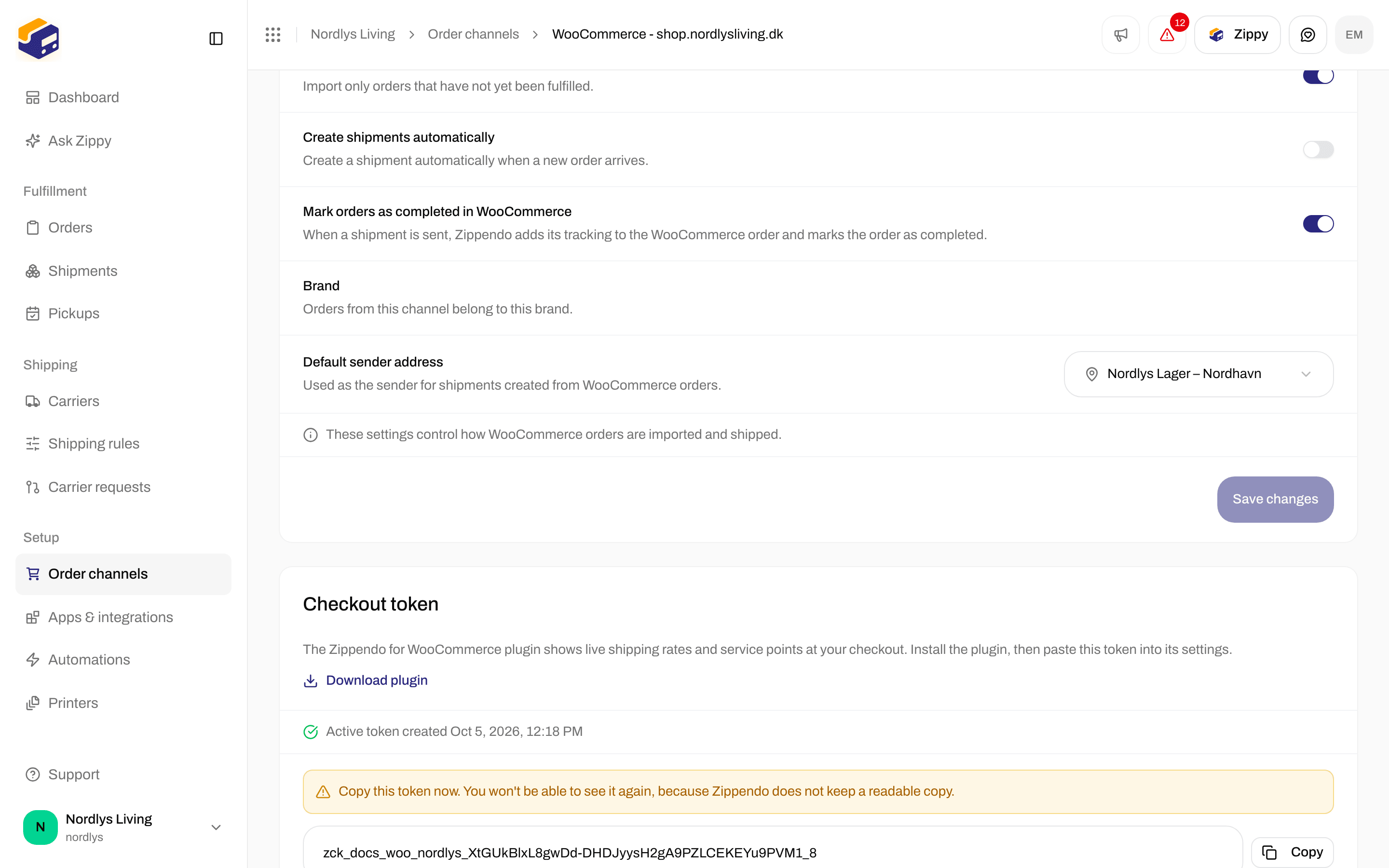
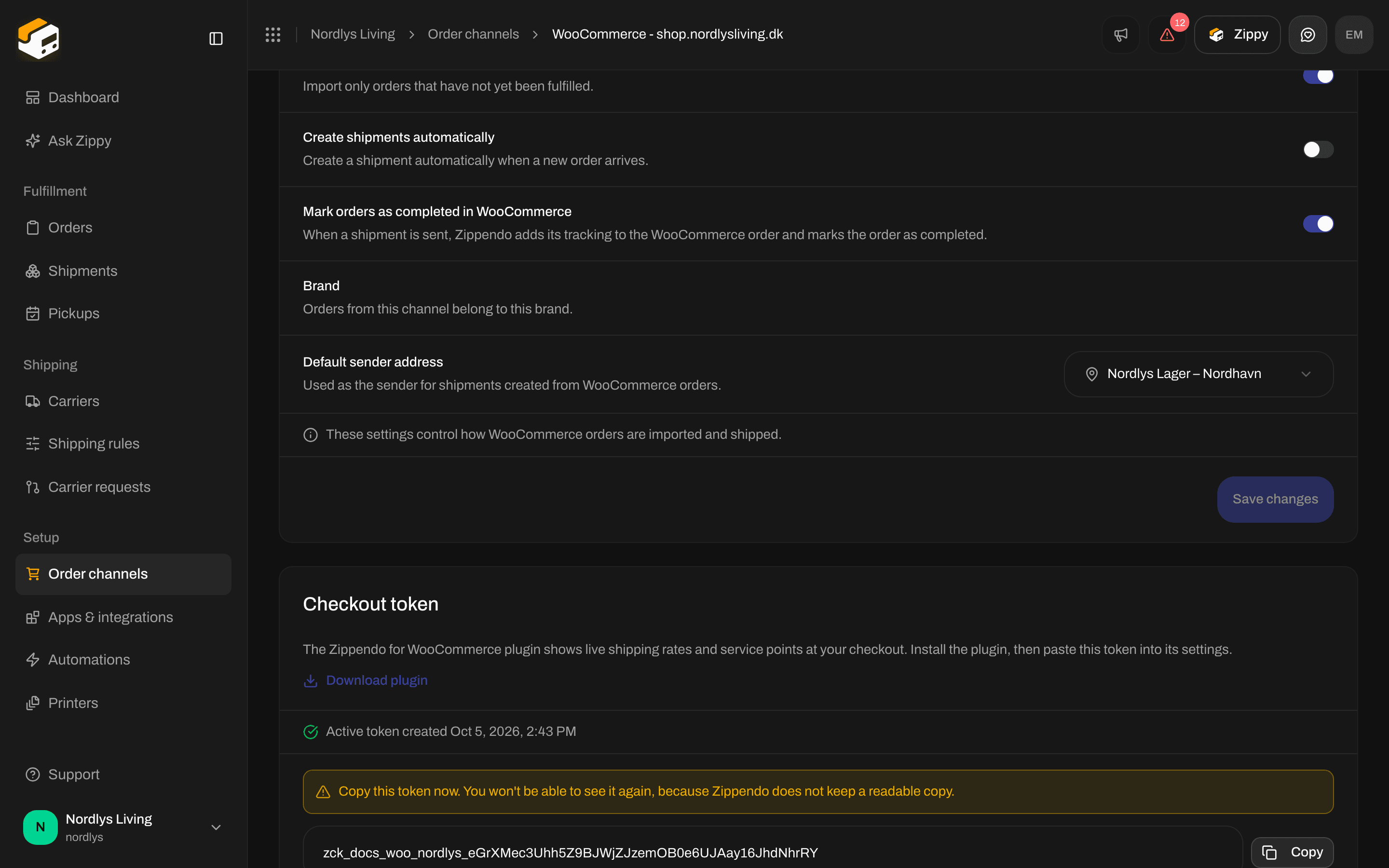
Checkout token: copy the zck_ token once, then paste it into the plugin
Your own storefront: the shipping quote API
A custom order channel sends orders into Zippendo, but does not show prices at your checkout. To show live prices in a storefront you build yourself, call:{orgId} is your organization’s ID, not the name in the app’s address bar. The token needs View shipping rules: Create an API token. Ready-made clients: SDKs. Try it in the API reference.
Request body
grams × quantity and price × quantity over the lines, then checks each shipping rule that ships to destination.country. Every matching rule becomes a rate. If no rule matches, you get { "rates": [] } with status 200, not an error.
Rate object
An invalid country or body returns
400 with { error, message }, for example Invalid destination country. An unknown organization returns 404.
Sample code: Shipping quotes quickstart.
How to test
Zippendo has no preview of your checkout. Test in your webshop:
If a price is missing, check the rule’s Receiving countries, its weight and order value limits and its other settings before you suspect the carrier.
You are done when Shopify Checkout shipping rates has the rules you want (and Zippendo Shipping is in your shipping zone), or WooCommerce has an active Checkout token pasted into the plugin, or the shipping quote API returns
rates for a sample cart.