

Where to find it
- The Zippy button at the top of every page opens Zippy in a panel in the bottom-right corner. You can also press ⌘J (Mac) or Ctrl+J (Windows). Press Escape to close the panel.
- Ask Zippy in the sidebar opens Zippy as a full page. See “The Zippy page” below.
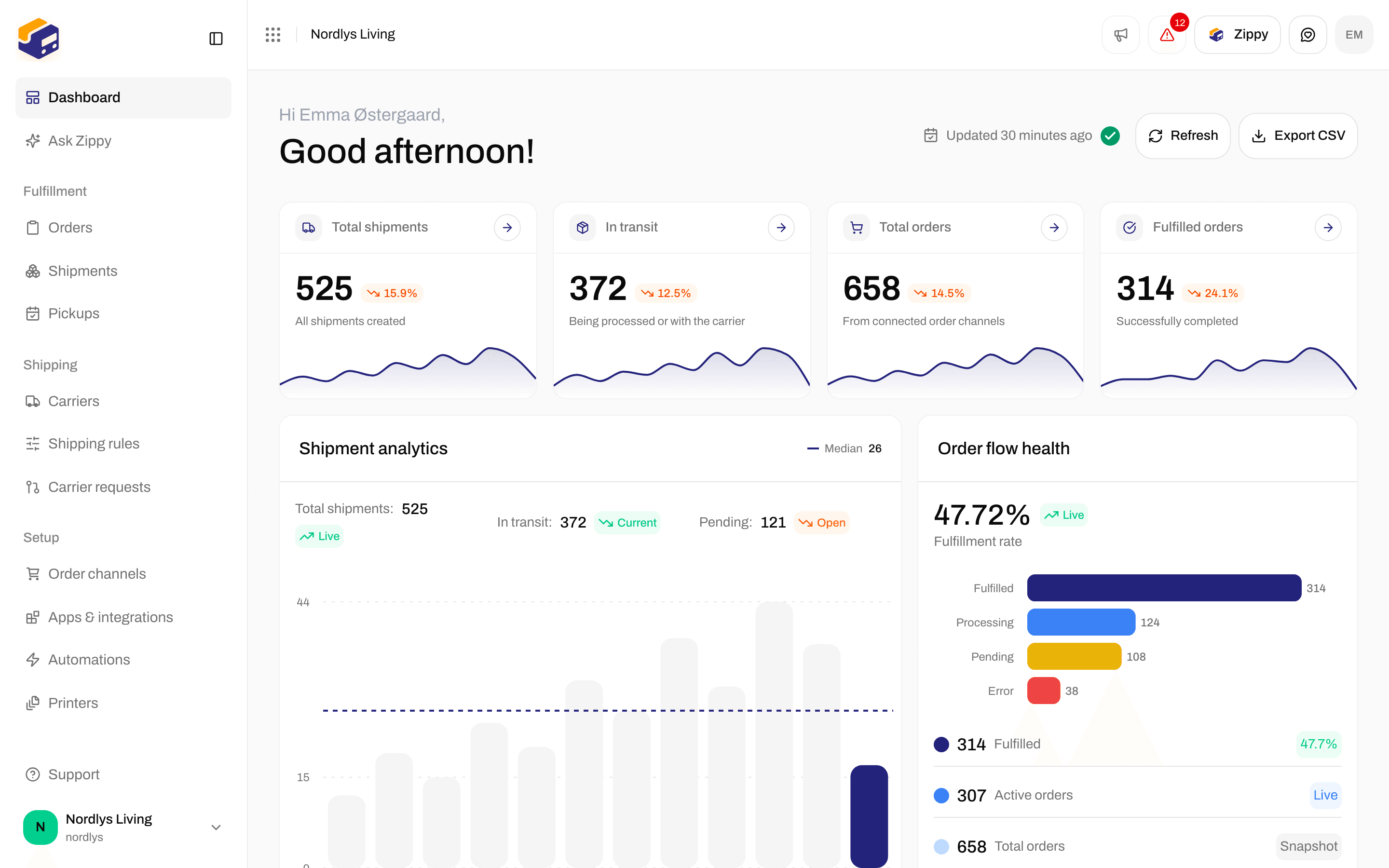
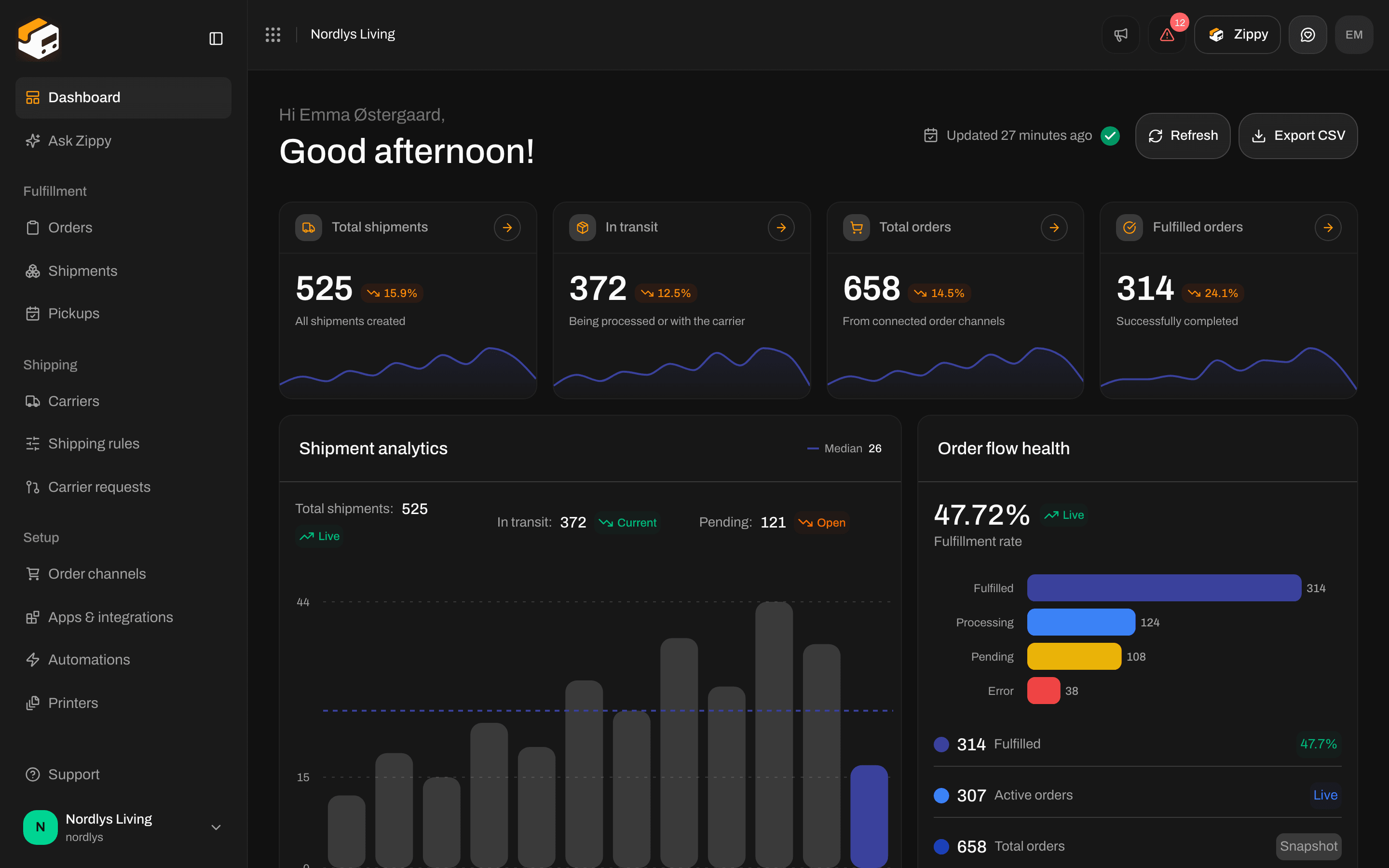
The Zippy button at the top of the page; ⌘J or Ctrl+J does the same
Switch on Zippy
Zippy is off until an organization manager switches it on. Until then, Zippy shows Switch on Zippy, with a note that your chats, and the shipment data they mention, are sent to Zippendo’s AI provider, a sub-processor under your Data Processing Agreement. The note links to the sub-processor list.1
Open Zippy
Click the Zippy button or Ask Zippy in the sidebar.
2
Switch it on
Read the note and click Switch on Zippy. You see Zippy is on, and Zippy is ready for everyone in your organization.
Credits and the Zippy add-on
Each answer from Zippy uses credits. Longer answers, and answers where Zippy looks up a lot of data, use more.- Included credits: once Zippy is switched on, your organization gets a number of credits every month at no extra cost, with a limit per day. The line under the message box shows how many credits are left today.
- The Zippy add-on: for more, add Zippy to your plan: €20/month incl. 2,500 credits, then €0.70 per 100 credits. There is no daily limit with the add-on. The line under the message box then shows how many of the included credits you have used this month. Buy or remove the add-on under Add-ons on Billing and usage with Buy Zippy or Remove Zippy.
The panel
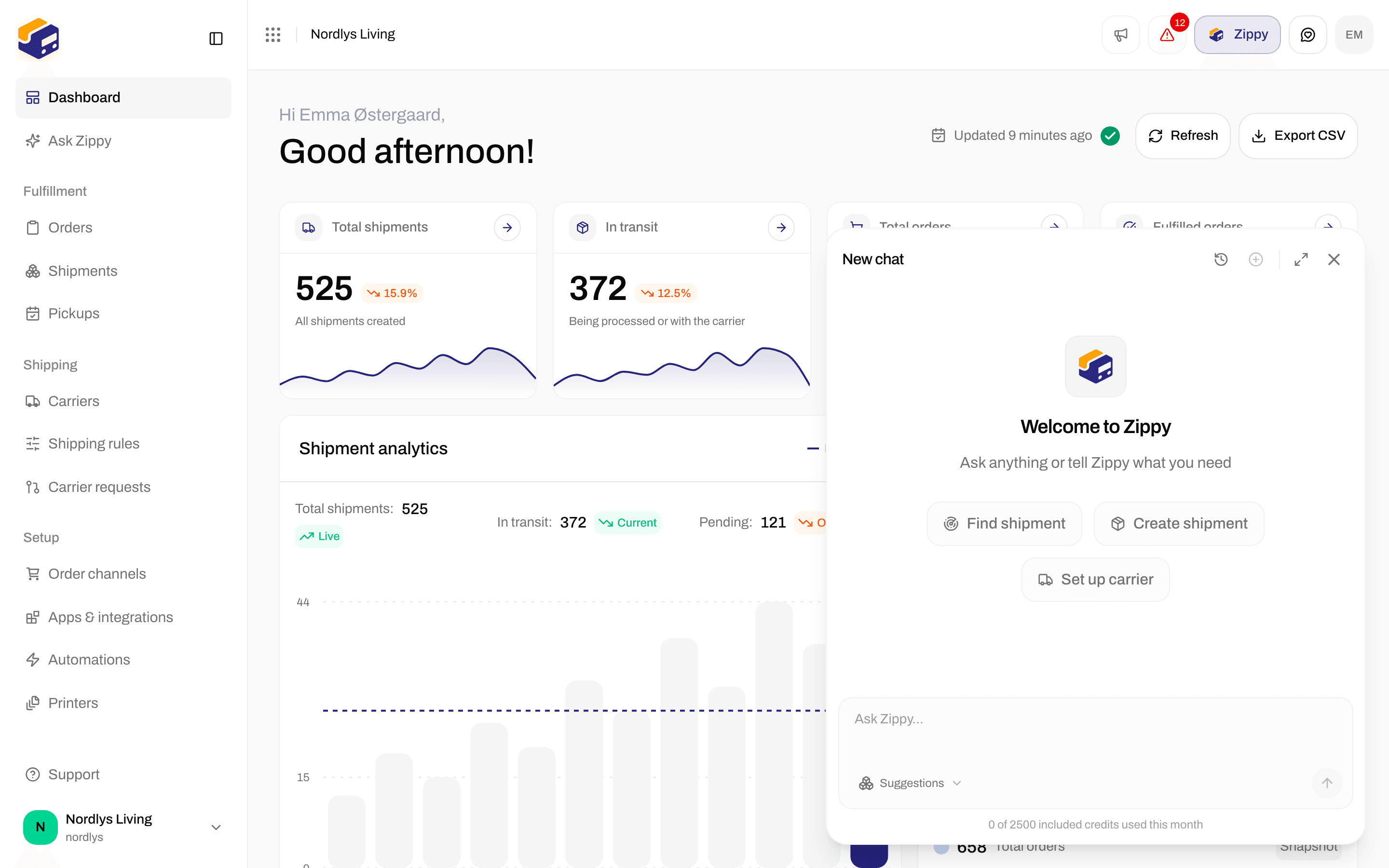
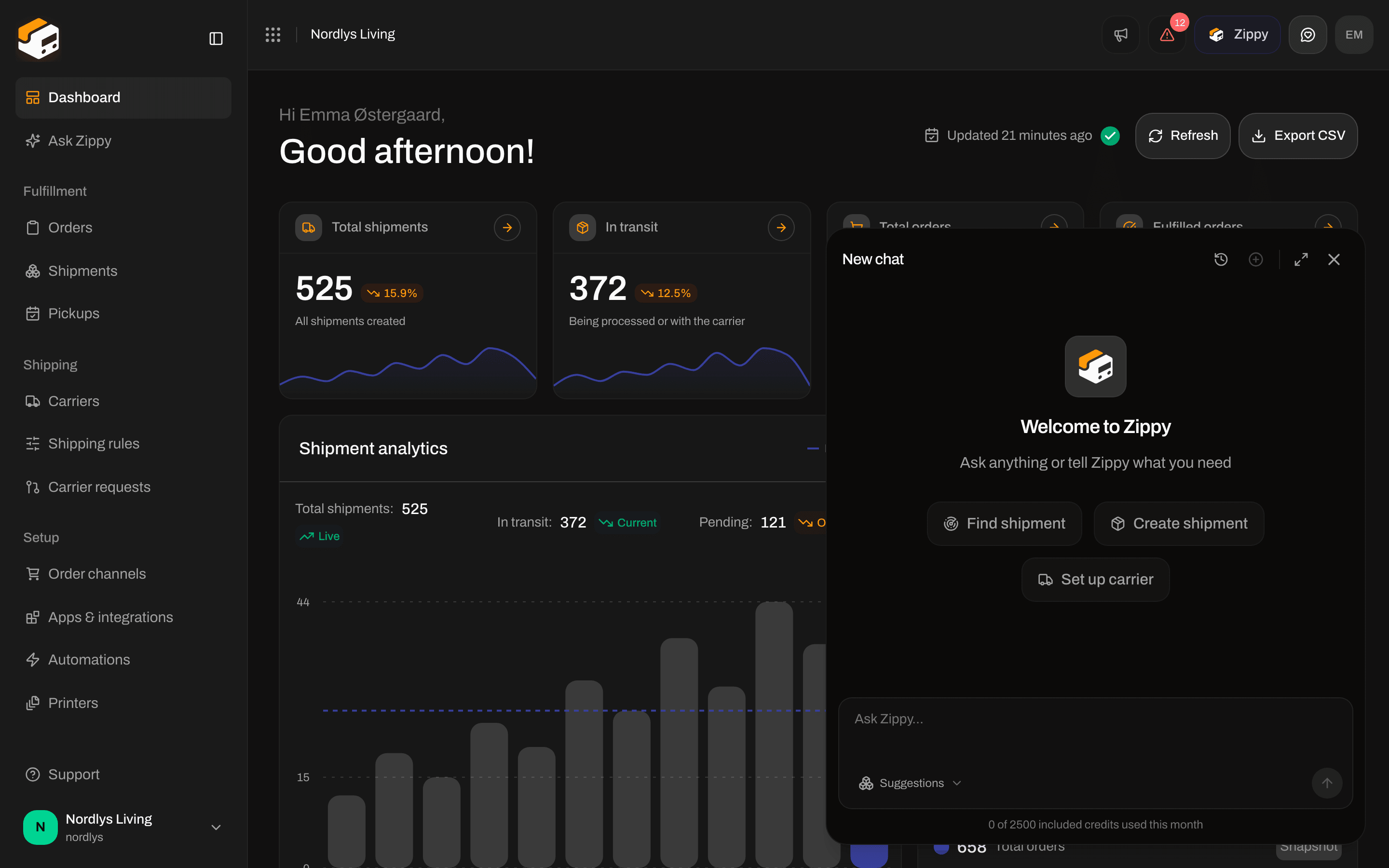
A new chat: Welcome to Zippy, three suggestions and the message box
Ask a question
Type in Ask Zippy… and press Enter to send. Shift+Enter starts a new line. Suggestions under the box lists four ready-made questions. Picking one puts the text in the box, so you can change it before you send.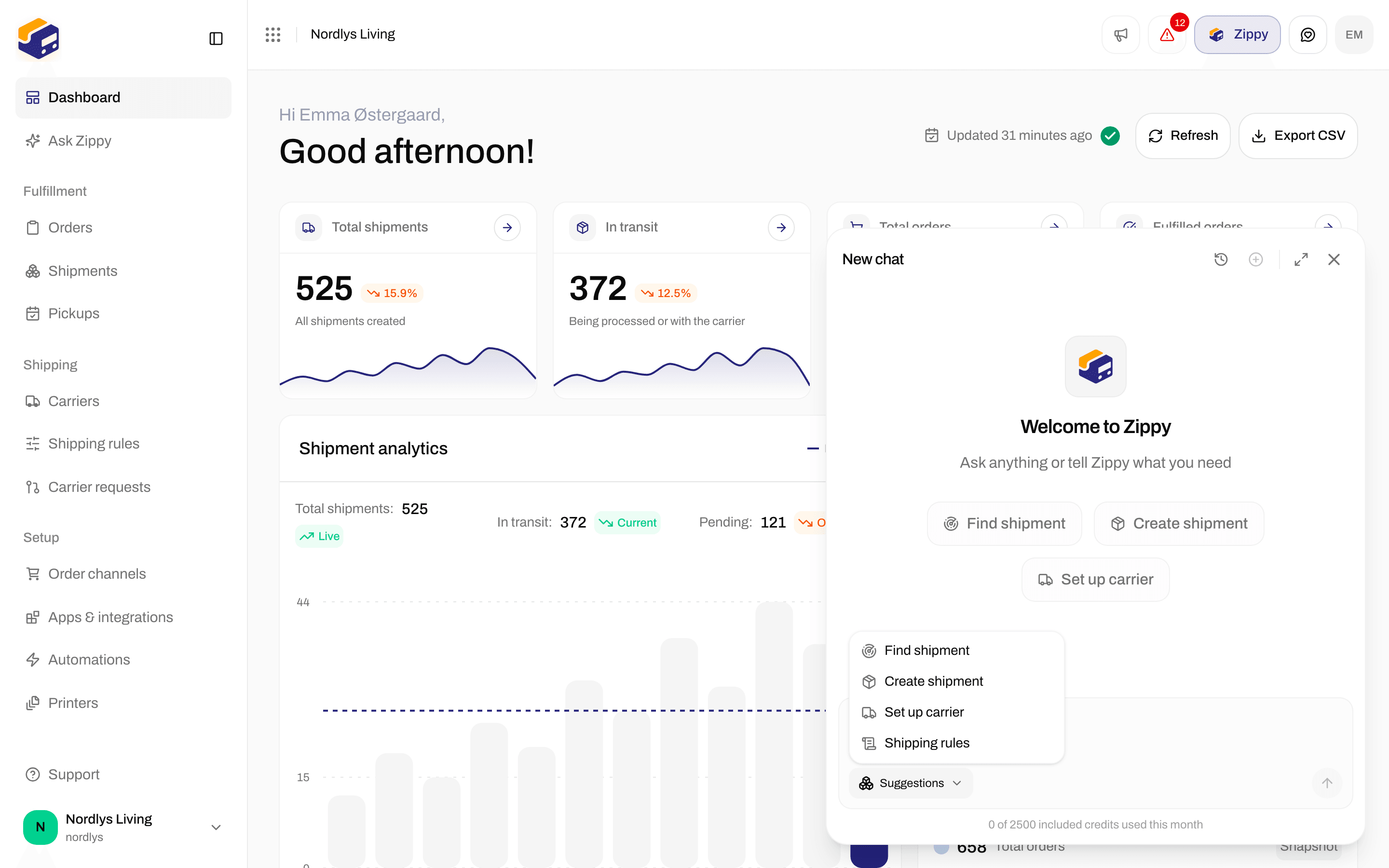
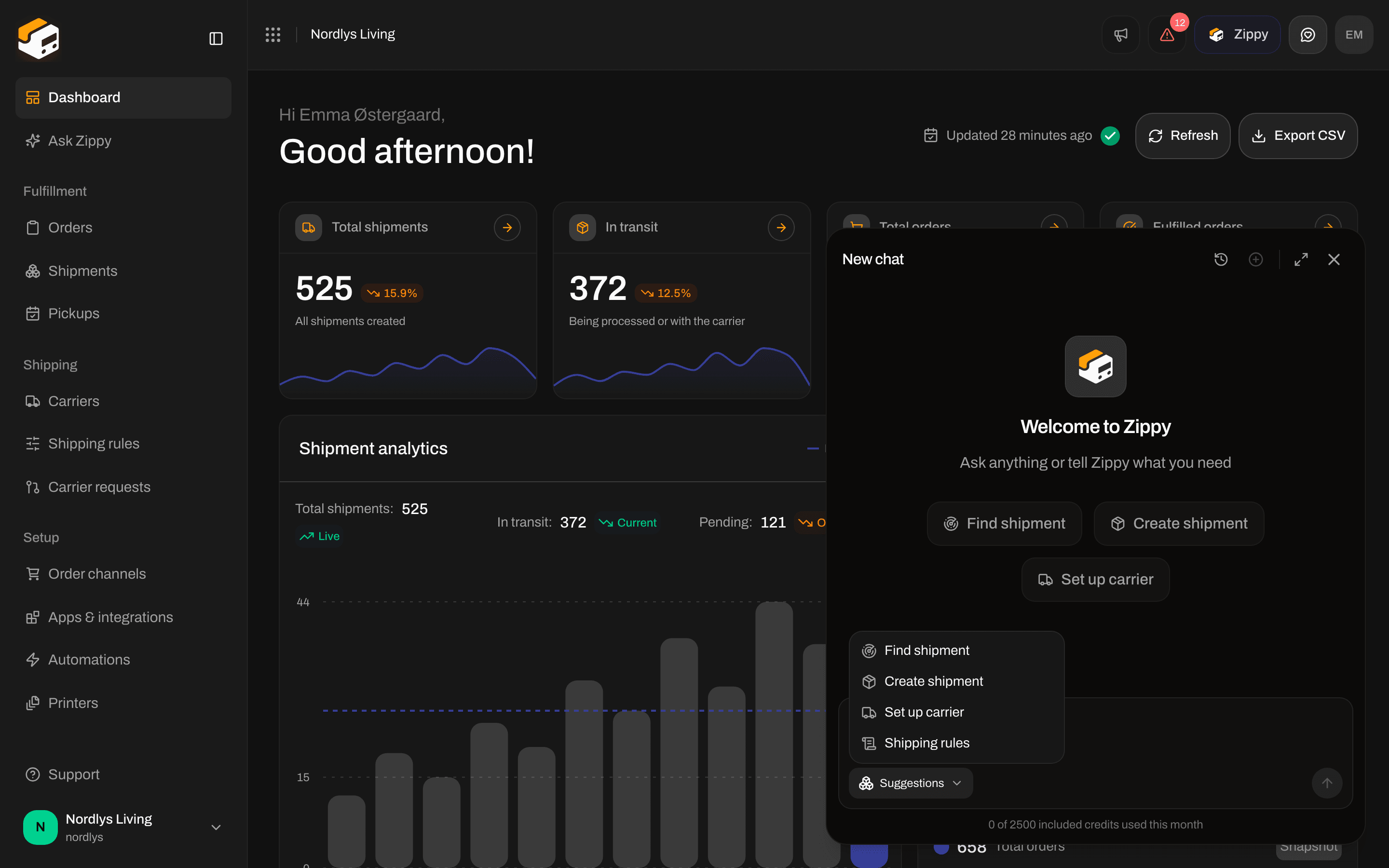
Suggestions: Find shipment, Create shipment, Set up carrier and Shipping rules
The Zippy page
Click Ask Zippy in the sidebar, or Open full page in the panel, to use Zippy on a full page. A new chat greets you by name and asks What can I help you ship today? Below the message box are four cards, one for each prompt above, with a short line on what Zippy will do. Click a card to send it. Next to the send button, a small button shows your connected order channels, or Connect a webshop if you have none. It opens Order channels. At the top of the page: History opens Your chats, New chat starts a new chat, and Open as panel moves the chat back into the corner panel.While Zippy works
- Zippy is thinking shows while it prepares an answer.
- Each step it takes is shown as a short line, such as Looking up or Created. Click Show details to see what it found.
- When you scroll up, Scroll to latest message brings you back to the newest answer.
Connecting a carrier through Zippy
When you ask Zippy to connect a carrier, a form appears in the chat: Enter the carrier’s login details below. They go straight to Zippendo, and Zippy never sees them. Fill in the carrier credentials and click Connect carrier. When it is done you see that the carrier is connected, and you can ask Zippy to set up shipping rules or send a shipment with it.Tokens and secrets
Zippy never sees your carrier credentials, tokens or secrets, and they are never shown in the chat. When Zippy creates a new token or secret for you, such as a WooCommerce checkout token, the step shows it once with Copy this now. It won’t be shown again, and Zippy can’t see it. Copy it right away: it is not shown again when you reopen the chat. Never paste a password or secret into the chat yourself. Before Zippy deletes something, such as a shipment, an order or a carrier, it asks you to confirm.Chat history
Click History to see your earlier chats.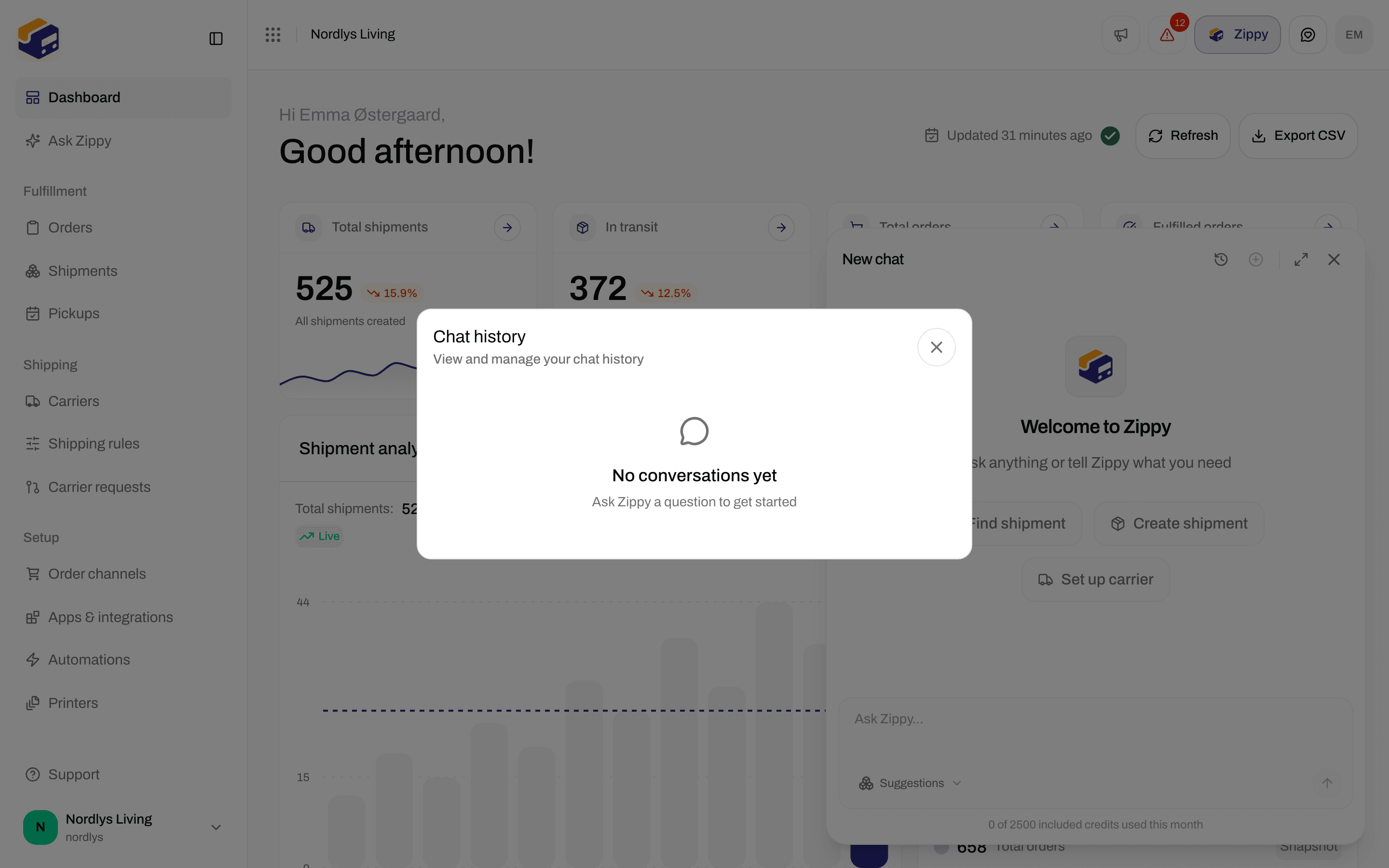
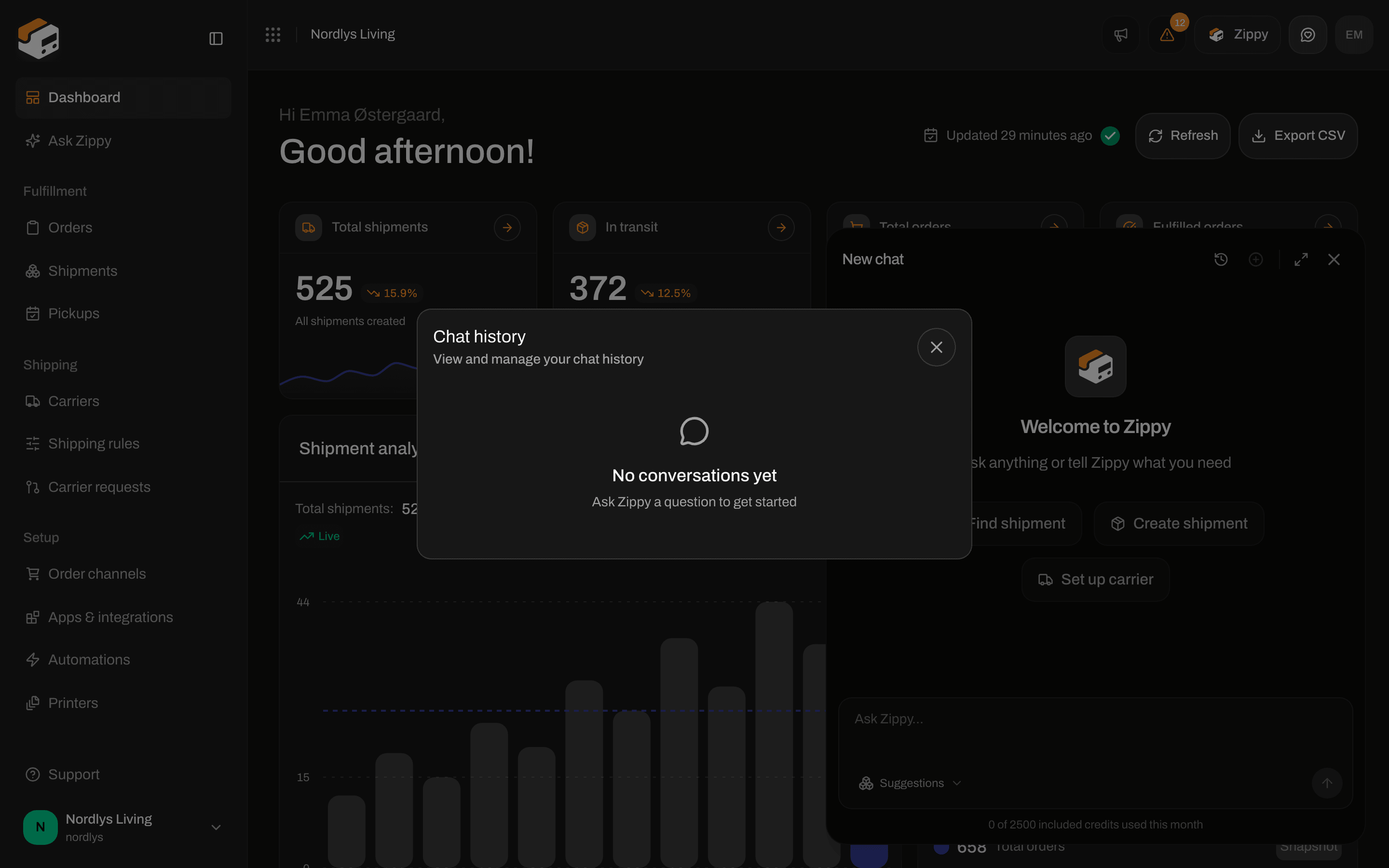
Chat history before your first chat
- Before your first chat it shows No conversations yet.
- Each chat shows its title, when it was last used (Today, Yesterday, “3 days ago” or a date) and how many messages it has.
- Type in Search by title, date, or messages… to find a chat. Clear search empties the box.
- Click a chat to open it. Click the bin icon to delete it at once, with no confirmation.
What Zippy can and can’t do
Zippy can look up and change most things you can in Zippendo, for example:- Find a shipment by tracking number, reference or receiver
- Create a shipment from an order or from scratch, step by step
- Connect a carrier and pick the products you ship with
- Explain shipping rules, or set up which carrier, product and services each order gets
Messages you may see
Turned off for your organization
Zippendo can turn Zippy off for an organization, for example one that only uses the API. The Zippy button, Ask Zippy in the sidebar and the panel then disappear for every team member, and the Zippy page shows Zippy is turned off. Your chat history is kept. Contact Zippendo support if you want Zippy back.Related
- Billing and usage: buy or remove the Zippy add-on
- Dashboard: where the Zippy button sits
- MCP overview: connect an AI agent of your own
- Send a shipment · Shipping rule fields