

Two kinds of webhooks
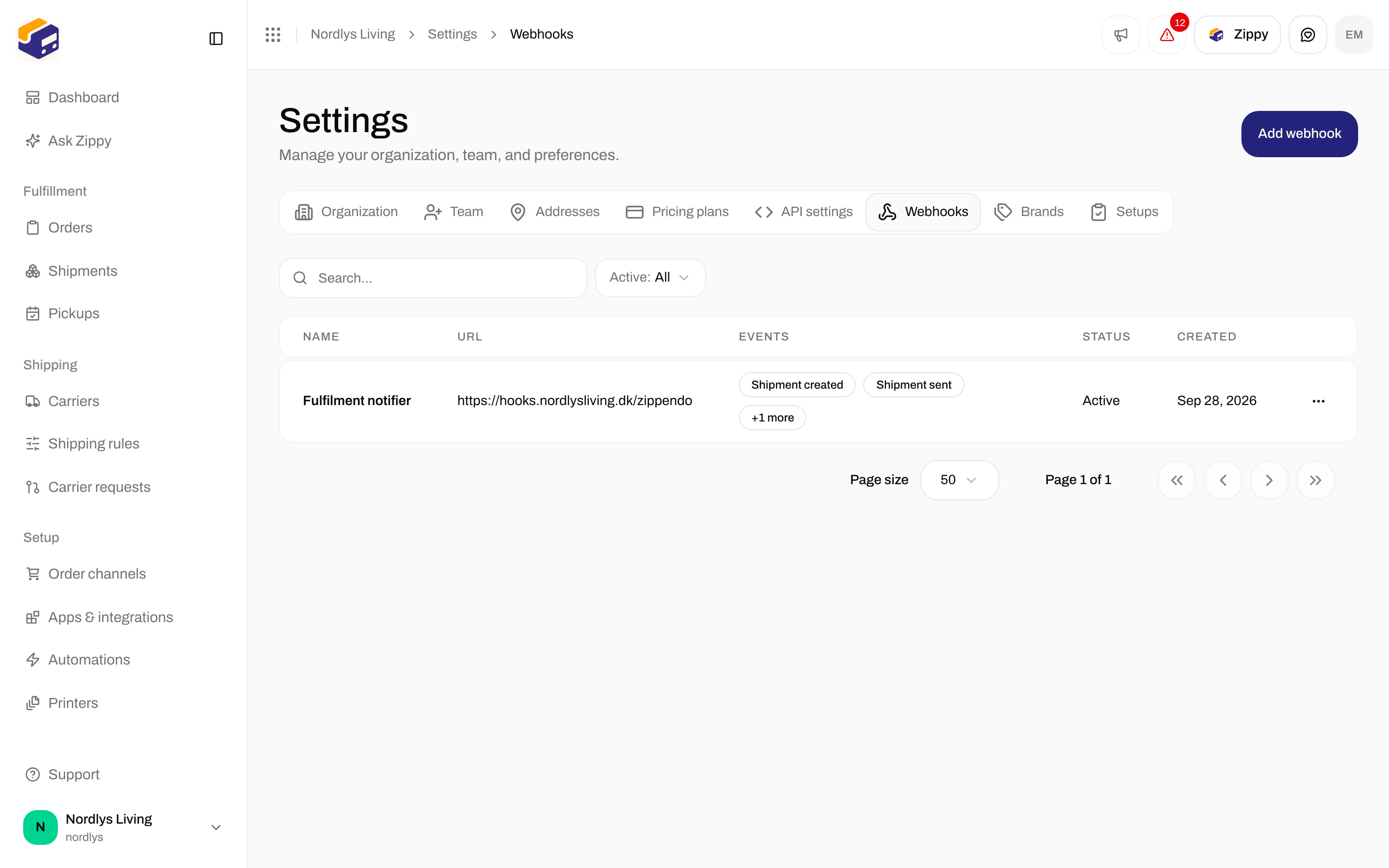
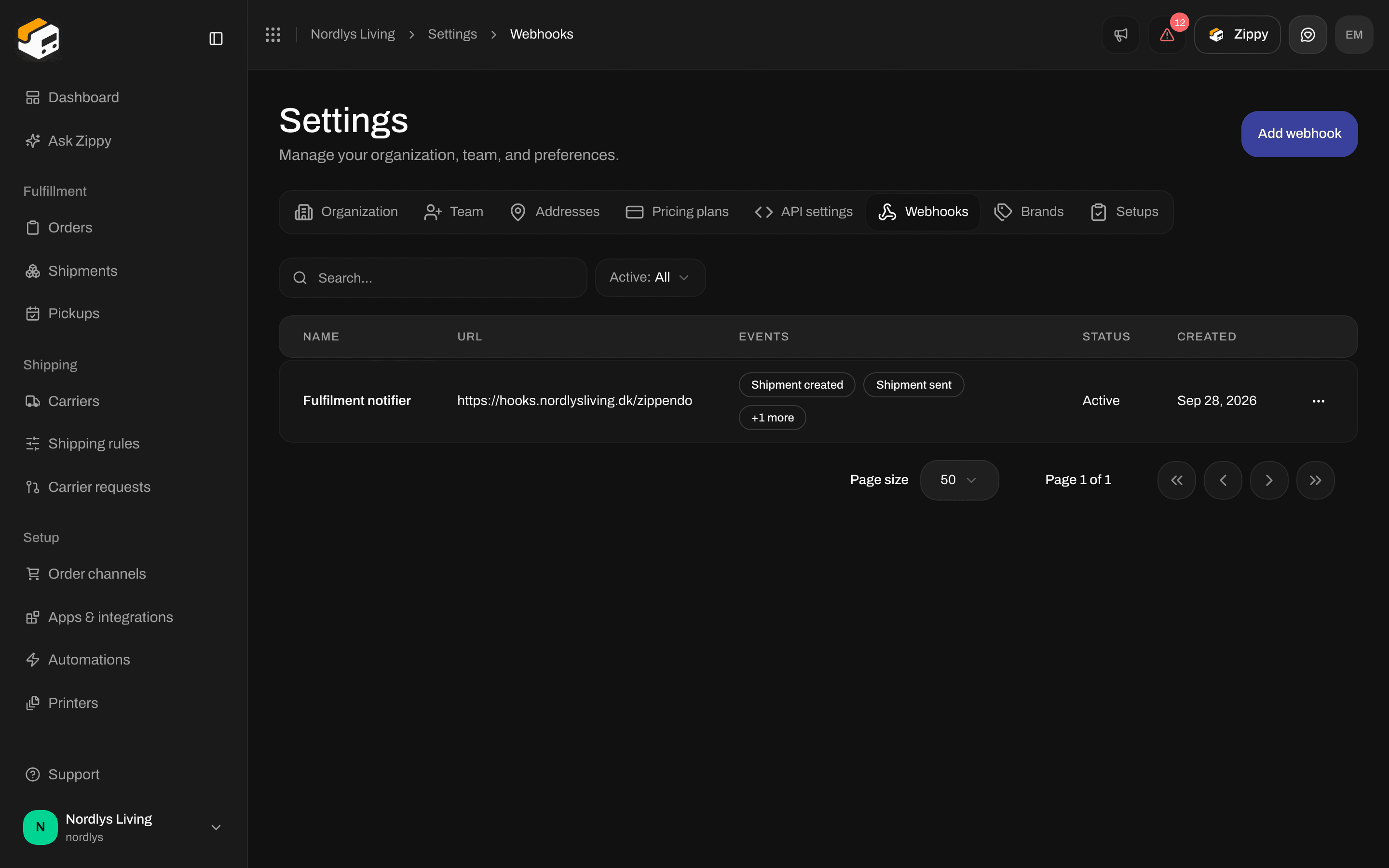
Settings → Webhooks is for Zippendo notifying your system, not for carriers
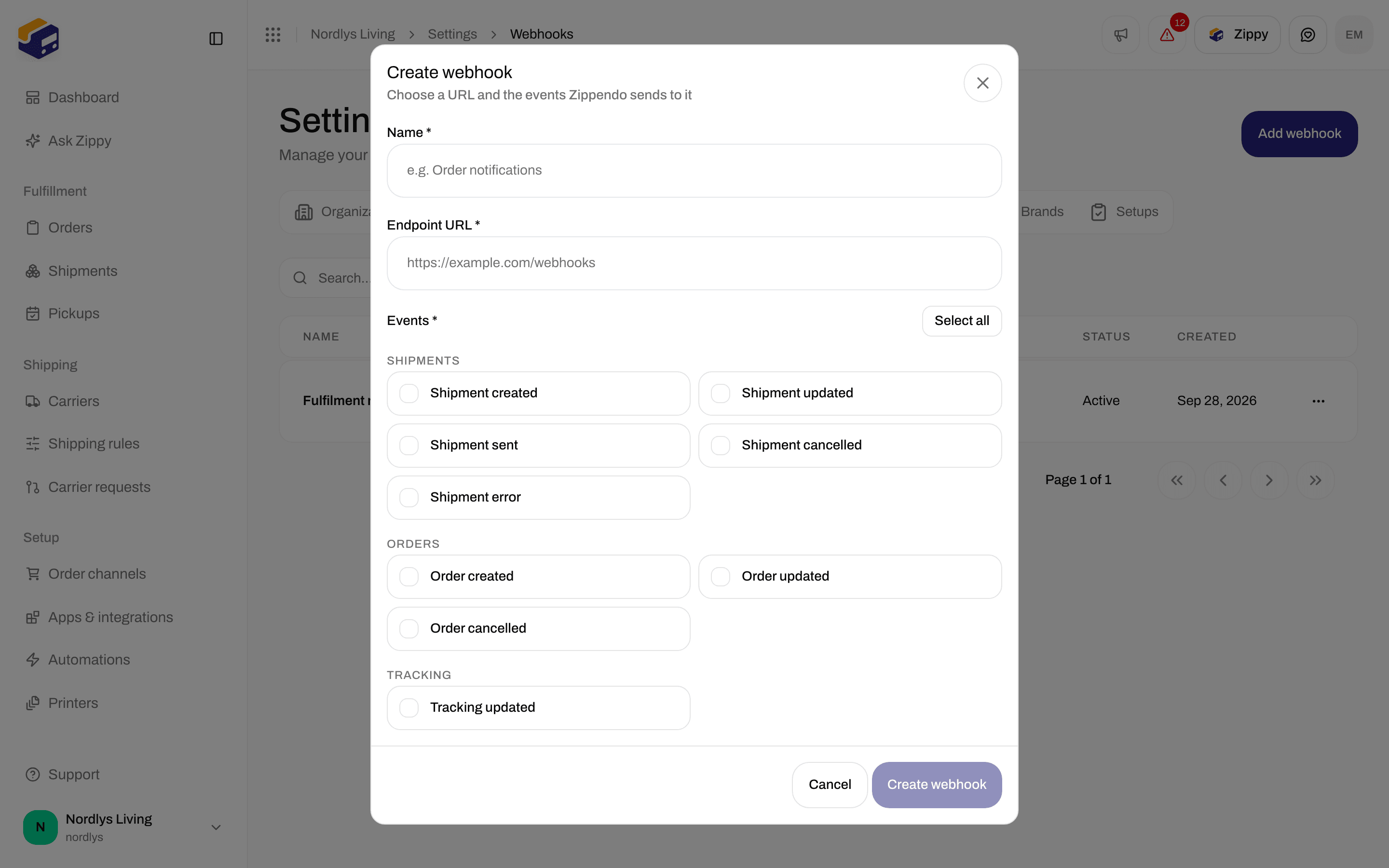
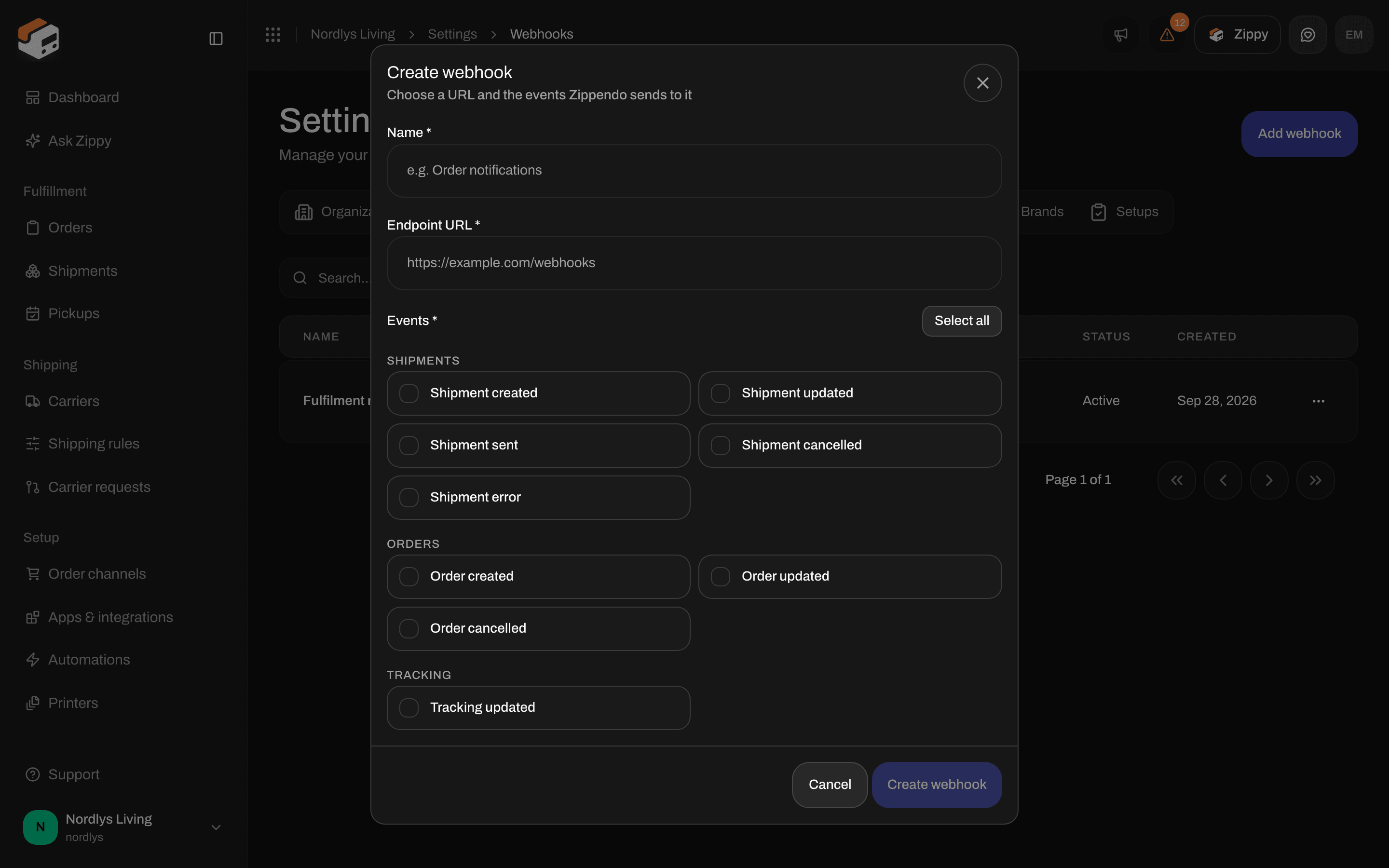
Tracking updated in the Tracking group when you create a webhook
How each carrier sends tracking
The Edit carrier page has no field where you enter a tracking web address. It shows Carrier name, the carrier’s own fields and, for most carriers, Test mode. For Instabox, Budbee, Porterbuddy and Instabox (Legacy API), it also shows a Tracking webhook section with the details to send Instabee.
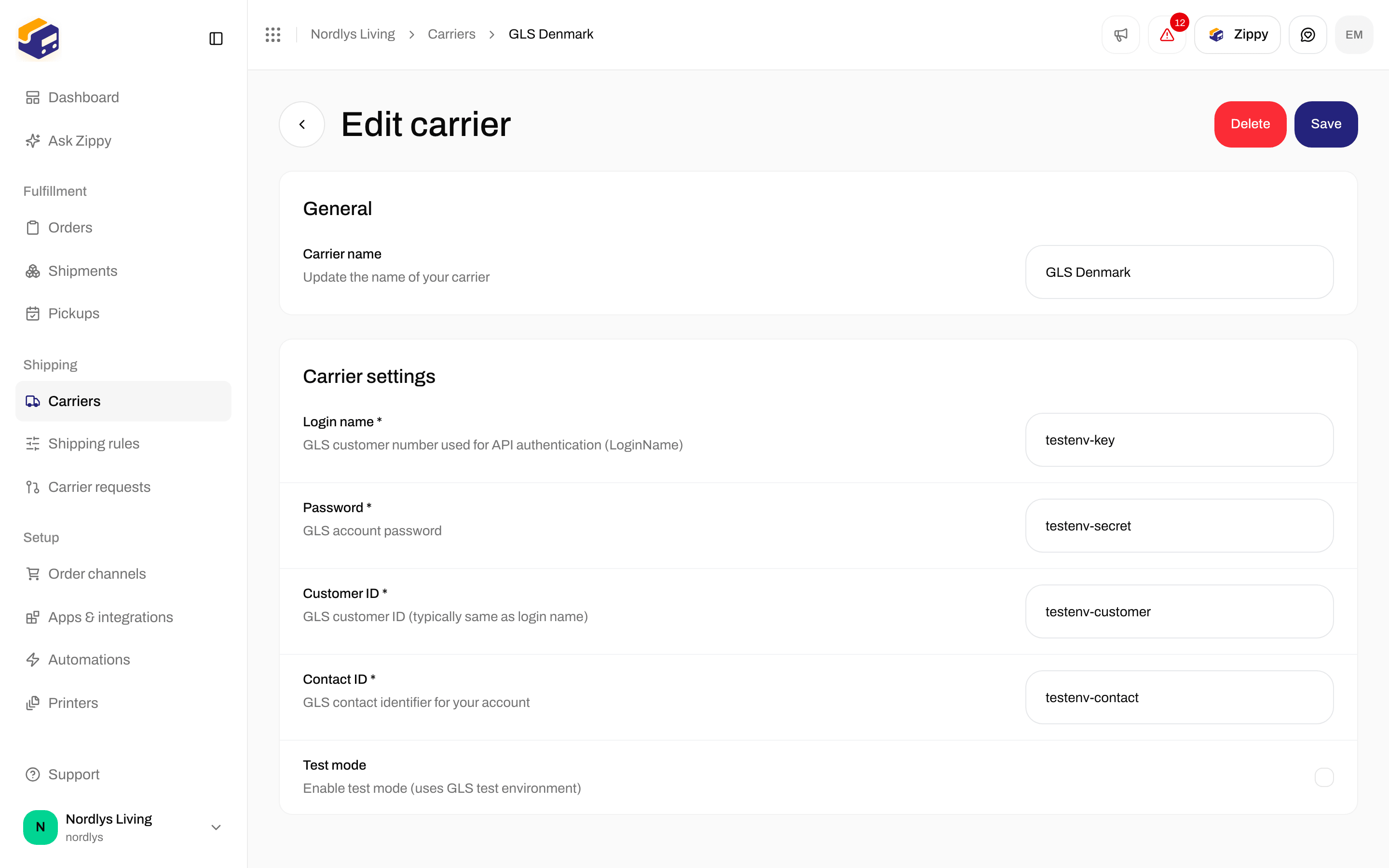
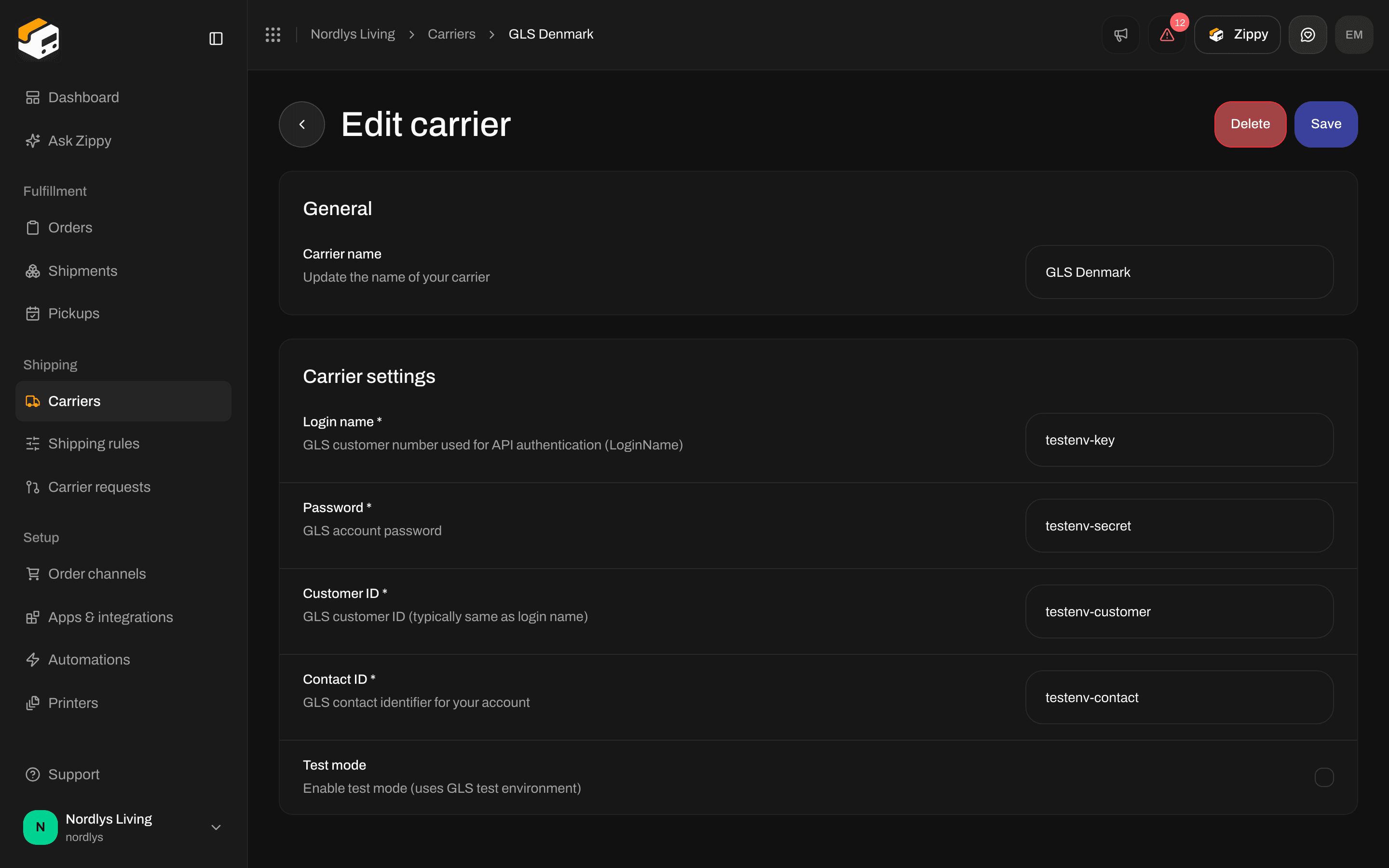
Edit carrier for GLS Denmark has no field for tracking webhooks
Turn on tracking for Instabox, Budbee and Porterbuddy
Instabee sends tracking updates for Instabox, Budbee and Porterbuddy to Zippendo only after it has set them up for your account. Instabee does this by hand, so send it the details once for each account.1
Open the carrier
Go to Carriers → My carriers and open your Instabox, Budbee or Porterbuddy connection.
2
Copy the details
Under Tracking webhook, copy the Webhook URL, Username and Password. Each field has a copy button.
3
Send them to Instabee
Send the three details to your contact at Instabee and ask them to turn on tracking updates for your account. You can also ask Zippendo support to do this for you.
- The details stay the same every time you open the page. Treat the Password like any other password.
- If you use more than one of Instabox, Budbee and Porterbuddy, send Instabee the details from just one of them. Zippendo gets the updates for all your Instabox, Budbee and Porterbuddy shipments that way.
- Instabee sends home delivery updates to one address only. If another system already receives them, for example your own system or a shipping tool you used before, tell Instabee which one should get them.
What you see on the shipment
After you click Send shipment, open the shipment page. The Tracking timeline and Tracking information cards appear once the shipment has a tracking number, a tracking link, a label-free code or a QR code. The cards look the same whichever way the carrier sends updates: a status badge, the newest events first, and Tracking information with the Tracking number, the Tracking link and, on some shipments, a Label-free code or QR code. Under it you read: “The carrier provides this tracking information. Use the tracking number or link above to see the latest status.”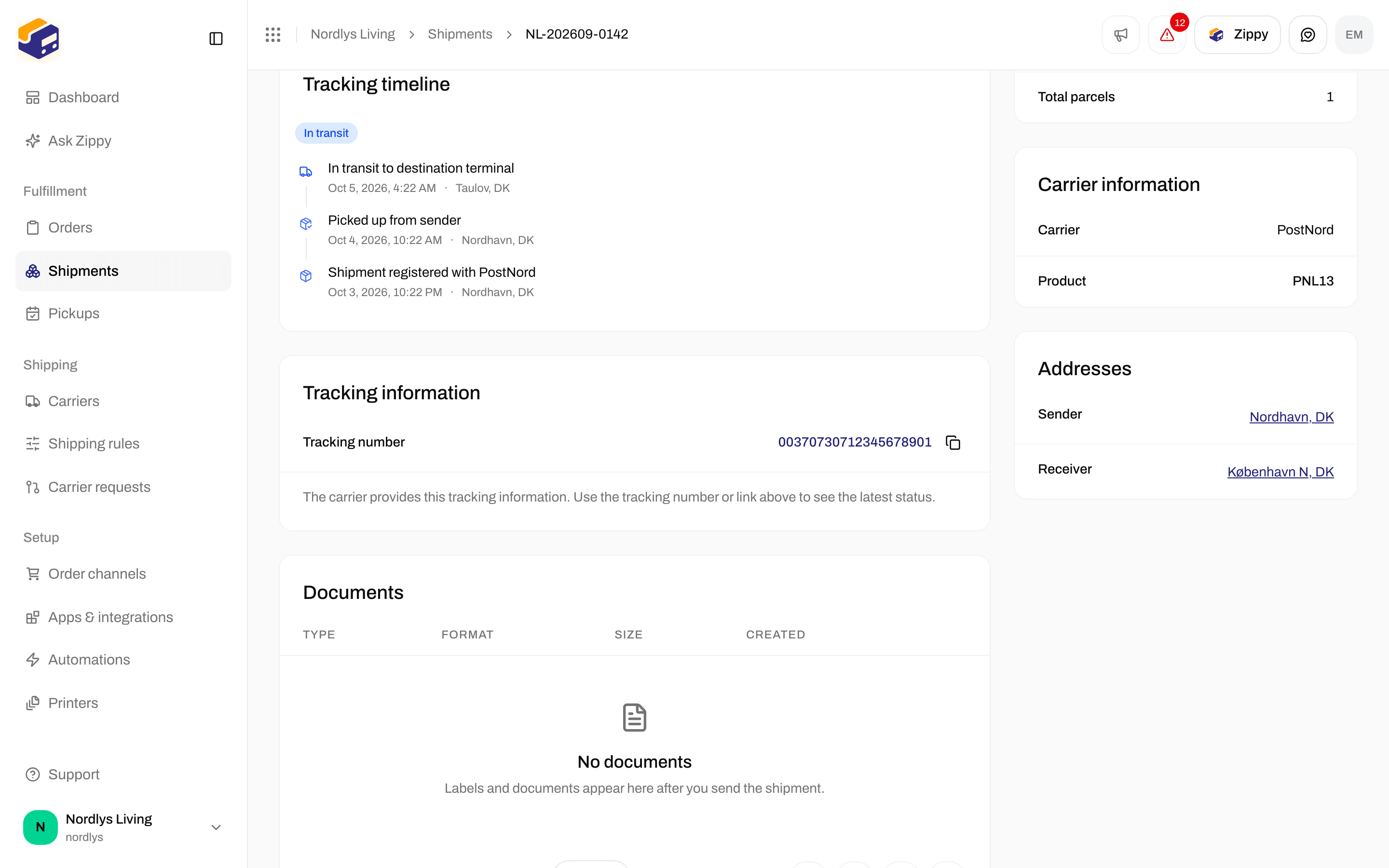
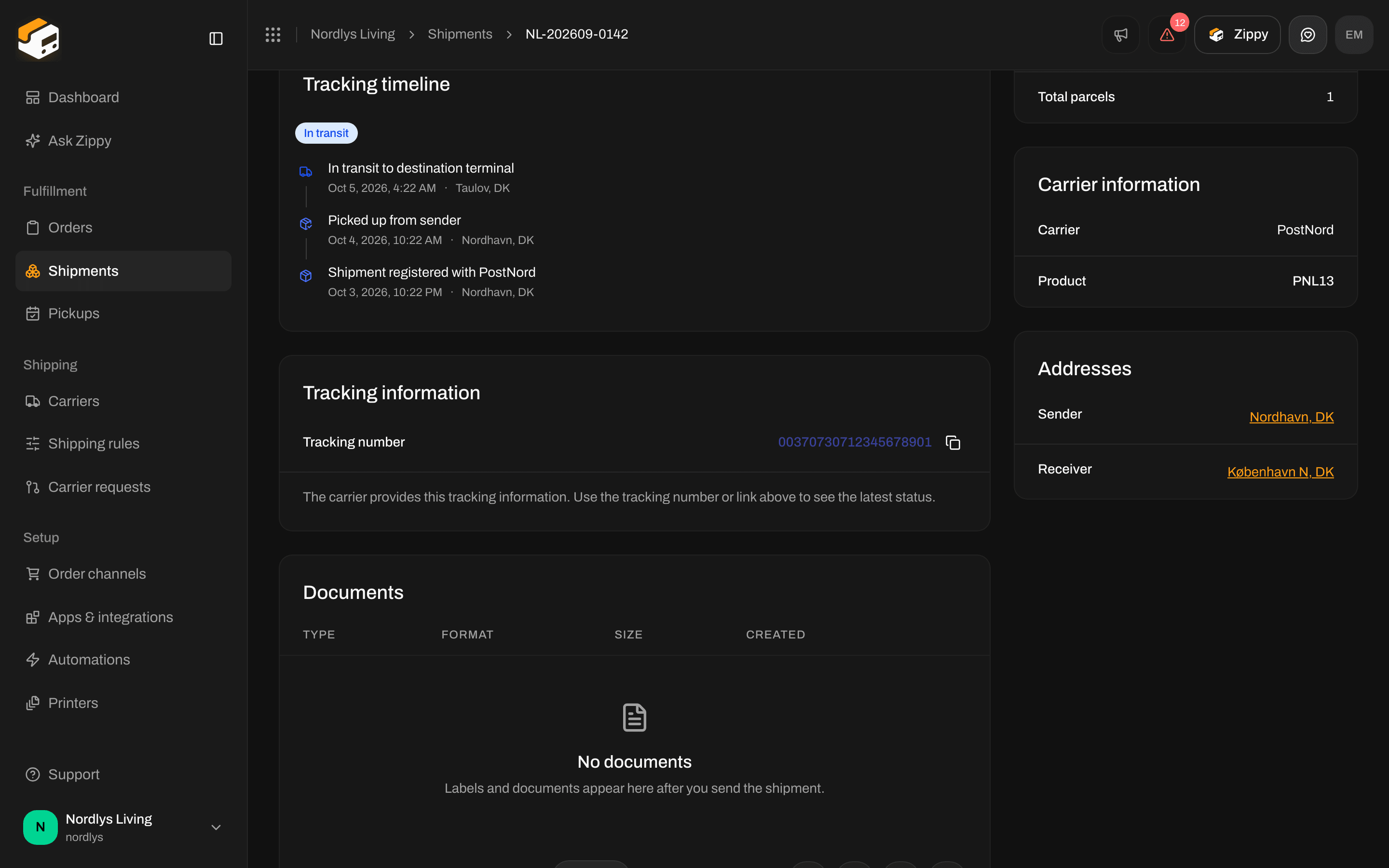
Tracking events and Tracking information after the carrier's first scans
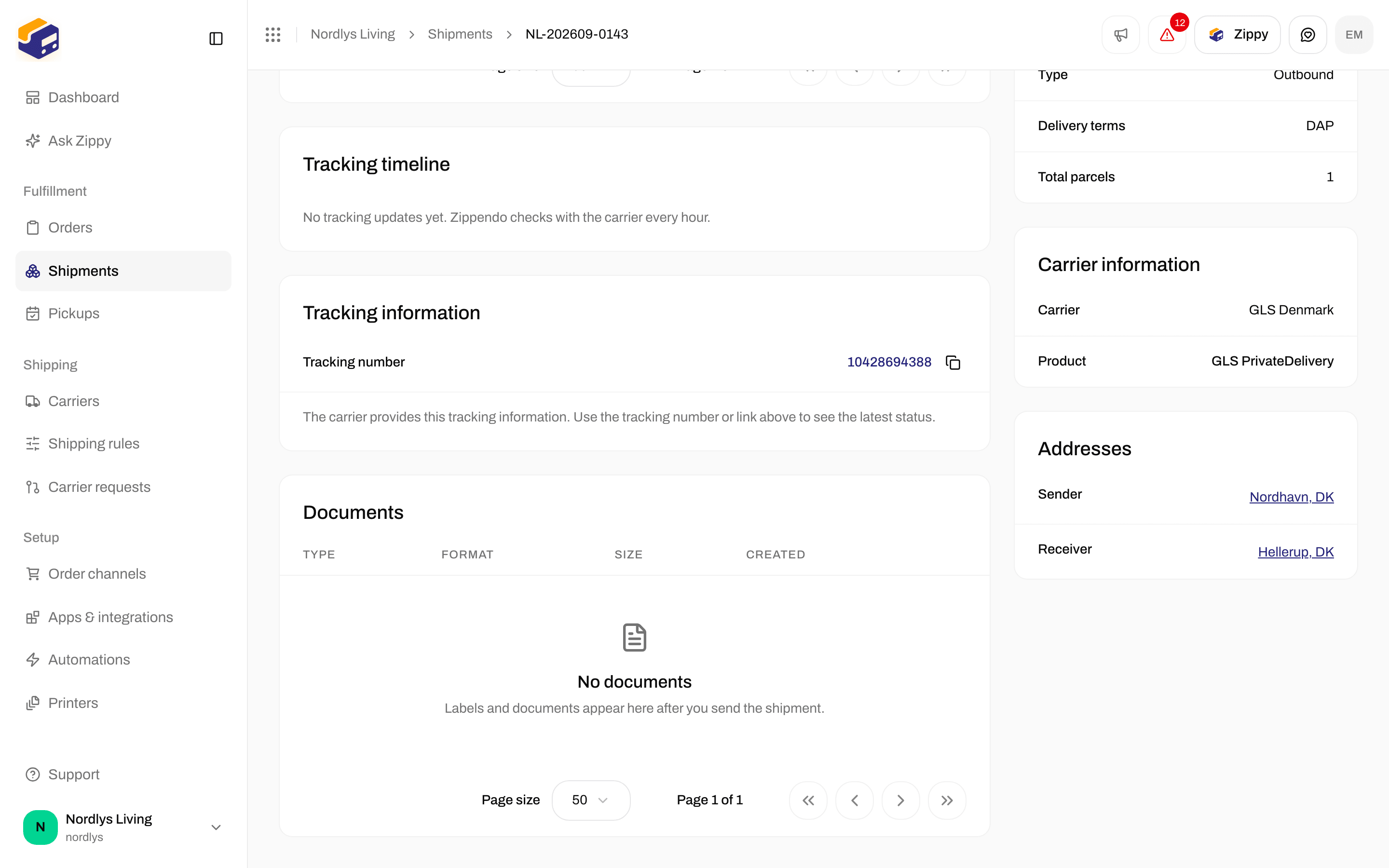
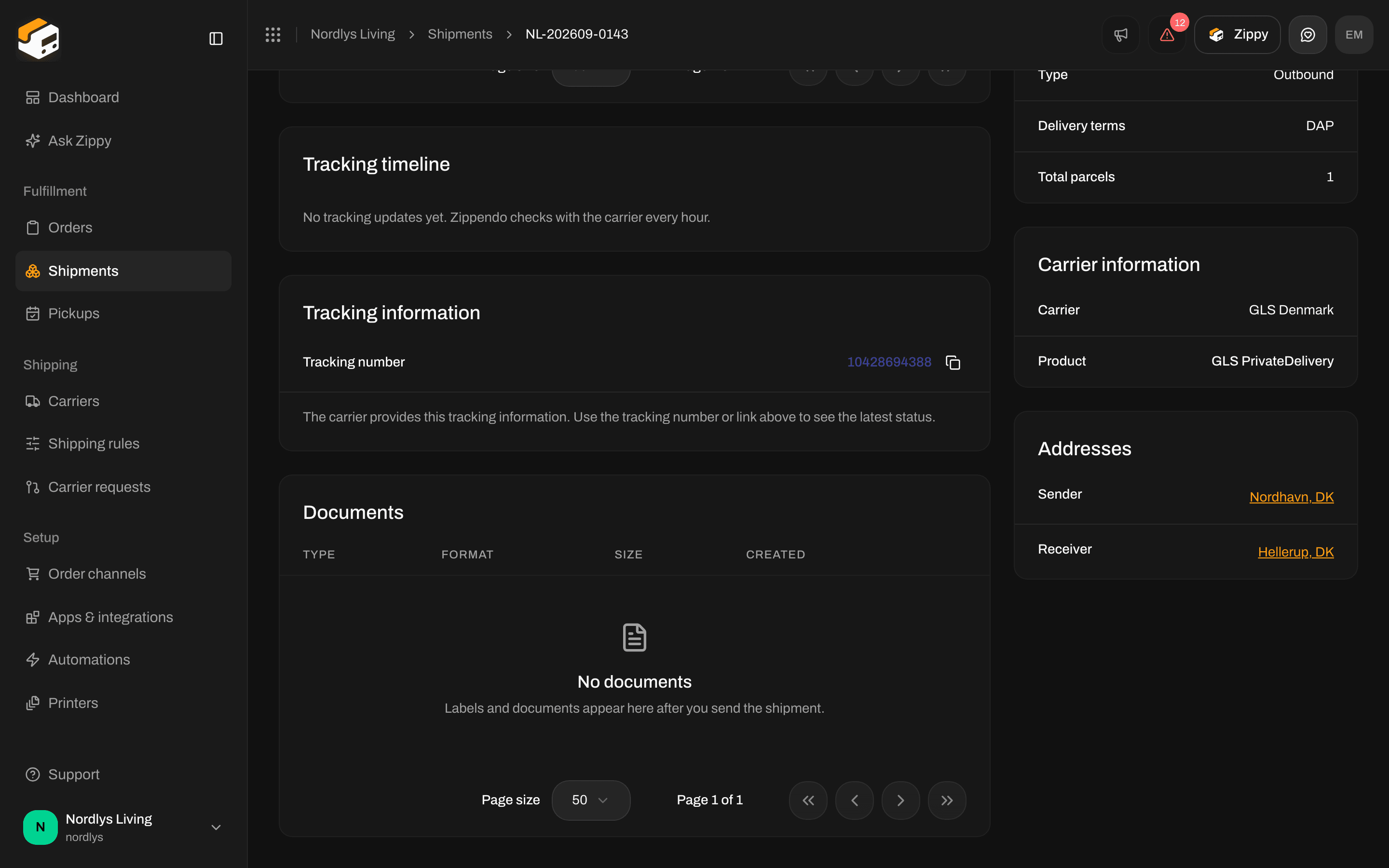
No tracking updates yet, right after sending