

You do not need a PostNord API key. You only enter your own PostNord customer number and the country your agreement is with.
You do not pick a sender address on this form. Add your addresses under the organization menu → Manage → Addresses. You choose the sender address on each shipment or in a shipping rule.
Before you start
- A PostNord shipping agreement in Denmark, Sweden, Norway or Finland.
- Your PostNord customer number (kundenummer), 8 or 9 digits.
- Optional: a separate customer number for return shipments, if PostNord gave you one.
Connect PostNord
1
Open All carriers
In the sidebar, click Carriers, then open the All carriers tab.
2
Find PostNord
On the PostNord card, click Connect.
3
Fill in the form
The Connect carrier window opens. Enter a Carrier name and your Customer number, and pick your Country. Return customer number and Test mode are under Optional fields.
4
Connect the carrier
Click Connect. You see “Carrier connected”, and the carrier appears on the My carriers tab.
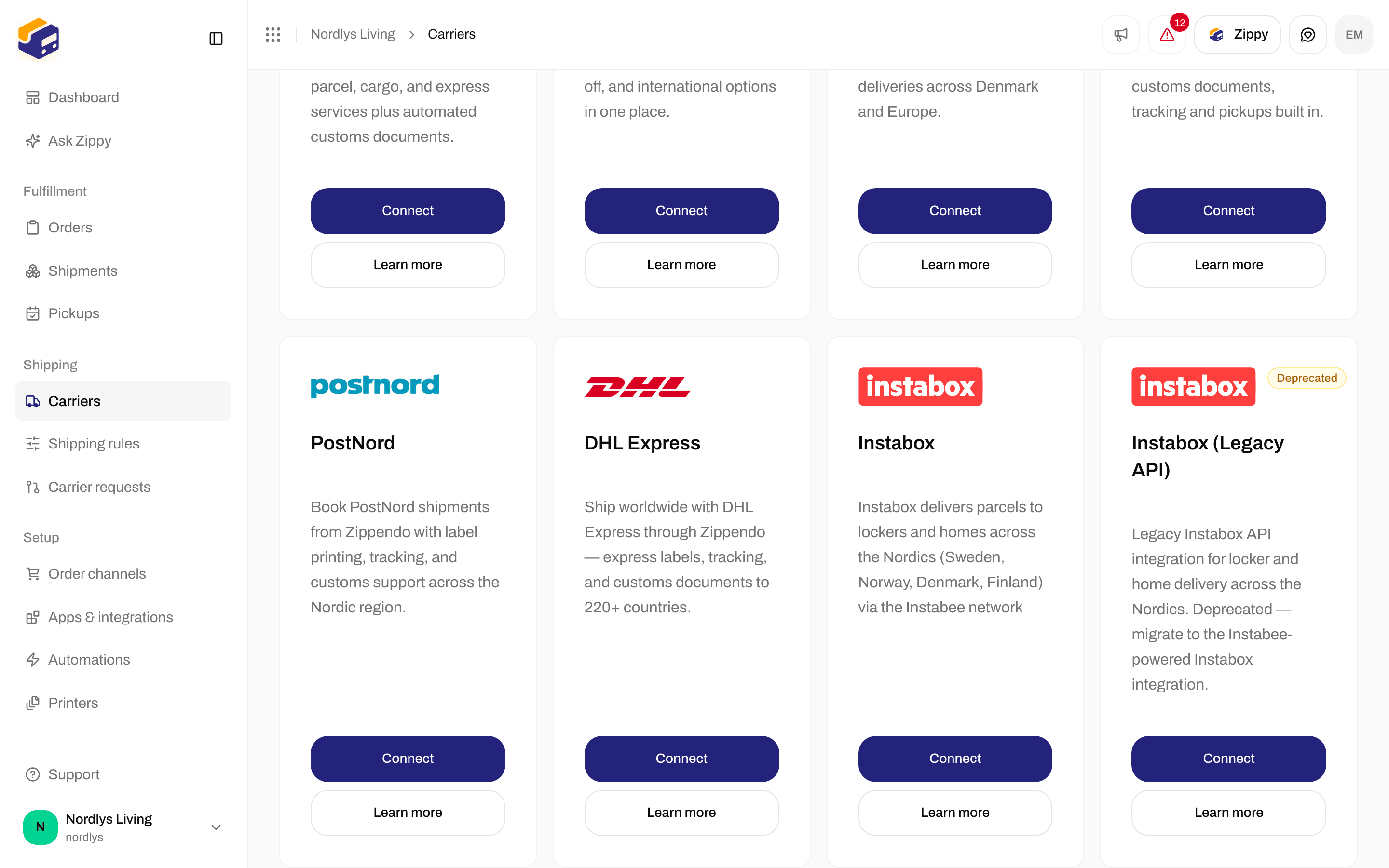
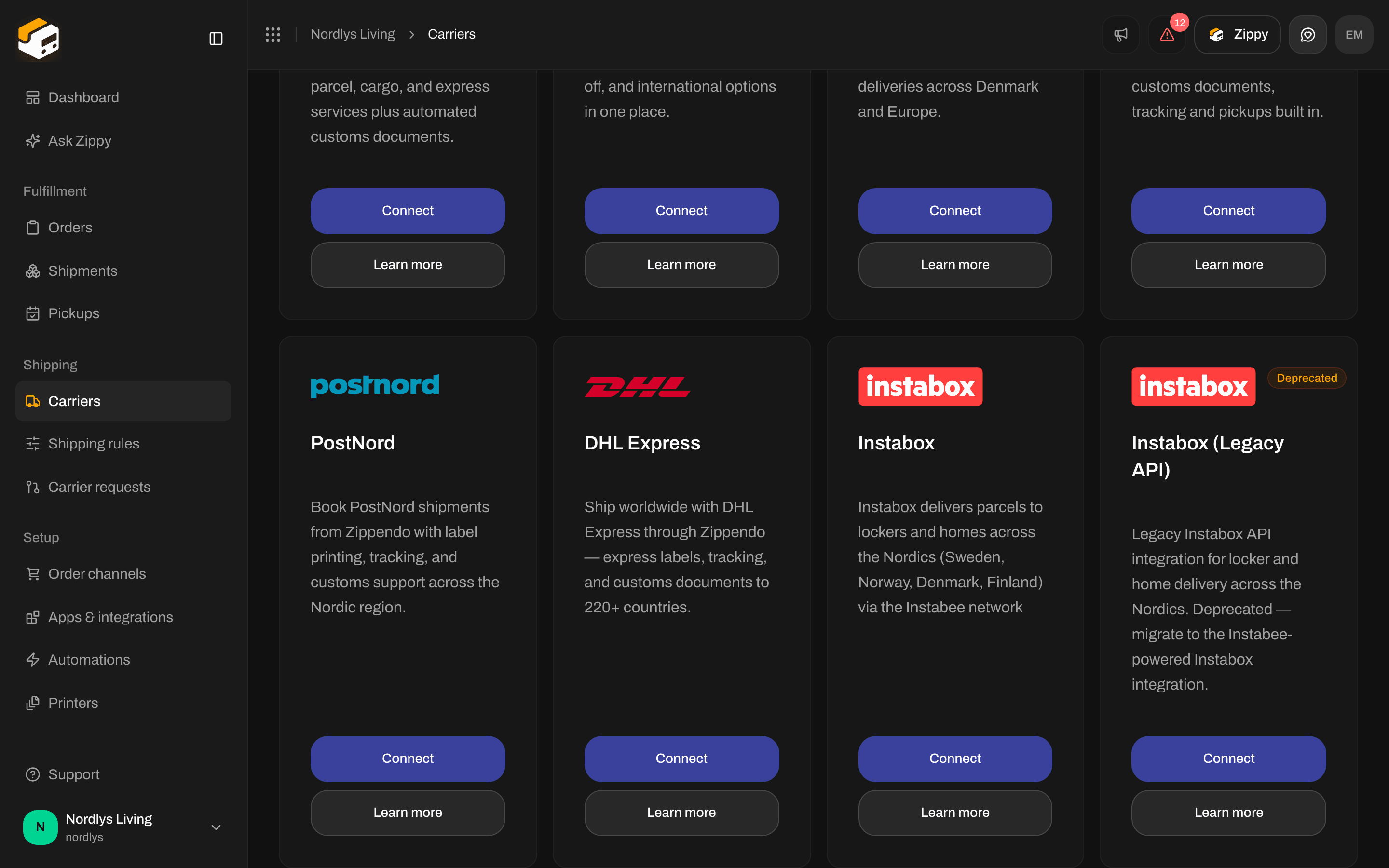
The PostNord card on the All carriers tab
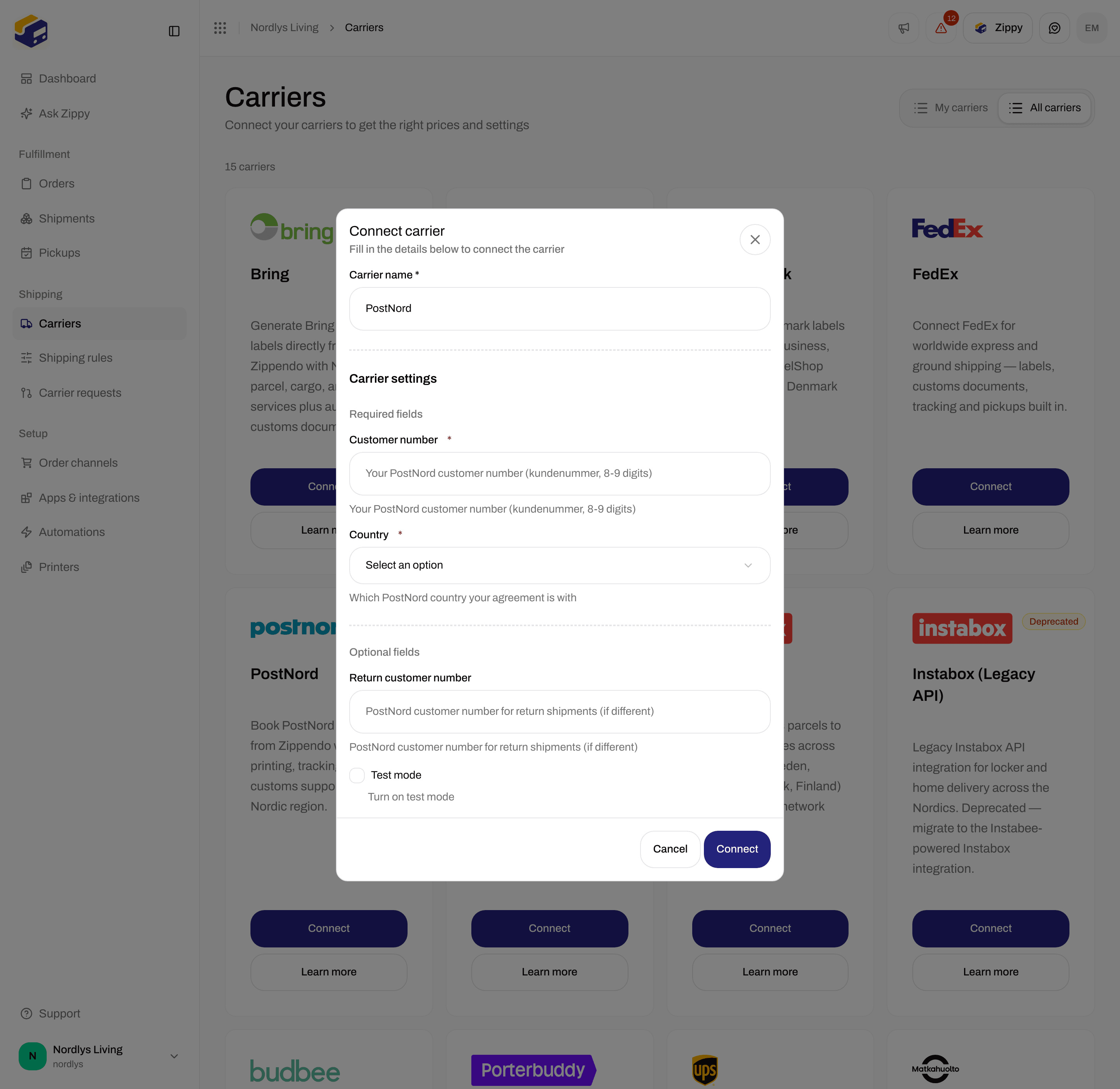
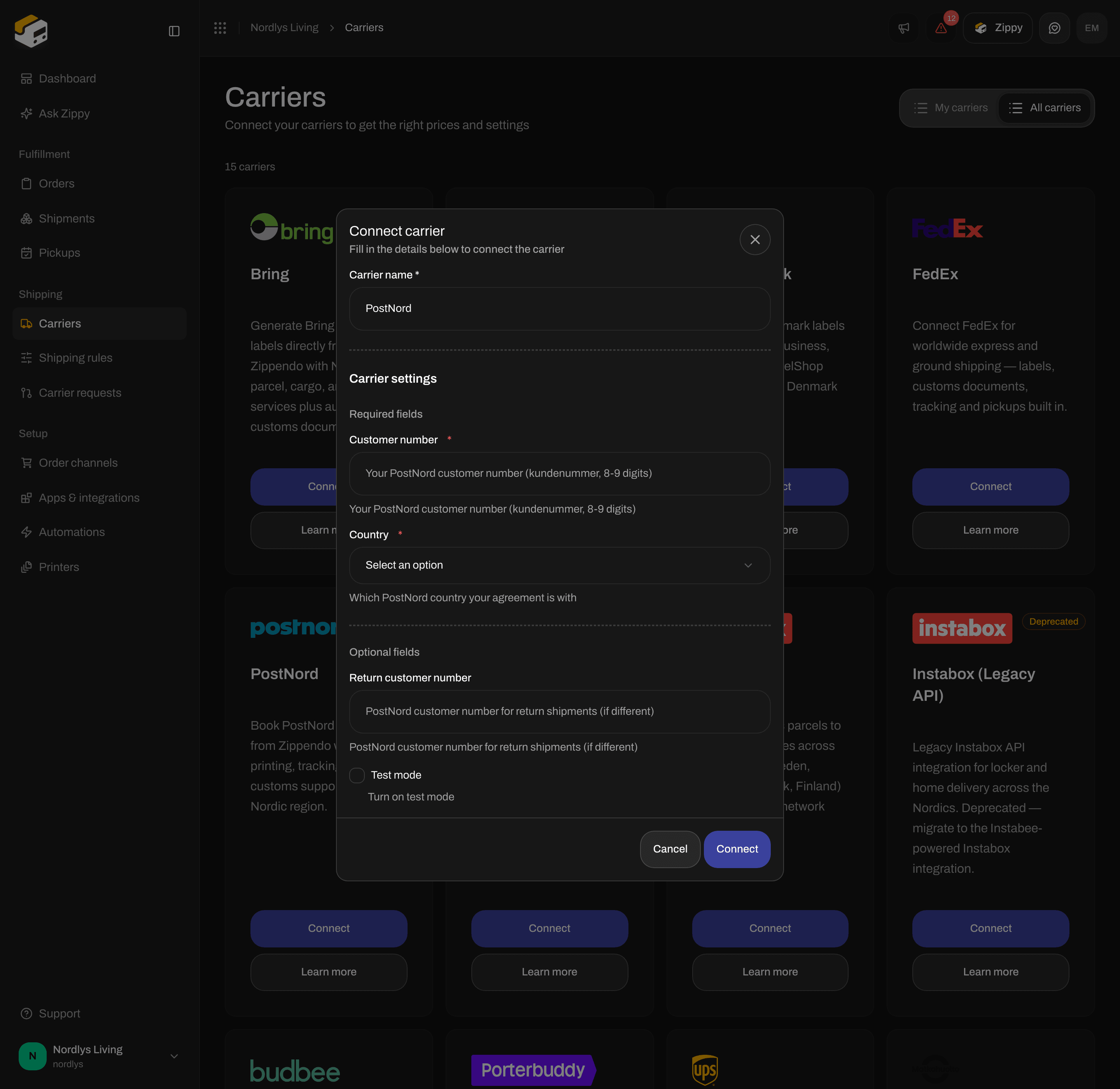
Enter your Customer number and pick the Country of your agreement
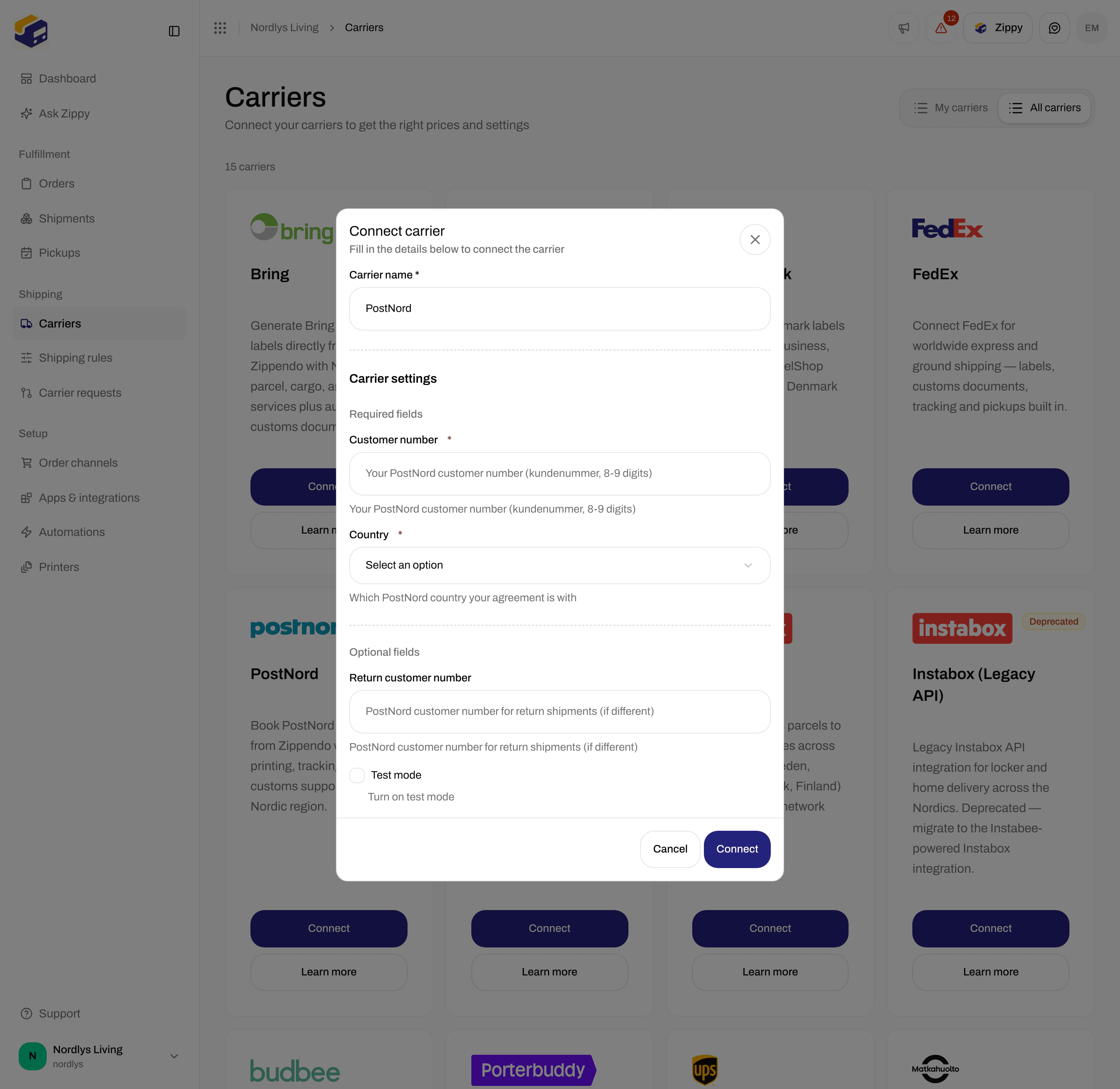
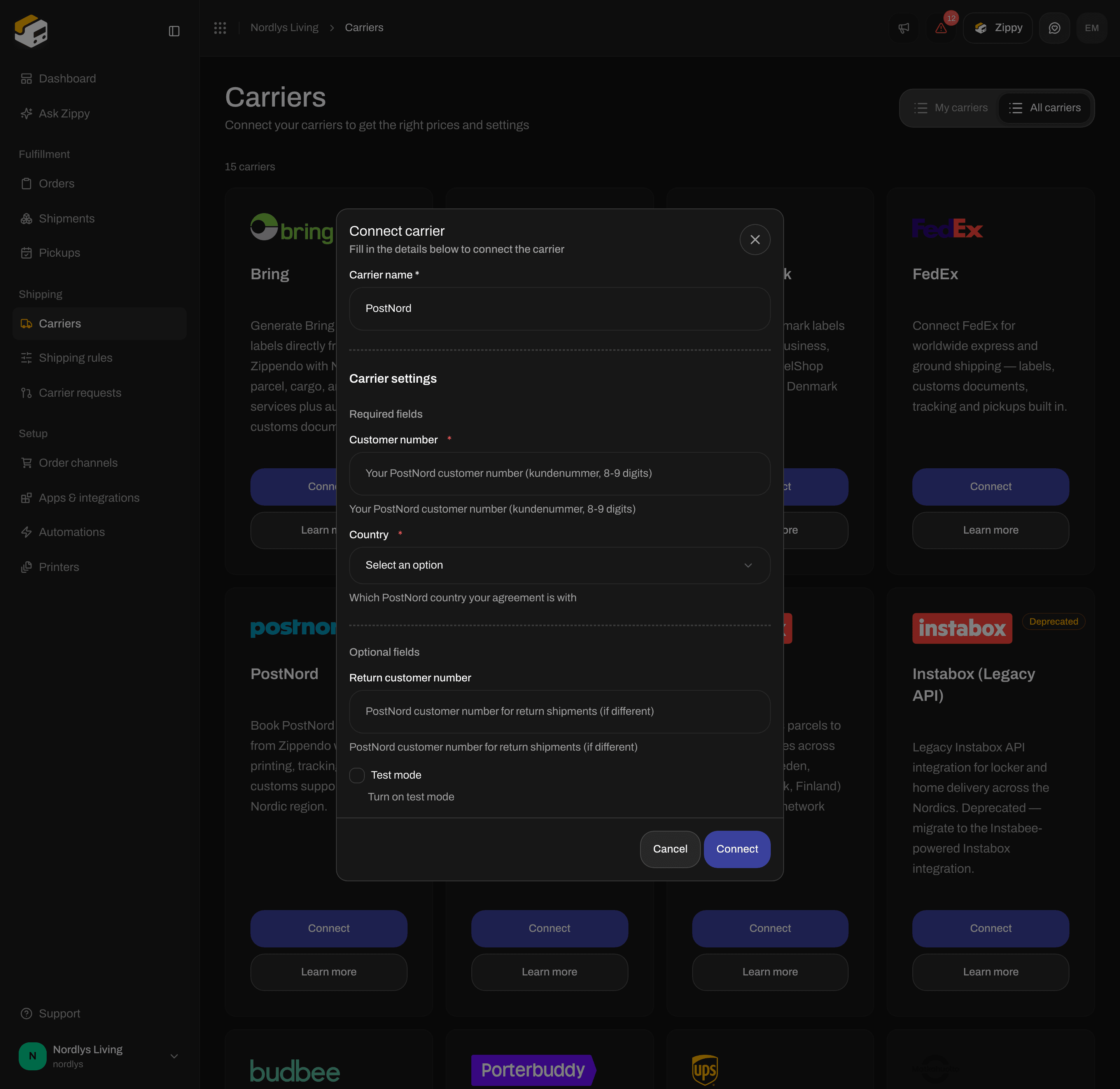
Return customer number and Test mode are optional
Fields on the form
Connect does nothing until Carrier name, Customer number and Country have a value.
Test mode sends your shipments to PostNord’s test system, so no real shipments are created. You use the same customer number in both. Leave it off for real shipments. See Test mode.
After you connect
The carrier appears on My carriers with a Connected badge. You choose the product on each shipment or in a shipping rule, not on this form. See Carrier products and services. The products depend on the Country you picked, and PostNord names them a little differently in each country:
Each product offers services such as SMS notification, Email notification, ID Check and Signature assurance. The exact list depends on the product and country.
MyPack Collect (service points)
The MyPack Collect products deliver to a PostNord service point. Choose the service point on the shipment before you send. Depending on the country, the To parcel locker and Optional service point services are also available. See Pick a service point and Service points.Pickups, tracking and customs
- PostNord is available under Pickups, so you can ask PostNord to collect your parcels. PostNord pickups only work when the pickup address is in a different country from the sender country. See Schedule a pickup.
- Zippendo fetches tracking updates from PostNord every hour. There is nothing to set up. See Carrier tracking webhooks.
- PostNord creates the customs declaration and commercial invoice itself and returns them with the label, so Zippendo does not add its own. See Customs and documents.
Change or remove the connection
To change it, open Carriers → My carriers and click Edit carrier on the card. The Edit carrier page has two sections:- General: Carrier name, and Brand if your organization has brands.
- Carrier settings: Customer number, Country, Return customer number and Test mode.
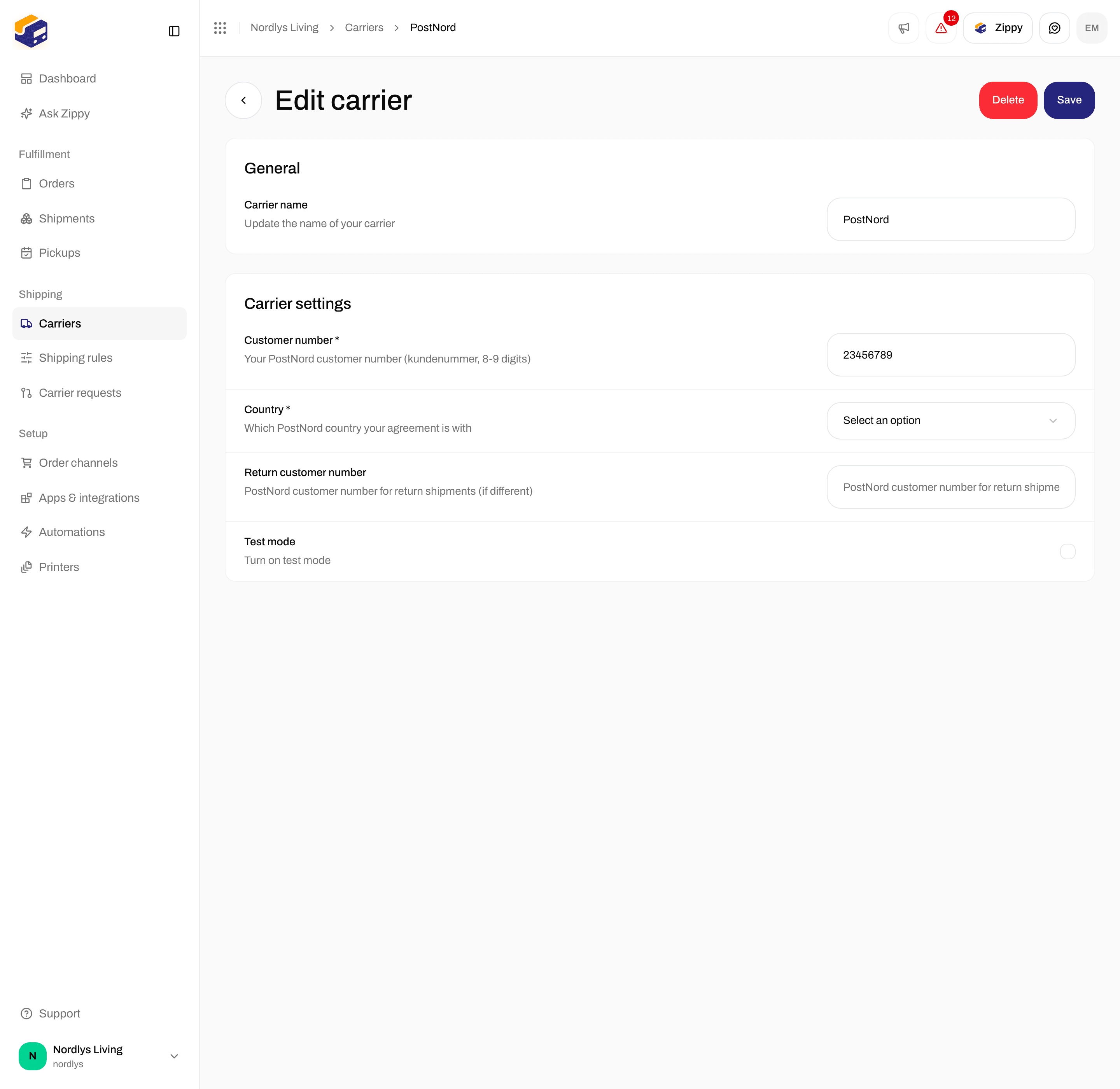
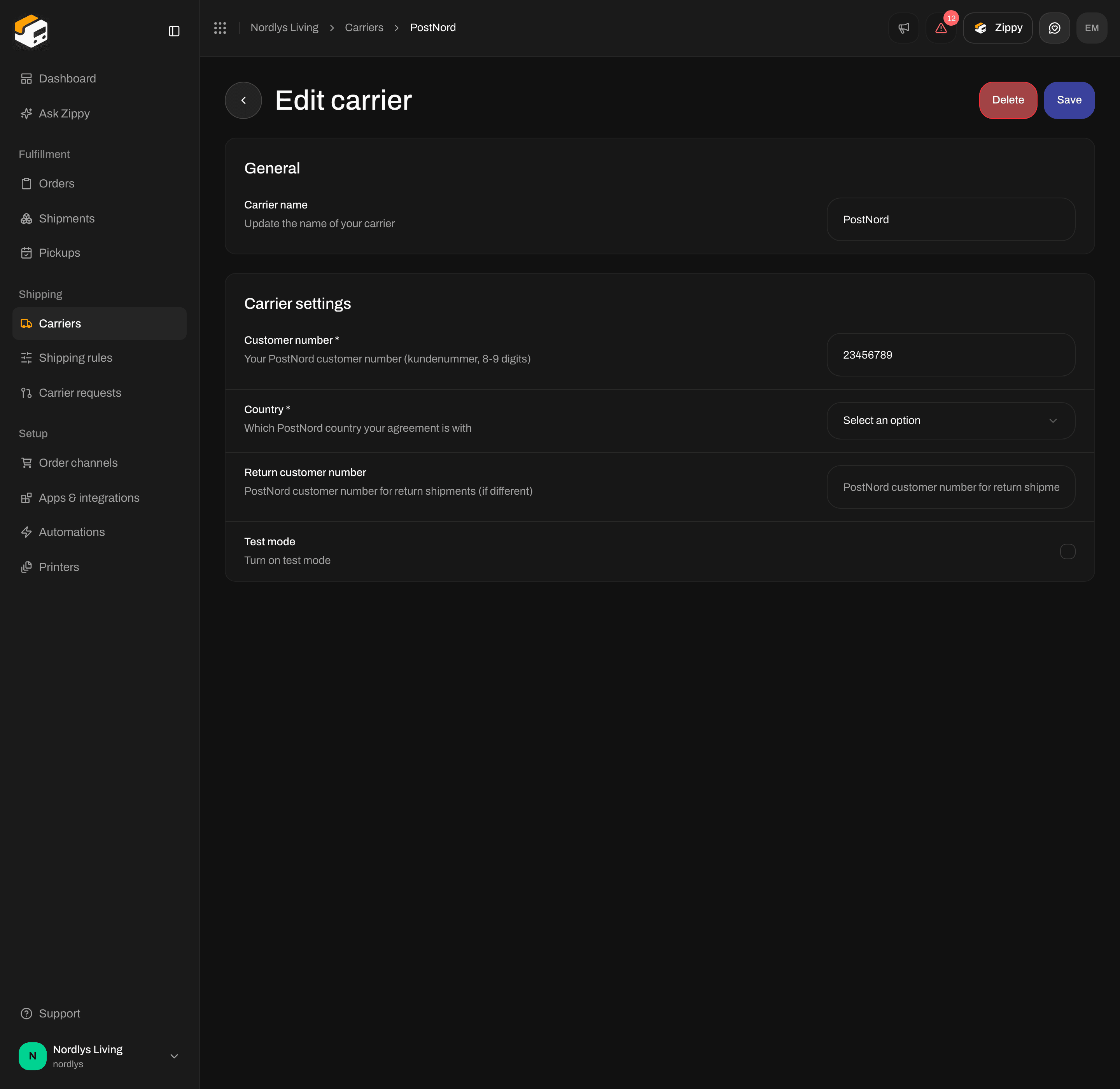
Edit carrier for PostNord