

A shipment can only be included when it is Sent, was sent with the carrier you picked, and is not already on a Confirmed pickup. Shipments you have not sent yet cannot be added.
The list
Click Schedule pickup at the top to ask for a pickup. Your pickups are under Scheduled pickups.
With no pickups yet, you see No pickups scheduled and Pickups you schedule appear here. Schedule one to have the carrier collect your sent shipments., with a Schedule pickup button.
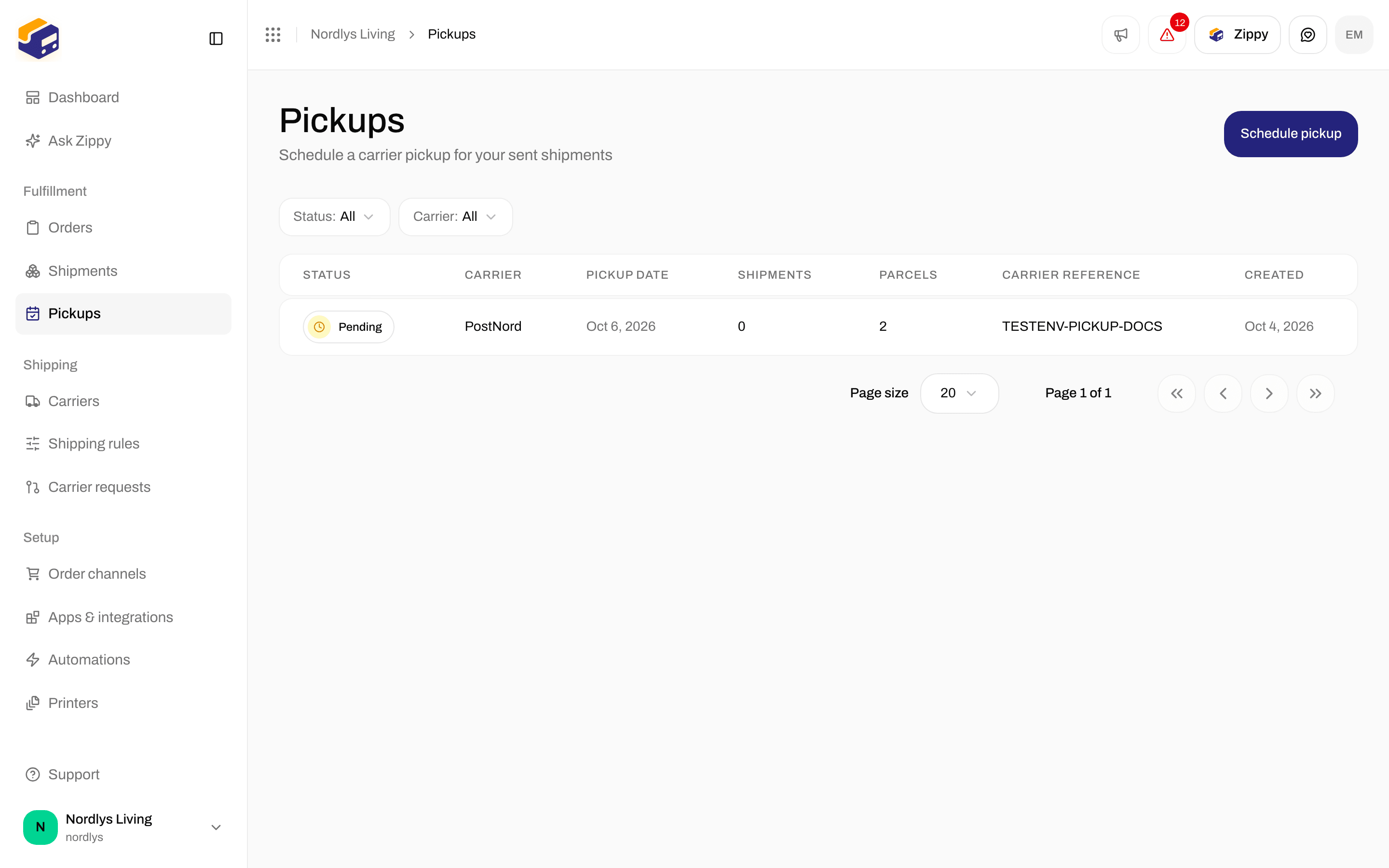
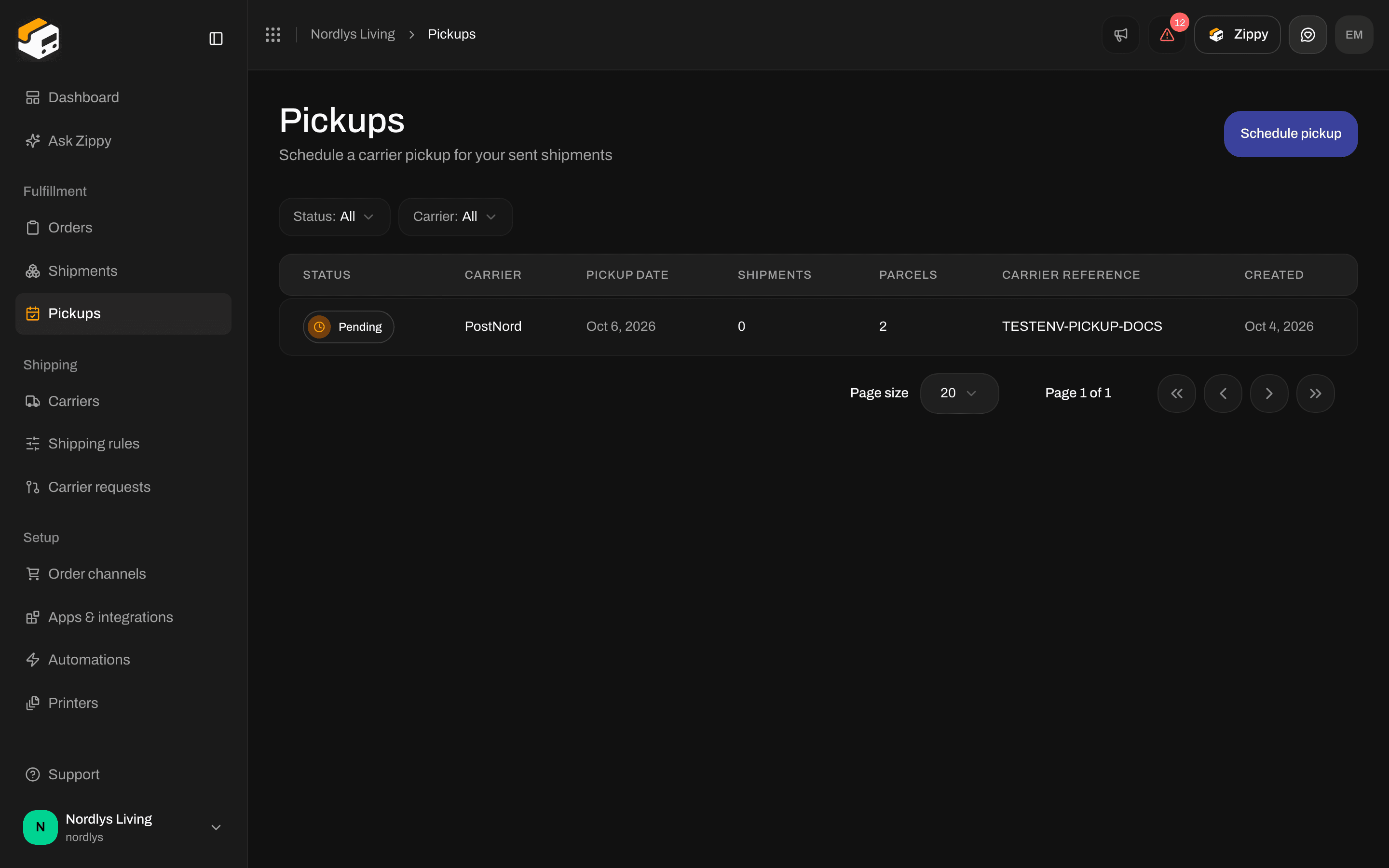
Scheduled pickups with the status, carrier, date, number of shipments and the carrier's reference
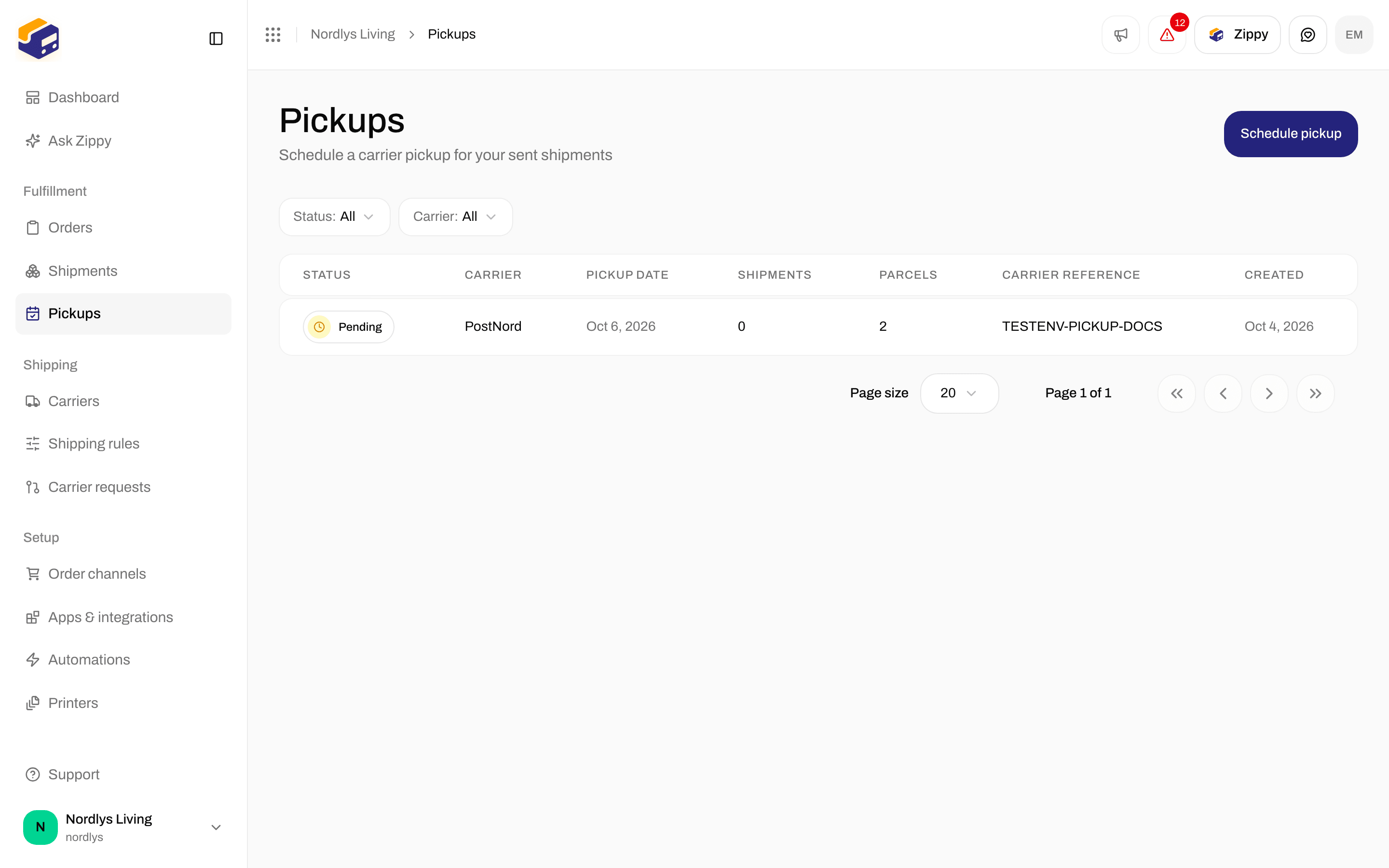
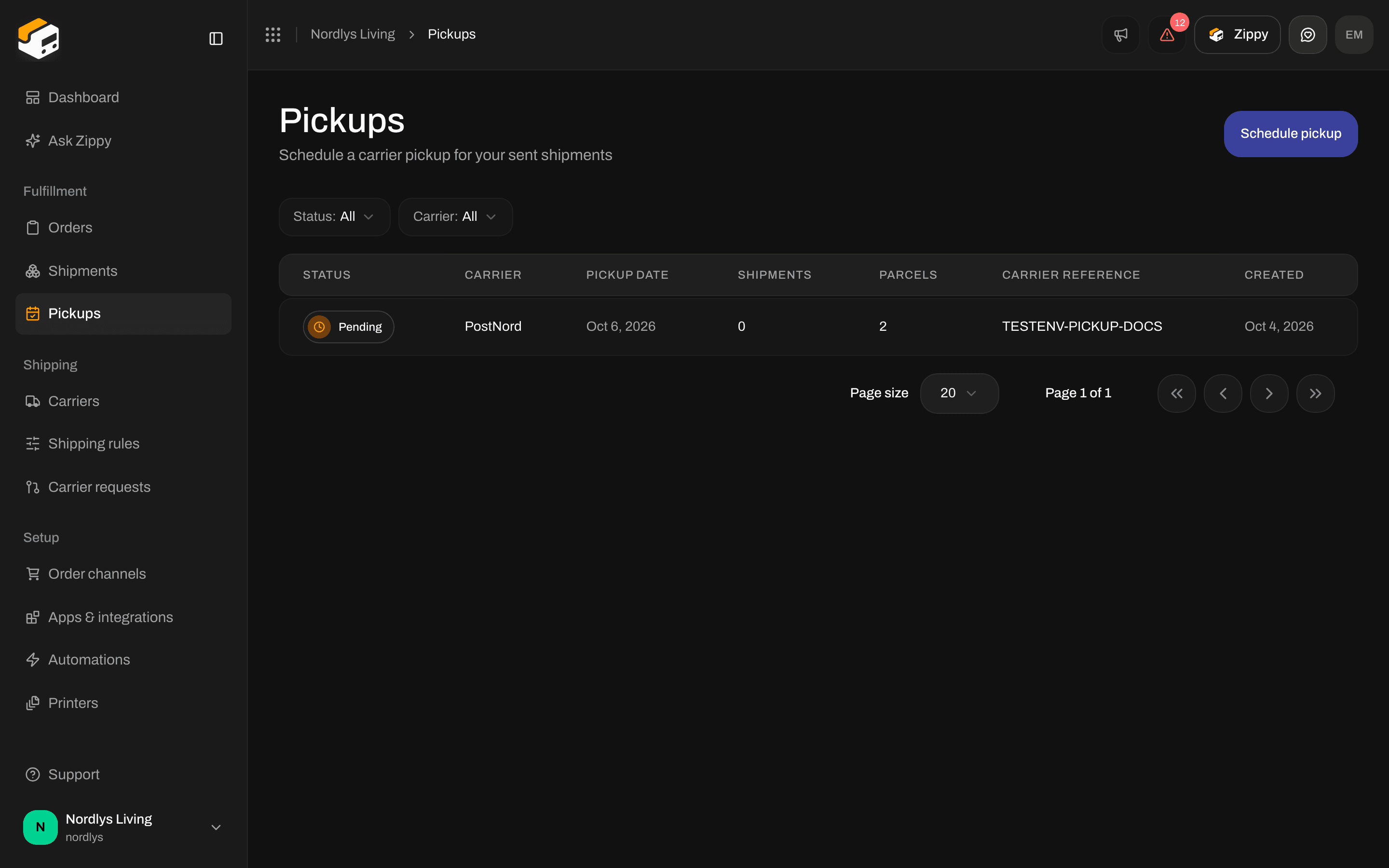
Filters on Pickups: Status and Carrier
Filters
A pickup has no page of its own and no row menu. You cannot open, change or delete a pickup from the list.
Schedule a pickup
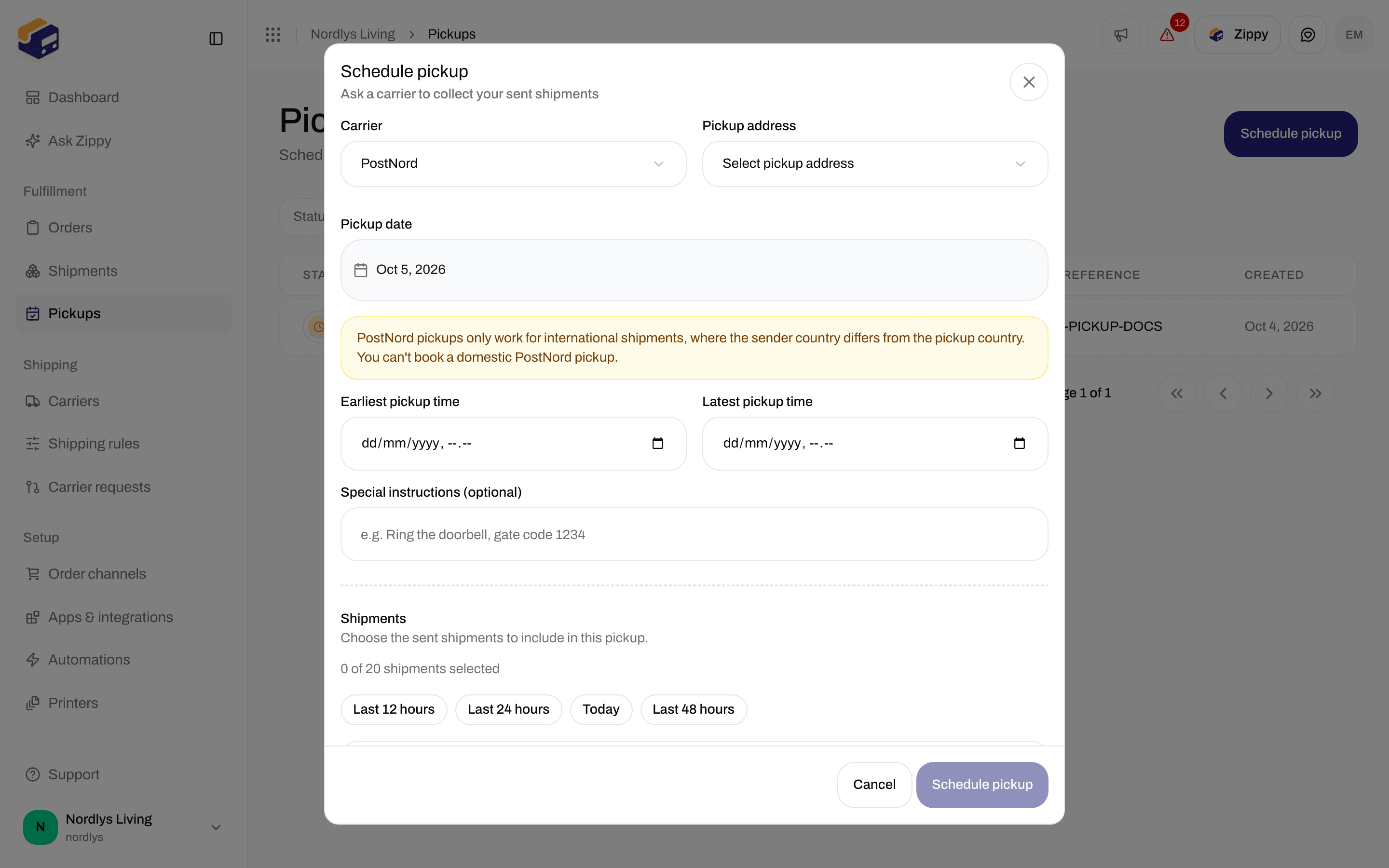
Click Schedule pickup. A window titled Schedule pickup opens: Ask a carrier to collect your sent shipments.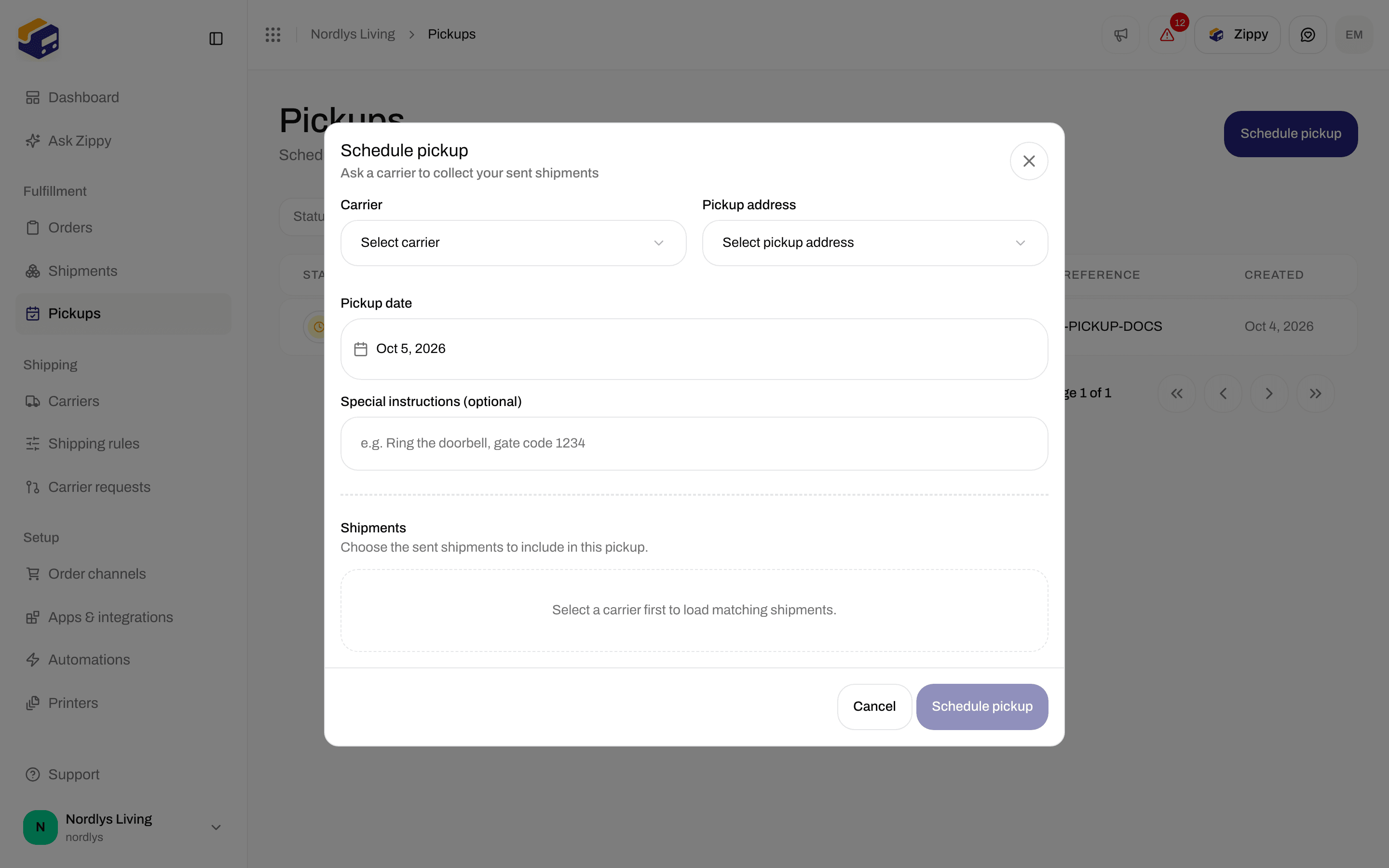
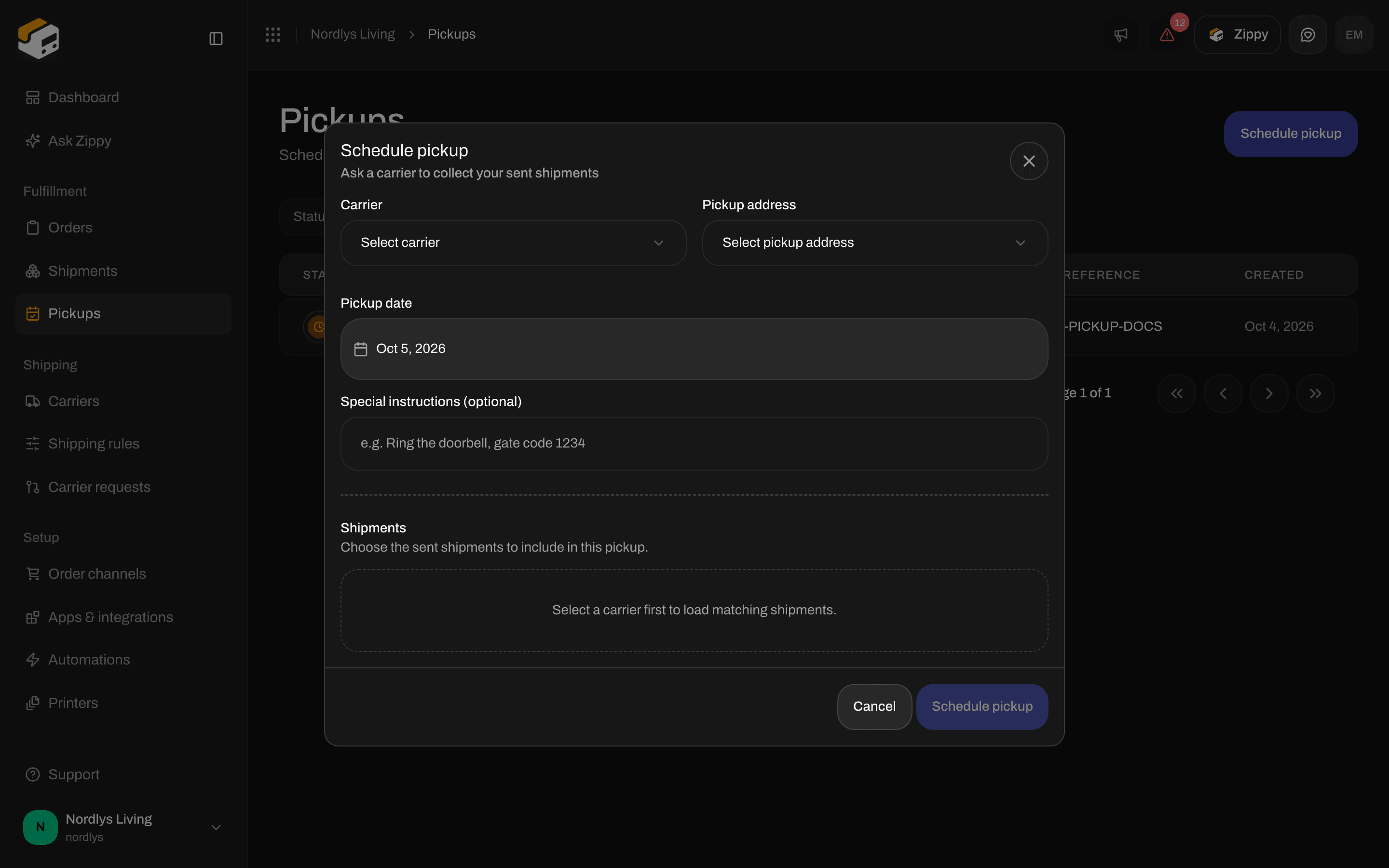
Schedule pickup: Carrier, Pickup address, Pickup date and the list of shipments
1
Pick the carrier
Under Carrier, choose your Bring, PostNord, DPD Polska, DPD Switzerland, DHL Parcel Benelux or DHL eCommerce Europe connection.
2
Pick the address
Under Pickup address, choose where the carrier should collect the parcels.
3
Pick the day
Under Pickup date, choose the day from the calendar. It starts at today.
4
Fill in the carrier's extra fields
PostNord and Bring have a few extra fields. See below.
5
Choose the shipments
Tick the sent shipments the carrier should collect.
6
Click Schedule pickup
The button shows Scheduling… while Zippendo contacts the carrier. You see Pickup scheduled or Couldn’t schedule pickup.
The fields
PostNord
With a PostNord connection, you see this note and two extra fields:
PostNord turns down pickups inside one country, for example from Denmark to Denmark, even though the form lets you send them.
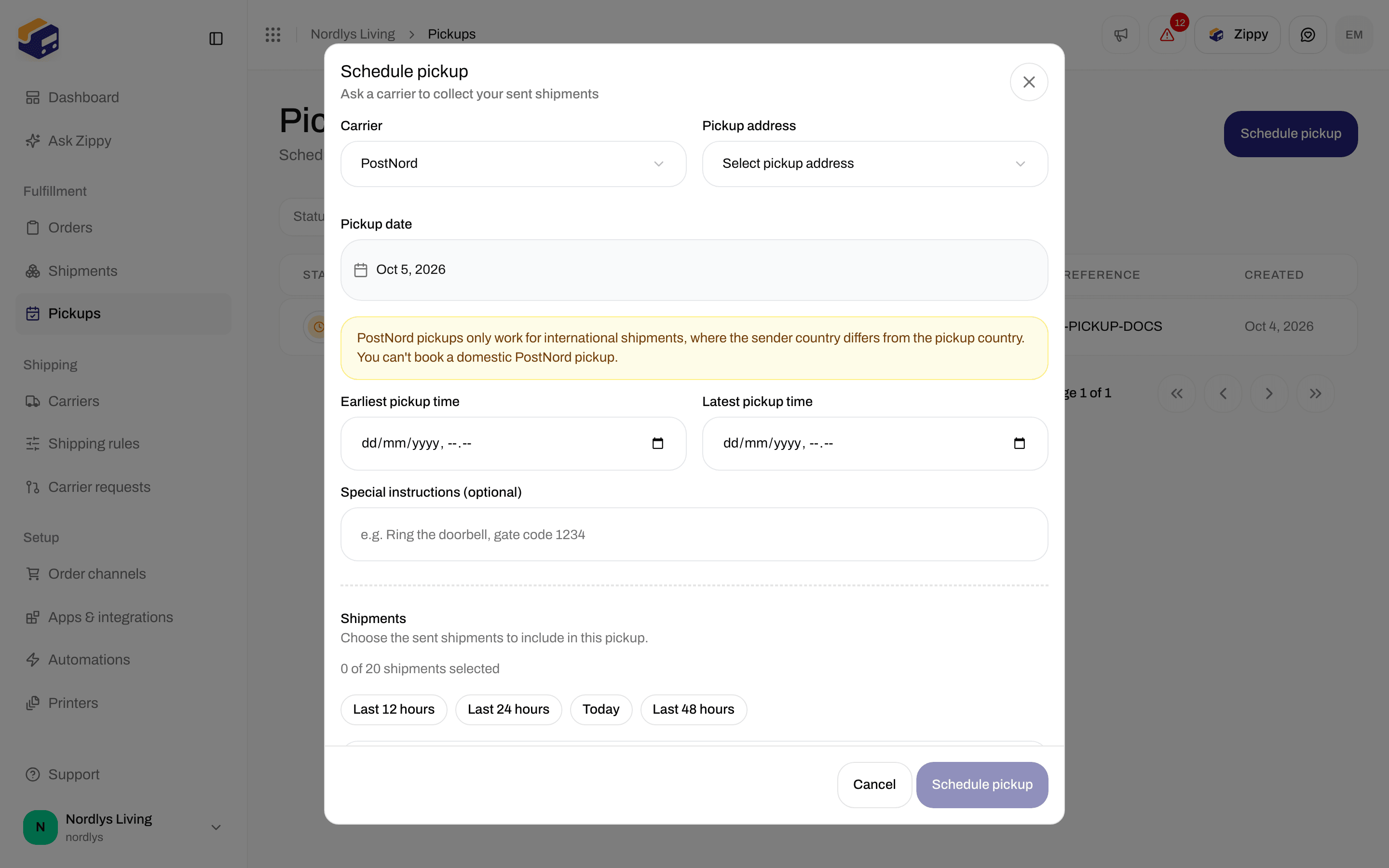
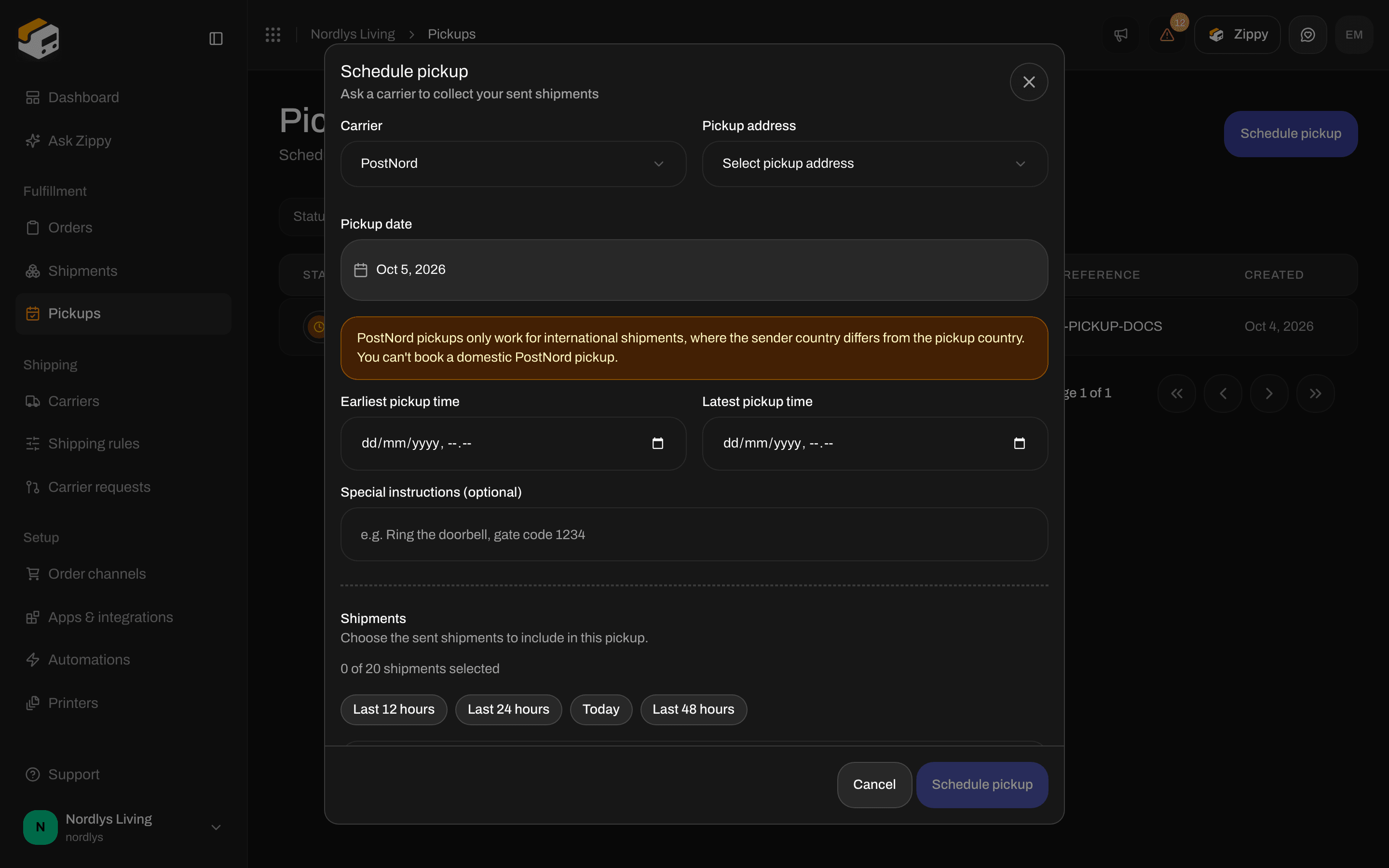
PostNord: the note about international pickups, plus Earliest pickup time and Latest pickup time
Bring
With a Bring connection, you can choose a Service type: Parcel or Cargo. It is optional.DPD Polska
DPD Polska has no extra fields. DPD collects at the address and on the date you chose, in the widest time slot DPD offers for that postal code.DPD Switzerland
DPD Switzerland has no extra fields. Zippendo asks DPD for a one-time pickup at the address and on the date you chose.- Pick an address in Switzerland or Liechtenstein and a weekday after today. Pickup date starts at today, so change it.
- One pickup collects 1 to 99 parcels.
- DPD does not receive your Special instructions (optional).
- Zippendo cannot cancel or change a DPD Switzerland pickup. Schedule each pickup once: scheduling it twice brings the driver twice. To cancel, contact DPD Switzerland with the Carrier reference.
DHL Parcel Benelux
DHL Parcel Benelux has no extra fields. Zippendo asks DHL for a one-time pickup at the address and on the date you chose, billed to the Account number on the carrier connection.- Pick an address in the Netherlands, Belgium or Luxembourg and a date after today. Pickup date starts at today, so change it.
- The pickup address needs a name, street and city.
- DHL receives your Special instructions (optional).
- Zippendo cannot cancel or change a DHL Parcel Benelux pickup. To cancel, contact DHL Parcel with the Carrier reference. See Connect DHL Parcel Benelux.
DHL eCommerce Europe
DHL eCommerce Europe has no extra fields. Zippendo asks DHL for a one-time courier pickup at the address and on the date you chose, under the Customer ID on the carrier connection.- Pick an address in France or Italy. DHL eCommerce Europe picks up nowhere else.
- The pickup address needs a name, street, postal code, city and a valid phone number for DHL’s courier.
- DHL collects between 09:00 and 17:00, local time at the pickup address. Today works until that window has passed. After that, pick a later date.
- DHL receives your Special instructions (optional).
- DHL must have turned on courier pickup for your customer ID.
- Zippendo cannot cancel or change a DHL eCommerce Europe pickup. To cancel, contact DHL with the Carrier reference. See Connect DHL eCommerce Europe.
When the carrier does not answer
For DPD Switzerland, DHL Parcel Benelux and DHL eCommerce Europe you may see The carrier didn’t confirm the pickup, so it may still have been scheduled. Check with the carrier before requesting the pickup again. The carrier may have accepted the pickup even though it did not answer. Ask the carrier before you schedule it again, so the driver does not come twice.Shipments
Under Shipments: Choose the sent shipments to include in this pickup.
Each shipment shows its reference and the receiver’s city and country, or No address. Use Search by reference or address to find one. If nothing matches, you see No shipments match your search.
Above the list you see how many you ticked, for example “3 of 12 shipments selected”, and Clear to untick them all. The ticked references show as tags: the first three, then for example “+2 more”.
The quick buttons tick the shipments sent or changed in a recent period:
The shipment list with the quick buttons, the search and sent PostNord shipments