

How the bar works
- Search starts as soon as you stop typing for a moment.
- Quick picks such as Status apply as soon as you choose a value.
- Filter opens the full list of fields you can filter on. Each filter you add shows as a small tag under the bar, and the button shows how many filters are on.
- Clear all filters appears once anything is applied and removes everything at once.
The Filter button
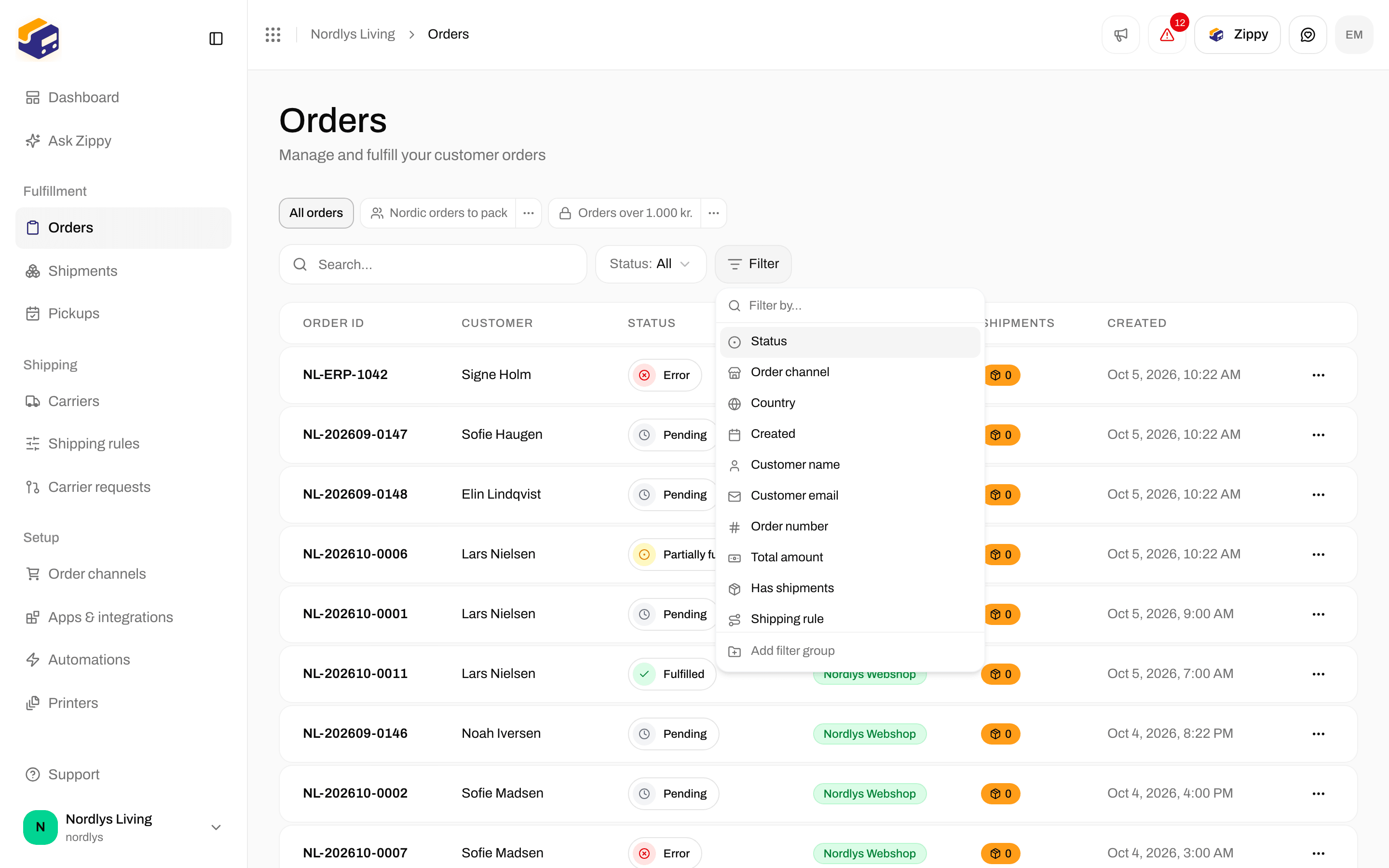
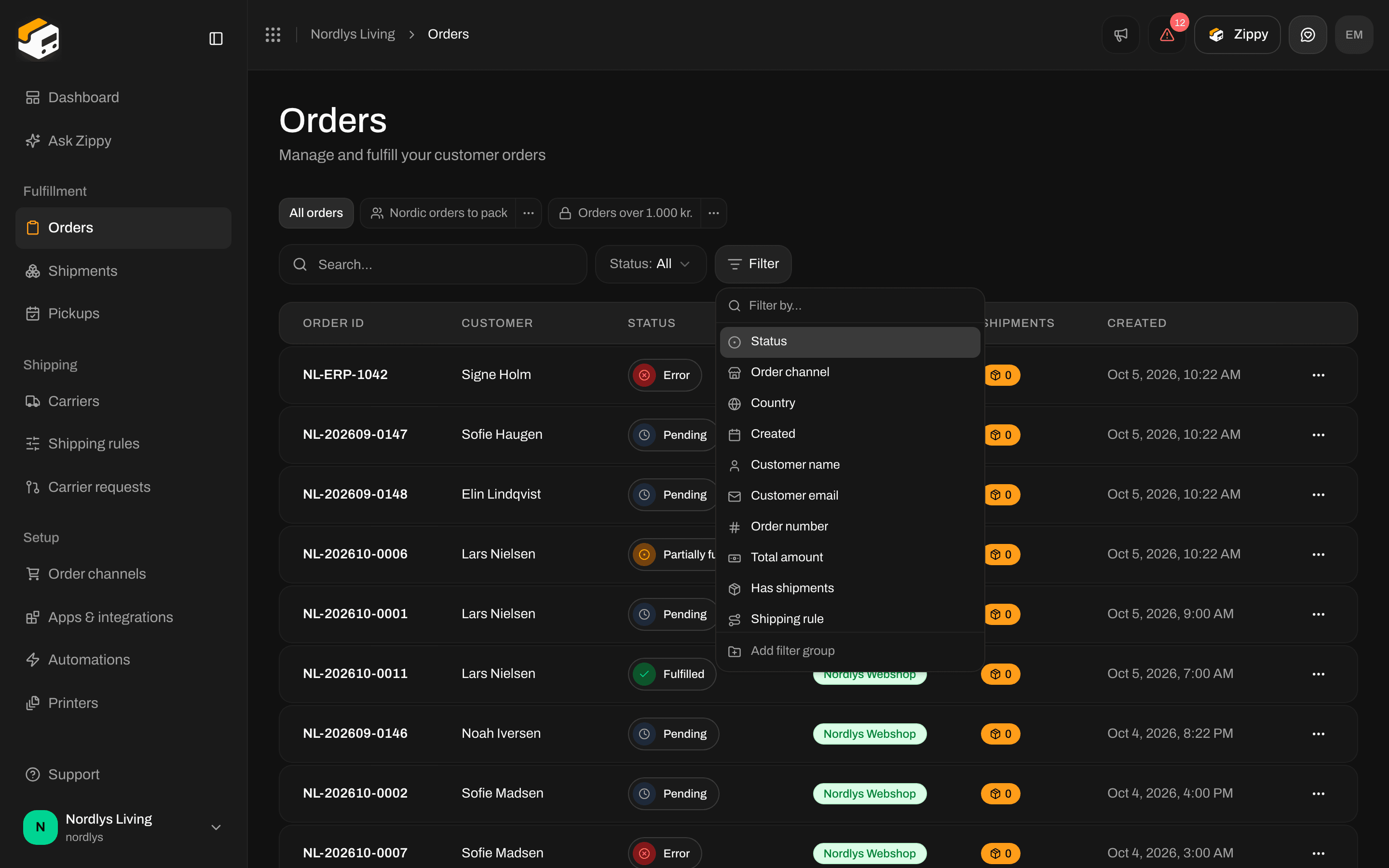
The Filter button lists every field you can filter on
- Fields with a fixed set of values (status, order channel, country, carrier) show a list to tick.
- Text fields take a word or phrase. Type it and press Enter.
- Amounts take a number.
- Dates offer shortcuts (Today, Yesterday, 1 week ago, 1 month ago, 3 months ago) or Custom date… for a calendar.
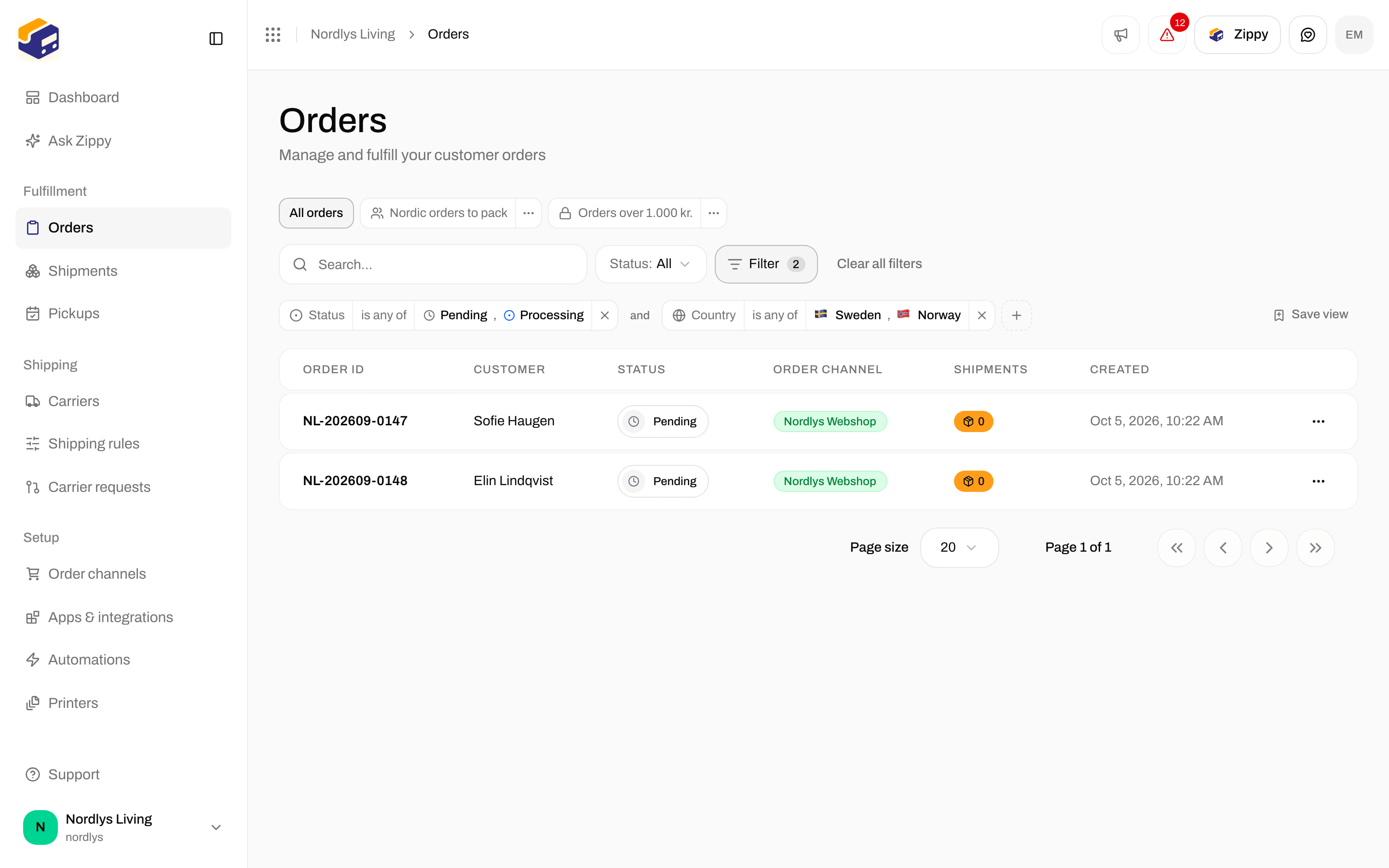
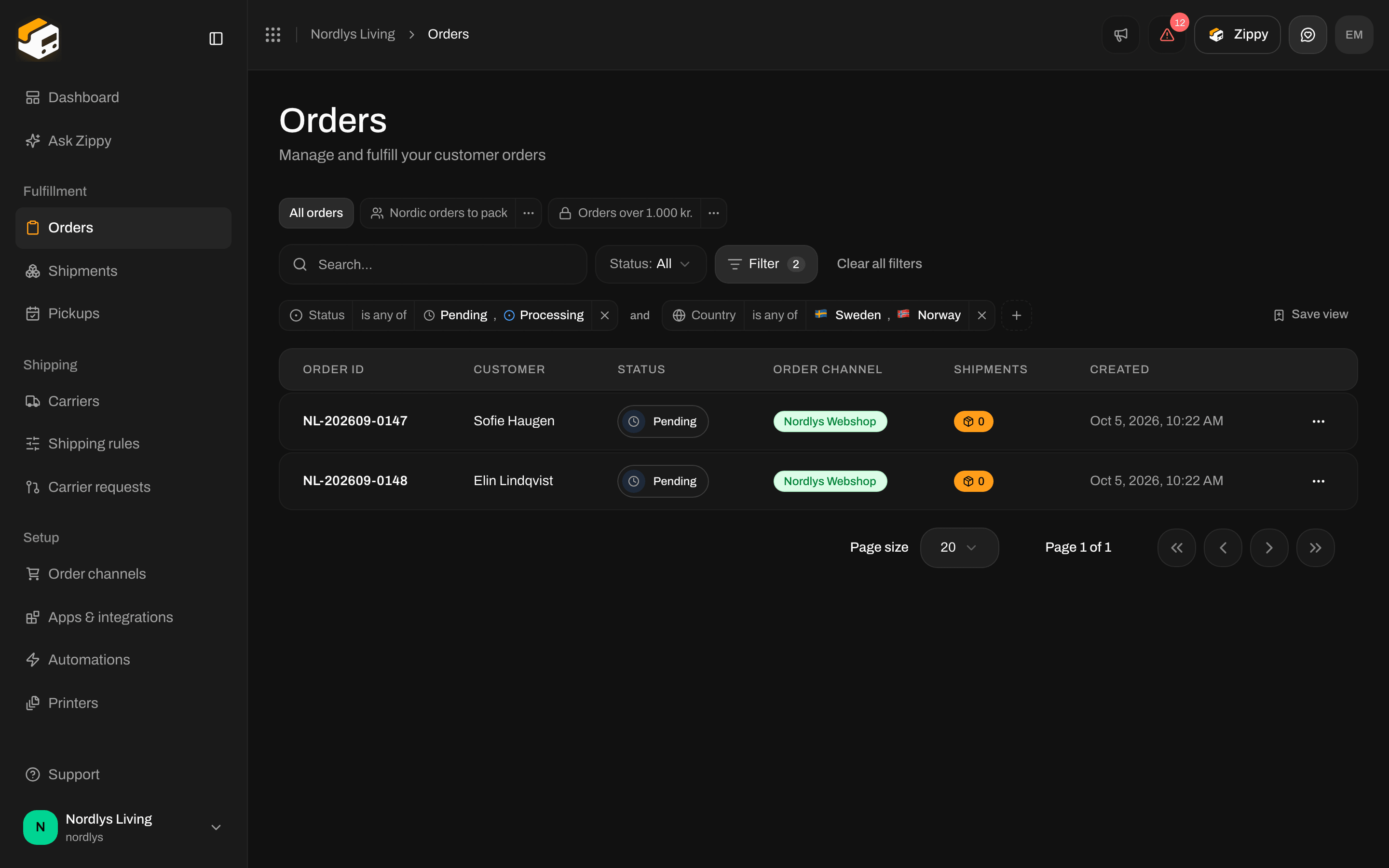
Two filter tags joined by and
Fields that can be blank also offer is empty and is not empty.
Between two tags sits the word and. Click it to change it to or. With and, an order has to match every tag; with or, matching one is enough. To mix both, click Add filter group at the bottom of the Filter menu. The group shows as a bracket with its own and / or.
is not also keeps rows where the value is blank. “Country is not Denmark” also lists orders that have no address yet.
Fields on Orders
Status, Order channel, Channel type, Brand (only if your organization has brands), Shipping rule, Country, Currency, Order number, Customer name, Customer email, Shipping method, Notes, Total amount, Subtotal, Has shipments, Created, Updated.Fields on Shipments
Status, Tracking status, Direction (outbound or return), Carrier, Product, Order channel, Brand, Shipping rule, Receiver country, Reference, Tracking number, Has order, Has documents, Created, Updated.Saved views
Save view at the end of the tags keeps the current filters under a name. Under Who can see it, pick Only me or Everyone in the organization. Saved views appear as tabs above the bar, after All orders or All shipments. Open one and change its filters, and the bar offers Reset, Save changes and Save as new view. The small menu on a tab lets you Rename, share or Delete the view. Each list can hold up to 50 views. Full walkthrough: Filters and saved views.Orders
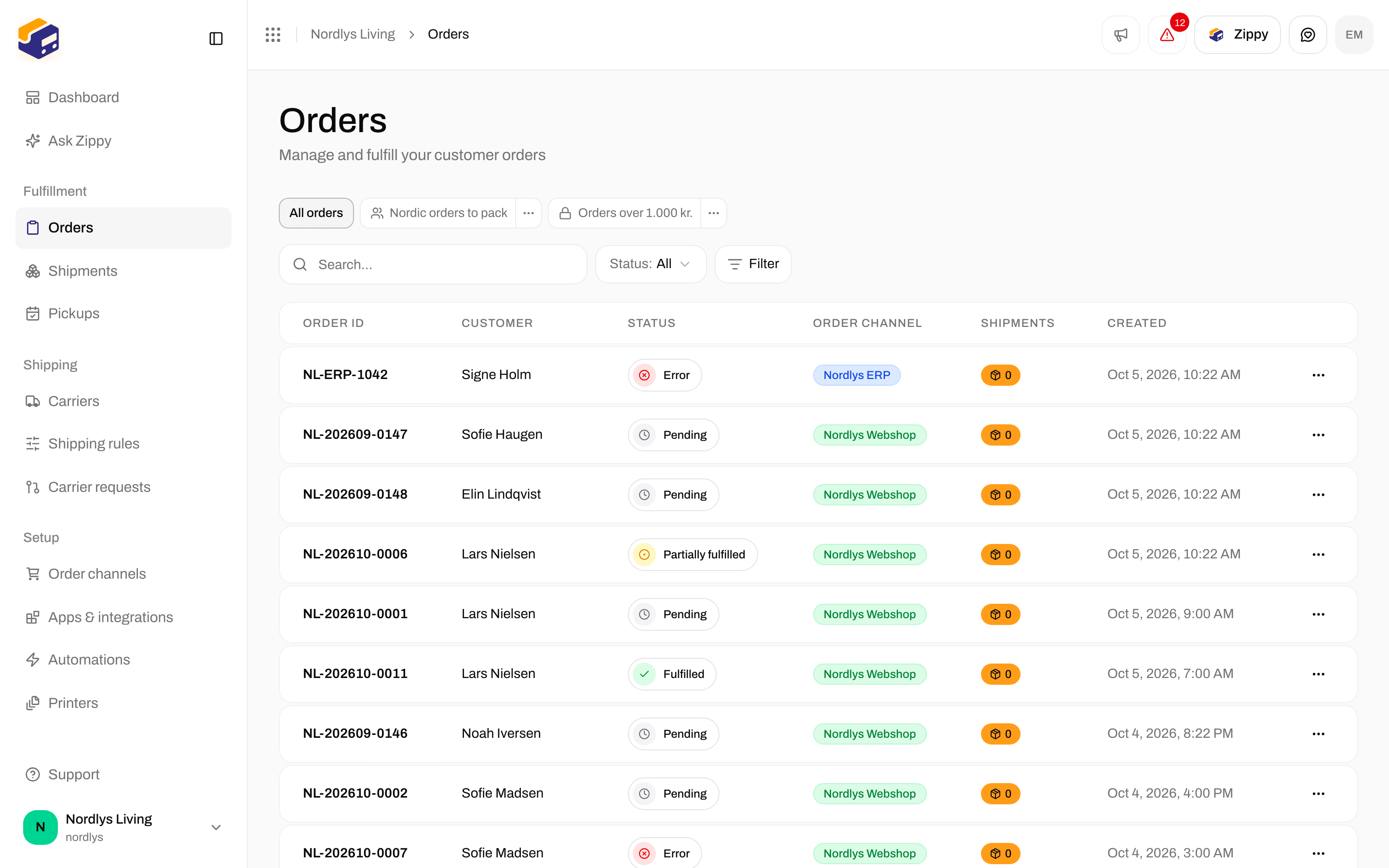
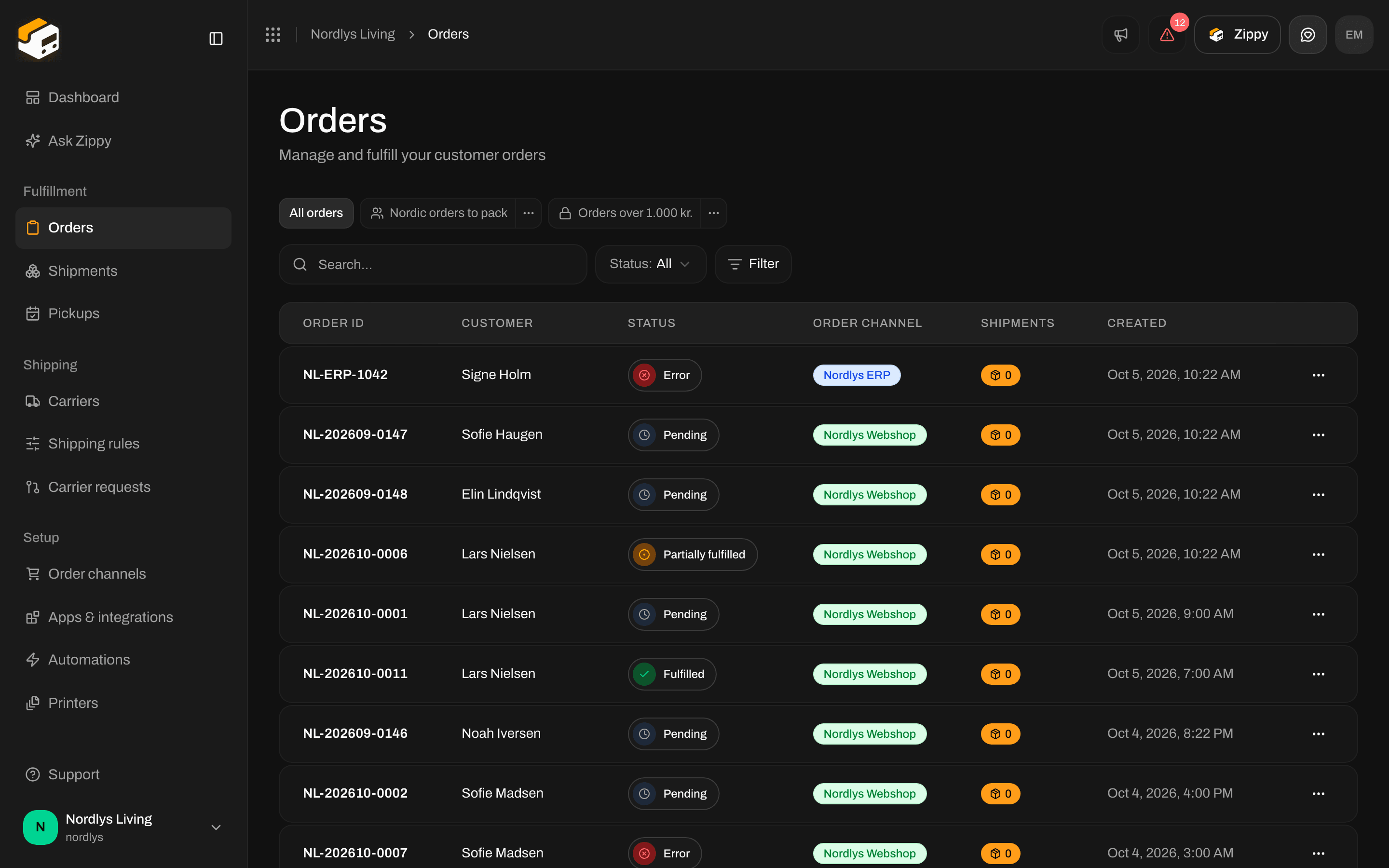
The orders filter bar: Search, Status and Filter
Click an order channel in the sidebar under Channel orders to see only that webshop’s orders. The page then says Showing orders from that channel, with View all orders to go back.
Shipments
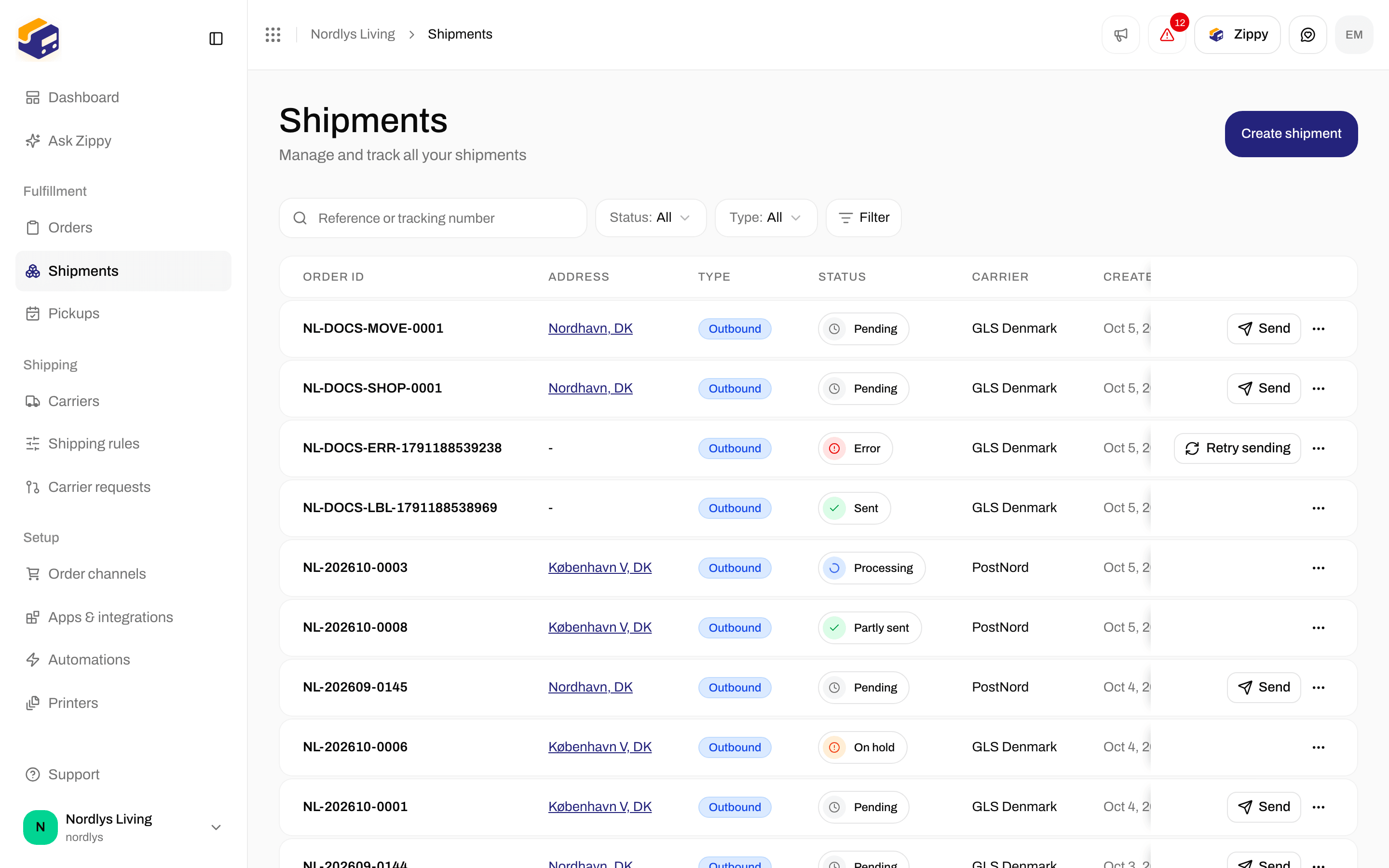
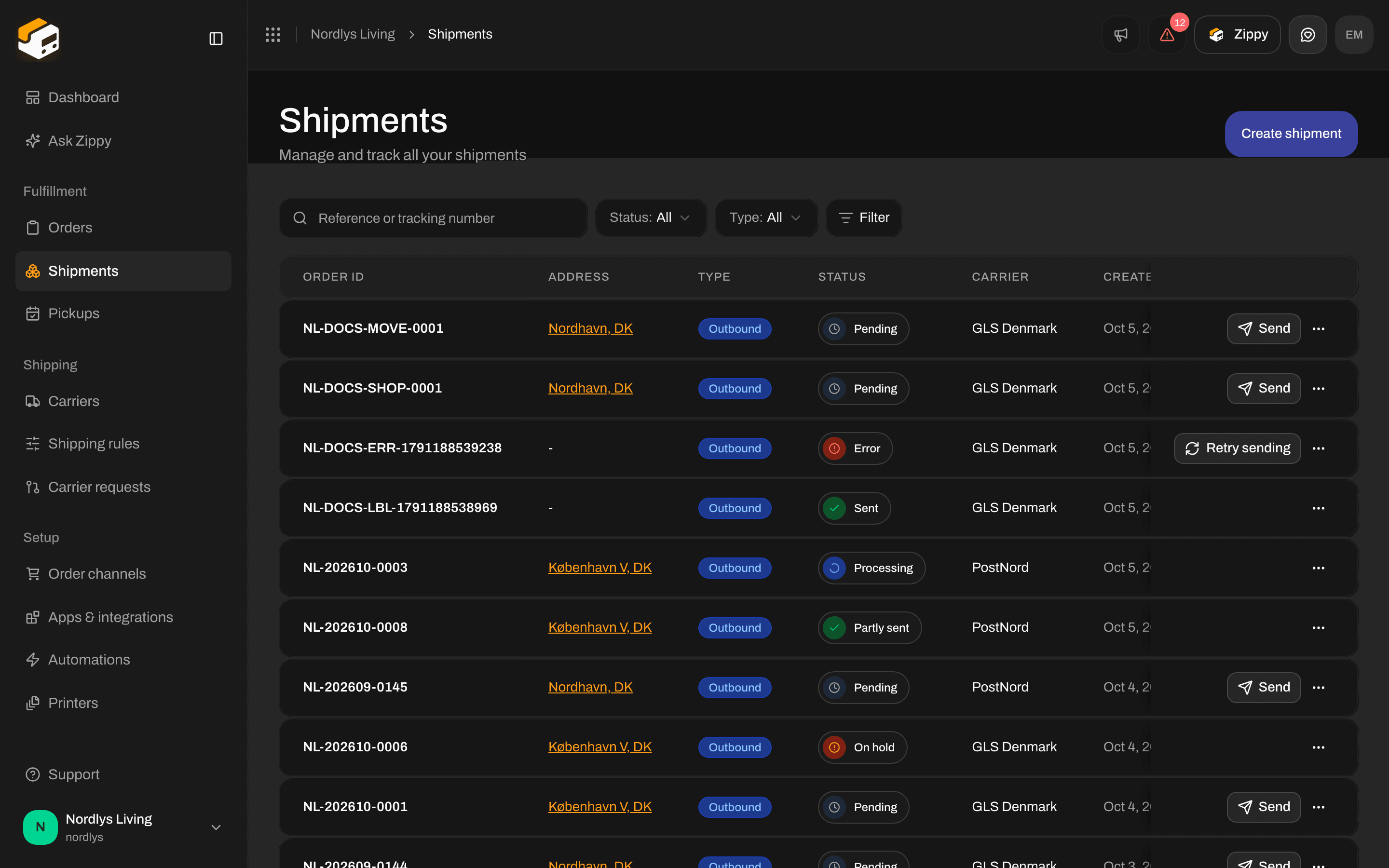
The shipments filter bar: Search, Status, Type and Filter
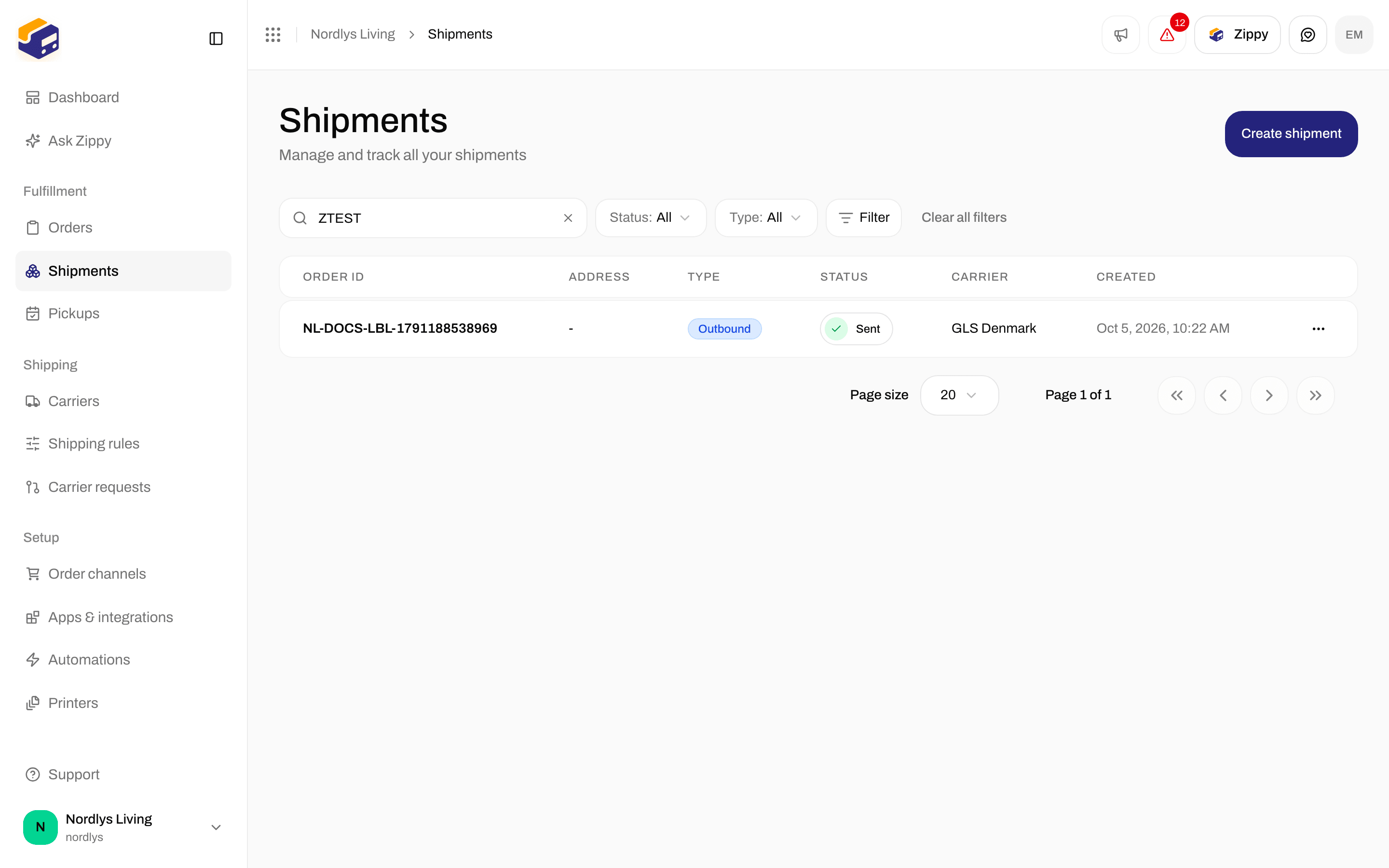
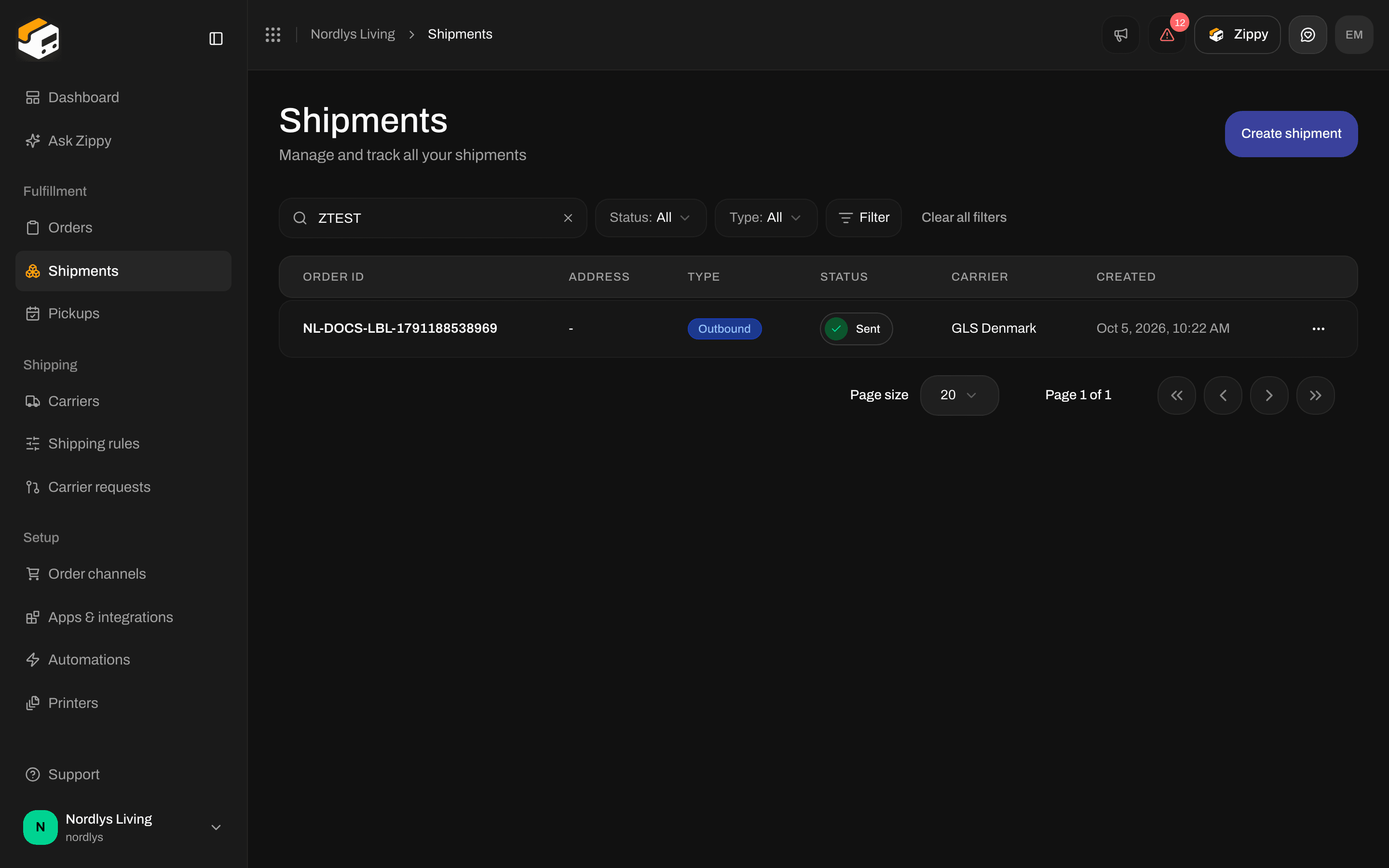
Searching for a tracking number
The dashboard has no search
The top of the dashboard shows when the numbers were Updated, a Refresh button and Export CSV. There is no search box. Refresh loads the latest numbers: the top shows Refreshing data… while it works, then Dashboard updated. The Recent shipments card has no search either.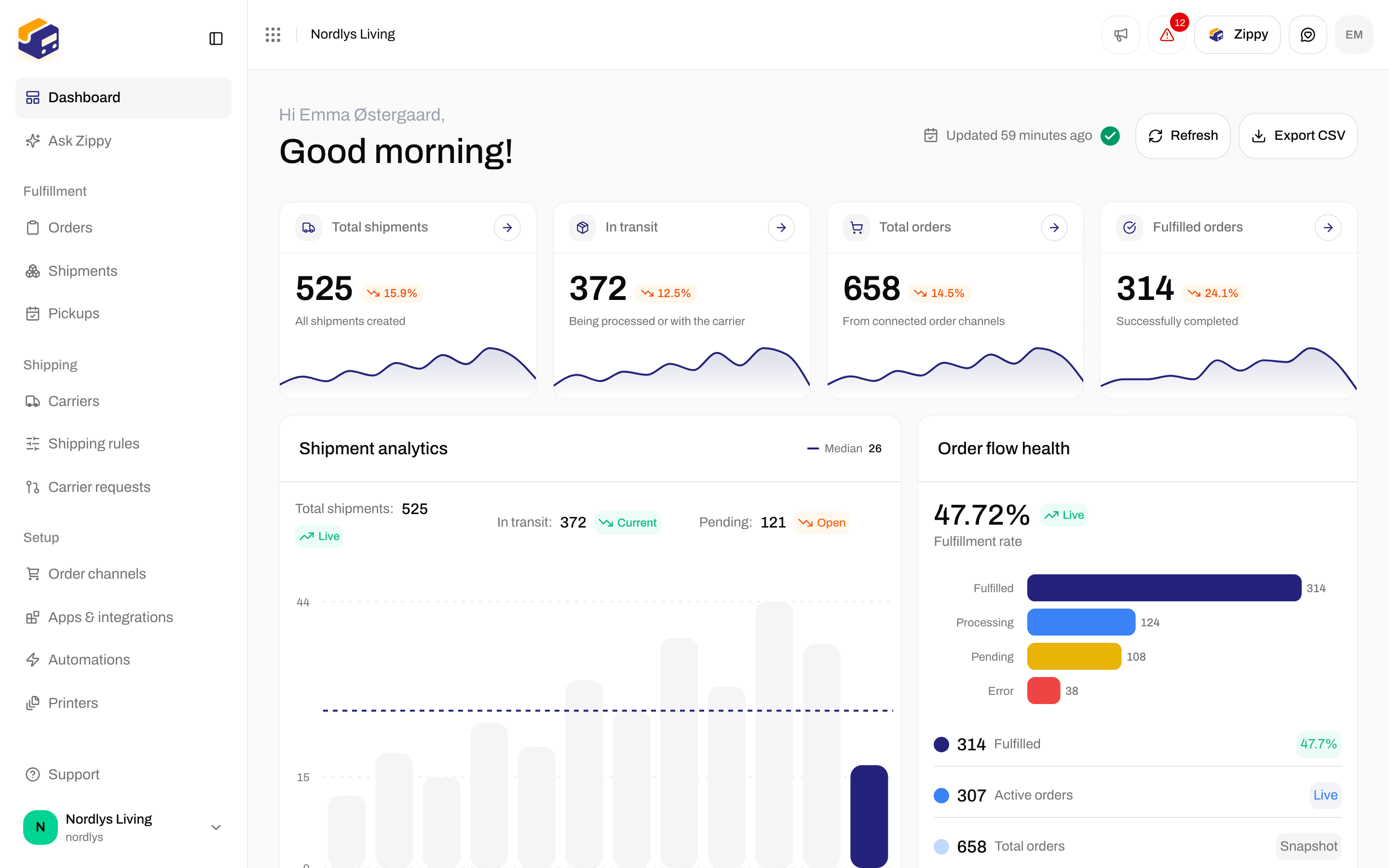
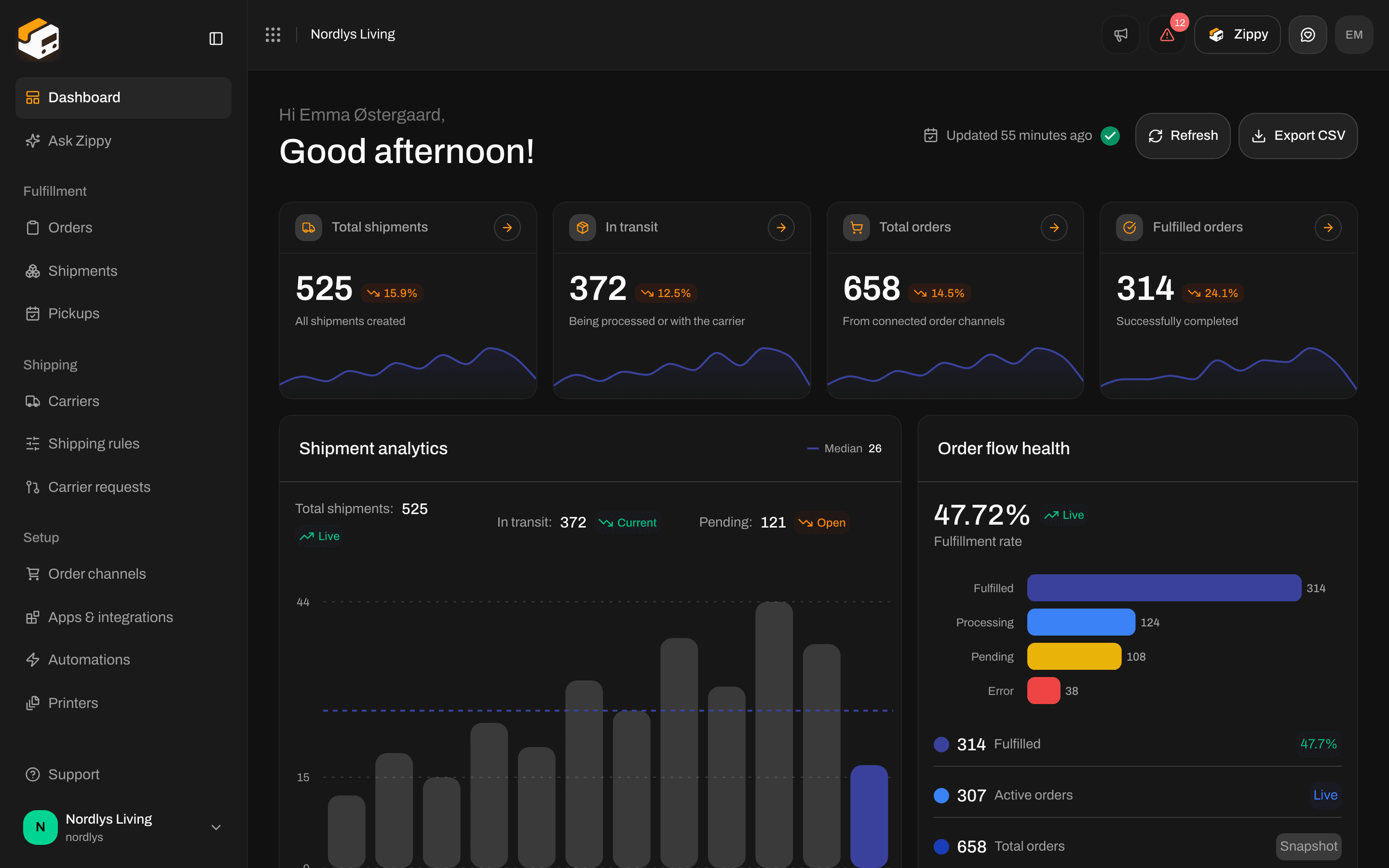
The top of the dashboard: last update, Refresh and Export CSV, but no filters
Other lists
These lists have a filter bar with search and quick picks, but no Filter button. Click Filters above the list, choose, and click Add filters. Each how-to covers the rest of its screen.
Carrier requests has no filters. See Request a carrier integration.
Brand: the whole organization or one brand
On carriers, shipping rules, pickups, automations, addresses and webhooks, the Brand filter depends on where you are:
Orders and shipments don’t have these three choices. They always list that brand’s orders and shipments, or the whole organization’s. Team members limited to one brand: Switch organization and brand.
Related
- Filters and saved views
- Orders
- Dashboard
- Export dashboard CSV
- Return shipments, for Type Inbound on shipments