

Where to find it
Click Dashboard in the sidebar. The top of the page greets you (for example “Hi Emma, Good morning”) and has three controls on the right. There are no filters and no date picker on the dashboard. If your organization has brands, the dashboard shows the brand you have picked in the organization menu: Switch organization and brand.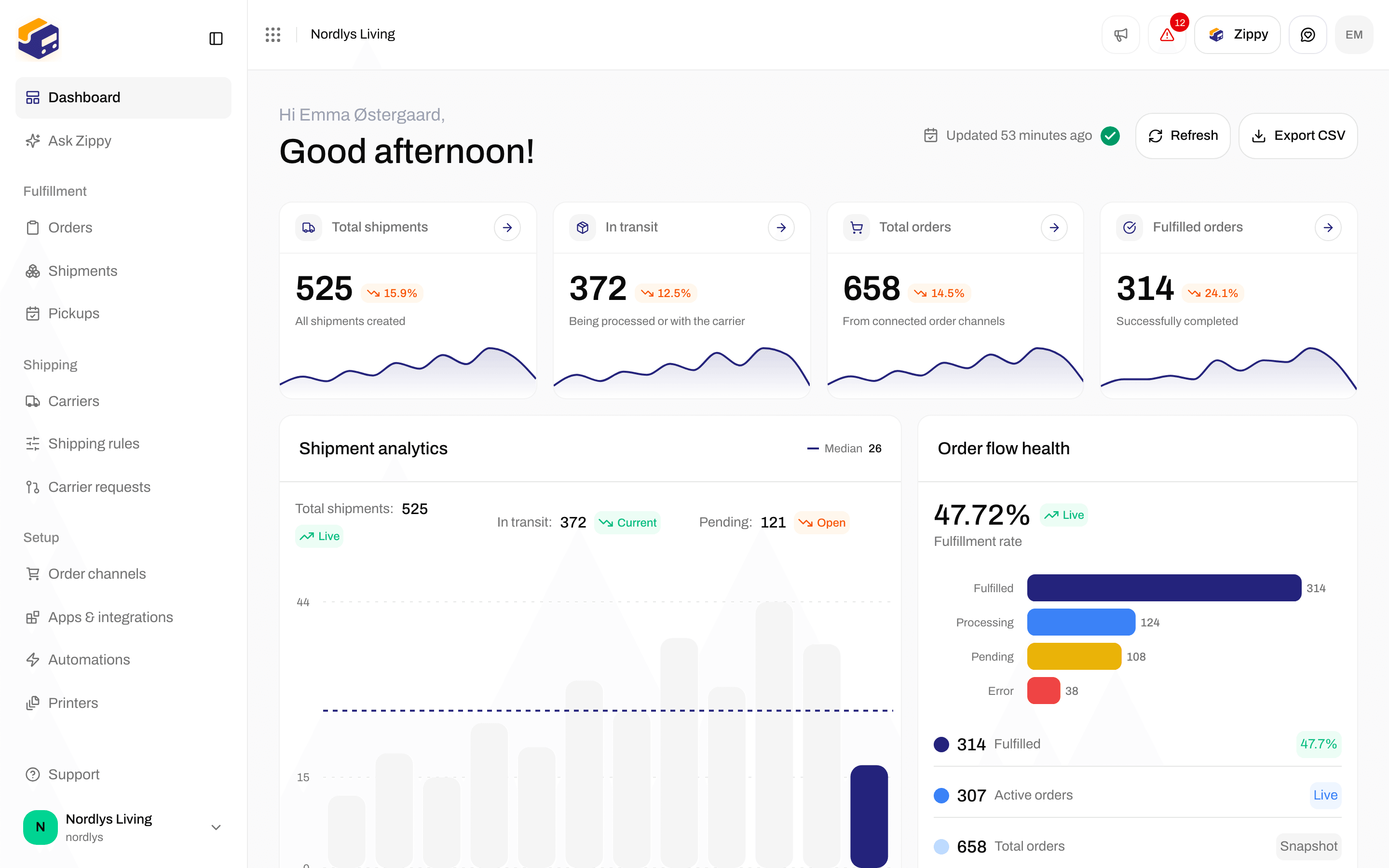
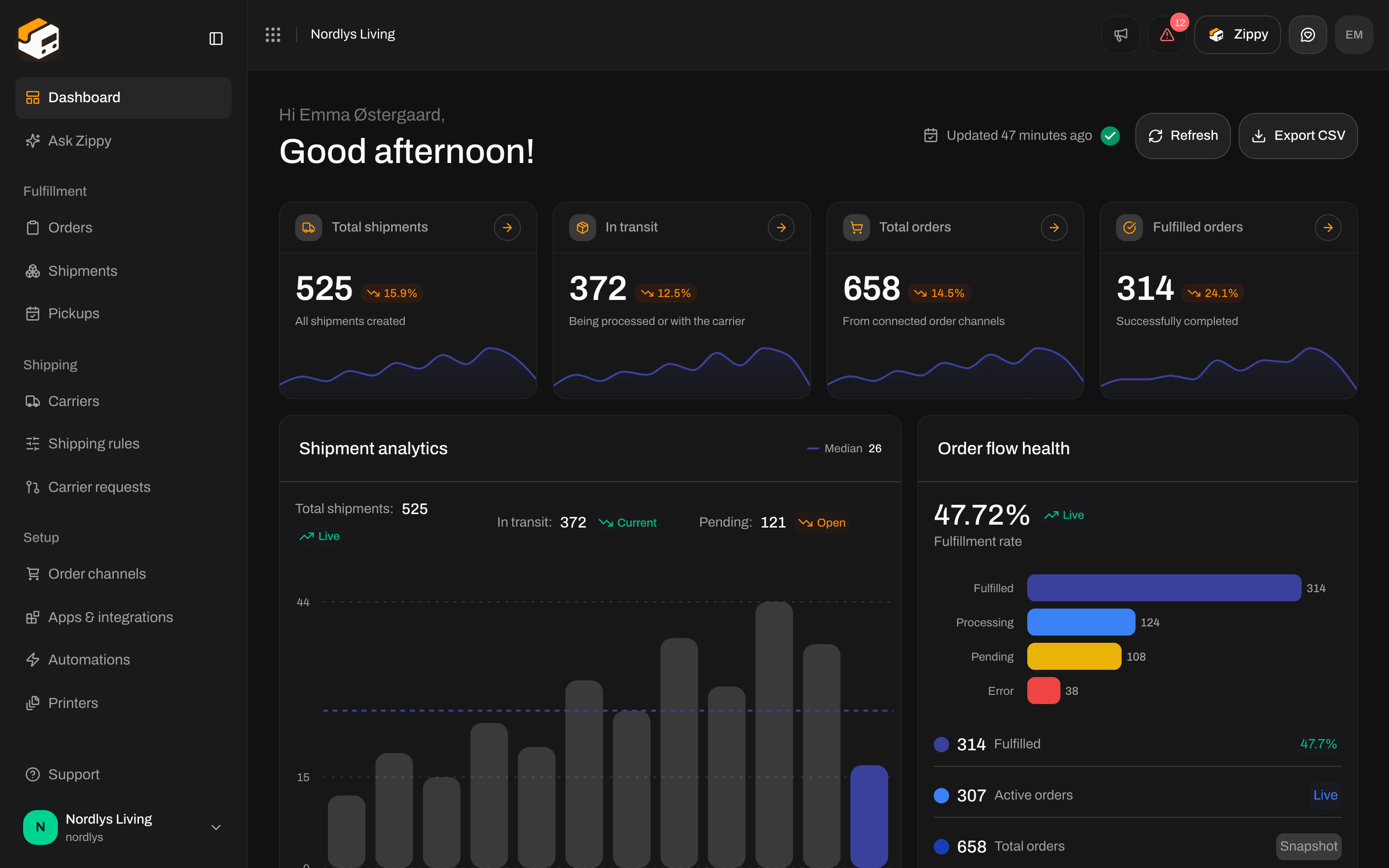
The top of the dashboard: Updated, Refresh and Export CSV
Export CSV saves exactly what is on screen and does not load anything new. Click Refresh first if you want the latest numbers in the file.
Export the file
1
Refresh
Click Refresh and wait for Dashboard updated.
2
Export
Click Export CSV. The file downloads straight away.
3
Open it
Open the file in Excel, Numbers or Google Sheets.
The file
The file is named after your organization and the day the numbers were calculated, for examplezippendo-dashboard-nordic-goods-2026-06-22.csv.
- Danish letters such as æ, ø and å show correctly in Excel.
- With Zippendo in English, columns are separated by commas. In Danish (and other languages) they are separated by semicolons, so your spreadsheet splits them into columns correctly.
- A cell that starts with
=,+or@, such as some shipment references, gets a'in front so your spreadsheet shows it as text instead of trying to calculate it.
What’s in it, from top to bottom
Each part is separated by an empty row. The headings are in the language you use Zippendo in. Zippendo dashboard export: your Organization name and when the numbers were Generated. Overview, with the columns Metric and Value:
Shipments per month: Month and Shipments, for the last twelve months.
Revenue by quarter: Quarter, Revenue and Currency.
Orders by status: Status and Orders, with the same statuses as the Order flow health card: Pending, Processing, Partial, Fulfilled, Error, Cancelled.
Recent shipments: the shipments on the Recent shipments card:
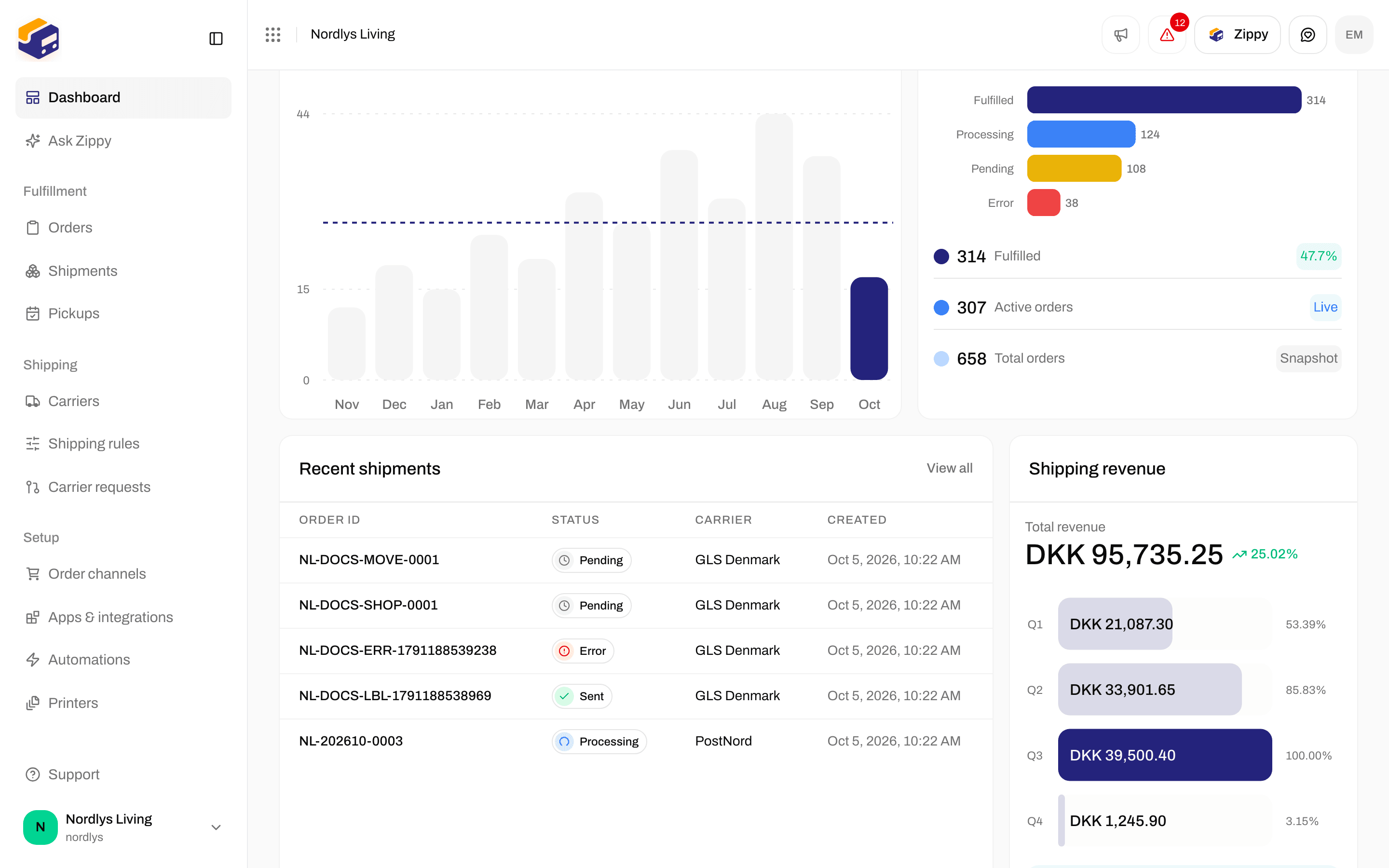
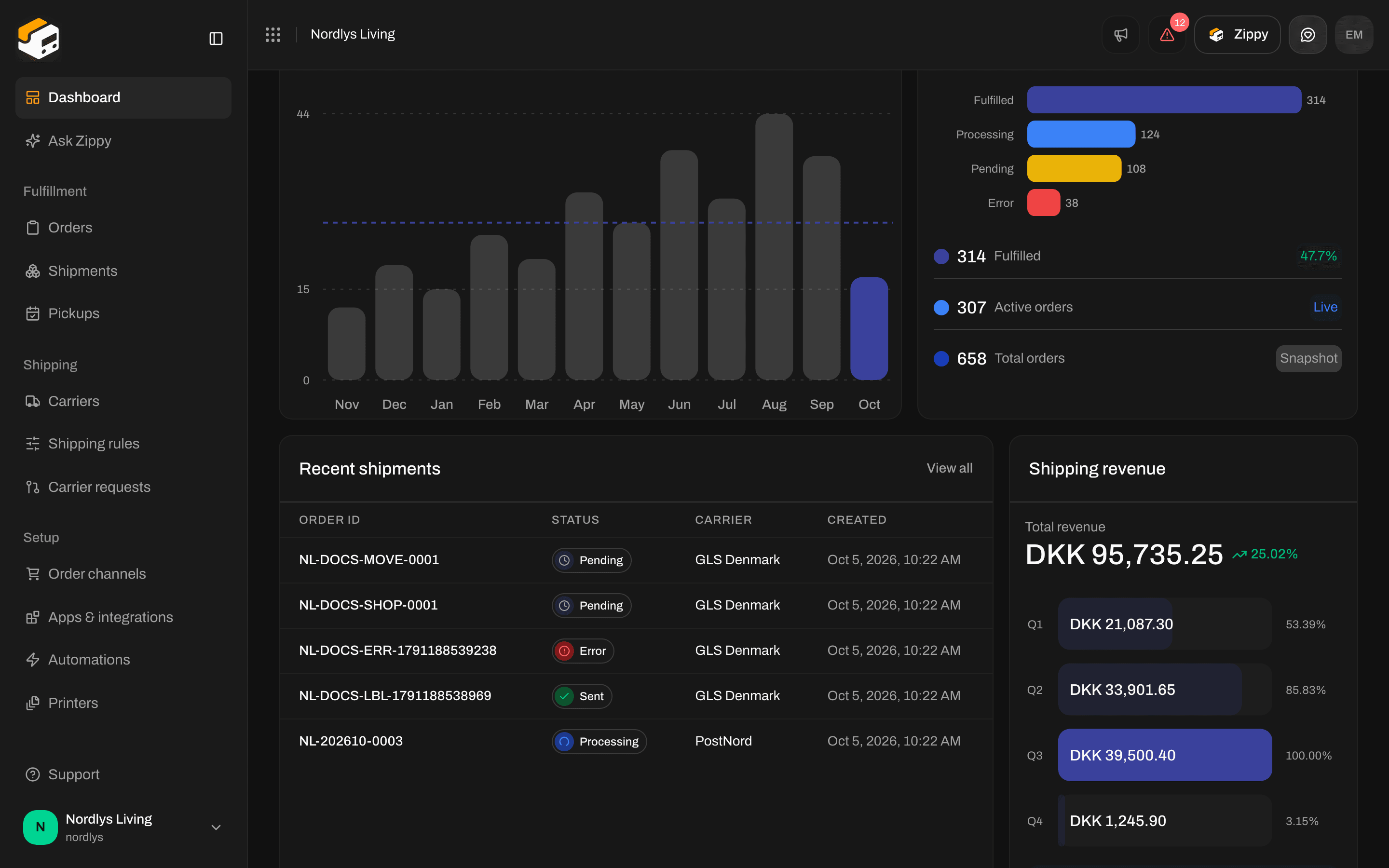
Further down the dashboard: the Recent shipments and Shipping revenue cards are the last parts of the file
Other exports
The Orders and Shipments lists have filters but no CSV download.
You are done when the
zippendo-dashboard-…csv file opens in your spreadsheet with Zippendo dashboard export on the first row and the Overview numbers matching the cards on the dashboard.