

Connect a carrier
Open All carriers
Click Connect
Fill in the form
Click Connect in the window
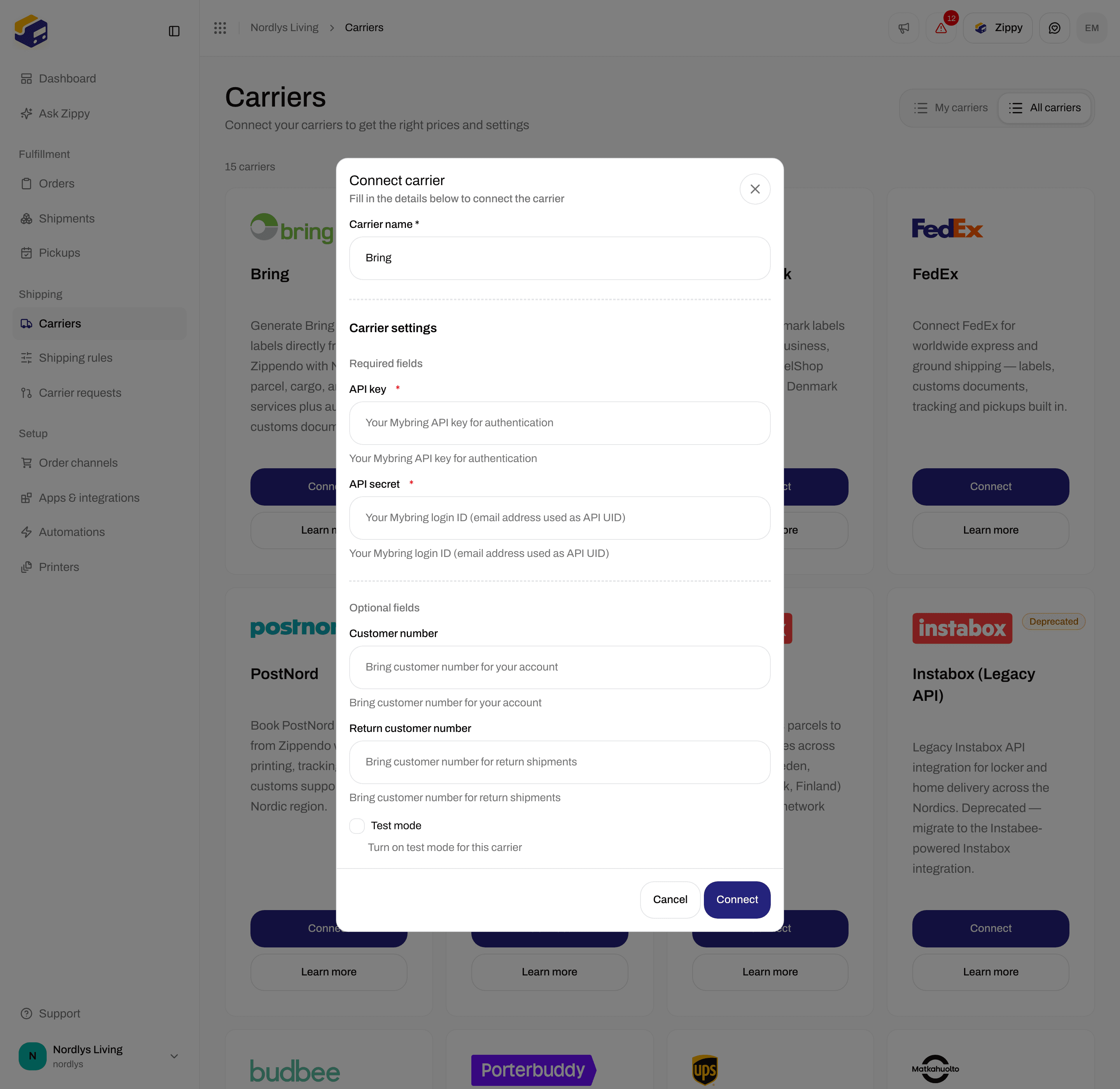
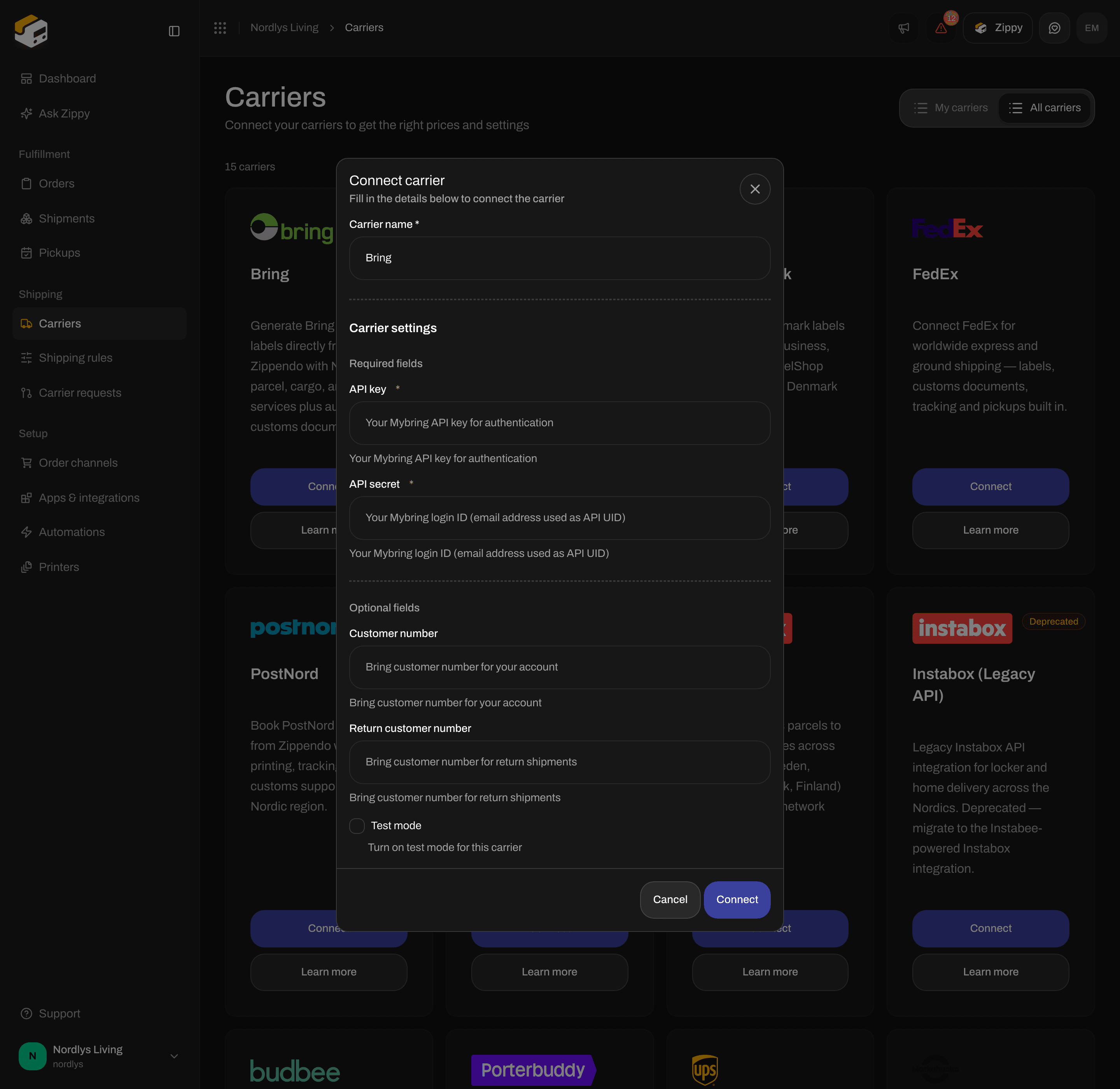
Connect carrier for Bring - the name, then the required API key and API secret
Fields on every carrier
Fields by carrier
GLS Denmark
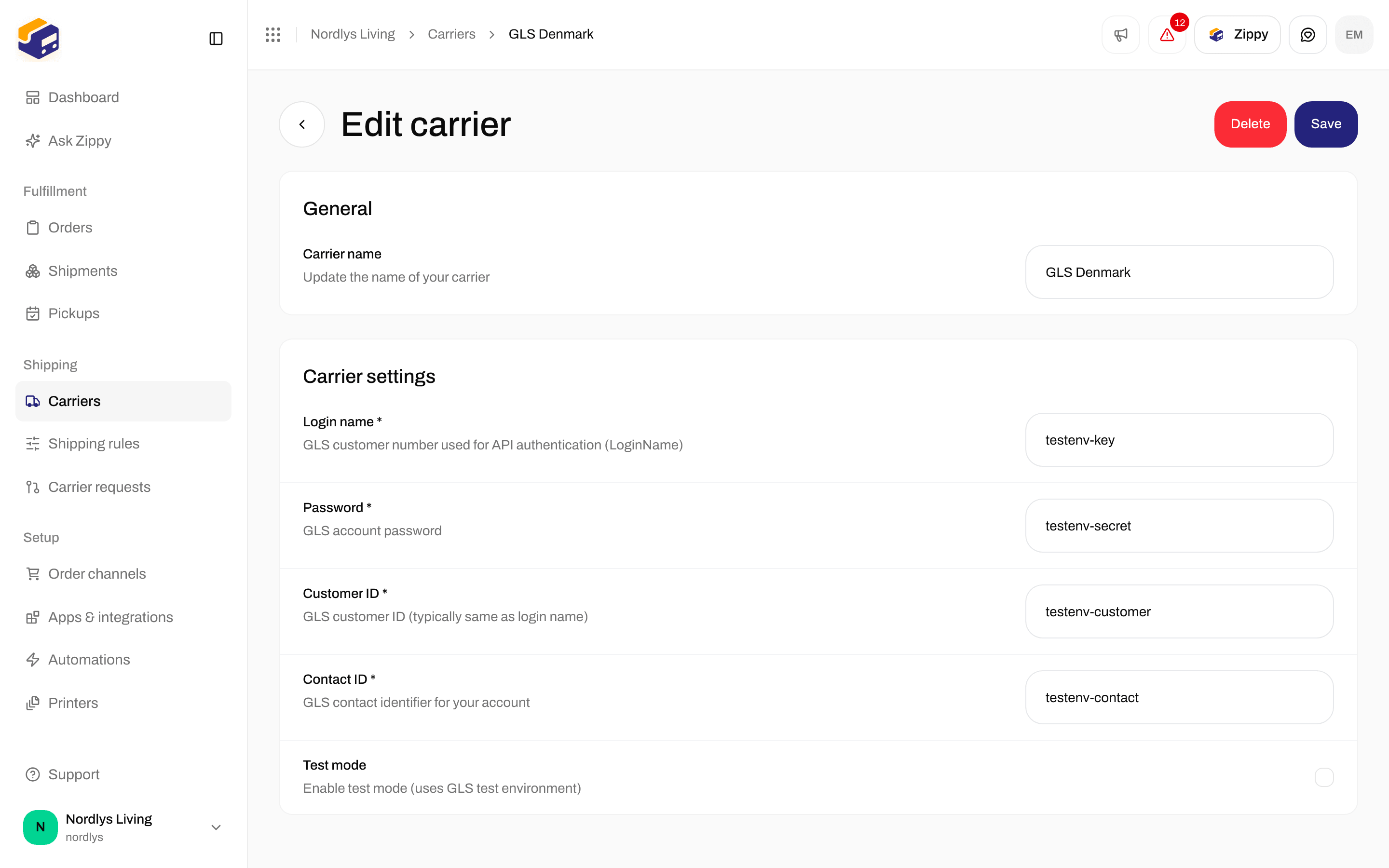
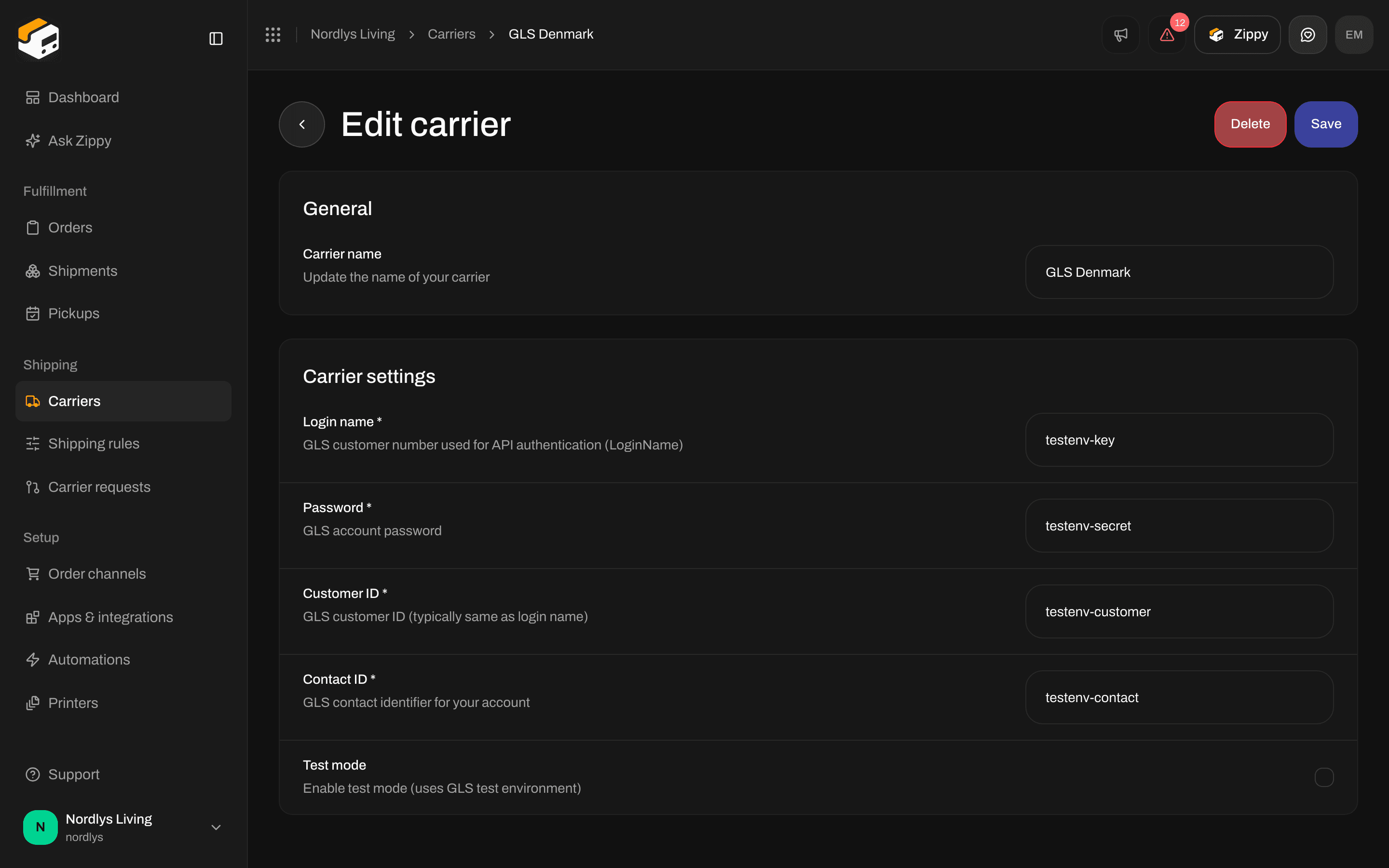
GLS Denmark - login, password, customer ID, contact ID and Test mode
GLS Croatia, Czech Republic, Hungary, Slovakia and Romania (MyGLS)


GLS Croatia - Username (email), Password and Client number
Bring
PostNord
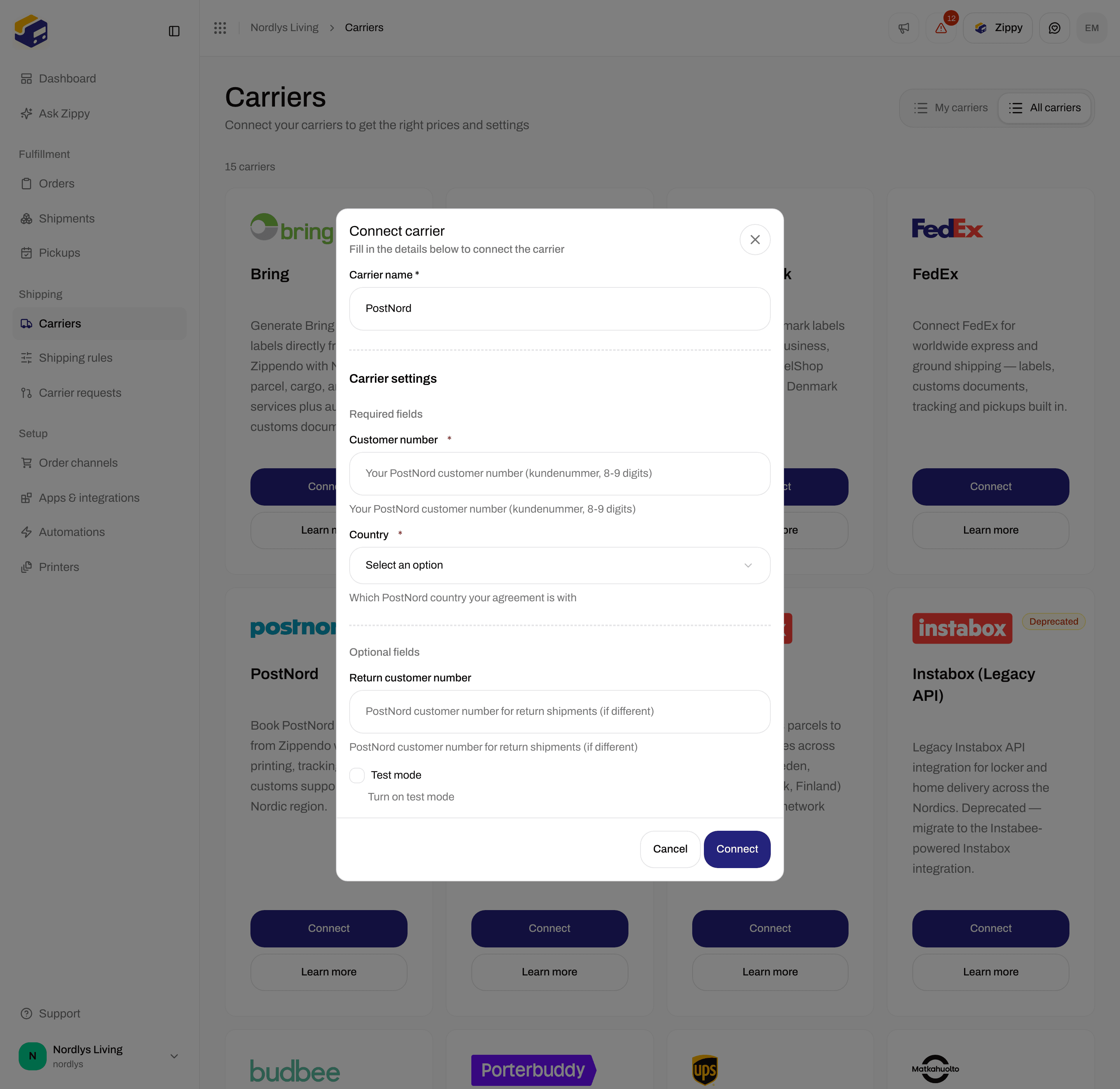
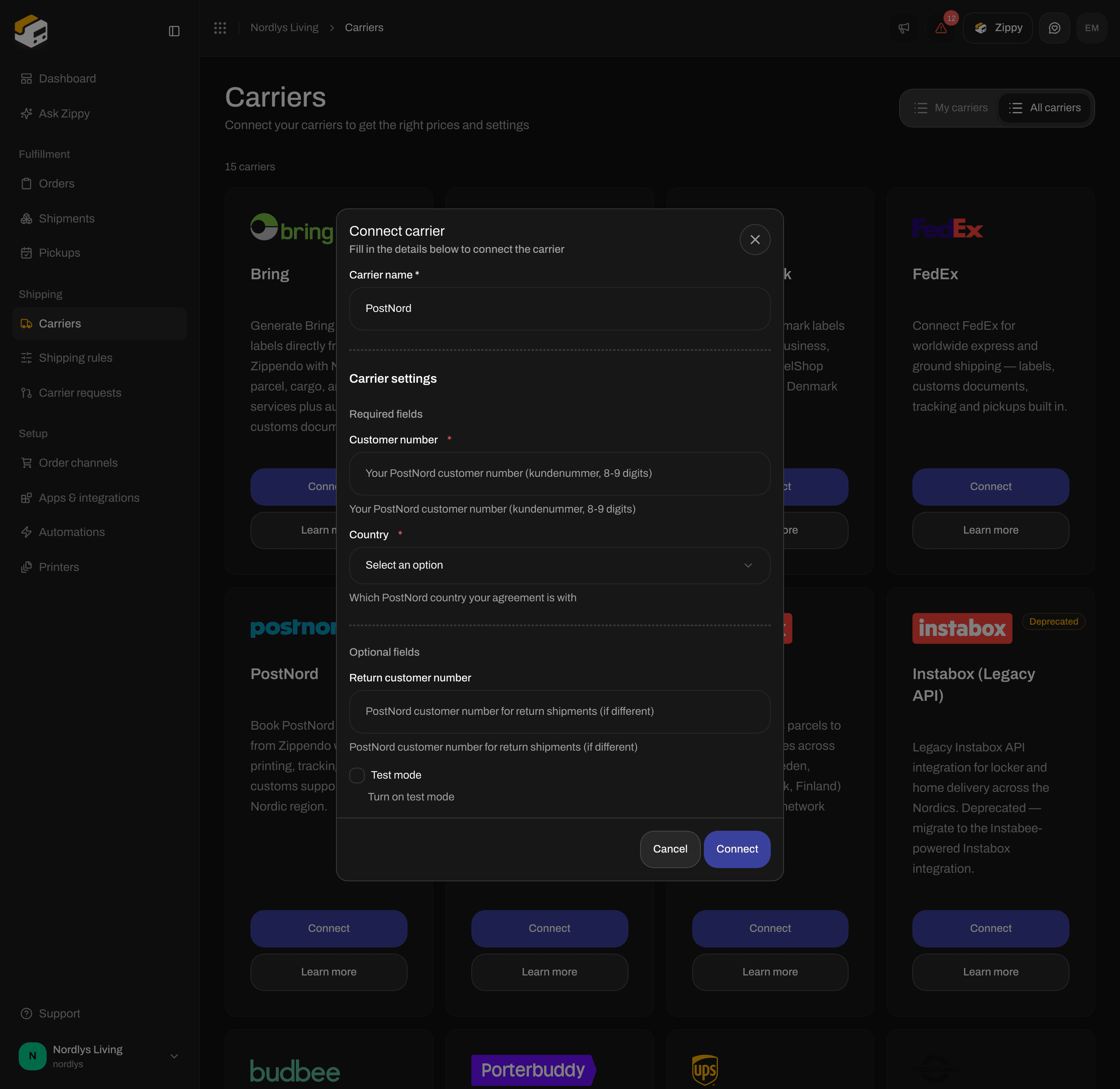
PostNord - Customer number and Country
DAO Denmark
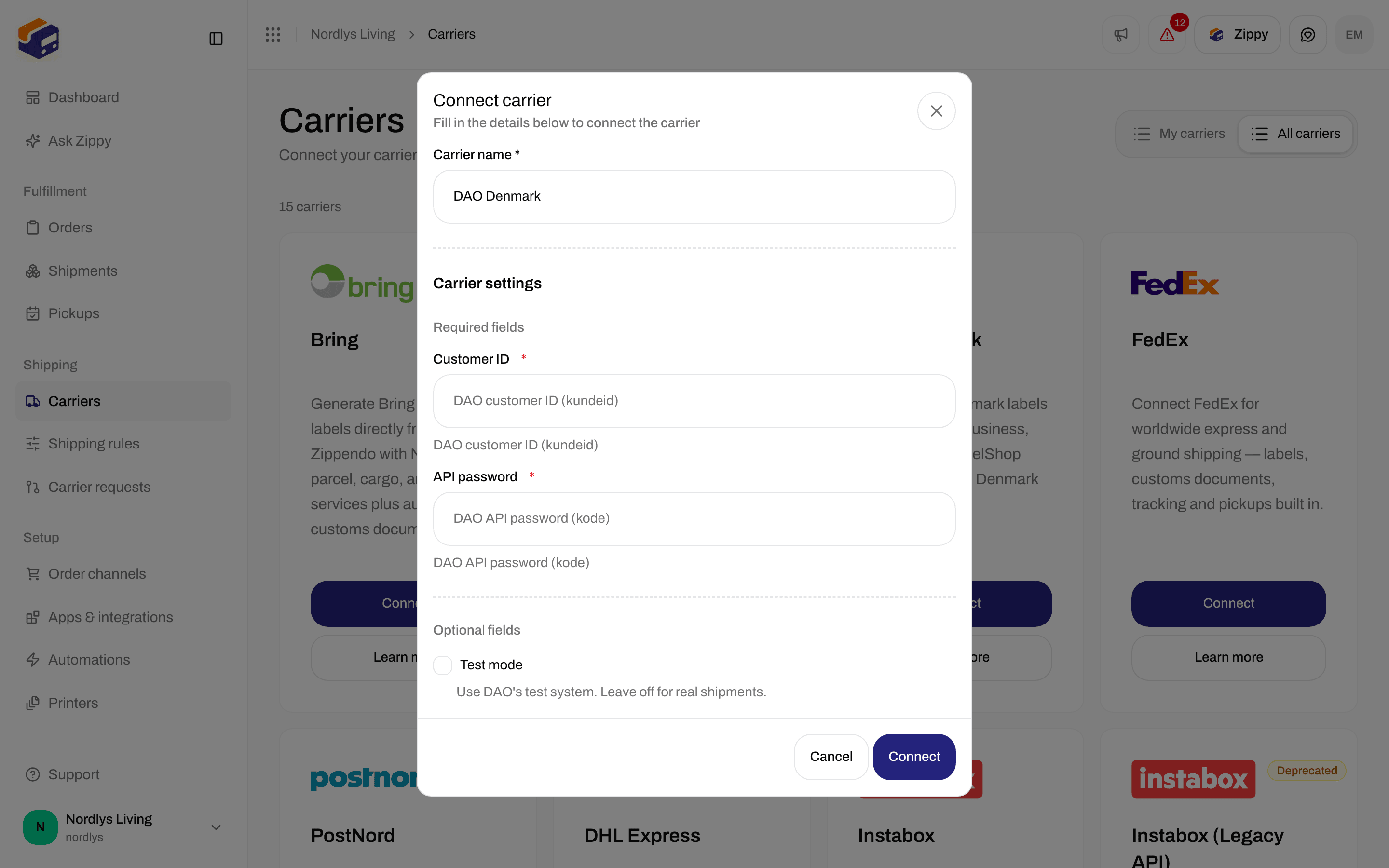
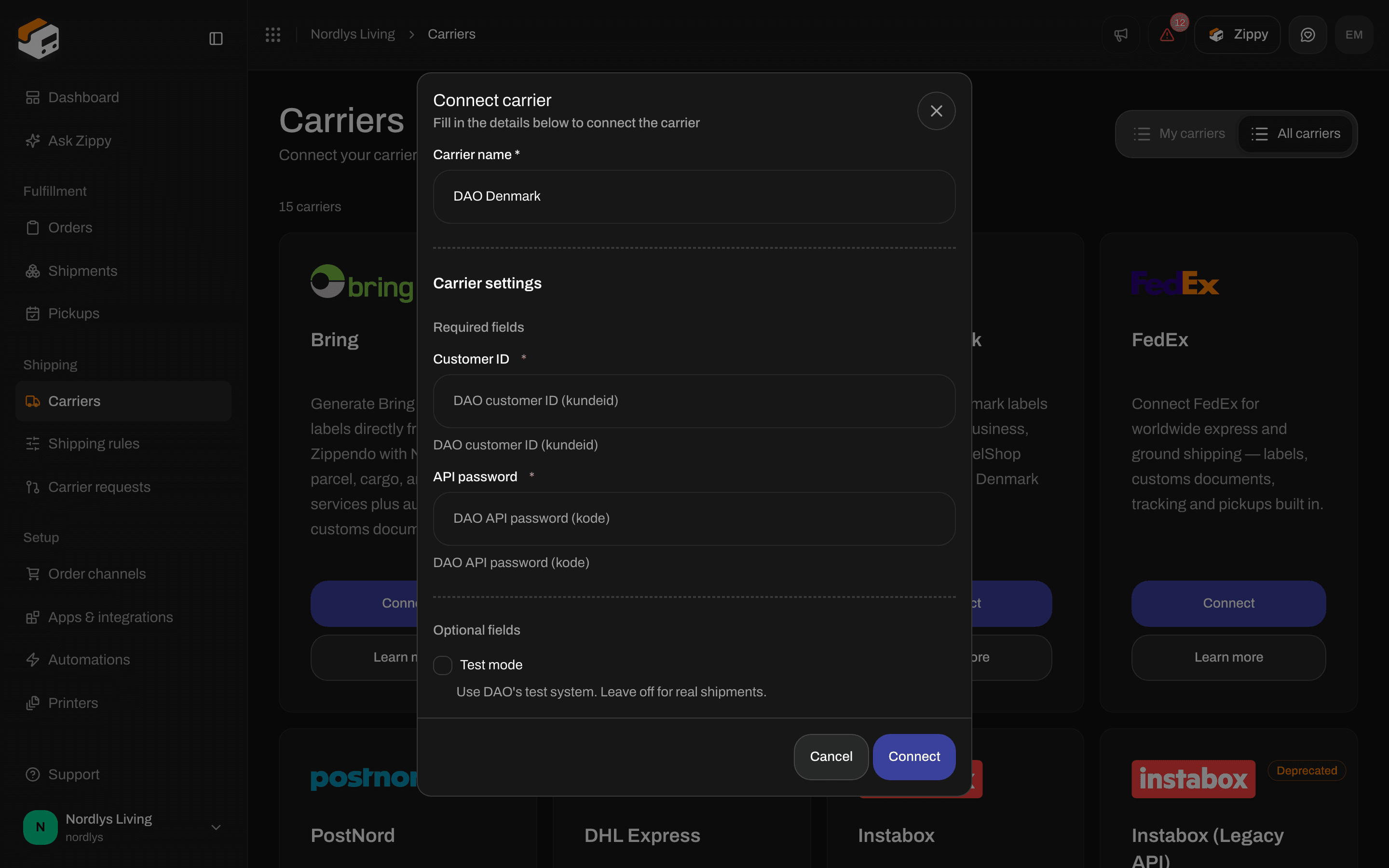
DAO Denmark - Customer ID and API password
FedEx
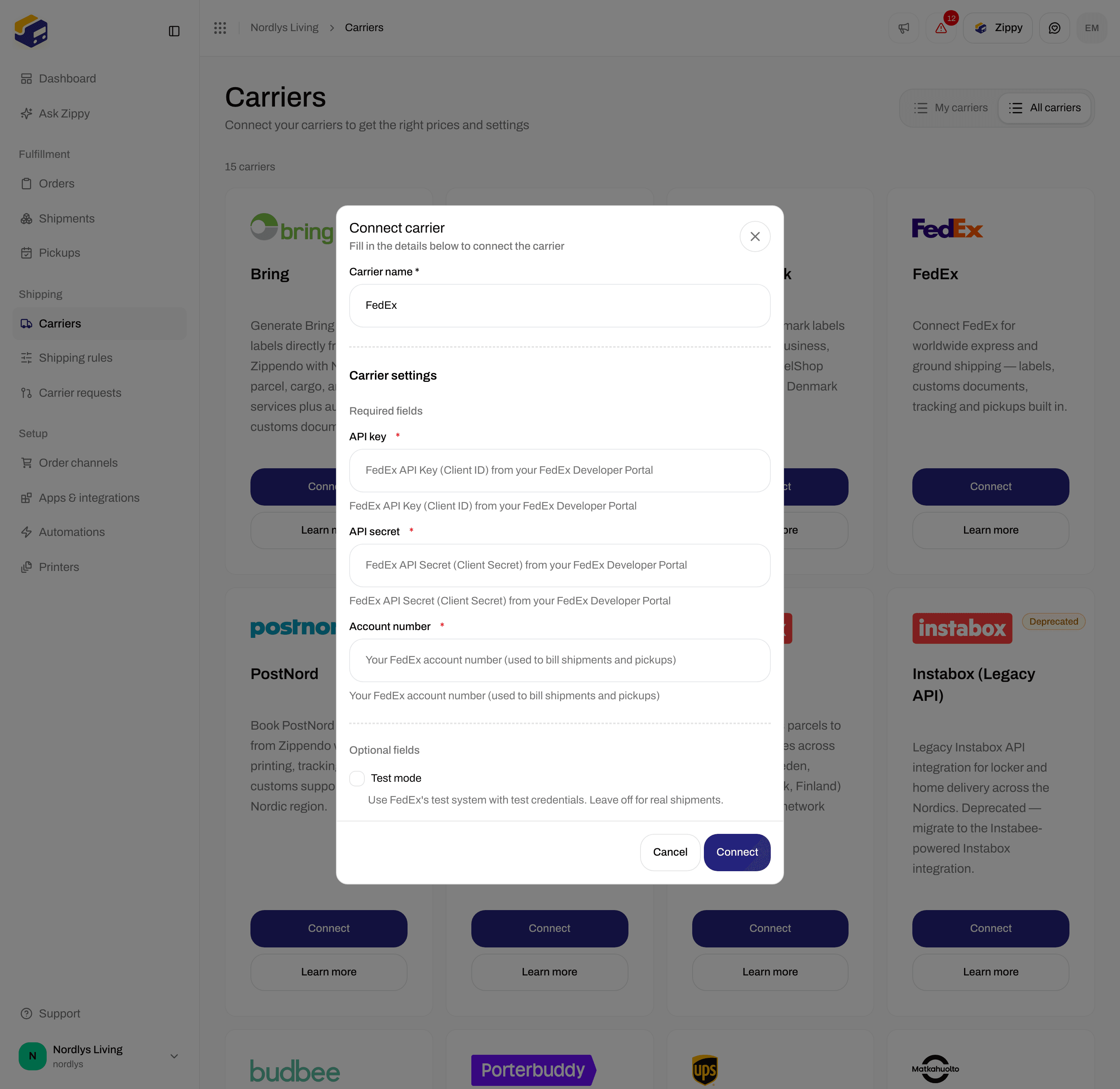
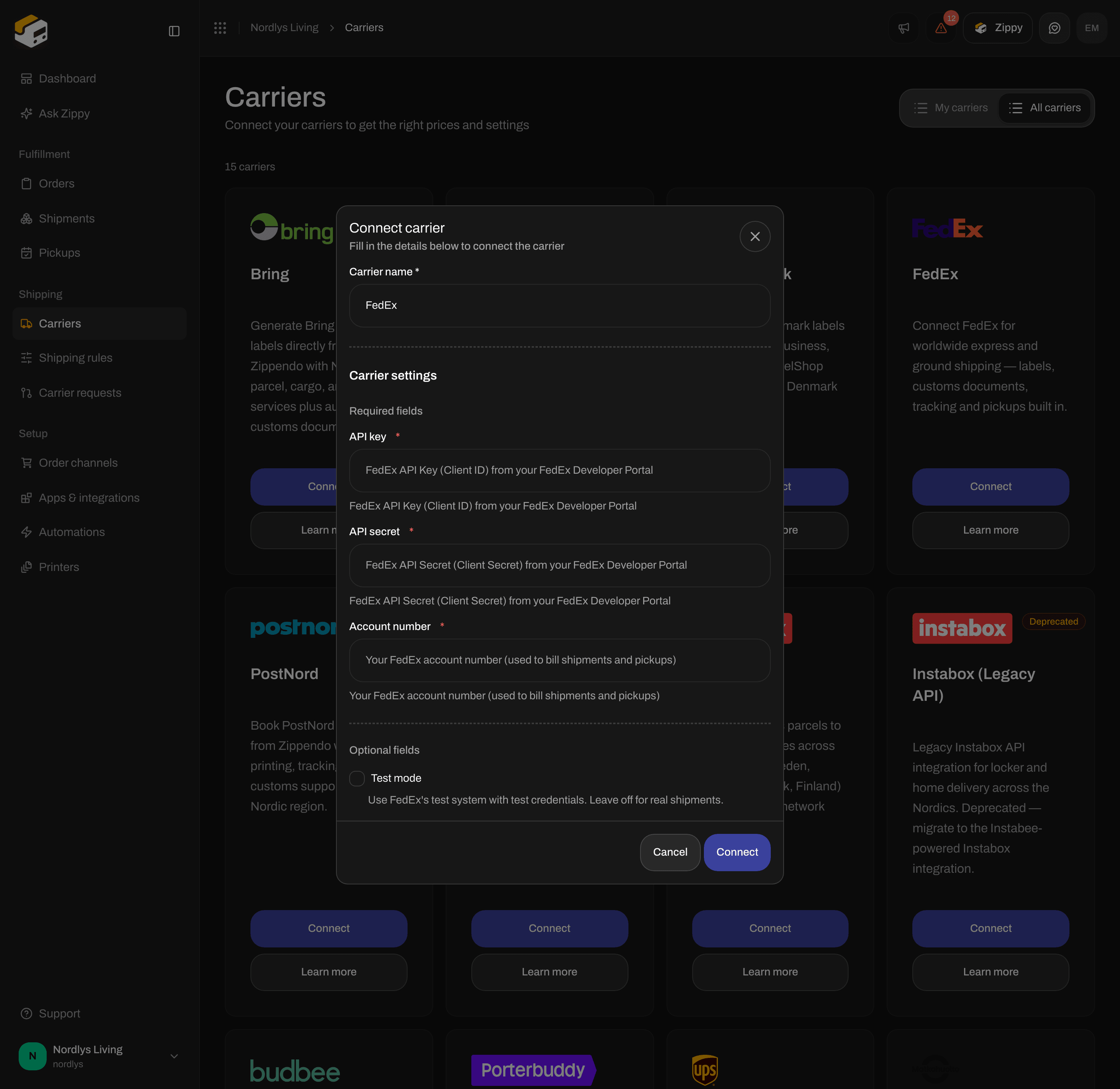
FedEx - API key, API secret and Account number
UPS
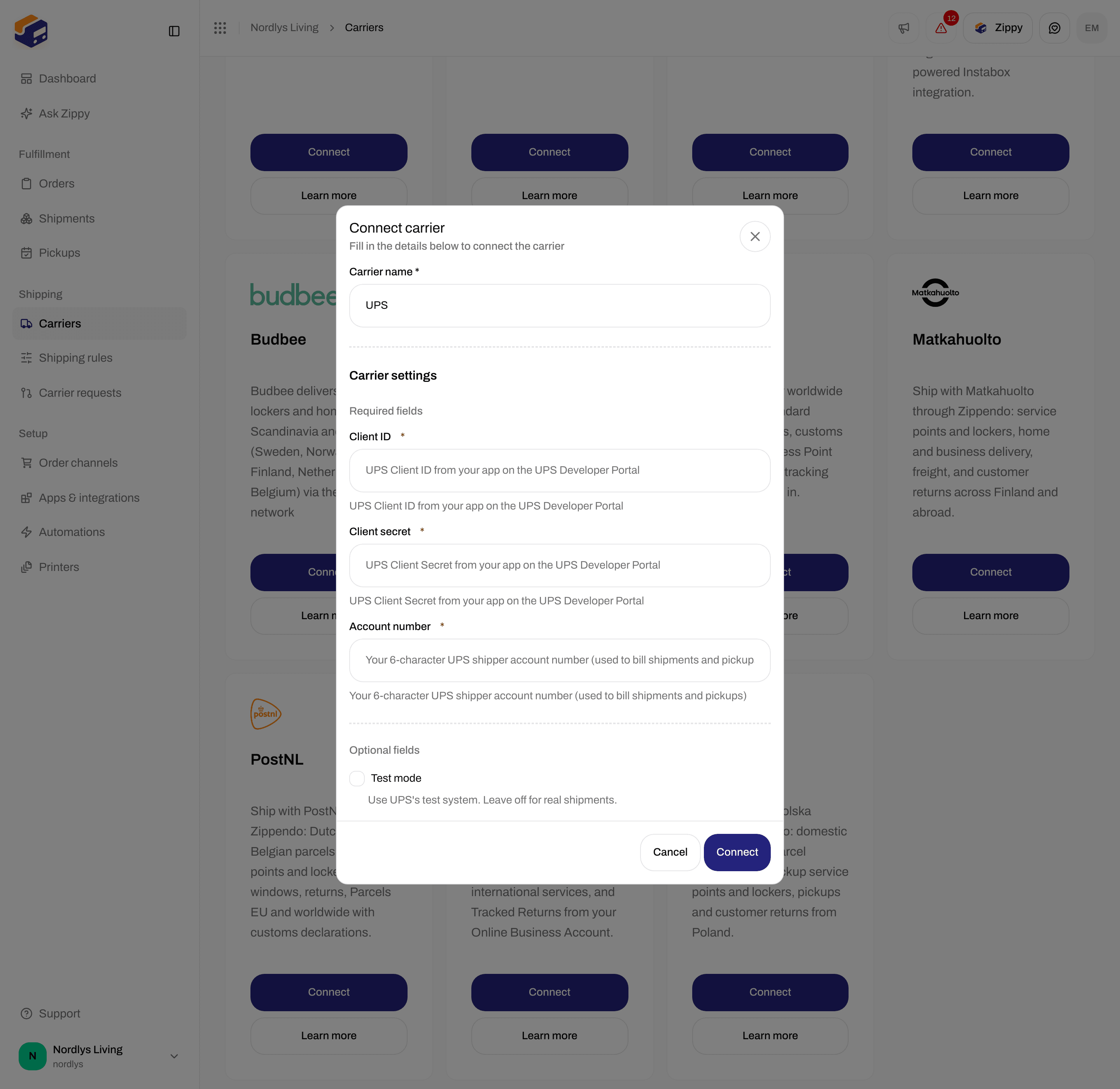
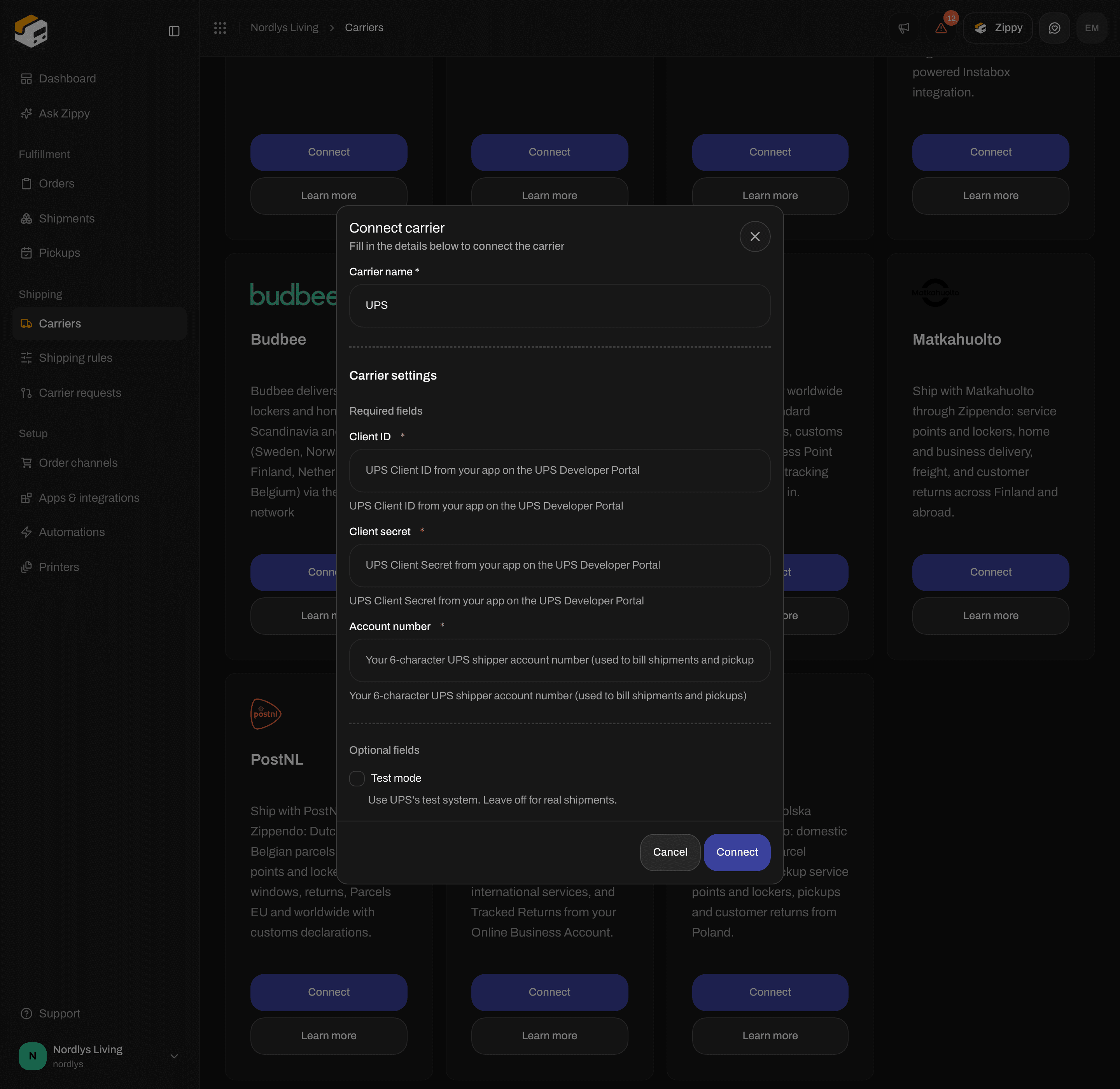
UPS - Client ID, Client secret and Account number
DHL Express
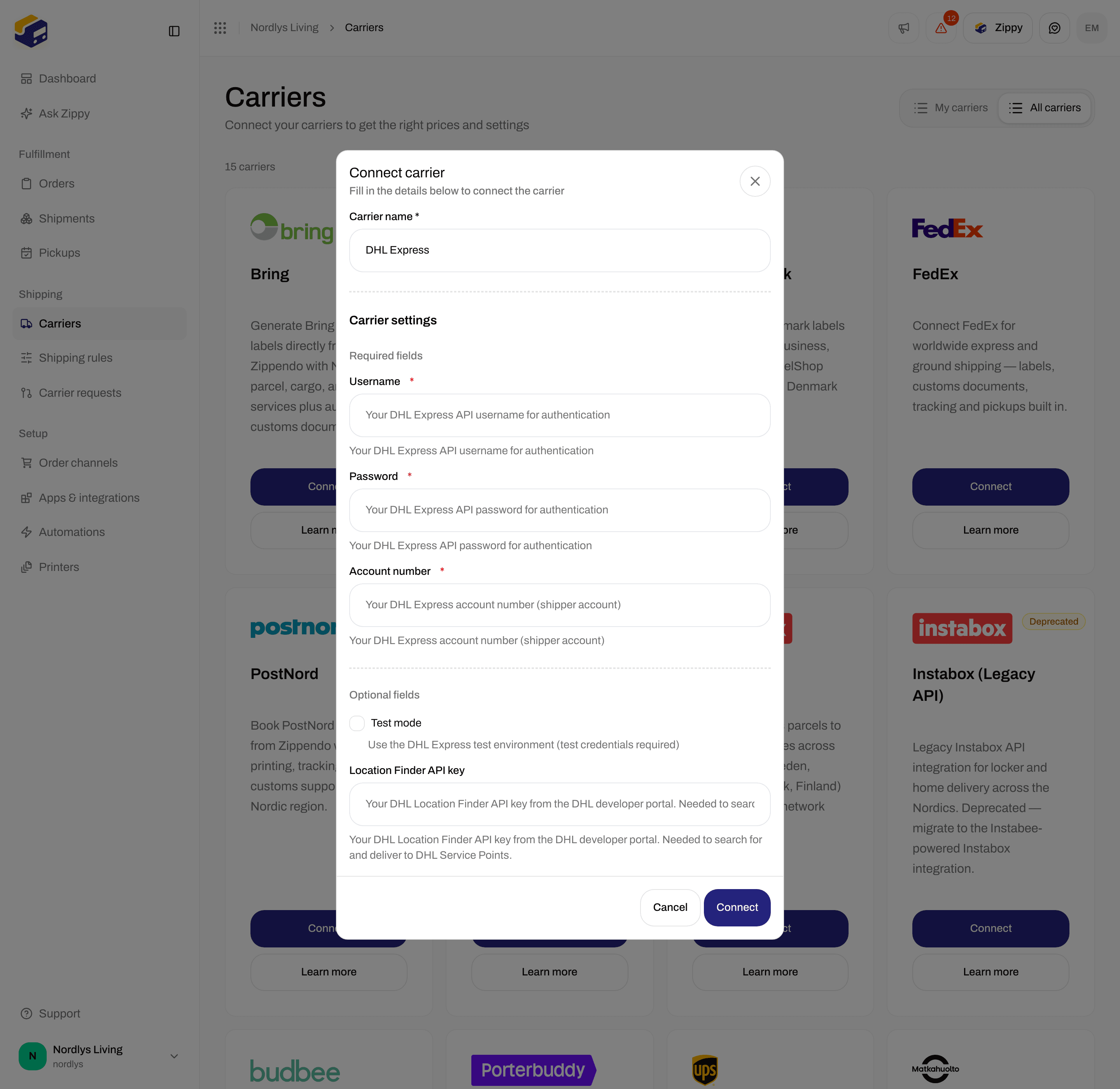
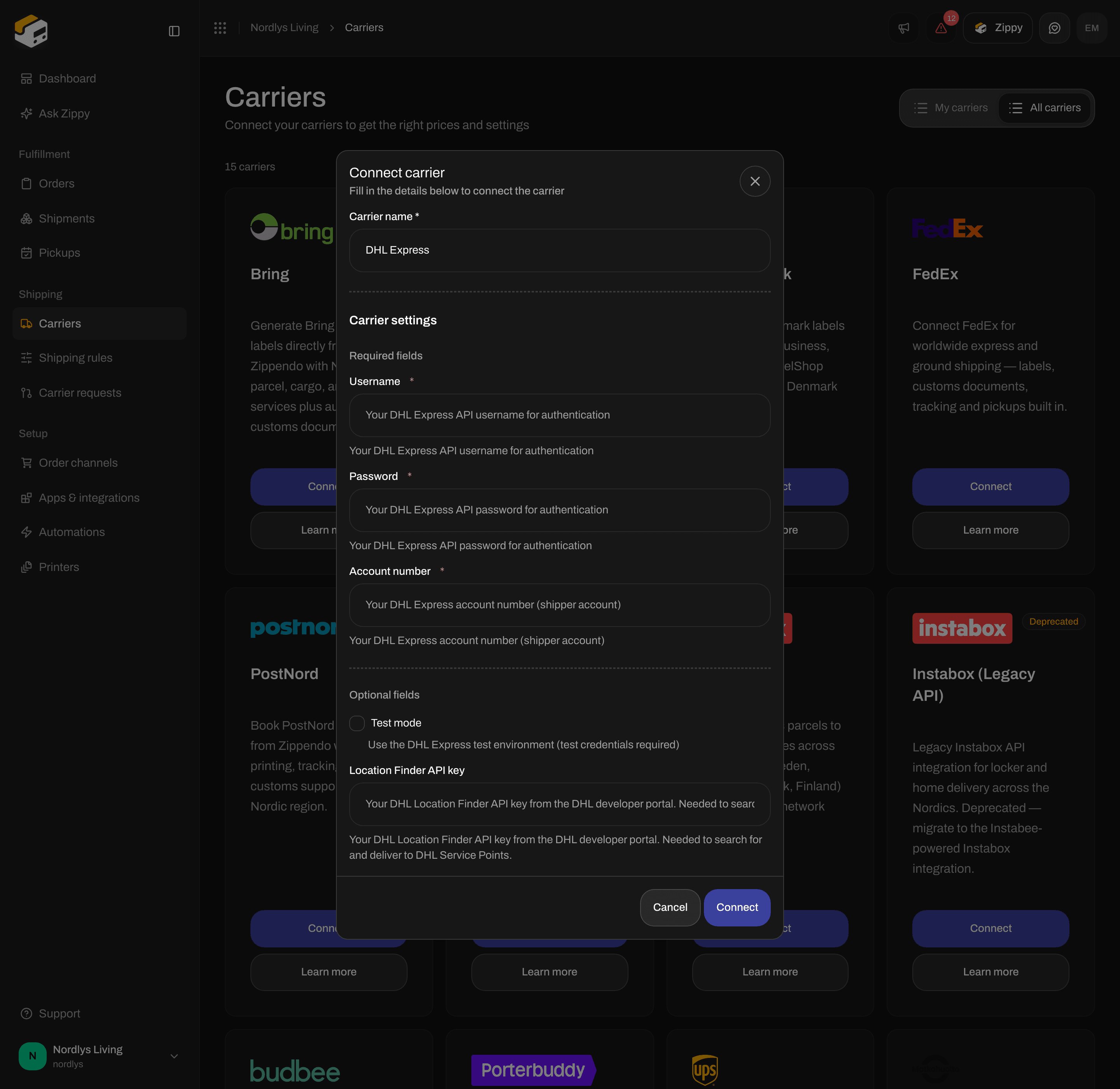
DHL Express - Test mode and Location Finder API key under Optional fields
Instabox, Budbee and Porterbuddy
These three carriers are part of Instabee and use the same form: one API key and Test mode.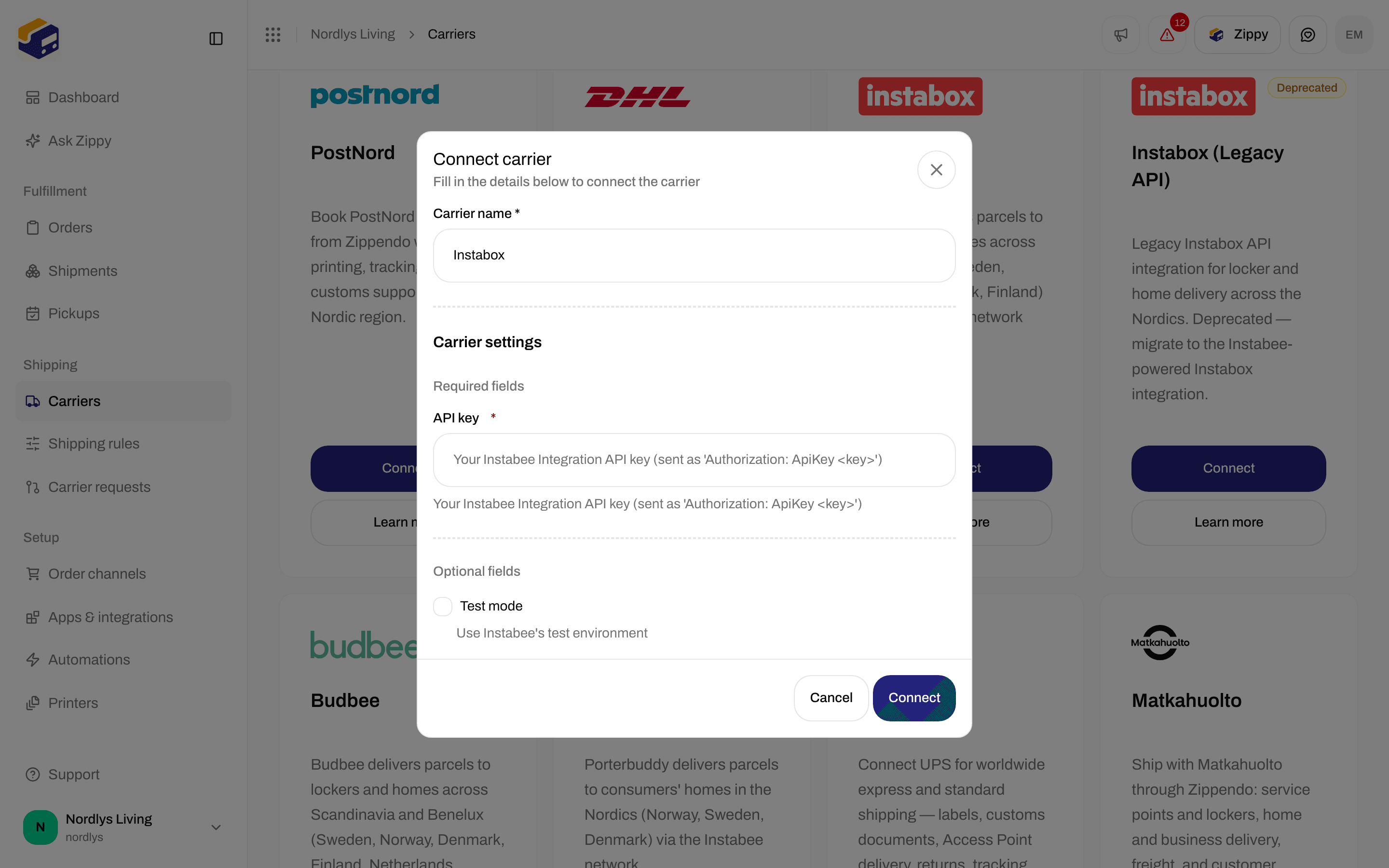
Instabox - API key and Test mode
Instabox (Legacy API)
This card is marked Deprecated on All carriers, with the note The standalone Instabox API is deprecated. Migrate to the Instabee-powered Instabox integration. Connect Instabox instead if you can.Matkahuolto
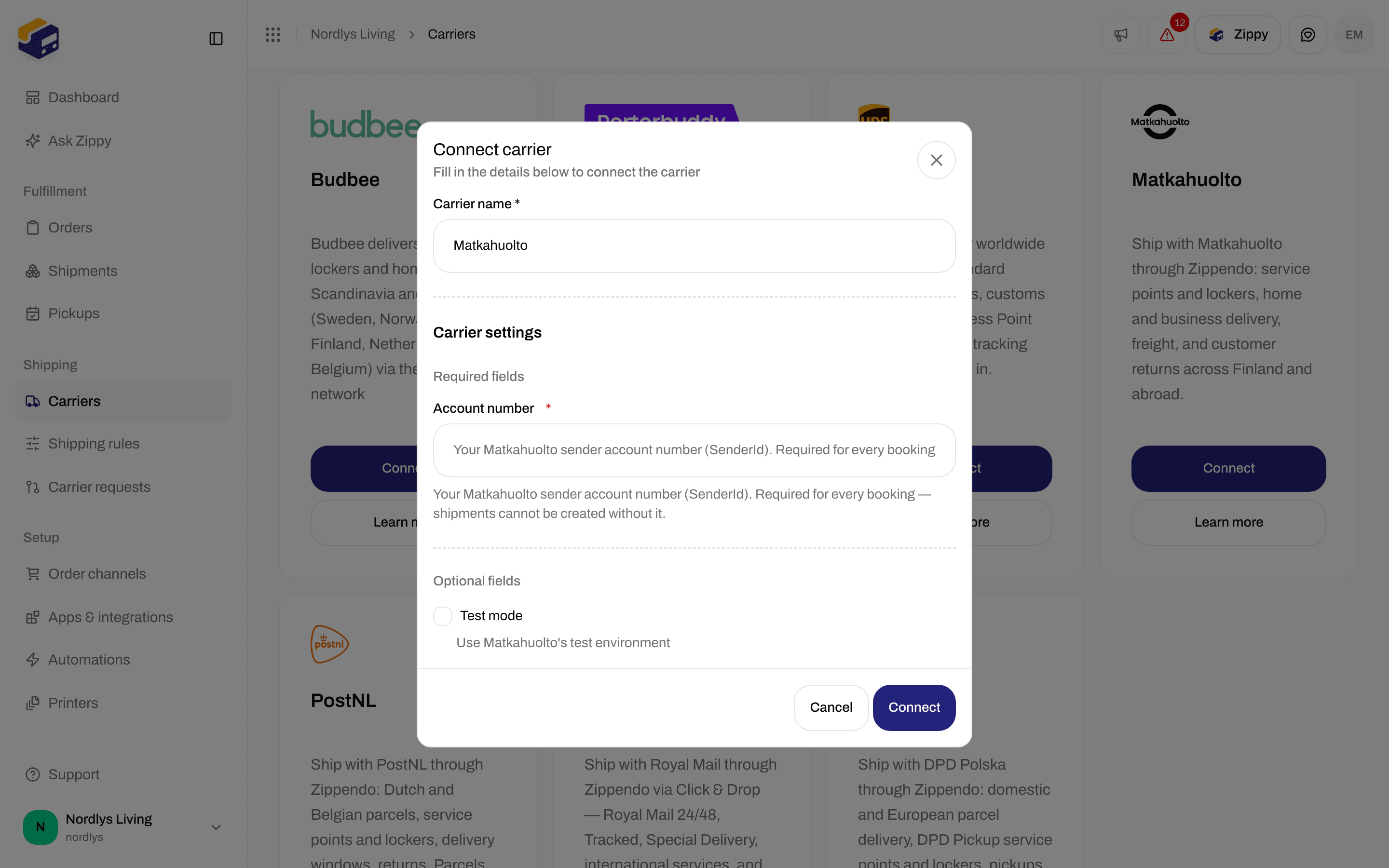
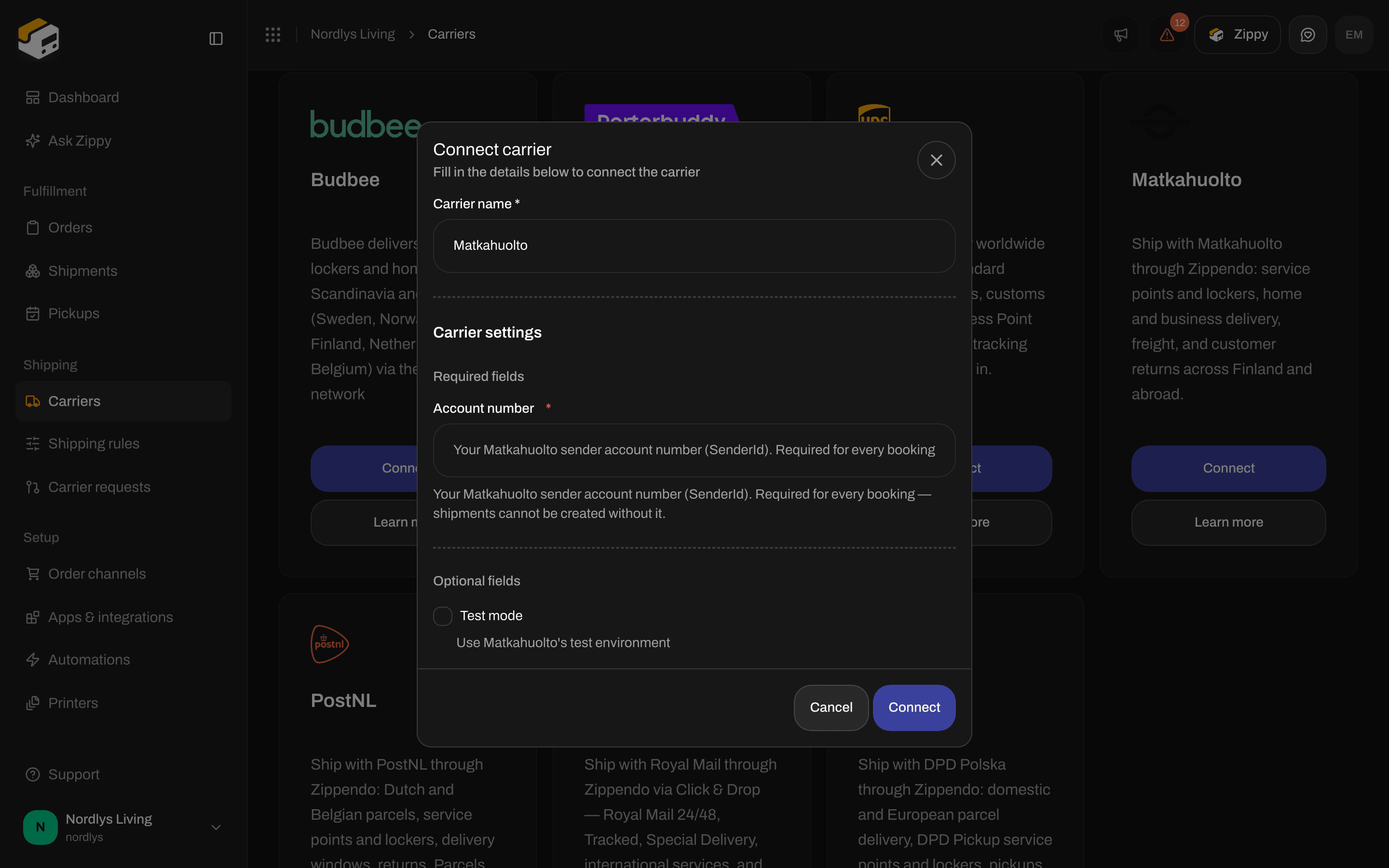
Matkahuolto - the Account number only
DPD Polska
Royal Mail
PostNL
DPD Switzerland


DPD Switzerland - User ID, Password and Customer number
DHL Parcel Benelux


DHL Parcel Benelux - API user ID, API key and Account number
DHL eCommerce Europe


DHL eCommerce Europe - Client ID, Client secret and Customer ID
DPD Belgium


DPD Belgium - Login and Password
DPD Hungary


DPD Hungary - Login, Password, Customer ID and Sender address ID
DPD Latvia


DPD Latvia - API token
DPD Lithuania


DPD Lithuania - API token
Helthjem


Helthjem - Client ID, Client secret and Shop ID
Posti


Posti - Client ID, Client secret and Logistics contract number
Danske Fragtmænd


Danske Fragtmænd - API username, API password, Agreement number and Hub
DSV XPress
DSV Road
DSV Road (DB Schenker)
Edit a carrier
On My carriers, click Edit carrier on the carrier. The Edit carrier page has two sections:- General - Carrier name and, when your organization has brands, Brand.
- Carrier settings - the same carrier fields as when you connected, including Test mode. The saved values are shown, so you can check them for typos.
Delete a carrier
Open the carrier
Confirm
GLS DENMARK. Type it and click Delete.If something goes wrong
Your carrier is not on the list
Click Carrier requests in the sidebar and request the carrier.Related
- Connect a carrier or integration - one page per carrier
- Test mode - testing with the carrier’s test system
- Carrier products and services - you choose products on the shipment or shipping rule, not on this form
- Carriers - the walkthrough
- Carrier authentication failures