

- You authorize Zippendo Printer. When you sign in to the app on your computer, it opens a page in your browser where you allow it to use your Zippendo account.
- Someone approves each printer. Every printer you add in Zippendo Printer waits as Pending approval until someone in your organization approves it on the Printers page.
Authorize Zippendo Printer in the browser
1
Start from the app
In Zippendo Printer, click Sign in with your browser. Your browser opens Zippendo.
2
Sign in if asked
Use the same email and password as in the Zippendo app.
3
Check the page
The page Authorize Zippendo Printer says Zippendo Printer is asking for access to your Zippendo account. It shows Signed in as with your email and how many organizations Zippendo Printer gets access to, for example “Access to 2 organizations”.
4
Authorize
Click Authorize Zippendo Printer. If your browser asks whether to open Zippendo Printer, allow it. The page changes to Authorization complete. Close the tab and go back to the app.
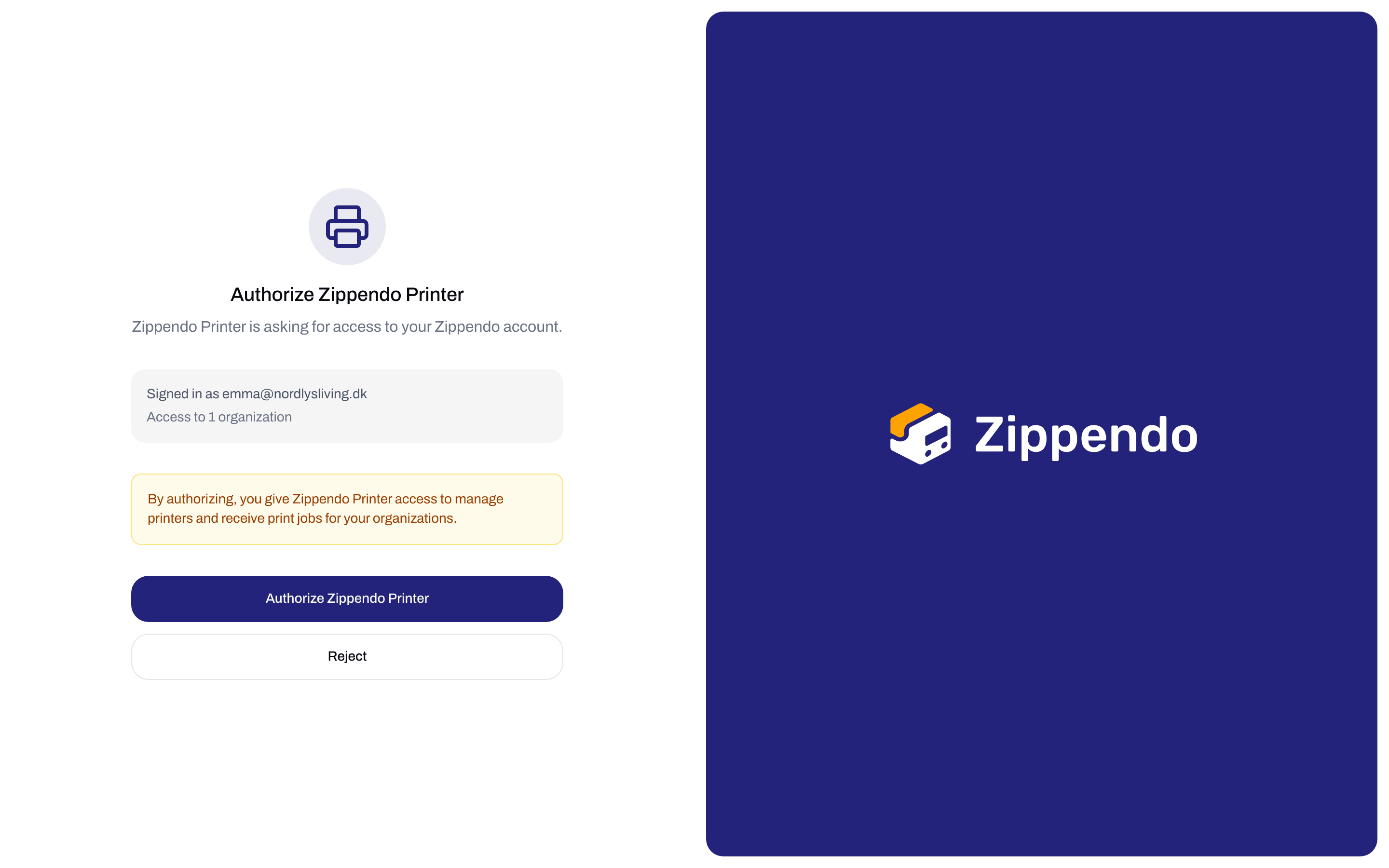
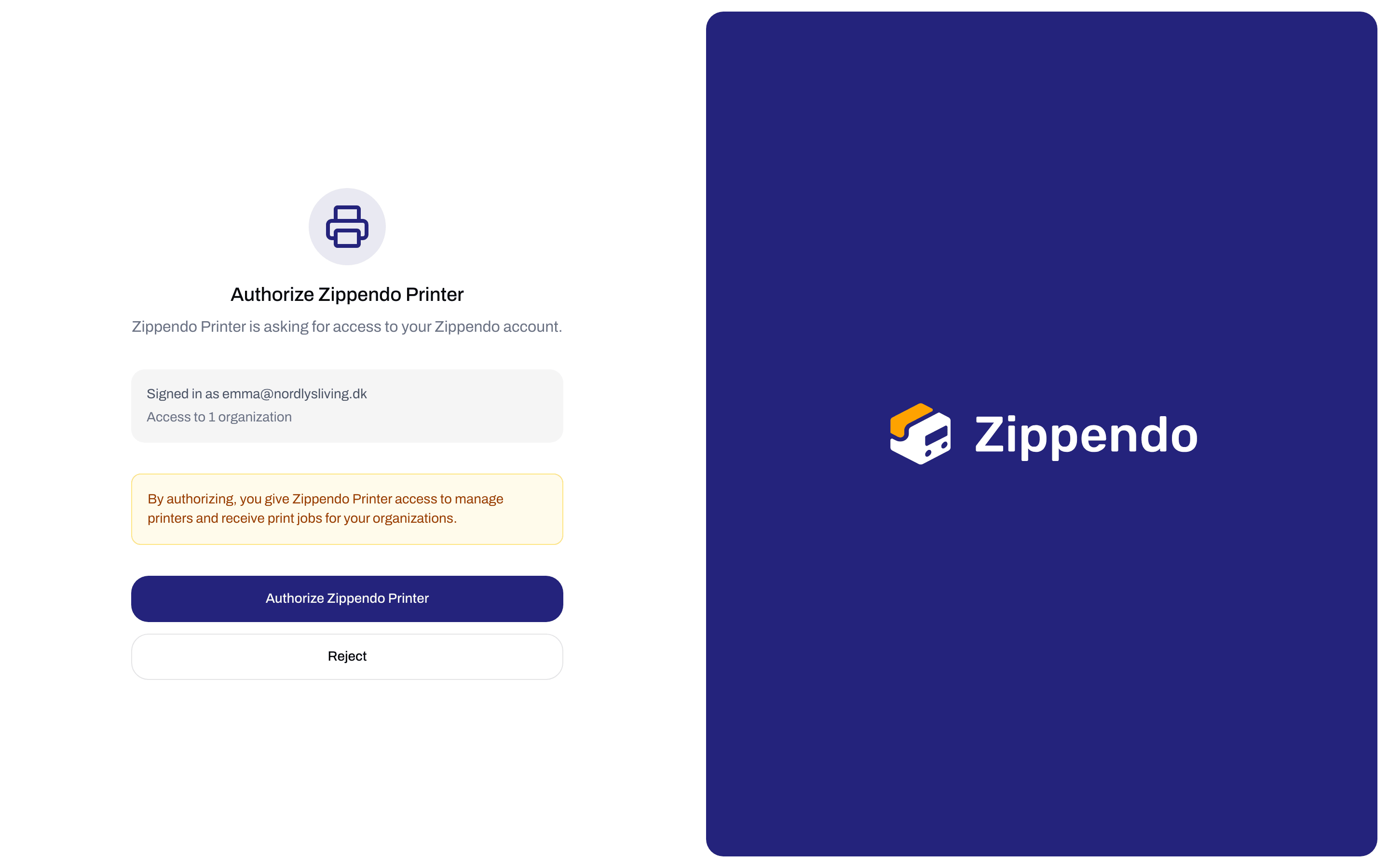
Authorize Zippendo Printer shows your account and what the app gets access to
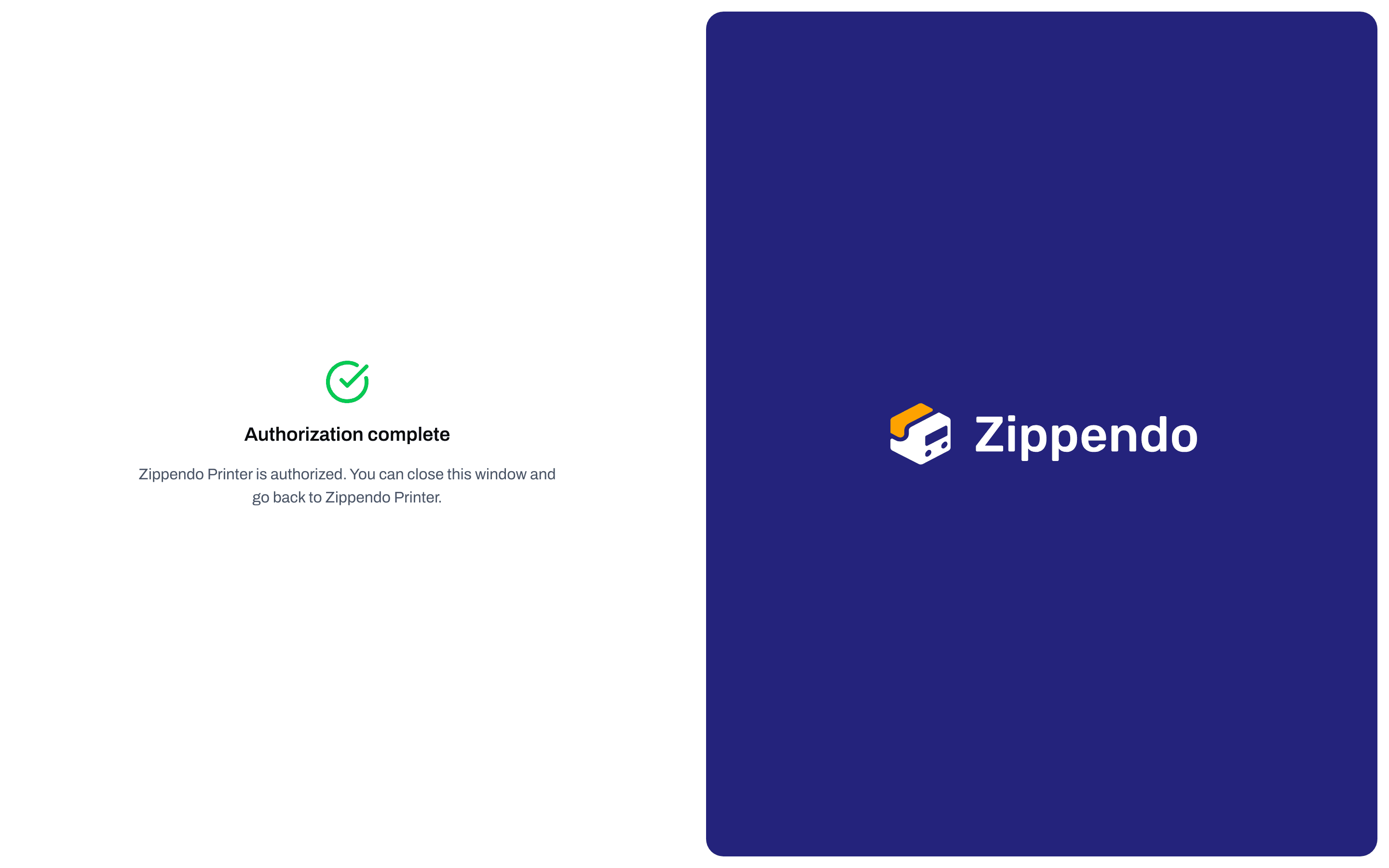
Authorization complete - close the tab and go back to Zippendo Printer
Messages on the page
The page can show one of these messages instead. Each one has nothing to fill in. Close the tab and, when needed, click Sign in with your browser in Zippendo Printer again.
If clicking a button fails, the page shows We couldn’t authorize Zippendo Printer. Try again. or We couldn’t reject the request. Try again.. Try again, or start over from the app.
Approve a new printer
After you add a printer in Zippendo Printer, it appears on the Printers page with the status Pending approval. The Pending approval box at the top of the page counts these printers.1
Open Printers
Click Printers in the sidebar.
2
Approve
Open the menu at the end of the printer’s row and click Approve. Approve is only there while the status is Pending approval.
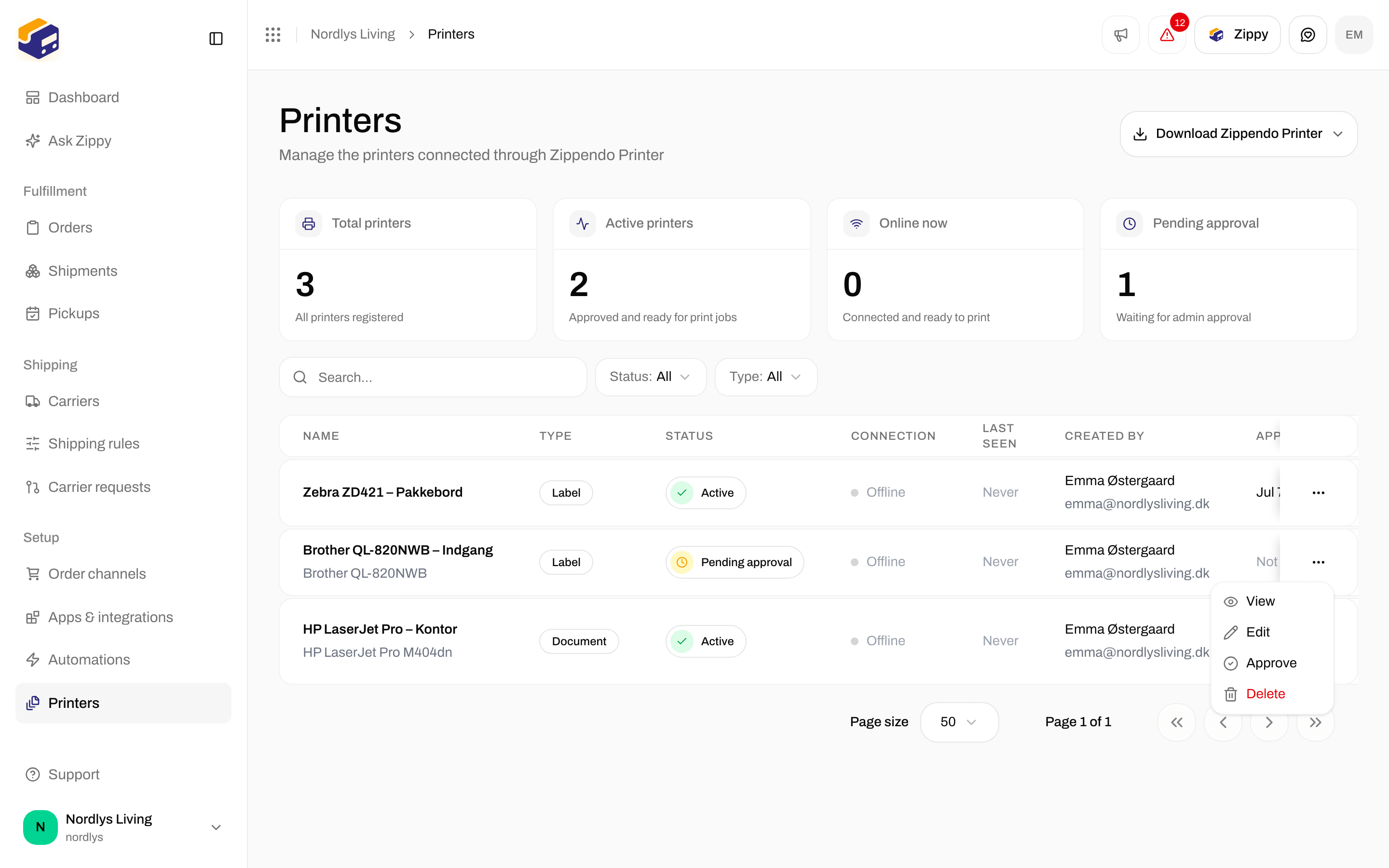
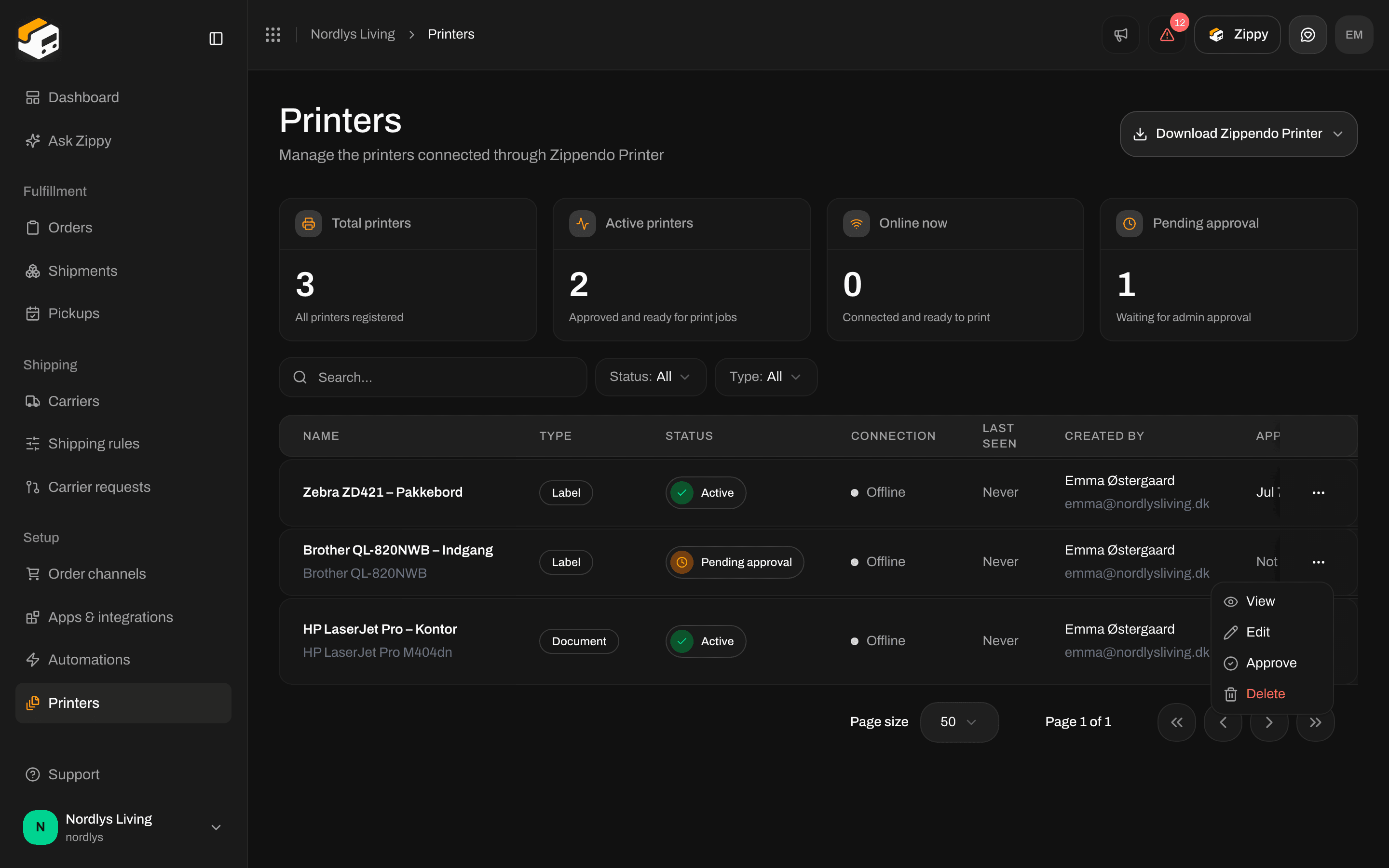
Approve is in the row menu while the printer is Pending approval
Status and connection
Each printer on Printers has a Status and a Connection. They are separate.
A printer can be Active and Offline at the same time: it is approved, but it cannot print right now. Print jobs wait until it comes back. Last seen shows when the app last checked in, for example “5 mins ago”.
Disable a printer
To stop a printer from receiving new jobs, open the menu on its row and click Disable. Disable only appears for Active printers. You see Printer disabled. A disabled printer cannot be turned back on. To use it again, delete it (on Printers, or with the trash icon in Zippendo Printer), then add it again in Zippendo Printer and approve it. See Add a printer.Find a printer
Click Filters at the top of Printers to narrow the list:- Search: type part of the printer’s name.
- Status: Active, Pending approval or Disabled.
- Type: Label printer or Document printer.
Related
- Set up Zippendo Printer - install, sign in and add printers
- Add a printer - rename printers, change the type, rotate wide labels
- Printer jobs
- Shipment printer settings
- Printer offline or not printing
- Labels and printing