

Edit is not shown when the order is Fulfilled or Cancelled. Those orders can’t be changed.
Items card
Click Orders in the sidebar and open an order. The Items card shows: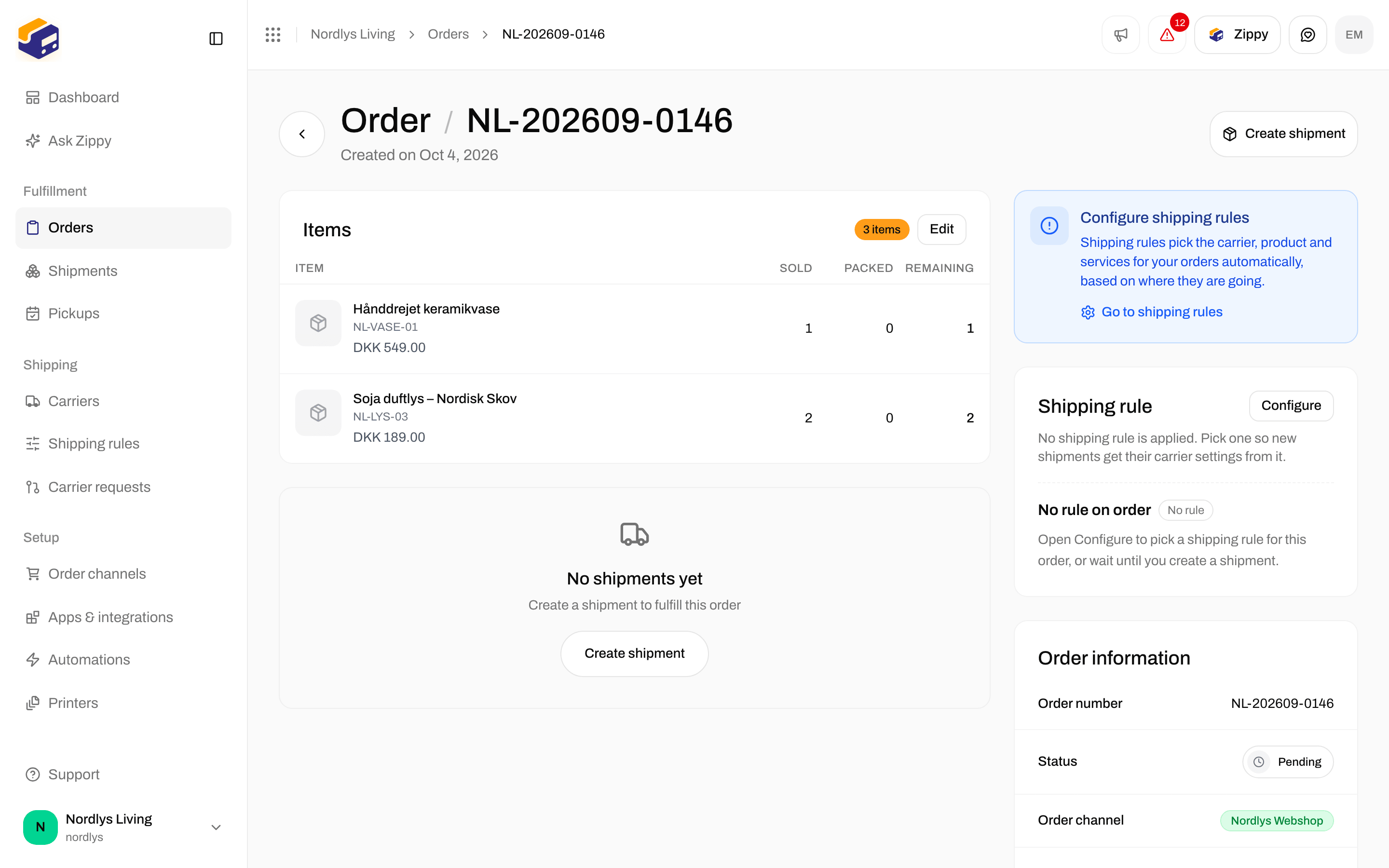
Items: the item count, Edit, and each line with sold, packed and remaining quantities
Edit the lines
1
Open the order
Click Orders in the sidebar, then the order.
2
Click Edit
On the Items card, click Edit. The Edit order lines window opens: Your changes replace all lines on this order. Keep at least one line.
3
Change the lines
Update the fields below. Click Add line to add a product, or the trash icon to remove a line.
4
Save
Click Save. You see Order updated. Shipments of the order that have not been sent yet get the same changes. If you see Couldn’t update order, try again.
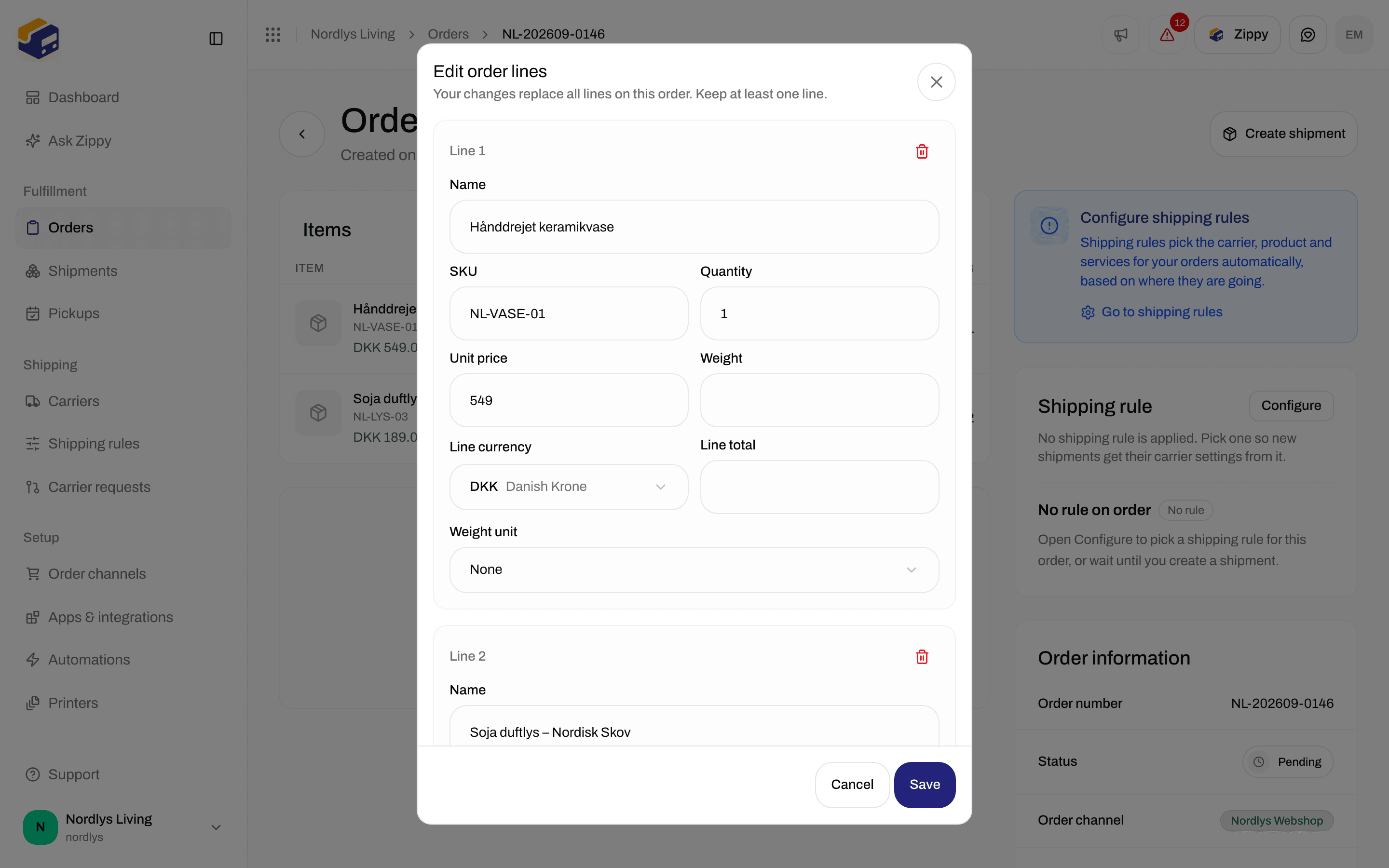
Edit order lines: every field on a line, Add line and Save
Fields on each line
Each line is headed Line 1, Line 2 and so on. The trash icon only appears when there is more than one line, because an order needs at least one.
Add line adds a line called “New line” with Quantity 1, in your organization’s currency, with the other fields empty. Cancel closes the window without saving.
If you try to save without any lines, you see At least one order line is required.
When Edit is not shown
If an order that can still be edited has no lines, Edit opens with one “New line” ready to fill in.
Some product details that came from your webshop, such as variant, barcode, tariff number, country of origin, vendor and image, are not in this window. Zippendo keeps them on the lines you don’t remove.
Splitting and moving parcels changes which shipment an item is packed on. It does not change the order’s lines. See Split and move parcels.
You are done when Items shows the new names, SKUs and quantities. If the order already has a shipment that has not been sent, open it and check that Parcel details shows the same lines.