

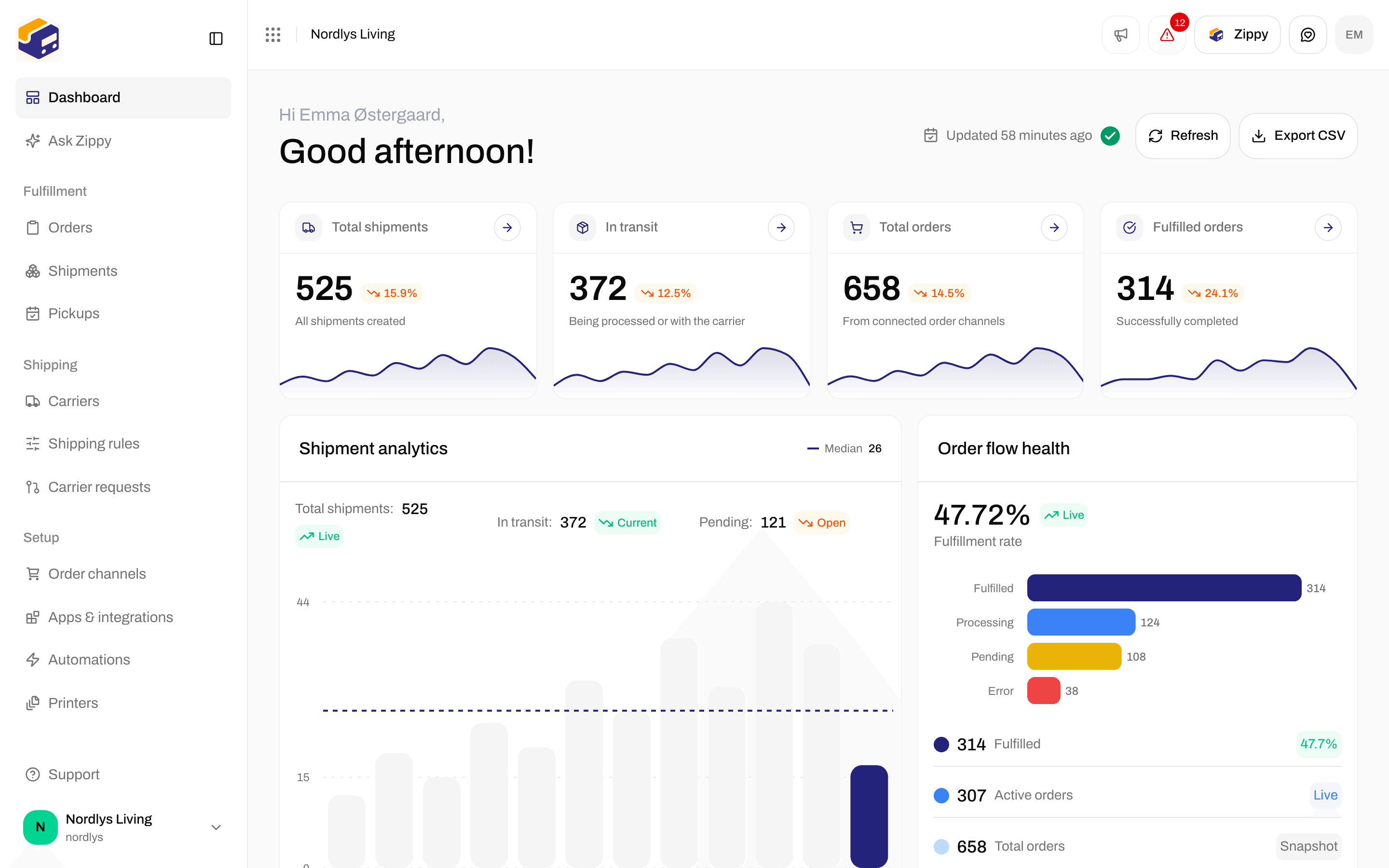
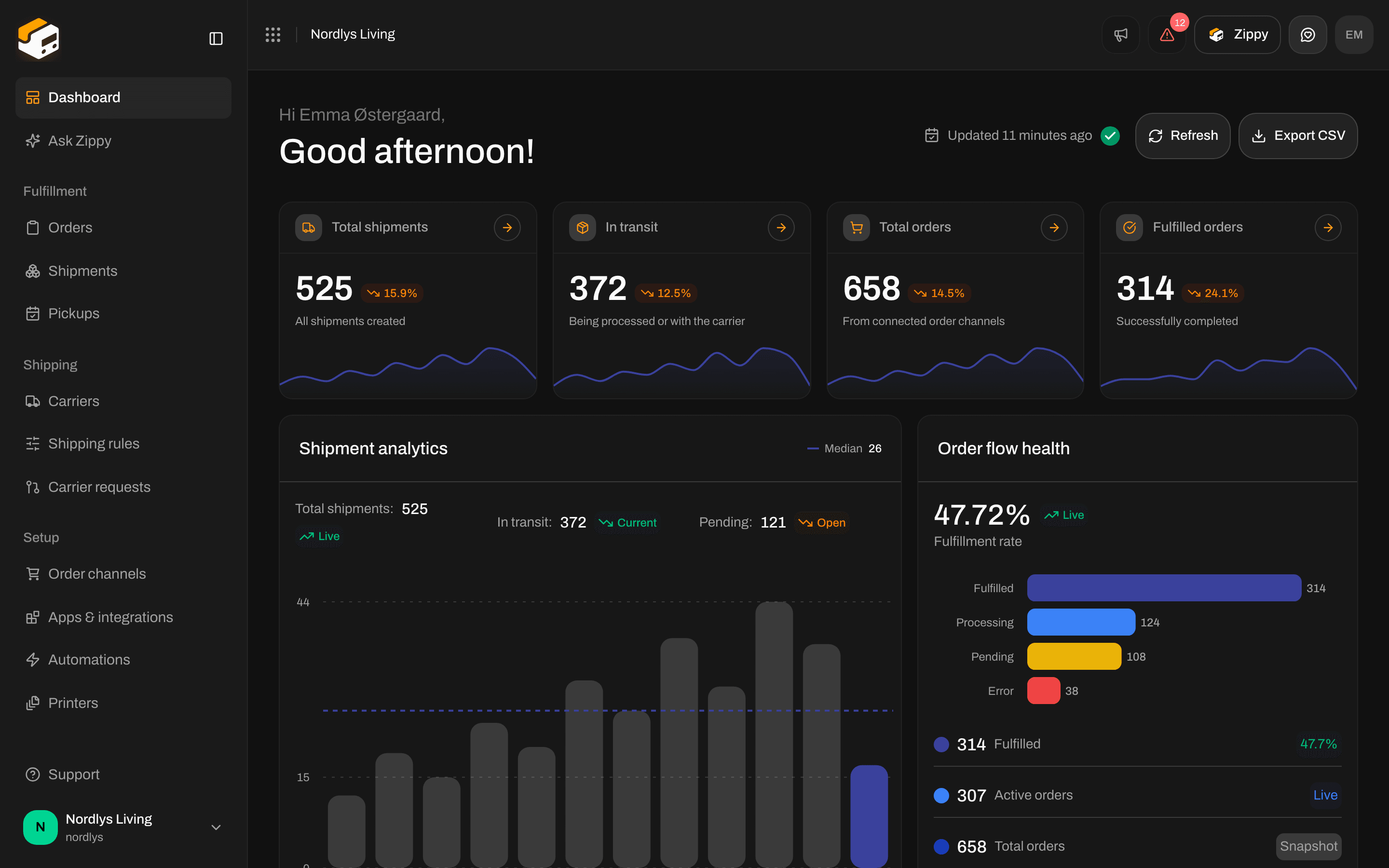
The Zippendo dashboard. Settings opens from Manage in the organization menu, not from the sidebar
How-tos and tutorials
Connect
Every carrier, app and order channel you can connect, with what each one asks for. The pages for each carrier and app are under Connect a carrier and Connect an integration in the menu.Connect a carrier or integration
All carriers, apps and order channels in one list, and which ones you can connect yourself.
Connect Slack, Klaviyo and other apps
Slack, Klaviyo, Customer.io, Mailchimp, SendGrid, Zapier and Make under Apps & integrations.
Carrier credentials
What every carrier form has in common: connect, edit and delete.
Request a carrier integration
Ask for a carrier that is not on the list yet.
Shipments
Send a shipment
Send a pending shipment to the carrier and get the label: what must be filled in, and sending again after an error.
Pick a service point
Choose where the receiver collects the parcel when the product delivers to a service point.
Split and move parcels
Split a shipment into more parcels, or move a parcel to another shipment.
Customs and documents
Incoterms, invoices, customs declarations (CN22 / CN23) and other documents on a shipment.
Return shipments
Create a return shipment, who it goes to, and creating returns automatically from a shipping rule.
Sender, receiver, and other parties
Sender, receiver, billing, freight payer, pickup and return addresses, and which fields are required.
Hold, cancel, or delete a shipment
Delete a pending shipment, and where the On hold and Cancelled statuses come from.
Apply a shipping rule
Put a shipping rule on an order or shipment so the carrier and product fill in.
Orders and channels
Connect WooCommerce
Connect in one click or with WooCommerce API keys, your webshop address, and importing orders.
Shopify settings
Installing the app, importing orders, shipping prices at checkout and shipping method mapping.
Custom channel API
Send orders into Zippendo from your own webshop or ERP.
Order channel settings
Switch an order channel on or off, sync it, and remove a webshop.
Edit order lines
SKU, quantity, price, country of origin and tariff number on an order or parcel.
Carriers
Carrier credentials
Connect a carrier, required and optional fields, and the settings you can change later.
Test mode
Test a carrier without creating real shipments.
Carrier products and services
Turn on the products you ship with, their services and extra settings.
Request a carrier integration
Ask for a new carrier and share its test login details.
Service points
What a service point is, which products deliver to one, and where it is chosen.
Carrier tracking webhooks
Carriers sending tracking updates to Zippendo. Not the webhooks in Settings.
Printing
Set up Zippendo Printer
Install Zippendo Printer, sign in from the browser, and add a printer on your computer.
Add and manage printers
Name a printer, choose label or document printer, and turn wide pages.
Authorize Zippendo Printer
Download Zippendo Printer, approve a new printer, and see whether it is online.
Auto-print labels and documents
Print labels and documents automatically from a shipping rule or a shipment.
Printer jobs
Pending, Processing, Failed and Completed print jobs: print again, delete, and see the details.
Shipment printer settings
Choose the label and document printer for one shipment.
Automation
Build an automation
Triggers, actions, a worked example, test runs and switching an automation off.
Shipping rule fields
When a rule applies, weight and order value limits, countries, documents, returns and printers.
Schedule a pickup
Ask a carrier to collect your parcels: date, time window and instructions.
Account and organization
Invite team members
Invite by email, choose a role, and see pending and active invitations.
Roles and permissions
Built-in roles, your own roles, and what each permission allows.
Create a brand
Name, invoice details, customs numbers and document branding for a brand.
Organization settings
Name, description, and customs numbers such as VOEC, EORI and IOSS.
Organization branding
Your organization’s logo and document colors.
Sender, pickup, and return addresses
Add your sender, pickup and return addresses and contact details.
Billing and usage
Plans, usage, extra shipments, add-ons, and billing through Shopify or by card.
Danger zone
Delete your organization or your account. This can’t be undone, so export first.
Export organization data
Download everything your organization has in Zippendo (credentials are never included).
Profile, language, and two-factor authentication
Your email, language and two-factor authentication, and leaving an organization.
Import from another platform
Bring your carriers, shipping rules and setup over from another shipping platform.
Switch organization and brand
The organization menu: Manage, invite, switch organization and pick a brand.
Search and dashboard
Search and filters
Search lists, filter by status, carrier or order channel, and save views.
Export dashboard CSV
Download the dashboard numbers with Export CSV.
Ask Zippy
Zippy, the assistant in Zippendo: switch it on, ask questions, and how credits work.
API and events
Create an API token
Let your own systems connect to Zippendo: name, expiry and permissions. You copy the token once.
Webhooks
Send shipment, order and tracking events to your own system. Not carrier tracking webhooks.
Get a shipping quote
Show live shipping prices at your checkout in Shopify, WooCommerce or your own storefront.
Names that are easy to mix up
- Service point: the shop or parcel locker where the receiver collects a parcel. Some carriers use another name for it in their own fields. See Service points.
- Webhooks and carrier tracking webhooks: Webhooks send events from Zippendo to your system; Carrier tracking webhooks bring tracking from the carrier into Zippendo.
- Organization export and dashboard CSV: Export organization data downloads everything your organization has in Zippendo; Export dashboard CSV downloads the dashboard numbers.
- Hold and Cancel: the shipment page has no Hold or Cancel button, and Zippendo can’t cancel a shipment with the carrier. See Hold, cancel, or delete a shipment.