

- The organization switcher at the bottom of the sidebar. It shows the organization you are working in, opens Settings, and lets you change to another organization.
- The brand picker at the top of the sidebar, above the menu. It only appears when your organization has brands, and lets you work in All brands or in one brand.
The organization switcher
The switcher shows your organization’s initial, its name and, on the line below, its short web address name.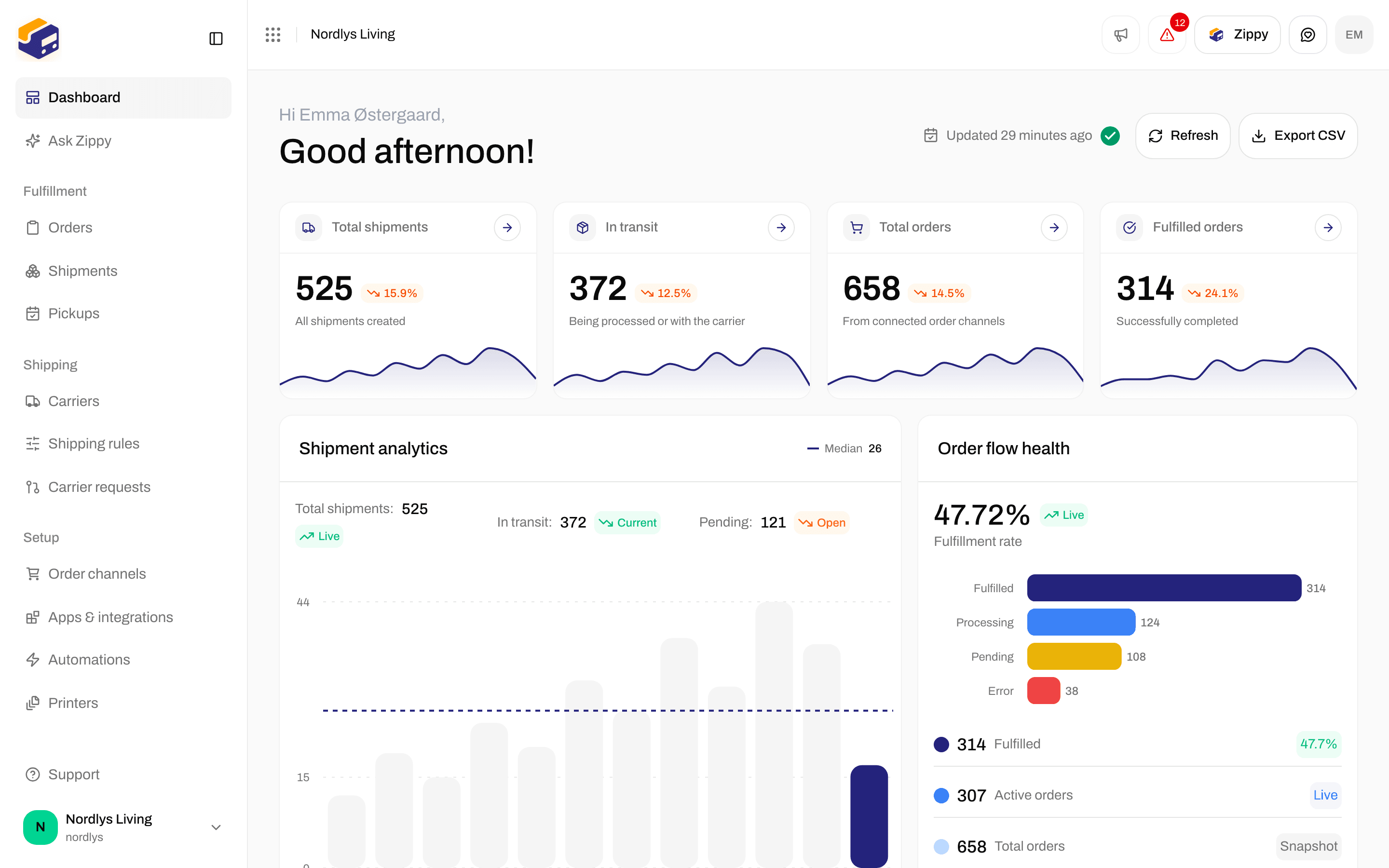
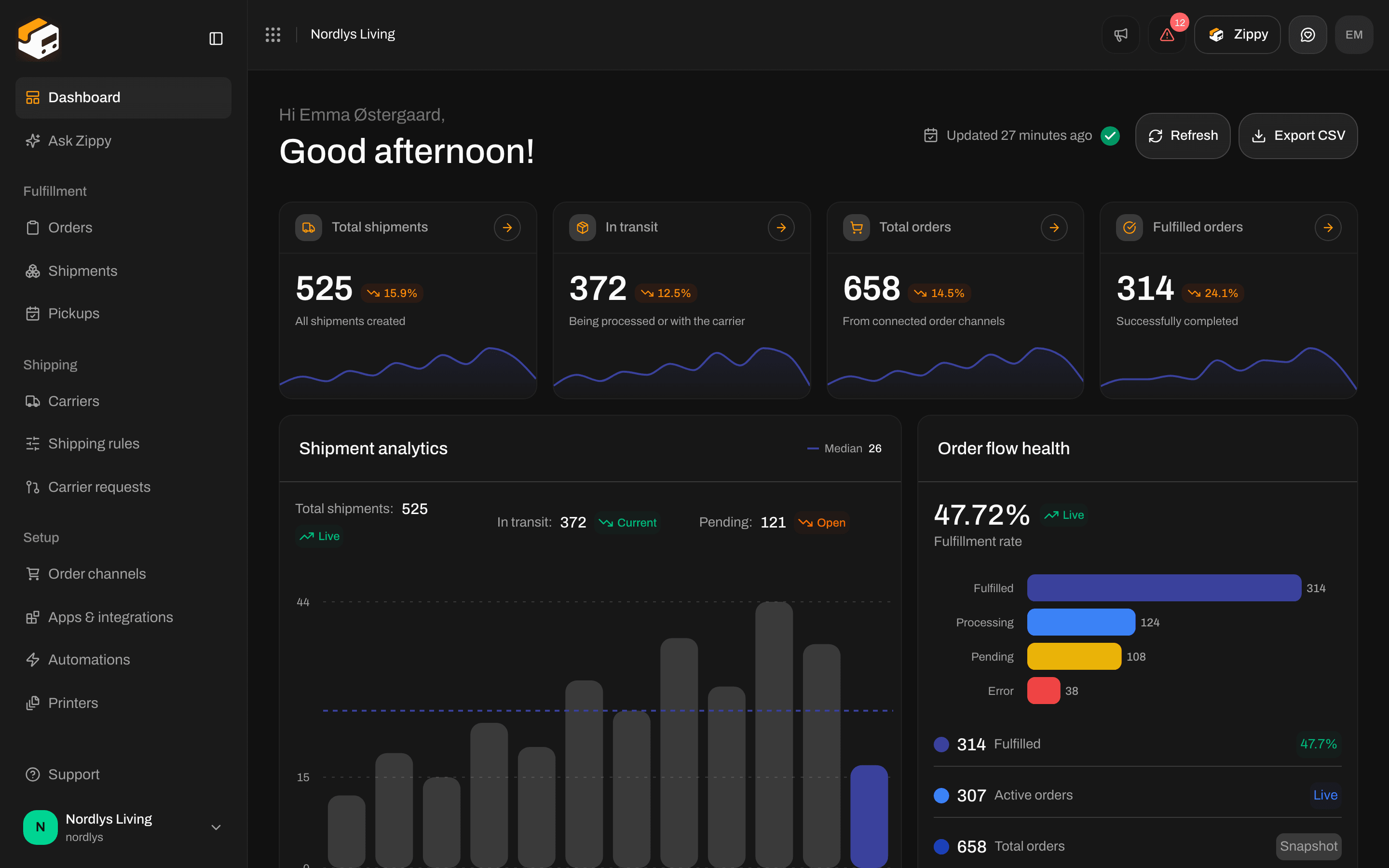
Organization switcher at the bottom of the sidebar
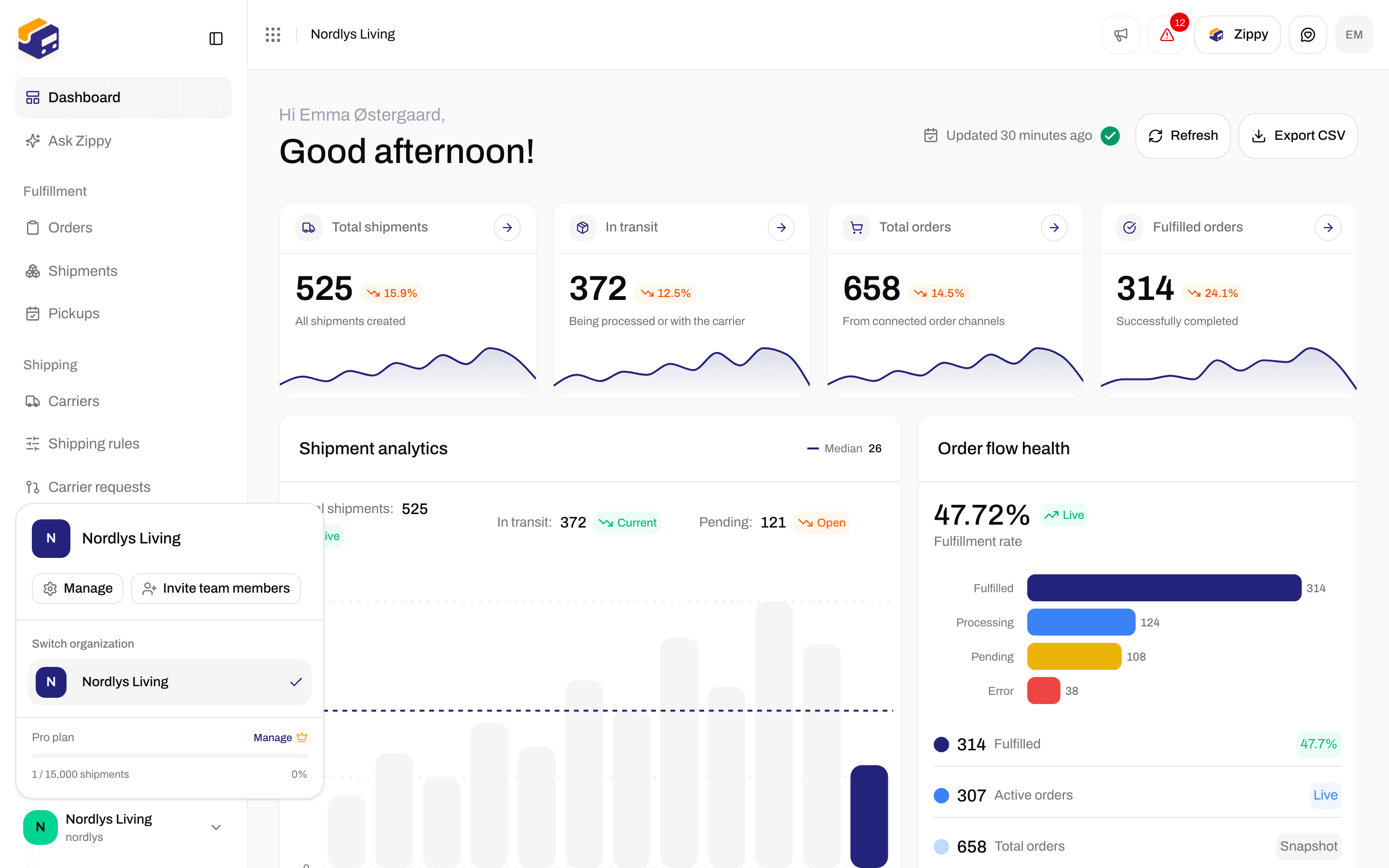
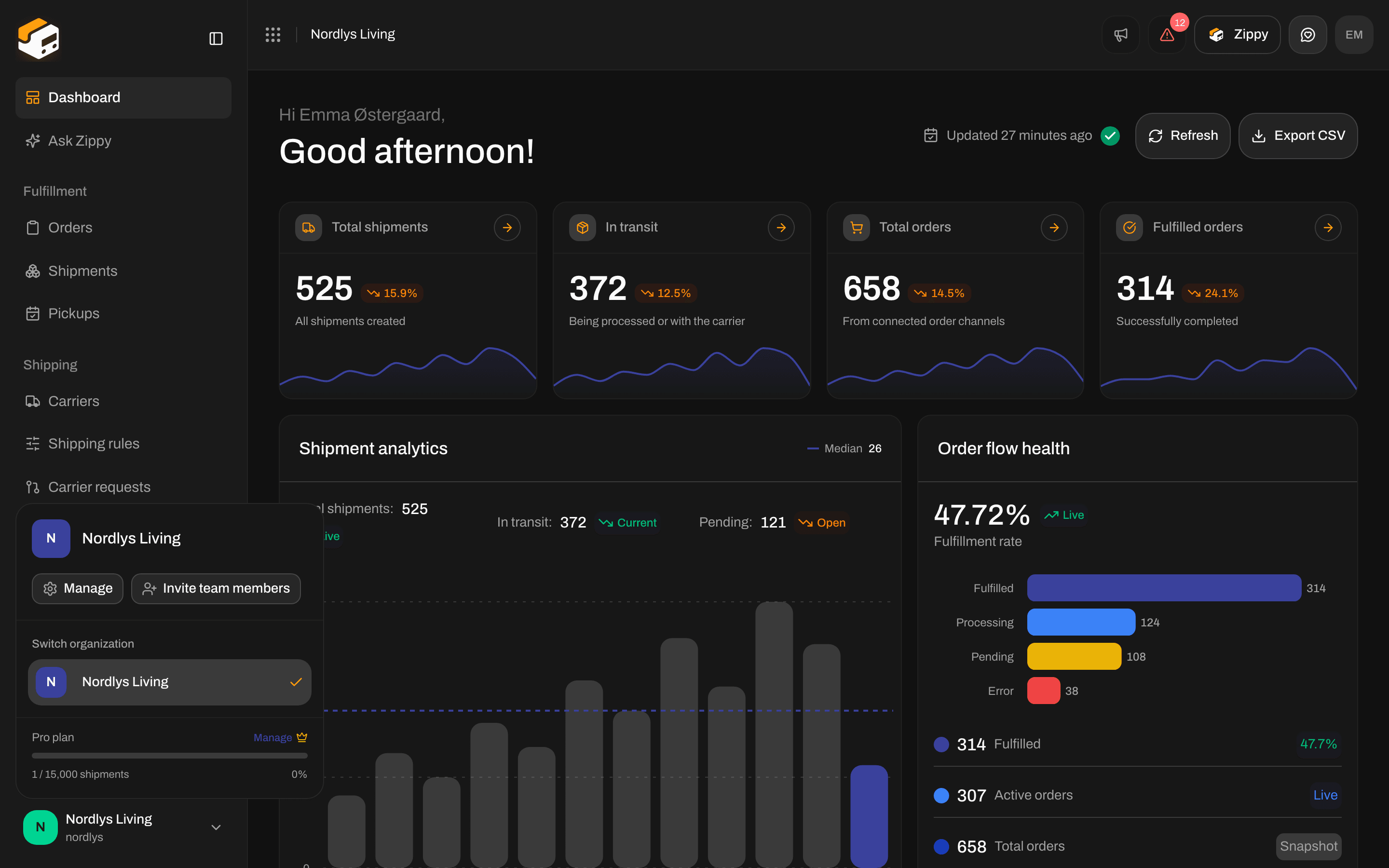
Switcher menu - Manage, Invite team members, Switch organization and plan usage
Switch to another organization
Click the organization under Switch organization. The switcher shows Switching organization… while Zippendo opens it. You land on that organization’s Dashboard, with its own orders, shipments, carriers and settings. If it fails, you see Couldn’t switch organization. Try again.. Try again. You only see organizations you are a team member of. To join another one, ask someone in that organization to invite you. See Switching organizations.The brand picker
The brand picker sits at the top of the sidebar. It shows All brands, or the name and logo of the brand you are working in. It only appears when your organization has at least one active brand, or when your account is restricted to a brand. Click it to open the list:Switch to a brand
Click All brands or a brand. The picker shows Switching brand…, then every list reloads for your choice. You stay on the same page.- Inside a brand, you see only that brand’s orders, shipments and print jobs.
- Carriers, sender addresses, shipping rules and other setup that is not assigned to a brand are shared, so you see them in every brand.