

What the archive contains
Download everything your organization has put into Zippendo: company and team member details, shipments and orders including receiver information and tracking history, and your integration setup. Login details are never included.There is nothing to choose: every export includes all of the above.
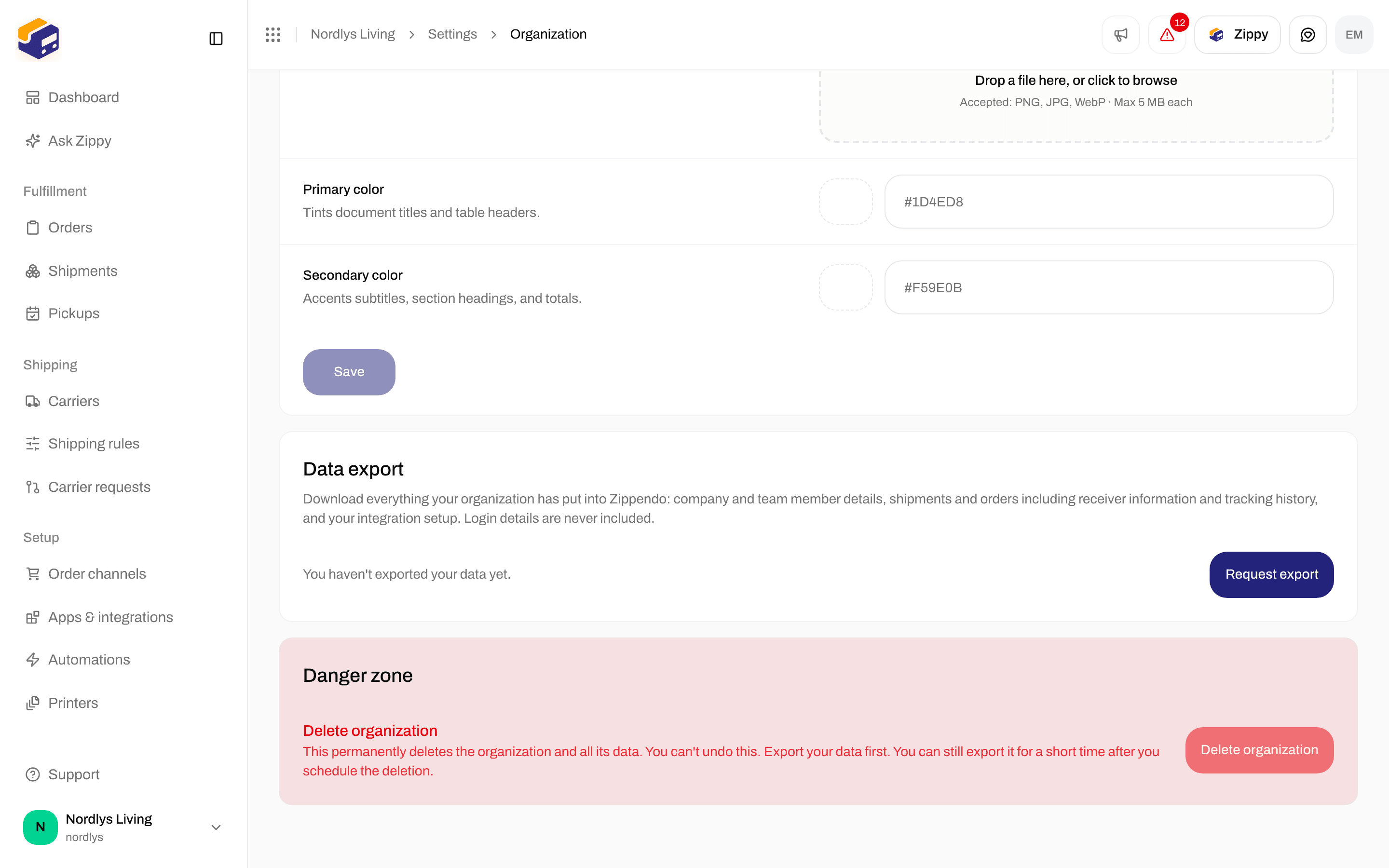
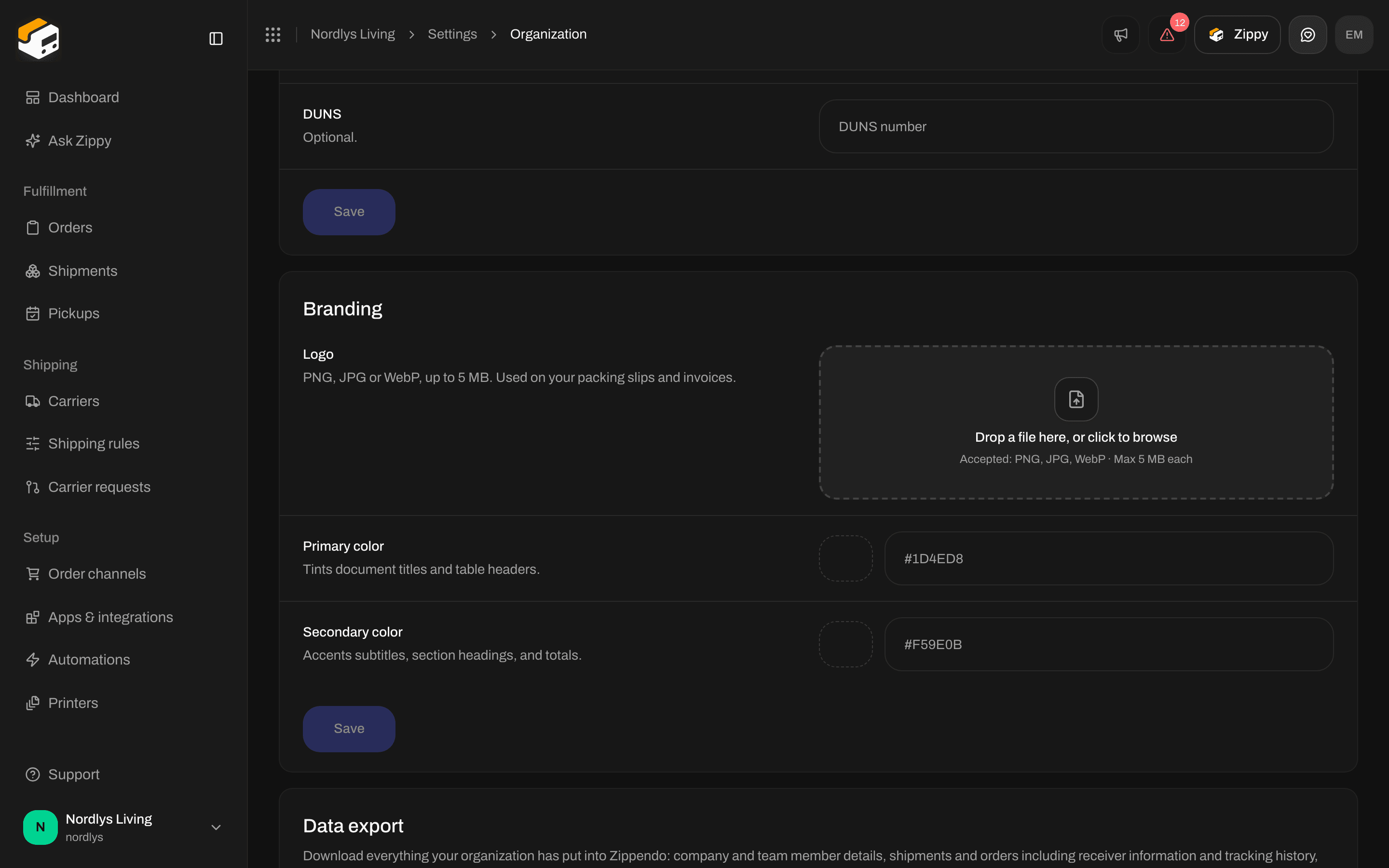
Data export - status, Request export, and Download when an archive is ready
Export your data
1
Open Data export
Go to Settings → Organization and scroll to Data export.
2
Request the export
Click Request export. You see We’re preparing your export. You’ll get an email when it’s ready. The button shows Preparing… while the archive is being built.
3
Wait for the email
This can take a few minutes for large accounts. We’ll email you when it’s ready. You can leave the page in the meantime.
4
Download
Come back to Data export and click Download. The card shows the last day you can download the archive, for example Available to download until 25 September 2026. After that day, request a new export.
Status messages
If something goes wrong
Before you delete your organization
Export your data before you ask for your organization to be deleted. After deletion is scheduled, you can still export for a short period. See Danger zone.Related
- Organization settings - name and customs numbers on the same tab.
- Organization branding
- Export dashboard CSV - Dashboard numbers, not this archive.
- Danger zone
- Organization