

Split shipment and Redistribute parcels only work while the shipment is Draft or Pending. Move also works on Error. Once a shipment is Sent, all three are gone. See Hold, cancel, or delete a shipment.
Related walkthrough: Create a shipment.
Parcel details
Open the shipment. The Parcel details card lists each parcel. When there are none, it says No parcels and This shipment has no parcels.
Redistribute parcels sits at the top right of the card when it is available.
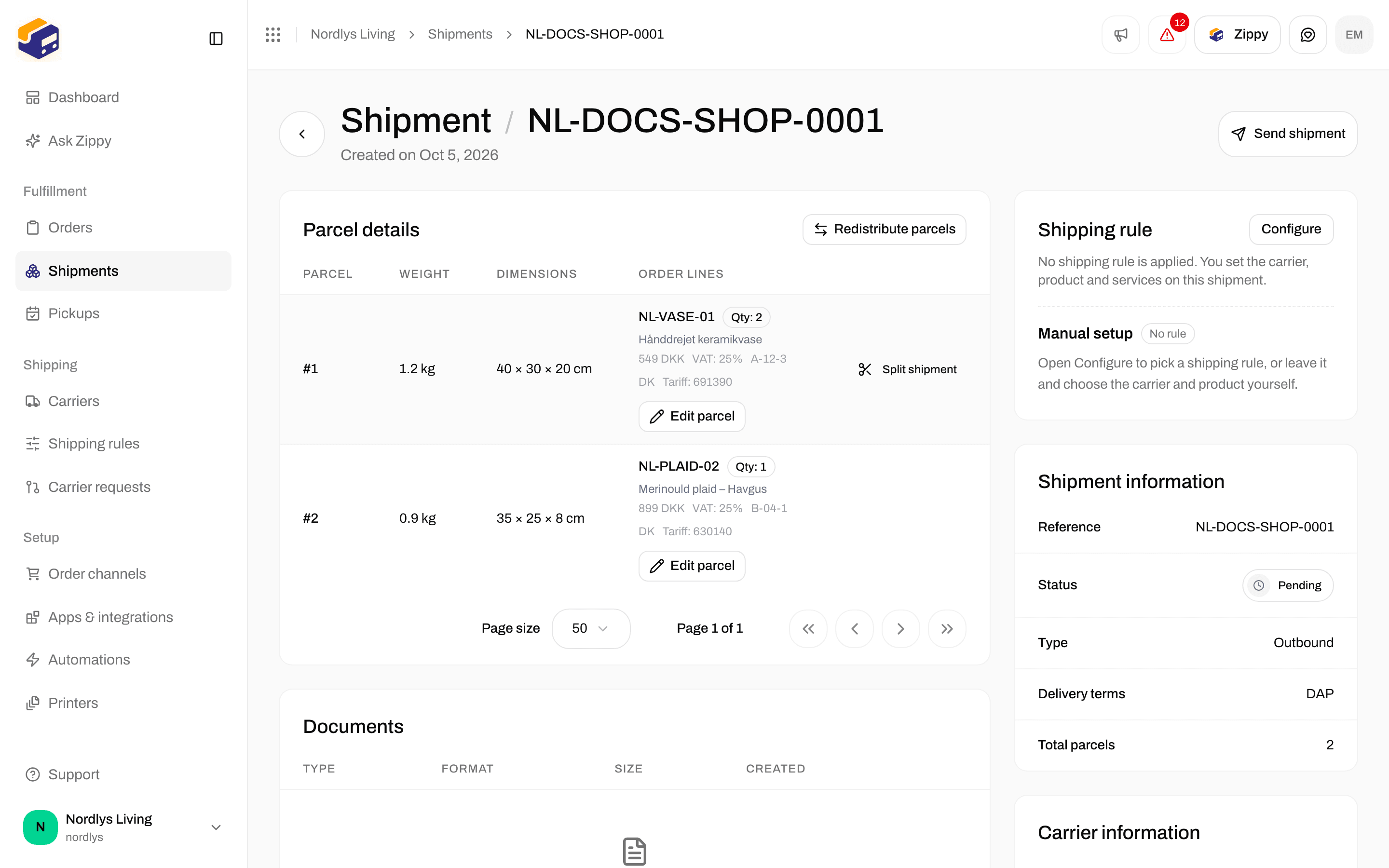
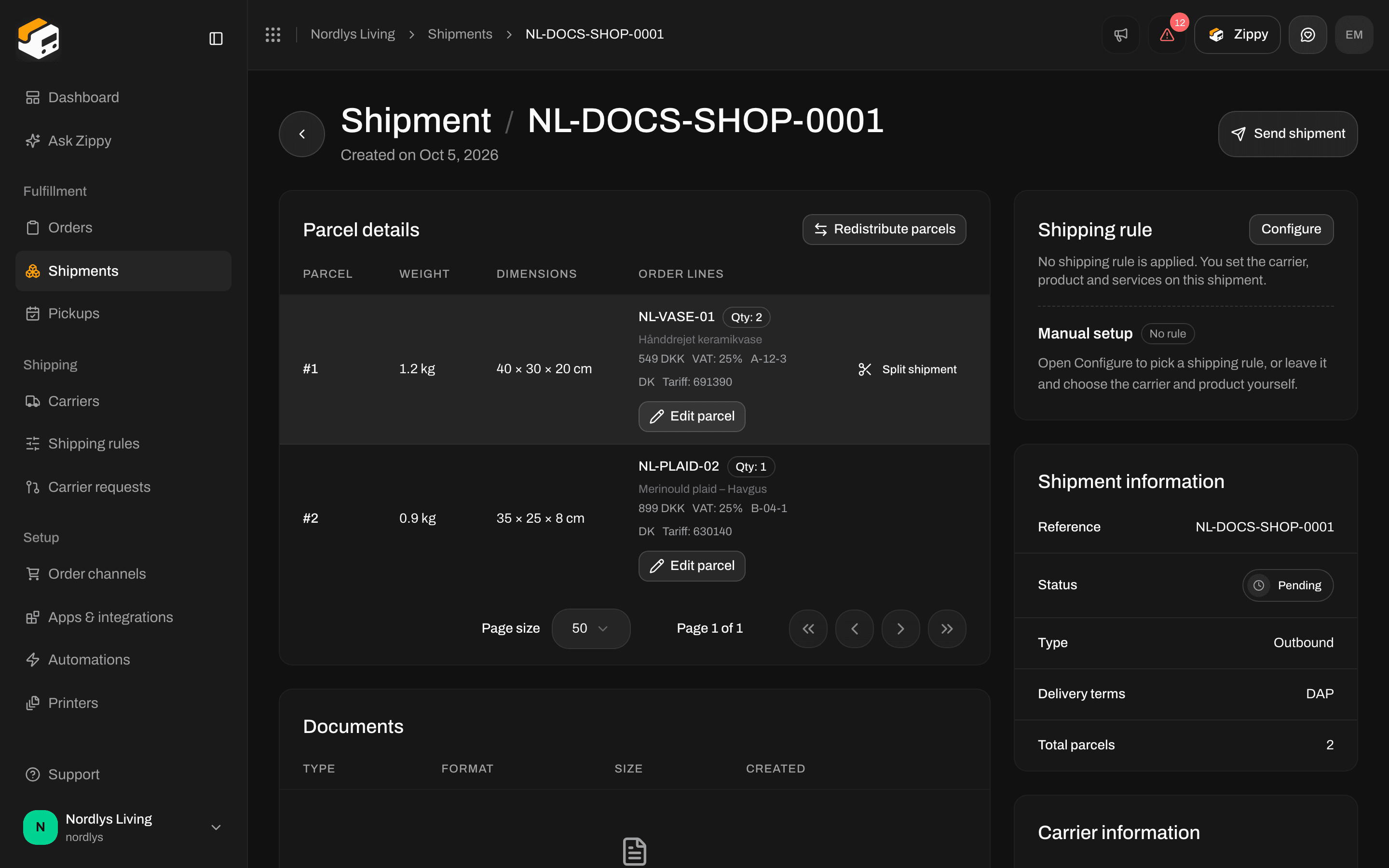
Parcel details on a pending shipment with two parcels: Redistribute parcels, Split shipment and Edit parcel
When the buttons show
For example, a pending shipment with a single line of quantity 1 has neither Split shipment nor Redistribute parcels. A shipment that is not part of an order never shows Move.
Split shipment
Click Split shipment on a parcel. A window titled Split shipment opens: Move order lines between shipments. The original shipment stays on the left. Empty new columns are ignored when you split. The Shipment board works by drag and drop: Drag a card to move all of it, or use Split to move part of the quantity. Above it you see how many cards, items and new shipments there are, and the Add shipment button.
An empty column says Drop lines here. The bottom of each column shows its number of lines and items, for example “2 lines · 3 items”.
Click Split shipment to finish (it shows Splitting… while it works), or Cancel. The button is grayed out, with the reason, when:
- Move at least one line into a new shipment
- Fix the quantities before you split
- Splitting in progress
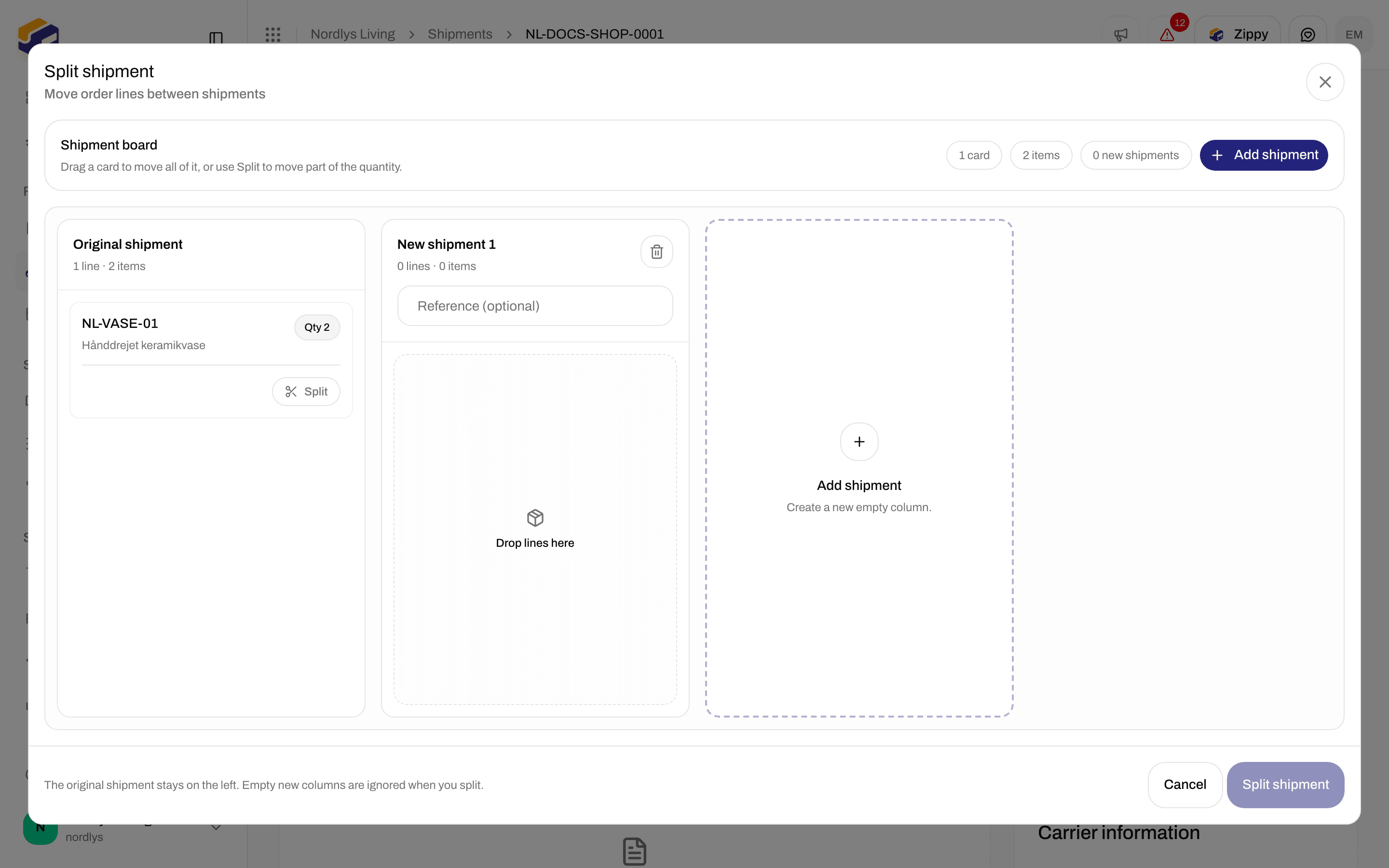
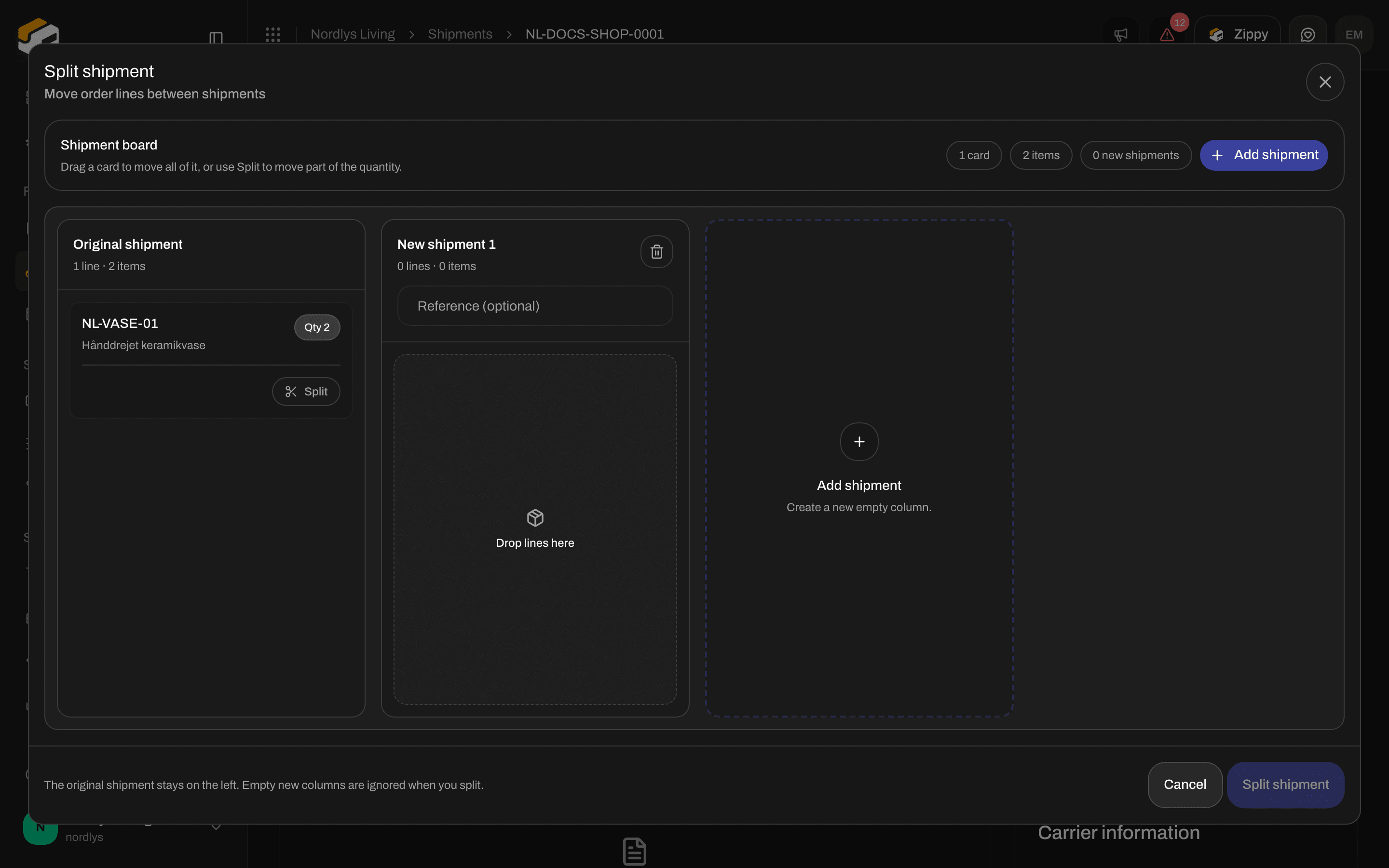
Split shipment: the original shipment on the left, an empty New shipment 1, and Add shipment
Split part of a line
On a card with a quantity above 1, click Split to send only some of the units elsewhere:
Zippendo suggests half (rounded down). After you confirm, the card keeps the rest and a new card appears with the units you split off. Drag that card to another column.
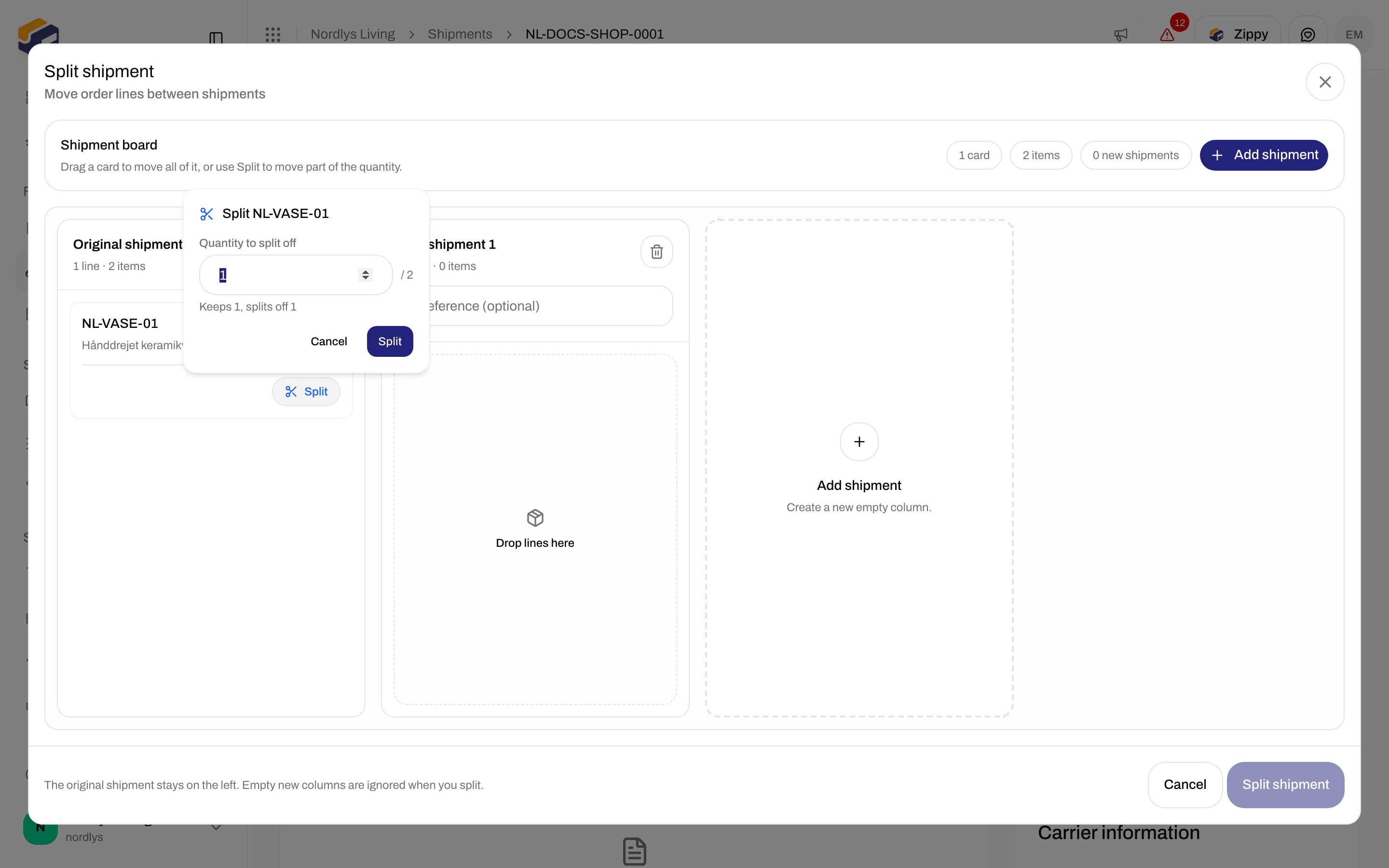
Split part of a line: choose how many units to split off
Redistribute parcels
Use this to spread the contents of one shipment over more boxes. It does not create a new shipment. The window is titled Redistribute parcels: Move order lines between parcels within this shipment. Drag order lines between parcels. Empty parcels are ignored when you save. The Parcel board works the same way as the shipment board. Above it you see how many cards, items and parcels there are, and Add parcel (Create a new empty parcel.). The columns are your existing parcels (Parcel 1, Parcel 2, …) and new ones (New parcel 1, …) marked New. Remove parcel removes a column. Click Save parcels to finish (Saving… while it works). The button is grayed out, with the reason, when:- Move at least one line to a different parcel
- Fix the quantities before you save
- Saving in progress
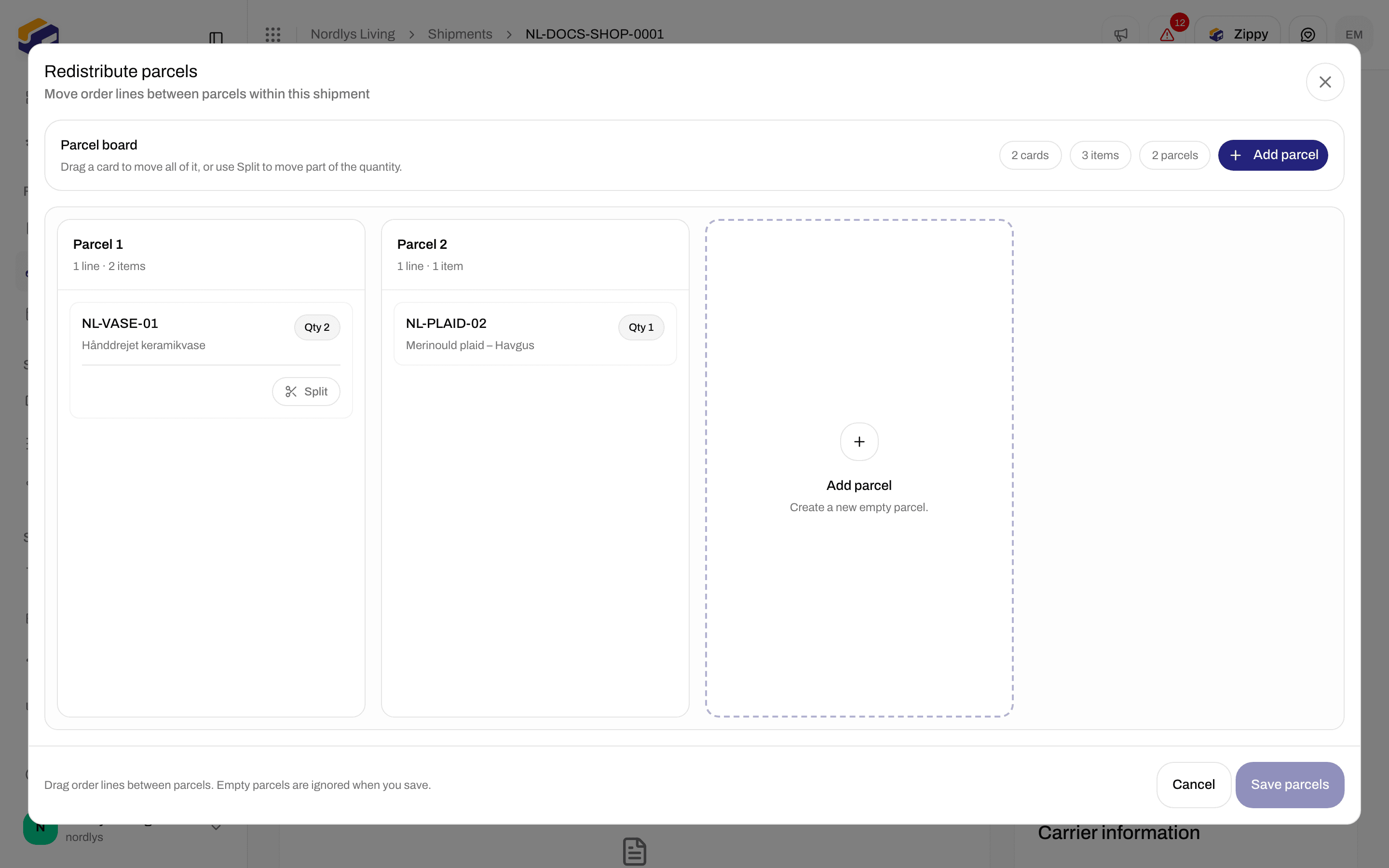
Redistribute parcels: the Parcel board with the existing parcels and Add parcel
Move a parcel to another shipment
This is only on the order’s Shipments tab. Each shipment card lists its parcels (Parcel 1, Parcel 2, …) with what is inside, or No contents.- Click Move next to the parcel.
- Pick the shipment to move it to from the list, for example Move to ORDER-1002-2.
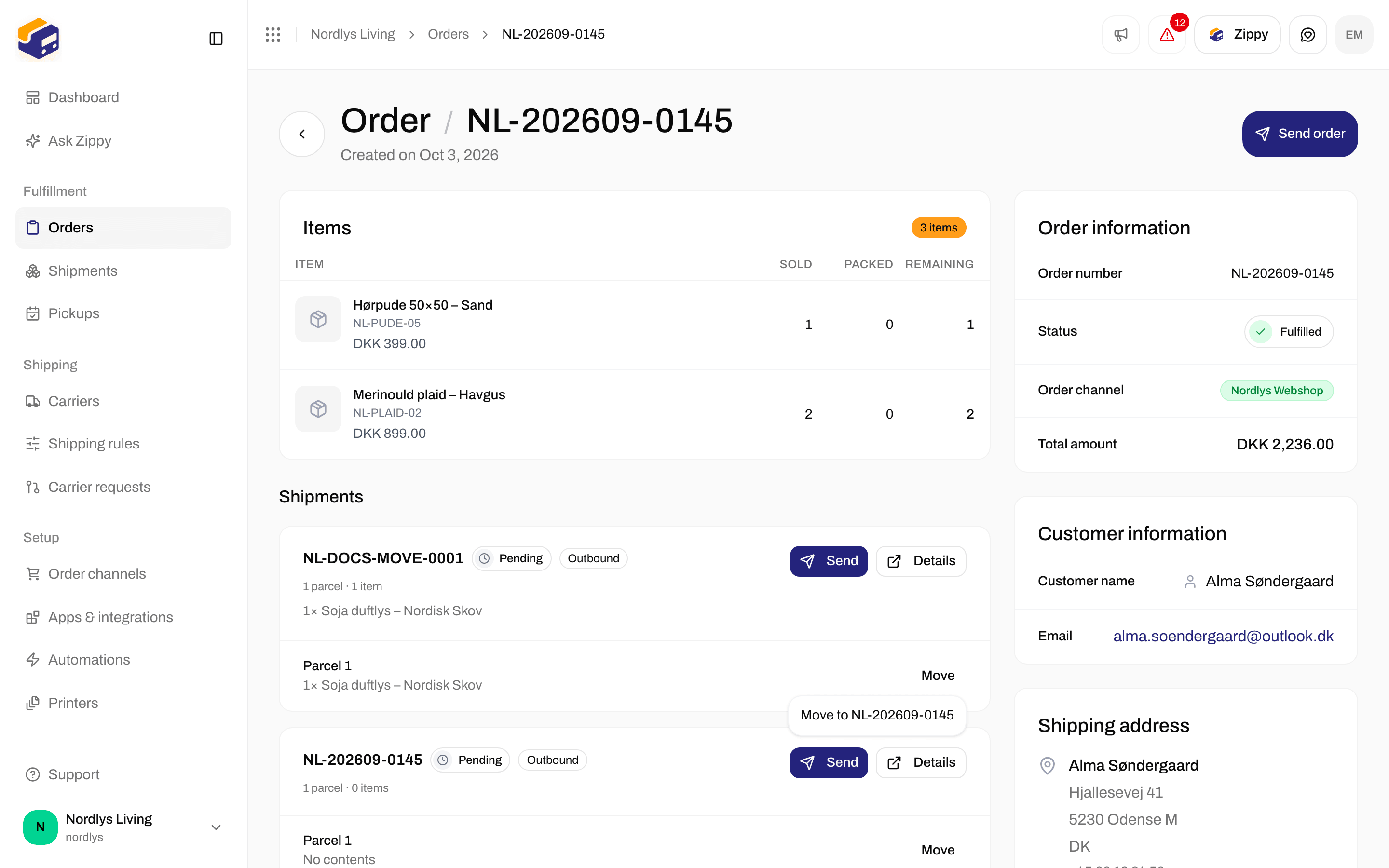
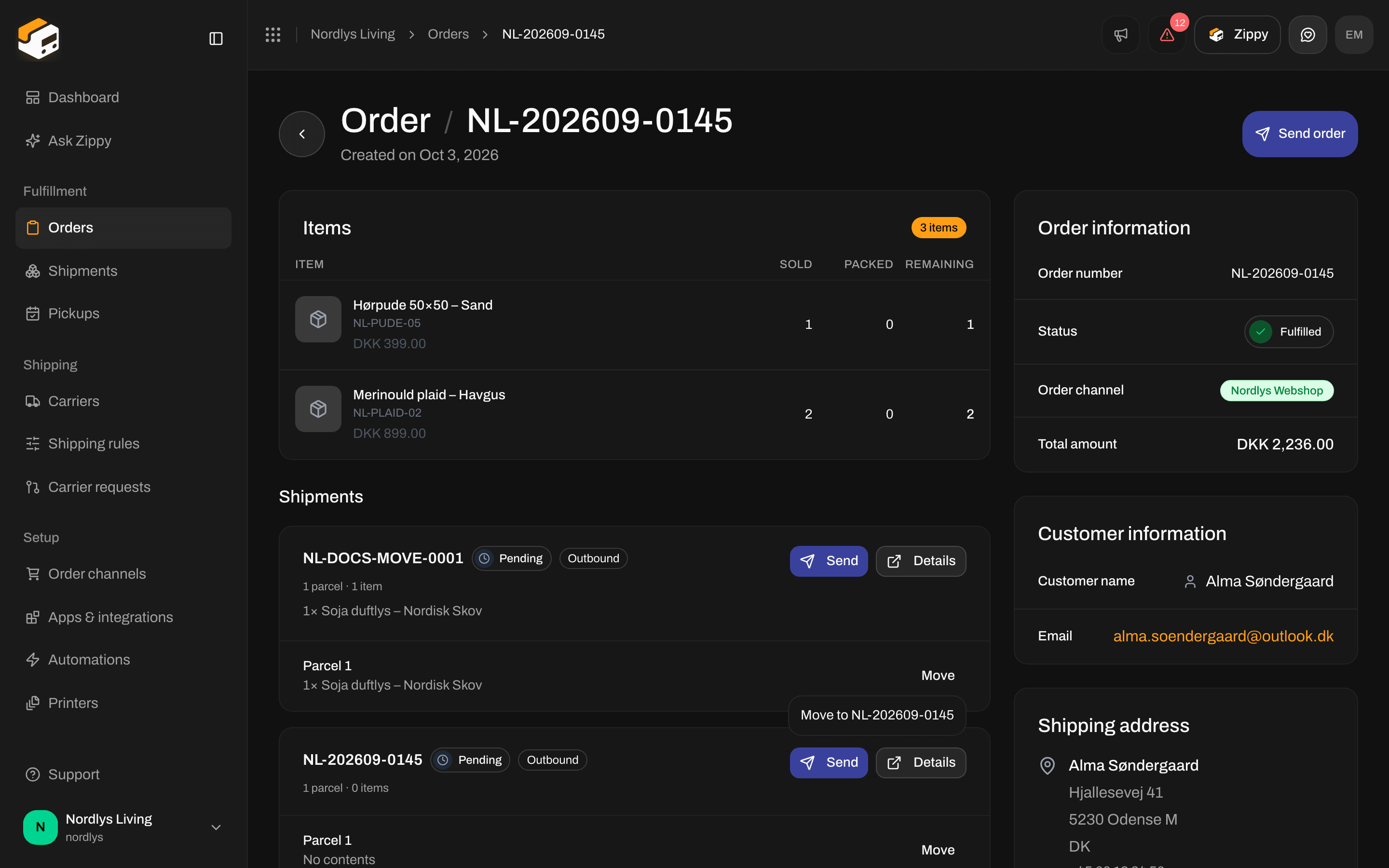
Move lists the other pending shipment on the same order
Use Redistribute parcels when one shipment should go out in two boxes. Use Split shipment when part of it should go as a separate shipment with its own label. Use Move when a box belongs on another shipment of the same order.