

Custom branding is included on Growth, Pro and Enterprise. On Free and Standard, the Branding section is grayed out with a button to upgrade, and documents use neutral Zippendo branding. See Billing and usage.
Organization logo and colors
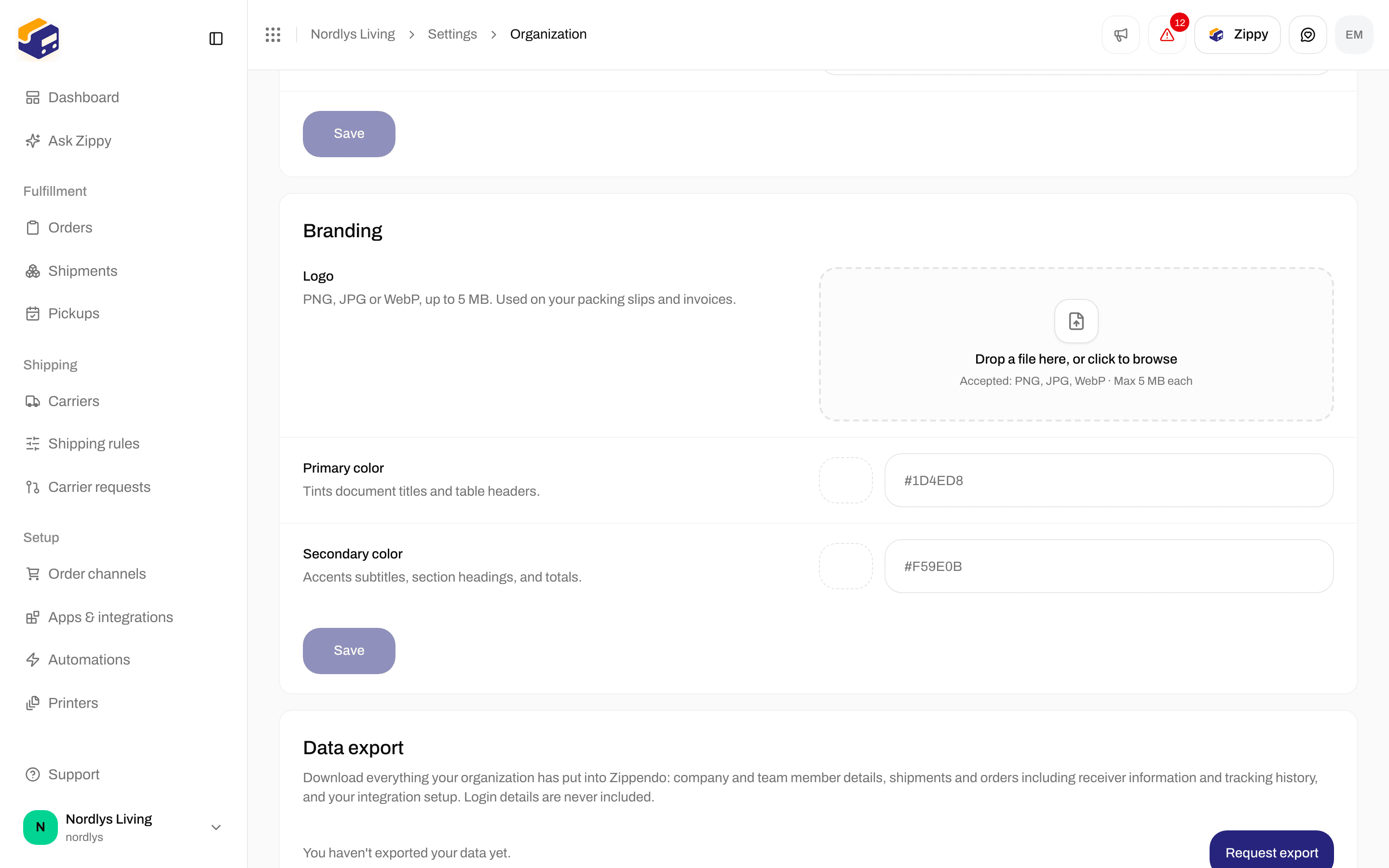
Branding - logo, Primary color, Secondary color, then Save
A color code is
# followed by six letters or digits. If you type something else, you see Enter a valid hex color, e.g. #1D4ED8.
1
Upload a logo
Drop a PNG, JPEG or WebP file onto the box, or click it to browse. You see Logo uploaded.
2
Set the colors
Pick Primary color and Secondary color with the swatch, or type a color code.
3
Click Save
Save only saves the colors. It stays grayed out until you change a color and both codes are valid. You see Branding updated.
If something goes wrong
Logo and colors for a brand
Each brand can have its own logo and colors. Open Settings → Brands and click the brand. The Document branding section (Logo and colors for this brand’s packing slips and invoices.) has:
Anything you leave empty uses the organization’s logo or color. Click Save changes at the top of the page to save the colors. You see Brand updated. If a logo upload fails, you see Couldn’t update the logo.
Shipments that belong to a brand get that brand’s branding on their documents. Shipments without a brand use the organization’s.
Related
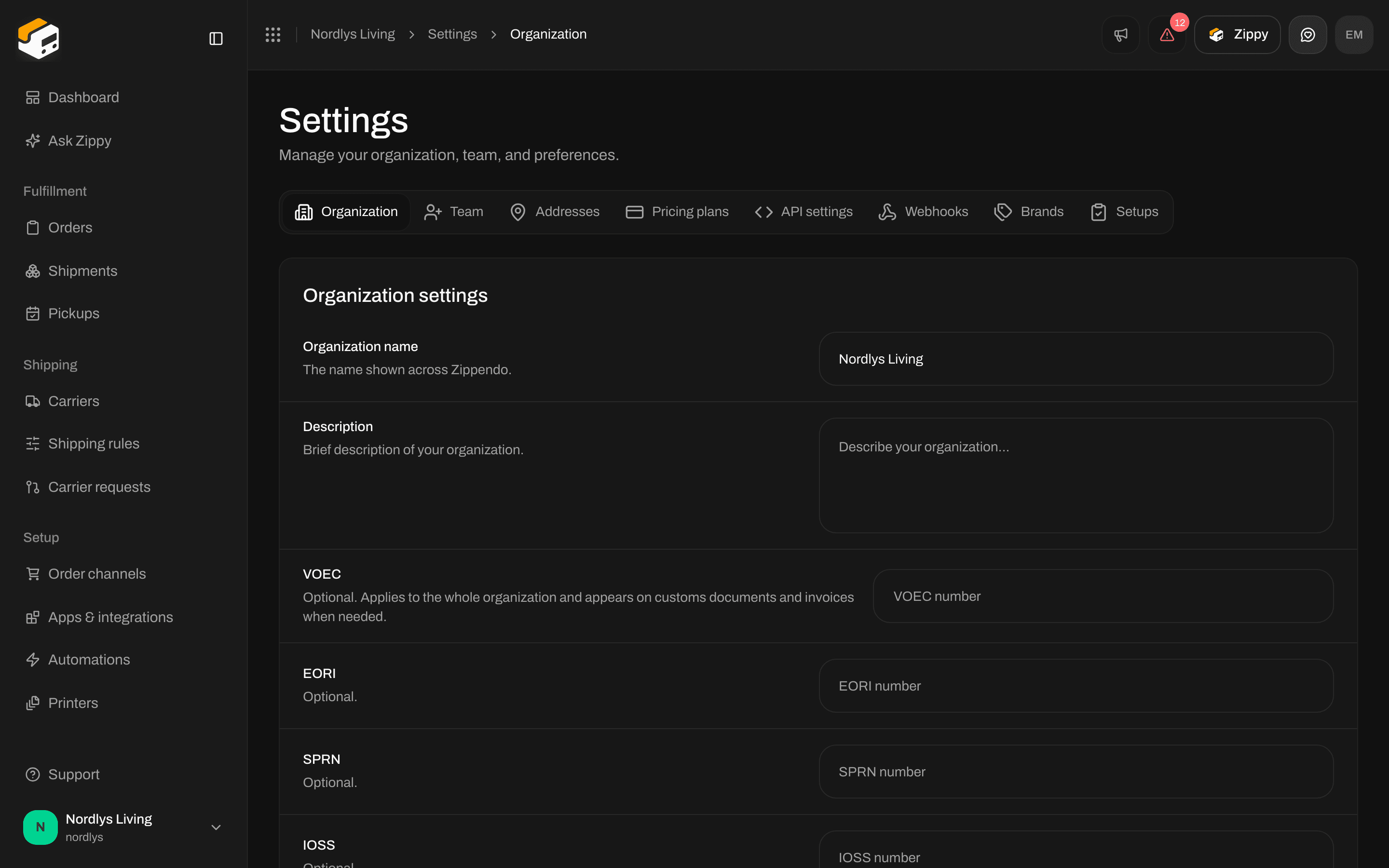
- Organization settings - name, description and customs identifiers on the same tab.
- Create a brand - invoice details and address for a brand.
- Billing and usage - custom branding on Growth and higher.
- Organization - overview of this tab.