

The party fields are plain text boxes (name, street, postal code and city) plus a country picker. There is no address search here. Address search is only available when you save addresses under Manage → Addresses.
Where you edit parties
When you create a shipment from an order, Zippendo copies the customer’s address into the receiver. You do not fill in parties in the order’s Create shipment window.
The Parties card
The Parties card is on the right of Create shipment, next to Parcels.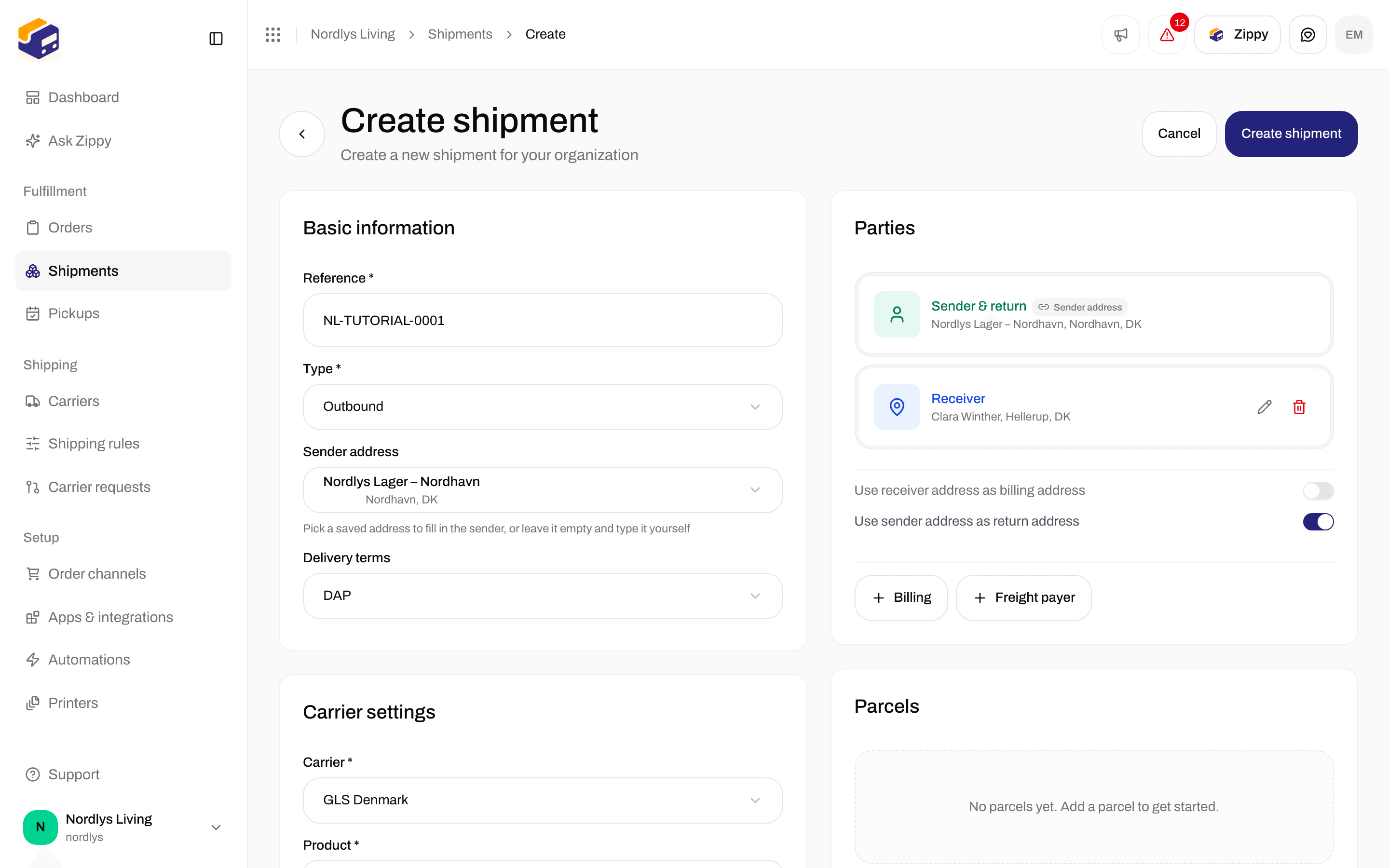
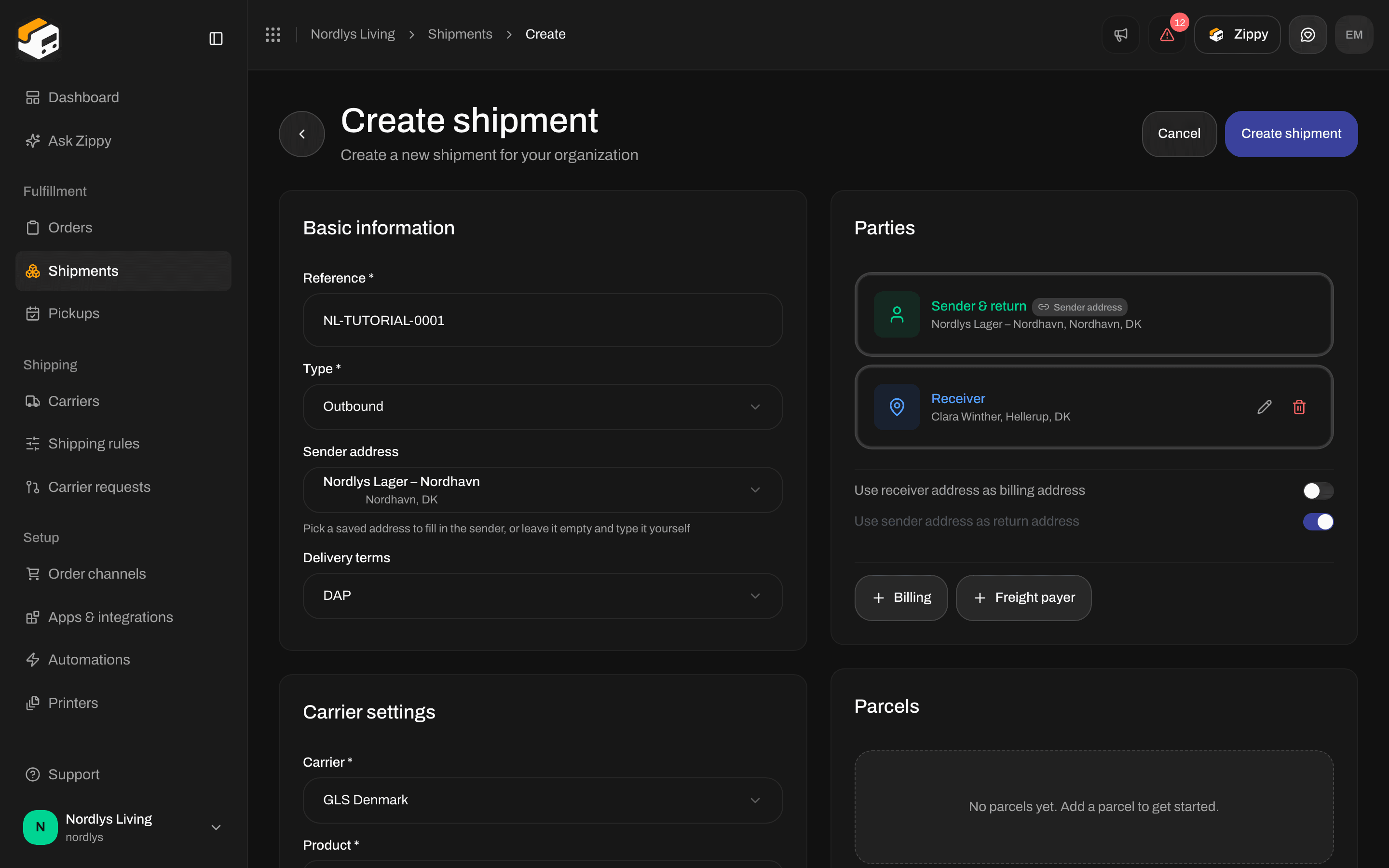
Parties on Create shipment: the Sender filled from your sender address and locked, a Receiver, and the same-as switches
Parties you can add
The buttons are at the bottom of the card. Sender and Receiver stand out until you have added them.
Two kinds of address are not added here:
- Pickup: the Pickup details card mentions adding a Pickup party, but the Parties card has no button for it. To have a carrier collect parcels from you, see Schedule a pickup.
- Service point: you choose it on the Service point card. See Pick a service point.
Filled from a saved address
In Basic information, Sender address fills in the sender for you. For a return shipment (Type Inbound), the field is Receiver address and lists your return addresses. A party filled this way shows a Sender address badge and has no pencil or bin, so it cannot be changed on this form. The hint under the field says Pick a saved address to fill in the sender, or leave it empty and type it yourself (for a return shipment it says receiver instead of sender). Choose None (manual entry) to type the party yourself.Same-as switches
These appear once you have a Sender or a Receiver.
Switch one off to get the Billing or Return button back.
Edit a party while creating
Click the pencil on a party. The window is called Edit party: Receiver (or Edit party: Sender, and so on): Update the name, address and contact details. Click Save or Cancel.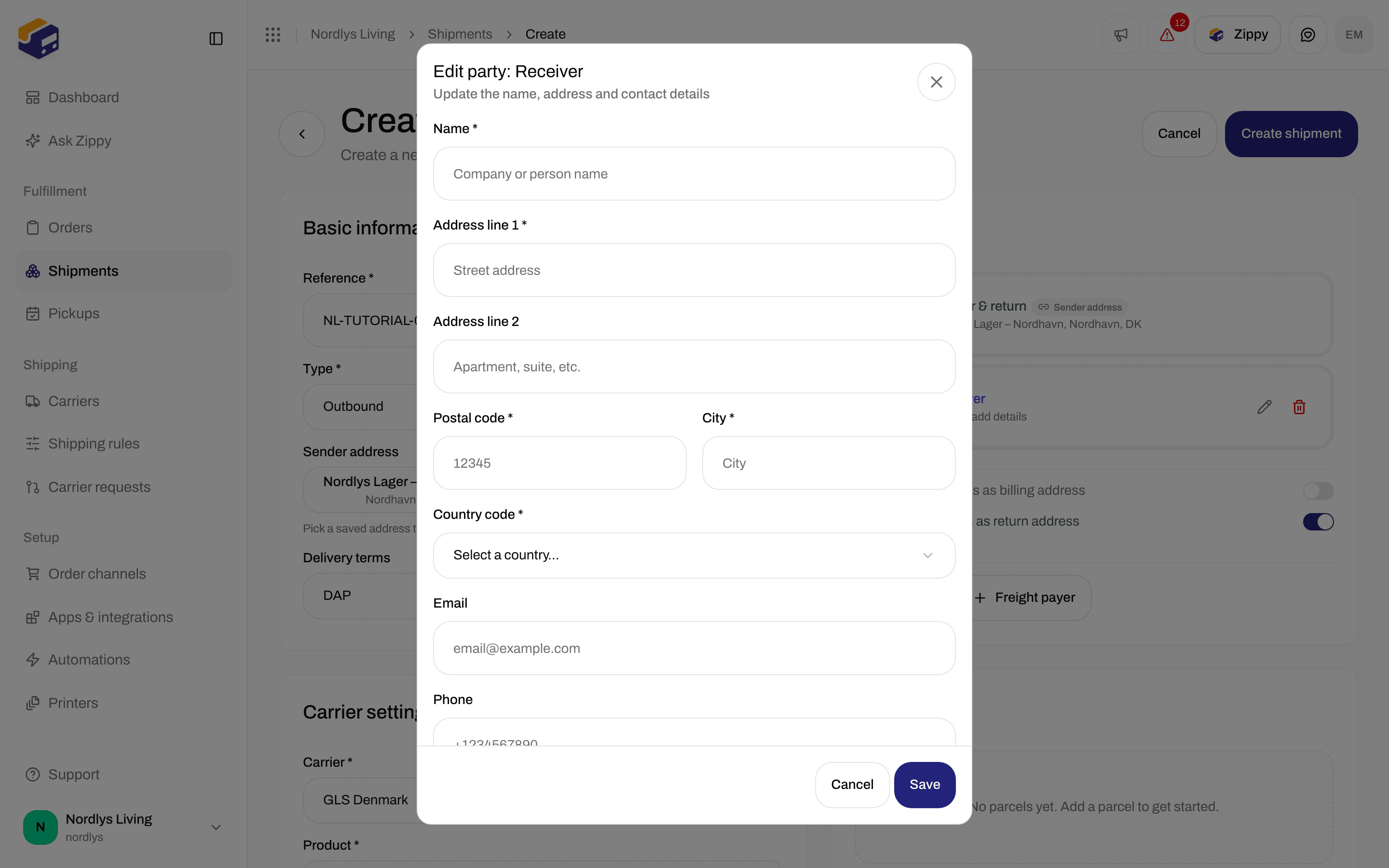
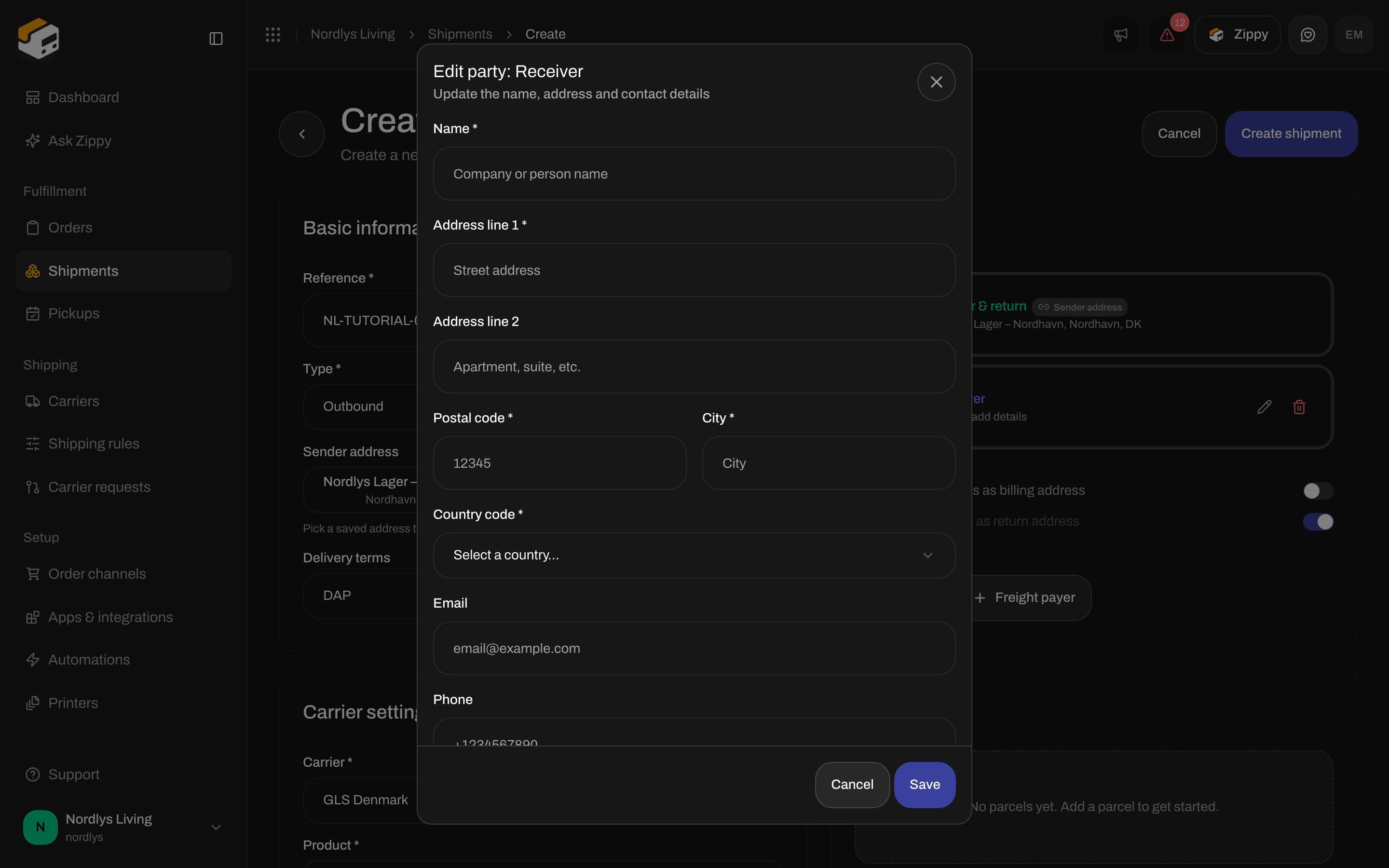
Edit party: Receiver, with name, address lines, postal code, city, country, email and phone
Attention is not in this window. You can add it later on the shipment (see below).
Save keeps what you typed without checking it. Create shipment checks everything and shows:
For the messages after you create, see Send a shipment.
Addresses on a saved shipment
The Addresses card on the shipment page shows Sender, Receiver and, if there is one, Service point. Billing, Return and Freight payer are not shown here, even when you added them. Open Sender or Receiver to see the full address: name, street, city, postal code, country, phone, email and attention. The pencil is there while the shipment is Pending, Draft or Error. Once it is Sent, the pencil is gone.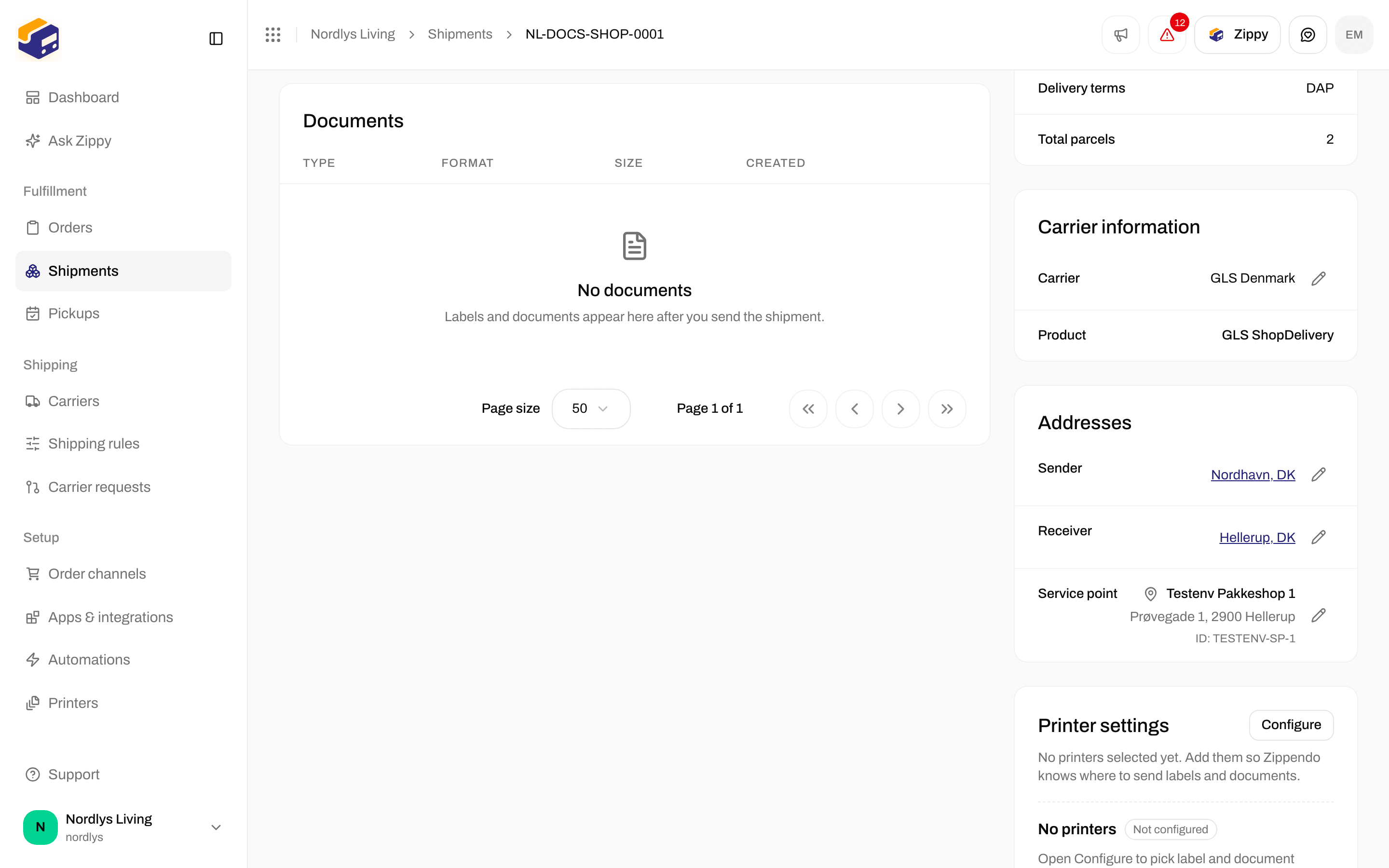
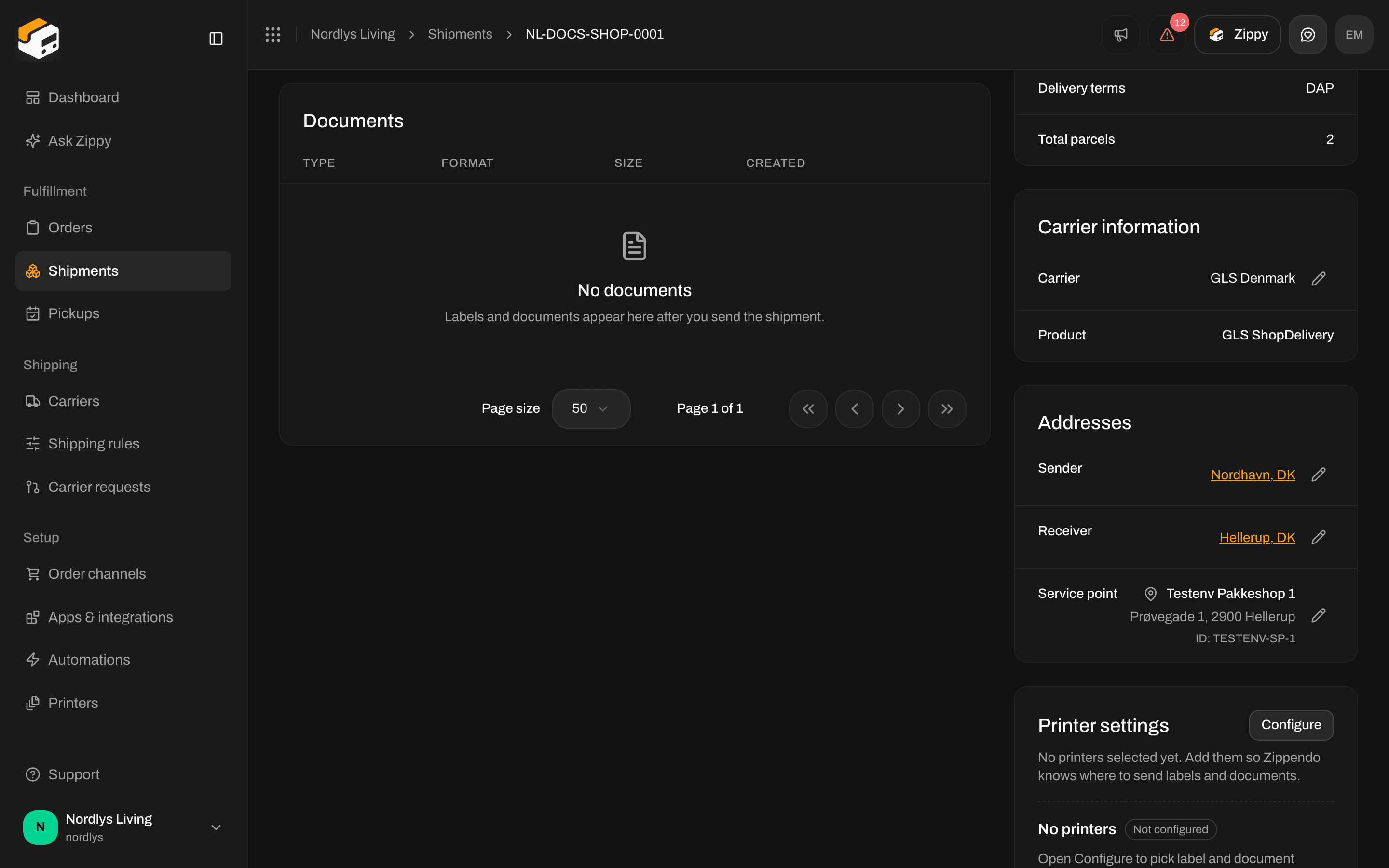
Addresses on a pending shipment: Sender and Receiver with their pencils
Edit an address on a saved shipment
Click the pencil. The window is called Edit address: Sender or Edit address: Receiver. Click Save changes (Saving… while it works) or Cancel. It has the same fields as above, plus:
Save changes stays grayed out until the name, first address line, postal code and city are filled in and a country is picked.
You see Address updated or Couldn’t update address.
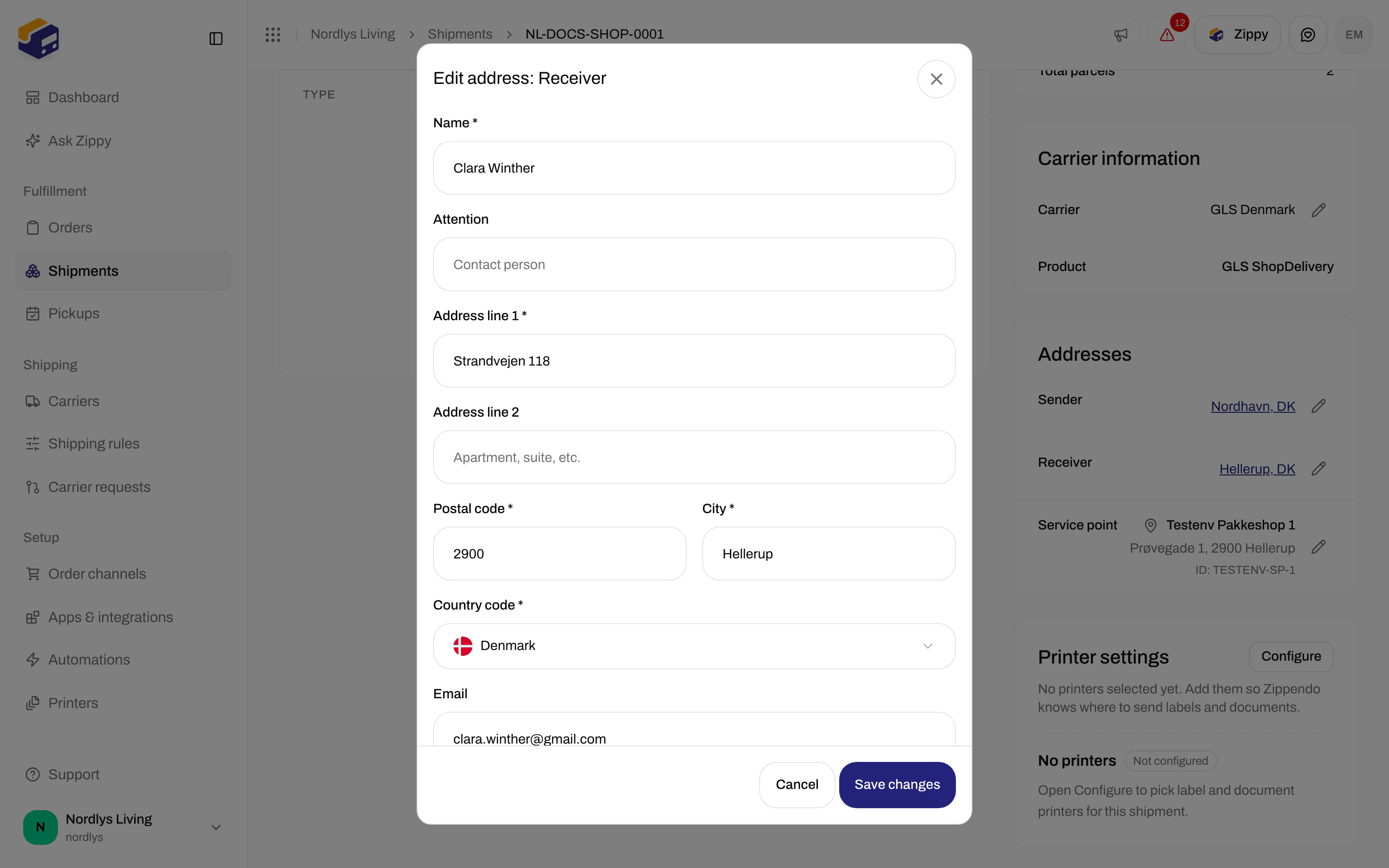
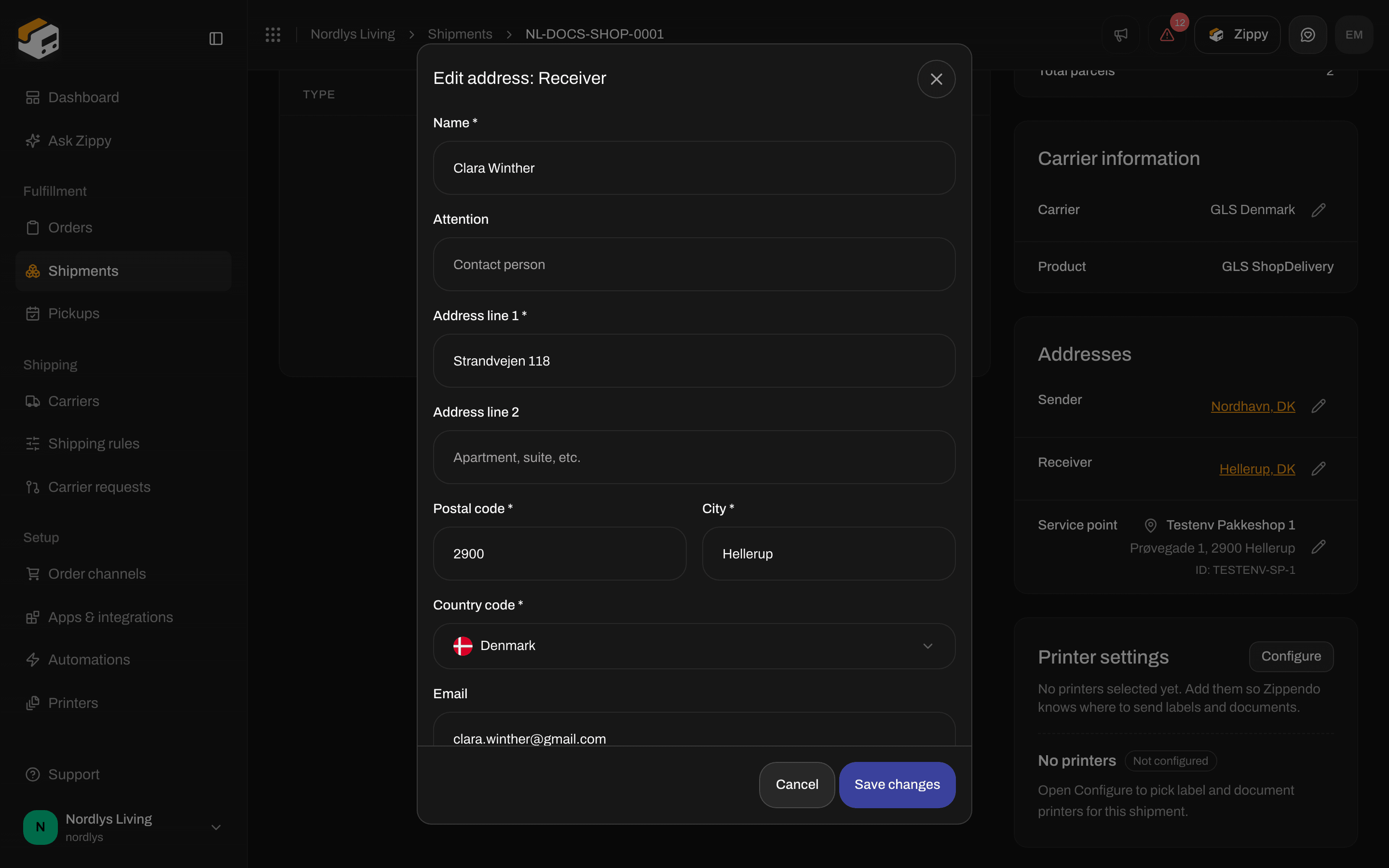
Edit address: Receiver, which has the Attention field
The Service point card needs a complete Receiver (street, postal code, city and country) before it can find service points. See Pick a service point.
You are done when Parties shows a Sender and a Receiver, each with a name, street, postal code, city and country, or when Addresses on the pending shipment lists both with their pencils.