

What you can do, and where
The buttons at the top of a shipment are Send shipment or Retry sending (on Pending or Error) and sometimes Create return shipment. None of them holds, cancels or deletes. See Send a shipment.
Delete a shipment
Open Shipments and click the ⋮ menu at the end of the row: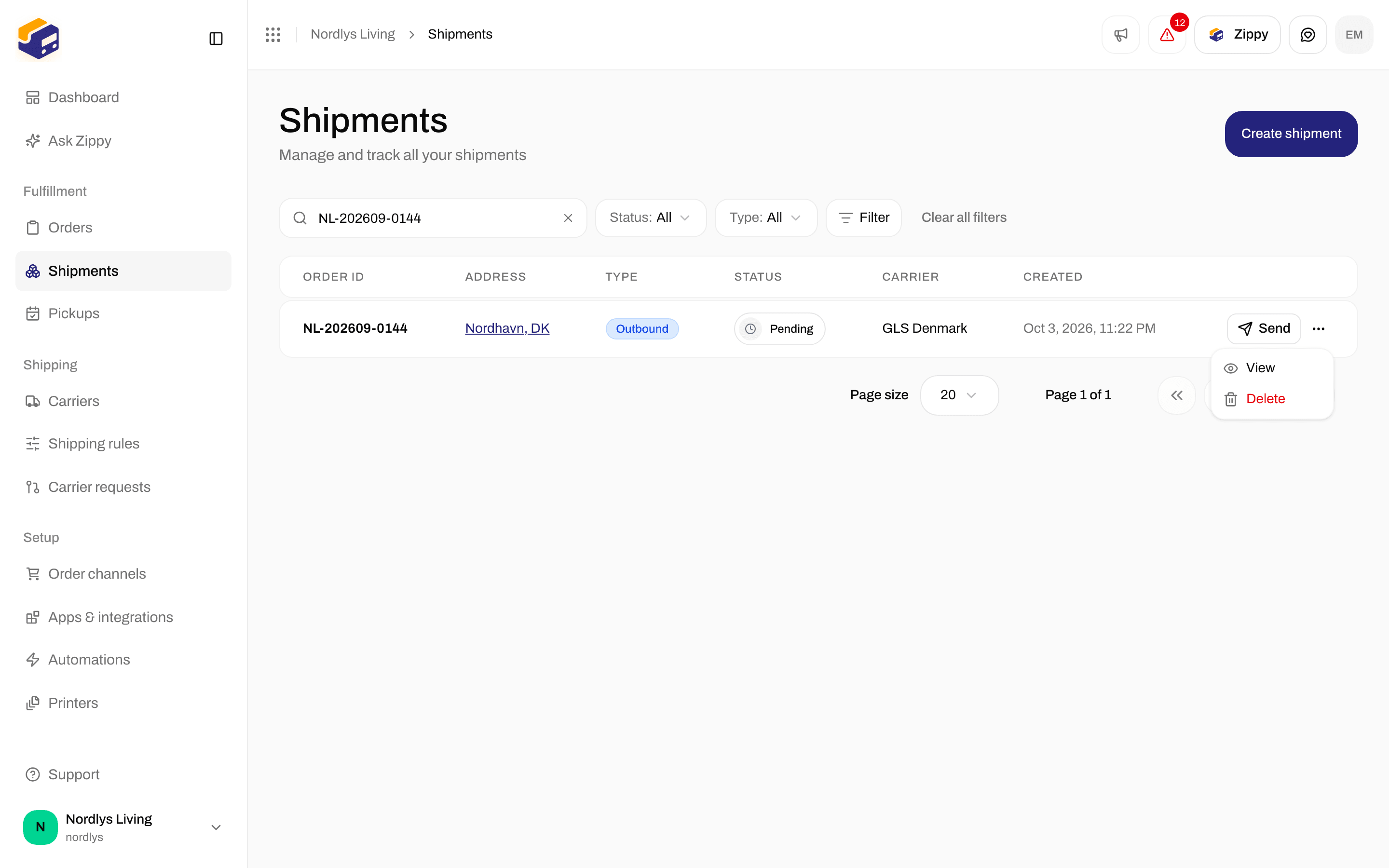
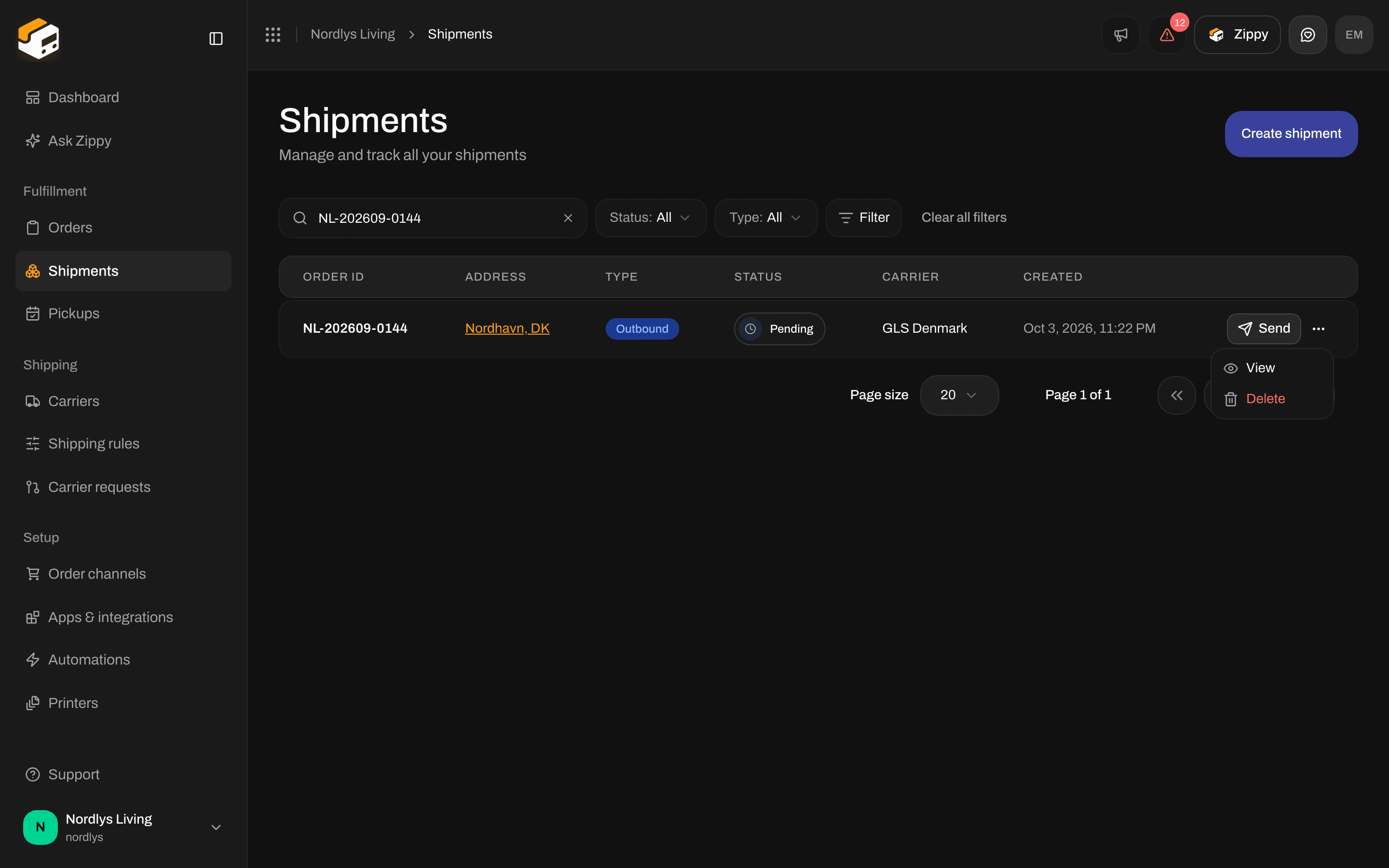
The row menu on the Shipments list: View and Delete
1
Click Delete
A window titled Delete shipment opens. It names the shipment and warns that it will be deleted for good and cannot be undone.
2
Type the reference
Type the shipment’s reference exactly as shown. Delete stays grayed out until it matches.
3
Click Delete
You see Shipment deleted. If it fails, you see Couldn’t delete shipment or the reason, and the shipment stays.
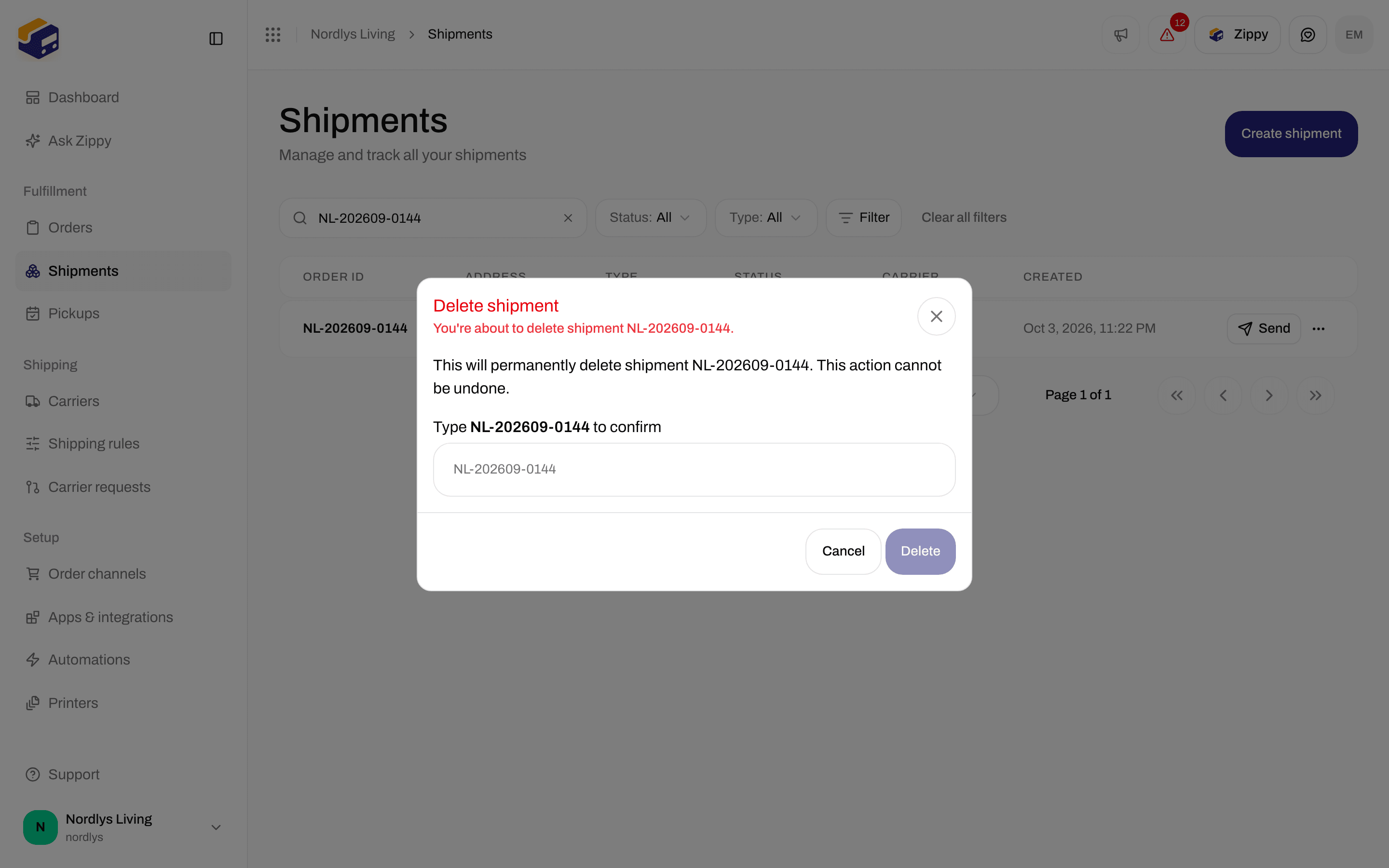
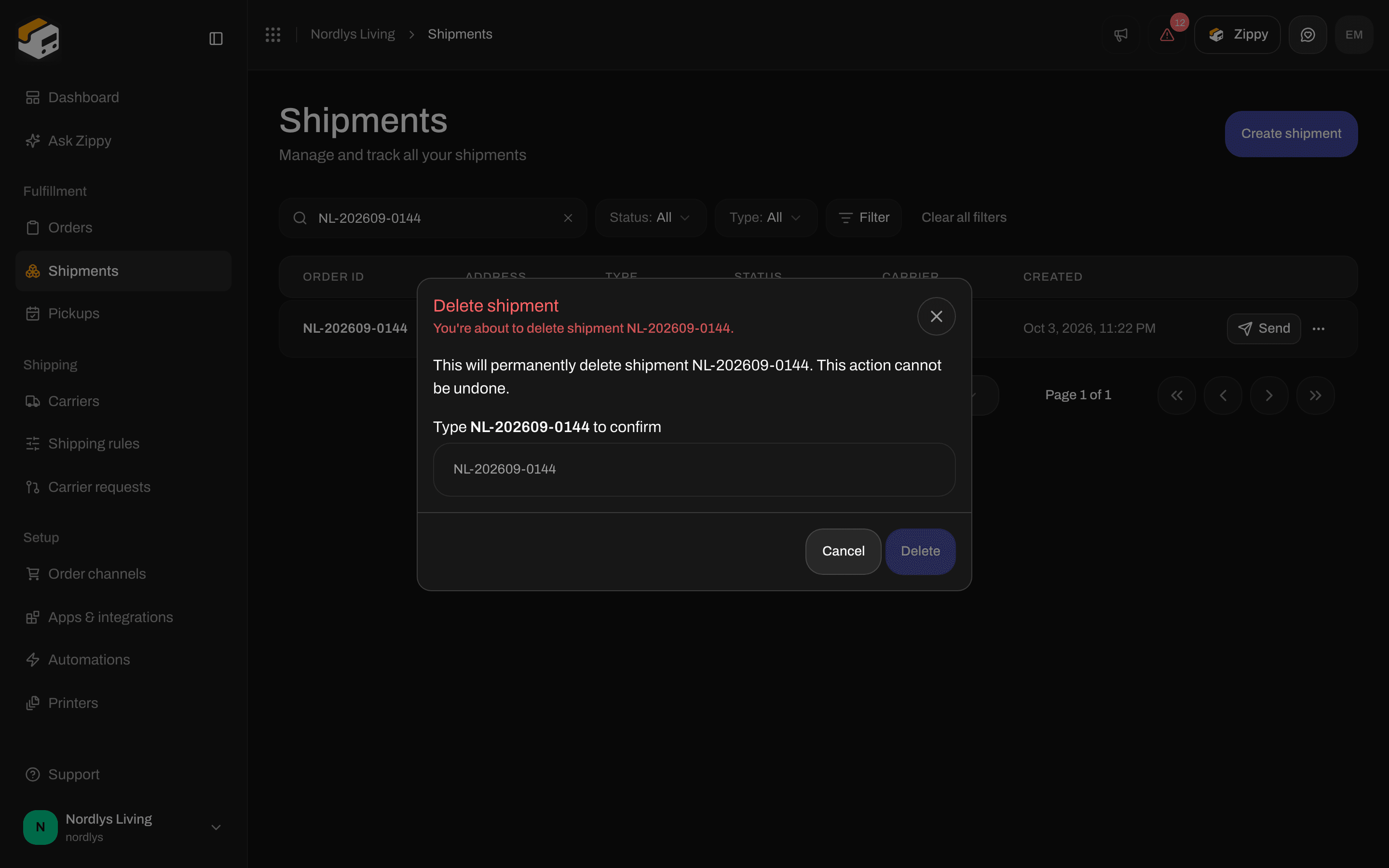
Delete shipment: type the reference to make Delete available
On hold and Cancelled
On the Shipments list, the Status filter lets you pick Draft, Pending, Processing, Sent, Partly sent, Error, Cancelled and On hold. These are the same words as on the status badge. See Search and filters.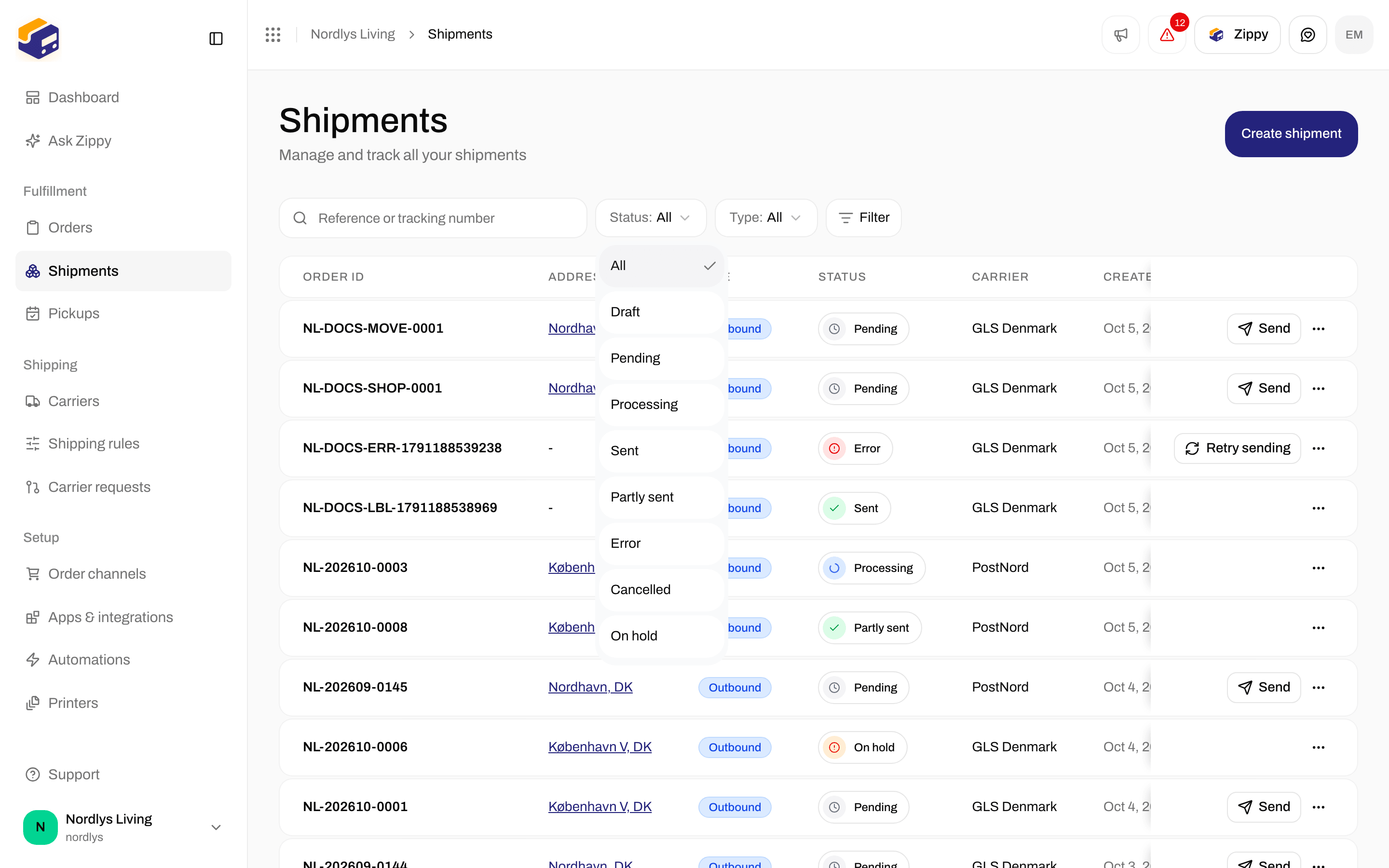
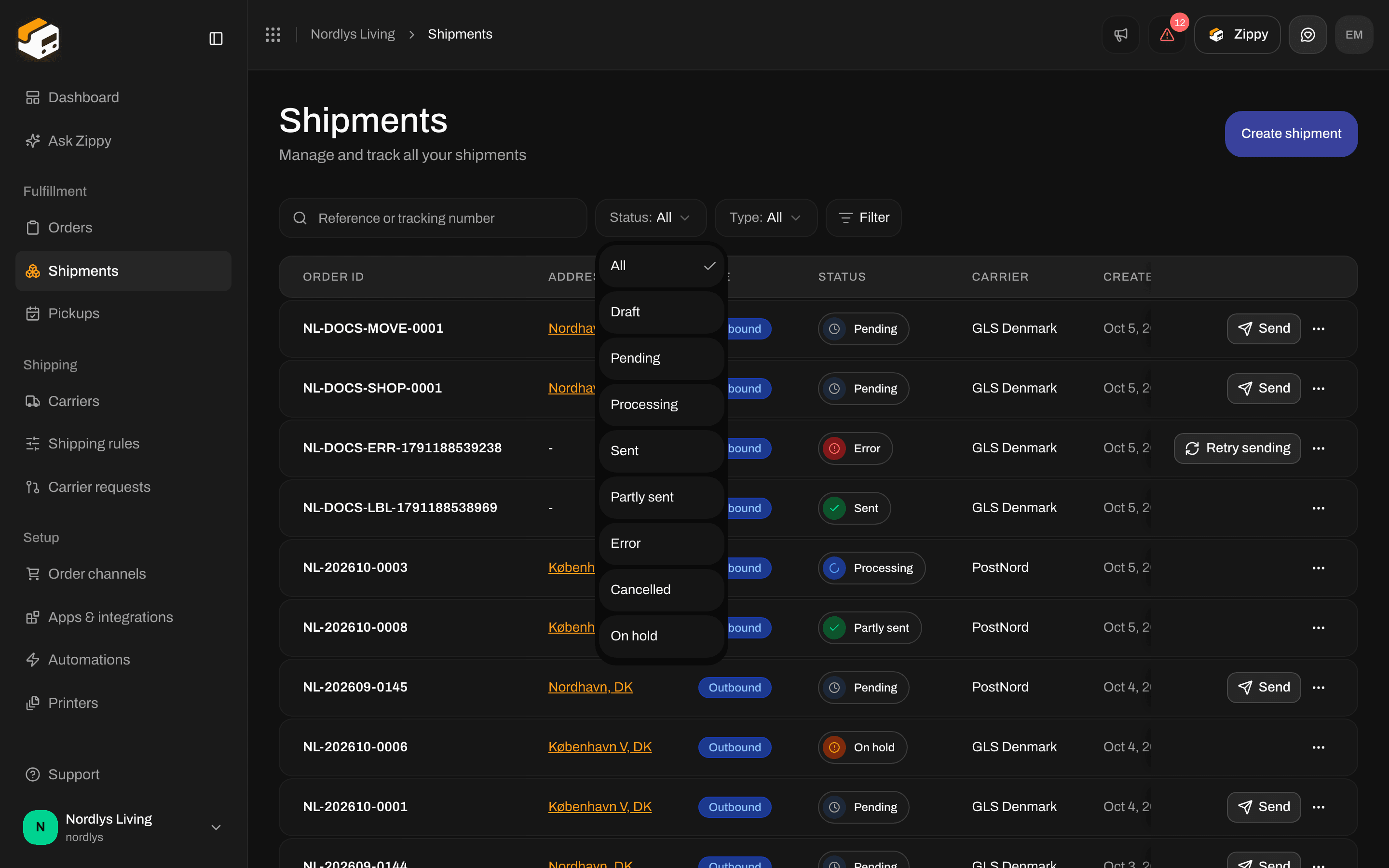
The Status filter on Shipments: Cancelled and On hold are statuses to filter on, not buttons
On the Dashboard, On hold shipments are counted with the pending ones. An On hold shipment cannot be sent, and the shipment page has no button to release it.
Hold or cancel with an automation
In the automation builder, both actions are under Shipments. Neither has any settings.
There is no setting to also cancel the label with the carrier, neither on the shipment nor on the carrier. See Carrier credentials.
To remove a shipment you have not sent yet: Shipments → row menu → Delete → type the reference. To stop a shipment from being sent without deleting it, use the automation action Set shipment on hold or Cancel shipment, then filter the list on On hold or Cancelled.