

Your requests
In the sidebar, click Carrier requests. The page is titled Carrier requests and lists your requests under Your requests. Click Request carrier at the top to send a new one. The list has these columns: Carrier, Status, Sign-in method, Submitted and Last updated. Click a row to see the details. When you have no requests yet, the page says “No carrier requests” and shows a Request carrier button.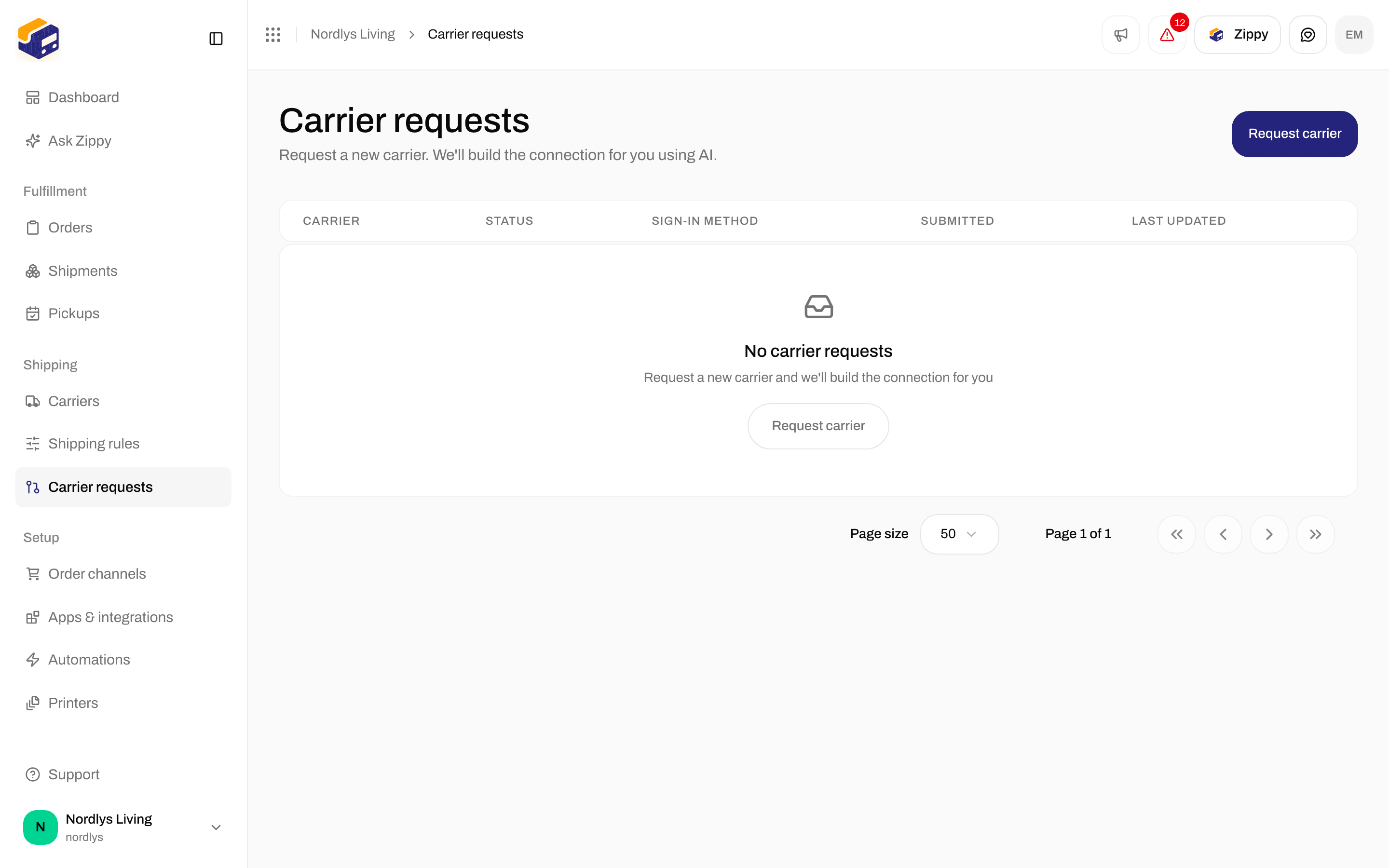
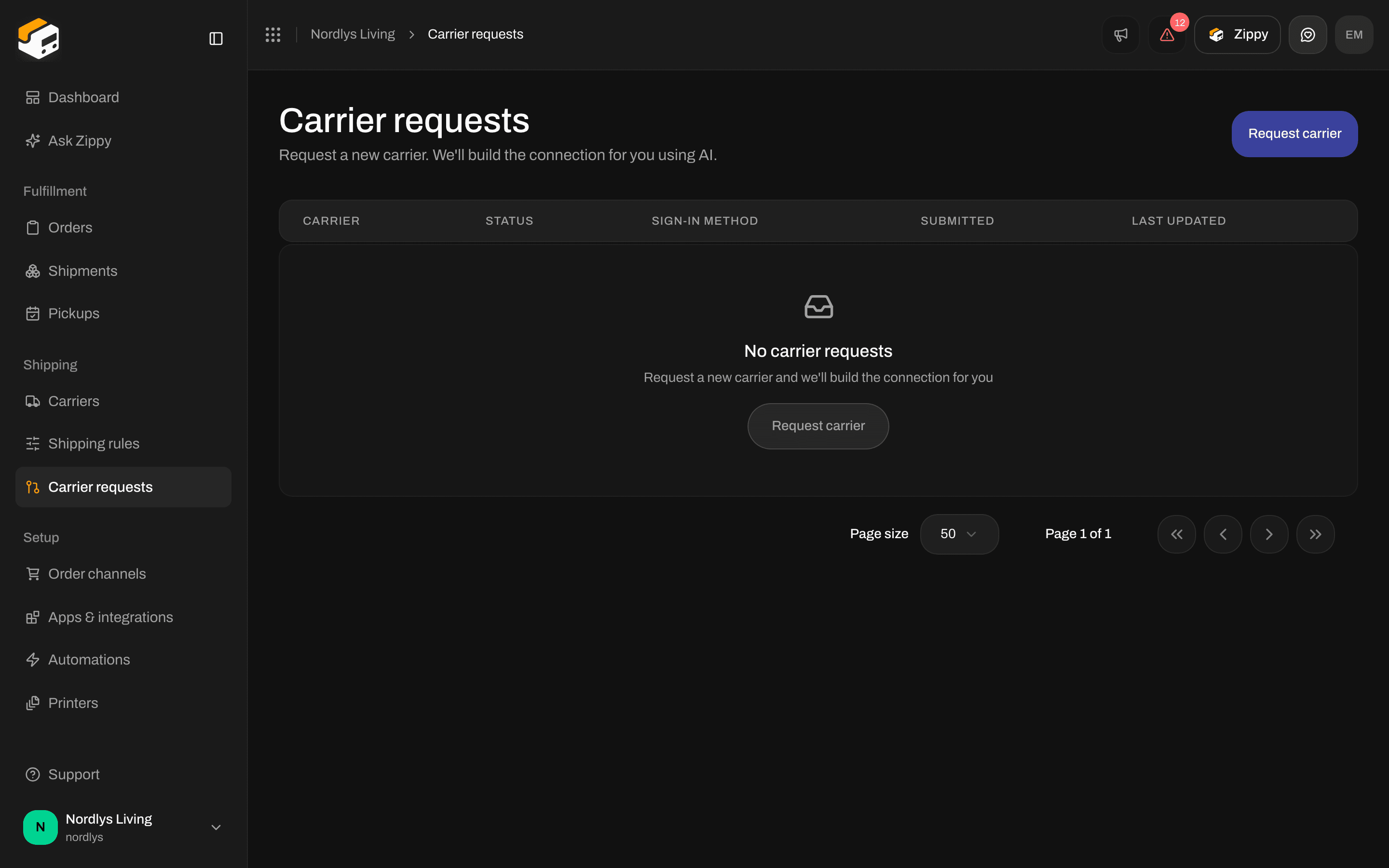
The Carrier requests page before your first request
Status
Send a request
1
Open the form
On Carrier requests, click Request carrier. The Request a carrier window opens.
2
Describe the carrier
Fill in Carrier name and Carrier website. Add a Documentation URL and a Swagger / OpenAPI URL if the carrier publishes them for developers.
3
Add the test credentials
Pick the Sign-in method the carrier uses, then fill in the credential fields that appear for it. Use the details for the carrier’s test system, not your live account.
4
Send it
Add Notes if there is anything we should know, then click Submit request. You see “Carrier request submitted”, and the request appears in the list as Pending.
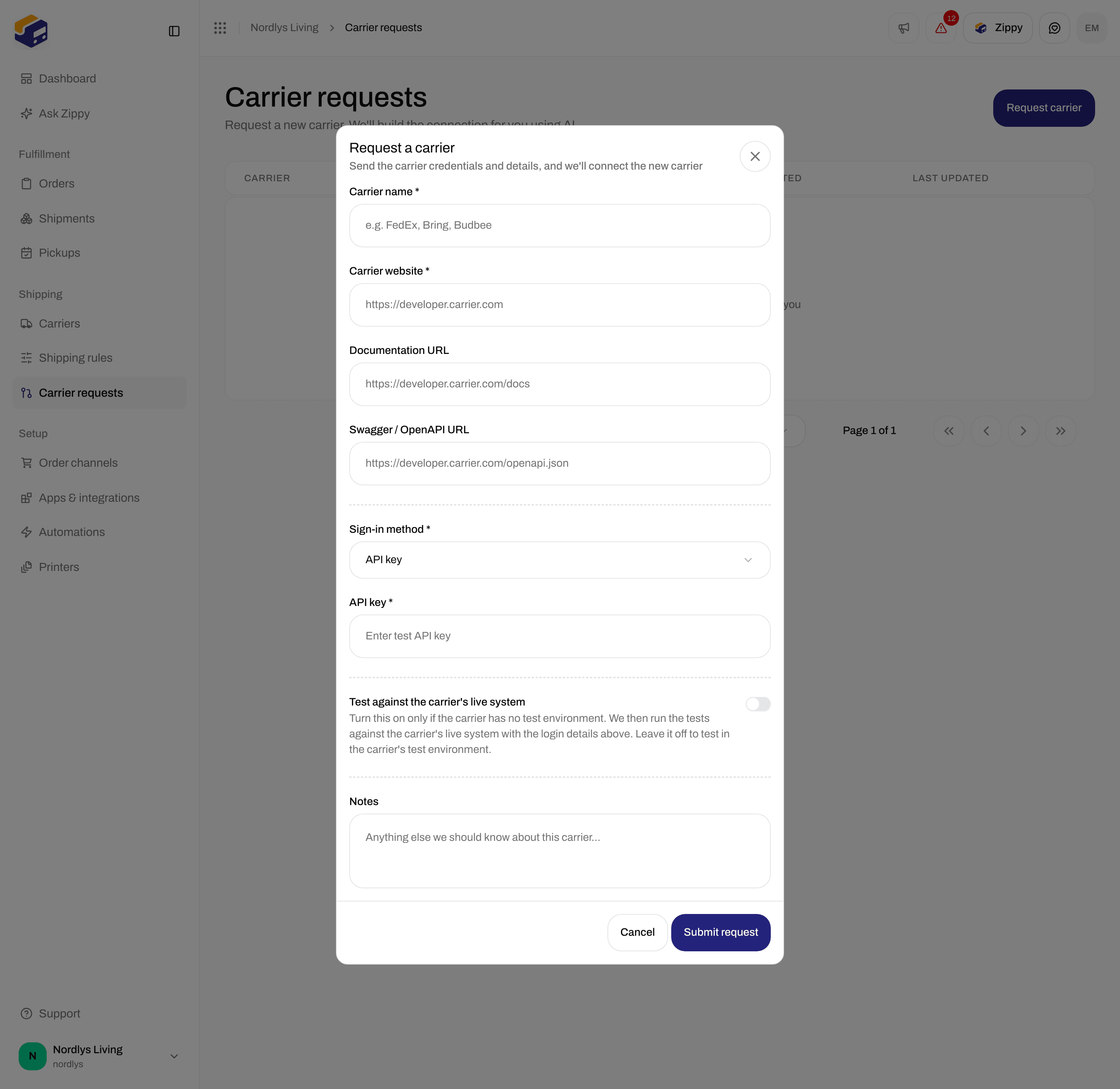
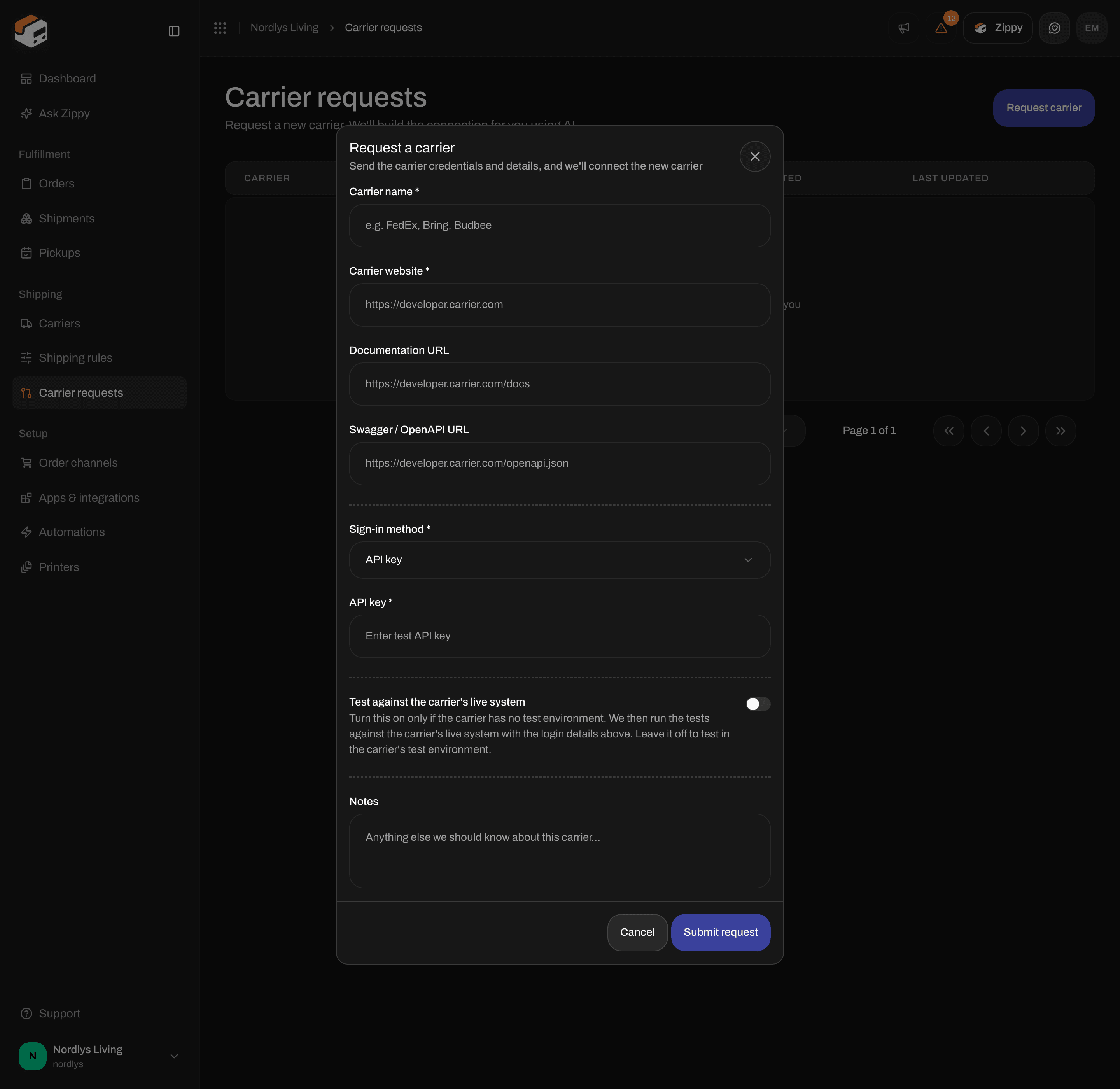
The Request a carrier form with Sign-in method set to API key
Fields
A web address that is not valid shows “Enter a valid URL”. An empty required field shows “This field is required”.
Credentials for each sign-in method
The credential fields change with Sign-in method. Only the fields for the type you picked are sent.
The carrier tells you which type it uses. If you are not sure, ask the carrier, or pick Custom and add every detail it gave you.
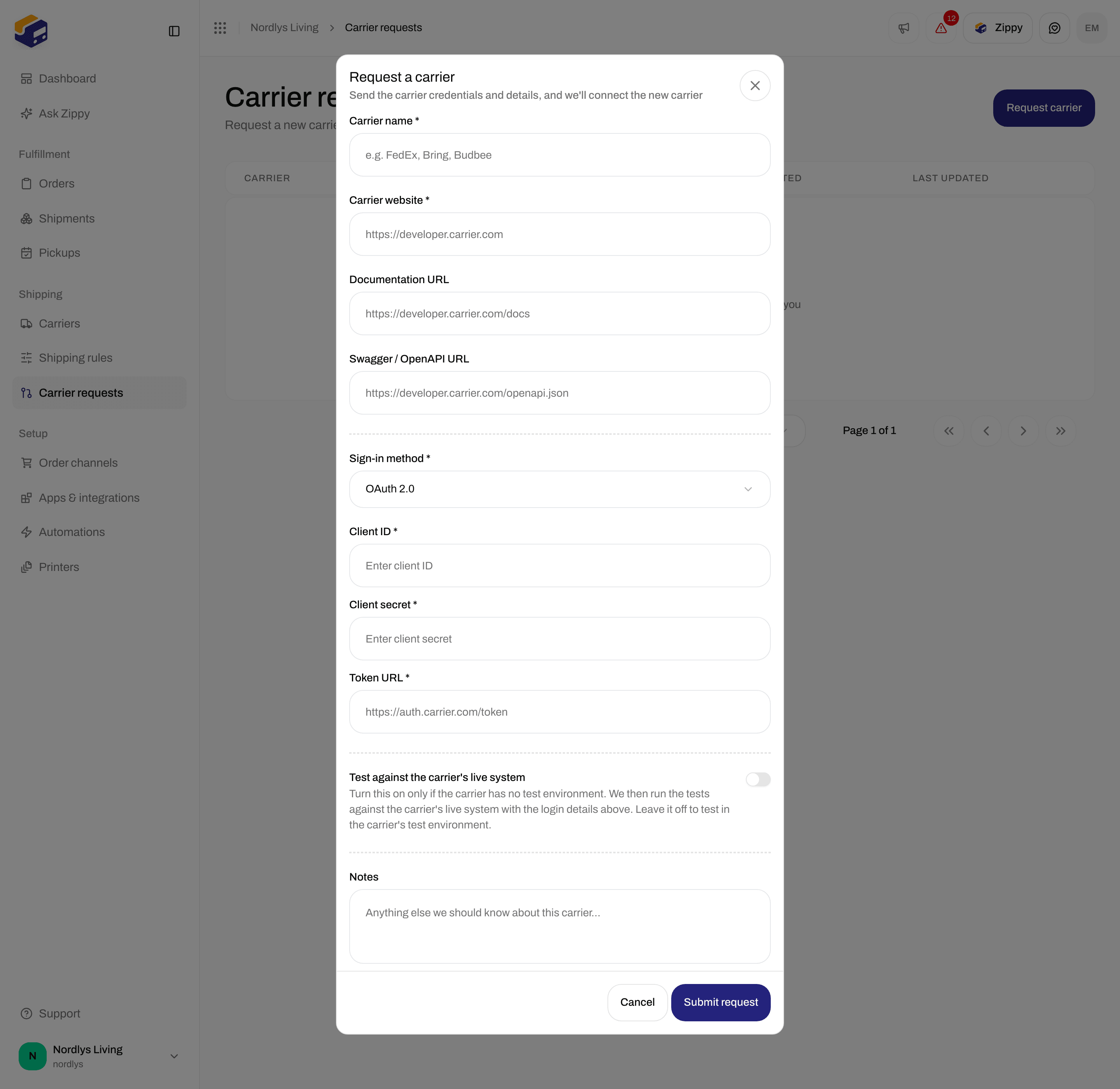
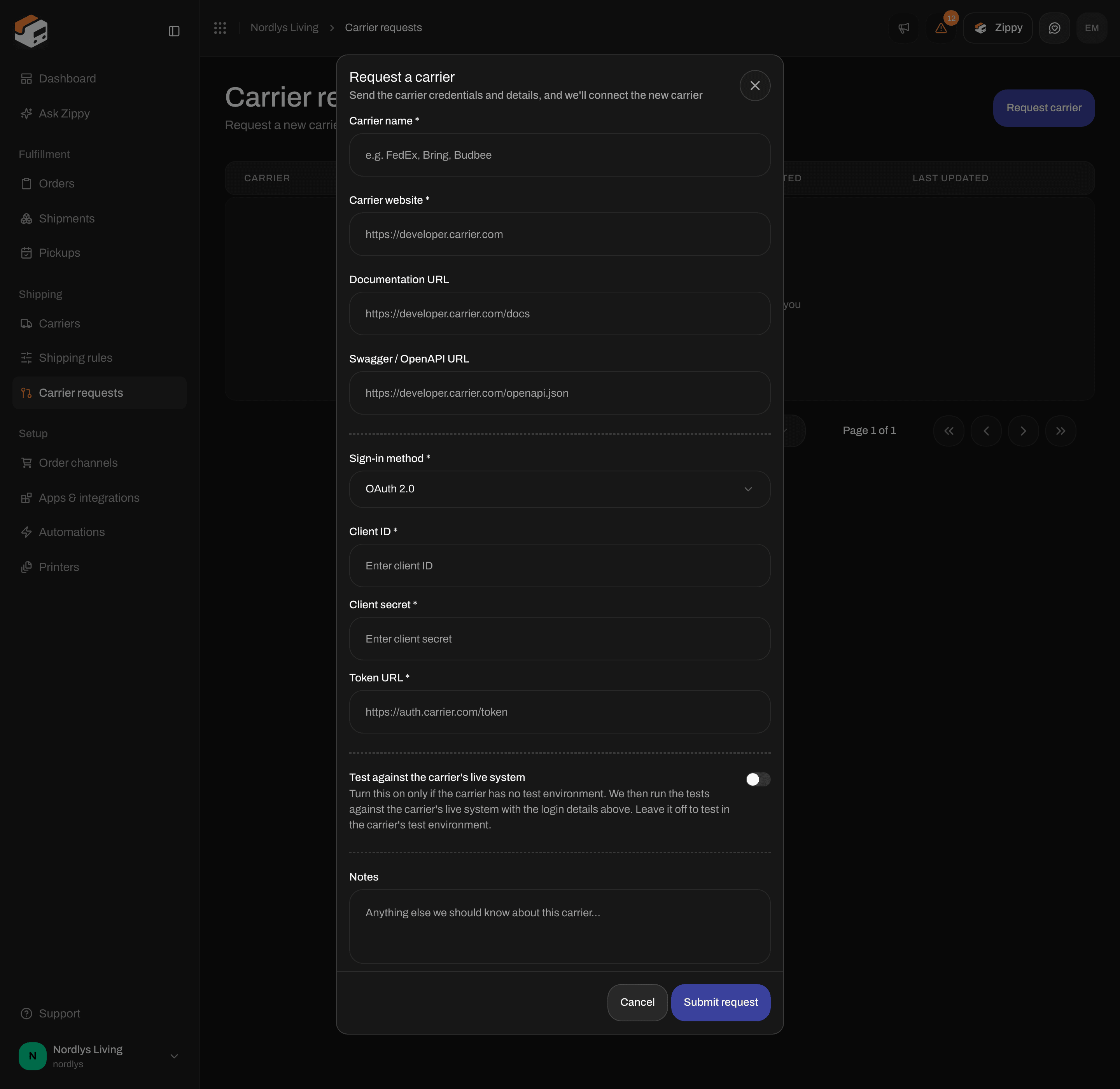
With OAuth 2.0, fill in Client ID, Client secret and Token URL
Test against the carrier’s live system
Leave this switch off in most cases. Zippendo then tests the new connection against the carrier’s test system with the details you entered. Turn it on only if the carrier has no test system. The form says: “Turn this on only if the carrier has no test environment. We then run the tests against the carrier’s live system with the login details above. Leave it off to test in the carrier’s test environment.” This switch only affects the request. It is not the Test mode checkbox on a connected carrier, see Test mode.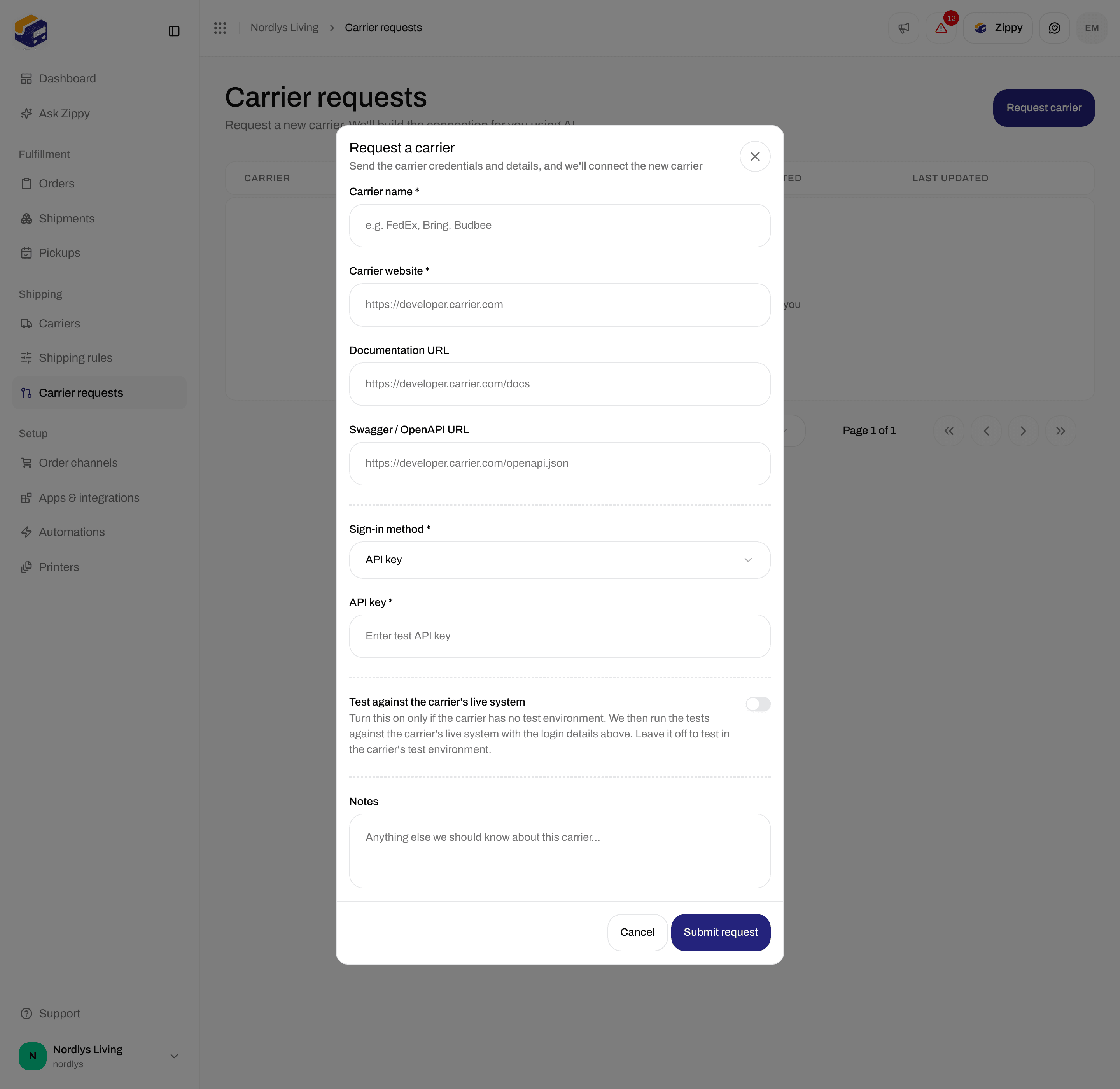
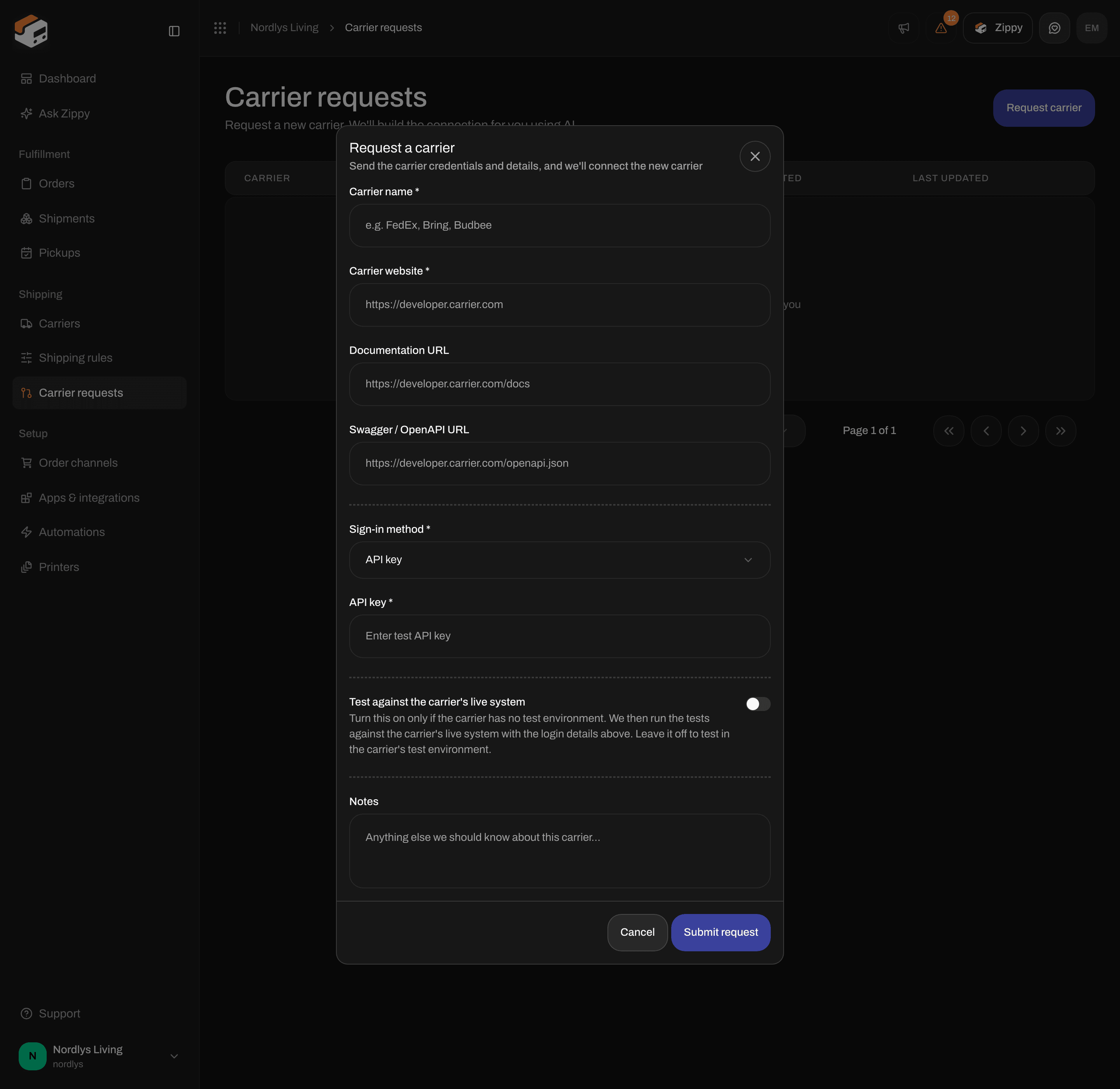
Test against the carrier's live system is off by default
Follow a request
Click a request in the list to open its details. You see:- the carrier name and the status
- a link to the carrier’s website
- your Notes, if you added any
- Progress: the steps of the build, such as Request submitted, Researching carrier, Generating labels, Generating tracking, Generating service points, Generating products, Running tests and Released. Each step is marked Pending, Building, Built, Failed or Skipped.