
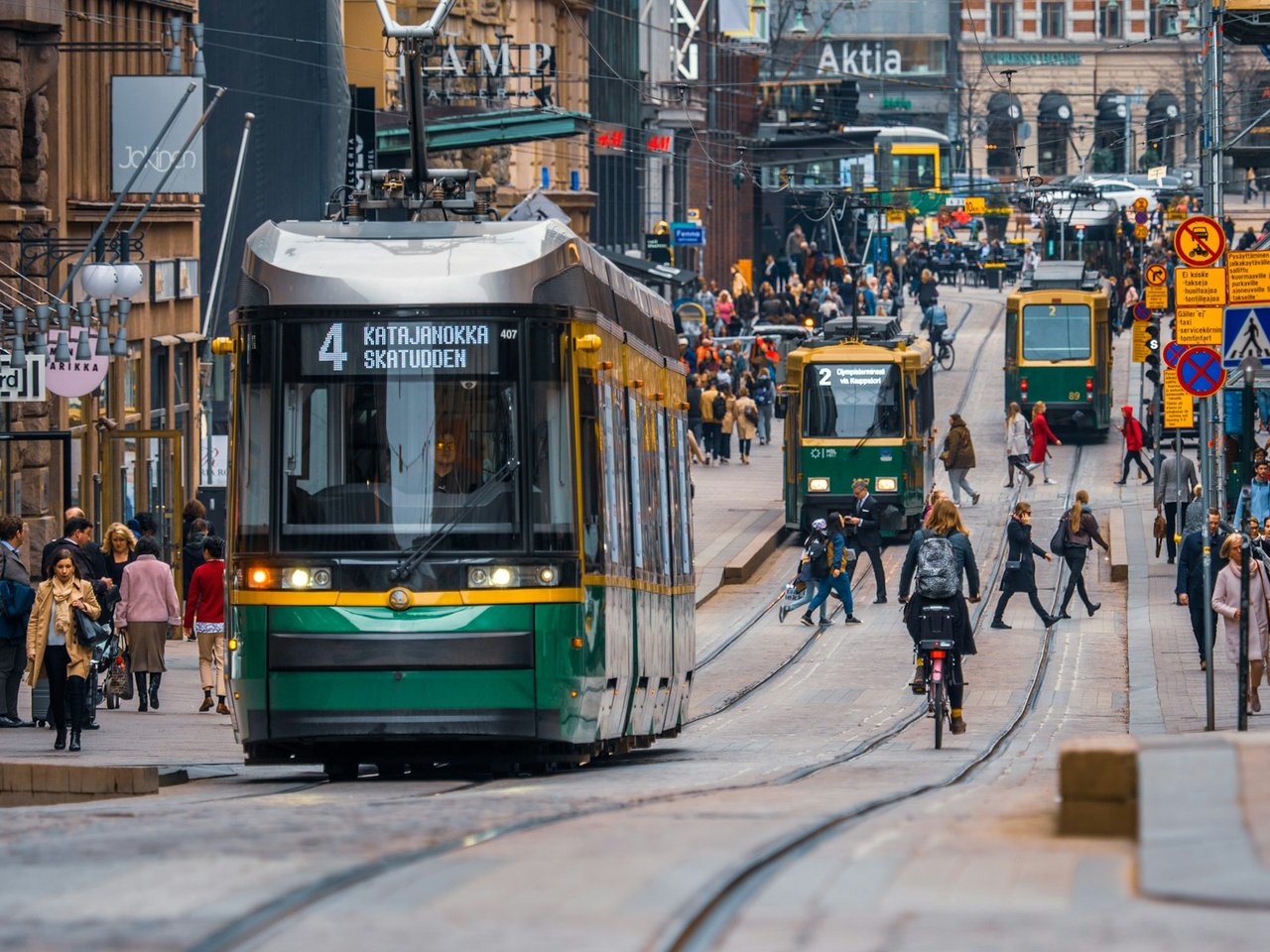
Photo by Tapio Haaja on Unsplash
To offer pickup points in Finland, you need an agreement with at least one network, such as Posti or Matkahuolto, and a checkout that lets the customer choose a point near them. Finnish shoppers are used to collecting parcels from a pickup point (noutopiste) or a parcel locker (pakettiautomaatti): Posti alone runs almost 2,200 parcel lockers across the country, and Matkahuolto lists 1,450 more. This guide goes through the networks you can book from Finland, the checkout in Shopify and WooCommerce, then labels, pickups and returns.
Key takeaways
Posti and Matkahuolto both run pickup points and parcel lockers across Finland. PostNord, Instabox and Budbee add more choice.
Your shipping rules decide which pickup options and prices your customers see in Shopify and WooCommerce.
Ask for a phone number at checkout: Posti needs it on Postipaketti parcels for its arrival notices.
Since 1 October 2025, Posti keeps parcels at its lockers and service points for five days instead of seven.
Posti and Matkahuolto both offer returns where the customer writes a code on the parcel instead of printing a label.
Which pickup point networks can Finnish shoppers choose from?
Posti and Matkahuolto each run a large network of their own. Posti's had about 1,100 service points and almost 2,200 parcel lockers at the start of 2026, with more than 180,000 compartments in total. Matkahuolto's network is made of parcel points and lockers, and its service point page lists 1,450 parcel lockers.
Shoppers also search for the pickup points of international networks. GLS, for example, says on its Finnish site that most of its parcels to private customers in Finland go to a Matkahuolto pickup point or parcel locker. For a webshop that ships from Finland, the practical choice is between the domestic networks in the table below. You can book all of them through Zippendo on your own agreement.
| Network | Pickup product | Where the parcel waits | Home delivery | Returns |
|---|---|---|---|---|
| Posti | Postal Parcel (Postipaketti) | Posti lockers and service points in Finland, Åland, Estonia, Latvia and Lithuania | Home Parcel (Kotipaketti), Small Parcel to Door (Pikkupaketti ovelle) | Return (Palautus), with or without a label |
| Matkahuolto | Lähellä-paketti, XXS | Matkahuolto parcel points and lockers in Finland | Kotijakelu (home delivery), XXS-luukkujakelu (mail-slot delivery) | Asiakaspalautus (customer return), with or without a label |
| PostNord | PostNord Service Point | PostNord service points | PostNord Home | PostNord Return |
| Instabox | Locker delivery | Instabox lockers | Home delivery | Locker return |
| Budbee | Locker delivery | Budbee lockers | Home delivery | Locker return, Home return |
Offering Posti and Matkahuolto side by side lets each customer choose the point closest to home. Instabox and Budbee are a useful extra where their lockers are near your customers.
How does a customer choose a pickup point at checkout?
Each shipping rule you set up becomes a delivery option at checkout, shown under the rule's name. Name your rules the way your customers read them, in Finnish if your shop is in Finnish: "Posti noutopiste", "Matkahuolto Lähellä-paketti" or "Kotiinkuljetus". When a rule delivers to a pickup point, the customer sees the points nearest to their address and picks one. The order then arrives in Zippendo with the rule and the chosen point already on it.
The price is your own. A rule can set a price by weight range, order value or number of items, so you can, for example, offer pickup point delivery at a lower price than home delivery, or free delivery above an order value you choose.
Shopify
When you connect Shopify, Zippendo adds itself to Shopify's checkout as "Zippendo Shipping". If your Shopify plan lets apps calculate shipping, each pickup point appears as its own option under your rule. You choose how many points to show in total, from 1 to 20, and it starts at 6. The checkout guide walks through each setting.
On Shopify Plus, you can add a pickup point picker block instead of a long list. It preselects the nearest point and can show a map on your own Google Maps key. Stores without carrier-calculated shipping can add a cart picker instead, with "Home delivery" and "Service point" cards that also work in the cart drawer.
WooCommerce
The Zippendo for WooCommerce plugin shows your rule prices and a pickup point list in both the classic and the block checkout. The chosen point appears in the WooCommerce admin and in your order emails, so your customer service sees the same point as the customer. The plugin needs WooCommerce 8.0, WordPress 6.5 and PHP 8.1 or newer. The WooCommerce checkout plugin page has the install steps.
What does a parcel need before it ships?
A few details decide whether a pickup point parcel goes out without problems. Collect them at checkout, so nobody has to chase them later.
- A phone number. Posti needs the receiver's phone number on Postal Parcel (Postipaketti), Home Parcel and Express Parcel for its arrival notices. Make the field required in your checkout.
- A weight within the product's limit. Postal Parcel takes parcels up to 25 kg. Instabox and Budbee take 0.1 to 20 kg per parcel.
- The right language. On Matkahuolto parcels you can set the receiver's language to Finnish, Swedish or English, which suits customers in the Swedish-speaking parts of Finland.
- A chosen point. If an order arrives without one, open the shipment: Zippendo lists the points near the receiver's address on a map and selects the nearest.
Åland needs one extra step. Posti treats shipments to and from Åland like shipments that cross a customs border, so they carry customs data from your order lines: description, tariff number (HS code), quantity, value and country of origin. Posti then returns the customs documents with the label.
How do you print the label (osoitekortti) and hand the parcels over?
The label, called the address card (osoitekortti) in Finnish, comes from the carrier when you send the shipment. Posti labels are 10 x 15 cm, as PDF or as ZPL for a thermal label printer. You can print from the shipment, or let the Zippendo Printer app print labels automatically when a shipment is sent or when its packing slip is scanned. Our guide on how to print shipping labels automatically covers printers and formats in detail.
Getting the parcels to the network works differently per carrier:
- Posti: choose the "Pickup from your address" service on the shipment, with a pickup date and a time window. Posti receives the pickup order together with the shipment.
- Matkahuolto: use "Request pickup" on the shipment for business delivery and freight products. For other parcels, drop them off as your agreement describes.
- PostNord: book one pickup for many sent parcels on the Pickups page in Zippendo. PostNord collects from the sender address on the labels.
- Instabox and Budbee: hand over parcels as agreed with Instabee, the company behind both networks.
How do returns and tracking work with pickup points?
Returns follow the same pattern as deliveries: the customer takes the parcel to a point or a locker. Both Posti and Matkahuolto let the customer skip the printer:
- Posti Return (Palautus): the customer drops the parcel at any Posti service point or locker. With the label-free option, Posti issues a sending code that the customer writes on the parcel. The code appears on the shipment in Zippendo, and you pass it on to your customer.
- Matkahuolto Asiakaspalautus: works the same way, with an activation code instead of a printed label.
- PostNord Return: a return label for a PostNord service point.
- Instabox and Budbee Locker return: the customer drops the parcel at a locker, with an optional labelless service. Budbee also offers a home return, where Budbee collects the parcel from your customer.
You can link a return rule to each outbound rule. The return shipment is then created automatically when the outbound parcel is sent, or with one click when a customer asks.
For tracking, Matkahuolto and PostNord updates appear on the shipment without any setup. Posti updates appear once you add the tracking login that Posti customer service gives you for your contract. Instabox and Budbee send updates once Instabee has switched them on for your account. Each shipment has a tracking link to the carrier's own website, and the tracking number goes back to Shopify or WooCommerce.
How Zippendo helps
Zippendo connects your Shopify or WooCommerce shop to Posti, Matkahuolto, PostNord, Instabox and Budbee on your own agreements. The setup takes four steps:
- Connect your shop and the carriers you have agreements with.
- Create a shipping rule for each delivery option. The rules become the options at checkout, with the nearest pickup points, and every order arrives with the customer's choice on it.
- Let labels print automatically on the right printer, and link a return rule to each outbound rule so return shipments are created from it.
- Send tracking events to Klaviyo, Mailchimp, SendGrid, Customer.io or your own system, which then sends your messages.
Your team can use the app in Finnish, Swedish or English.
Create a Zippendo account, connect Posti or Matkahuolto and add a pickup point rule to your Finnish checkout.
Pickup points in Finland FAQ
Sources
- Posti: Posti's Year 2025 Wrapped: How Everyday Services Evolved, 27 January 2026
- Smartposti: Changes to parcel storage periods at Posti Parcel Lockers in Finland, 19 August 2025
- Matkahuolto: Parcel lockers and parcel points in Finland, checked 16 November 2026
- GLS Finland: Miten GLS-paketit jaetaan Suomessa?, checked 16 November 2026
Sincerely yours,

Jonas Bang
Jonas Bang · Co-founder, CPO