

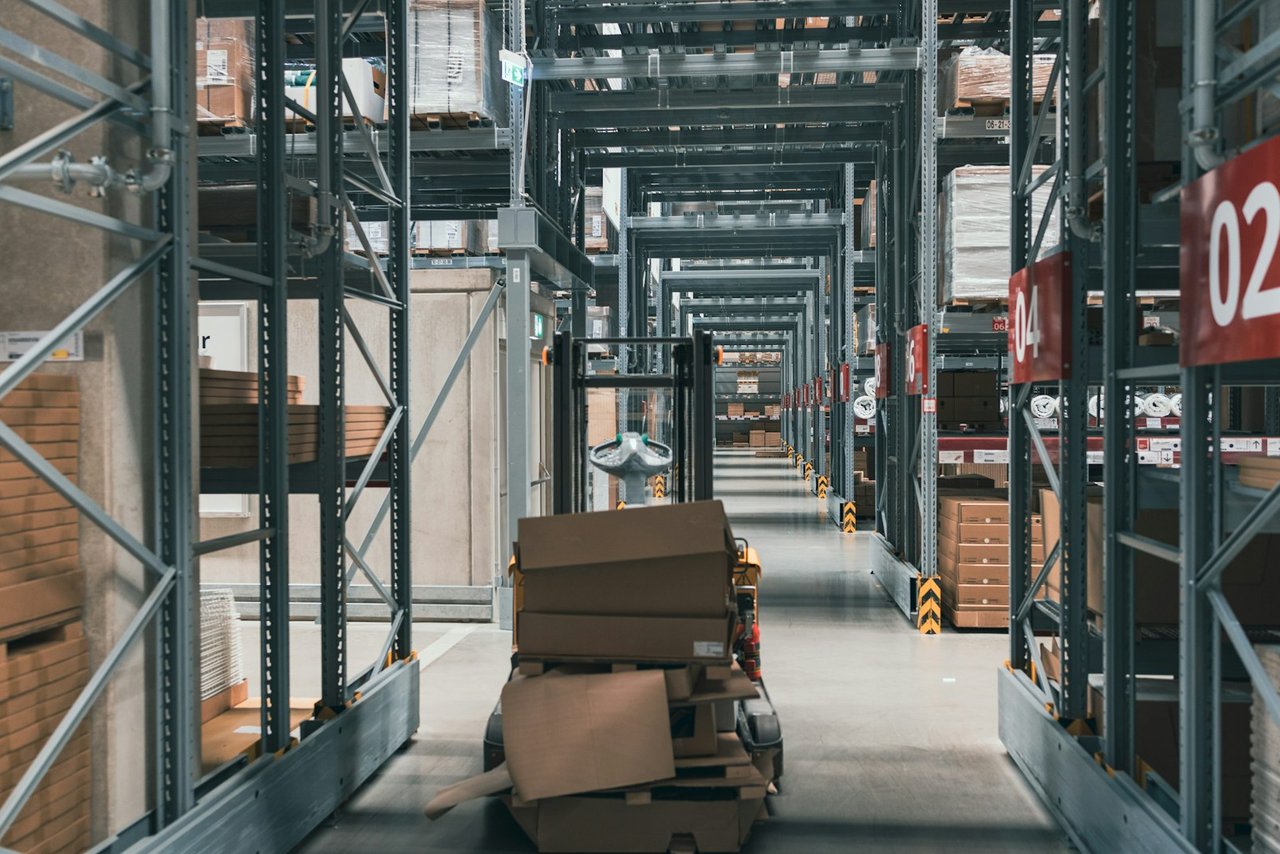
Photo by Salah Ait Mokhtar on Unsplash
Black Friday is Friday 27 November 2026 and Cyber Monday is Monday 30 November 2026. To pack through both without swapped labels or stalled benches, set up every packing bench before the rush, release orders in waves, print each label at the moment a packer scans the packing slip, and book carrier pickups in advance. This plan takes you from the week before to the returns that follow, with the bench setup, problem orders and collection in between.
Key takeaways
Set up and test every packing bench before 27 November 2026, not on the day itself.
Print each label when the packer scans the packing slip, so the label always lands on the right box.
Release orders in waves sized to your benches and your carrier pickups, not as one long queue.
Give problem parcels their own shelf and one person who solves them, so packing does not stop.
Book carrier pickups ahead and sort finished parcels by carrier as they leave the benches.
Decide now how customers send items back, because returns follow the peak.
When is Black Friday 2026, and what should you do before it?
Black Friday is the day after Thanksgiving in the United States, so in 2026 it falls on Friday 27 November. Many webshops run offers for the whole week, so plan for higher volume from Monday 23 November 2026.
| Date | What to do |
|---|---|
| 18-20 November 2026 | Check your shipping rules, printers and scanners. Order label rolls, boxes, filler and tape. |
| 23-25 November 2026 | Run a full test with real orders. Train temporary staff. Book carrier pickups for the peak days. |
| 26 November 2026 | Clear your backlog, so you start the peak with empty benches. |
| 27 November 2026 | Black Friday. Work in waves and empty the problem shelf often. |
| 28-29 November 2026 | Weekend. Decide whether you pack, or start Monday with a planned backlog. |
| 30 November 2026 | Cyber Monday. Expect the weekend's orders and the day's orders together. |
| 1-4 December 2026 | Ship the backlog and get ready for the first returns. |
What does a Black Friday packing workflow look like?
The workflow below works for a shop with one packer and for a warehouse with ten benches. Each step has one job, so a new team member learns it quickly.
- Orders come in from your webshop and become shipments. Your shipping rules have already set the carrier and the service from the customer's delivery choice.
- You release a wave. Each shipment is booked with the carrier, and its packing slip prints on a shared document printer.
- A picker collects the items for each packing slip and brings slip and items to a bench.
- The packer packs the box and scans the code on the packing slip.
- The label prints on that bench's label printer, together with a return label if you include one. Invoices and customs papers print on the document printer.
- The packer puts the slip in the box, seals it, sticks on the label and places the parcel in the area for that carrier.
- The carrier collects the parcels at the booked pickup, or you take them to a drop-off point.
Print at the scan (step 5), not in one batch in the morning. When you print a whole stack of labels in the morning, someone has to match each label to a box by hand, and one swap sends two parcels to the wrong customers. When the label prints at the moment the packer scans the slip for the box in front of them, label and box meet at the same bench. The scan station itself is covered in scanning at the packing bench.
How should you set up each packing bench?
A packer should never leave the bench to find a label, a box or a person who knows the answer. Set up every bench the same way, so anyone can work at any bench.
| Item | Why it matters |
|---|---|
| A label printer at the bench | The label prints where the box is. Nobody walks to a shared printer. |
| A barcode scanner that works as a keyboard | One scan finds the order. Pick a scanner that reads QR codes if your slips carry one. |
| A screen with the scan station open | The packer sees at once whether the label printed or the parcel must wait. |
| Boxes in your most used sizes, filler and tape | Packers stay at the bench. |
| A crate or shelf for problem parcels | Anything that cannot ship goes there at once. |
| Spare label rolls, and one spare printer for the floor | A jammed printer should not stop a bench for long. |
Write a one-page instruction for each bench, with photos, and put it on the wall. Temporary staff learn faster from a sheet in front of them than from a talk on the first morning.
Test every bench before 23 November 2026. Book one real order, scan its packing slip, check that the label and the documents print where they should, and check that the barcode on the label is sharp.
How do you work in waves instead of one long queue?
A wave is a group of orders you release together. Size each wave so your benches can finish it before the next carrier pickup.
- Start with single-item orders. They are the fastest to pick and pack, so a large share of your customers get their parcels moving early.
- Group by carrier when one pickup comes first. If one carrier collects earlier than another, release that carrier's orders first.
- Give complex orders their own wave or bench. Orders with many items, gift wrapping or fragile goods slow a fast bench down.
- Only release what you can pack today. Packing slips for orders you cannot finish pile up and get mixed with tomorrow's.
- Check the backlog after each wave. If it grows, decide early whether you need an extra pickup or an extra shift.
Set a clear order deadline for each day, show it in your webshop, and match it to your pickups. A customer who orders after the deadline should see that the order is packed on your following working day.
What do you do with orders that cannot ship as planned?
On peak days, the most expensive thing a packer can do is solve a problem at the bench. One unclear order can stop a bench for a long time. Give every problem the same path: the parcel goes on the problem shelf, and one person handles the shelf.
- An item is out of stock. Ship what you have and send the rest later. Split the shipment before it is booked, so each part gets its own label, and tell the customer.
- The address looks wrong or is incomplete. Set the order aside and contact the customer. Do not guess.
- The carrier refused the shipment. For example, customs details are missing for a parcel leaving the EU. Fix the details and book it again.
- An item is damaged. Replace it from stock, or set the order aside and contact the customer.
The person on the problem shelf should empty it every hour and write down each cause. After the peak, that list shows you what to fix before the next campaign.
How do you get the parcels out of the building?
Decide for each carrier whether it collects from you or you drop the parcels off. With a fixed collection, tell the carrier your expected volume for the peak days, so it can send the right vehicle. If you book pickups one at a time, book them ahead for 27 and 30 November 2026 and the days after.
Book each pickup once, because a double booking can bring two drivers. Keep the carrier's reference for every pickup: you need it to change or cancel one.
On the floor, sort parcels by carrier as they come off the benches, in separate cages or marked areas, and count them before the driver arrives. Know the nearest drop-off point for each carrier, in case a driver does not come.
How do you get ready for the returns that follow?
Returns arrive after the peak, and they need space, people and a process. Decide before 27 November 2026 how your customers send items back.
- A return label in the box is the easiest option for customers. The downside is that you create a label for every parcel, including those that never come back.
- A return label on request means fewer labels, but your customer service creates each one.
- Label-free returns come from carrier services where the customer gets an email label or a QR code and drops the parcel at a service point. GLS ShopReturn is one example.
Set up a receiving bench for returns, separate from the outbound benches. Check each item, record the reason, and refund or exchange quickly. Make sure your returns page says clearly how to return an item and by when.
How Zippendo helps on your busiest days
Orders from Shopify, WooCommerce or your own system become shipments, with the carrier, service and sender address set by your shipping rules. To run the workflow above in Zippendo:
- Set the shipping rule to print when the packing slip is scanned. Booking a shipment then prints only its packing slip. Scanning the slip at the bench prints the label and the return label, plus invoices and customs papers on the document printer. See Scan to print.
- Install Zippendo Printer on the computer at each bench, on Mac or Windows. Jobs wait while a printer is offline, and you can retry failed jobs. See Auto-print.
- Open a scan station at each bench. Each station keeps its own printers and has a large view for the bench. It shows "Set this parcel aside" when the carrier reported a problem, and a scan never sends a shipment twice.
- Link a return rule to the outbound rule, so the return shipment is created when the parcel is sent. See Returns.
- Book pickups ahead. One request asks the carrier to collect many sent shipments, for example with Bring, PostNord in Denmark, Sweden and Finland, or DHL Express. See Pickups.
When an item is missing, split the shipment into new shipments, each with its own label, while it is still pending (Split and move parcels). Customers stay informed through your own tools: Shopify gets the tracking number back and sends its own shipping email, and tracking events can go to Klaviyo, Mailchimp, SendGrid or Customer.io, which send your own messages.
Create a Zippendo account, set one shipping rule to print on scan and run a real order through a bench before 23 November 2026.
Black Friday packing FAQ
Sincerely yours,

Jonas Bang
Jonas Bang · Co-founder, CPO