

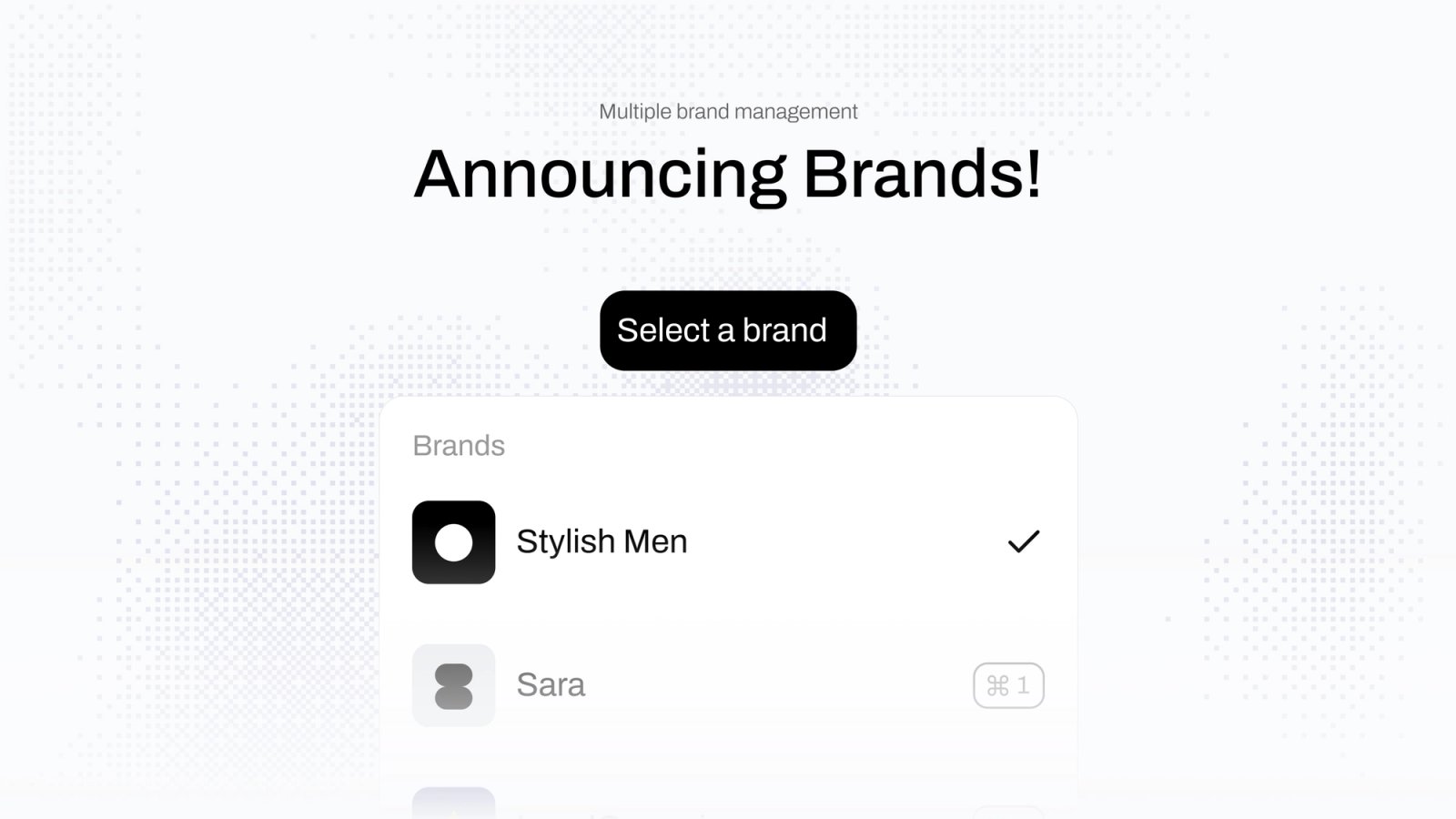
A surprising number of shops are really two or three shops. Same warehouse, same people packing, same carrier agreement, but different names on the front. Sometimes a different company behind each one.
The problem those shops brought us was always the same. The packing slip said the wrong name. The customs invoice had the wrong VAT number. Or they ran separate organizations and set up every carrier and every rule twice.
So we built Brands.
What a brand is
A brand lives inside your organization. It shares your carriers, printers and team. But it has its own orders and shipments, and its documents carry its own name, logo and colors.
If the brand is its own company, you give it its own invoice details, VAT number and customs identifiers, and that is what goes on the paperwork. If it is just a trading name, leave those blank and it uses the organization's.
One rule we want to be upfront about
A brand either declares its own customs identifiers or the organization's. Never a mix.
It would be convenient to fill in a brand's VAT number and borrow the parent's EORI. It would also describe a company that does not exist, and customs does not find that convenient at all. So the form will not let you.
What can belong to a brand
Most things in Zippendo can now belong to one brand or stay shared:
- Order channels can belong to a brand. A Shopify store and a WooCommerce webshop can be two brands in one organization.
- Carriers and sender addresses can be shared by everyone or locked to one brand.
- Shipping rules, automations, webhooks and pickups follow the same idea.
- API tokens too. That is how you give an agency access to one brand and nothing else.
- Printers can be shared or assigned, which matters when two brands pack at different stations.
In the app
There is a brand switcher at the top. Pick a brand and everything you see is that brand's. Pick all brands and you see the whole house, with a small badge on each row telling you which is which.
Orders without a brand never show up inside a brand. That is on purpose.
Where to find it
Brands is on the Pro plan. Go to Settings, then Brands, give the first one a name, and fill in the invoice details and logo when you have them. Then assign its order channels and start shipping.
If you are a 3PL, or you ship for several brands out of one warehouse, this is probably the thing you have been asking us for. Tell us how it goes.
Sincerely yours,

Jonas Bang
Jonas Bang · Co-founder, CPO