> ## Documentation Index
> Fetch the complete documentation index at: https://www.zippendo.com/docs/llms.txt
> Use this file to discover all available pages before exploring further.
# Carrier tracking webhooks
> How Zippendo receives carrier tracking (Bring Event Cast, Instabee) versus app webhooks in Settings → Webhooks.
**Carrier tracking webhooks** are inbound callbacks from a carrier into Zippendo. They are **not** the endpoints you create under **Settings → Webhooks**. There is no merchant form to paste a carrier callback URL or rotate a tracking secret — Zippendo registers and verifies those connections when you [connect the carrier](/docs/how-to/carrier-credentials).
App events (your URL, HMAC secret, **Tracking Updated**) are [Webhooks](/docs/how-to/webhooks). Journey: [Tracking](/docs/tutorials/tracking).
Do not create a **Settings → Webhooks** endpoint expecting GLS, PostNord, or Bring to POST into it. That list is Zippendo → *your* system. Carrier → Zippendo tracking uses a different URL and token that never appear on **Edit your carrier**.
## Two webhook systems
| | Carrier tracking webhooks | App webhooks |
| ---------------------- | ------------------------------------------------------------------------------------------------------- | ------------------------------------------------------------------------ |
| Direction | Carrier → Zippendo | Zippendo → your HTTPS URL |
| Where you configure it | Nowhere in the dashboard. Connecting **Bring**, **Instabox**, **Budbee**, or **Porterbuddy** is enough. | Team switcher **Manage** → **Webhooks** (`/dashboard/settings/webhooks`) |
| Secret | Stored on the carrier connection (`webhookToken`). Not shown on **Edit your carrier**. | Shown once when you create the webhook; used as HMAC |
| What it updates | Parcel tracking events on the shipment **Tracking** tab | Your backend (`tracking.updated`, `shipment.dispatched`, …) |
| How-to | This page | [Webhooks](/docs/how-to/webhooks) |
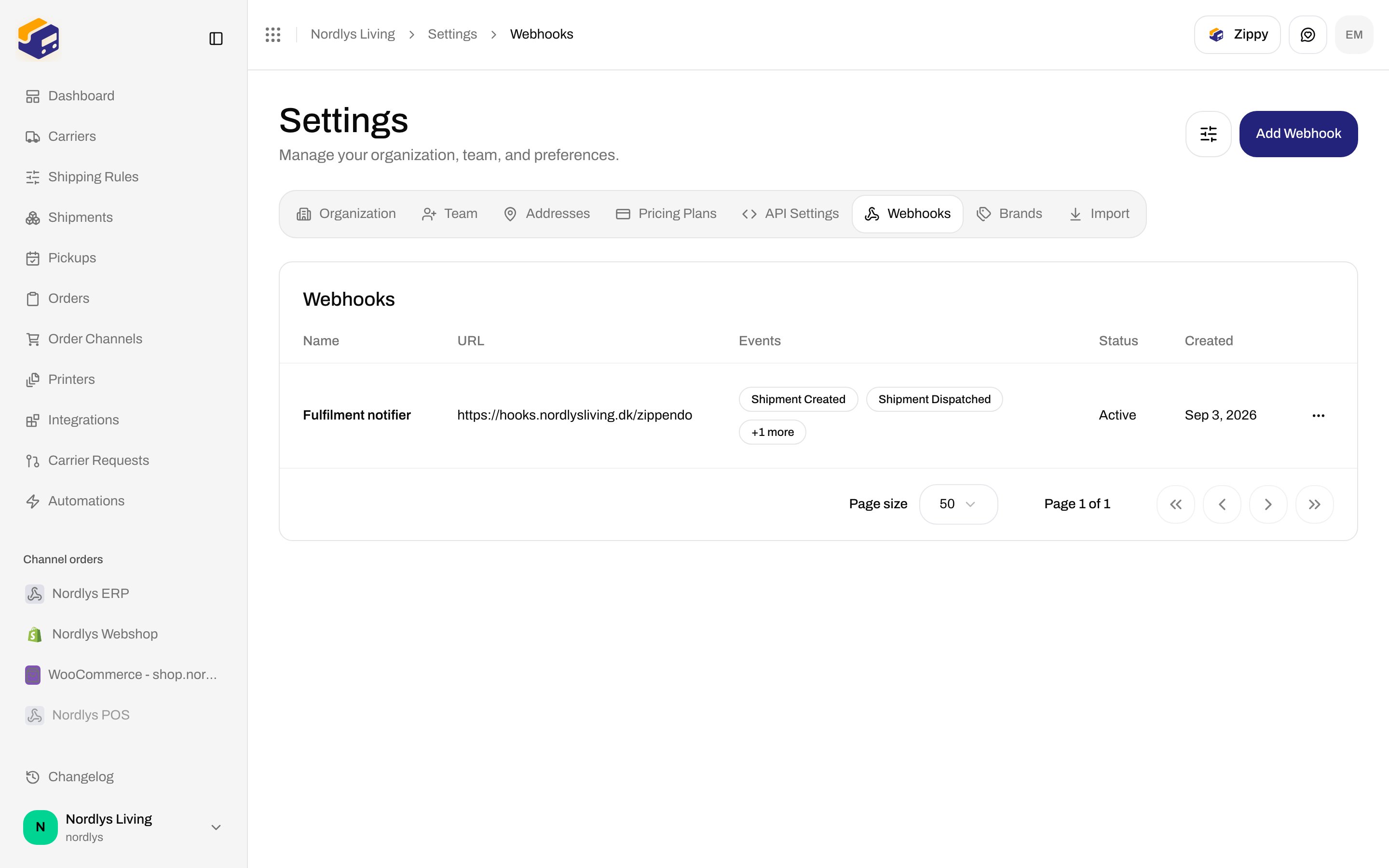
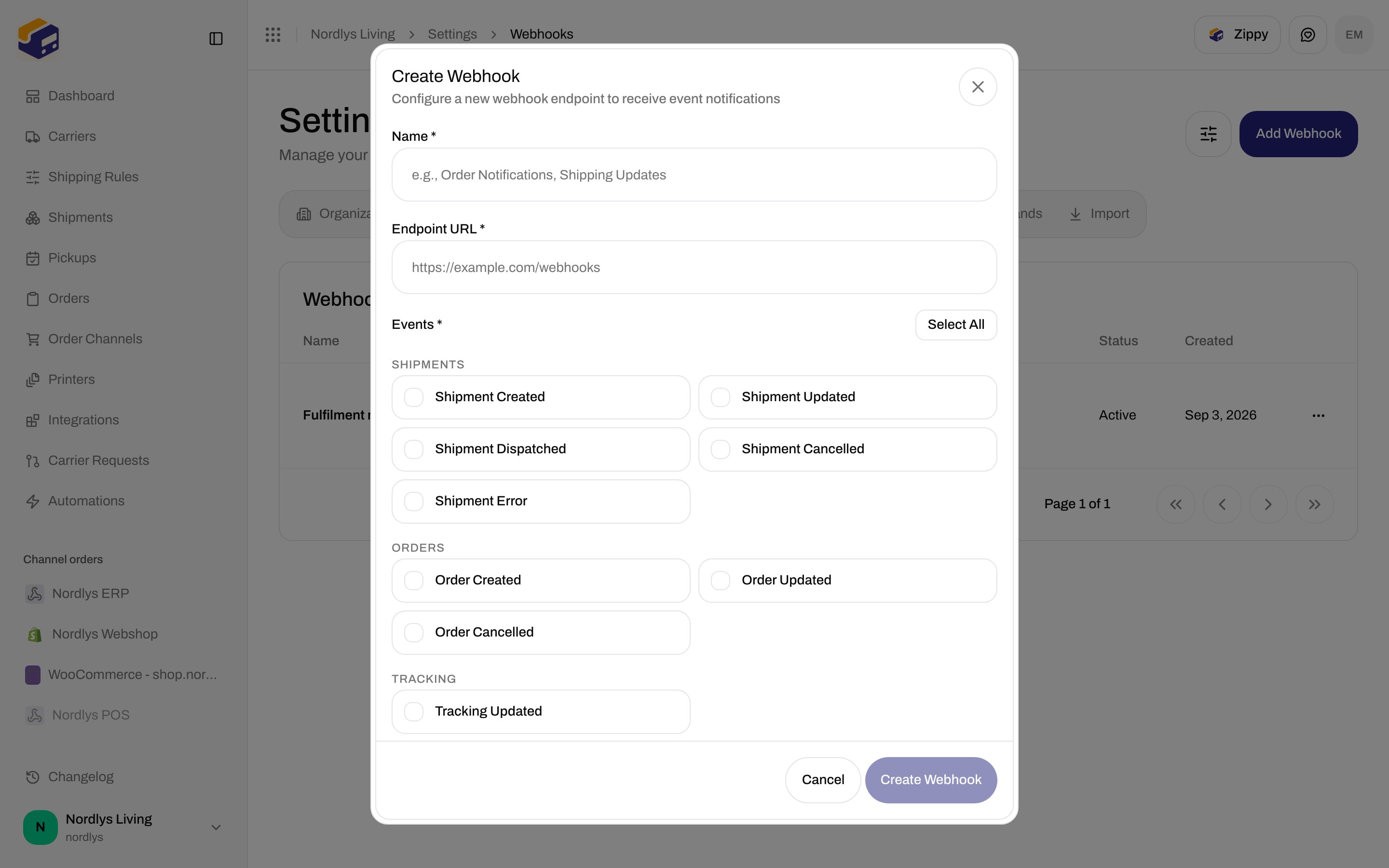
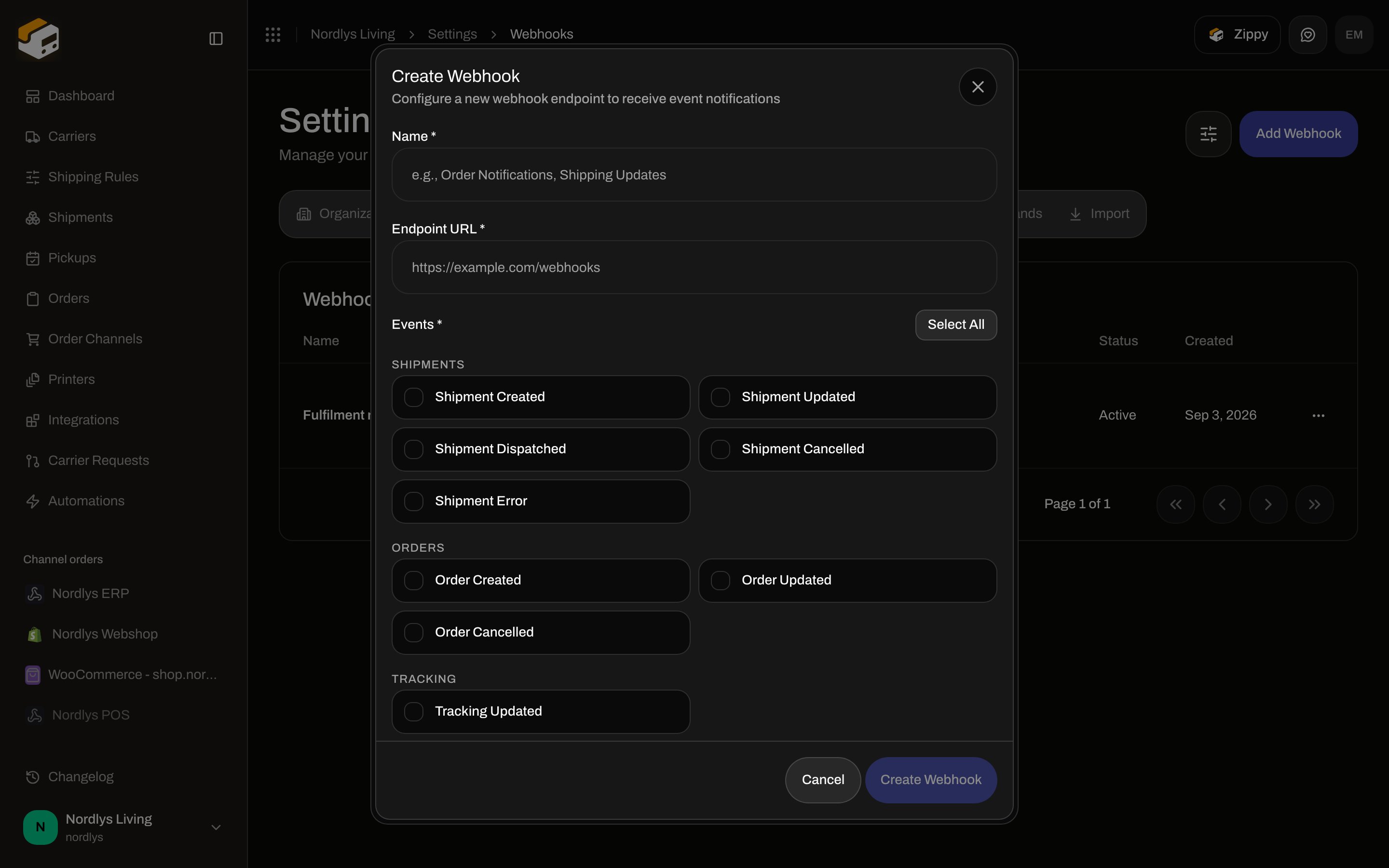
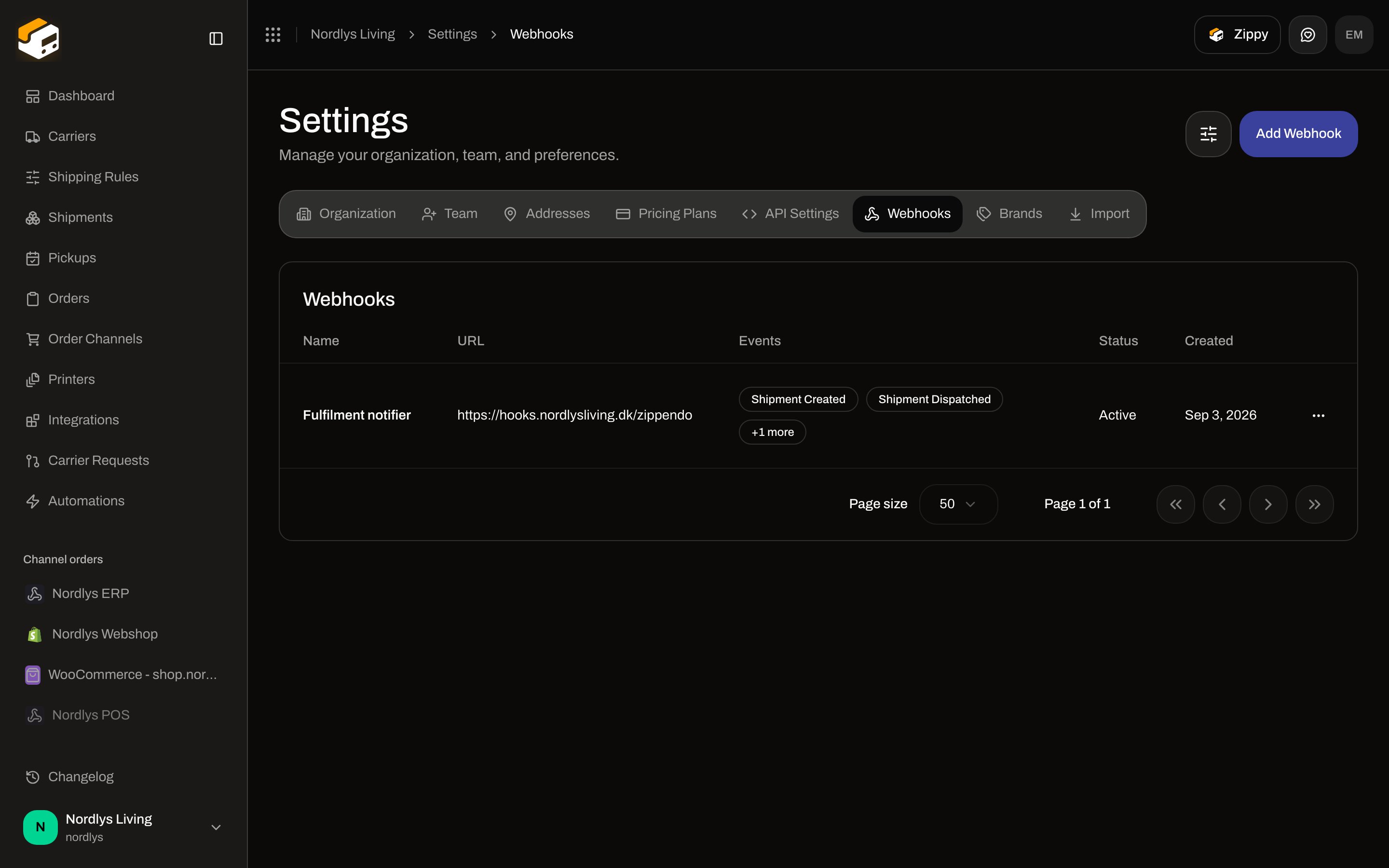 To hear about tracking in *your* app, **Add Webhook** and under **Tracking** enable **Tracking Updated**. That is still an app webhook.
 ## Which carriers push tracking
Zippendo either **pulls** tracking on a schedule (\~hourly) or **receives** carrier POSTs.
| Carrier on **All Carriers** | Tracking path | Merchant setup |
| ---------------------------------------------------------------------------------------------------- | ------------------------------------------------------------------------------------------------------- | -------------------------------------------------------------------- |
| **GLS Denmark**, **PostNord**, **DAO Denmark**, **FedEx**, **UPS**, **DHL Express**, **Matkahuolto** | Pull (poller) | None. Empty timeline copy still says events are polled hourly. |
| **Bring** | Push — Zippendo registers [Bring Event Cast](https://developer.bring.com/) at dispatch (`autoRegister`) | Connect Bring. No extra field on **Edit your carrier**. |
| **Instabox**, **Budbee**, **Porterbuddy** (Instabee) | Push — Instabee platform webhooks, configured out-of-band | Connect the Instabee carrier. Callback URL is not a dashboard field. |
| **Instabox (Legacy API)** | Same Instabee-format push | Deprecated catalog card — prefer Instabee Instabox. |
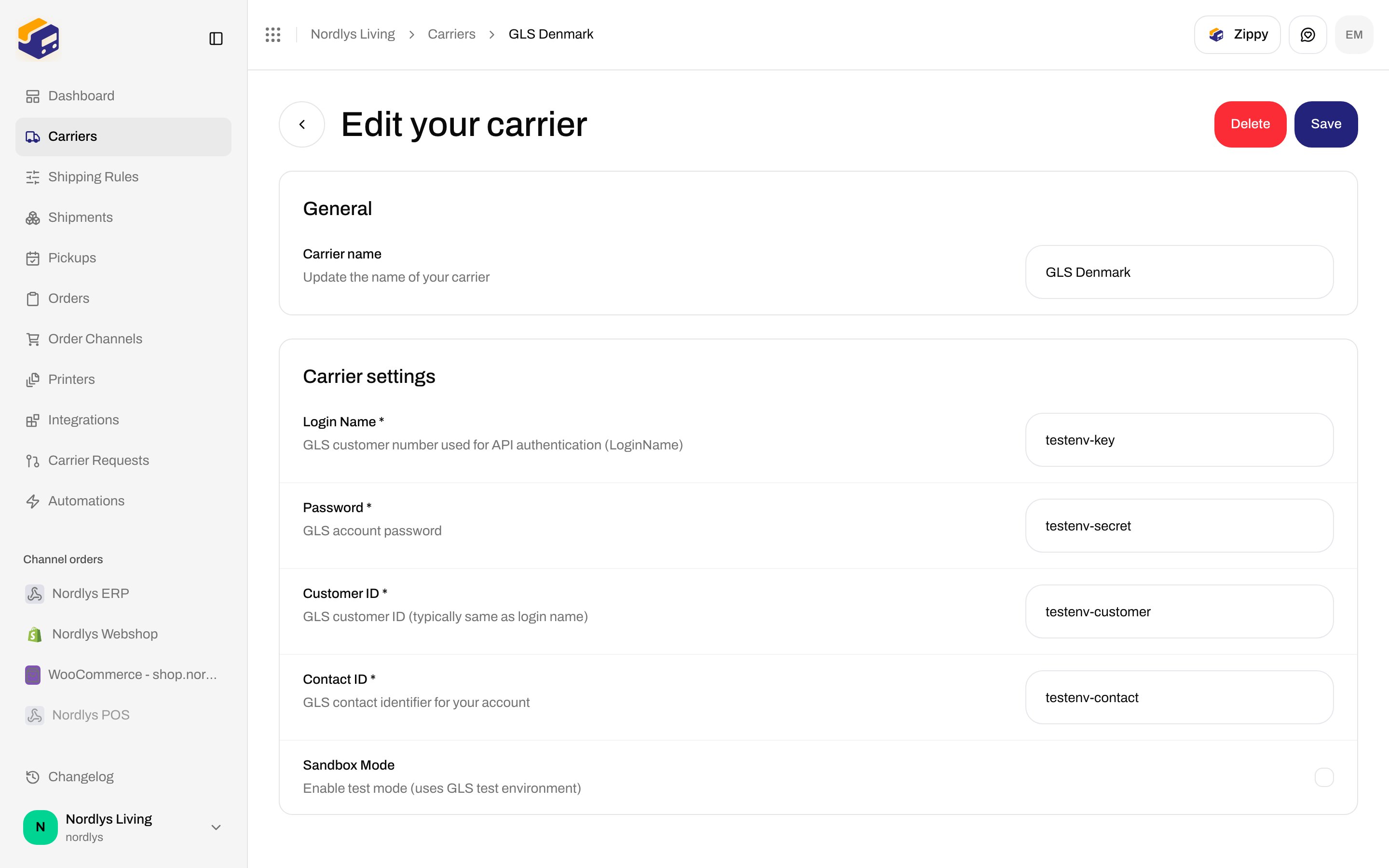
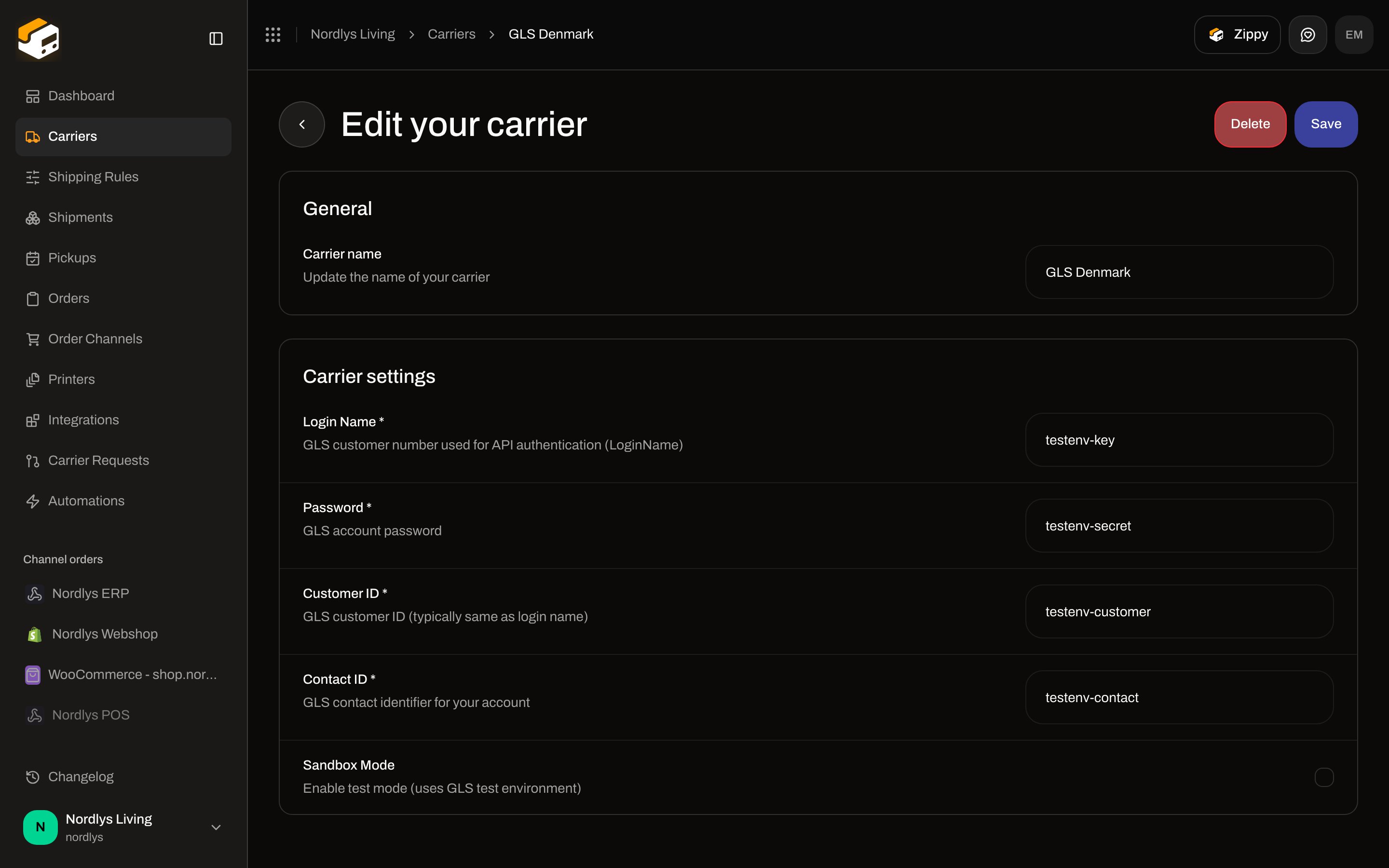
**Edit your carrier** still has only **Carrier name**, credentials, and **Sandbox Mode**. There is no **Webhook URL** or **Tracking callback** row.
## Which carriers push tracking
Zippendo either **pulls** tracking on a schedule (\~hourly) or **receives** carrier POSTs.
| Carrier on **All Carriers** | Tracking path | Merchant setup |
| ---------------------------------------------------------------------------------------------------- | ------------------------------------------------------------------------------------------------------- | -------------------------------------------------------------------- |
| **GLS Denmark**, **PostNord**, **DAO Denmark**, **FedEx**, **UPS**, **DHL Express**, **Matkahuolto** | Pull (poller) | None. Empty timeline copy still says events are polled hourly. |
| **Bring** | Push — Zippendo registers [Bring Event Cast](https://developer.bring.com/) at dispatch (`autoRegister`) | Connect Bring. No extra field on **Edit your carrier**. |
| **Instabox**, **Budbee**, **Porterbuddy** (Instabee) | Push — Instabee platform webhooks, configured out-of-band | Connect the Instabee carrier. Callback URL is not a dashboard field. |
| **Instabox (Legacy API)** | Same Instabee-format push | Deprecated catalog card — prefer Instabee Instabox. |
**Edit your carrier** still has only **Carrier name**, credentials, and **Sandbox Mode**. There is no **Webhook URL** or **Tracking callback** row.
 ## What you see on the shipment
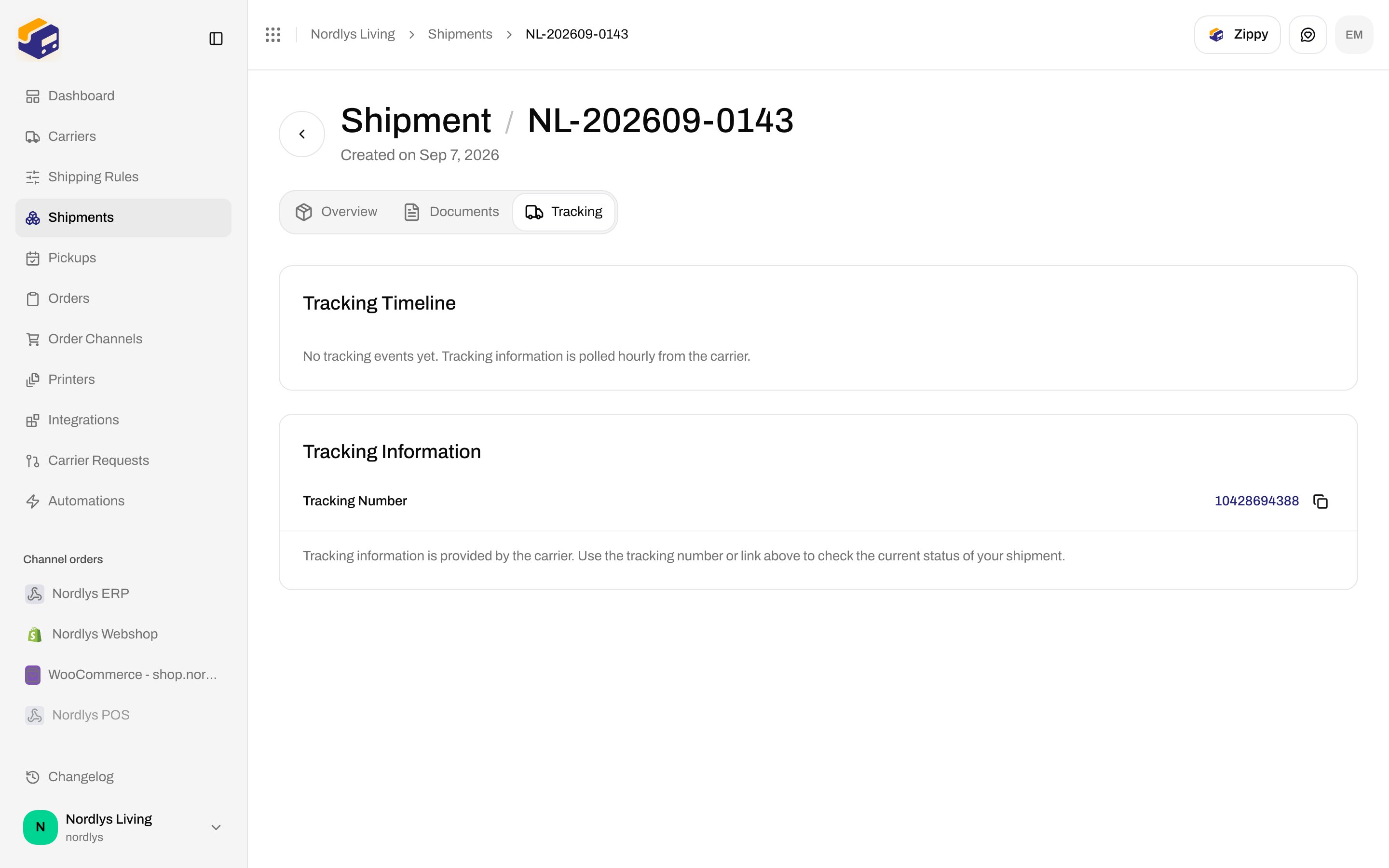
After **Send Shipment**, open **Tracking** (`?tab=tracking`). The tab exists only when the shipment has a tracking number, tracking URL, label-free code, or QR code.
The timeline looks the same for pull and push carriers: status badge, newest-first events, **Tracking Information** (**Tracking Number**, **Tracking Link**, optional **Label-Free Code** / **QR Code**). Helper: **Tracking information is provided by the carrier. Use the tracking number or link above to check the current status of your shipment.**
## What you see on the shipment
After **Send Shipment**, open **Tracking** (`?tab=tracking`). The tab exists only when the shipment has a tracking number, tracking URL, label-free code, or QR code.
The timeline looks the same for pull and push carriers: status badge, newest-first events, **Tracking Information** (**Tracking Number**, **Tracking Link**, optional **Label-Free Code** / **QR Code**). Helper: **Tracking information is provided by the carrier. Use the tracking number or link above to check the current status of your shipment.**
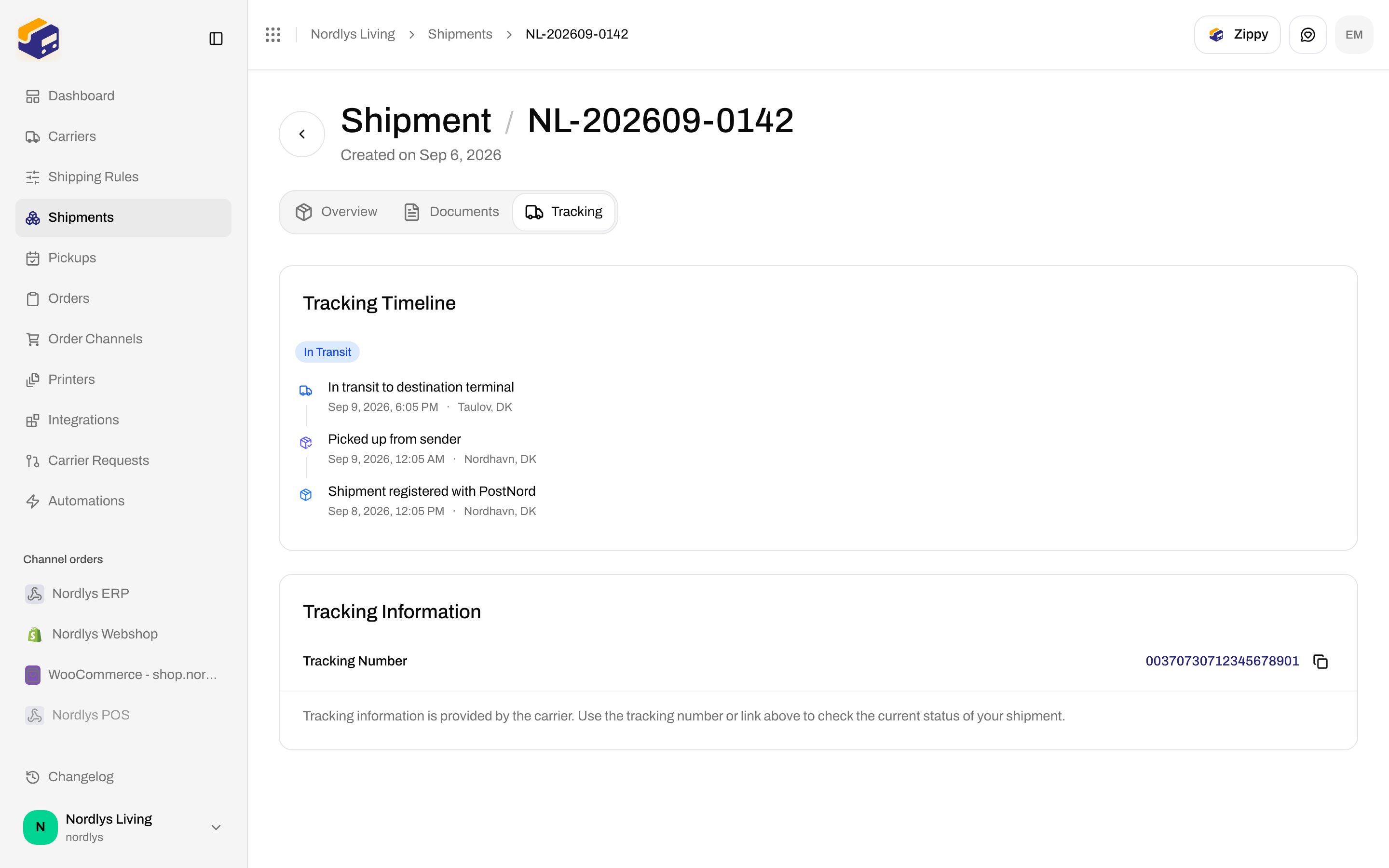
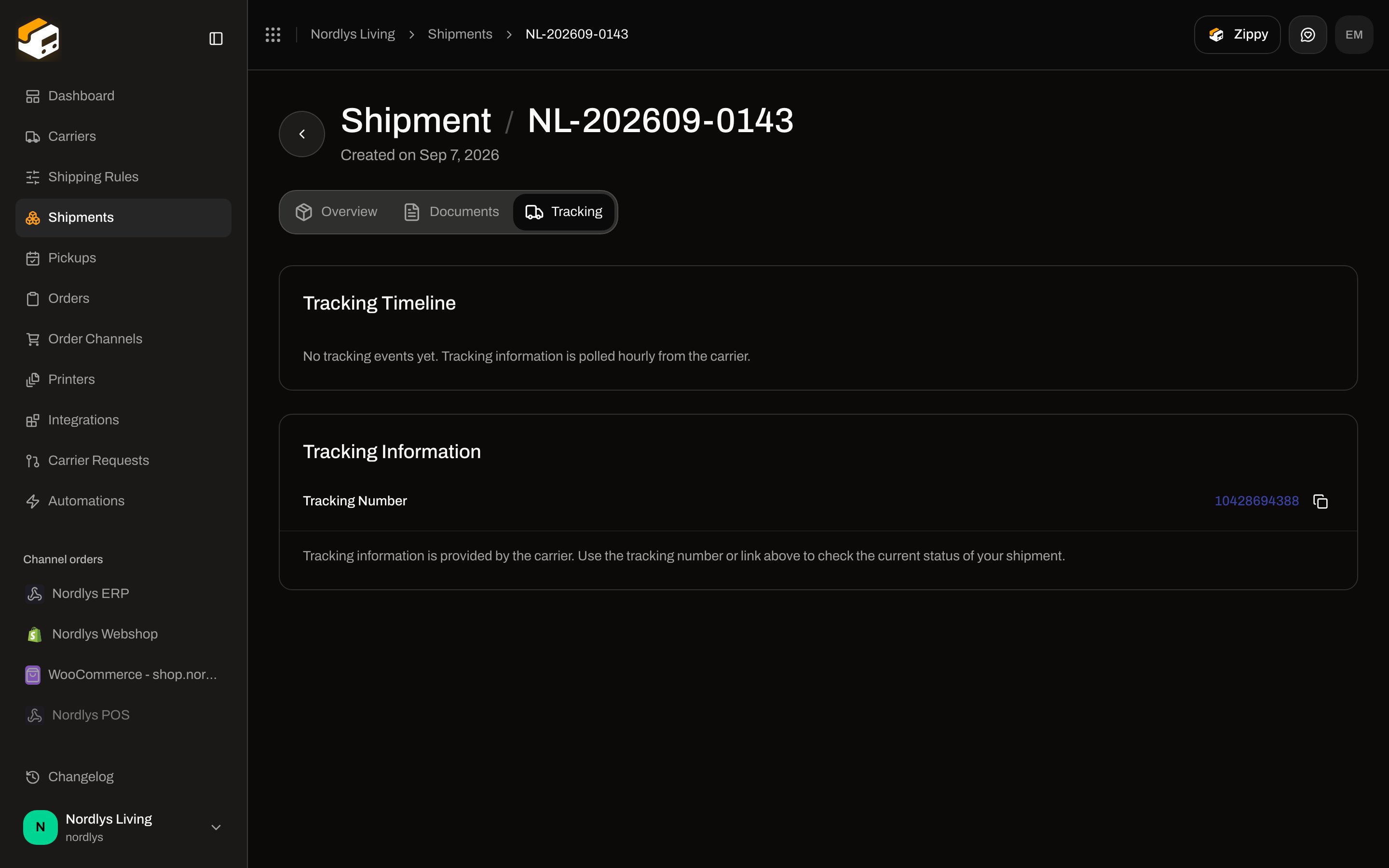
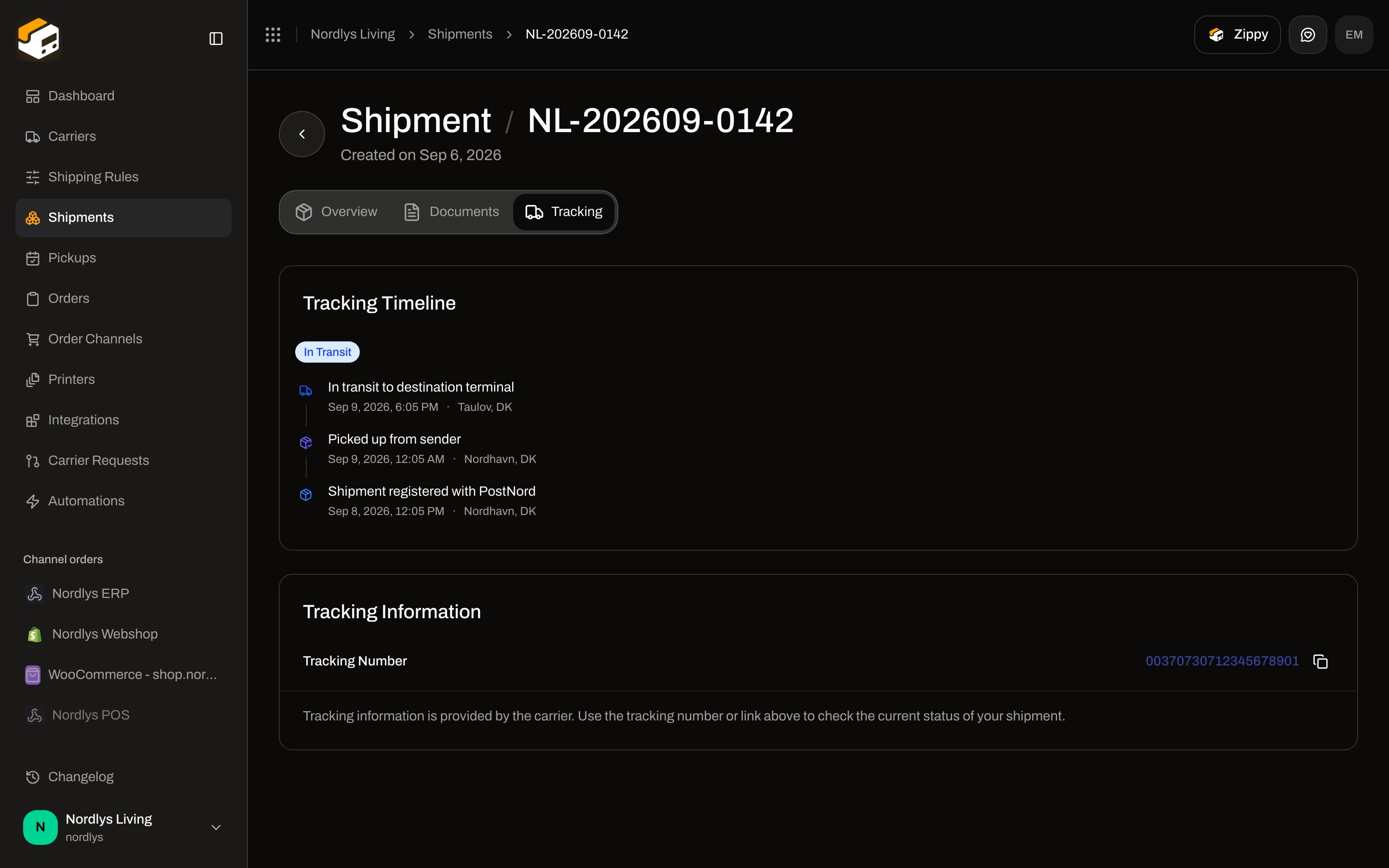 Right after send, the list is often empty: **No tracking events yet. Tracking information is polled hourly from the carrier.** Push carriers (Bring Event Cast, Instabee) fill the same list when the carrier POSTs; there is no separate “webhook received” badge.
 There is no **Refresh tracking** button. Do not recreate the shipment to force a number.
## Failures
If Bring auto-registration fails at dispatch, the send can surface **Failed to register the carrier tracking webhook.** (`CARRIER_TRACKING_WEBHOOK_REGISTRATION_FAILED`). Tracking numbers may still exist; events then wait until registration succeeds or you use a pull carrier.
Invalid inbound payloads are **The webhook payload is invalid.** / **The webhook signature is invalid.** Those codes are for carrier → Zippendo verification, not for your Settings endpoint (your endpoint verifies Zippendo’s HMAC — [Webhooks](/docs/how-to/webhooks)).
When the carrier site is ahead of Zippendo, use [Tracking not updating](/docs/knowledge-base/tracking-not-updating).
## Related
* [Webhooks](/docs/how-to/webhooks) — Settings → Webhooks, events, HMAC, delivery log
* [Tracking](/docs/tutorials/tracking)
* [Carrier credentials](/docs/how-to/carrier-credentials)
* [Sandbox mode](/docs/how-to/sandbox-mode)
* [Webhooks quickstart](/docs/quickstarts/webhooks)
There is no **Refresh tracking** button. Do not recreate the shipment to force a number.
## Failures
If Bring auto-registration fails at dispatch, the send can surface **Failed to register the carrier tracking webhook.** (`CARRIER_TRACKING_WEBHOOK_REGISTRATION_FAILED`). Tracking numbers may still exist; events then wait until registration succeeds or you use a pull carrier.
Invalid inbound payloads are **The webhook payload is invalid.** / **The webhook signature is invalid.** Those codes are for carrier → Zippendo verification, not for your Settings endpoint (your endpoint verifies Zippendo’s HMAC — [Webhooks](/docs/how-to/webhooks)).
When the carrier site is ahead of Zippendo, use [Tracking not updating](/docs/knowledge-base/tracking-not-updating).
## Related
* [Webhooks](/docs/how-to/webhooks) — Settings → Webhooks, events, HMAC, delivery log
* [Tracking](/docs/tutorials/tracking)
* [Carrier credentials](/docs/how-to/carrier-credentials)
* [Sandbox mode](/docs/how-to/sandbox-mode)
* [Webhooks quickstart](/docs/quickstarts/webhooks)