> ## Documentation Index
> Fetch the complete documentation index at: https://www.zippendo.com/docs/llms.txt
> Use this file to discover all available pages before exploring further.
# Split and move parcels
> Split Shipment, Redistribute Parcels, and Move to shipment — every field, quantity split, and when each button shows.
Three different actions live on **Package Details**. They are easy to mix up:
| Action | What it does | New shipment? |
| ------------------------ | ------------------------------------------------------------------------ | -------------------------- |
| **Split Shipment** | Move **this package’s** order lines onto one or more **new shipments** | Yes |
| **Redistribute Parcels** | Move order lines **between parcels on this shipment** (add/remove boxes) | No |
| **Move to shipment** | Move the **whole package** onto another shipment of the **same order** | No (target already exists) |
Split and redistribute are only on **Draft** or **Pending**. Move also works on **Error**. After **Dispatched**, all three are hidden. [Hold, cancel, or delete](/docs/how-to/hold-cancel-and-delete-shipments).
Related journey: [Create a shipment](/docs/tutorials/create-a-shipment).
## Package Details
Card title: **Package Details**. Empty: **No packages** / **This shipment has no packages**.
Columns:
| Column | Content |
| --------------- | ------------------------------------------------------------------------------------------------------------------------------------------------------------------------------------------------------------------------------------ |
| **Package** | `#1`, `#2`, … |
| **Weight** | Value + unit (`kg` / `g` / `lb` / `oz`) |
| **Dimensions** | `length × width × height cm` |
| **Order Lines** | SKU or description, **Qty: {{count}}**, unit price + currency, **VAT: {{percent}}%**, location, country of origin, **Tariff: {{number}}**. **No order lines** when empty. **Edit package** while the shipment is draft/pending/error |
| **Tracking** | Only when status is **Dispatched** — number, **Track**, label-free code, **QR Code** |
Header right: **Redistribute Parcels** (see show/hide below).
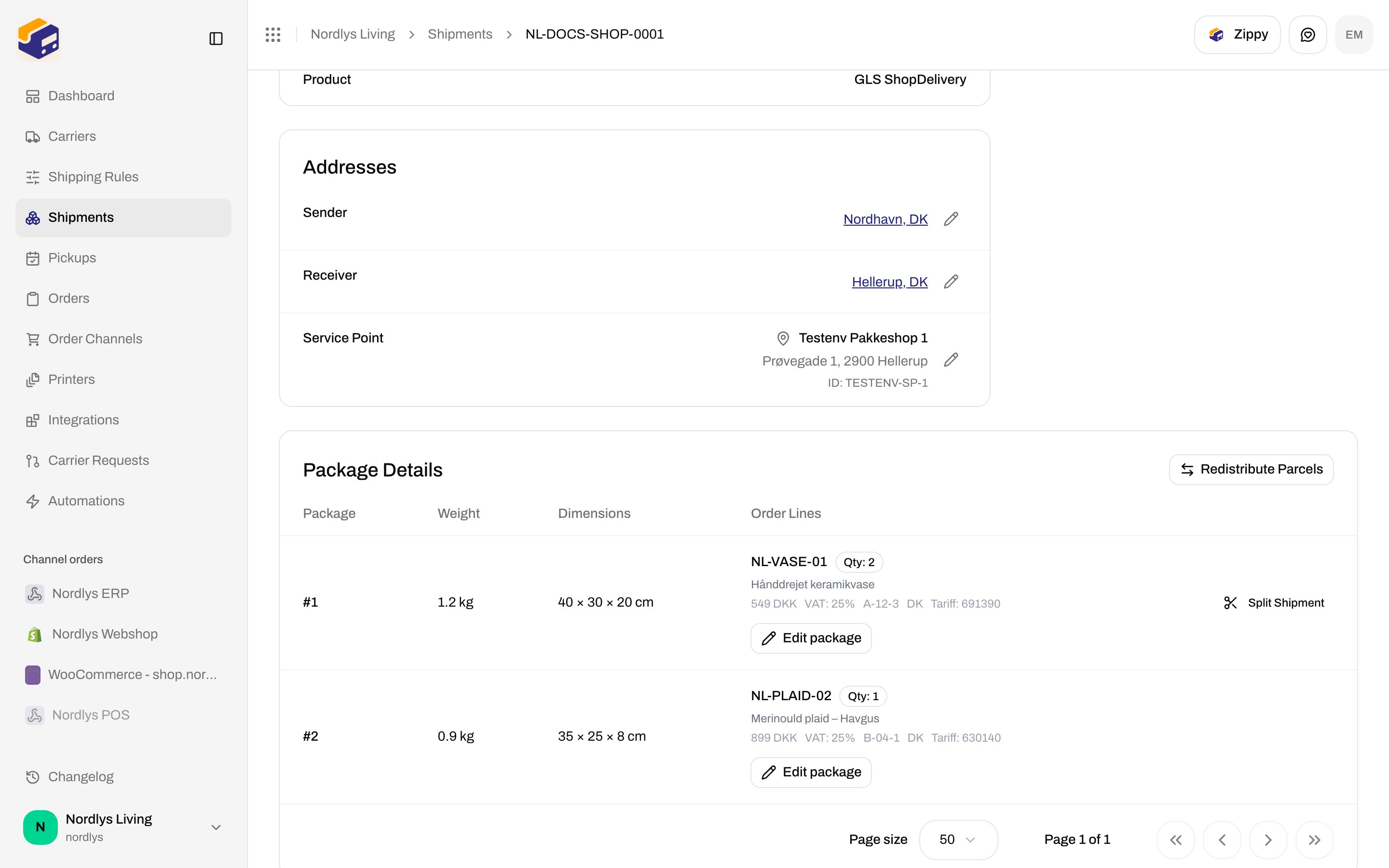
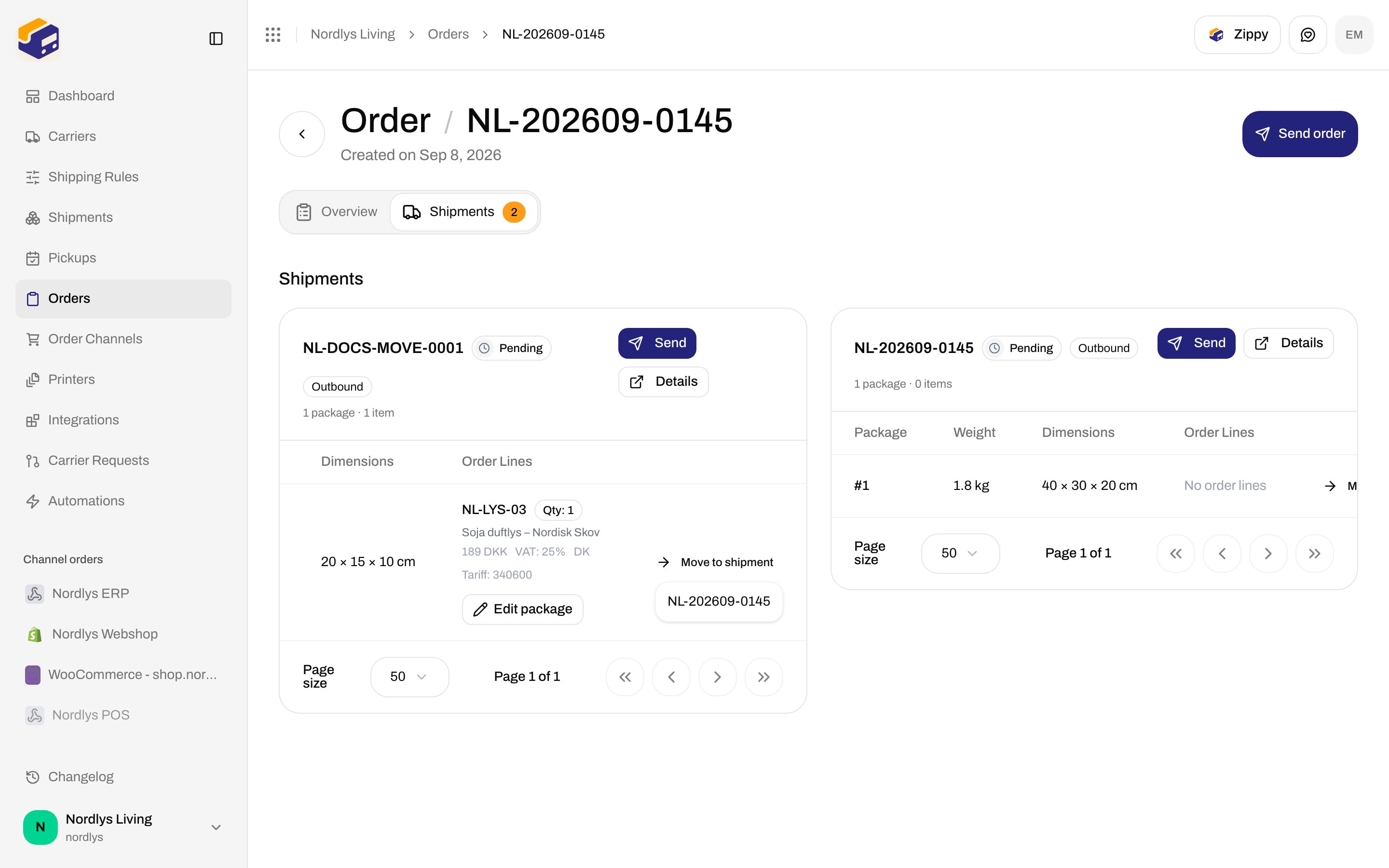
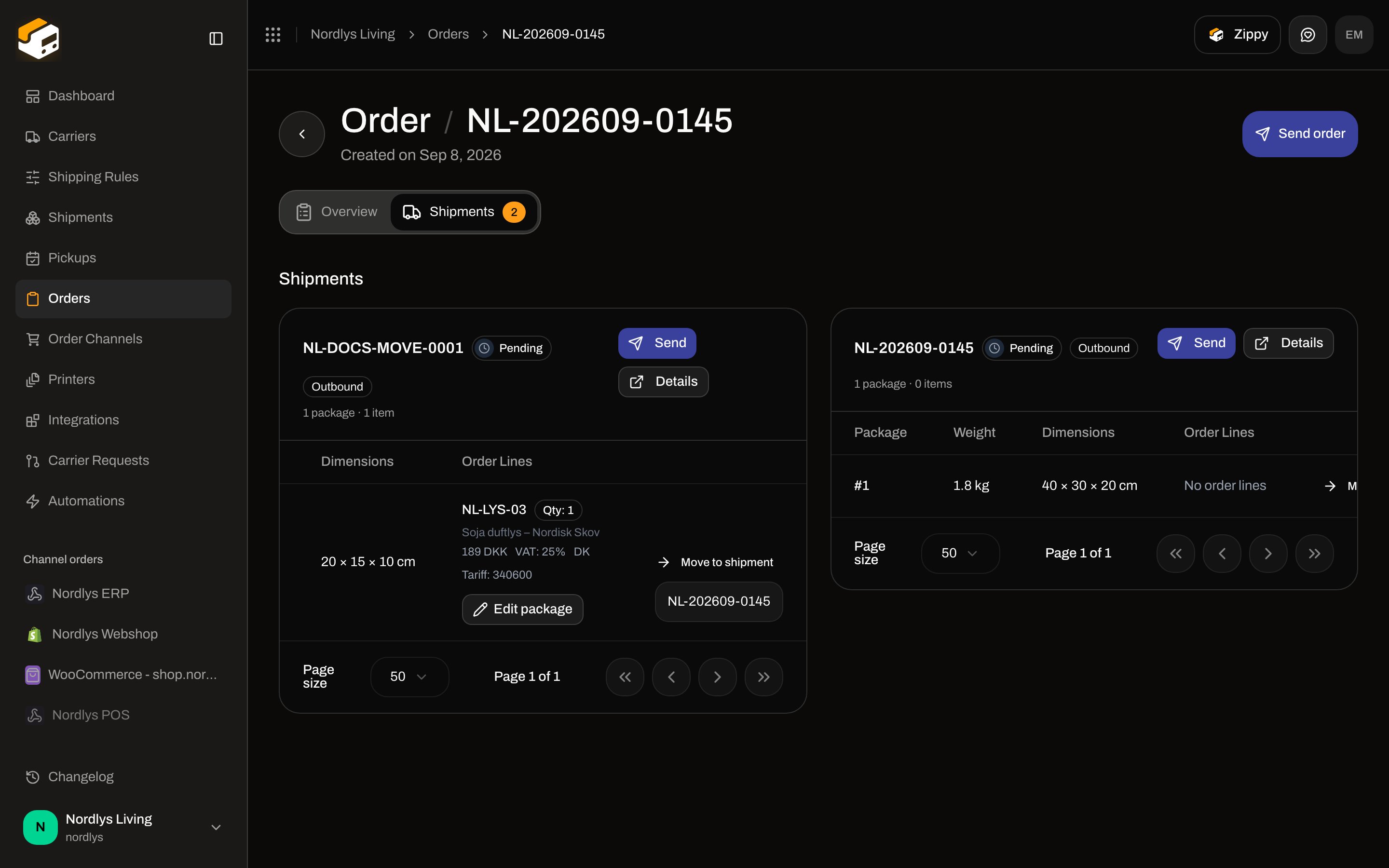
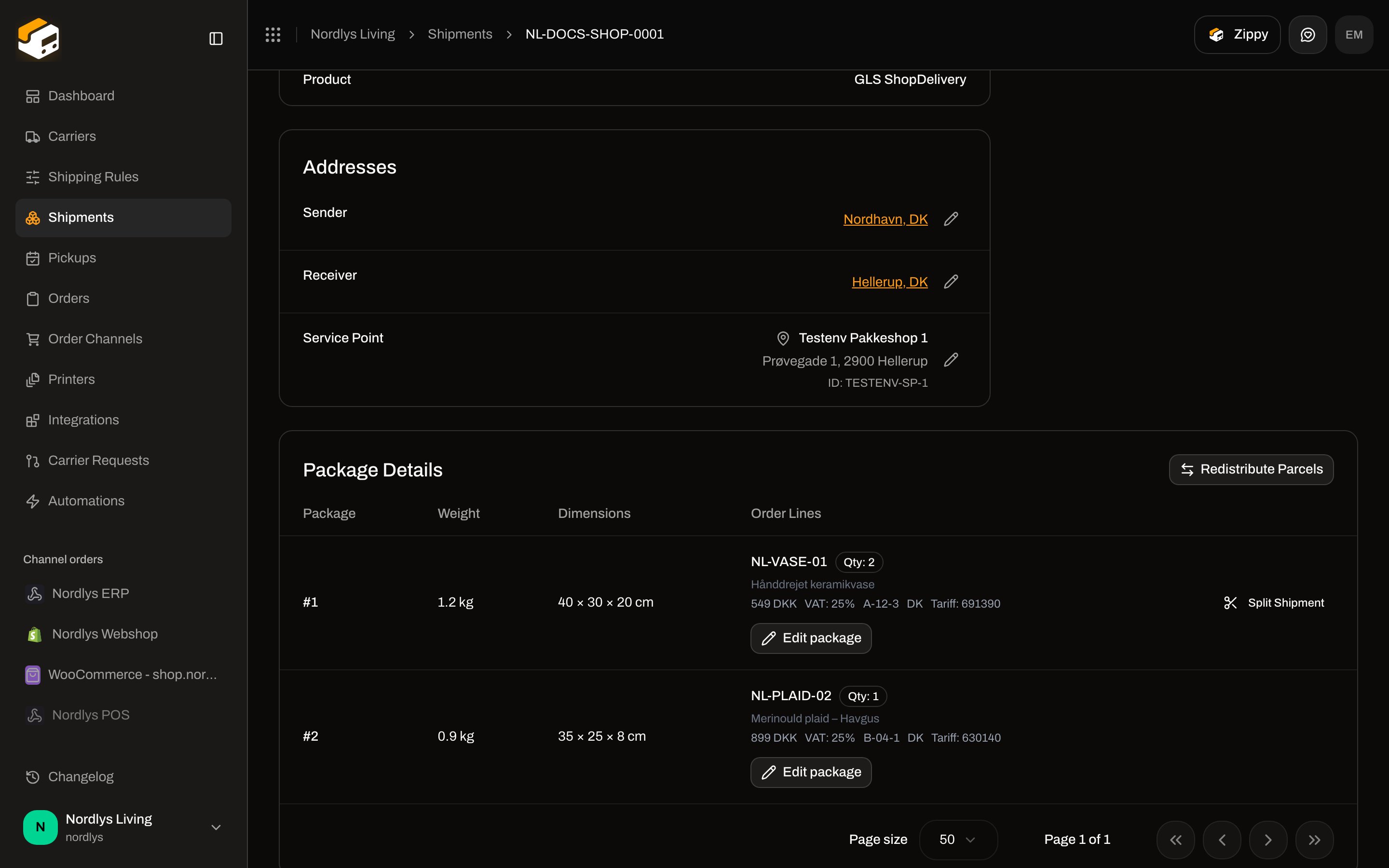 On an **order** **Shipments** tab, the same table is embedded on each card. **Move to shipment** is only there (it needs a sibling shipment).
## When buttons show or hide
| Control | Shows when |
| ----------------------------------------- | ------------------------------------------------------------------------------------------------------------------------------------------------------------ |
| **Split Shipment** (per package) | Shipment is **Draft** or **Pending**, **and** that package has more than one order line **or** any line with quantity > 1 |
| **Redistribute Parcels** | Shipment is **Draft** or **Pending**, **and** the shipment has at least **two** order lines in total (across all packages) |
| **Move to shipment** | Shipment is **Draft**, **Pending**, or **Error**, you are on the **order** Shipments tab, **and** another shipment on that order is also draft/pending/error |
| **Edit package** | **Draft**, **Pending**, or **Error** |
| **Split** on a line card (inside a modal) | That line’s **quantity > 1** |
Hidden examples: a pending shipment with one line of qty 1 has **no** Split Shipment and **no** Redistribute Parcels. A dispatched shipment has neither. Move never appears on a standalone shipment with no order.
## Split Shipment
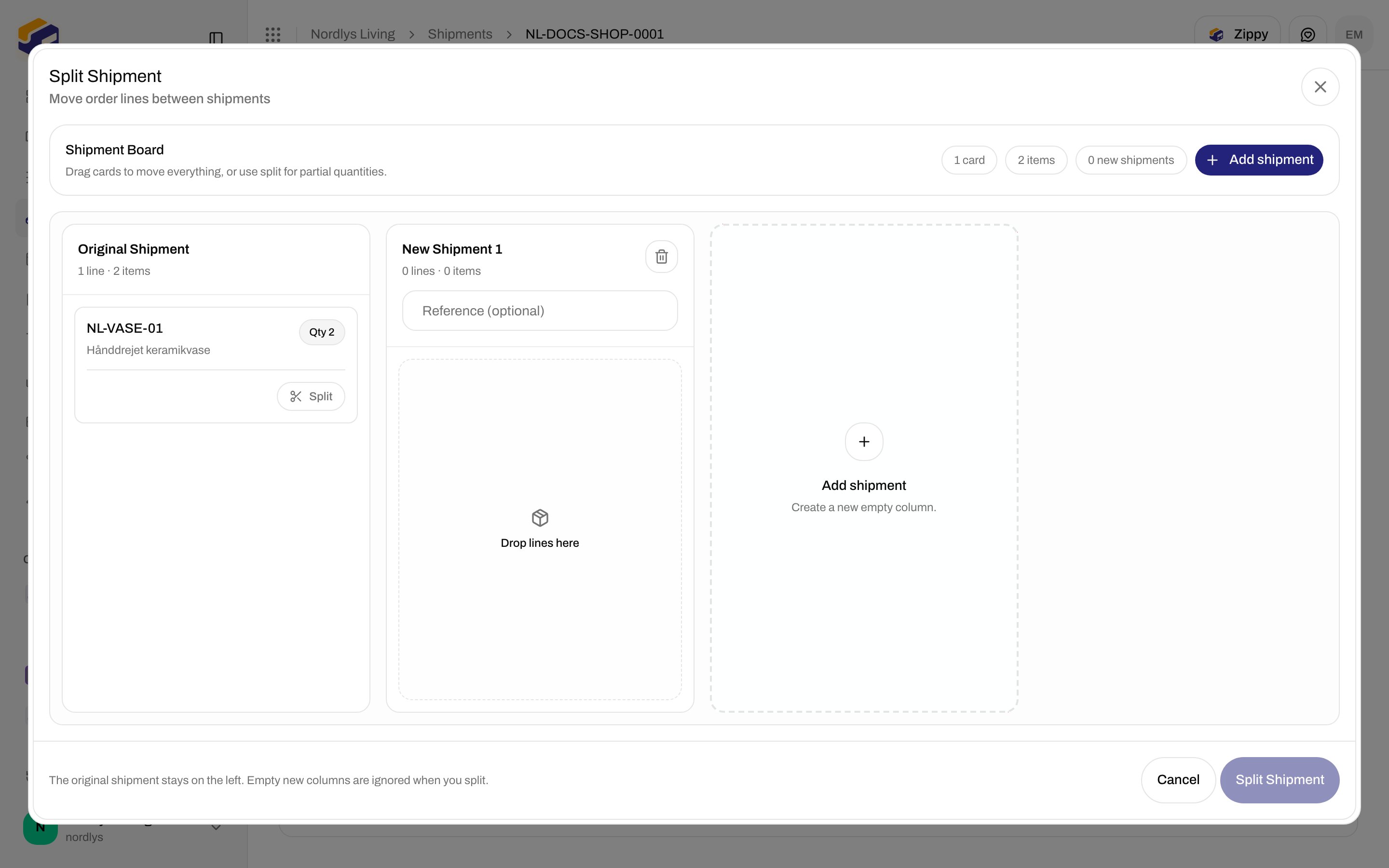
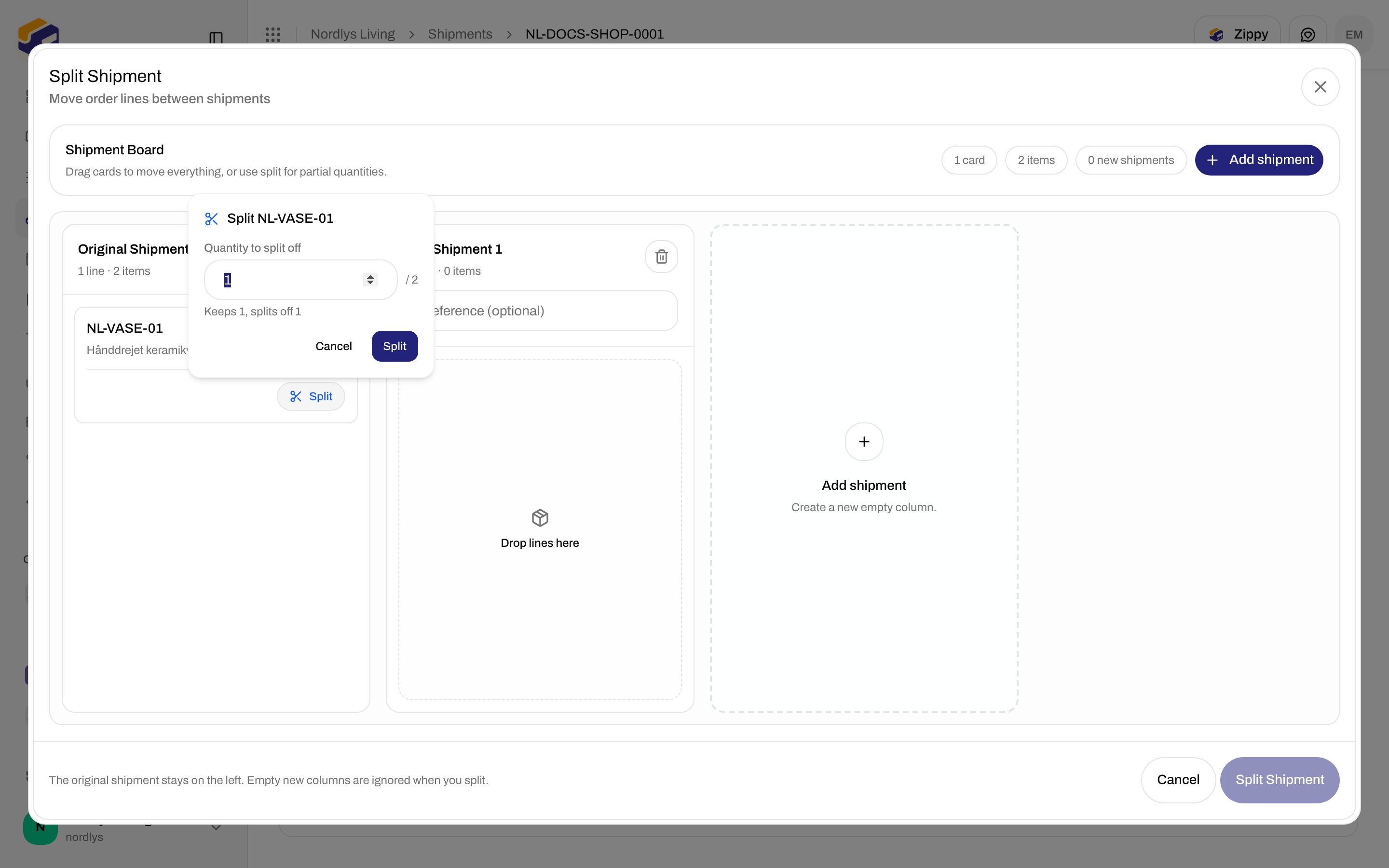
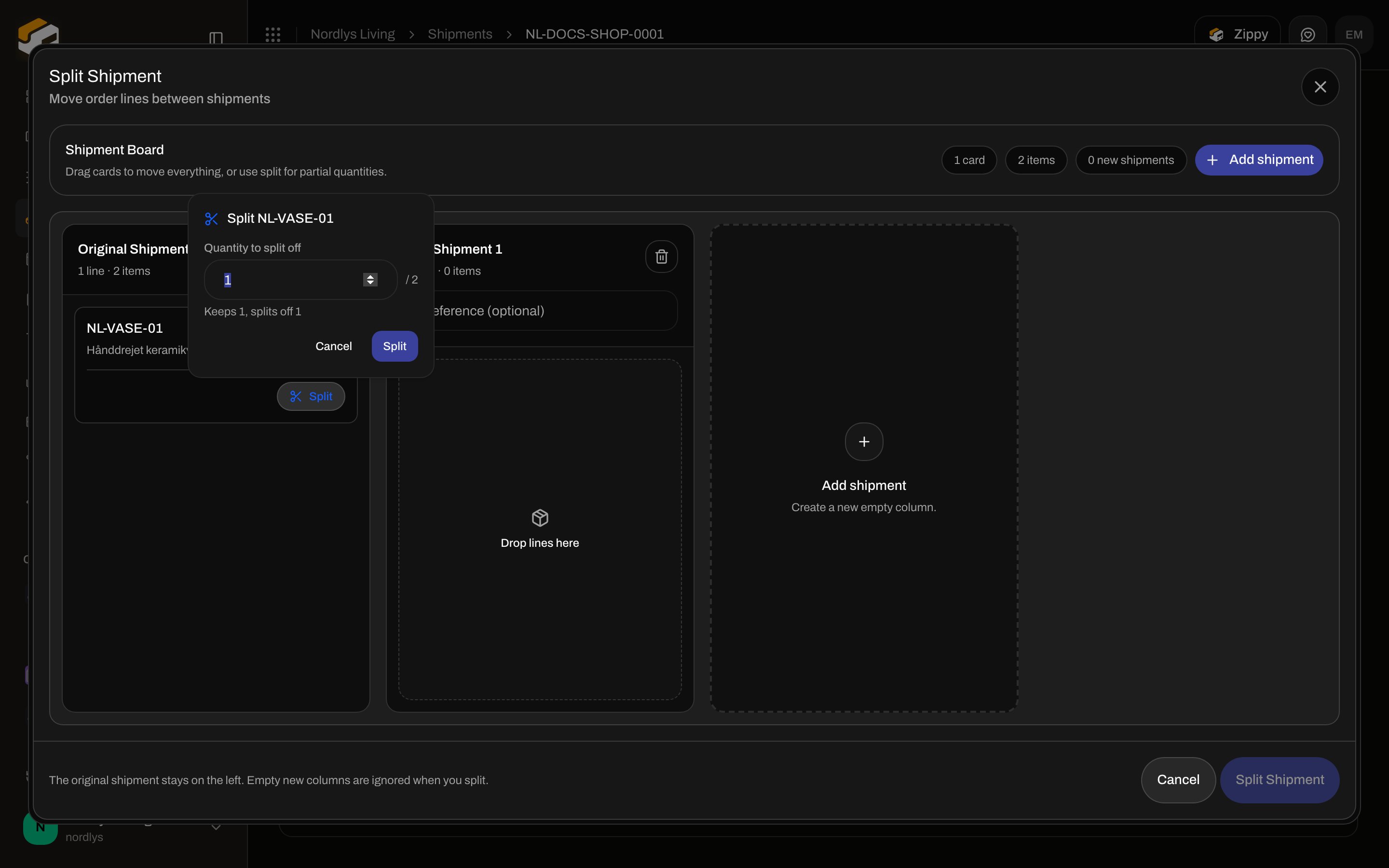
Opens from the package row. Modal title: **Split Shipment**. Subtitle: **Move order lines between shipments**. Helper: **The original shipment stays on the left. Empty new columns are ignored when you split.**
Confirm: **Split Shipment** / **Splitting…**. Disabled reasons:
* **Move at least one line into a new shipment**
* **Fix quantity mismatch before splitting**
* **Splitting in progress**
Cancel: **Cancel**.
**Shipment Board** — **Drag cards to move everything, or use split for partial quantities.**
Counts: **{{count}} card(s)**, **{{count}} item(s)**, **{{count}} new shipment(s)**. Button: **Add shipment**.
Columns:
| Column | Fields |
| --------------------------- | --------------------------------------------------------------------- |
| **Original Shipment** | Cannot be removed. Lines you leave here stay on this shipment |
| **New Shipment {{number}}** | Optional **Reference (optional)**. Trash = **Remove shipment column** |
| Dashed **Add shipment** | **Create a new empty column.** |
Empty column: **Drop lines here**. Footer of a column: **{{count}} line(s) · {{count}} item(s)**.
Error banner **Cannot split yet**: **Quantity mismatch for order line. Expected {{expected}}, but total across shipments is {{actual}}.**
Toasts: **Shipment split successfully. A new shipment has been created.** / **…New shipments have been created.** / **Failed to split shipment**.
On an **order** **Shipments** tab, the same table is embedded on each card. **Move to shipment** is only there (it needs a sibling shipment).
## When buttons show or hide
| Control | Shows when |
| ----------------------------------------- | ------------------------------------------------------------------------------------------------------------------------------------------------------------ |
| **Split Shipment** (per package) | Shipment is **Draft** or **Pending**, **and** that package has more than one order line **or** any line with quantity > 1 |
| **Redistribute Parcels** | Shipment is **Draft** or **Pending**, **and** the shipment has at least **two** order lines in total (across all packages) |
| **Move to shipment** | Shipment is **Draft**, **Pending**, or **Error**, you are on the **order** Shipments tab, **and** another shipment on that order is also draft/pending/error |
| **Edit package** | **Draft**, **Pending**, or **Error** |
| **Split** on a line card (inside a modal) | That line’s **quantity > 1** |
Hidden examples: a pending shipment with one line of qty 1 has **no** Split Shipment and **no** Redistribute Parcels. A dispatched shipment has neither. Move never appears on a standalone shipment with no order.
## Split Shipment
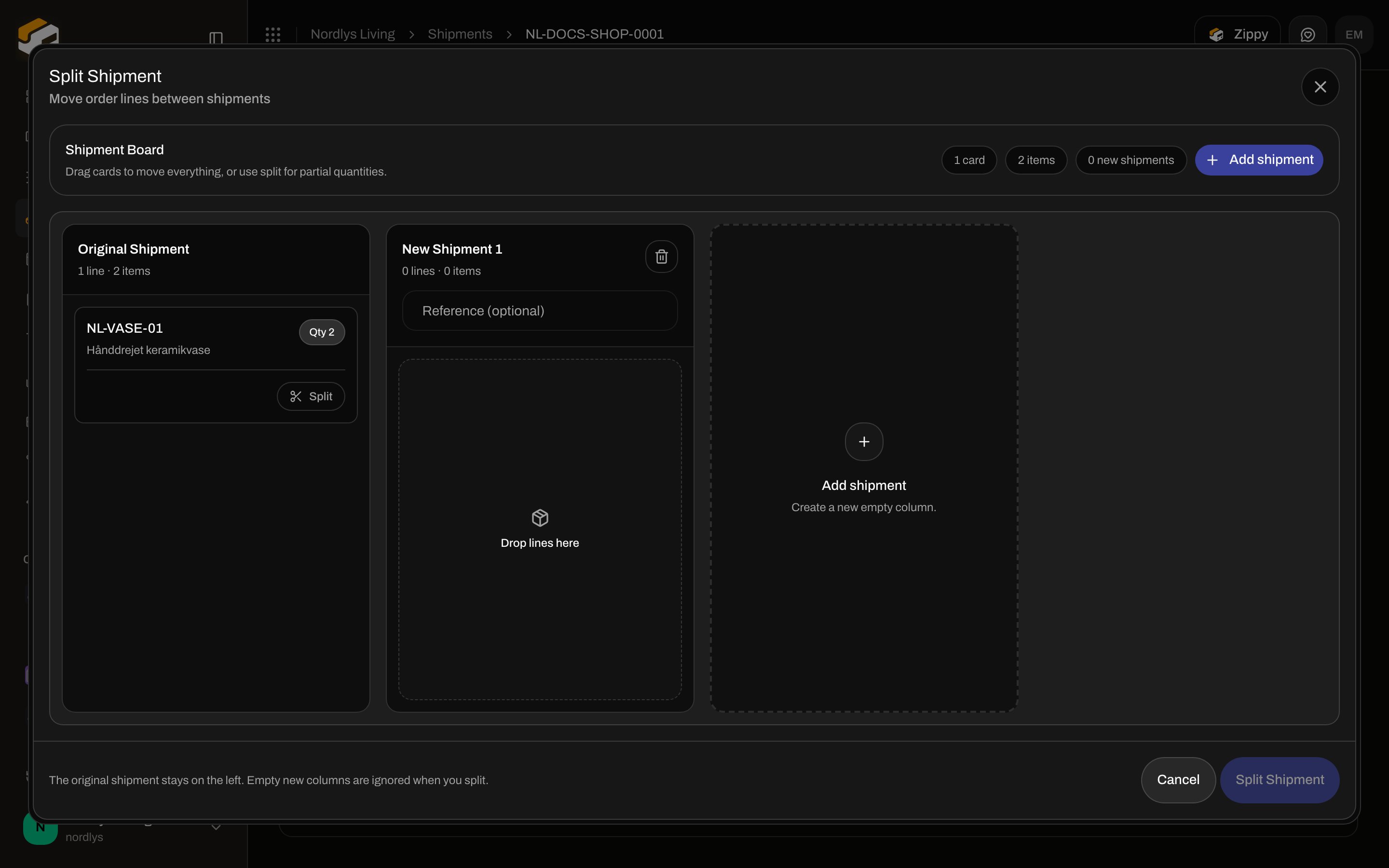
Opens from the package row. Modal title: **Split Shipment**. Subtitle: **Move order lines between shipments**. Helper: **The original shipment stays on the left. Empty new columns are ignored when you split.**
Confirm: **Split Shipment** / **Splitting…**. Disabled reasons:
* **Move at least one line into a new shipment**
* **Fix quantity mismatch before splitting**
* **Splitting in progress**
Cancel: **Cancel**.
**Shipment Board** — **Drag cards to move everything, or use split for partial quantities.**
Counts: **{{count}} card(s)**, **{{count}} item(s)**, **{{count}} new shipment(s)**. Button: **Add shipment**.
Columns:
| Column | Fields |
| --------------------------- | --------------------------------------------------------------------- |
| **Original Shipment** | Cannot be removed. Lines you leave here stay on this shipment |
| **New Shipment {{number}}** | Optional **Reference (optional)**. Trash = **Remove shipment column** |
| Dashed **Add shipment** | **Create a new empty column.** |
Empty column: **Drop lines here**. Footer of a column: **{{count}} line(s) · {{count}} item(s)**.
Error banner **Cannot split yet**: **Quantity mismatch for order line. Expected {{expected}}, but total across shipments is {{actual}}.**
Toasts: **Shipment split successfully. A new shipment has been created.** / **…New shipments have been created.** / **Failed to split shipment**.
 ### Split quantity (partial line)
On a card with qty > 1, **Split** opens a popover:
| Field | Meaning |
| ------------------------- | ----------------------------------------------------- |
| Title | **Split {{sku}}** |
| **Quantity to split off** | Number, min 1, max qty − 1, shown **/** **{{total}}** |
| Hint | **Keeps {{keep}}, splits off {{split}}** |
Default split quantity is half (floored). Confirm keeps some units on the source card and creates a new card with the split-off qty that you can drag to another column.
### Split quantity (partial line)
On a card with qty > 1, **Split** opens a popover:
| Field | Meaning |
| ------------------------- | ----------------------------------------------------- |
| Title | **Split {{sku}}** |
| **Quantity to split off** | Number, min 1, max qty − 1, shown **/** **{{total}}** |
| Hint | **Keeps {{keep}}, splits off {{split}}** |
Default split quantity is half (floored). Confirm keeps some units on the source card and creates a new card with the split-off qty that you can drag to another column.
 ## Redistribute Parcels (split parcel)
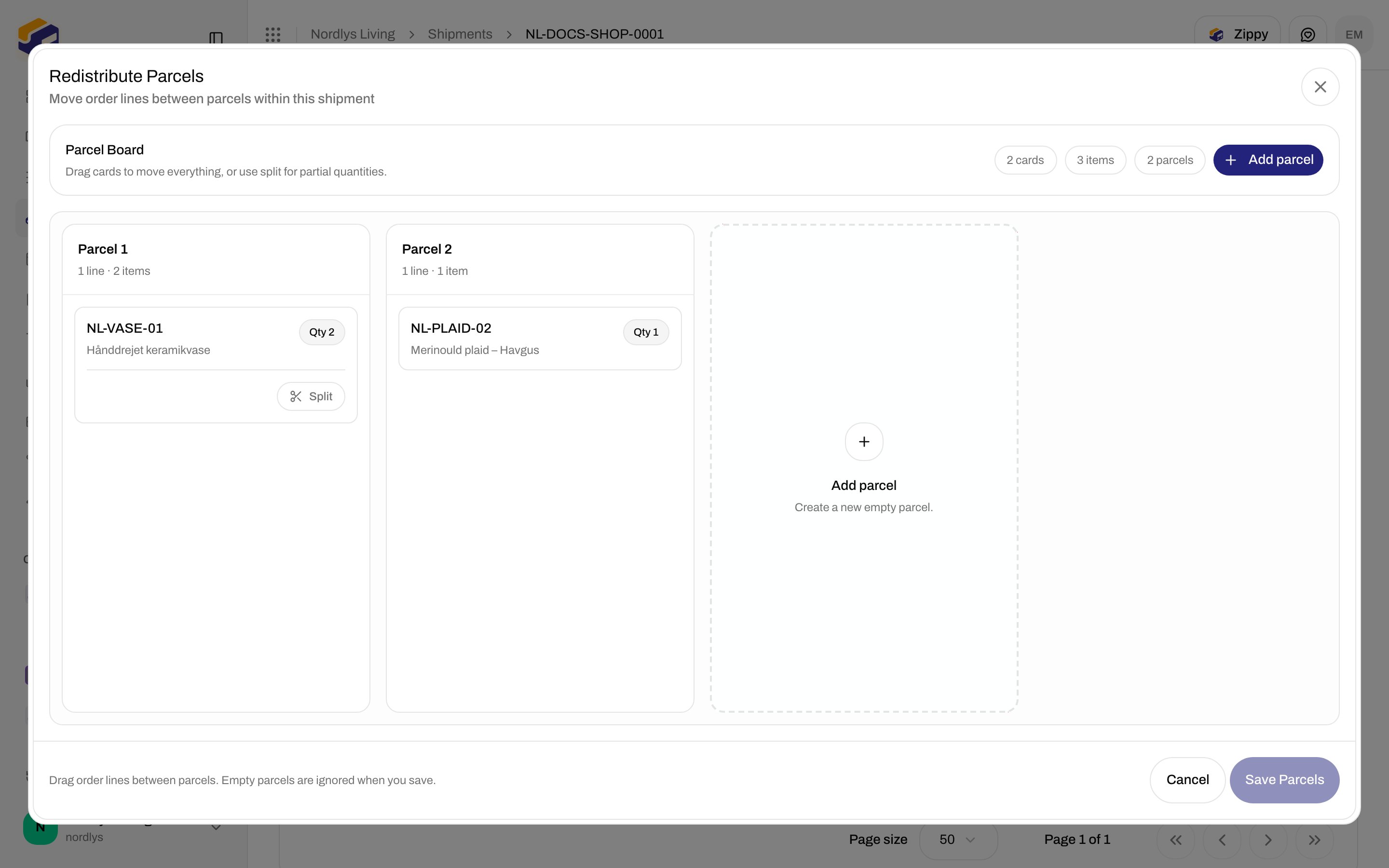
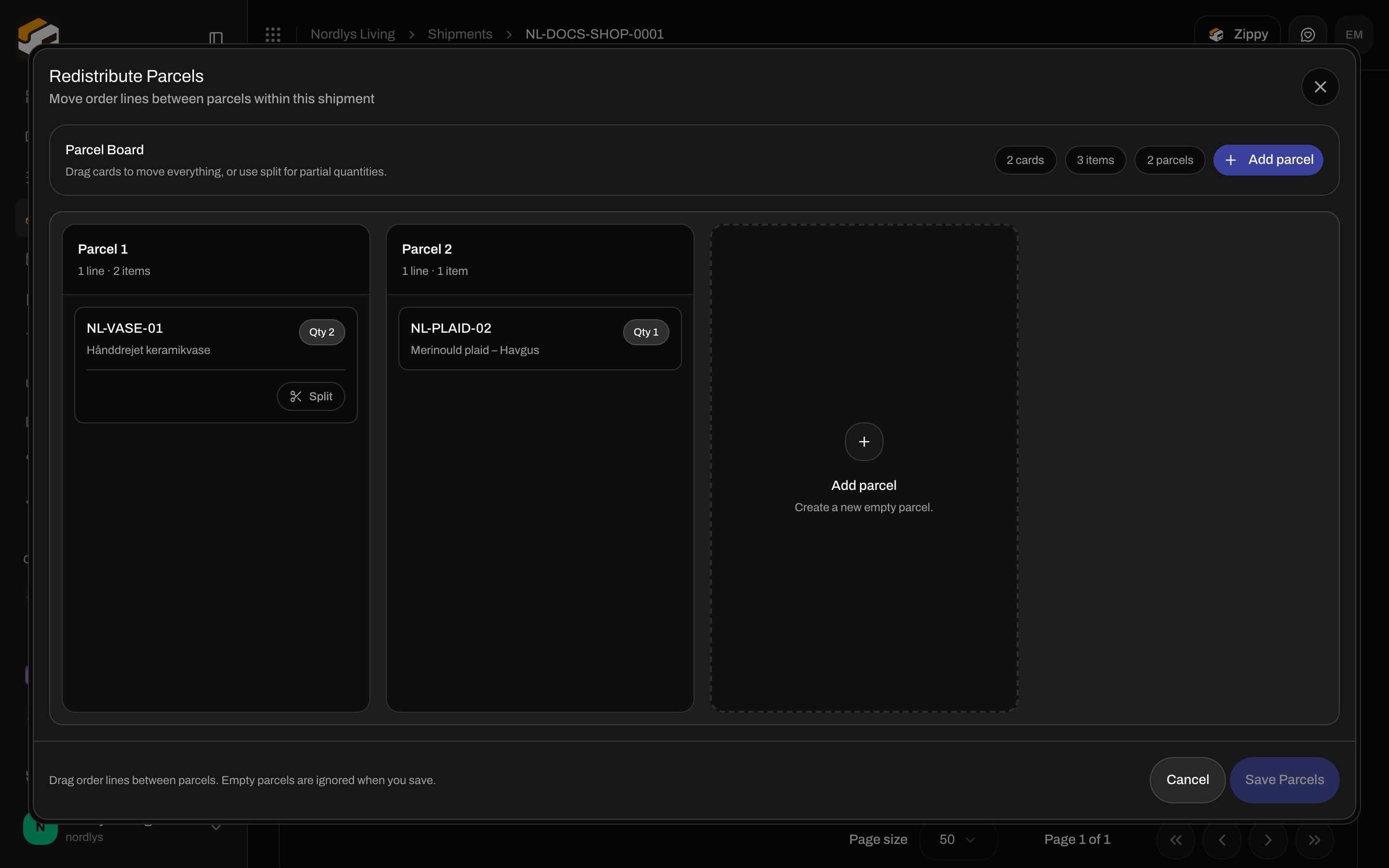
This is the “split parcel” action. It does **not** create a shipment. Modal title: **Redistribute Parcels**. Subtitle: **Move order lines between parcels within this shipment**. Helper: **Drag order lines between parcels. Empty parcels are ignored when you save.**
Confirm: **Save Parcels** / **Saving…**. Disabled reasons:
* **Move at least one line to a different parcel**
* **Fix quantity mismatch before saving**
* **Saving in progress**
**Parcel Board** — same drag/split help as the shipment board.
Counts: cards, items, **{{count}} parcel(s)**. **Add parcel** — **Create a new empty parcel.**
Columns: **Parcel {{number}}** (existing) and **New Parcel {{number}}** with a **New** badge. Remove: **Remove parcel**.
Mismatch: **Quantity mismatch for order line. Expected {{expected}}, but total across parcels is {{actual}}.** (**Cannot save yet**).
Toast: **Parcels redistributed successfully.** / **Failed to redistribute parcels**.
## Redistribute Parcels (split parcel)
This is the “split parcel” action. It does **not** create a shipment. Modal title: **Redistribute Parcels**. Subtitle: **Move order lines between parcels within this shipment**. Helper: **Drag order lines between parcels. Empty parcels are ignored when you save.**
Confirm: **Save Parcels** / **Saving…**. Disabled reasons:
* **Move at least one line to a different parcel**
* **Fix quantity mismatch before saving**
* **Saving in progress**
**Parcel Board** — same drag/split help as the shipment board.
Counts: cards, items, **{{count}} parcel(s)**. **Add parcel** — **Create a new empty parcel.**
Columns: **Parcel {{number}}** (existing) and **New Parcel {{number}}** with a **New** badge. Remove: **Remove parcel**.
Mismatch: **Quantity mismatch for order line. Expected {{expected}}, but total across parcels is {{actual}}.** (**Cannot save yet**).
Toast: **Parcels redistributed successfully.** / **Failed to redistribute parcels**.
 **Split** on a line works the same as in Split Shipment.
## Move to shipment
Only on the order **Shipments** tab. Tooltip: **Move this package onto another shipment on the same order**.
Click **Move to shipment** — dropdown of sibling shipment **references**. No extra fields. Disabled while a move is in flight.
Toasts: **Package moved to the other shipment.** / **Failed to move the package**.
If the source shipment has no parcels left after the move, treat it as empty — send or delete it separately ([Hold, cancel, or delete](/docs/how-to/hold-cancel-and-delete-shipments)).
**Split** on a line works the same as in Split Shipment.
## Move to shipment
Only on the order **Shipments** tab. Tooltip: **Move this package onto another shipment on the same order**.
Click **Move to shipment** — dropdown of sibling shipment **references**. No extra fields. Disabled while a move is in flight.
Toasts: **Package moved to the other shipment.** / **Failed to move the package**.
If the source shipment has no parcels left after the move, treat it as empty — send or delete it separately ([Hold, cancel, or delete](/docs/how-to/hold-cancel-and-delete-shipments)).
 Use **Redistribute Parcels** when the same booking should have two boxes. Use **Split Shipment** when the rest should be a separate label. Use **Move to shipment** when the box already belongs on another shipment of this order.