> ## Documentation Index
> Fetch the complete documentation index at: https://www.zippendo.com/docs/llms.txt
> Use this file to discover all available pages before exploring further.
# Search and filters
> Search and filter orders, shipments, and other lists — draft-then-apply Filters popover, status, type, brand, and empty results.
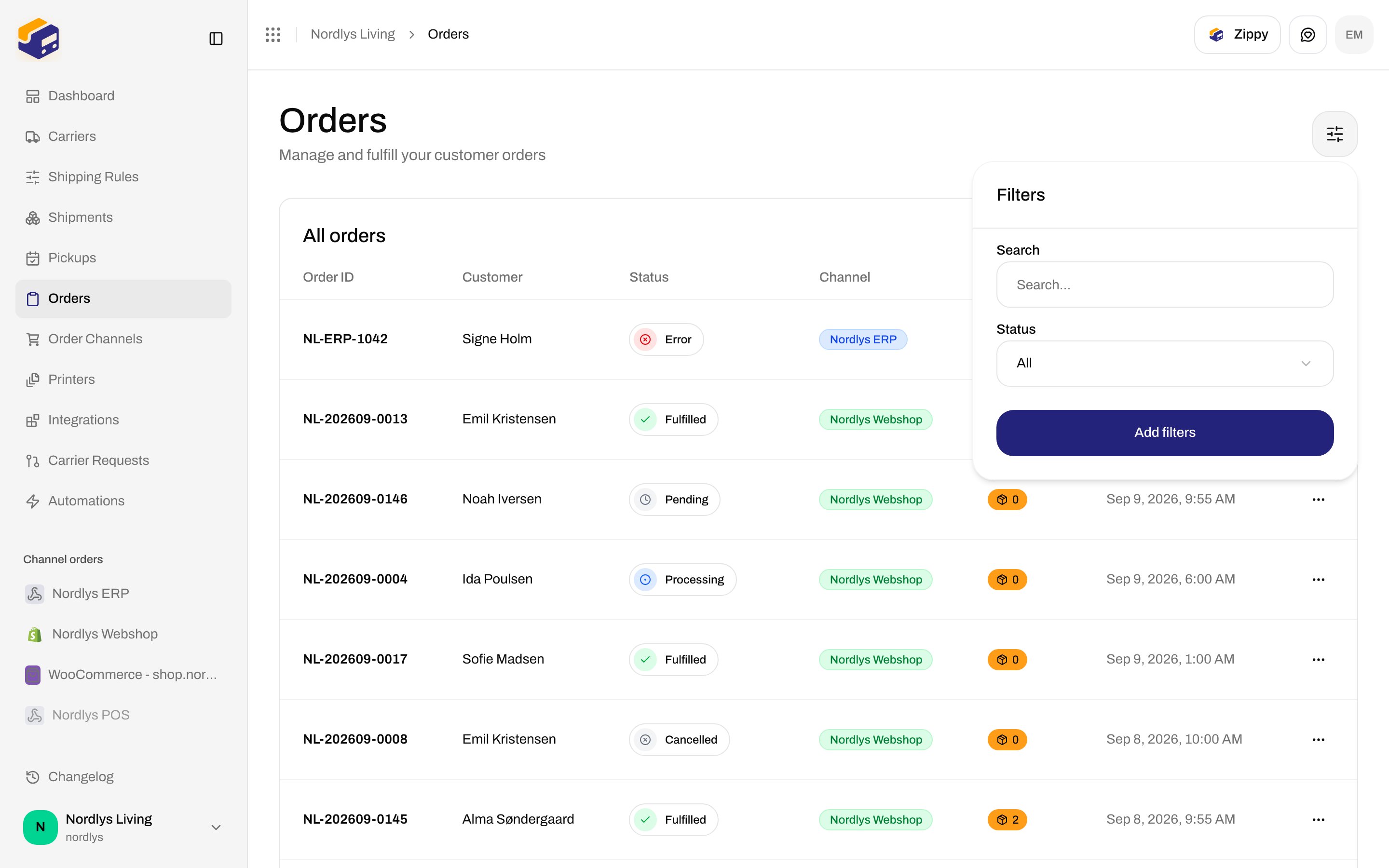
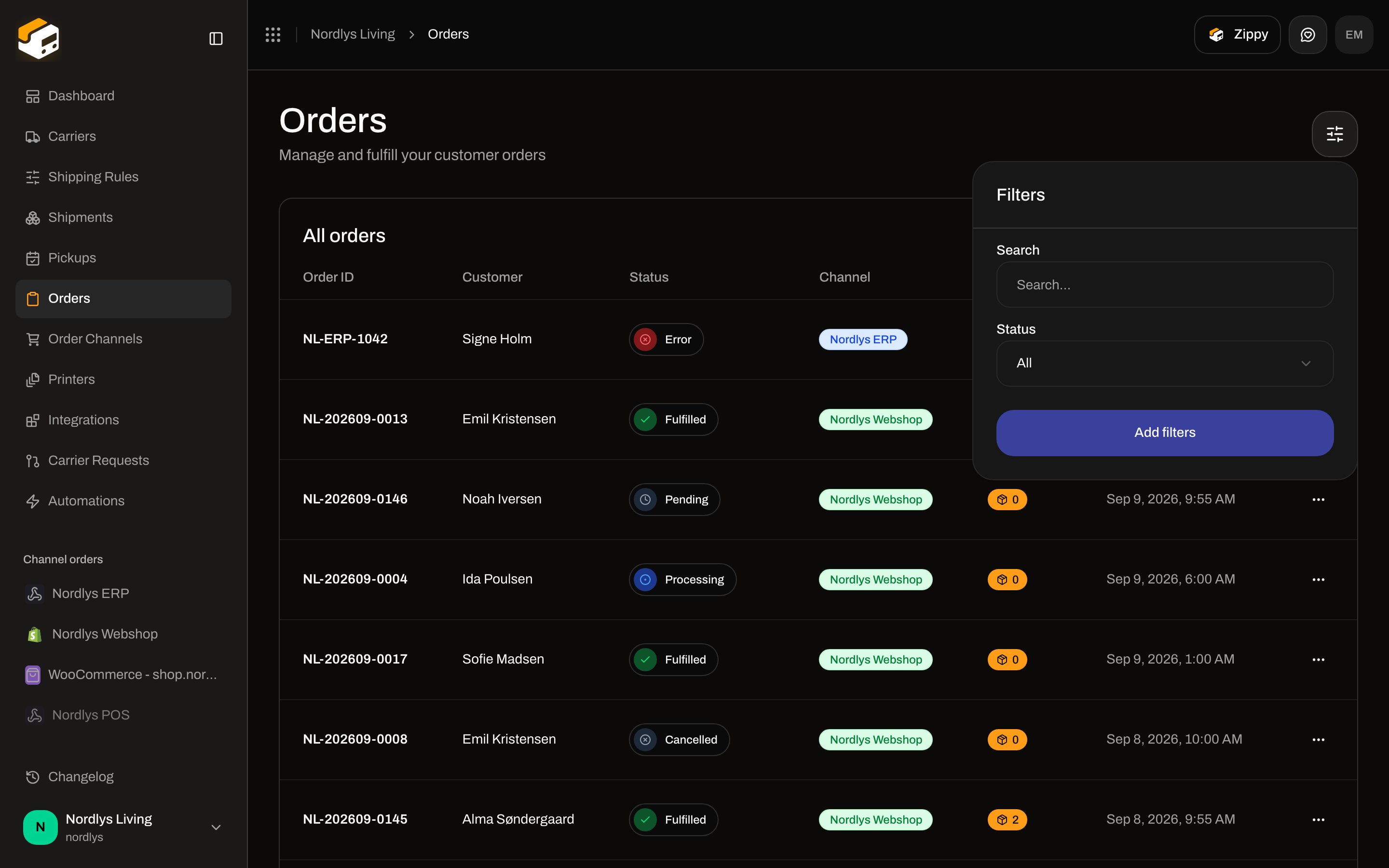
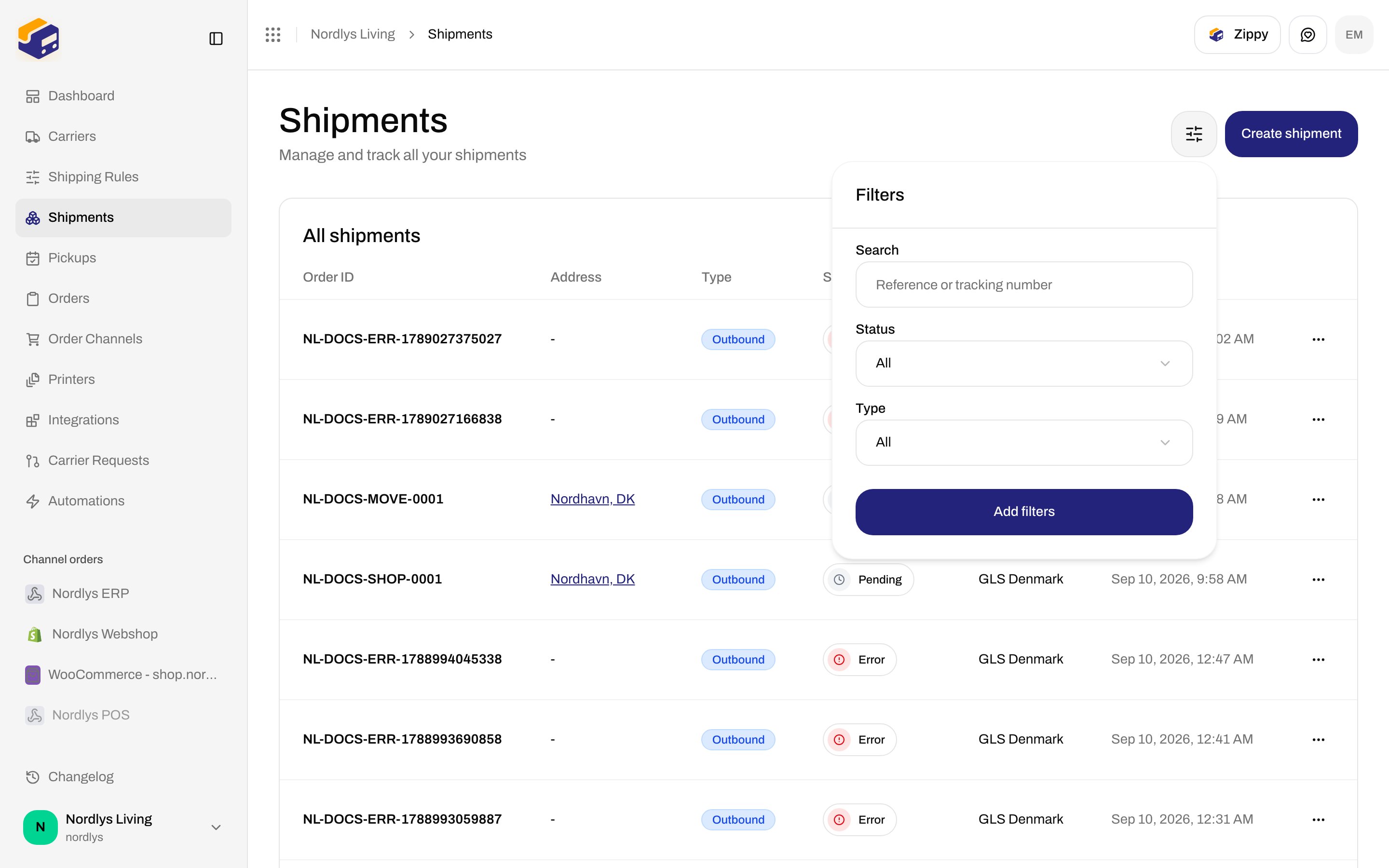
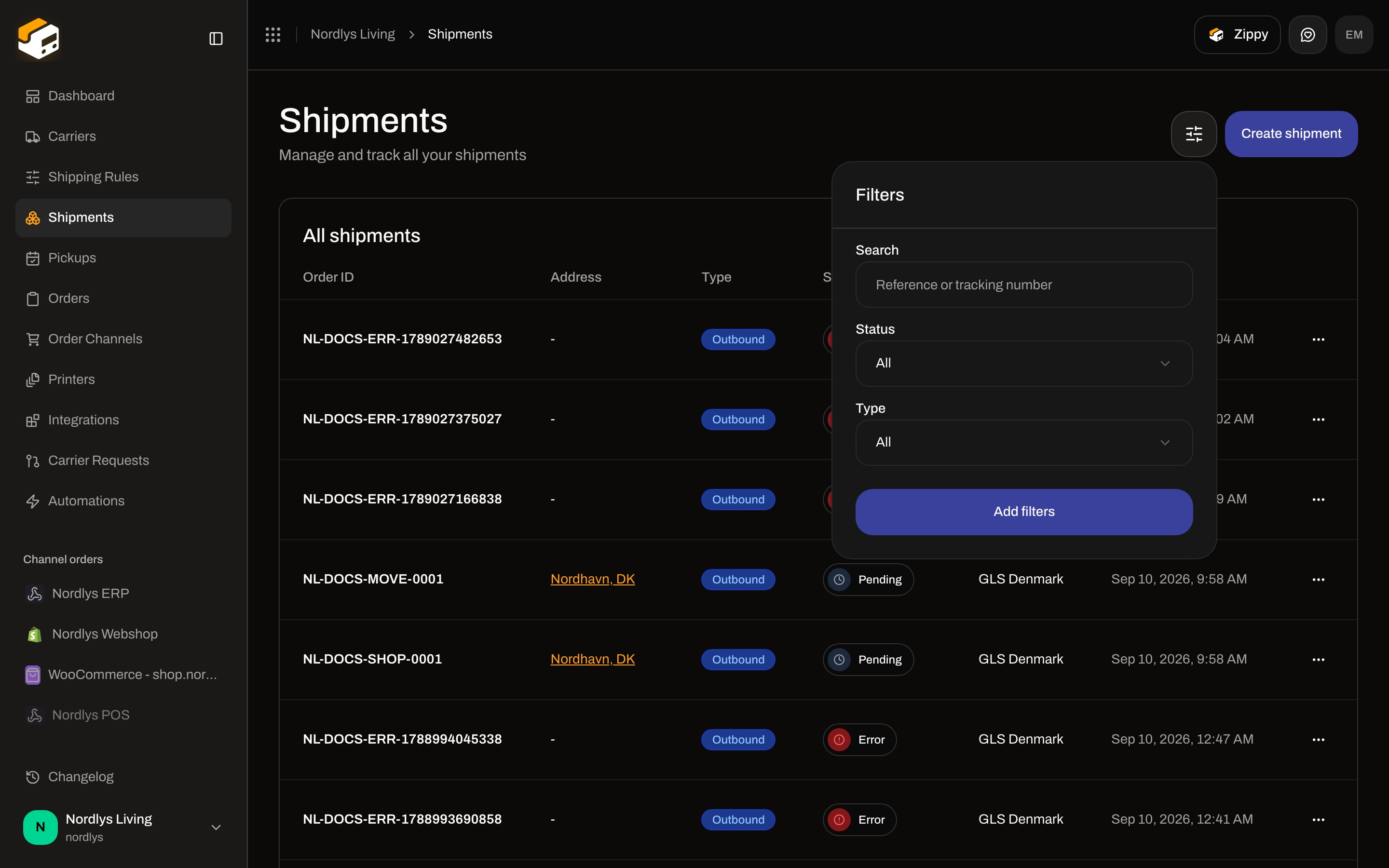
Most list headers use the same **Filters** popover: you draft values, then click **Add filters**. Nothing hits the URL until you apply. Tooltip on the sliders button: **Click to filter results**.
Orders journey: [Orders](/docs/tutorials/orders). Dashboard charts and CSV: [Dashboard](/docs/tutorials/dashboard), [Dashboard CSV export](/docs/how-to/dashboard-csv-export).
## How the popover works
Title **Filters**. Footer **Add filters**. **Clear all filters** appears only when something is already applied.
Each **FilterSelect** starts with **All** (unless that field overrides the label). Placeholder **Select…**. Search fields use label **Search**.
Counts on the trigger use **\{\{count}} selected**. Changing a control does **not** refetch until **Add filters**. Closing the popover without applying discards the draft.
Empty tables still use that screen’s empty copy (for example orders: **No orders found** / **Orders will appear here when they are synced from your order channels**).
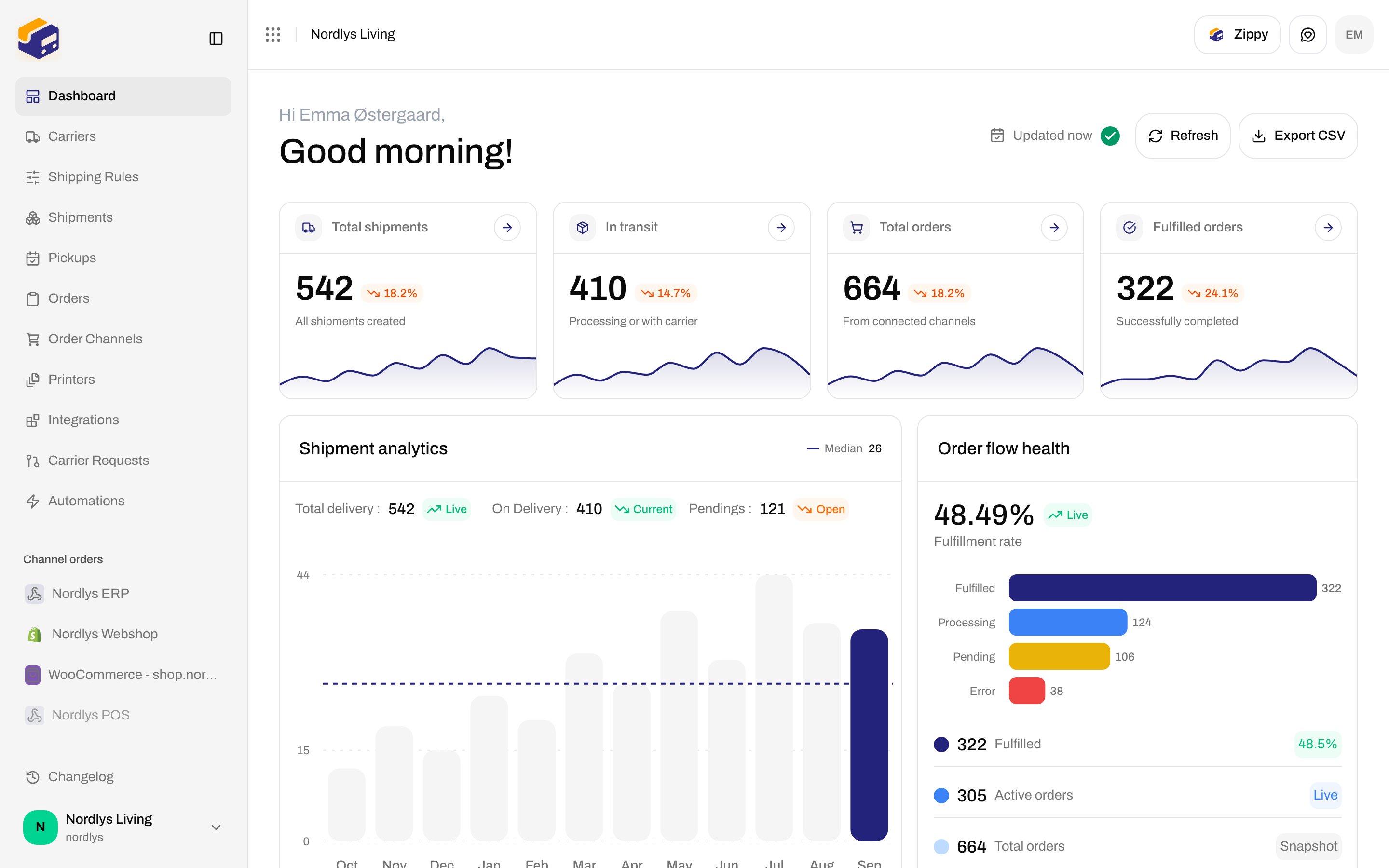
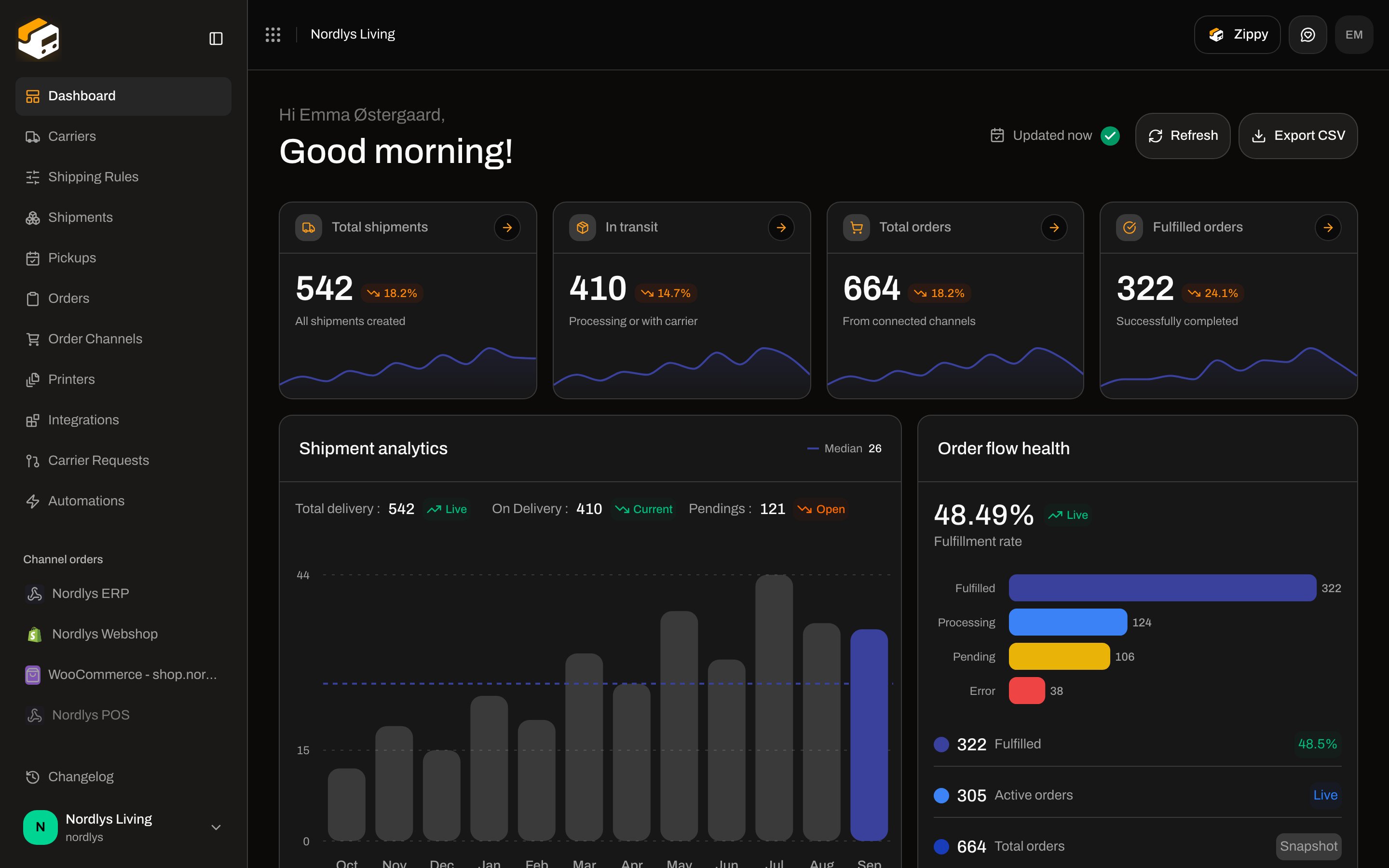
## Dashboard has no search
The dashboard header is **Updated \{\{time}}**, **Refresh**, and **Export CSV** — not a search box. Refresh aria: **Reload dashboard data**. While fetching: **Refreshing data…**. Toasts: **Dashboard updated** / **Could not refresh dashboard**. The **Cargo shipping list** on the same page also has no search.
 ## Orders
URL: `/{org}/dashboard/orders`. Channel from the sidebar is `?channel=` — **not** inside this popover.
## Orders
URL: `/{org}/dashboard/orders`. Channel from the sidebar is `?channel=` — **not** inside this popover.
 | Field | Details |
| ---------- | --------------------------------------------------------------------------------------------------------------------------- |
| **Search** | Placeholder **Search…**. Matches **order number**, **customer name**, or **customer email** (case-insensitive contains). |
| **Status** | **All**, **Pending**, **Processing**, **Partially Fulfilled**, **Fulfilled**, **Cancelled**, **Error**. |
| **Brand** | House view only, when brands exist. **All brands**, **No brand**, or a brand. Brand-restricted members do not see a picker. |
When `?channel=` is set, the page description is **Showing orders from** that channel, with **View all orders**.
## Shipments
URL: `/{org}/dashboard/shipments`.
| Field | Details |
| ---------- | --------------------------------------------------------------------------------------------------------------------------- |
| **Search** | Placeholder **Search…**. Matches **order number**, **customer name**, or **customer email** (case-insensitive contains). |
| **Status** | **All**, **Pending**, **Processing**, **Partially Fulfilled**, **Fulfilled**, **Cancelled**, **Error**. |
| **Brand** | House view only, when brands exist. **All brands**, **No brand**, or a brand. Brand-restricted members do not see a picker. |
When `?channel=` is set, the page description is **Showing orders from** that channel, with **View all orders**.
## Shipments
URL: `/{org}/dashboard/shipments`.
 | Field | Details |
| ---------- | ------------------------------------------------------------------------------------------------------------------------------ |
| **Search** | Placeholder **Reference or tracking number**. Matches shipment **reference** **or** a parcel **tracking number**. |
| **Status** | **All**, **Draft**, **Pending**, **Processing**, **Dispatched**, **Partly Dispatched**, **Error**, **Cancelled**, **On Hold**. |
| **Type** | **All**, **Outbound**, **Inbound**. |
| **Brand** | Same house-view picker as orders. |
| Field | Details |
| ---------- | ------------------------------------------------------------------------------------------------------------------------------ |
| **Search** | Placeholder **Reference or tracking number**. Matches shipment **reference** **or** a parcel **tracking number**. |
| **Status** | **All**, **Draft**, **Pending**, **Processing**, **Dispatched**, **Partly Dispatched**, **Error**, **Cancelled**, **On Hold**. |
| **Type** | **All**, **Outbound**, **Inbound**. |
| **Brand** | Same house-view picker as orders. |
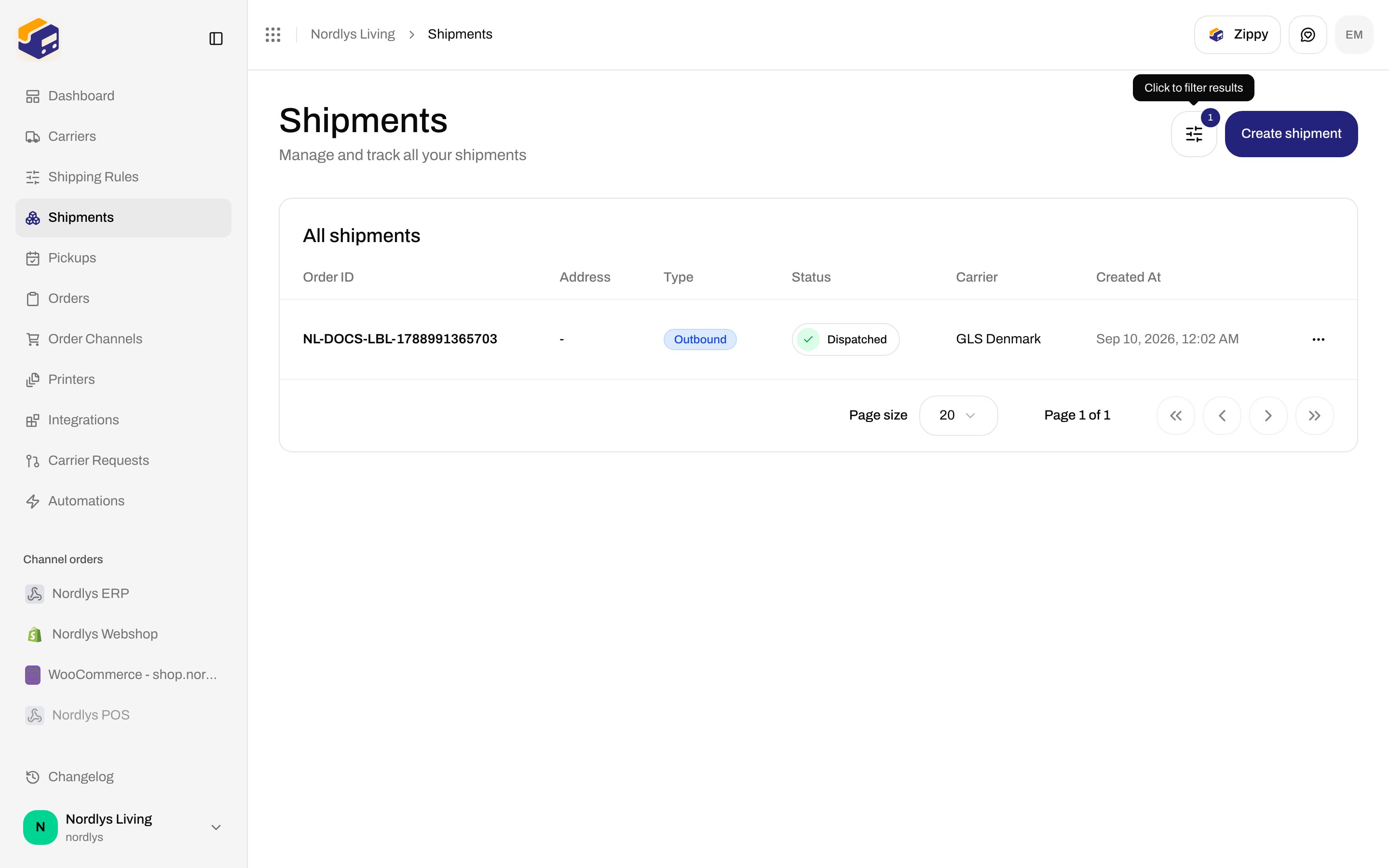
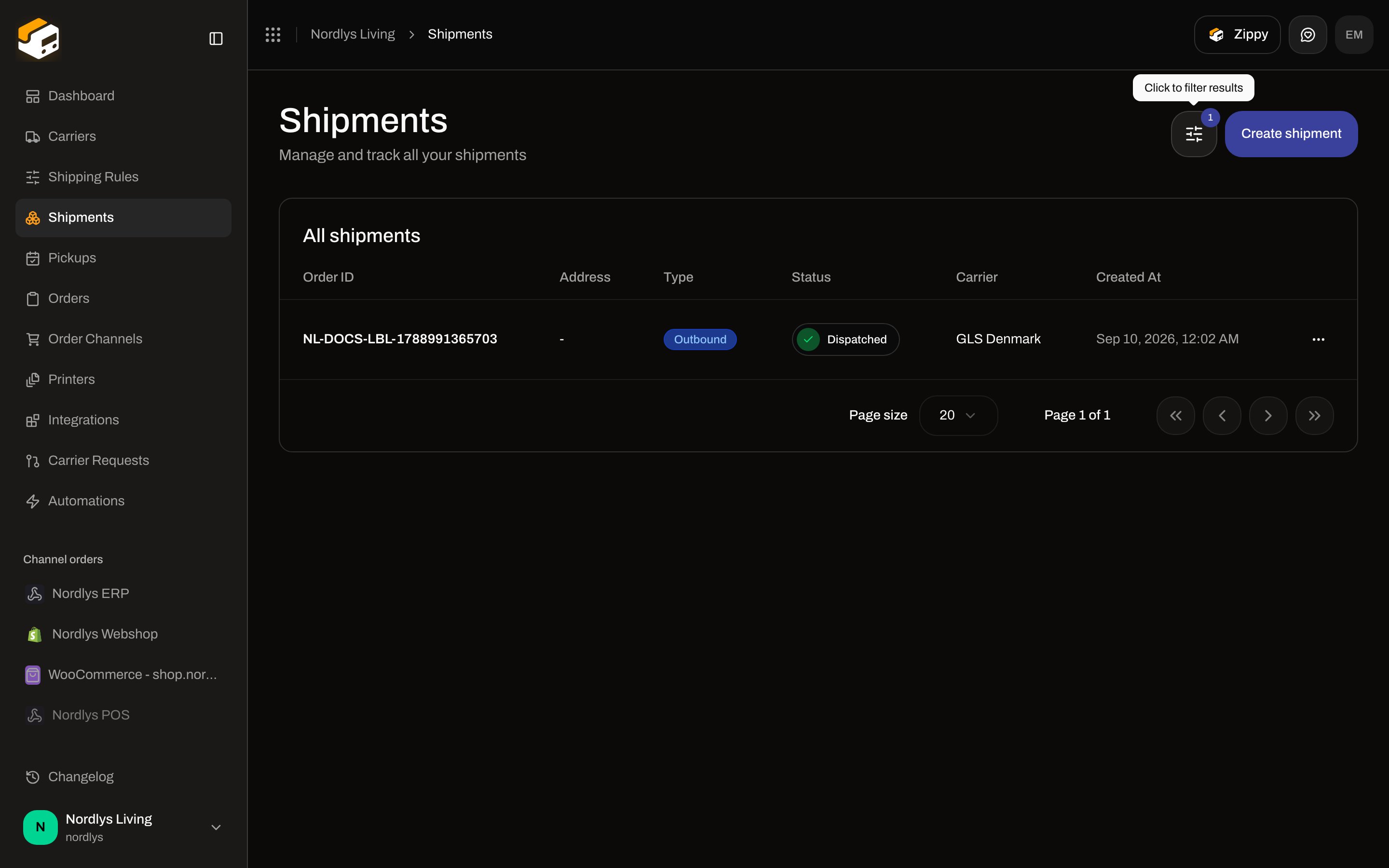 Empty: **No shipments found** / **Get started by creating your first shipment**, button **Create Shipment**.
## Other lists (same popover)
These screens share the control. Field-level pages cover the rest of each UI.
| Screen | Filter fields | How-to |
| ------------------------------------ | --------------------------------------------------------------------------------------------------------------------------- | ---------------------------------------------------- |
| **My Carriers** (`?tab=my-carriers`) | **Search** (**Search…**), **Brand** with scope toggle. **All Carriers** has **no** filter. | [Carrier credentials](/docs/how-to/carrier-credentials) |
| **Shipping Rules** | **Search**, **Carrier**, **Brand** (scope toggle) | [Shipping rule fields](/docs/how-to/shipping-rule-fields) |
| **Pickups** | **Status** (**Pending**, **Confirmed**, **Failed**, **Cancelled**), **Carrier**, **Brand** (scope toggle). No search. | [Schedule a pickup](/docs/how-to/schedule-a-pickup) |
| **Automations** | **Search**, **Status** (**Draft**, **Active**, **Paused**), **Brand** (scope toggle) | [Automations](/docs/how-to/automations) |
| **Printers** | **Search**, **Status** (**Active**, **Pending Approval**, **Disabled**), **Type** (**Label printer**, **Document printer**) | [Add a printer](/docs/how-to/add-a-printer) |
| **Addresses** (Manage → Addresses) | **Search**, **Country**, **Brand** (scope toggle) | [Sender addresses](/docs/how-to/sender-addresses) |
| **Team** (Manage → Team) | **Search** only | [Invite team members](/docs/how-to/invite-team-members) |
| **Webhooks** (Manage → Webhooks) | **Search**, **Active** (**Yes** / **No**), **Brand** (scope toggle) | [Webhooks](/docs/how-to/webhooks) |
**Carrier Requests** has no filter — [Request a carrier integration](/docs/how-to/request-carrier-integration).
### Brand scope (house vs brand session)
On lists that pass `scopeToggle` (carriers, shipping rules, pickups, automations, addresses, webhooks):
| Session | Control |
| -------------------- | --------------------------------------------------------------------------- |
| Organization (house) | **Brand**: **All brands**, **No brand**, or a brand |
| Inside a brand | **Brand**: **All records**, **Only this brand**, **Organization-wide only** |
Orders and shipments never show the scope toggle — they always list that brand’s (or the house’s) rows. Locked members: [Switch organization and brand](/docs/how-to/switch-organization-and-brand).
## Related
* [Orders](/docs/tutorials/orders)
* [Dashboard](/docs/tutorials/dashboard)
* [Dashboard CSV export](/docs/how-to/dashboard-csv-export)
* [Inbound and returns](/docs/how-to/inbound-and-returns) — **Type** = **Inbound** on shipments
Empty: **No shipments found** / **Get started by creating your first shipment**, button **Create Shipment**.
## Other lists (same popover)
These screens share the control. Field-level pages cover the rest of each UI.
| Screen | Filter fields | How-to |
| ------------------------------------ | --------------------------------------------------------------------------------------------------------------------------- | ---------------------------------------------------- |
| **My Carriers** (`?tab=my-carriers`) | **Search** (**Search…**), **Brand** with scope toggle. **All Carriers** has **no** filter. | [Carrier credentials](/docs/how-to/carrier-credentials) |
| **Shipping Rules** | **Search**, **Carrier**, **Brand** (scope toggle) | [Shipping rule fields](/docs/how-to/shipping-rule-fields) |
| **Pickups** | **Status** (**Pending**, **Confirmed**, **Failed**, **Cancelled**), **Carrier**, **Brand** (scope toggle). No search. | [Schedule a pickup](/docs/how-to/schedule-a-pickup) |
| **Automations** | **Search**, **Status** (**Draft**, **Active**, **Paused**), **Brand** (scope toggle) | [Automations](/docs/how-to/automations) |
| **Printers** | **Search**, **Status** (**Active**, **Pending Approval**, **Disabled**), **Type** (**Label printer**, **Document printer**) | [Add a printer](/docs/how-to/add-a-printer) |
| **Addresses** (Manage → Addresses) | **Search**, **Country**, **Brand** (scope toggle) | [Sender addresses](/docs/how-to/sender-addresses) |
| **Team** (Manage → Team) | **Search** only | [Invite team members](/docs/how-to/invite-team-members) |
| **Webhooks** (Manage → Webhooks) | **Search**, **Active** (**Yes** / **No**), **Brand** (scope toggle) | [Webhooks](/docs/how-to/webhooks) |
**Carrier Requests** has no filter — [Request a carrier integration](/docs/how-to/request-carrier-integration).
### Brand scope (house vs brand session)
On lists that pass `scopeToggle` (carriers, shipping rules, pickups, automations, addresses, webhooks):
| Session | Control |
| -------------------- | --------------------------------------------------------------------------- |
| Organization (house) | **Brand**: **All brands**, **No brand**, or a brand |
| Inside a brand | **Brand**: **All records**, **Only this brand**, **Organization-wide only** |
Orders and shipments never show the scope toggle — they always list that brand’s (or the house’s) rows. Locked members: [Switch organization and brand](/docs/how-to/switch-organization-and-brand).
## Related
* [Orders](/docs/tutorials/orders)
* [Dashboard](/docs/tutorials/dashboard)
* [Dashboard CSV export](/docs/how-to/dashboard-csv-export)
* [Inbound and returns](/docs/how-to/inbound-and-returns) — **Type** = **Inbound** on shipments