> ## Documentation Index
> Fetch the complete documentation index at: https://www.zippendo.com/docs/llms.txt
> Use this file to discover all available pages before exploring further.
# Schedule a pickup
> Book a Bring or PostNord pickup from Pickups — carrier, address, date, time window, instructions, and dispatched shipments.
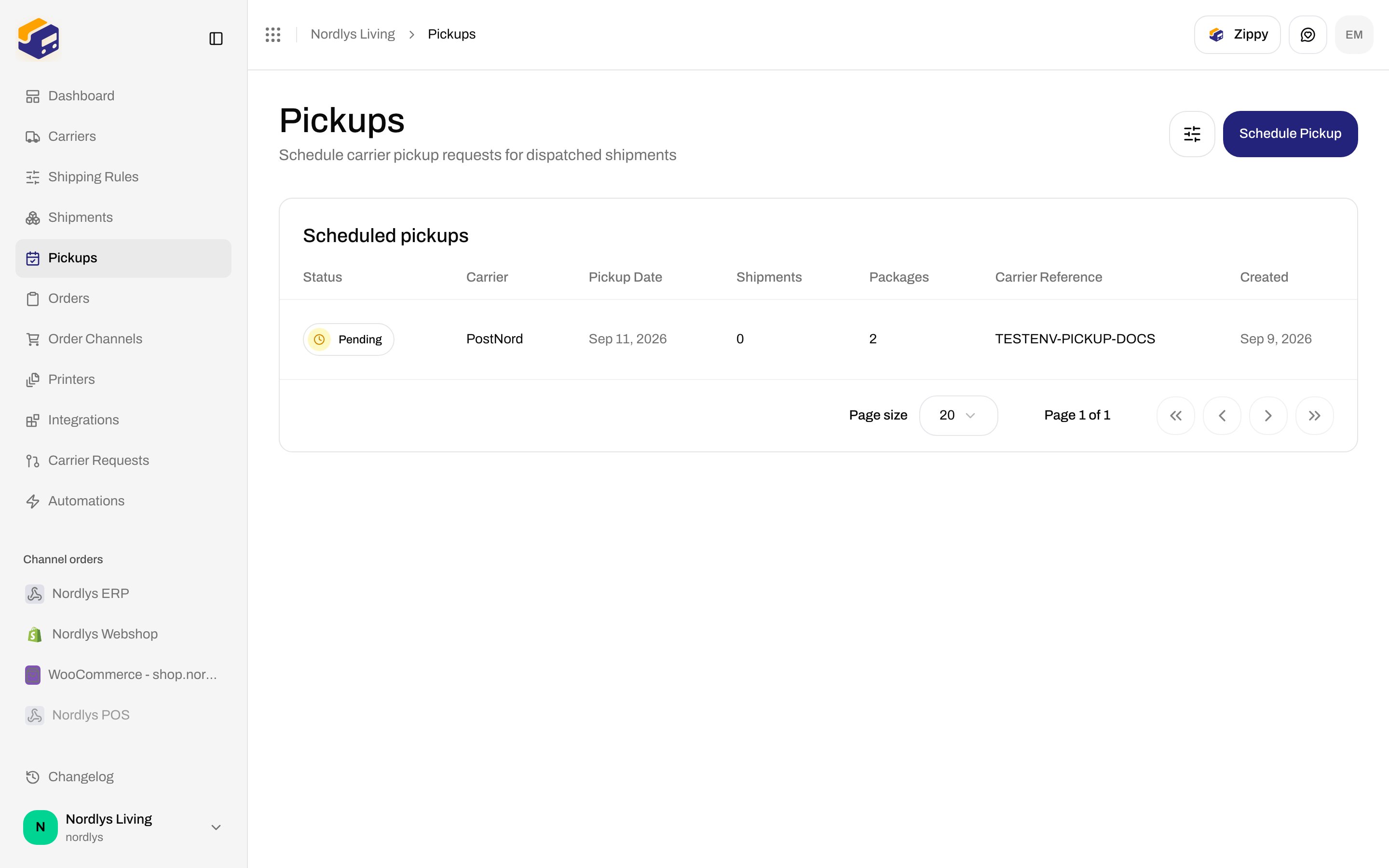
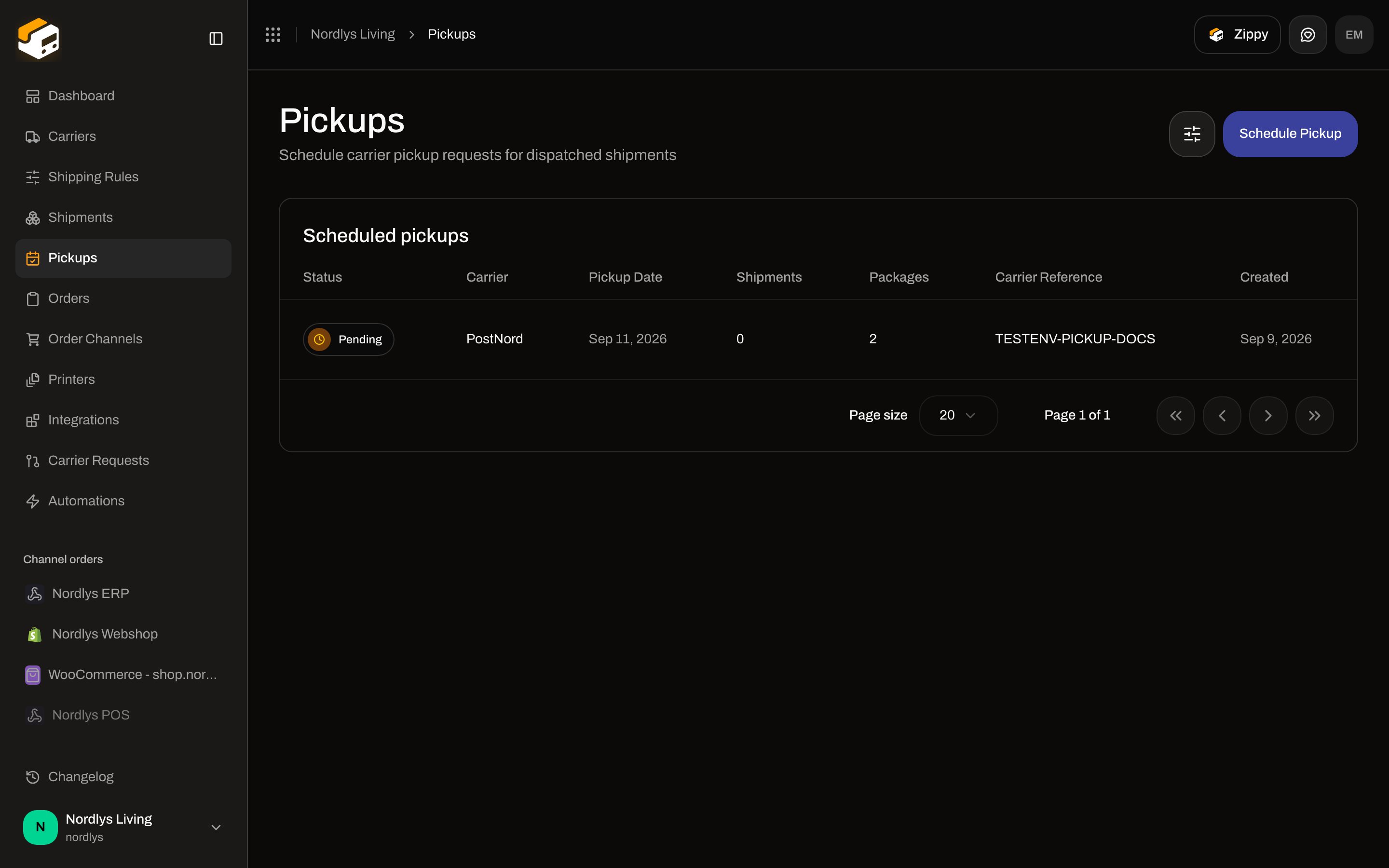
**Pickups** books a carrier collection for **dispatched** shipments. Sidebar **Pickups** (`/dashboard/pickups`). Title **Pickups**. Description **Schedule carrier pickup requests for dispatched shipments**.
This is not a droppoint (the shop the *recipient* visits) and not the **Pickup** party type on a shipment. See [Droppoint vs service point](/docs/how-to/drop-point-and-service-points).
Only **Bring** and **PostNord** connections appear in **Carrier**. GLS Denmark and other catalog carriers are omitted.
Shipments must already be **Dispatched**, match the selected carrier, and not sit on a **Confirmed** pickup. Pending labels cannot be added.
## List
Header action **Schedule Pickup**. Container **Scheduled pickups**.
| Column | What it shows |
| --------------------- | ----------------------------------------------------------------- |
| **Status** | **Pending**, **Confirmed**, **Failed**, **Cancelled** |
| **Brand** | Only if the org has brands and you are not in a single-brand view |
| **Carrier** | Connection name (fallback: slug) |
| **Pickup Date** | Booked date |
| **Shipments** | Count of linked shipments |
| **Packages** | `packageCount` |
| **Carrier Reference** | Bring / PostNord booking id, or **—** |
| **Created** | Created date |
Empty: **No pickups scheduled** / **Schedule a carrier pickup to collect dispatched shipments**. Button **Schedule Pickup**.
 ### Filters
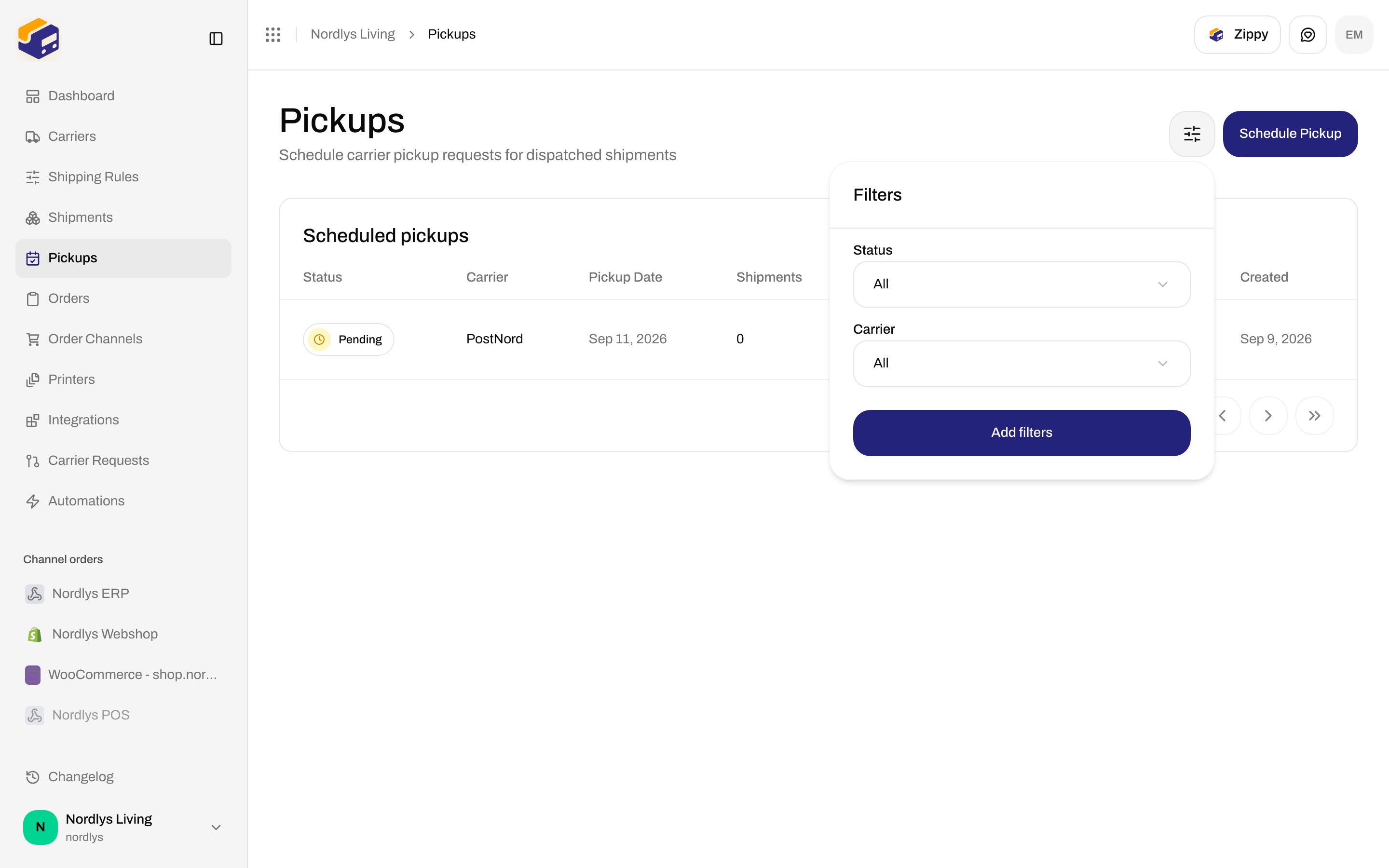
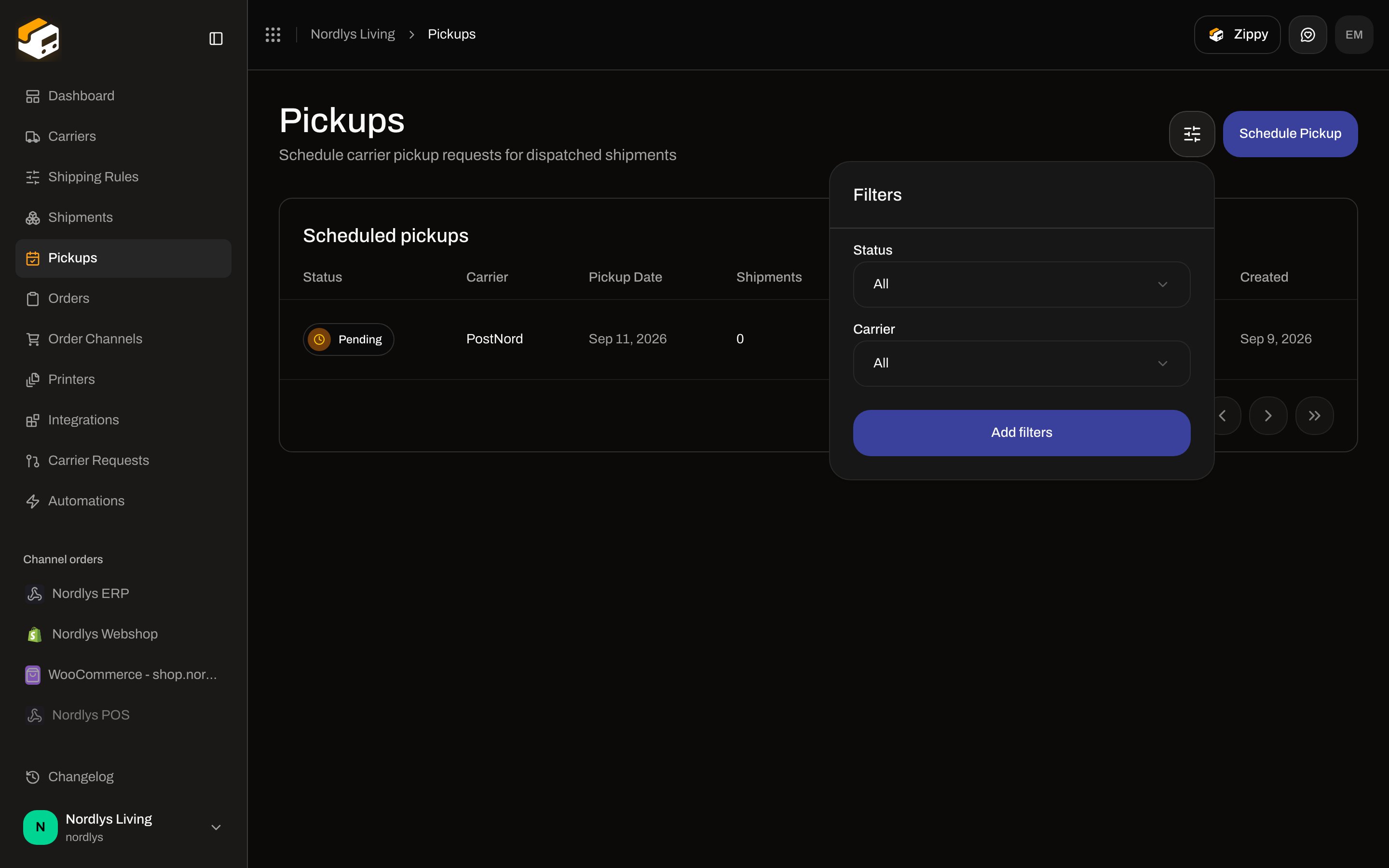
| Filter | Options |
| ------------- | --------------------------------------------------------- |
| **Status** | **Pending**, **Confirmed**, **Failed**, **Cancelled** |
| **Carrier** | Connected carriers |
| Brand / scope | Same brand filters as other lists, only when brands exist |
There is no pickup detail page and no row menu. Rows are not clickable.
## Schedule Pickup
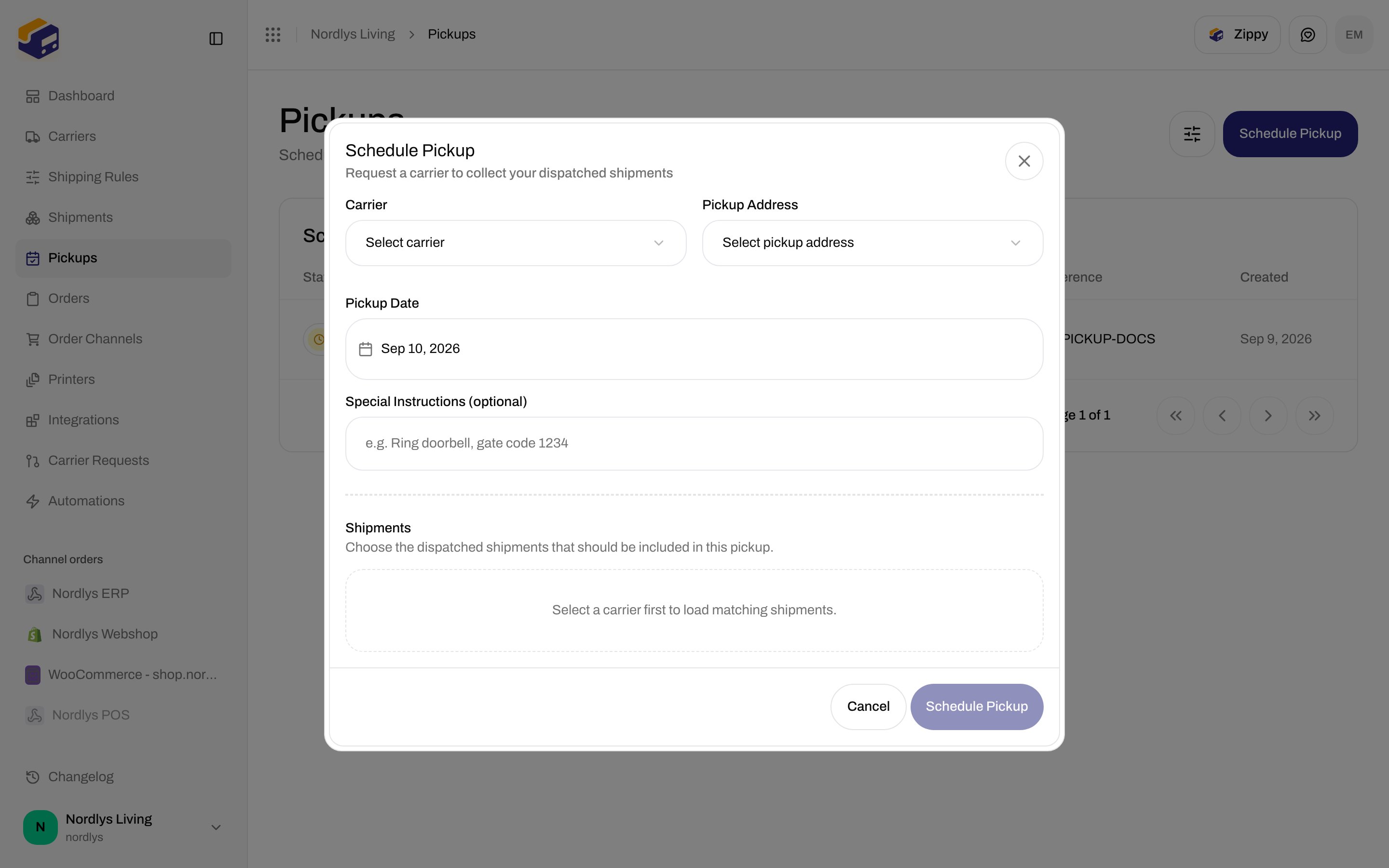
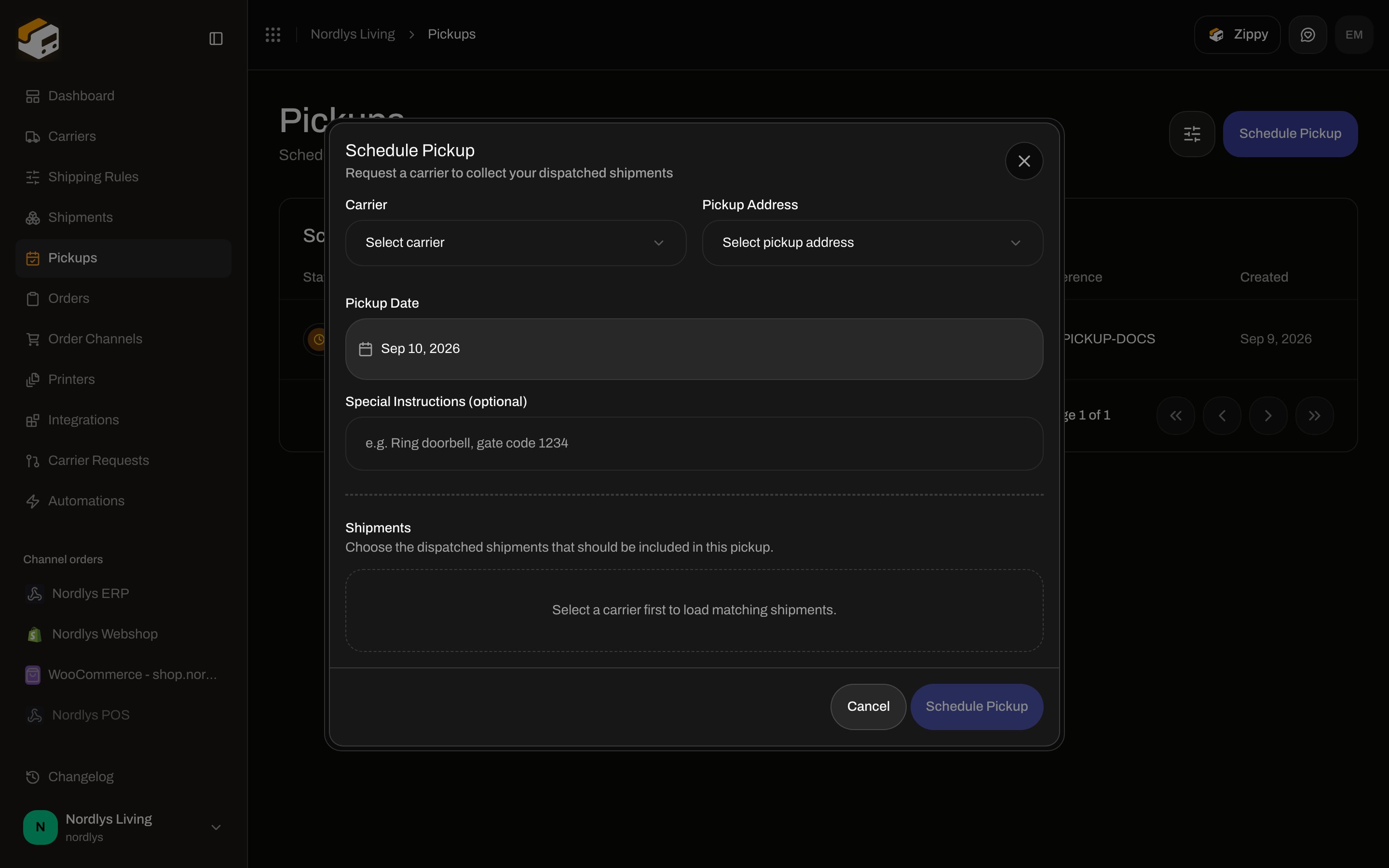
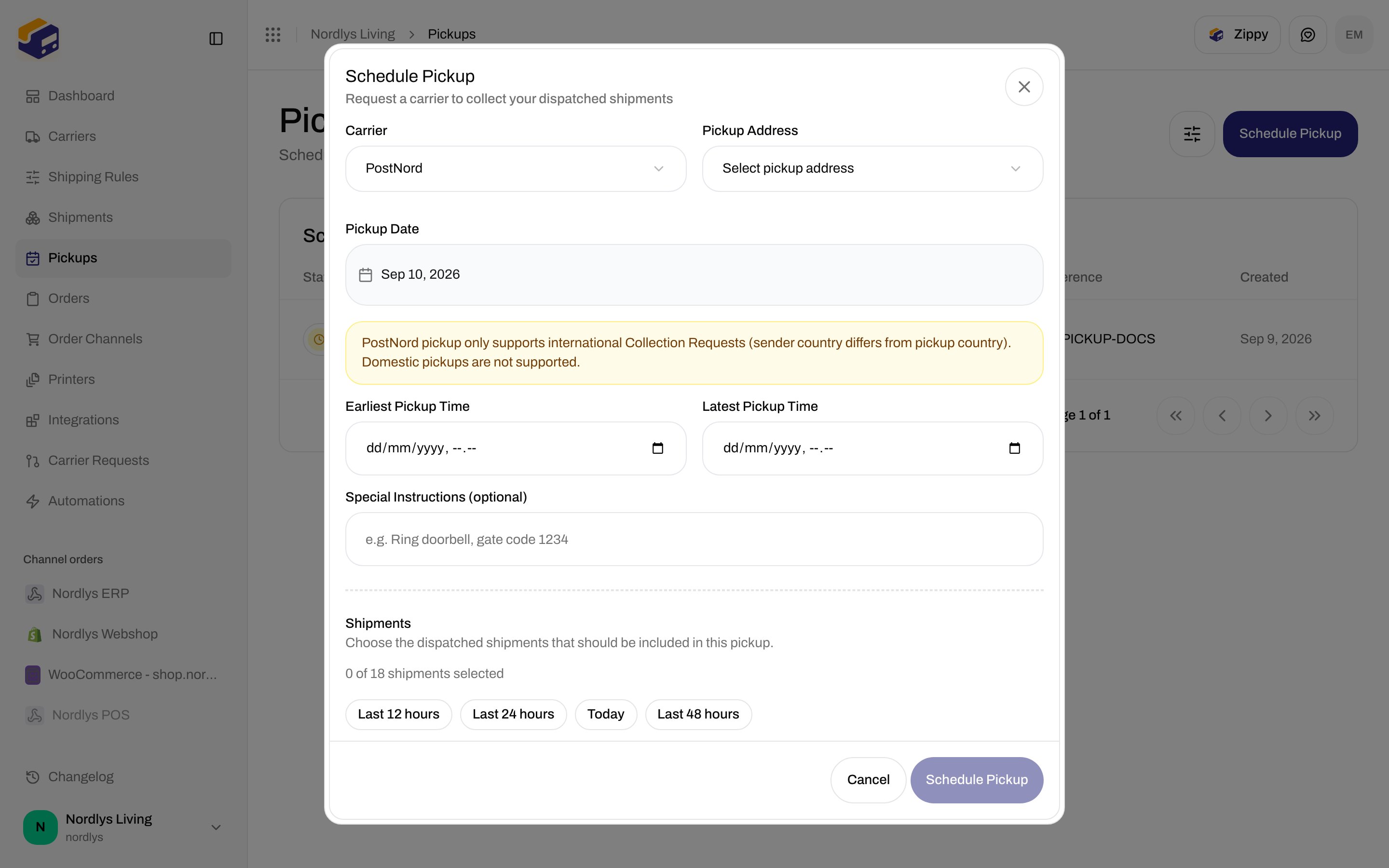
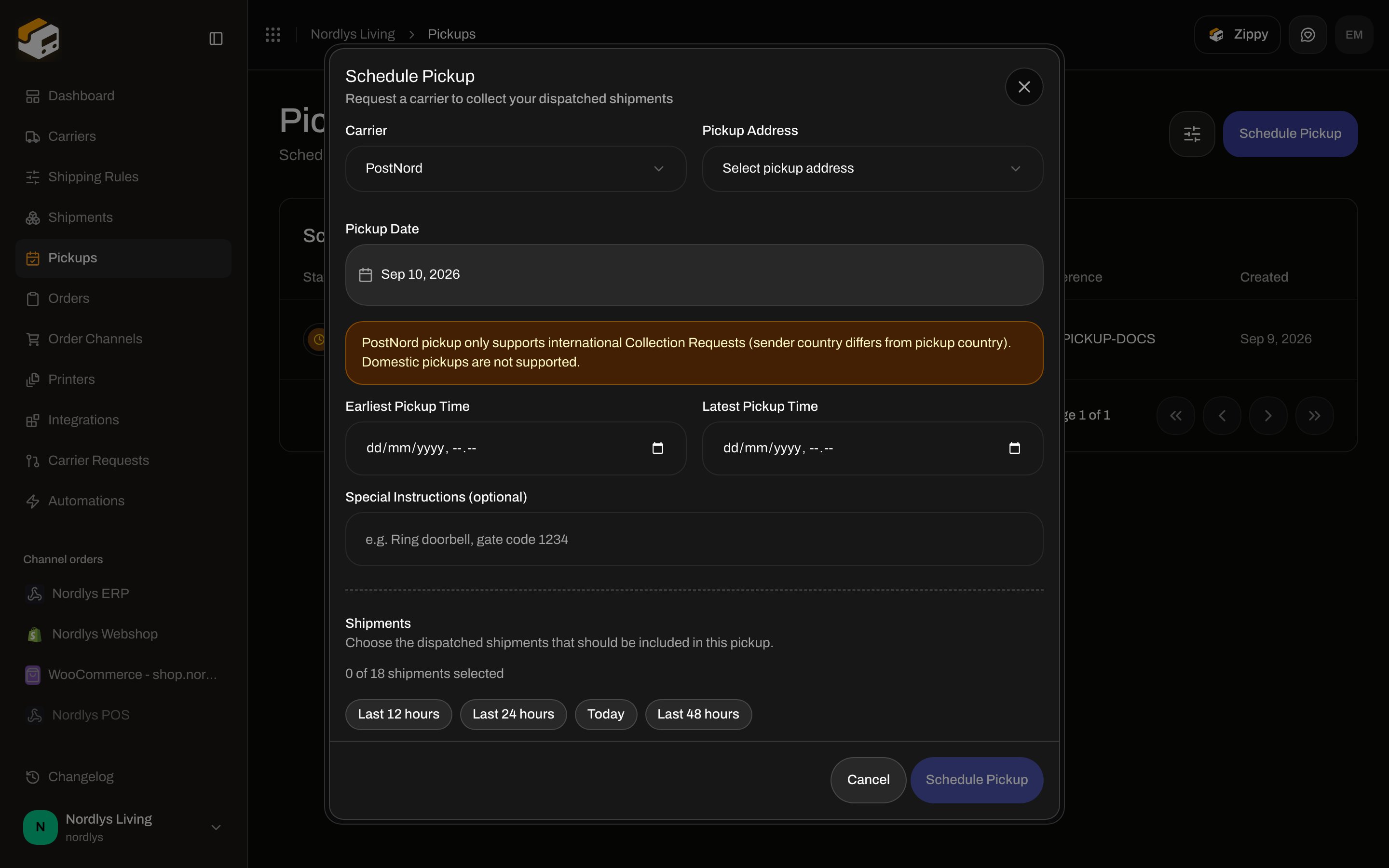
Modal id `create-pickup-modal`. Title **Schedule Pickup**. Subtitle **Request a carrier to collect your dispatched shipments**. **Schedule Pickup** (pending **Scheduling…**) stays disabled until carrier, address, and at least one shipment are set. **Cancel**.
### Filters
| Filter | Options |
| ------------- | --------------------------------------------------------- |
| **Status** | **Pending**, **Confirmed**, **Failed**, **Cancelled** |
| **Carrier** | Connected carriers |
| Brand / scope | Same brand filters as other lists, only when brands exist |
There is no pickup detail page and no row menu. Rows are not clickable.
## Schedule Pickup
Modal id `create-pickup-modal`. Title **Schedule Pickup**. Subtitle **Request a carrier to collect your dispatched shipments**. **Schedule Pickup** (pending **Scheduling…**) stays disabled until carrier, address, and at least one shipment are set. **Cancel**.
 ### Shared fields
| Field | Required | Control |
| ----------------------------------- | -------- | -------------------------------------------------------------------------------------------------------------------------------------------------------------------------------------------------------------------------------------------------------------------------------------------------- |
| **Carrier** | Yes | Bring and PostNord connections only. Placeholder **Select carrier**. Empty catalog: **No pickup-capable carriers configured. Add a Bring or PostNord carrier to schedule pickups.** Validation: **Select a carrier**. Changing carrier clears the shipment selection and carrier-specific options. |
| **Pickup Address** | Yes | Sender addresses as **\{\{name}} — \{\{address1}}, \{\{city}}**. Placeholder **Select pickup address**. Validation: **Select a pickup address**. |
| **Brand** | No | Only when the org has brands. Label **Brand**. Helper: **Only this brand's shipments can be included in this pickup.** Hidden on orgs without brands. |
| **Pickup Date** | Yes | Date picker. Default: today (`YYYY-MM-DD`). Invalid value: **Invalid date format**. |
| **Special Instructions (optional)** | No | Placeholder **e.g. Ring doorbell, gate code 1234**. |
Toasts: **Pickup scheduled successfully** / **Failed to schedule pickup**.
### PostNord
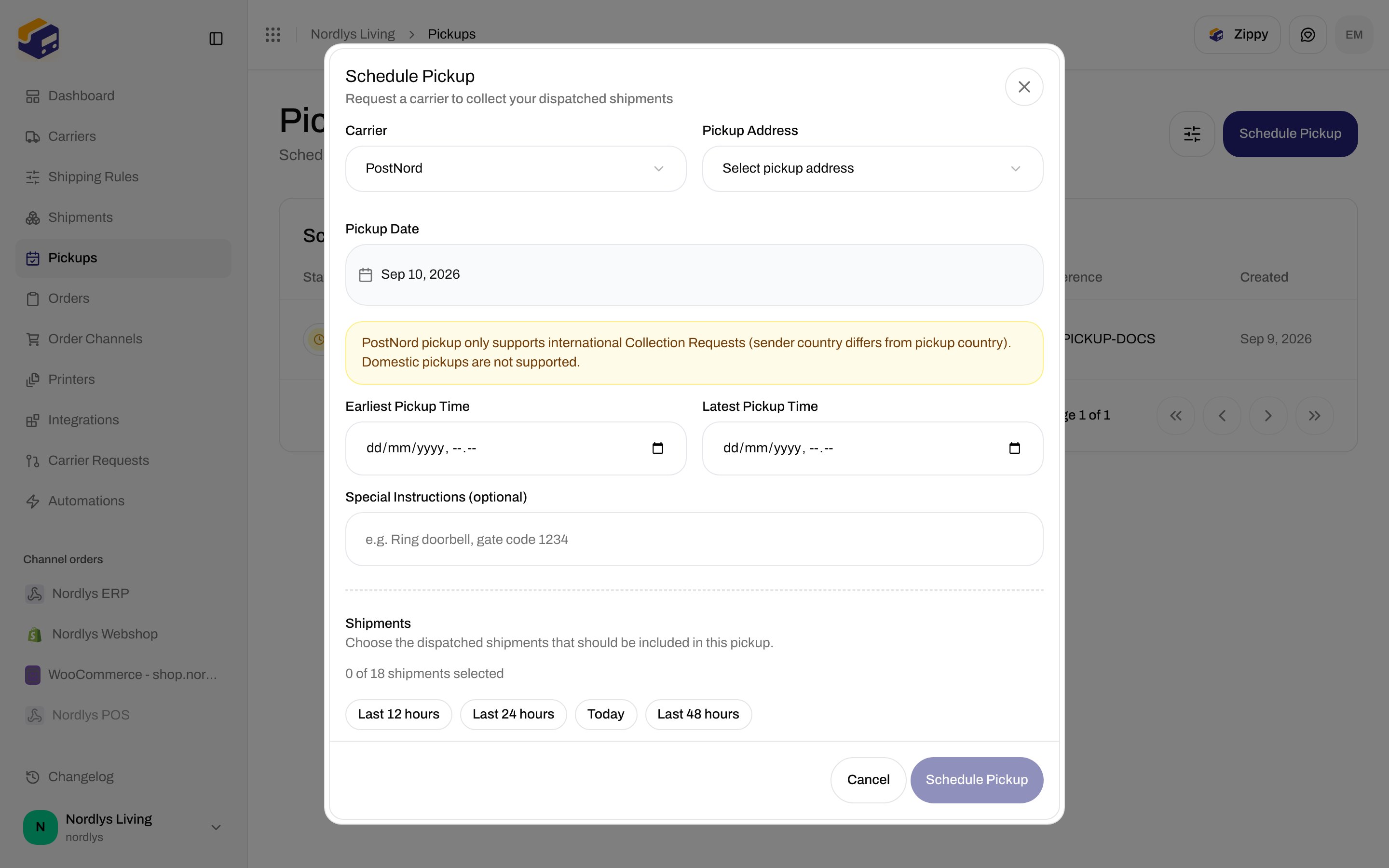
Selecting a PostNord connection shows a notice and two extra datetimes:
| Field | Copy |
| ------------------------ | ----------------------------------------------------------------------------------------------------------------------------------------------------- |
| Notice | **PostNord pickup only supports international Collection Requests (sender country differs from pickup country). Domestic pickups are not supported.** |
| **Earliest Pickup Time** | `datetime-local` |
| **Latest Pickup Time** | `datetime-local` |
Both times are optional. Domestic DK→DK collections are rejected by PostNord even if the form submits.
### Shared fields
| Field | Required | Control |
| ----------------------------------- | -------- | -------------------------------------------------------------------------------------------------------------------------------------------------------------------------------------------------------------------------------------------------------------------------------------------------- |
| **Carrier** | Yes | Bring and PostNord connections only. Placeholder **Select carrier**. Empty catalog: **No pickup-capable carriers configured. Add a Bring or PostNord carrier to schedule pickups.** Validation: **Select a carrier**. Changing carrier clears the shipment selection and carrier-specific options. |
| **Pickup Address** | Yes | Sender addresses as **\{\{name}} — \{\{address1}}, \{\{city}}**. Placeholder **Select pickup address**. Validation: **Select a pickup address**. |
| **Brand** | No | Only when the org has brands. Label **Brand**. Helper: **Only this brand's shipments can be included in this pickup.** Hidden on orgs without brands. |
| **Pickup Date** | Yes | Date picker. Default: today (`YYYY-MM-DD`). Invalid value: **Invalid date format**. |
| **Special Instructions (optional)** | No | Placeholder **e.g. Ring doorbell, gate code 1234**. |
Toasts: **Pickup scheduled successfully** / **Failed to schedule pickup**.
### PostNord
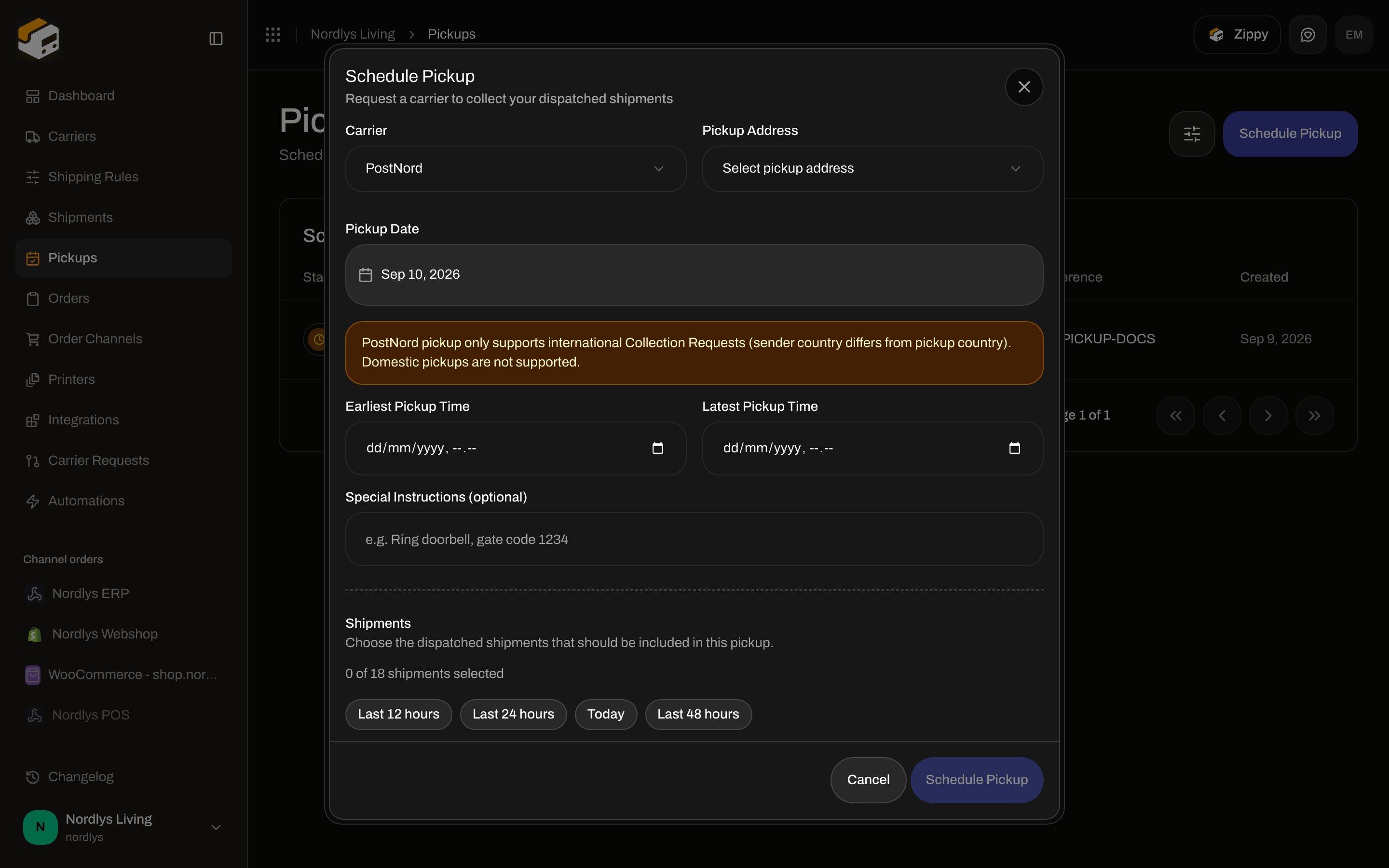
Selecting a PostNord connection shows a notice and two extra datetimes:
| Field | Copy |
| ------------------------ | ----------------------------------------------------------------------------------------------------------------------------------------------------- |
| Notice | **PostNord pickup only supports international Collection Requests (sender country differs from pickup country). Domestic pickups are not supported.** |
| **Earliest Pickup Time** | `datetime-local` |
| **Latest Pickup Time** | `datetime-local` |
Both times are optional. Domestic DK→DK collections are rejected by PostNord even if the form submits.
 ### Bring
Selecting Bring shows **Service Type**. Placeholder **Select service type**. Options **Parcel** (`PARCEL`) and **Cargo** (`CARGO`). Optional.
### Shipments
Heading **Shipments**. Helper **Choose the dispatched shipments that should be included in this pickup.**
| State | Copy |
| ------------------------- | ------------------------------------------------------------------------------------------------------------------------------------ |
| No carrier yet | **Select a carrier first to load matching shipments.** |
| Loading | **Loading shipments…** |
| None eligible | **No dispatched shipments available for this carrier. Shipments must be dispatched and not already assigned to a confirmed pickup.** |
| Submit with none selected | **Select at least one shipment** |
Each row shows the shipment **reference** and **\{\{city}}, \{\{countryCode}}** (or **No address**). Search placeholder **Search by reference or address**. No matches: **No shipments match your search.**
Selection line: **\{\{selected}} of \{\{count}} shipment selected** / **shipments selected**. **Clear** appears when any are selected. Chips show up to three references, then **+\{\{count}} more**.
Presets (by shipment `updatedAt`):
| Button | Window |
| ----------------- | ------------------------ |
| **Last 12 hours** | Last 12 hours |
| **Last 24 hours** | Last 24 hours |
| **Today** | Since start of local day |
| **Last 48 hours** | Last 48 hours |
### Bring
Selecting Bring shows **Service Type**. Placeholder **Select service type**. Options **Parcel** (`PARCEL`) and **Cargo** (`CARGO`). Optional.
### Shipments
Heading **Shipments**. Helper **Choose the dispatched shipments that should be included in this pickup.**
| State | Copy |
| ------------------------- | ------------------------------------------------------------------------------------------------------------------------------------ |
| No carrier yet | **Select a carrier first to load matching shipments.** |
| Loading | **Loading shipments…** |
| None eligible | **No dispatched shipments available for this carrier. Shipments must be dispatched and not already assigned to a confirmed pickup.** |
| Submit with none selected | **Select at least one shipment** |
Each row shows the shipment **reference** and **\{\{city}}, \{\{countryCode}}** (or **No address**). Search placeholder **Search by reference or address**. No matches: **No shipments match your search.**
Selection line: **\{\{selected}} of \{\{count}} shipment selected** / **shipments selected**. **Clear** appears when any are selected. Chips show up to three references, then **+\{\{count}} more**.
Presets (by shipment `updatedAt`):
| Button | Window |
| ----------------- | ------------------------ |
| **Last 12 hours** | Last 12 hours |
| **Last 24 hours** | Last 24 hours |
| **Today** | Since start of local day |
| **Last 48 hours** | Last 48 hours |
 ## Pickup Details on Create Shipment
**Pickup Details** on `/dashboard/shipments/create` only renders when a product service id is literally `pickup`. GLS Denmark and PostNord catalogs in the live client do not expose that id (Bring’s extra service is named **Pickup** but uses service id `1073`), so the card does not appear for those products.
If it did appear, the fields would be **Pickup Location** (**Same as Address**), **Pickup Date \***, **Time Window \*** (**Morning (08:00 - 12:00)**, **Afternoon (12:00 - 17:00)**, **Evening (17:00 - 20:00)**, **All Day (08:00 - 20:00)**, **Custom** with **From** / **To**), and **Special Instructions (optional)**. Use **Pickups** for Bring/PostNord collection after dispatch instead.
## Related
* [Send a shipment](/docs/how-to/send-a-shipment) — dispatch first
* [Carrier products and services](/docs/how-to/carrier-products-and-services)
* [Sender addresses](/docs/how-to/sender-addresses)
* [Droppoint vs service point](/docs/how-to/drop-point-and-service-points)
* [Create a shipment](/docs/tutorials/create-a-shipment)
## Pickup Details on Create Shipment
**Pickup Details** on `/dashboard/shipments/create` only renders when a product service id is literally `pickup`. GLS Denmark and PostNord catalogs in the live client do not expose that id (Bring’s extra service is named **Pickup** but uses service id `1073`), so the card does not appear for those products.
If it did appear, the fields would be **Pickup Location** (**Same as Address**), **Pickup Date \***, **Time Window \*** (**Morning (08:00 - 12:00)**, **Afternoon (12:00 - 17:00)**, **Evening (17:00 - 20:00)**, **All Day (08:00 - 20:00)**, **Custom** with **From** / **To**), and **Special Instructions (optional)**. Use **Pickups** for Bring/PostNord collection after dispatch instead.
## Related
* [Send a shipment](/docs/how-to/send-a-shipment) — dispatch first
* [Carrier products and services](/docs/how-to/carrier-products-and-services)
* [Sender addresses](/docs/how-to/sender-addresses)
* [Droppoint vs service point](/docs/how-to/drop-point-and-service-points)
* [Create a shipment](/docs/tutorials/create-a-shipment)