> ## Documentation Index
> Fetch the complete documentation index at: https://www.zippendo.com/docs/llms.txt
> Use this file to discover all available pages before exploring further.
# Roles and permissions
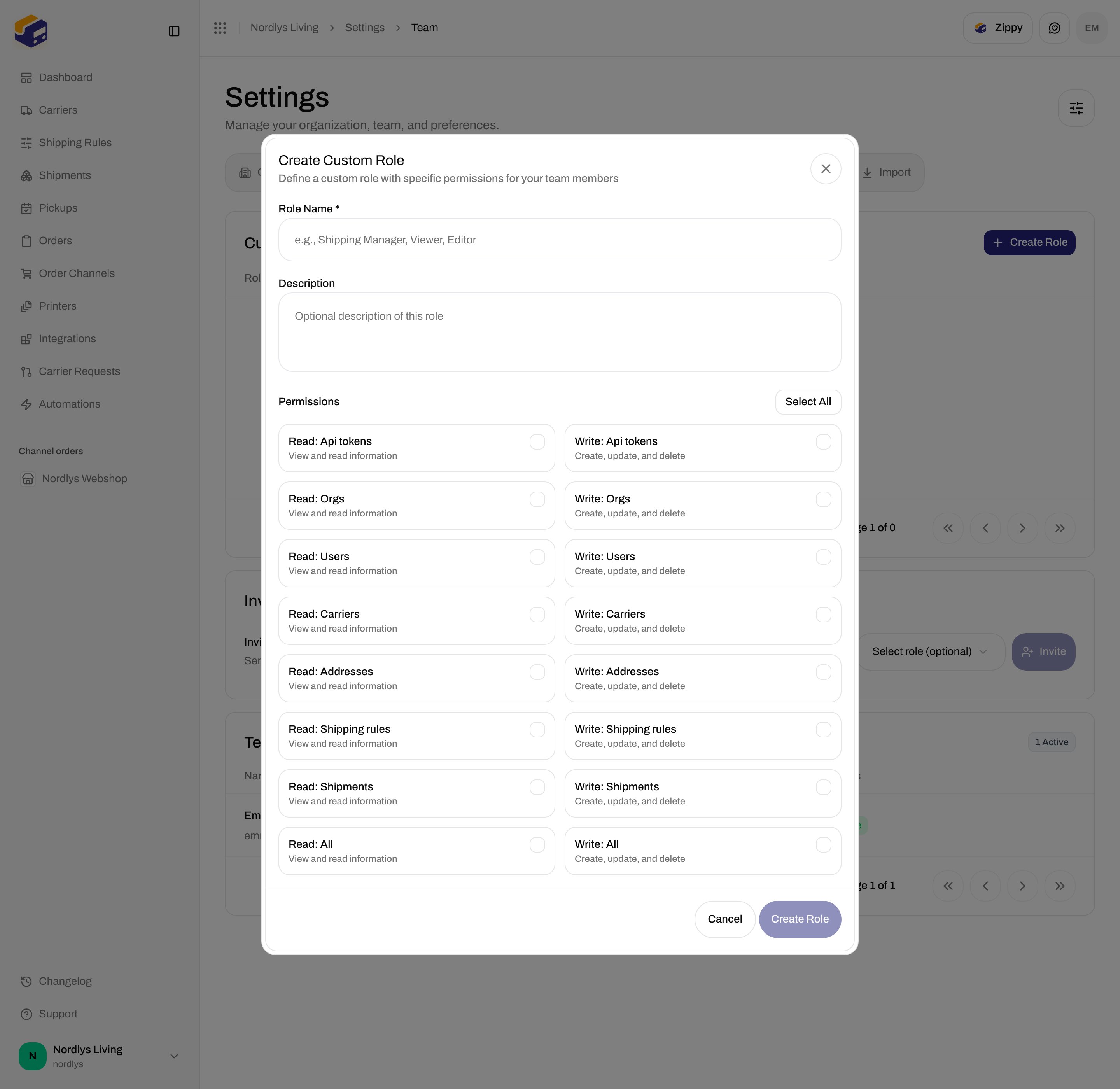
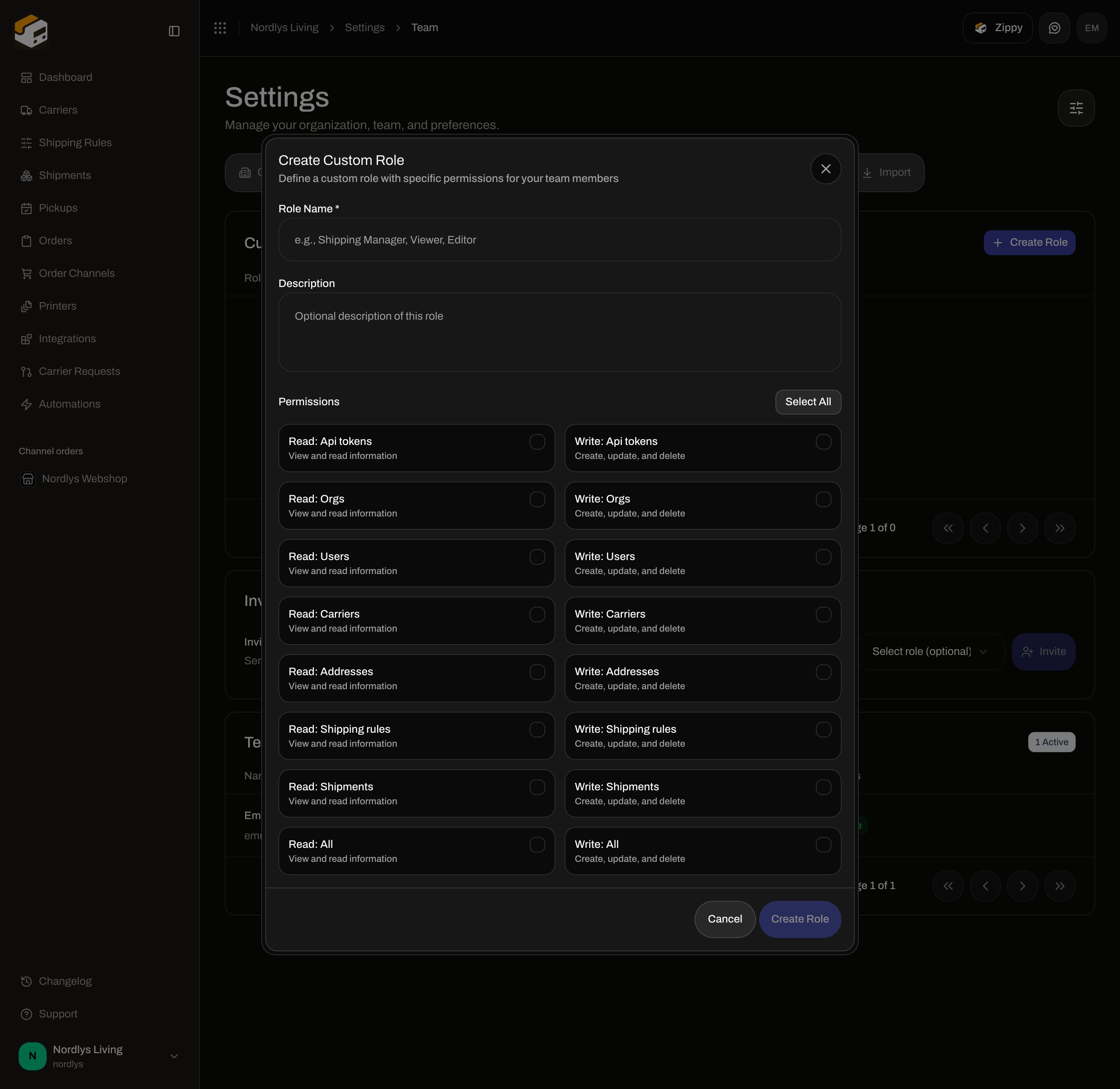
> Create a custom role on Settings → Team with Role Name, optional Description, and the 16 read/write permission checkboxes.
Zippendo has no built-in Admin / Member roles on Team. Access is **custom roles**: a name plus a set of permission checkboxes. Assign a role when you [invite](/docs/how-to/invite-team-members) someone, or change it later on their **Team Members** row.
Walkthrough: [Settings, team, and brands](/docs/tutorials/settings-team-brands).
## Where it lives
Open the organization switcher → **Manage** (or **Invite members**), then **Team**. **Custom Roles** is the first block. Modal id: `create-role-modal`.
## Custom Roles
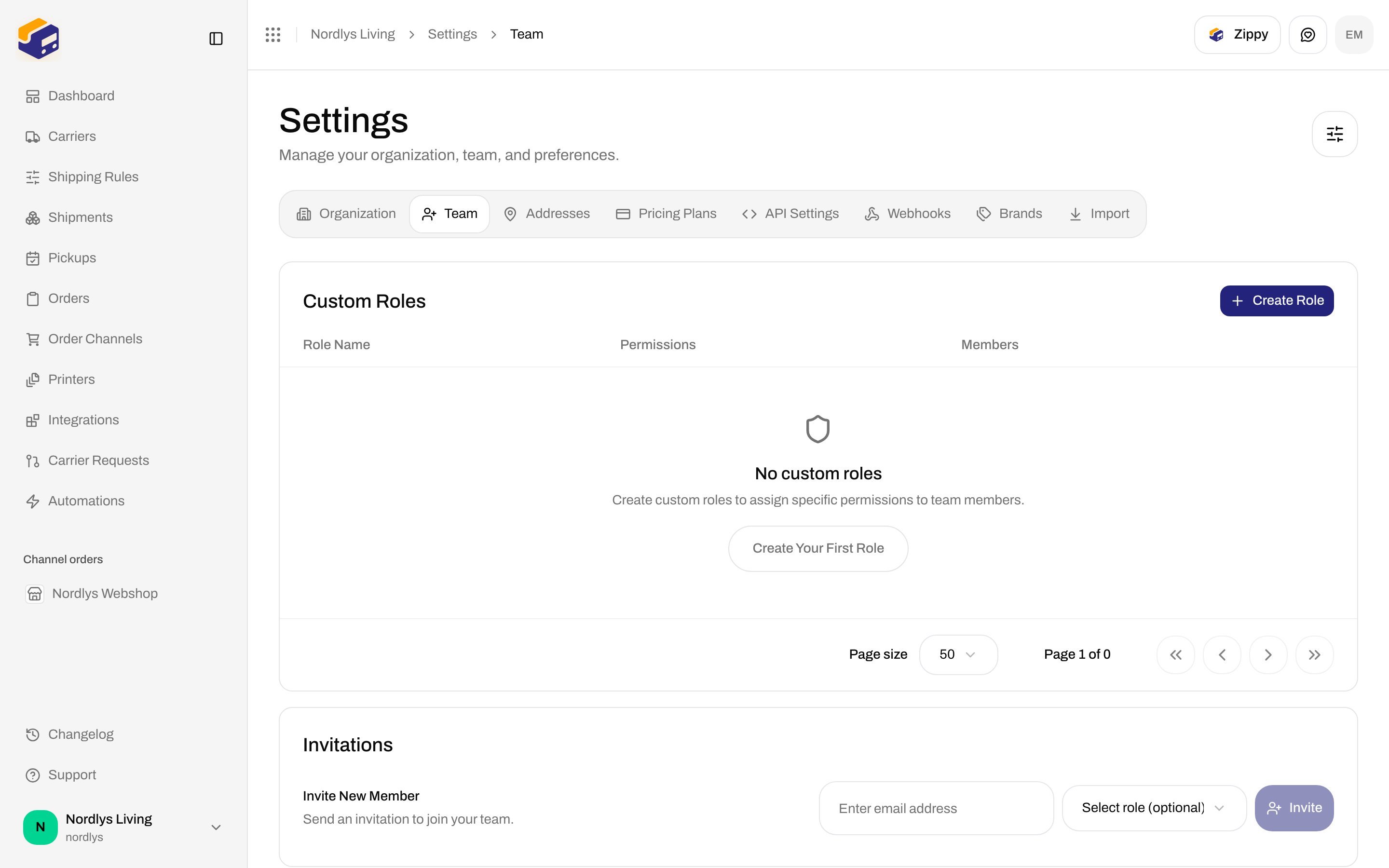
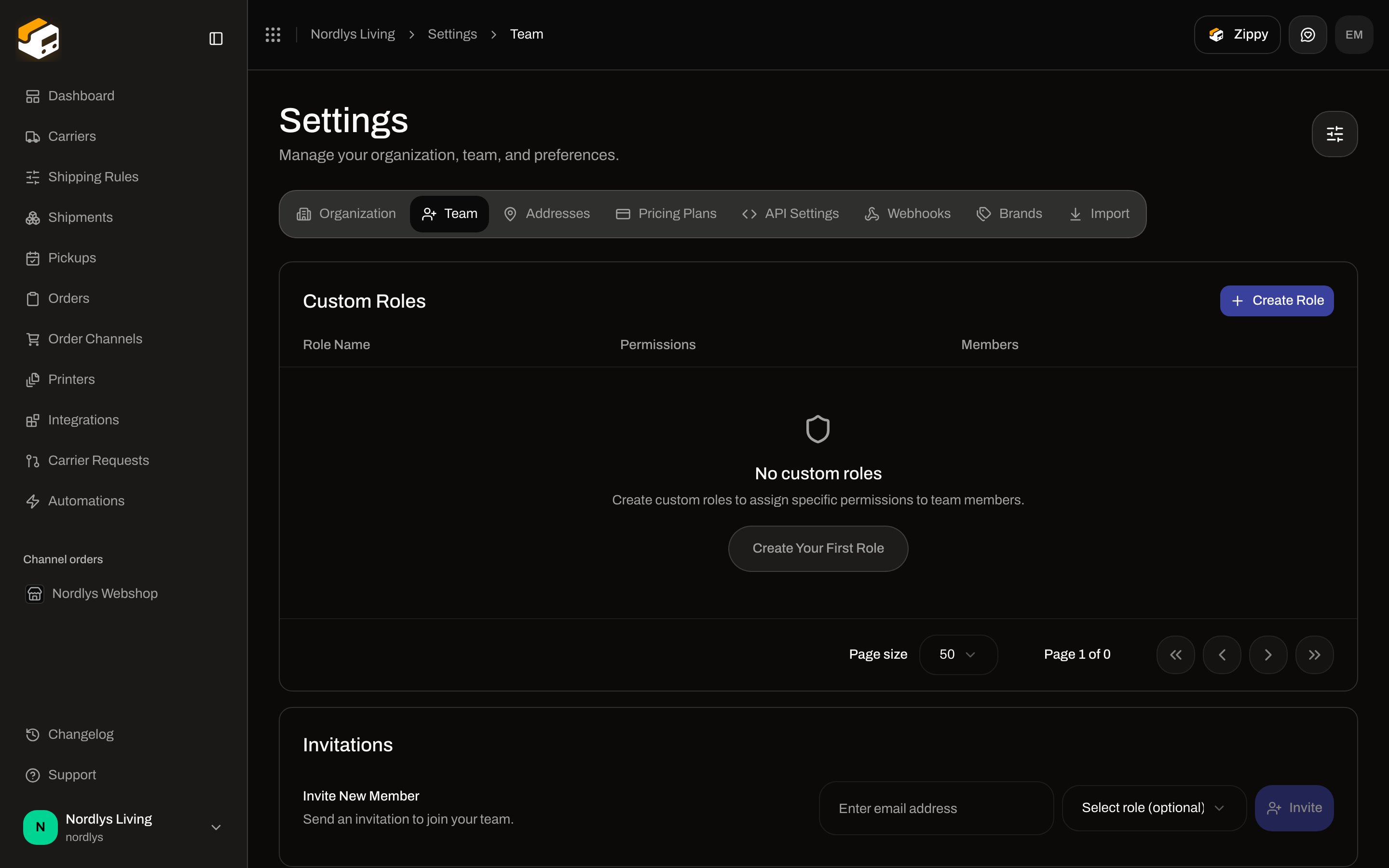 | Control | What it is |
| -------------------------- | ----------------------------------------------------------------------- |
| **Create Role** | Header button. Opens **Create Custom Role**. |
| Empty title | **No custom roles** |
| Empty description | **Create custom roles to assign specific permissions to team members.** |
| **Create Your First Role** | Empty-state button. Same dialog as **Create Role**. |
When roles exist, the table columns are:
| Column | What it shows |
| --------------- | -------------------------------------------------------------------------------------------------------------------------------- |
| **Role Name** | The name you entered. |
| **Permissions** | Up to three scope labels (for example **Read: Shipments**). Extra scopes are collapsed. **No permissions** if the list is empty. |
| **Members** | **1 member** / **N members**. |
| Actions | **Edit** and **Delete**. Clicking the row also opens edit. |
## Create Custom Role
The dialog title is **Create Custom Role**. Subtitle: **Define a custom role with specific permissions for your team members**.
| Control | What it is |
| -------------------------- | ----------------------------------------------------------------------- |
| **Create Role** | Header button. Opens **Create Custom Role**. |
| Empty title | **No custom roles** |
| Empty description | **Create custom roles to assign specific permissions to team members.** |
| **Create Your First Role** | Empty-state button. Same dialog as **Create Role**. |
When roles exist, the table columns are:
| Column | What it shows |
| --------------- | -------------------------------------------------------------------------------------------------------------------------------- |
| **Role Name** | The name you entered. |
| **Permissions** | Up to three scope labels (for example **Read: Shipments**). Extra scopes are collapsed. **No permissions** if the list is empty. |
| **Members** | **1 member** / **N members**. |
| Actions | **Edit** and **Delete**. Clicking the row also opens edit. |
## Create Custom Role
The dialog title is **Create Custom Role**. Subtitle: **Define a custom role with specific permissions for your team members**.
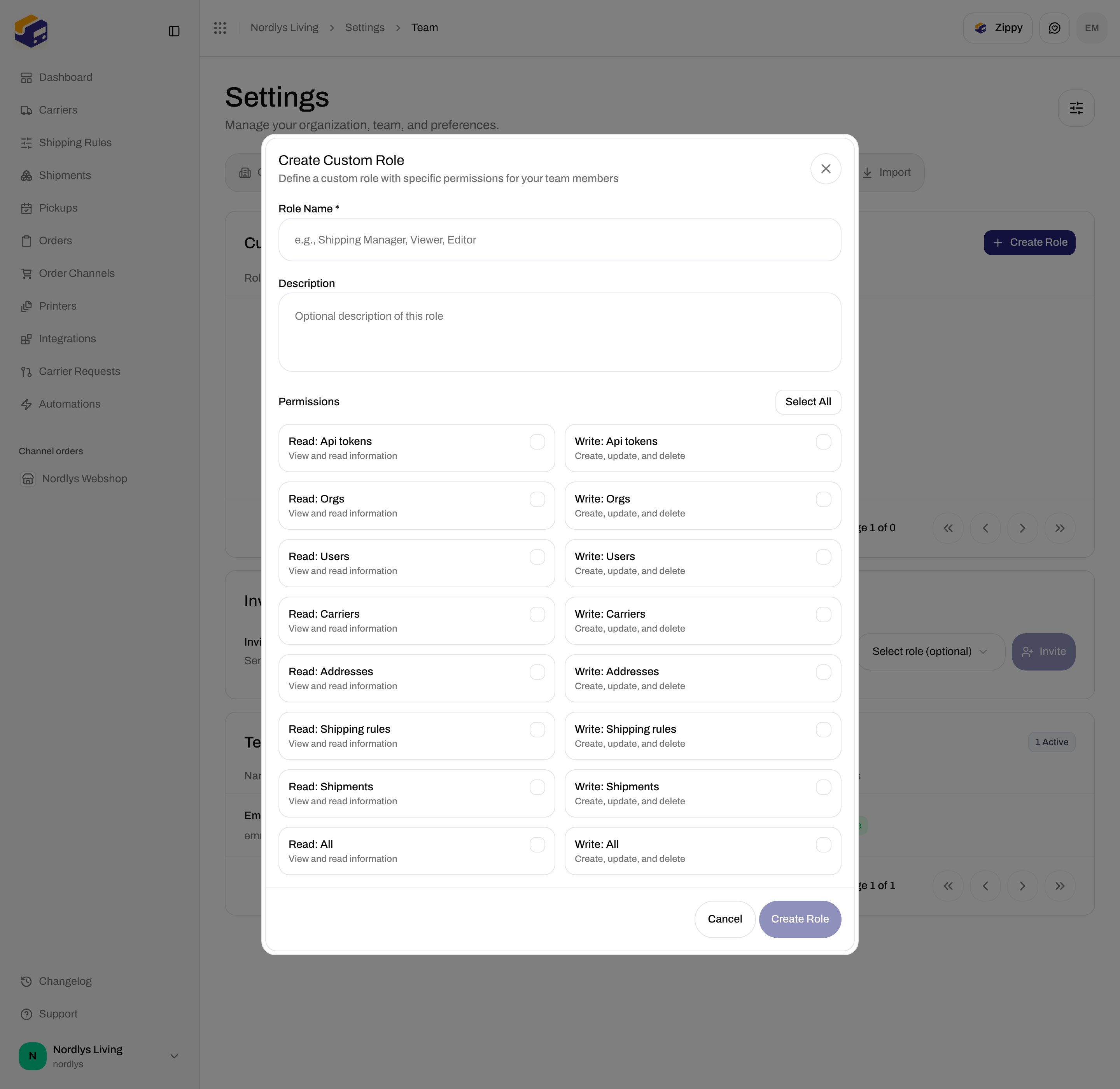
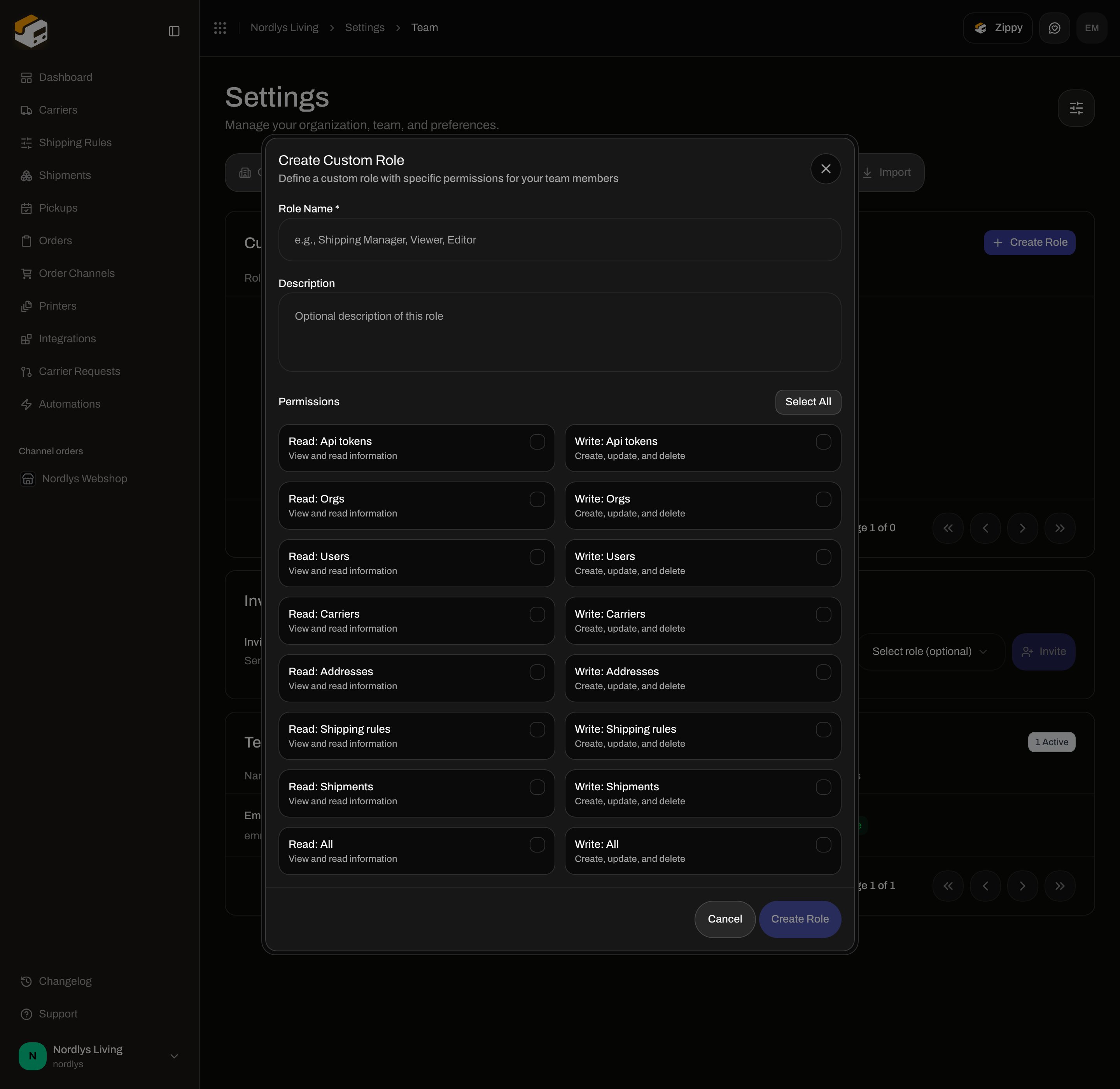 ### Fields
| Field | Required | What it is |
| --------------------------------- | ------------------ | ------------------------------------------------------------------------------------------------------------ |
| **Role Name \*** | Yes | Placeholder: **e.g., Shipping Manager, Viewer, Editor**. **Create Role** stays disabled while this is empty. |
| **Description** | No | Placeholder: **Optional description of this role**. Multi-line. |
| **Permissions** | Yes (at least one) | Checkbox grid. **Create Role** stays disabled until one or more are selected. |
| **Select All** / **Deselect All** | — | Selects or clears every checkbox below. The label switches to **Deselect All** when all 16 are on. |
A footer line appears after the first selection: **1 permission selected** / **N permissions selected**.
Buttons: **Cancel**, **Create Role**.
Toasts: **Role created successfully** / **Failed to create role**. Duplicate name: **A role with this name already exists.** (`ROLE_NAME_EXISTS`).
### Permission checkboxes
These are the only checkboxes in the dialog — 16 scopes, two columns. Each **Read** row uses the description **View and read information**. Each **Write** row uses **Create, update, and delete**. Labels come from `formatScopeLabel` (first letter of each segment capitalized; underscores become spaces).
| Checkbox label | Scope | Description shown |
| ------------------------- | ---------------------- | -------------------------- |
| **Read: Api tokens** | `read:api_tokens` | View and read information |
| **Write: Api tokens** | `write:api_tokens` | Create, update, and delete |
| **Read: Orgs** | `read:orgs` | View and read information |
| **Write: Orgs** | `write:orgs` | Create, update, and delete |
| **Read: Users** | `read:users` | View and read information |
| **Write: Users** | `write:users` | Create, update, and delete |
| **Read: Carriers** | `read:carriers` | View and read information |
| **Write: Carriers** | `write:carriers` | Create, update, and delete |
| **Read: Addresses** | `read:addresses` | View and read information |
| **Write: Addresses** | `write:addresses` | Create, update, and delete |
| **Read: Shipping rules** | `read:shipping_rules` | View and read information |
| **Write: Shipping rules** | `write:shipping_rules` | Create, update, and delete |
| **Read: Shipments** | `read:shipments` | View and read information |
| **Write: Shipments** | `write:shipments` | Create, update, and delete |
| **Read: All** | `read:all` | View and read information |
| **Write: All** | `write:all` | Create, update, and delete |
There are no separate checkboxes for orders, printers, billing, webhooks, automations, or brands.
### Fields
| Field | Required | What it is |
| --------------------------------- | ------------------ | ------------------------------------------------------------------------------------------------------------ |
| **Role Name \*** | Yes | Placeholder: **e.g., Shipping Manager, Viewer, Editor**. **Create Role** stays disabled while this is empty. |
| **Description** | No | Placeholder: **Optional description of this role**. Multi-line. |
| **Permissions** | Yes (at least one) | Checkbox grid. **Create Role** stays disabled until one or more are selected. |
| **Select All** / **Deselect All** | — | Selects or clears every checkbox below. The label switches to **Deselect All** when all 16 are on. |
A footer line appears after the first selection: **1 permission selected** / **N permissions selected**.
Buttons: **Cancel**, **Create Role**.
Toasts: **Role created successfully** / **Failed to create role**. Duplicate name: **A role with this name already exists.** (`ROLE_NAME_EXISTS`).
### Permission checkboxes
These are the only checkboxes in the dialog — 16 scopes, two columns. Each **Read** row uses the description **View and read information**. Each **Write** row uses **Create, update, and delete**. Labels come from `formatScopeLabel` (first letter of each segment capitalized; underscores become spaces).
| Checkbox label | Scope | Description shown |
| ------------------------- | ---------------------- | -------------------------- |
| **Read: Api tokens** | `read:api_tokens` | View and read information |
| **Write: Api tokens** | `write:api_tokens` | Create, update, and delete |
| **Read: Orgs** | `read:orgs` | View and read information |
| **Write: Orgs** | `write:orgs` | Create, update, and delete |
| **Read: Users** | `read:users` | View and read information |
| **Write: Users** | `write:users` | Create, update, and delete |
| **Read: Carriers** | `read:carriers` | View and read information |
| **Write: Carriers** | `write:carriers` | Create, update, and delete |
| **Read: Addresses** | `read:addresses` | View and read information |
| **Write: Addresses** | `write:addresses` | Create, update, and delete |
| **Read: Shipping rules** | `read:shipping_rules` | View and read information |
| **Write: Shipping rules** | `write:shipping_rules` | Create, update, and delete |
| **Read: Shipments** | `read:shipments` | View and read information |
| **Write: Shipments** | `write:shipments` | Create, update, and delete |
| **Read: All** | `read:all` | View and read information |
| **Write: All** | `write:all` | Create, update, and delete |
There are no separate checkboxes for orders, printers, billing, webhooks, automations, or brands.
 Click **Create Role** or **Create Your First Role**.
Fill **Role Name \***. **Description** is optional.
Check the scopes this role should have, or click **Select All**.
Click **Create Role**. The role appears in the table.
## Edit Custom Role
**Edit** (or a row click) opens the same dialog with title **Edit Custom Role**. Subtitle: **Update role permissions for your team members**. The submit button is **Update Role**. Fields and checkboxes are the same as create.
Toasts: **Role updated successfully** / **Failed to update role**. Duplicate name still returns `ROLE_NAME_EXISTS`.
## Delete Role
**Delete** opens **Delete Role**. Subtitle: **You are about to delete role "\{name}".** Description: **This will unassign the role from 1 member.** / **This will unassign the role from N members.** Type the confirm text shown (`role "NAME"` in uppercase). **Delete** stays disabled until it matches.
Confirming unassigns the role from its members. Toasts: **Role deleted successfully** / **Failed to delete role**.
`ROLE_IN_USE` (**This role is assigned to members and cannot be deleted.**) exists in error copy, but the delete handler unassigns members instead of refusing. Document the dialog you see: unassign, then delete.
Assign the role from **Invite New Member** or the **Role** column on **Team Members**. See [Invite team members](/docs/how-to/invite-team-members).
## Related
* [Invite team members](/docs/how-to/invite-team-members) — assign the role on invite or later.
* [Create an API token](/docs/how-to/create-an-api-token) — the same 16 scopes on tokens.
* [Team and invitations](/docs/settings/team) — documentation for this tab.
Click **Create Role** or **Create Your First Role**.
Fill **Role Name \***. **Description** is optional.
Check the scopes this role should have, or click **Select All**.
Click **Create Role**. The role appears in the table.
## Edit Custom Role
**Edit** (or a row click) opens the same dialog with title **Edit Custom Role**. Subtitle: **Update role permissions for your team members**. The submit button is **Update Role**. Fields and checkboxes are the same as create.
Toasts: **Role updated successfully** / **Failed to update role**. Duplicate name still returns `ROLE_NAME_EXISTS`.
## Delete Role
**Delete** opens **Delete Role**. Subtitle: **You are about to delete role "\{name}".** Description: **This will unassign the role from 1 member.** / **This will unassign the role from N members.** Type the confirm text shown (`role "NAME"` in uppercase). **Delete** stays disabled until it matches.
Confirming unassigns the role from its members. Toasts: **Role deleted successfully** / **Failed to delete role**.
`ROLE_IN_USE` (**This role is assigned to members and cannot be deleted.**) exists in error copy, but the delete handler unassigns members instead of refusing. Document the dialog you see: unassign, then delete.
Assign the role from **Invite New Member** or the **Role** column on **Team Members**. See [Invite team members](/docs/how-to/invite-team-members).
## Related
* [Invite team members](/docs/how-to/invite-team-members) — assign the role on invite or later.
* [Create an API token](/docs/how-to/create-an-api-token) — the same 16 scopes on tokens.
* [Team and invitations](/docs/settings/team) — documentation for this tab.