> ## Documentation Index
> Fetch the complete documentation index at: https://www.zippendo.com/docs/llms.txt
> Use this file to discover all available pages before exploring further.
# Organization settings
> Edit Settings → Organization — Organization Name, Description, and optional VOEC, EORI, SPRN, IOSS, FDA, and DUNS.
**Organization** is the first Settings tab. Open it from the organization switcher → **Manage** (`/{slug}/dashboard/settings/organization`). Walkthrough: [Settings, team, and brands](/docs/tutorials/settings-team-brands).
This page covers the profile and customs identifiers only. The same tab also has **Branding**, **Data export**, and **Danger Zone** — those are [Organization branding](/docs/how-to/branding), [Export organization data](/docs/how-to/data-export), and [Danger zone](/docs/how-to/danger-zone).
There is no language, timezone, notifications, currency, or VAT field on this tab. Language lives on [Profile, language, and 2FA](/docs/how-to/profile-and-security). VAT for a brand is on the brand detail page after [Create a brand](/docs/how-to/create-a-brand). Sender, pickup, and return addresses are [Sender, pickup, and return addresses](/docs/how-to/sender-addresses).
## Organization Settings
Loading copy: **Loading organization settings…**. If no organization is selected: **No organization found. Please contact support.**
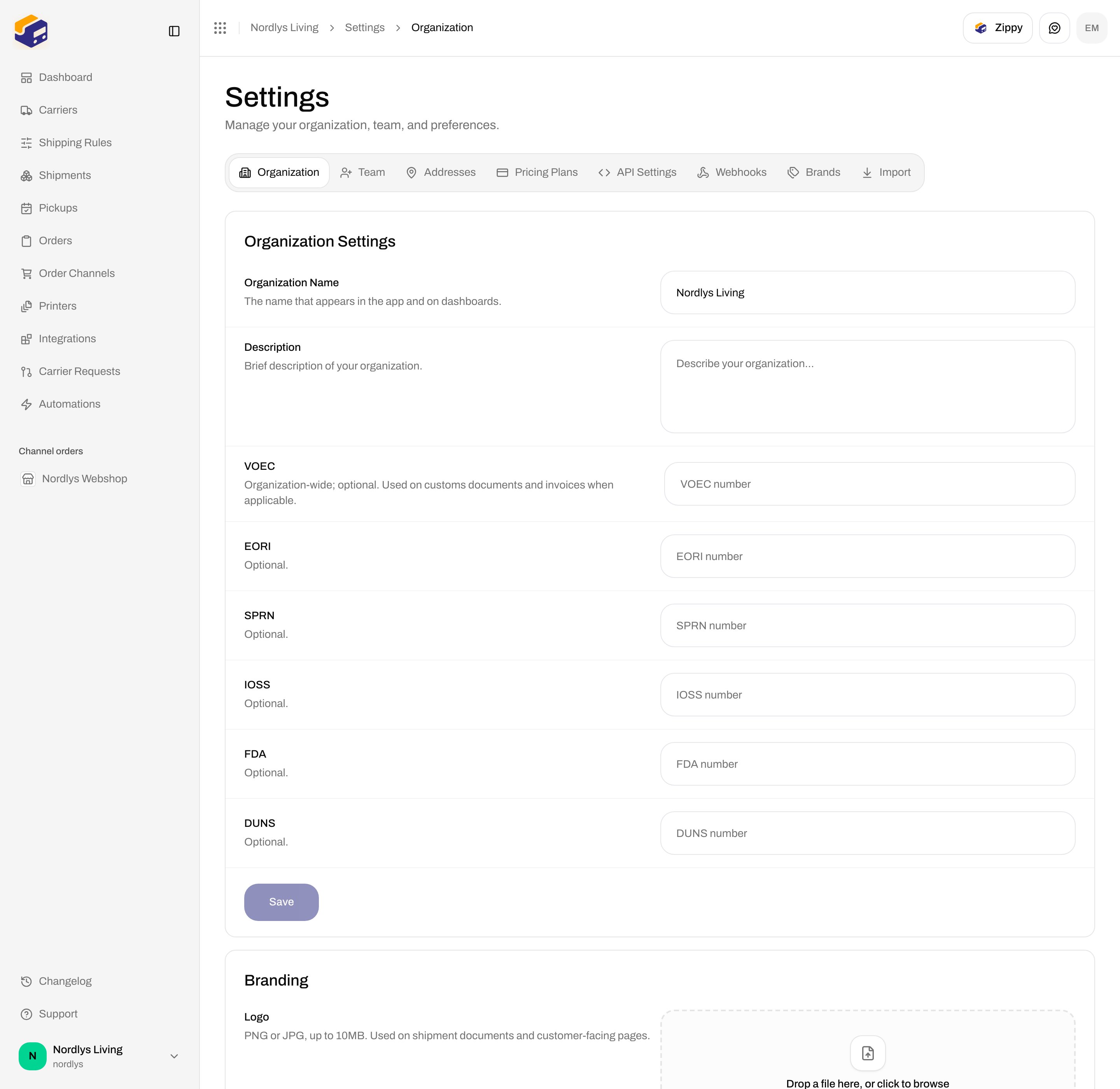
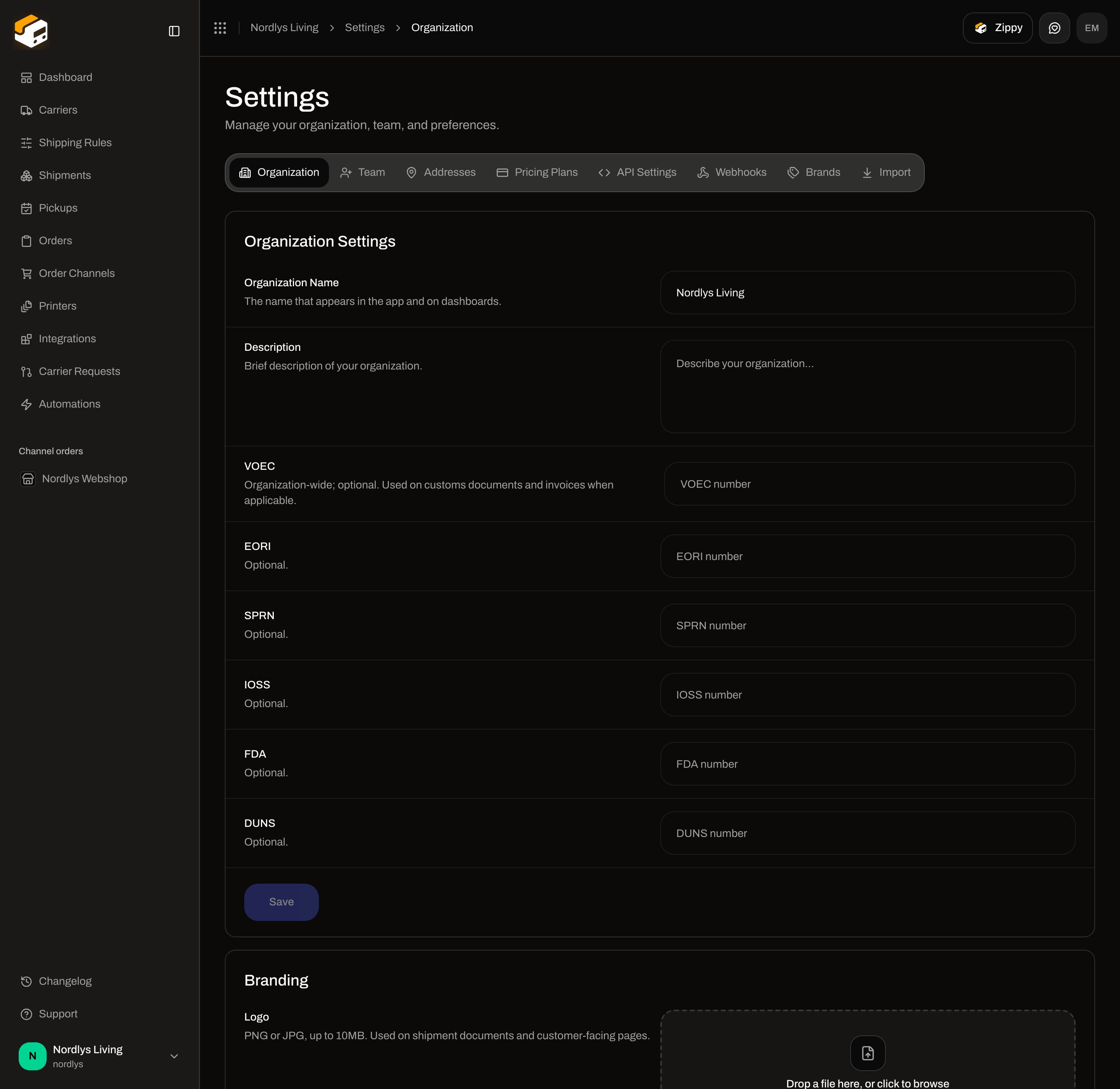 | Field | Required | What it is |
| --------------------- | -------- | --------------------------------------------------------------------------------------------------------------------------------------------------------------------------- |
| **Organization Name** | — | **The name that appears in the app and on dashboards.** Placeholder **Enter organization name**. Shown in the org switcher. Trimmed; an empty value is not sent. |
| **Description** | No | **Brief description of your organization.** Placeholder **Describe your organization…**. Multi-line. Empty is stored as null. |
| **VOEC** | No | **Organization-wide; optional. Used on customs documents and invoices when applicable.** Placeholder **VOEC number**. |
| **EORI** | No | **Optional.** Placeholder **EORI number**. |
| **SPRN** | No | **Optional.** Placeholder **SPRN number**. |
| **IOSS** | No | **Optional.** Placeholder **IOSS number**. |
| **FDA** | No | **Optional.** Placeholder **FDA number**. |
| **DUNS** | No | **Optional.** Placeholder **DUNS number**. |
| **Save** | — | Disabled until something changed. While a save runs it reads **Saving…**. Success (inline): **Saved successfully!** Failure (inline): **Failed to save. Please try again.** |
There is no client Zod schema on this form. Empty customs fields are stored as unset, not as blank identifiers on documents.
| Field | Required | What it is |
| --------------------- | -------- | --------------------------------------------------------------------------------------------------------------------------------------------------------------------------- |
| **Organization Name** | — | **The name that appears in the app and on dashboards.** Placeholder **Enter organization name**. Shown in the org switcher. Trimmed; an empty value is not sent. |
| **Description** | No | **Brief description of your organization.** Placeholder **Describe your organization…**. Multi-line. Empty is stored as null. |
| **VOEC** | No | **Organization-wide; optional. Used on customs documents and invoices when applicable.** Placeholder **VOEC number**. |
| **EORI** | No | **Optional.** Placeholder **EORI number**. |
| **SPRN** | No | **Optional.** Placeholder **SPRN number**. |
| **IOSS** | No | **Optional.** Placeholder **IOSS number**. |
| **FDA** | No | **Optional.** Placeholder **FDA number**. |
| **DUNS** | No | **Optional.** Placeholder **DUNS number**. |
| **Save** | — | Disabled until something changed. While a save runs it reads **Saving…**. Success (inline): **Saved successfully!** Failure (inline): **Failed to save. Please try again.** |
There is no client Zod schema on this form. Empty customs fields are stored as unset, not as blank identifiers on documents.
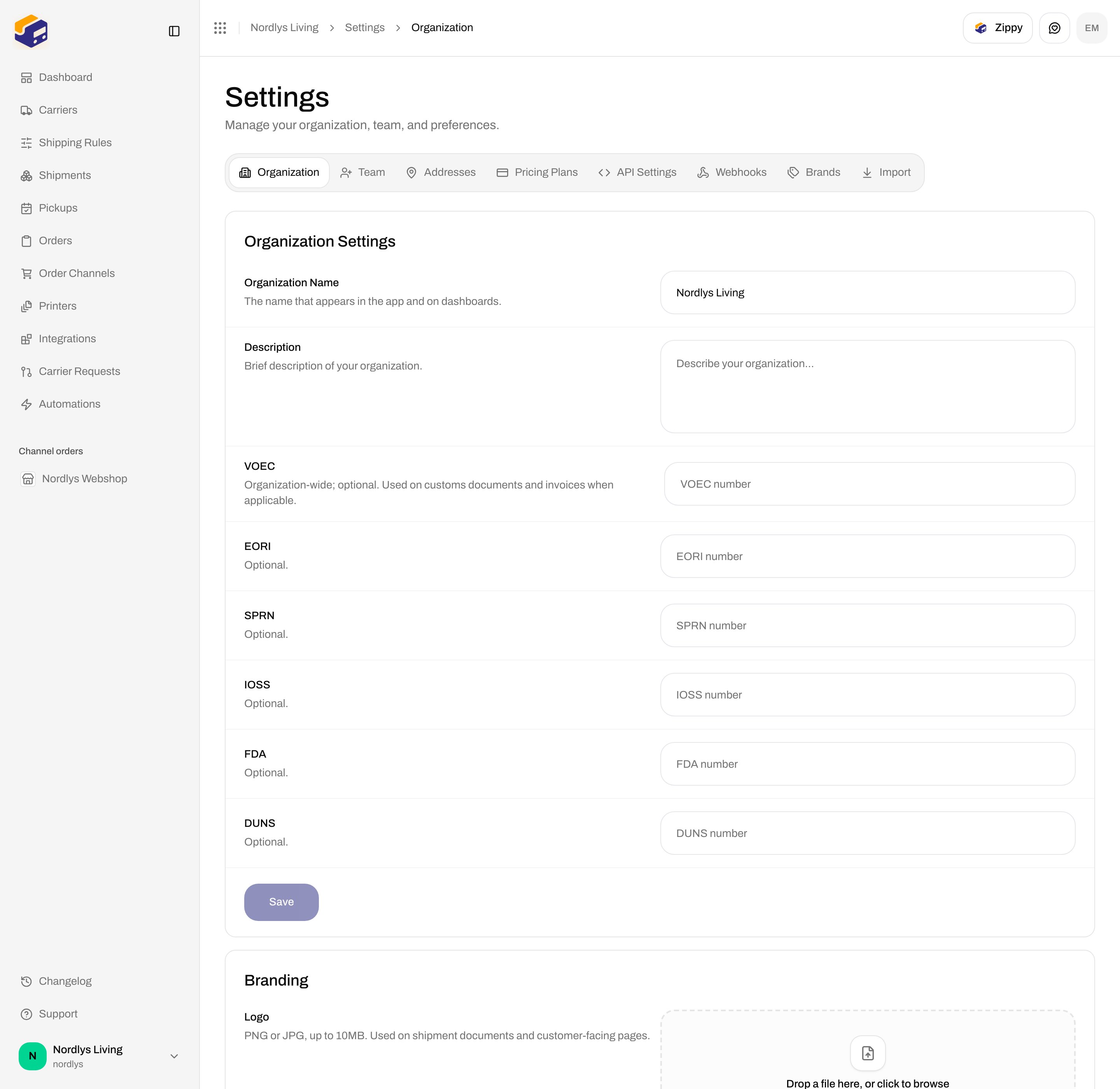
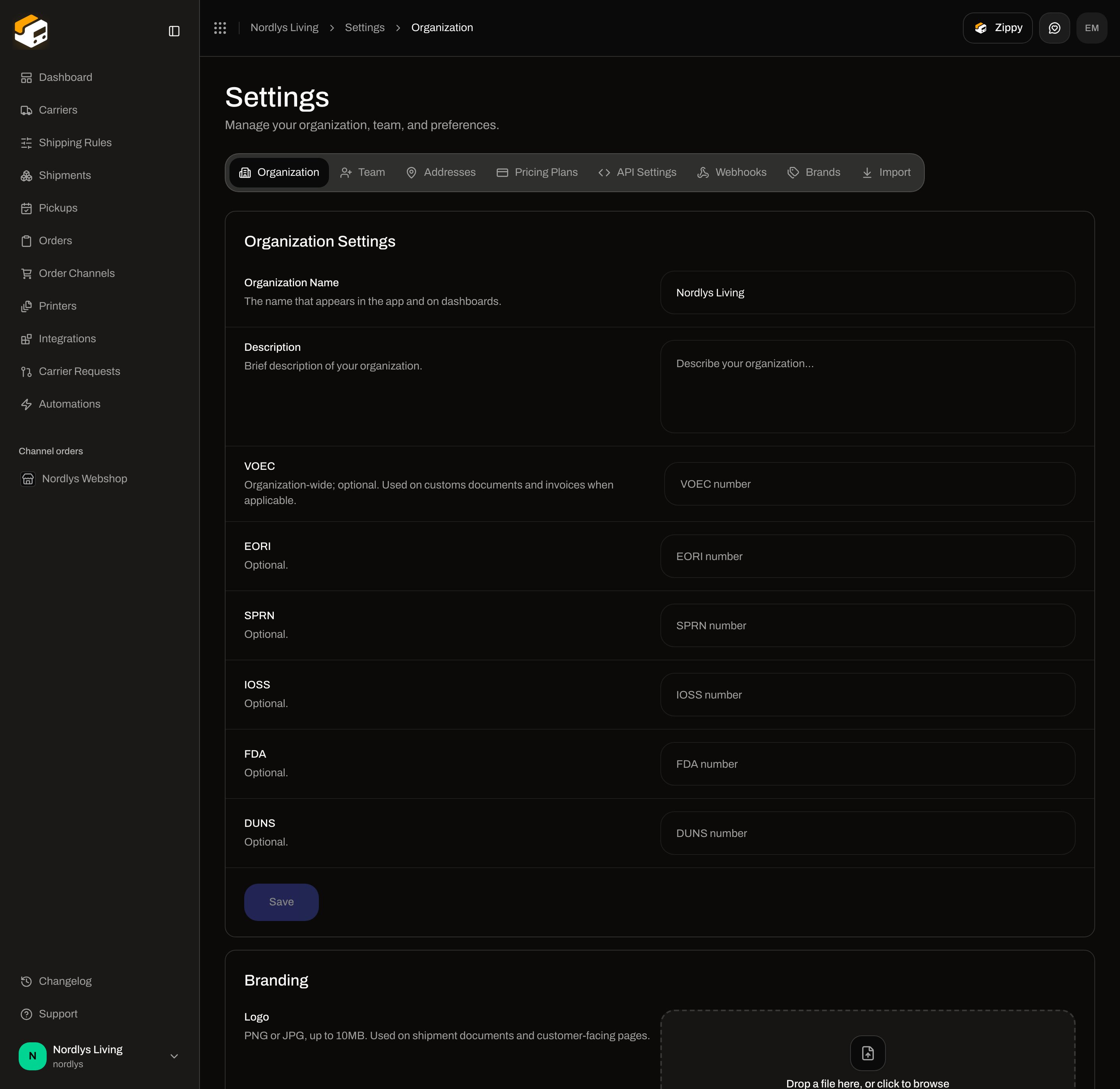 Change **Organization Name** and optionally **Description**.
Enter **VOEC**, **EORI**, **SPRN**, **IOSS**, **FDA**, and **DUNS** only when you use them. Leave the rest empty.
Click **Save**.
Brands can inherit these fiscal values with **Use the organization's customs information** on the brand detail page. See [Create a brand](/docs/how-to/create-a-brand).
## Further down this tab
Do not edit those blocks here:
| Block | How-to |
| ------------------------------------------------------------------ | ----------------------------------------------- |
| **Branding** (logo, **Primary color**, **Secondary color**) | [Organization branding](/docs/how-to/branding) |
| **Data export** | [Export organization data](/docs/how-to/data-export) |
| **Danger Zone** / **Delete Organization** (button always disabled) | [Danger zone](/docs/how-to/danger-zone) |
Importing a setup from another platform is a different tab: [Import from another platform](/docs/how-to/import-from-another-platform).
## Related
* [Organization branding](/docs/how-to/branding)
* [Export organization data](/docs/how-to/data-export)
* [Danger zone](/docs/how-to/danger-zone)
* [Create a brand](/docs/how-to/create-a-brand)
* [Sender, pickup, and return addresses](/docs/how-to/sender-addresses)
* [Switch organization and brand](/docs/how-to/switch-organization-and-brand)
* [Organization](/docs/settings/organization) — documentation for this tab.
Change **Organization Name** and optionally **Description**.
Enter **VOEC**, **EORI**, **SPRN**, **IOSS**, **FDA**, and **DUNS** only when you use them. Leave the rest empty.
Click **Save**.
Brands can inherit these fiscal values with **Use the organization's customs information** on the brand detail page. See [Create a brand](/docs/how-to/create-a-brand).
## Further down this tab
Do not edit those blocks here:
| Block | How-to |
| ------------------------------------------------------------------ | ----------------------------------------------- |
| **Branding** (logo, **Primary color**, **Secondary color**) | [Organization branding](/docs/how-to/branding) |
| **Data export** | [Export organization data](/docs/how-to/data-export) |
| **Danger Zone** / **Delete Organization** (button always disabled) | [Danger zone](/docs/how-to/danger-zone) |
Importing a setup from another platform is a different tab: [Import from another platform](/docs/how-to/import-from-another-platform).
## Related
* [Organization branding](/docs/how-to/branding)
* [Export organization data](/docs/how-to/data-export)
* [Danger zone](/docs/how-to/danger-zone)
* [Create a brand](/docs/how-to/create-a-brand)
* [Sender, pickup, and return addresses](/docs/how-to/sender-addresses)
* [Switch organization and brand](/docs/how-to/switch-organization-and-brand)
* [Organization](/docs/settings/organization) — documentation for this tab.