> ## Documentation Index
> Fetch the complete documentation index at: https://www.zippendo.com/docs/llms.txt
> Use this file to discover all available pages before exploring further.
# Danger zone
> Delete an organization or account (both buttons stay disabled), remove a team member, delete a carrier, or disconnect a store.
**Danger Zone** appears on several screens. None of these actions are undoable. Export data first from [Export organization data](/docs/how-to/data-export). Walkthrough of Settings: [Settings, team, and brands](/docs/tutorials/settings-team-brands).
## Delete Organization
On **Settings → Organization**, below **Data export**.
Title **Danger Zone**. Heading **Delete Organization**. Description: **This will permanently delete the organization and all associated data. This action cannot be undone. Export your data first — you can still do so for a short period after deletion is scheduled.**
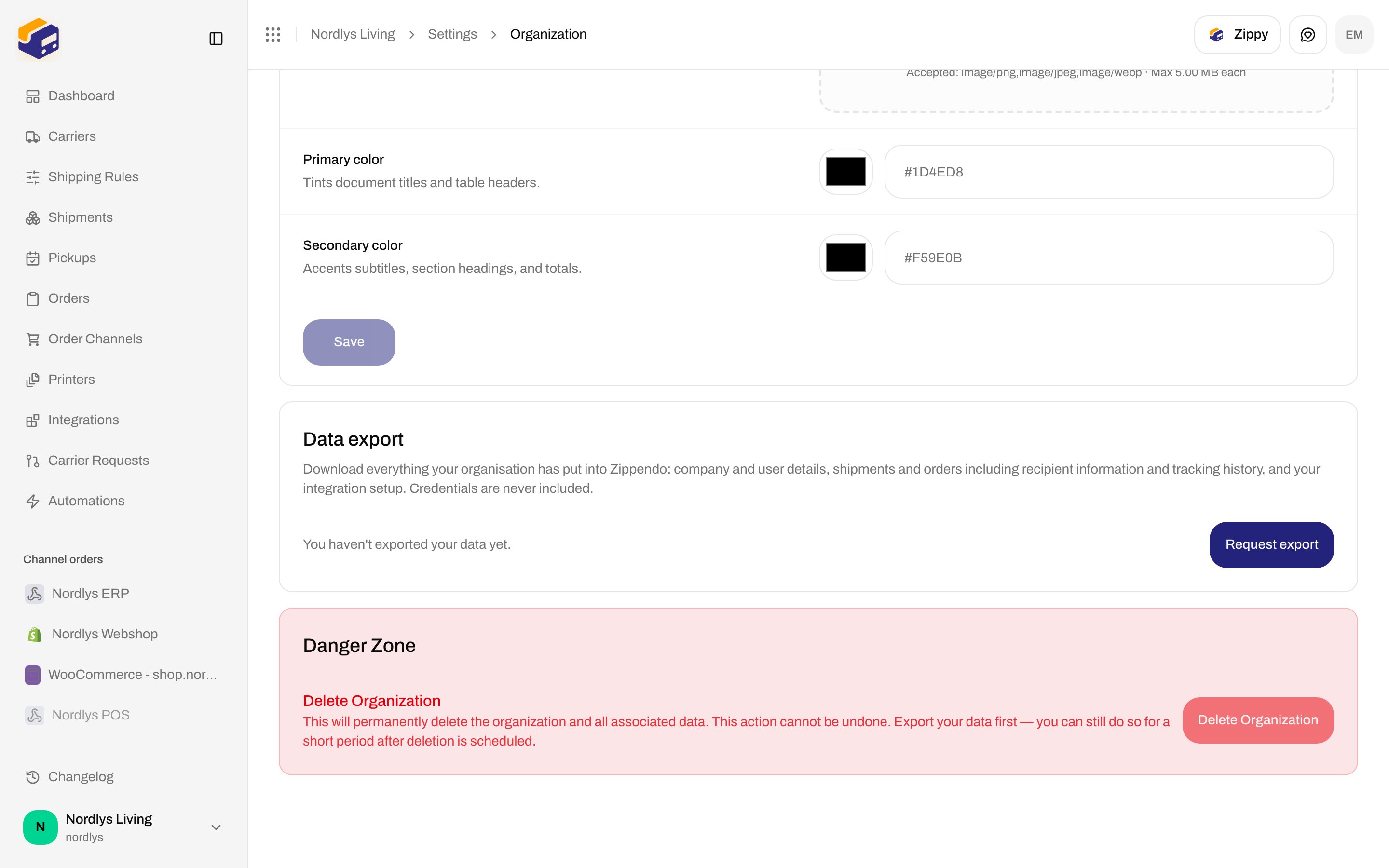
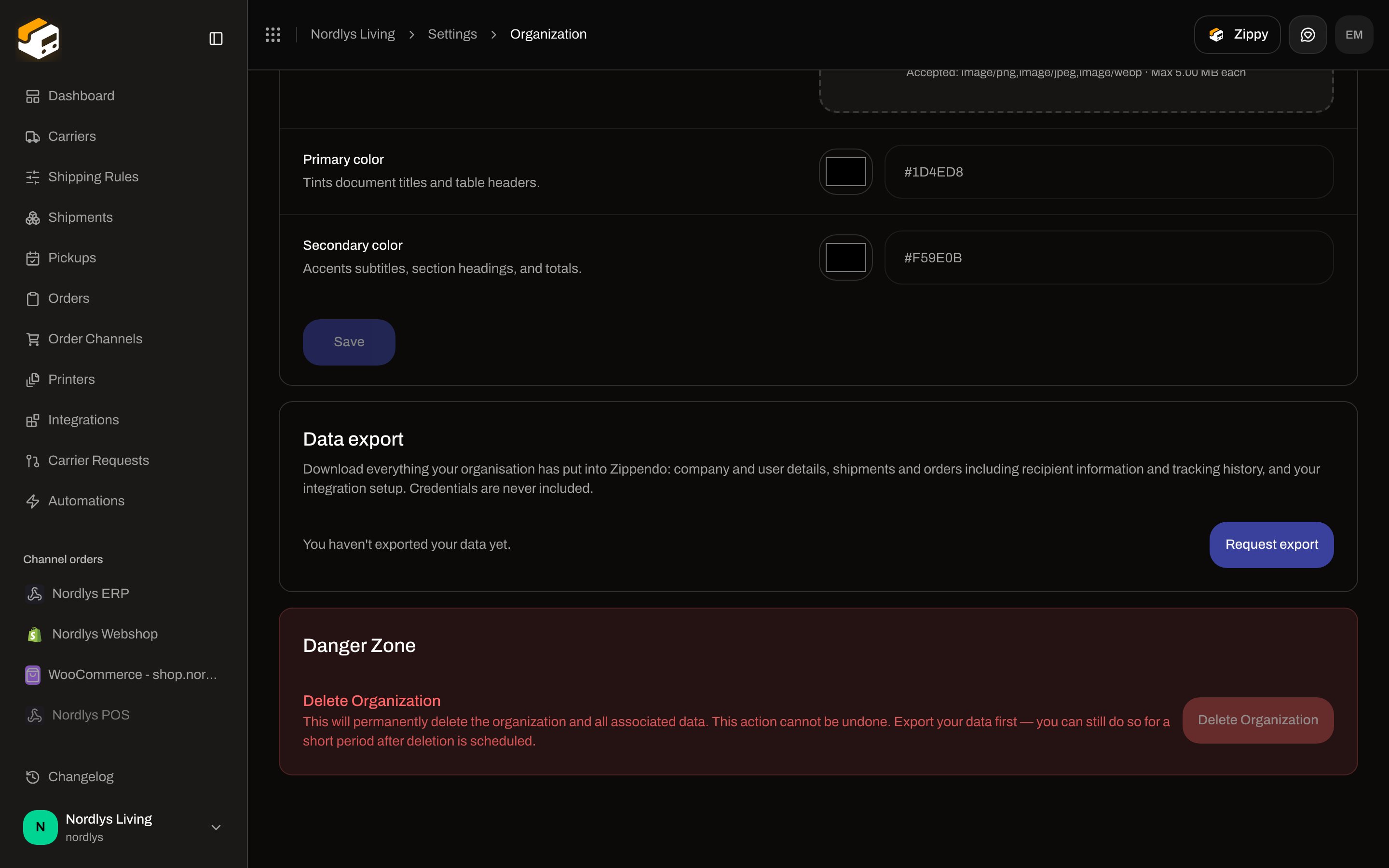 The **Delete Organization** button is always **disabled**. There is no confirm dialog. Contact support if you need the organization removed; request an export first.
## Delete Account
On **Profile** (`/{slug}/dashboard/profile`), below two-factor authentication.
Title **Danger Zone**. Heading **Delete Account**. Description: **This will permanently delete your account and all associated data. This action cannot be undone.**
The **Delete Organization** button is always **disabled**. There is no confirm dialog. Contact support if you need the organization removed; request an export first.
## Delete Account
On **Profile** (`/{slug}/dashboard/profile`), below two-factor authentication.
Title **Danger Zone**. Heading **Delete Account**. Description: **This will permanently delete your account and all associated data. This action cannot be undone.**
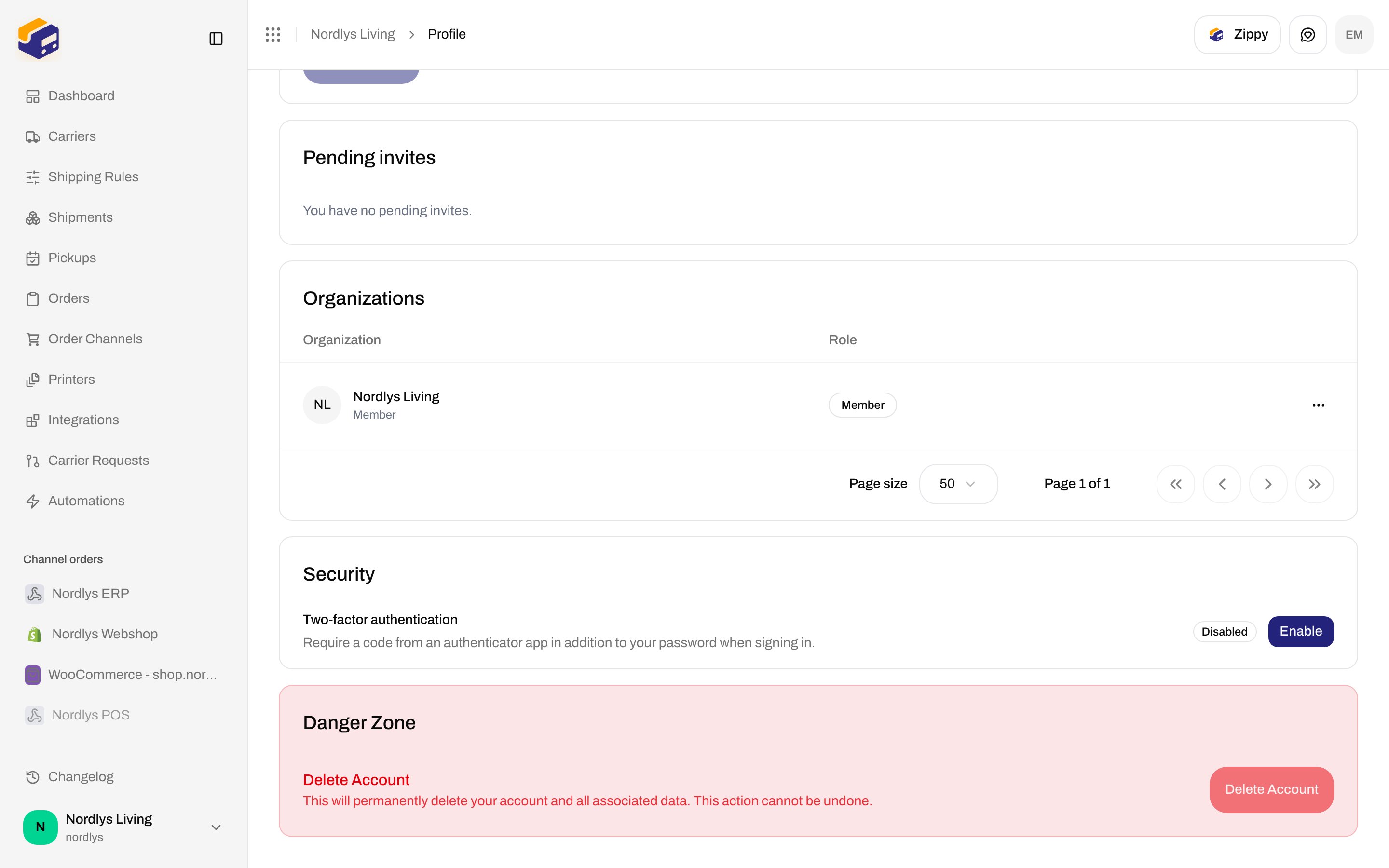
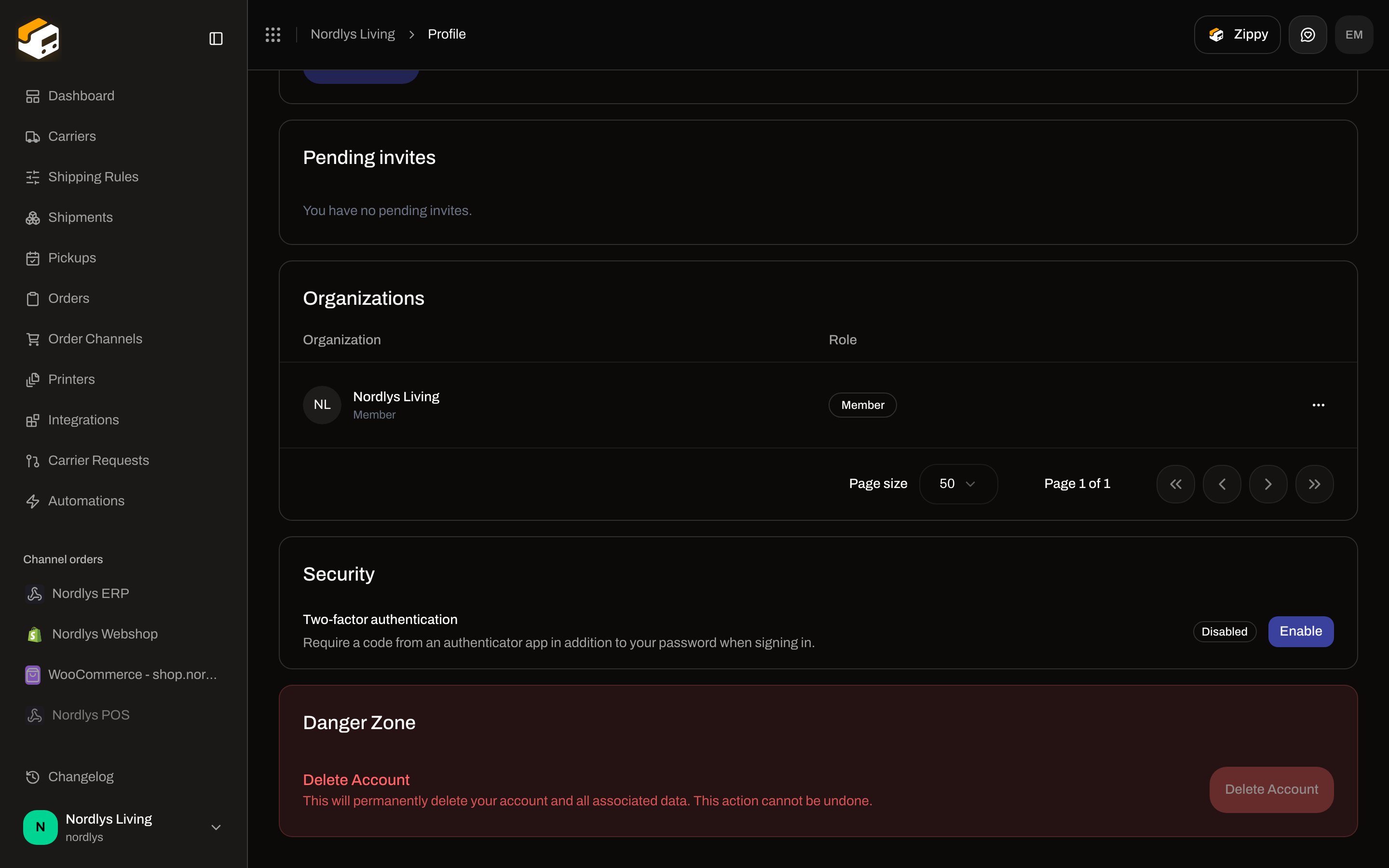 The **Delete Account** button is always **disabled**. Email, language, and 2FA are on [Profile, language, and 2FA](/docs/how-to/profile-and-security). Leaving an organization (not deleting the account) is also on that page (**Leave**).
## Remove a team member
On **Settings → Team**, open the actions menu on an accepted member (not **You**) and click **Remove Member**.
| Control | What it is |
| ----------- | ------------------------------------------------------------------------------------------------- |
| Title | **Remove Team Member** |
| Description | **Are you sure you want to remove \{name} from this organization? This action cannot be undone.** |
| Confirm | Type **DELETE**. Tooltip: **Type "DELETE" to confirm.** |
| **Remove** | Submits. |
| **Cancel** | Closes. |
Toasts: **Member removed successfully** / **Failed to remove member**. You cannot remove your own row. Pending invites use **Revoke Invitation** instead — [Invite team members](/docs/how-to/invite-team-members).
## Delete a carrier
On a connected carrier, click **Edit Carrier**, then **Delete** in the header. Modal id: `global-delete-modal`.
The **Delete Account** button is always **disabled**. Email, language, and 2FA are on [Profile, language, and 2FA](/docs/how-to/profile-and-security). Leaving an organization (not deleting the account) is also on that page (**Leave**).
## Remove a team member
On **Settings → Team**, open the actions menu on an accepted member (not **You**) and click **Remove Member**.
| Control | What it is |
| ----------- | ------------------------------------------------------------------------------------------------- |
| Title | **Remove Team Member** |
| Description | **Are you sure you want to remove \{name} from this organization? This action cannot be undone.** |
| Confirm | Type **DELETE**. Tooltip: **Type "DELETE" to confirm.** |
| **Remove** | Submits. |
| **Cancel** | Closes. |
Toasts: **Member removed successfully** / **Failed to remove member**. You cannot remove your own row. Pending invites use **Revoke Invitation** instead — [Invite team members](/docs/how-to/invite-team-members).
## Delete a carrier
On a connected carrier, click **Edit Carrier**, then **Delete** in the header. Modal id: `global-delete-modal`.
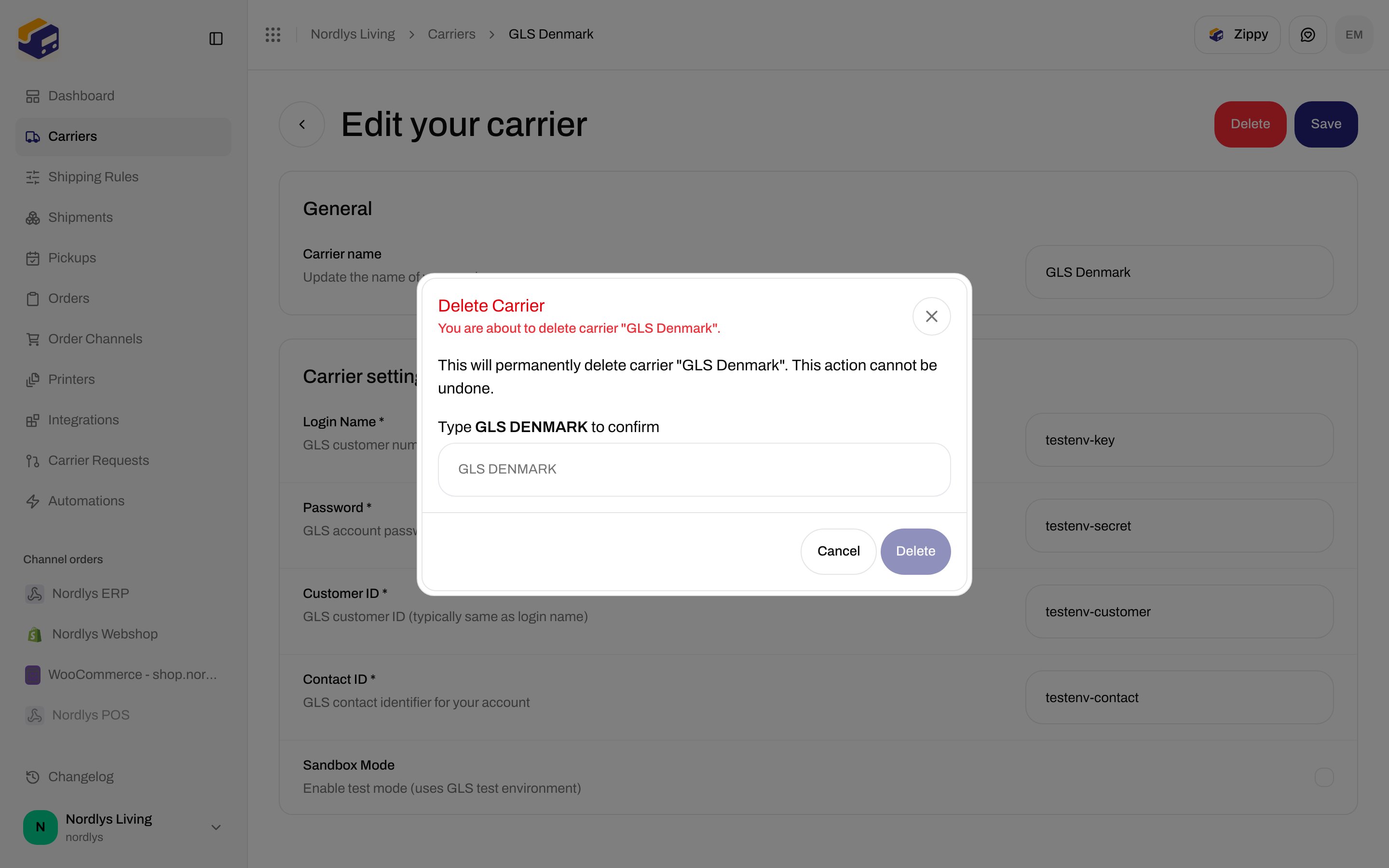
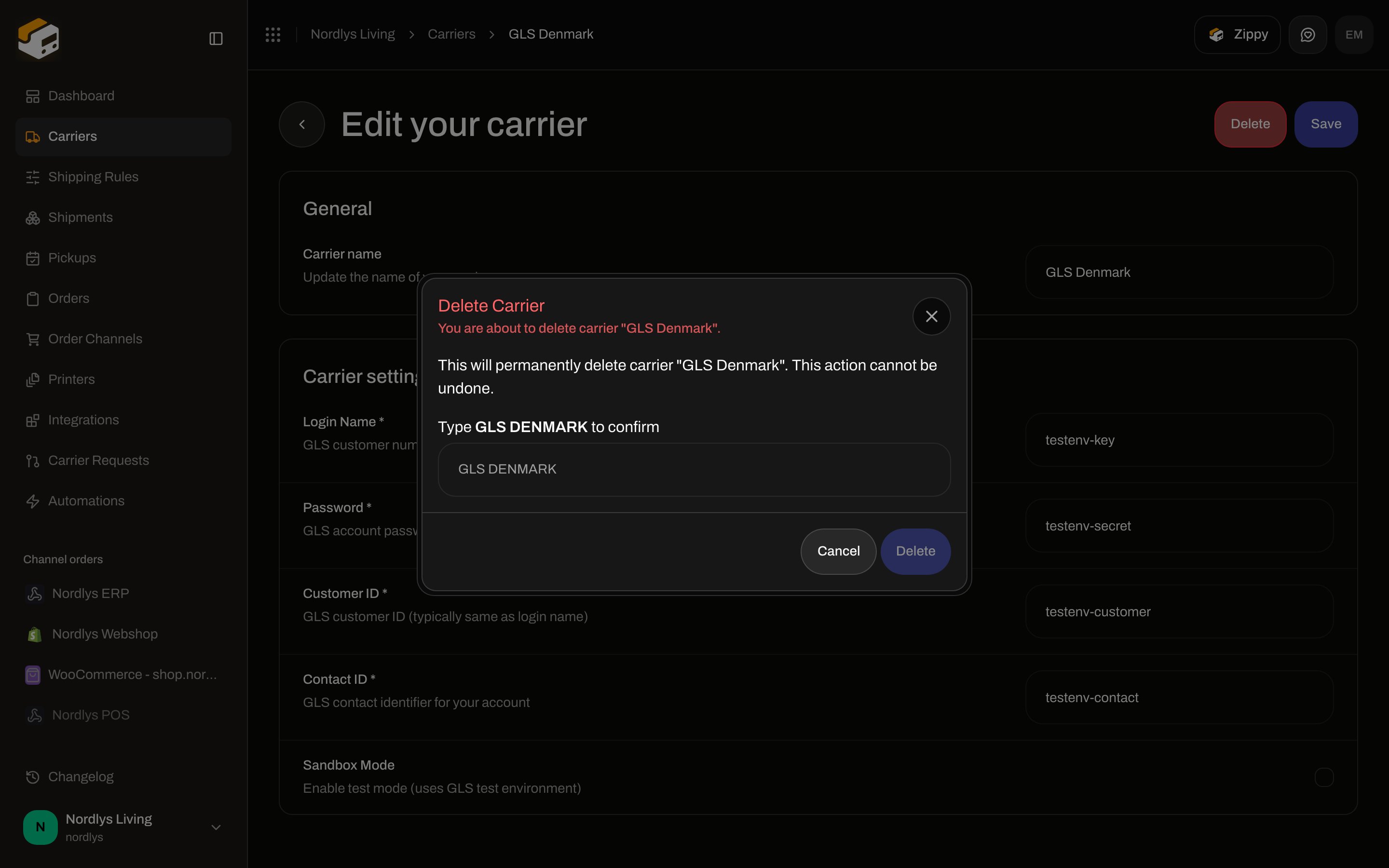 | Control | What it is |
| ----------- | --------------------------------------------------------------------------------- |
| Title | **Delete Carrier** |
| Subtitle | **You are about to delete carrier "\{name}".** |
| Description | **This will permanently delete carrier "\{name}". This action cannot be undone.** |
| Confirm | Type `CARRIER "NAME"` in uppercase (the entity label). |
| **Delete** | Submits. Disabled until the confirm text matches. |
| **Cancel** | Closes. |
Toasts: **Carrier deleted successfully** / **Failed to delete carrier**. Credentials and products: [Carrier credentials](/docs/how-to/carrier-credentials).
## Disconnect a Shopify store
On the Shopify channel, **Connection & integration** tab. Title **Danger Zone**. Card **Disconnect Store**. Description: **Remove this Shopify store connection. Orders will stop syncing and webhooks will be removed.**
| Control | What it is |
| ----------- | --------------------------------------------------------------------------------- |
| Title | **Delete Carrier** |
| Subtitle | **You are about to delete carrier "\{name}".** |
| Description | **This will permanently delete carrier "\{name}". This action cannot be undone.** |
| Confirm | Type `CARRIER "NAME"` in uppercase (the entity label). |
| **Delete** | Submits. Disabled until the confirm text matches. |
| **Cancel** | Closes. |
Toasts: **Carrier deleted successfully** / **Failed to delete carrier**. Credentials and products: [Carrier credentials](/docs/how-to/carrier-credentials).
## Disconnect a Shopify store
On the Shopify channel, **Connection & integration** tab. Title **Danger Zone**. Card **Disconnect Store**. Description: **Remove this Shopify store connection. Orders will stop syncing and webhooks will be removed.**
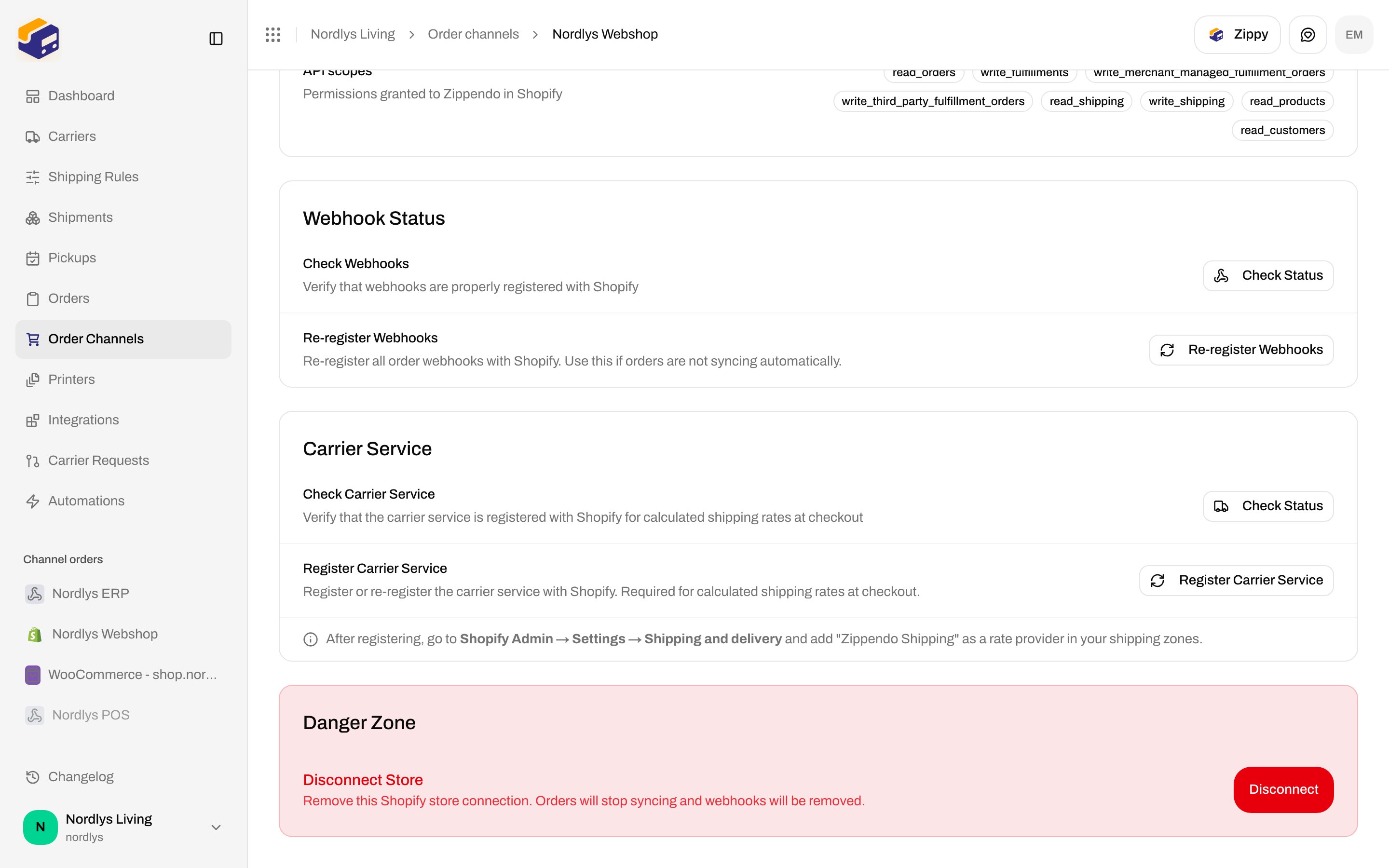
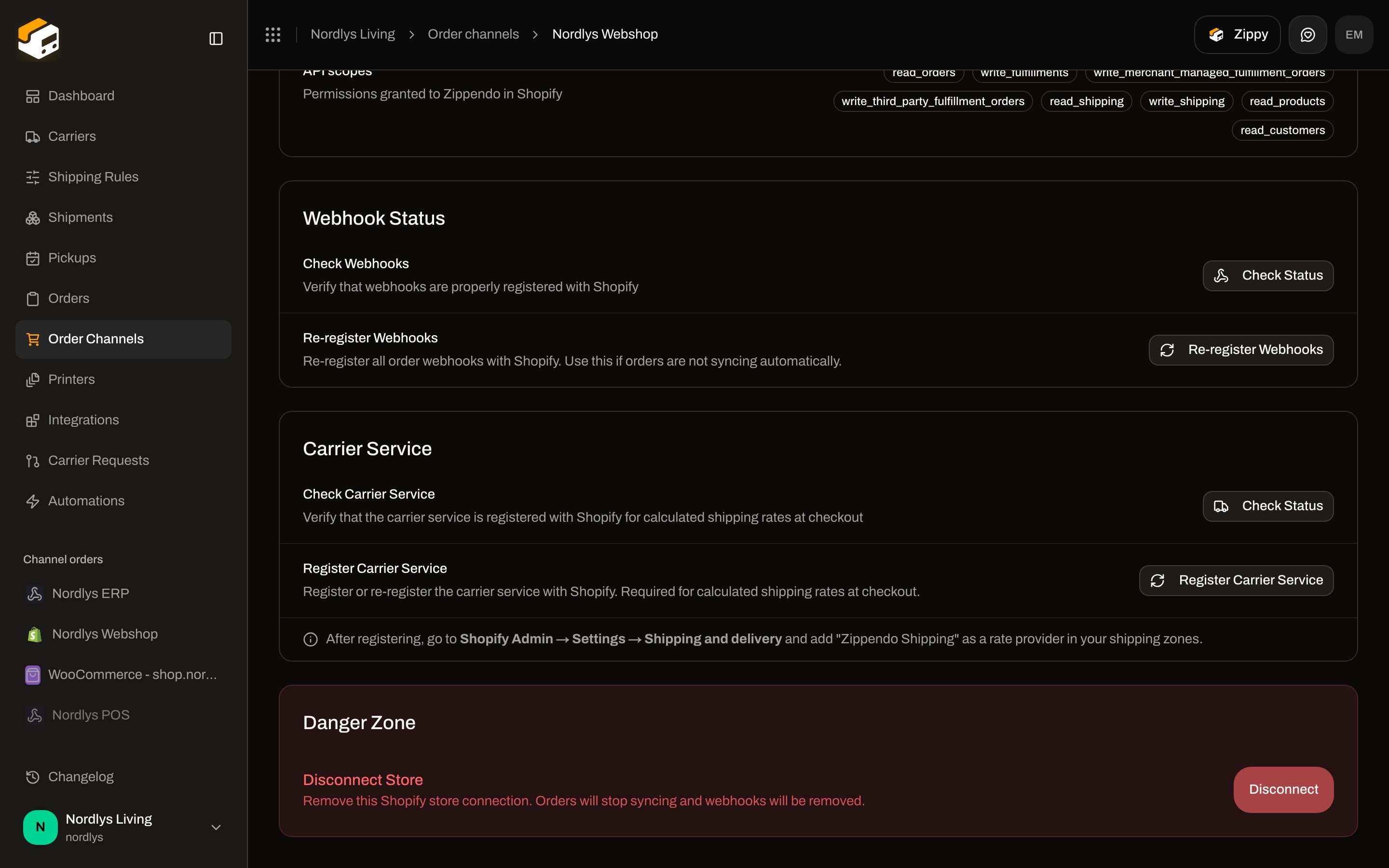 **Disconnect** / **Disconnecting…** opens the browser confirm: **Are you sure you want to disconnect this Shopify store? This will stop syncing orders and remove the integration.** Toasts: **Shopify store disconnected** / **Failed to disconnect**. Full Shopify fields: [Shopify settings](/docs/how-to/shopify-settings).
## Disconnect WooCommerce or delete a custom channel
These live on the channel detail page, not Settings → Organization.
| Channel | Title | Card | Description | Confirm | Button |
| ----------- | --------------- | -------------------- | --------------------------------------------------------------------------------------- | ---------------------------------------------------------------------------------------------------------- | ----------------------------------- |
| WooCommerce | **Danger zone** | **Disconnect store** | **Remove this WooCommerce channel and stop importing its orders.** | **Disconnect this WooCommerce store? Its webhooks will be removed and orders will no longer be imported.** | **Disconnect** / **Disconnecting…** |
| Custom | **Danger zone** | **Delete channel** | **Remove this custom channel. Your integration will no longer be able to push orders.** | **Delete this custom channel? Its ingest URL stops accepting orders immediately.** | **Delete** / **Deleting…** |
WooCommerce: [Connect WooCommerce](/docs/how-to/connect-woocommerce). Custom: [Custom channel API](/docs/how-to/custom-channel-api) (that page already screenshots **Delete channel**).
## Related
* [Export organization data](/docs/how-to/data-export) — take an archive before you ask support to delete the org.
* [Organization settings](/docs/how-to/organization-settings) — profile and customs on the same tab.
* [Profile, language, and 2FA](/docs/how-to/profile-and-security) — **Delete Account** lives under Profile.
* [Invite team members](/docs/how-to/invite-team-members) — revoke vs remove.
* [Carrier credentials](/docs/how-to/carrier-credentials)
* [Shopify settings](/docs/how-to/shopify-settings)
* [Connect WooCommerce](/docs/how-to/connect-woocommerce)
* [Custom channel API](/docs/how-to/custom-channel-api)
**Disconnect** / **Disconnecting…** opens the browser confirm: **Are you sure you want to disconnect this Shopify store? This will stop syncing orders and remove the integration.** Toasts: **Shopify store disconnected** / **Failed to disconnect**. Full Shopify fields: [Shopify settings](/docs/how-to/shopify-settings).
## Disconnect WooCommerce or delete a custom channel
These live on the channel detail page, not Settings → Organization.
| Channel | Title | Card | Description | Confirm | Button |
| ----------- | --------------- | -------------------- | --------------------------------------------------------------------------------------- | ---------------------------------------------------------------------------------------------------------- | ----------------------------------- |
| WooCommerce | **Danger zone** | **Disconnect store** | **Remove this WooCommerce channel and stop importing its orders.** | **Disconnect this WooCommerce store? Its webhooks will be removed and orders will no longer be imported.** | **Disconnect** / **Disconnecting…** |
| Custom | **Danger zone** | **Delete channel** | **Remove this custom channel. Your integration will no longer be able to push orders.** | **Delete this custom channel? Its ingest URL stops accepting orders immediately.** | **Delete** / **Deleting…** |
WooCommerce: [Connect WooCommerce](/docs/how-to/connect-woocommerce). Custom: [Custom channel API](/docs/how-to/custom-channel-api) (that page already screenshots **Delete channel**).
## Related
* [Export organization data](/docs/how-to/data-export) — take an archive before you ask support to delete the org.
* [Organization settings](/docs/how-to/organization-settings) — profile and customs on the same tab.
* [Profile, language, and 2FA](/docs/how-to/profile-and-security) — **Delete Account** lives under Profile.
* [Invite team members](/docs/how-to/invite-team-members) — revoke vs remove.
* [Carrier credentials](/docs/how-to/carrier-credentials)
* [Shopify settings](/docs/how-to/shopify-settings)
* [Connect WooCommerce](/docs/how-to/connect-woocommerce)
* [Custom channel API](/docs/how-to/custom-channel-api)