> ## Documentation Index
> Fetch the complete documentation index at: https://www.zippendo.com/docs/llms.txt
> Use this file to discover all available pages before exploring further.
# Customs and documents
> Parcel customs lines, Term of Trade, Documents tab types (Label, CN22, invoices), and download or print.
Customs data is entered on **order lines** (country of origin, tariff, value). Trade documents appear on the shipment **Documents** tab **after** a successful [send](/docs/how-to/send-a-shipment) — either returned by the carrier with the label, or generated from a shipping-rule toggle.
Journey: [Create a shipment](/docs/tutorials/create-a-shipment) and [Labels and printing](/docs/tutorials/labels-printing).
Zippendo has **no separate CN22 form**. **CN22 Customs Declaration** / **CN23 Customs Declaration** are document **types** on **Documents** when the carrier (or a job) produced that file. You prepare them by filling line-level customs fields and **Term of Trade**.
## Term of Trade
On **Create Shipment** → **Basic Information**, **Term of Trade** defaults to **DAP**. Change it when the destination needs a different Incoterm. On shipment **Overview** it is read-only under **Shipment Information**.
## Parcel customs fields (create)
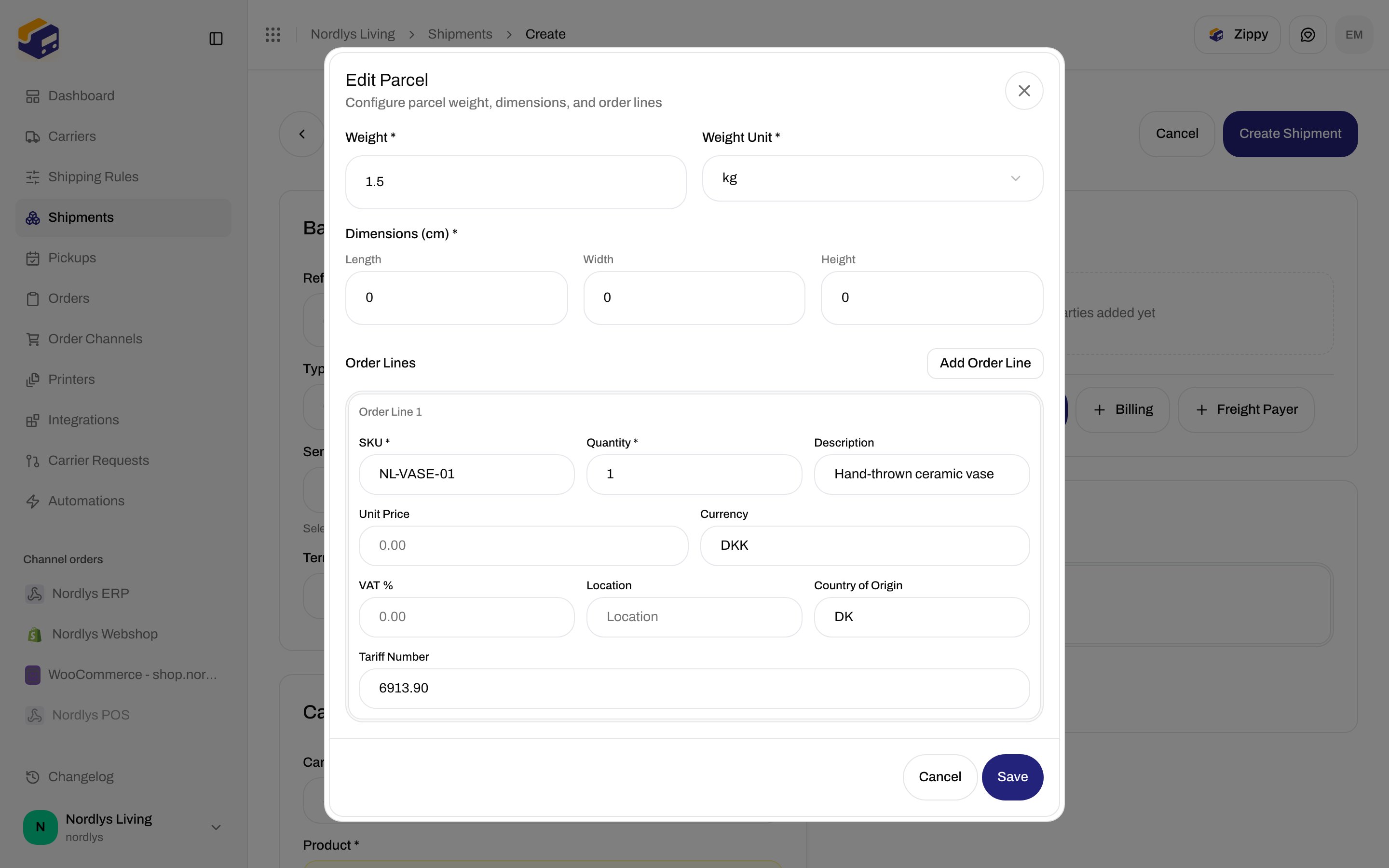
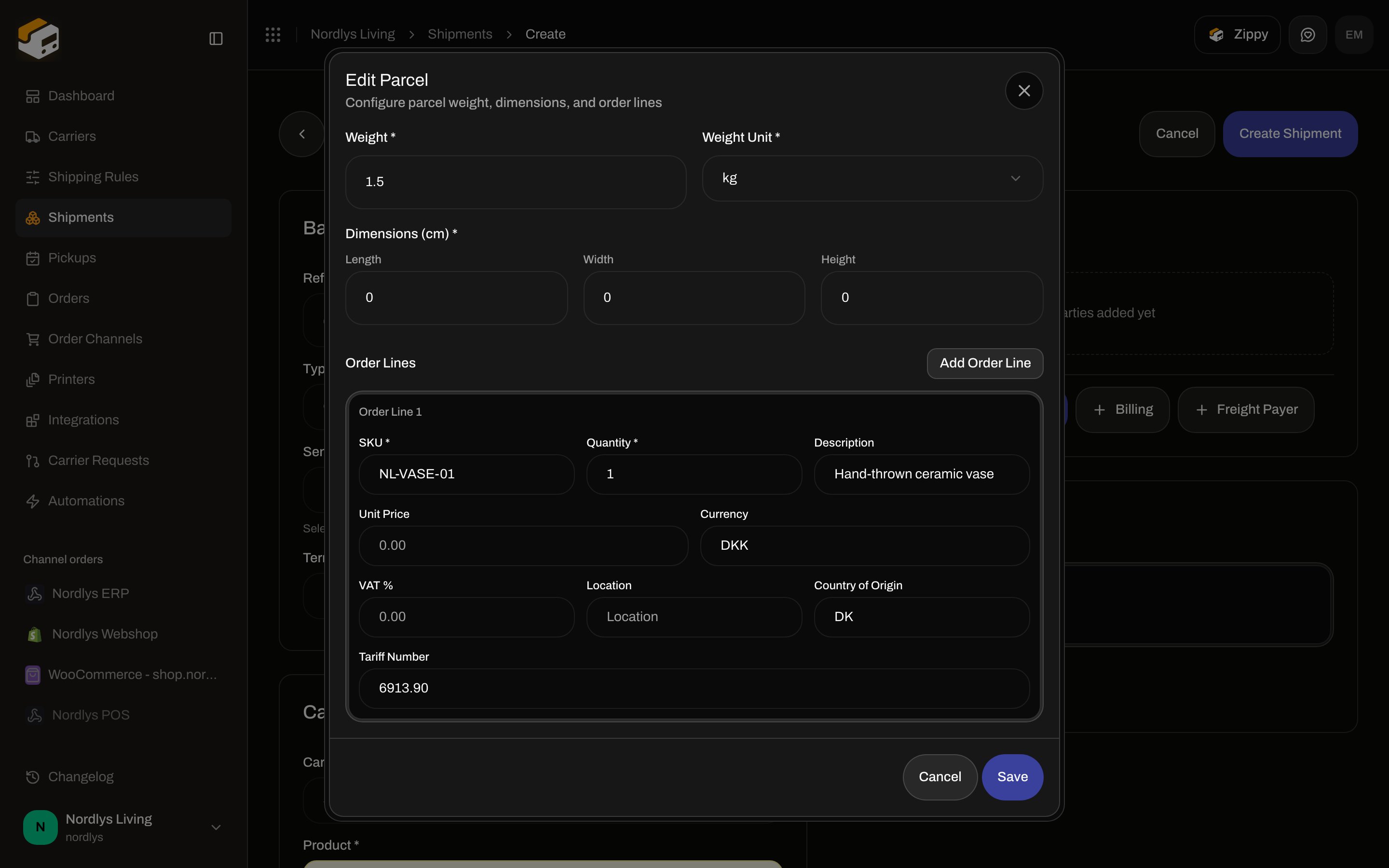
**Add Parcel** / **Edit Parcel**. Subtitle: **Configure parcel weight, dimensions, and order lines**.
**Package**
| Field | Required | Notes |
| ---------------------- | -------- | ------------------------------------------------------- |
| **Weight \*** | Yes | Number ≥ 0. Validation: **Weight must be 0 or greater** |
| **Weight Unit \*** | Yes | `kg`, `g`, `lb`, `oz` |
| **Dimensions (cm) \*** | Yes | **Length**, **Width**, **Height** — each ≥ 0 |
**Order Lines** — at least one (**At least one order line is required**). **Add Order Line**. Empty: **No order lines yet. Add an order line to get started.**
Each **Order Line {{number}}**:
| Field | Required | Placeholder / rules |
| --------------------- | --------------------------------------------------- | --------------------------------------------- |
| **SKU \*** | Label says required; blank SKUs are stored as empty | **SKU** |
| **Quantity \*** | Yes | Integer ≥ 1 — **Quantity must be at least 1** |
| **Description** | For customs completeness | **Product description** |
| **Unit Price** | Needed for declared value | `0.00` |
| **Currency** | 3 letters | `USD` (use `DKK`, `EUR`, …) |
| **VAT %** | Optional | 0–100 |
| **Location** | Optional | Warehouse bin |
| **Country of Origin** | 2-letter ISO | `US` / `DK` |
| **Tariff Number** | HS code | **Tariff number** |
Save: **Save**. Cancel: **Cancel**.
Carriers that cross a customs border expect **description**, **quantity**, and **unit price > 0** on every line. Missing those at send: **The customs declaration is incomplete. Each item needs a description, a quantity, and a declared value greater than zero.** (`CARRIER_CUSTOMS_INCOMPLETE`). Wrong product: **This carrier product cannot carry a customs declaration. Choose a customs-capable product for shipments that cross a customs border.** (`CARRIER_CUSTOMS_UNSUPPORTED_PRODUCT`).
 ## Edit package (existing shipment)
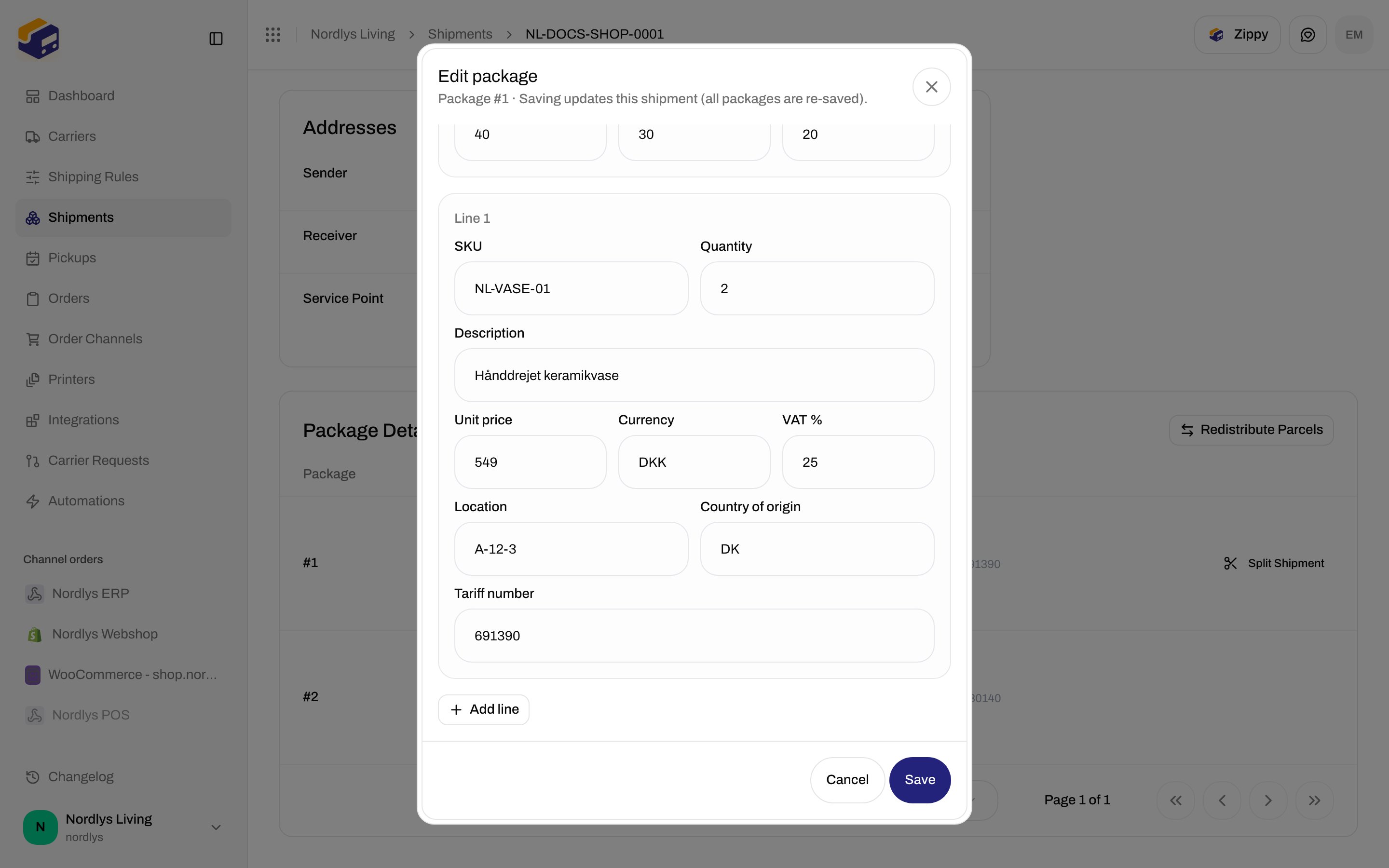
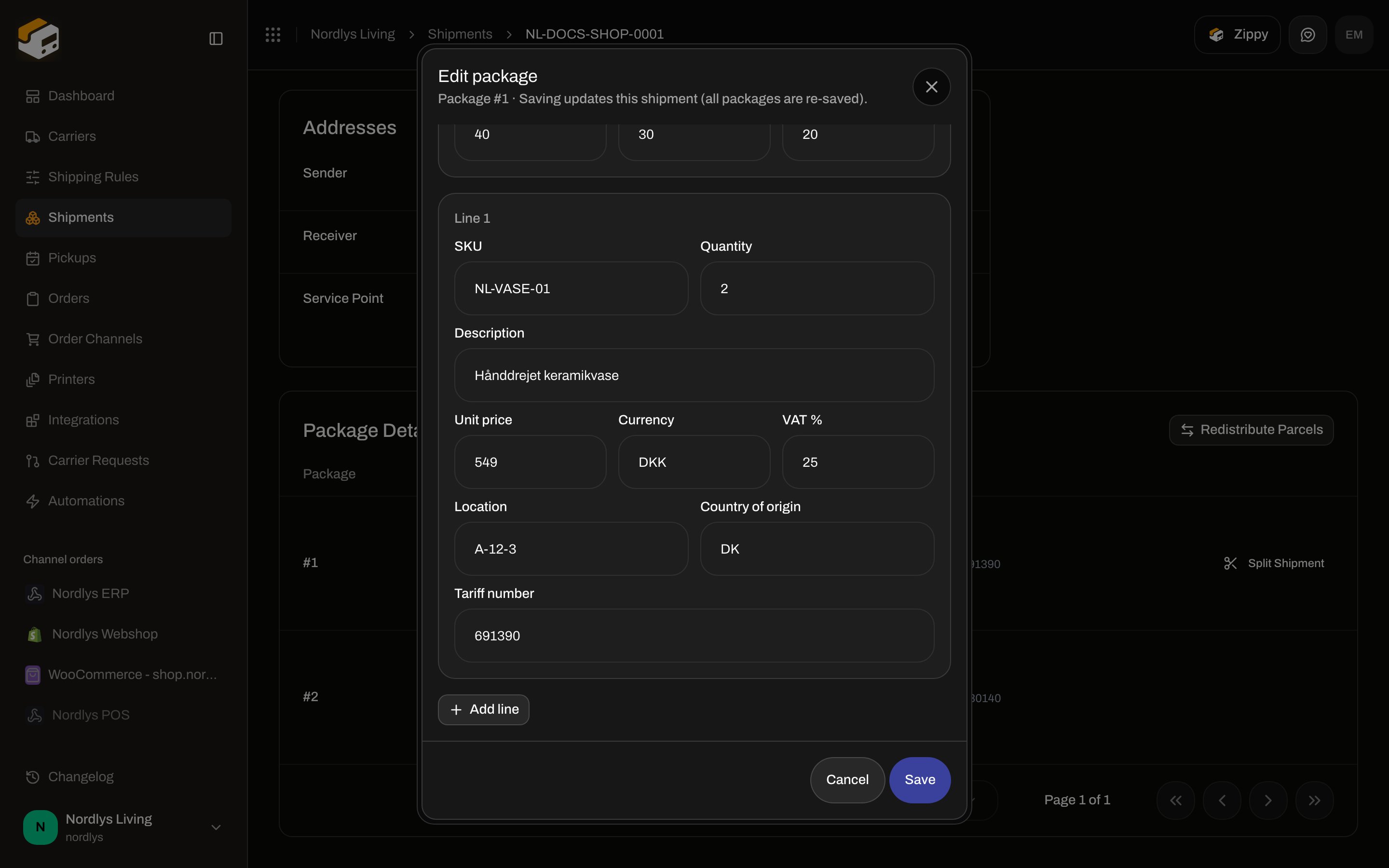
On **Package Details**, **Edit package** (or the row) while status is **Draft**, **Pending**, or **Error**. Title: **Edit package**. Subtitle: **Package #{{number}} · Saving updates this shipment (all packages are re-saved).**
Same fields, slightly different labels (no asterisks on SKU):
| Field | Notes |
| ---------------------------- | ---------------------------------------------------------------------------------------------------------------------------------------------------------------------------------------------------------------- |
| **Weight** / **Weight unit** | `kg`, `g`, `lb`, `oz` |
| **Dimensions (cm)** | **Length**, **Width**, **Height** |
| **Line {{number}}** | **SKU**, **Quantity**, **Description**, **Unit price**, **Currency** (`DKK`), **VAT %**, **Location** (placeholder **Warehouse bin**), **Country of origin** (`DK`), **Tariff number** (placeholder **HS code**) |
| **Add line** | Appends a line |
| Trash | Hidden if only one line remains (**At least one line is required**) |
Save: **Save** / **Saving…**. Toast: **Shipment updated successfully** / **Failed to update shipment**.
## Edit package (existing shipment)
On **Package Details**, **Edit package** (or the row) while status is **Draft**, **Pending**, or **Error**. Title: **Edit package**. Subtitle: **Package #{{number}} · Saving updates this shipment (all packages are re-saved).**
Same fields, slightly different labels (no asterisks on SKU):
| Field | Notes |
| ---------------------------- | ---------------------------------------------------------------------------------------------------------------------------------------------------------------------------------------------------------------- |
| **Weight** / **Weight unit** | `kg`, `g`, `lb`, `oz` |
| **Dimensions (cm)** | **Length**, **Width**, **Height** |
| **Line {{number}}** | **SKU**, **Quantity**, **Description**, **Unit price**, **Currency** (`DKK`), **VAT %**, **Location** (placeholder **Warehouse bin**), **Country of origin** (`DK`), **Tariff number** (placeholder **HS code**) |
| **Add line** | Appends a line |
| Trash | Hidden if only one line remains (**At least one line is required**) |
Save: **Save** / **Saving…**. Toast: **Shipment updated successfully** / **Failed to update shipment**.
 On **Package Details**, tariff shows as **Tariff: {{number}}** under the line.
## Documents tab
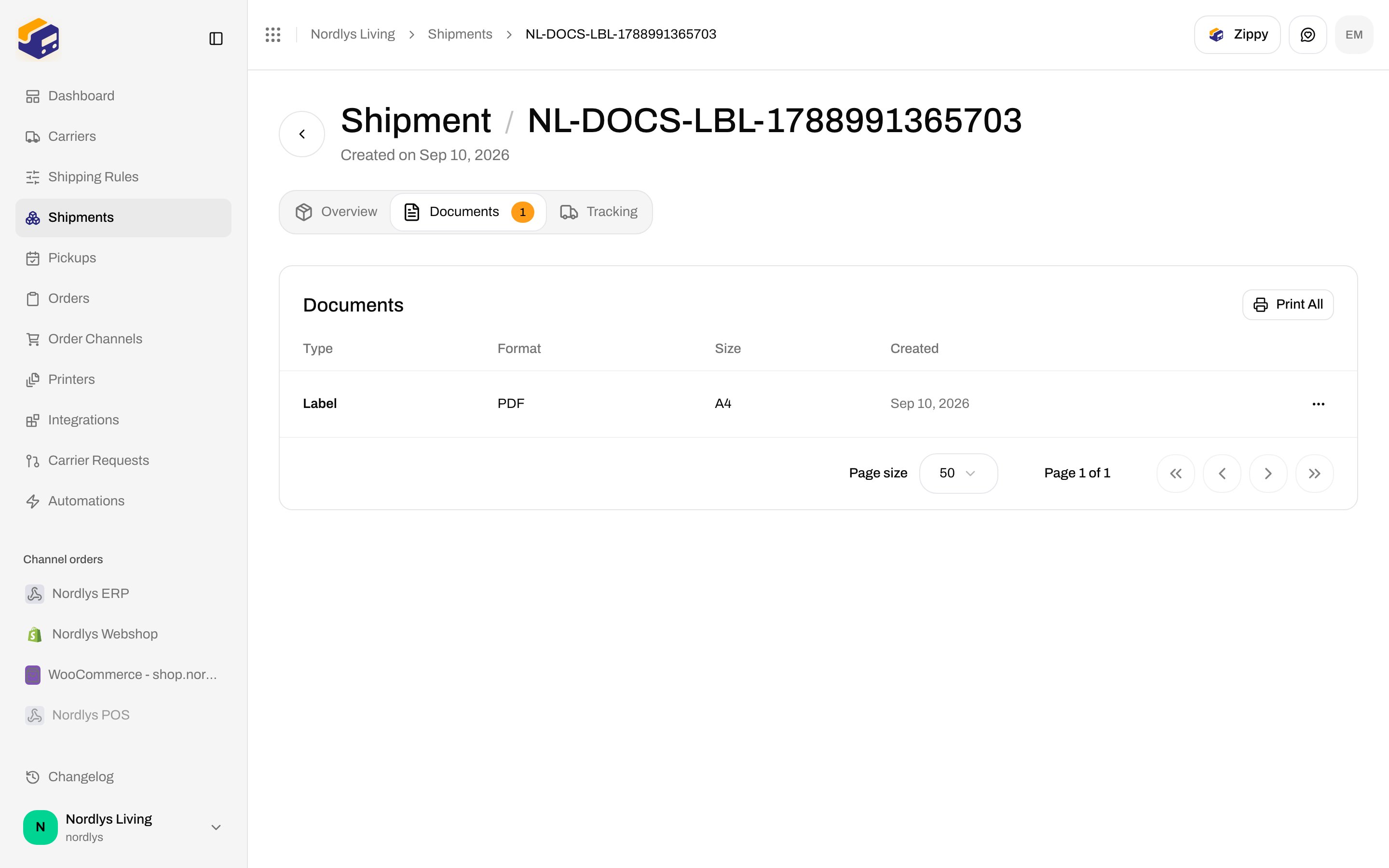
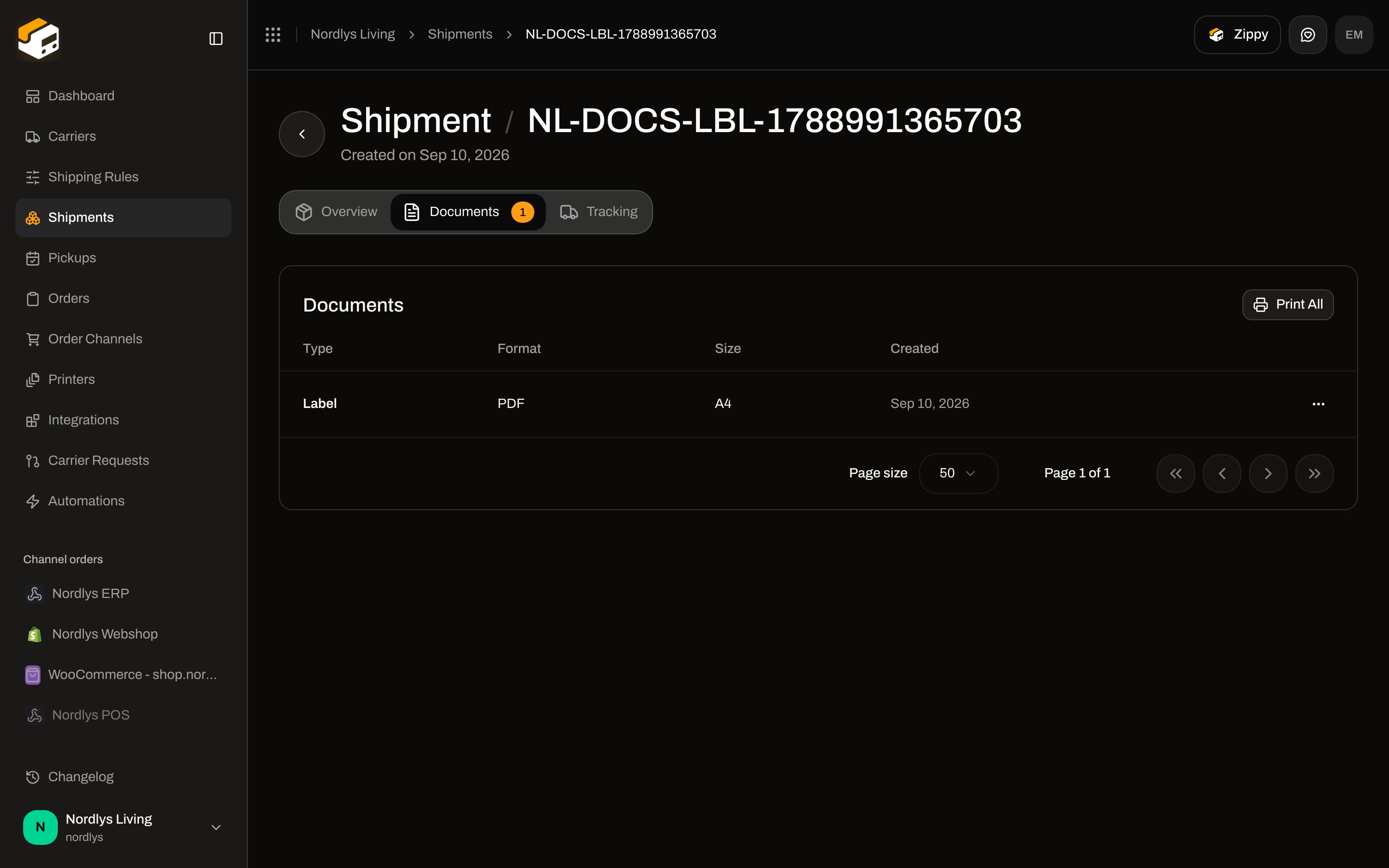
Shipment tabs: **Overview**, **Documents** (badge = count), **Tracking** (only if tracking exists). **Documents** is empty until send: **No documents** / **Generated labels and system documents will appear here when available.**
After send, **Print All** appears in the card header.
Columns:
| Column | Content |
| ----------- | --------------------------------------------- |
| **Type** | See types below |
| **Format** | `PDF`, `PNG`, `JPG`, `ZPL`, `SVG` (uppercase) |
| **Size** | Label size, for example **A4** |
| **Created** | Date |
Row click opens the viewer. Row menu:
| Action | What it does |
| ------------ | --------------------------------------------------------------------- |
| **View** | Opens the document modal |
| **Download** | Saves `{type}.{format}` (for example `label.pdf`) through the browser |
| **Print** | Creates a Zippendo printer job — **not** the browser print dialog |
**Type** values (i18n):
* **Label**
* **Customs Invoice**
* **Commercial Invoice**
* **Proforma Invoice**
* **Packing List**
* **Certificate of Origin**
* **CN22 Customs Declaration**
* **CN23 Customs Declaration**
* **Other**
If only **Label** is listed, nothing else was generated for that shipment. Testenv carrier fakes return a **Label** PDF; CN22/invoices depend on the live carrier or a shipping-rule job.
On **Package Details**, tariff shows as **Tariff: {{number}}** under the line.
## Documents tab
Shipment tabs: **Overview**, **Documents** (badge = count), **Tracking** (only if tracking exists). **Documents** is empty until send: **No documents** / **Generated labels and system documents will appear here when available.**
After send, **Print All** appears in the card header.
Columns:
| Column | Content |
| ----------- | --------------------------------------------- |
| **Type** | See types below |
| **Format** | `PDF`, `PNG`, `JPG`, `ZPL`, `SVG` (uppercase) |
| **Size** | Label size, for example **A4** |
| **Created** | Date |
Row click opens the viewer. Row menu:
| Action | What it does |
| ------------ | --------------------------------------------------------------------- |
| **View** | Opens the document modal |
| **Download** | Saves `{type}.{format}` (for example `label.pdf`) through the browser |
| **Print** | Creates a Zippendo printer job — **not** the browser print dialog |
**Type** values (i18n):
* **Label**
* **Customs Invoice**
* **Commercial Invoice**
* **Proforma Invoice**
* **Packing List**
* **Certificate of Origin**
* **CN22 Customs Declaration**
* **CN23 Customs Declaration**
* **Other**
If only **Label** is listed, nothing else was generated for that shipment. Testenv carrier fakes return a **Label** PDF; CN22/invoices depend on the live carrier or a shipping-rule job.
 ### Viewer
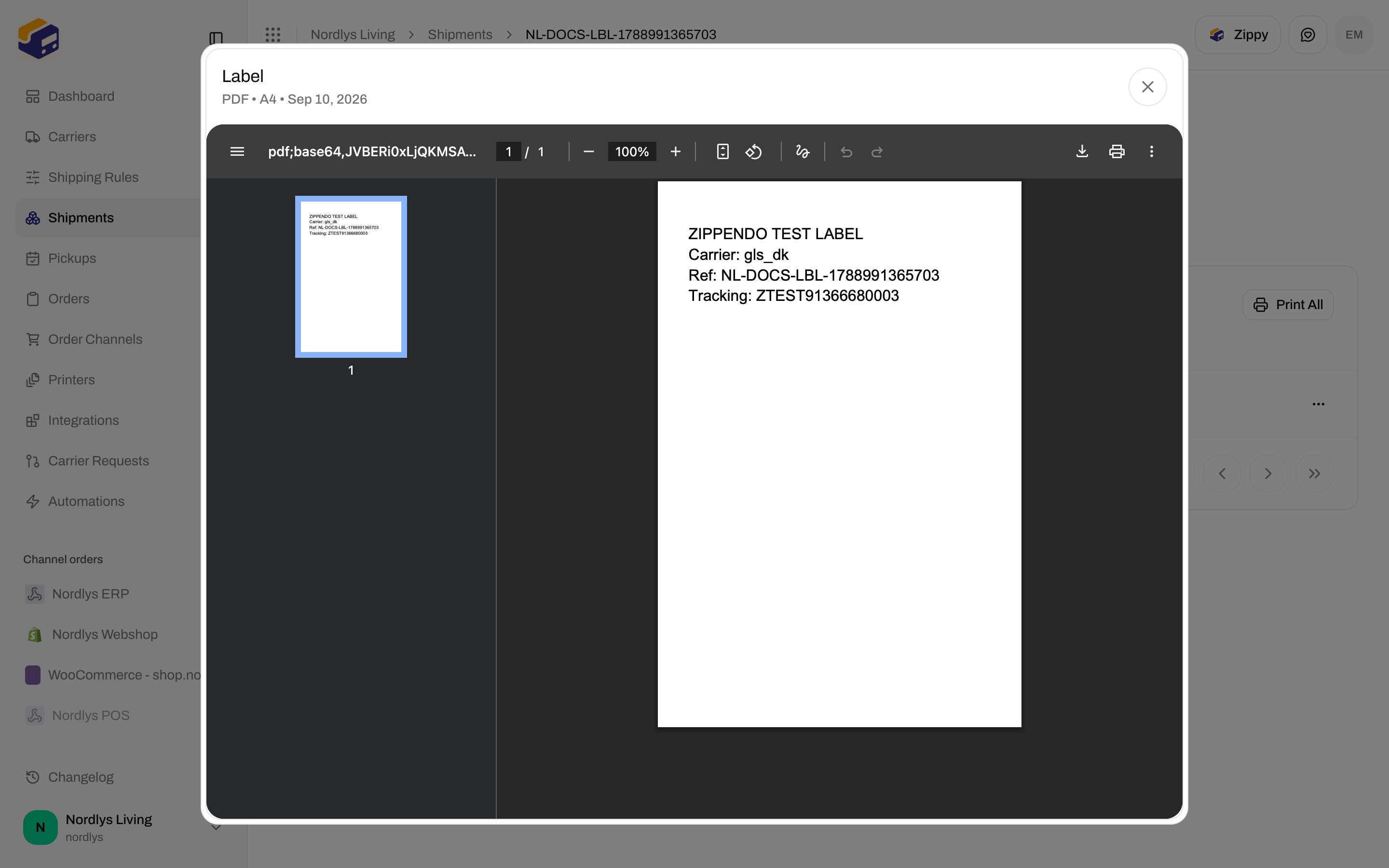
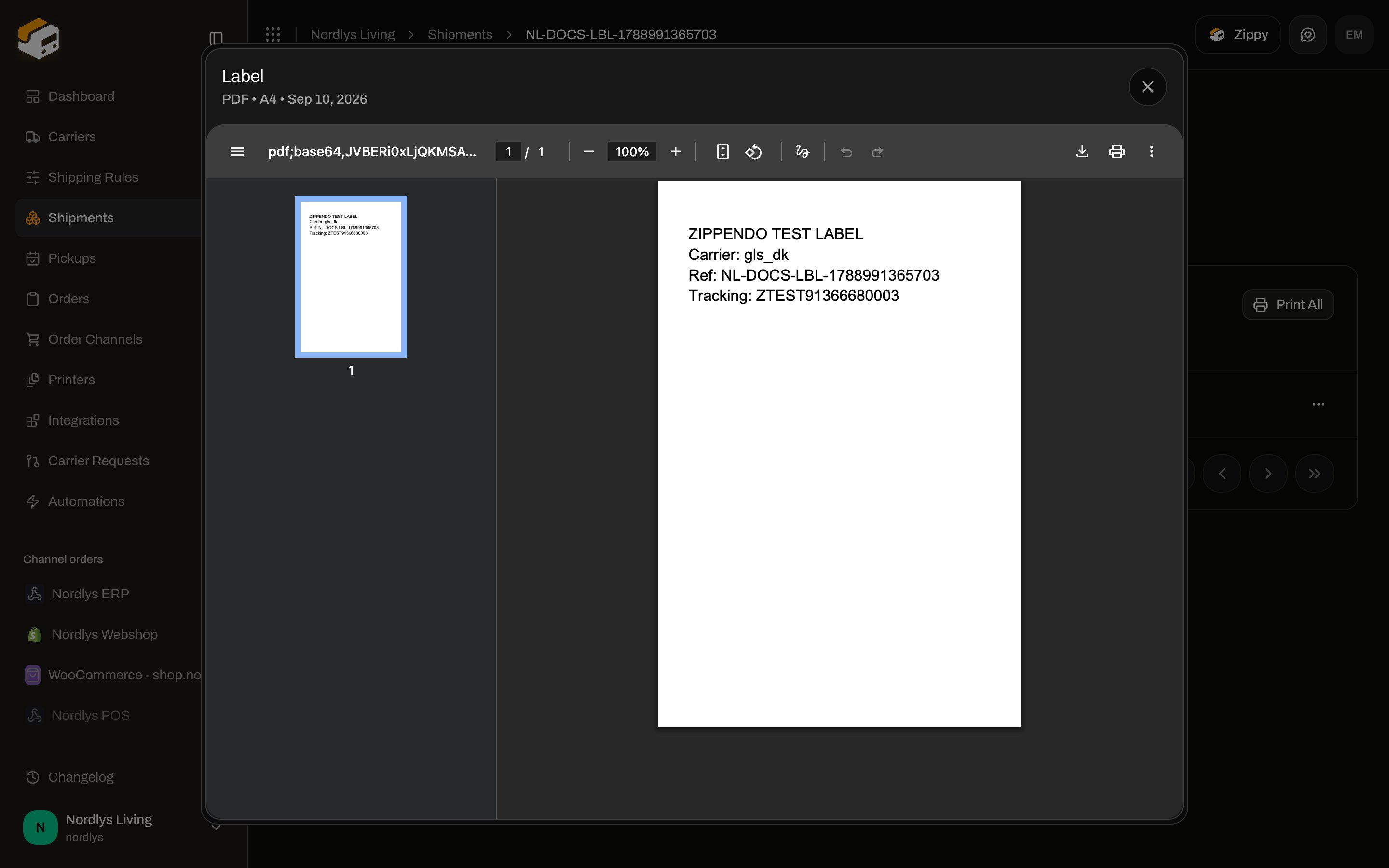
Modal title = document type (**Label**, **CN22 Customs Declaration**, …). Subtitle: **{{FORMAT}} • {{size}} • {{date}}** (for example **PDF • A4 • 10 Sep 2026**). PDFs render in an iframe; images render as a picture. There is no rotate control here — rotation is a printer setting.
### Viewer
Modal title = document type (**Label**, **CN22 Customs Declaration**, …). Subtitle: **{{FORMAT}} • {{size}} • {{date}}** (for example **PDF • A4 • 10 Sep 2026**). PDFs render in an iframe; images render as a picture. There is no rotate control here — rotation is a printer setting.
 On an order shipment card, the ⋮ menu can **Download** each **Label** by format and other documents by type.
## Print
**Print** / **Print All** create jobs for the [Zippendo Printer Client](/docs/how-to/add-a-printer). Labels go to a **Label** printer; invoices, packing lists, and CN22s go to a **Document** printer.
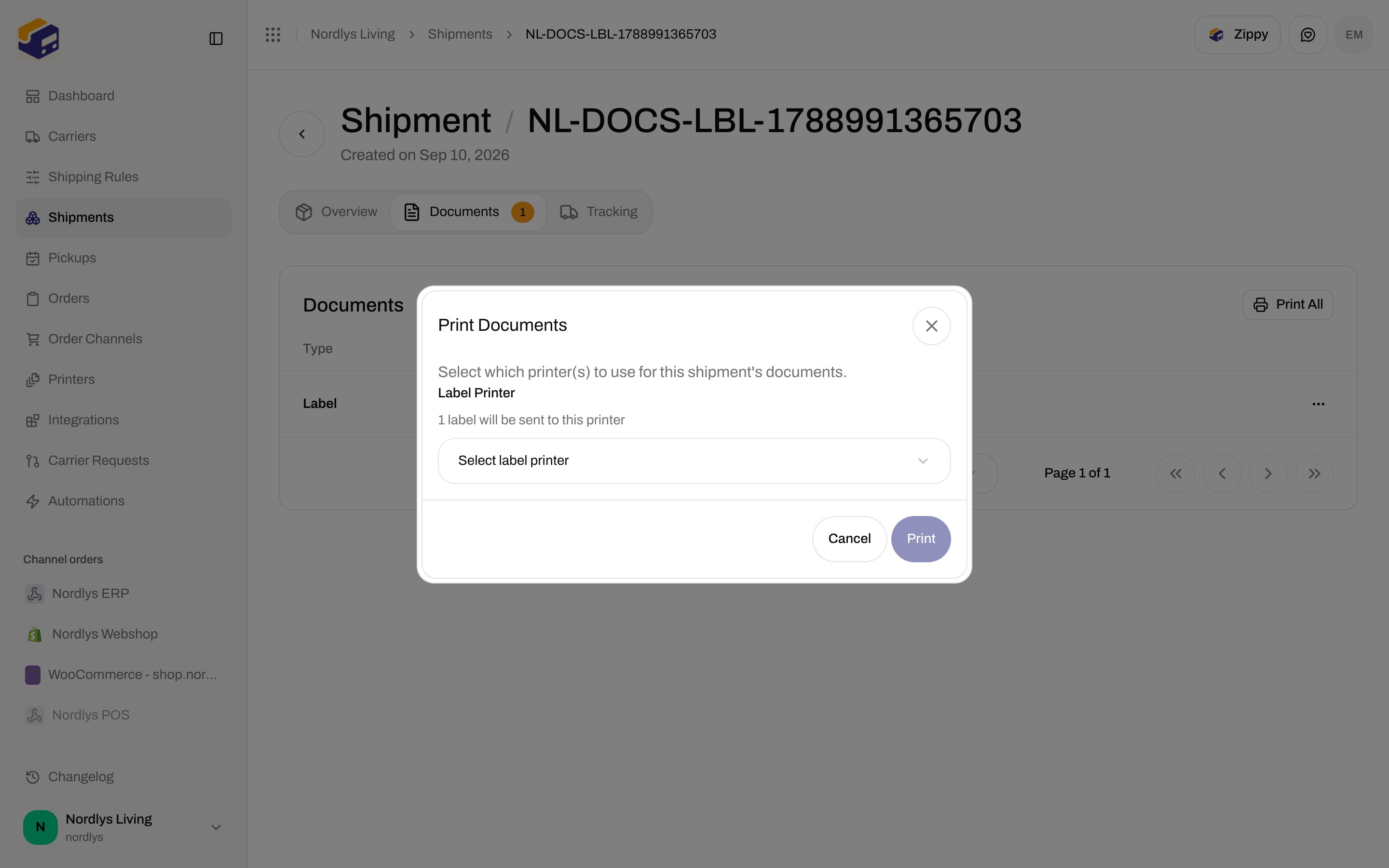
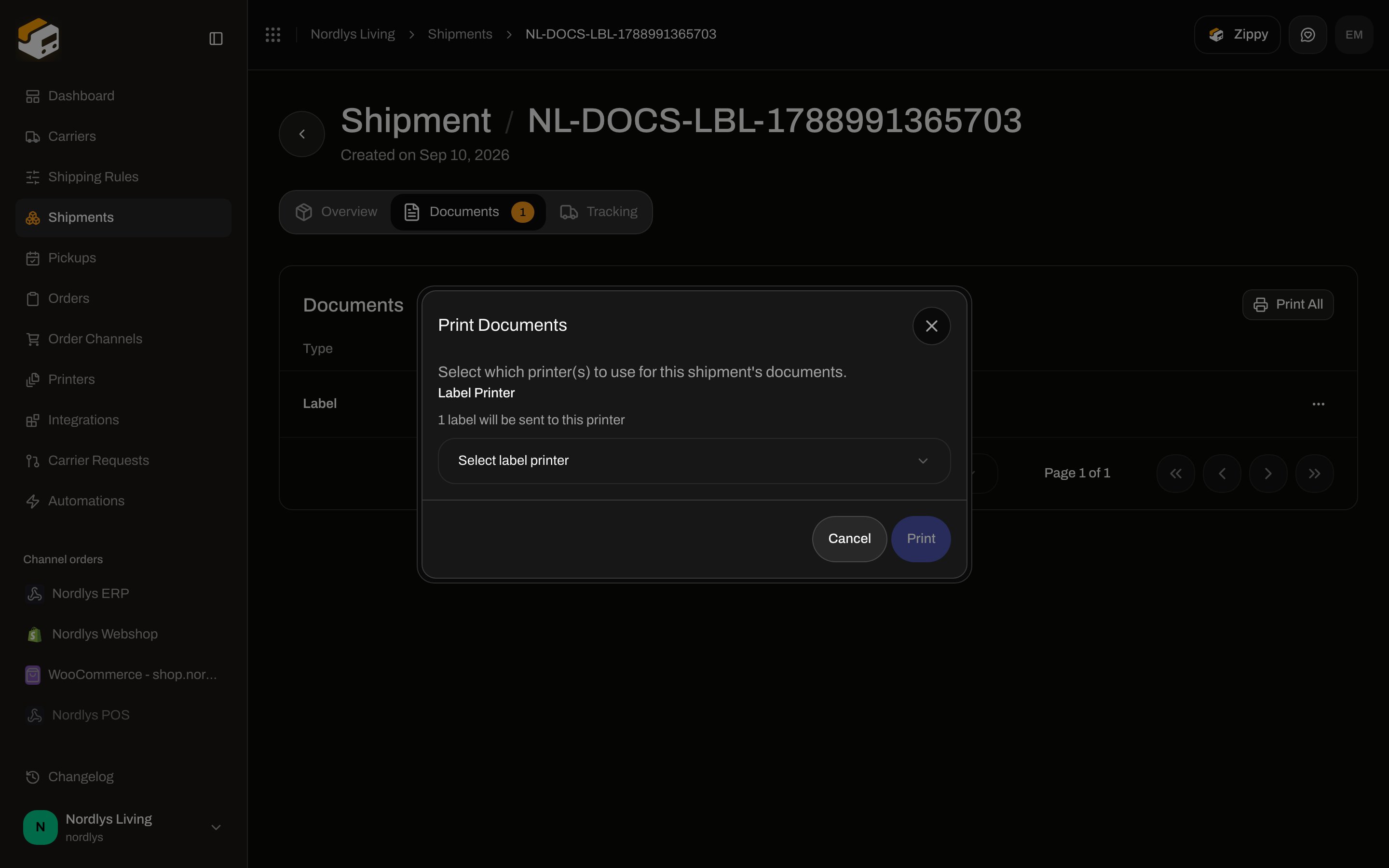
If no printer is configured, **Print Documents** opens:
| Field | Copy |
| -------------------- | ------------------------------------------------------------------------------------------------------------ |
| Title | **Print Documents** |
| Help | **Select which printer(s) to use for this shipment's documents.** |
| **Label Printer** | **{{count}} label(s) will be sent to this printer** |
| **Document Printer** | **{{count}} document(s) will be sent to this printer** |
| Empty | **No active printers found…** / **No active label printers found…** / **No active document printers found…** |
Confirm: **Print**. Toasts: **{{count}} print job(s) created** / **{{count}} document(s) failed to print**.
On an order shipment card, the ⋮ menu can **Download** each **Label** by format and other documents by type.
## Print
**Print** / **Print All** create jobs for the [Zippendo Printer Client](/docs/how-to/add-a-printer). Labels go to a **Label** printer; invoices, packing lists, and CN22s go to a **Document** printer.
If no printer is configured, **Print Documents** opens:
| Field | Copy |
| -------------------- | ------------------------------------------------------------------------------------------------------------ |
| Title | **Print Documents** |
| Help | **Select which printer(s) to use for this shipment's documents.** |
| **Label Printer** | **{{count}} label(s) will be sent to this printer** |
| **Document Printer** | **{{count}} document(s) will be sent to this printer** |
| Empty | **No active printers found…** / **No active label printers found…** / **No active document printers found…** |
Confirm: **Print**. Toasts: **{{count}} print job(s) created** / **{{count}} document(s) failed to print**.
 Set printers earlier on the shipment — [Shipment printer settings](/docs/how-to/shipment-printer-settings) — or auto-print from a rule ([Auto-print](/docs/how-to/auto-print)).
## Shipping-rule document generation
On **Shipping rules → New**, **Document Generation**:
| Toggle | Copy |
| ------------------------------- | ------------------------------------------------------------------------------------------------------ |
| **Generate Proforma Invoice** | **Automatically generate a proforma invoice for international shipments.** |
| **Generate Commercial Invoice** | **Automatically generate a commercial invoice with exporter/importer details, HS codes, and weights.** |
| **Generate Packing List** | **Generate a packing slip with package and item details for the shipment.** |
There is **no Generate CN22** toggle. Some carriers (FedEx, DHL Express, UPS, PostNord, Bring) file the declaration themselves. Then the rule shows: **{{carrier}} produces the customs declaration and commercial invoice itself and returns them with the label, so Zippendo does not generate its own copies for this rule.** The two invoice checkboxes are hidden.
Jobs run **after send**. Background jobs are not processed in the local testenv, so a rule toggle may not add extra rows until production workers run.
Set printers earlier on the shipment — [Shipment printer settings](/docs/how-to/shipment-printer-settings) — or auto-print from a rule ([Auto-print](/docs/how-to/auto-print)).
## Shipping-rule document generation
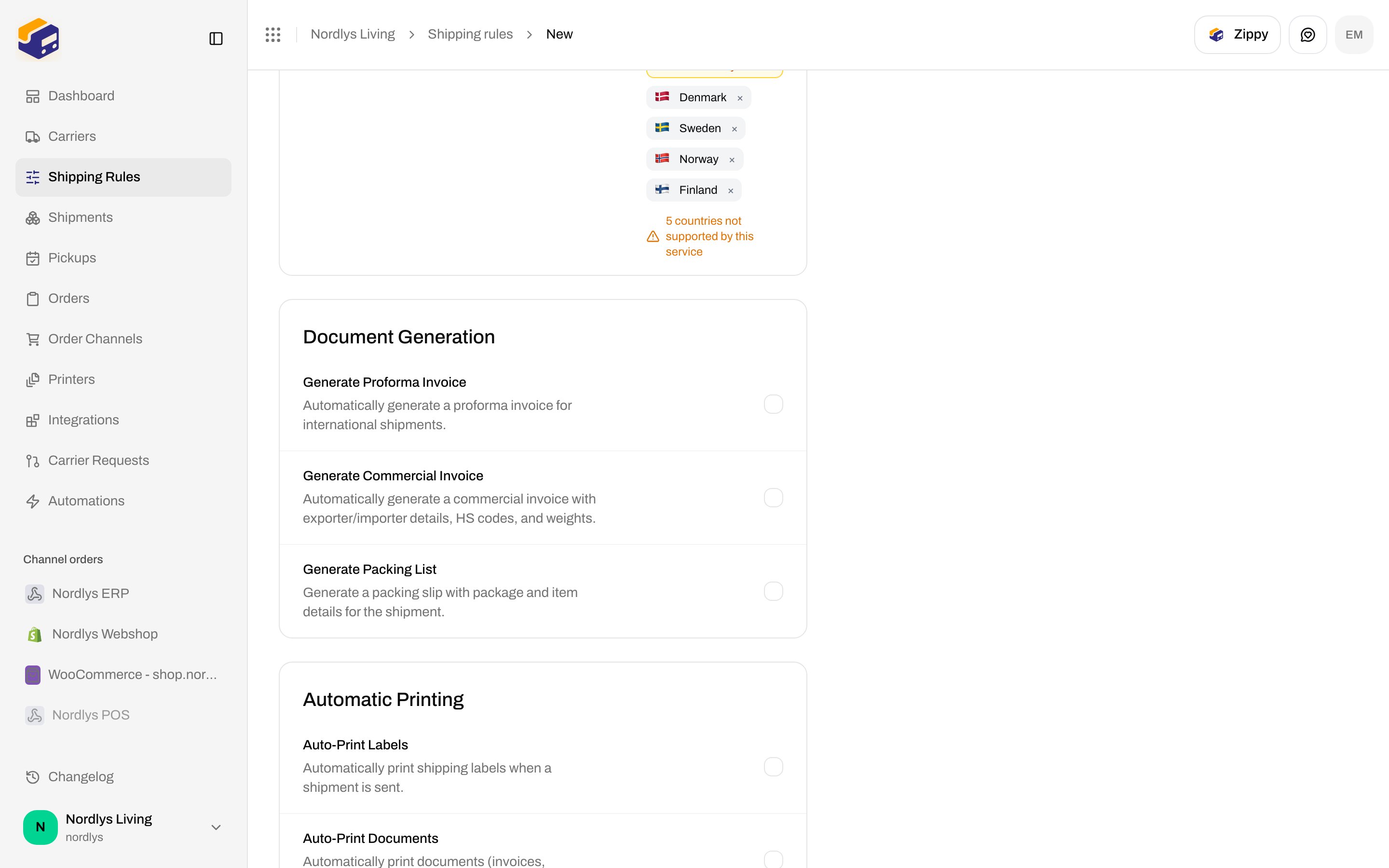
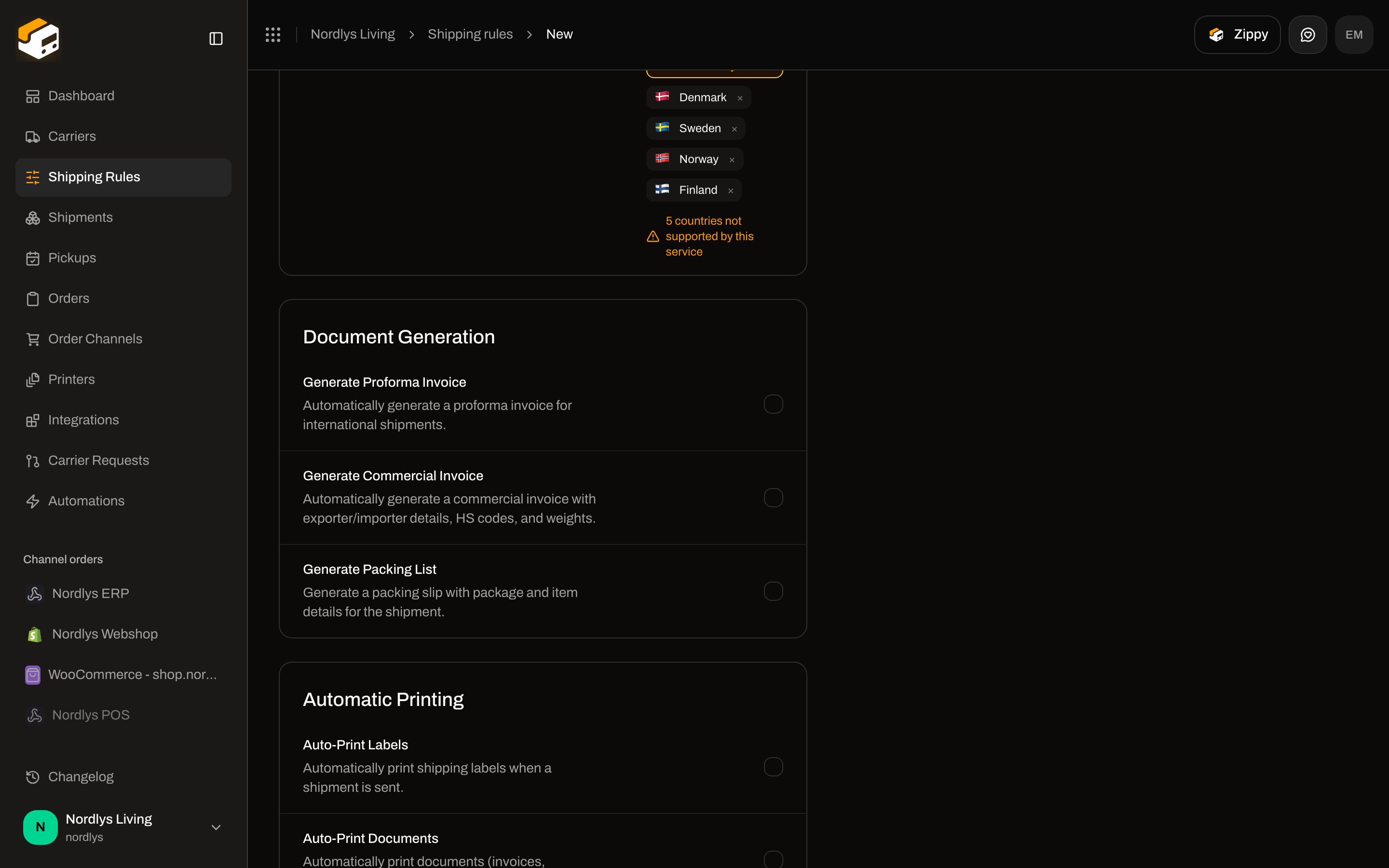
On **Shipping rules → New**, **Document Generation**:
| Toggle | Copy |
| ------------------------------- | ------------------------------------------------------------------------------------------------------ |
| **Generate Proforma Invoice** | **Automatically generate a proforma invoice for international shipments.** |
| **Generate Commercial Invoice** | **Automatically generate a commercial invoice with exporter/importer details, HS codes, and weights.** |
| **Generate Packing List** | **Generate a packing slip with package and item details for the shipment.** |
There is **no Generate CN22** toggle. Some carriers (FedEx, DHL Express, UPS, PostNord, Bring) file the declaration themselves. Then the rule shows: **{{carrier}} produces the customs declaration and commercial invoice itself and returns them with the label, so Zippendo does not generate its own copies for this rule.** The two invoice checkboxes are hidden.
Jobs run **after send**. Background jobs are not processed in the local testenv, so a rule toggle may not add extra rows until production workers run.
 Organization-level **VOEC**, **EORI**, **SPRN**, **IOSS**, **FDA**, **DUNS** (Settings → Organization) and brand **Customs identifiers** are stamped onto bookings — [Organization settings](/docs/how-to/organization-settings), [Create a brand](/docs/how-to/create-a-brand). They are not fields on this shipment screen.
Fill **Country of Origin**, **Tariff Number**, **Description**, **Unit Price**, and **Term of Trade** before [Send Shipment](/docs/how-to/send-a-shipment). Then use **Documents** to view, download, or print the **Label** and any customs files the carrier or rule produced.
Organization-level **VOEC**, **EORI**, **SPRN**, **IOSS**, **FDA**, **DUNS** (Settings → Organization) and brand **Customs identifiers** are stamped onto bookings — [Organization settings](/docs/how-to/organization-settings), [Create a brand](/docs/how-to/create-a-brand). They are not fields on this shipment screen.
Fill **Country of Origin**, **Tariff Number**, **Description**, **Unit Price**, and **Term of Trade** before [Send Shipment](/docs/how-to/send-a-shipment). Then use **Documents** to view, download, or print the **Label** and any customs files the carrier or rule produced.