> ## Documentation Index
> Fetch the complete documentation index at: https://www.zippendo.com/docs/llms.txt
> Use this file to discover all available pages before exploring further.
# Custom channel API
> Create a custom order channel, copy the ingest URL and signing secret, set every Operations toggle, and push a signed order.
A **custom channel** is for a webshop, ERP, or WMS Zippendo does not have a one-click integration for. This page is every control on create and settings, plus how to send an order. The catalog walkthrough is [Connect order channels](/docs/tutorials/connect-order-channels). Payload reference: [Custom channels](/docs/order-channels/custom-channels).
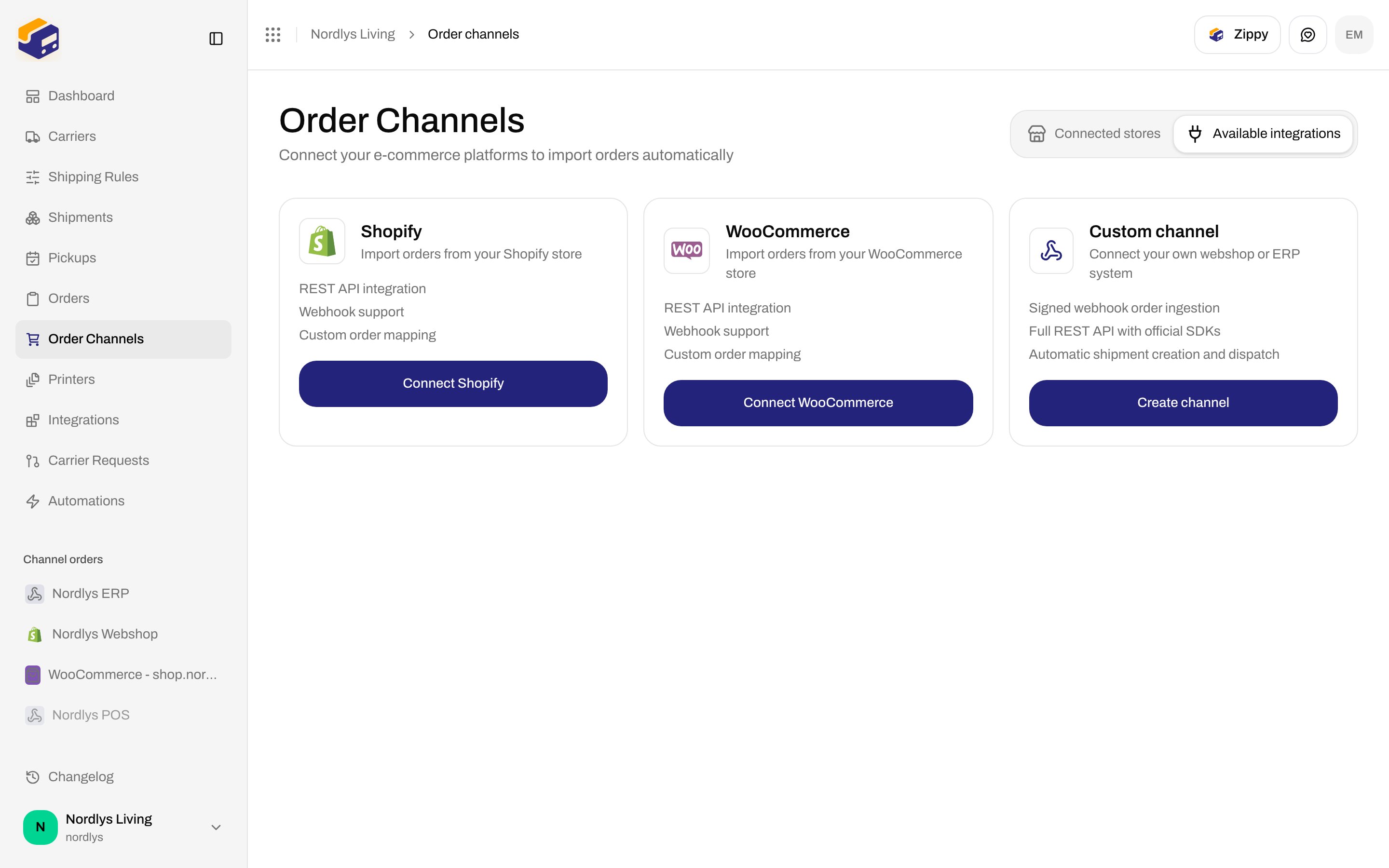
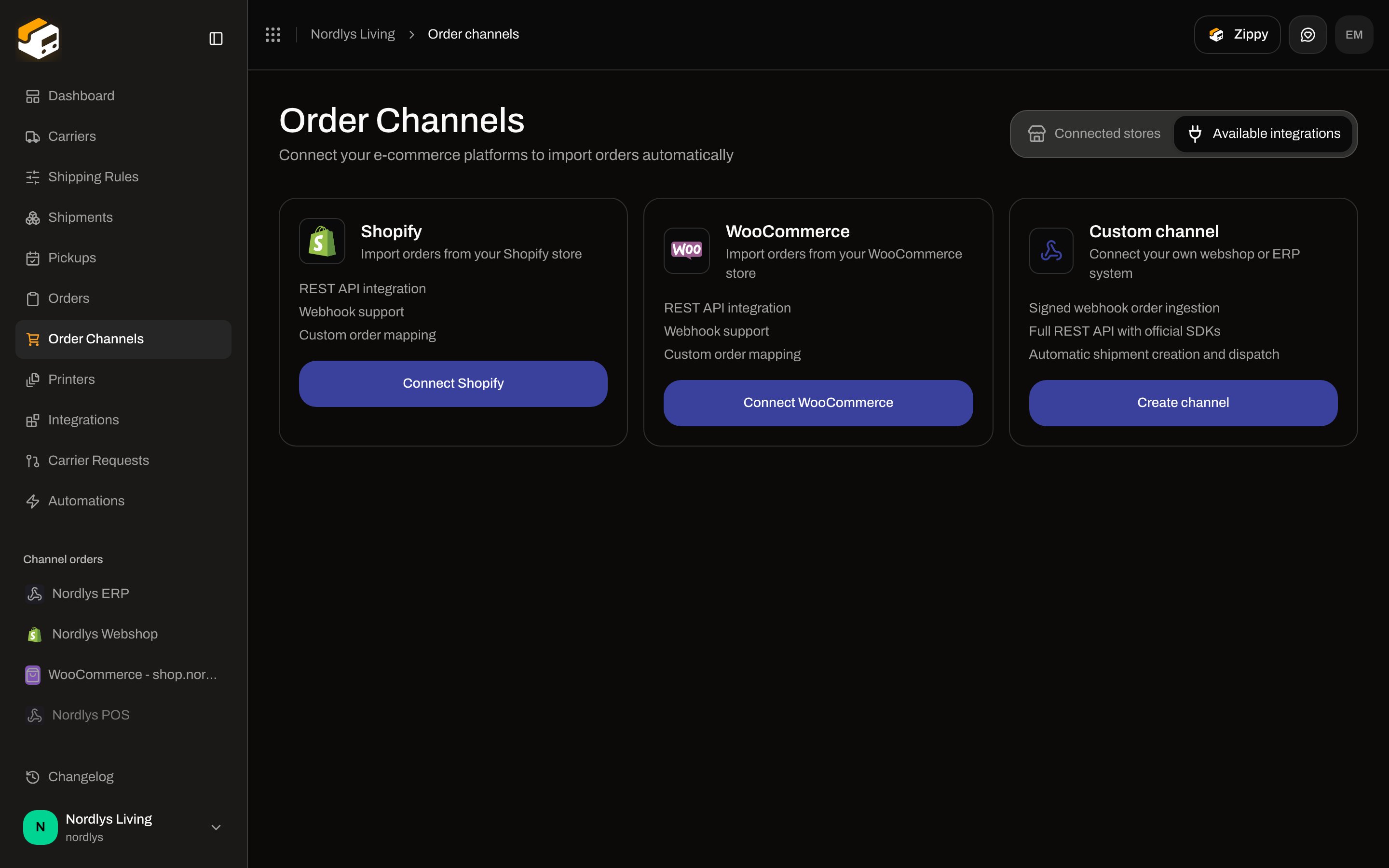
Open **Order Channels** → **Available integrations** (`?tab=available-integrations`). The **Custom channel** card reads **Connect your own webshop or ERP system**. Features: **Signed webhook order ingestion**, **Full REST API with official SDKs**, **Automatic shipment creation and dispatch**. The button is **Create channel**.
 ## Create the channel
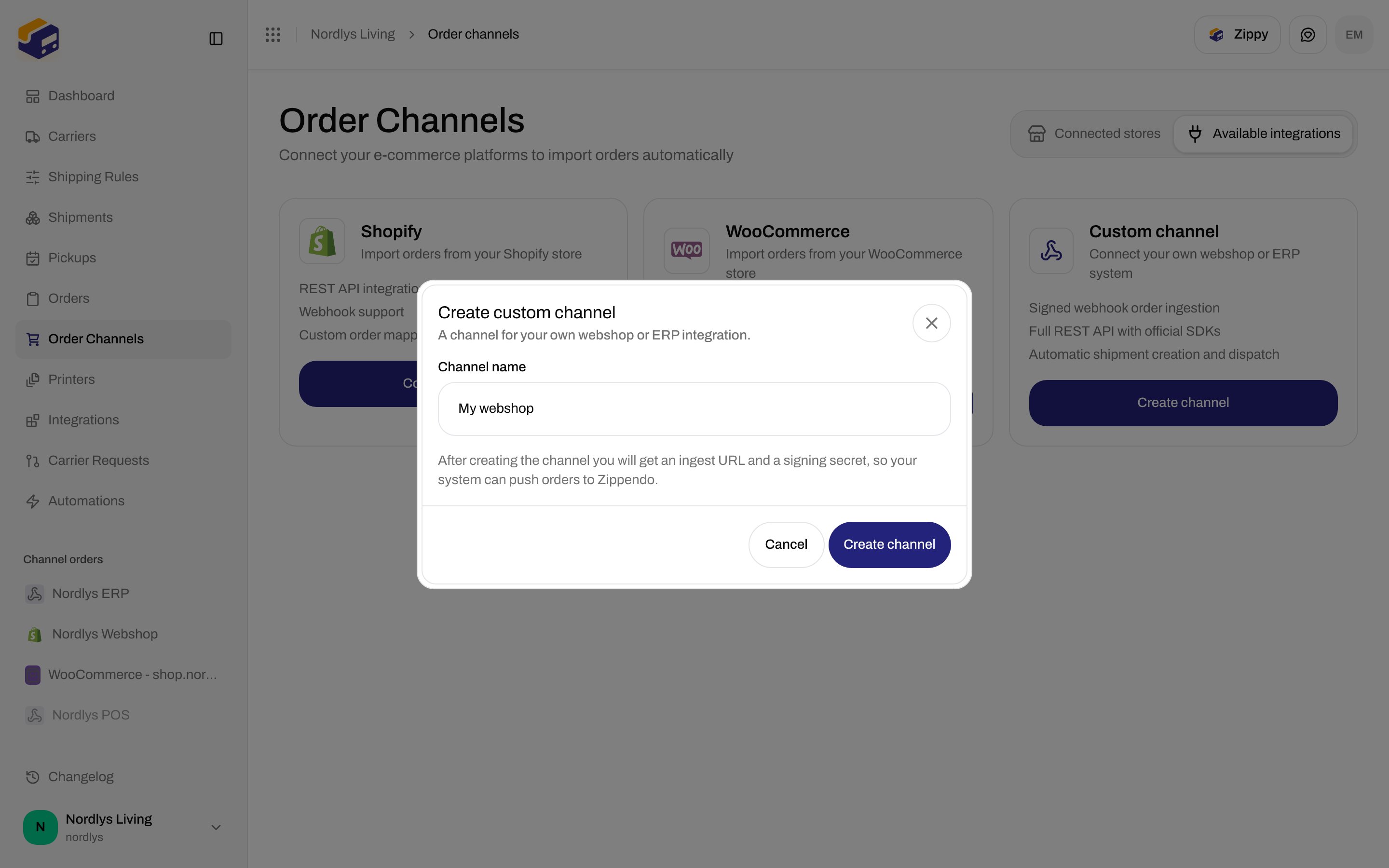
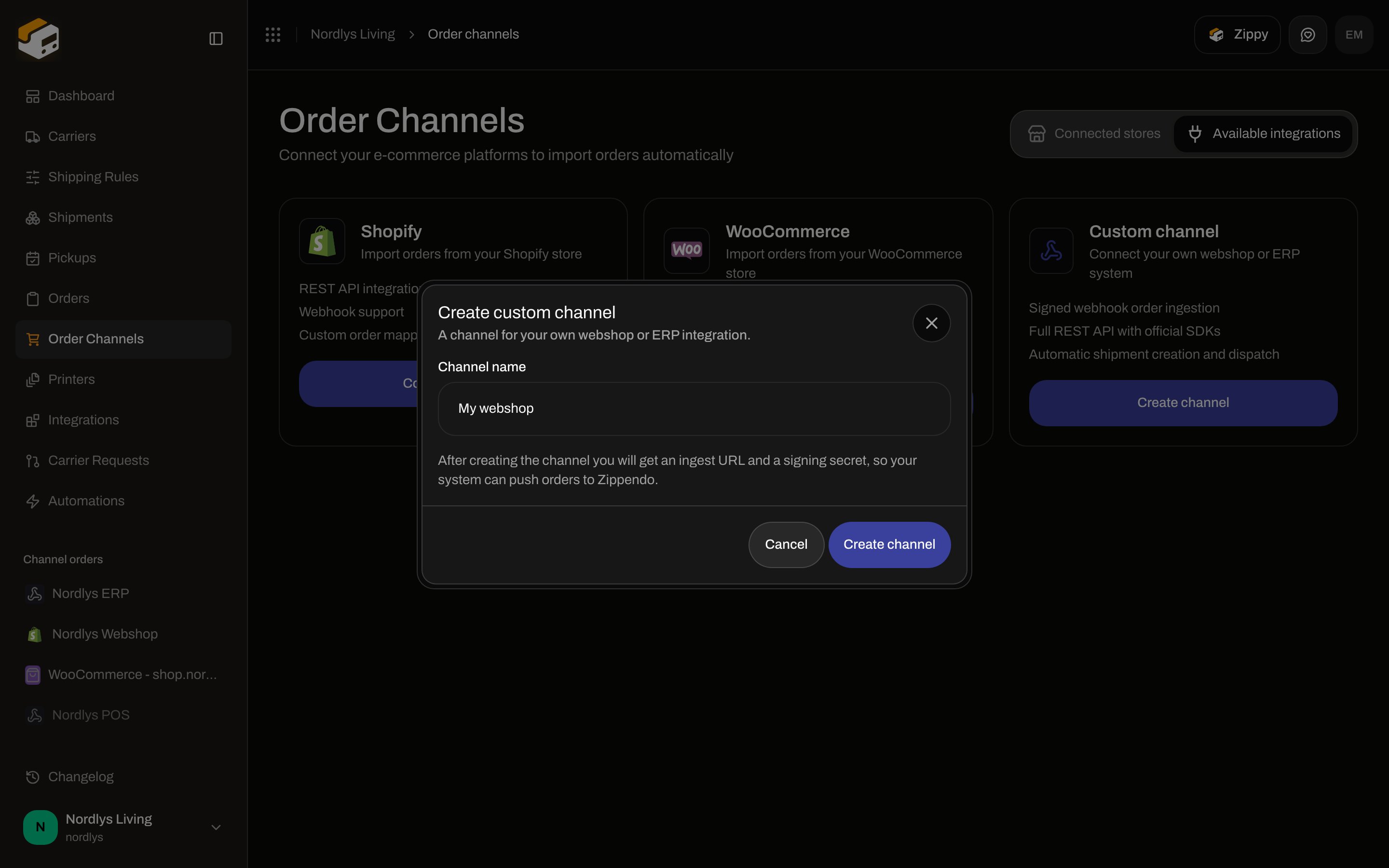
Click **Create channel**. Modal id `create-custom-channel`. Title **Create custom channel**. Subtitle: **A channel for your own webshop or ERP integration.**
## Create the channel
Click **Create channel**. Modal id `create-custom-channel`. Title **Create custom channel**. Subtitle: **A channel for your own webshop or ERP integration.**
 | Control | Required | Copy in the UI |
| ------------------ | -------- | ------------------------------------------------------------------------------------------------------------------------------------------------------------------------------------- |
| **Channel name** | Yes | Placeholder `e.g. My webshop`. **Create channel** stays disabled until the name is non-empty. |
| **Brand** | No | The whole field (label **Brand** plus picker) is shown only if the organization has brands. Helper: **Orders from this channel belong to this brand.** Hidden in orgs with no brands. |
| Hint | — | **After creating the channel you will get an ingest URL and a signing secret, so your system can push orders to Zippendo.** |
| **Create channel** | — | Becomes **Creating…**. Toast **Order channel created successfully** / **Failed to create order channel**. |
| **Cancel** | — | Closes the modal. |
On success Zippendo opens the new channel’s settings.
## Order ingestion
Header title is the channel name. Description: **Your own integration: push orders to the ingest URL, or use the API and SDKs.** **View documentation** opens the [custom channels](/docs/order-channels/custom-channels) reference. Loading: **Loading channel…**
| Control | Required | Copy in the UI |
| ------------------ | -------- | ------------------------------------------------------------------------------------------------------------------------------------------------------------------------------------- |
| **Channel name** | Yes | Placeholder `e.g. My webshop`. **Create channel** stays disabled until the name is non-empty. |
| **Brand** | No | The whole field (label **Brand** plus picker) is shown only if the organization has brands. Helper: **Orders from this channel belong to this brand.** Hidden in orgs with no brands. |
| Hint | — | **After creating the channel you will get an ingest URL and a signing secret, so your system can push orders to Zippendo.** |
| **Create channel** | — | Becomes **Creating…**. Toast **Order channel created successfully** / **Failed to create order channel**. |
| **Cancel** | — | Closes the modal. |
On success Zippendo opens the new channel’s settings.
## Order ingestion
Header title is the channel name. Description: **Your own integration: push orders to the ingest URL, or use the API and SDKs.** **View documentation** opens the [custom channels](/docs/order-channels/custom-channels) reference. Loading: **Loading channel…**
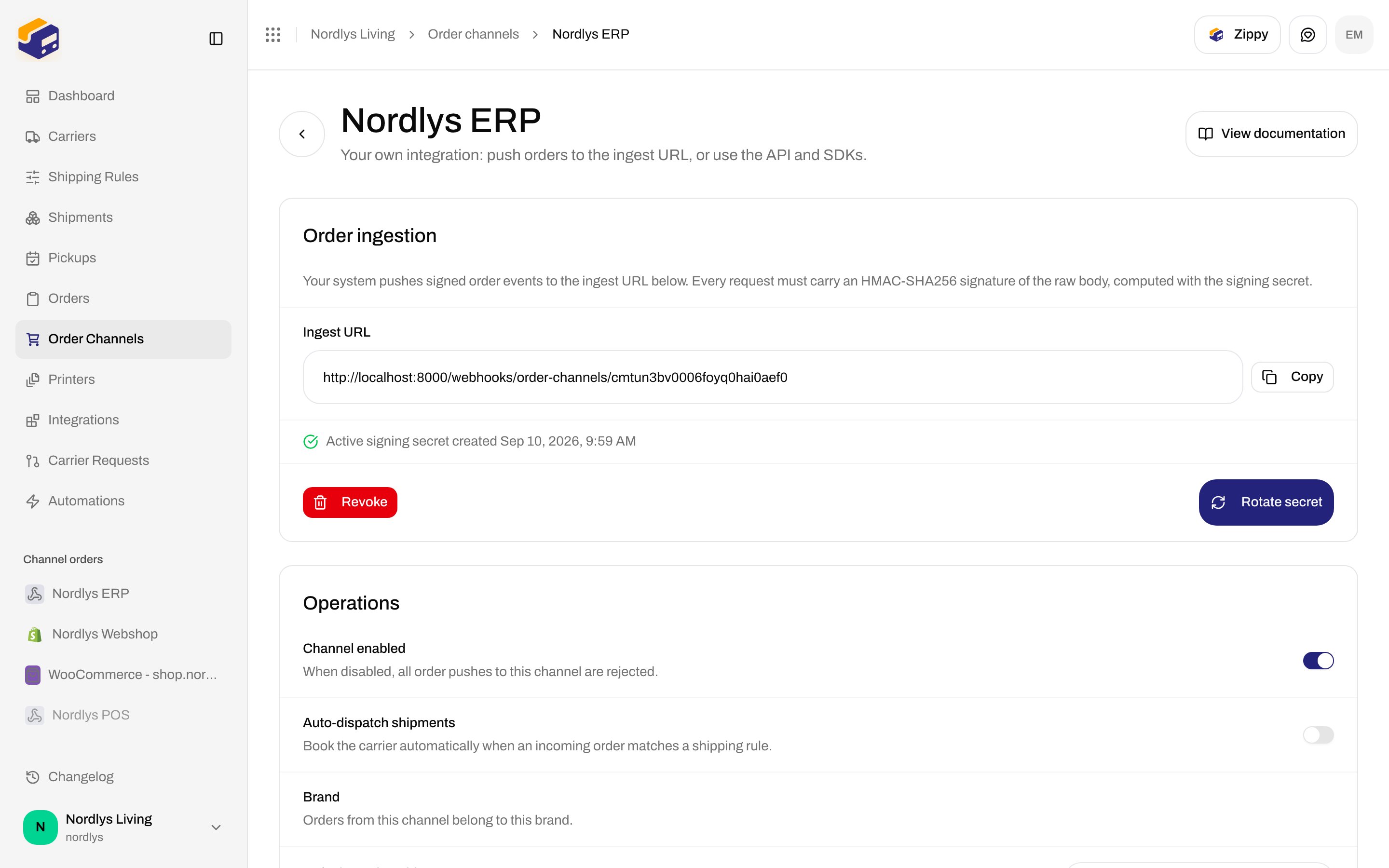
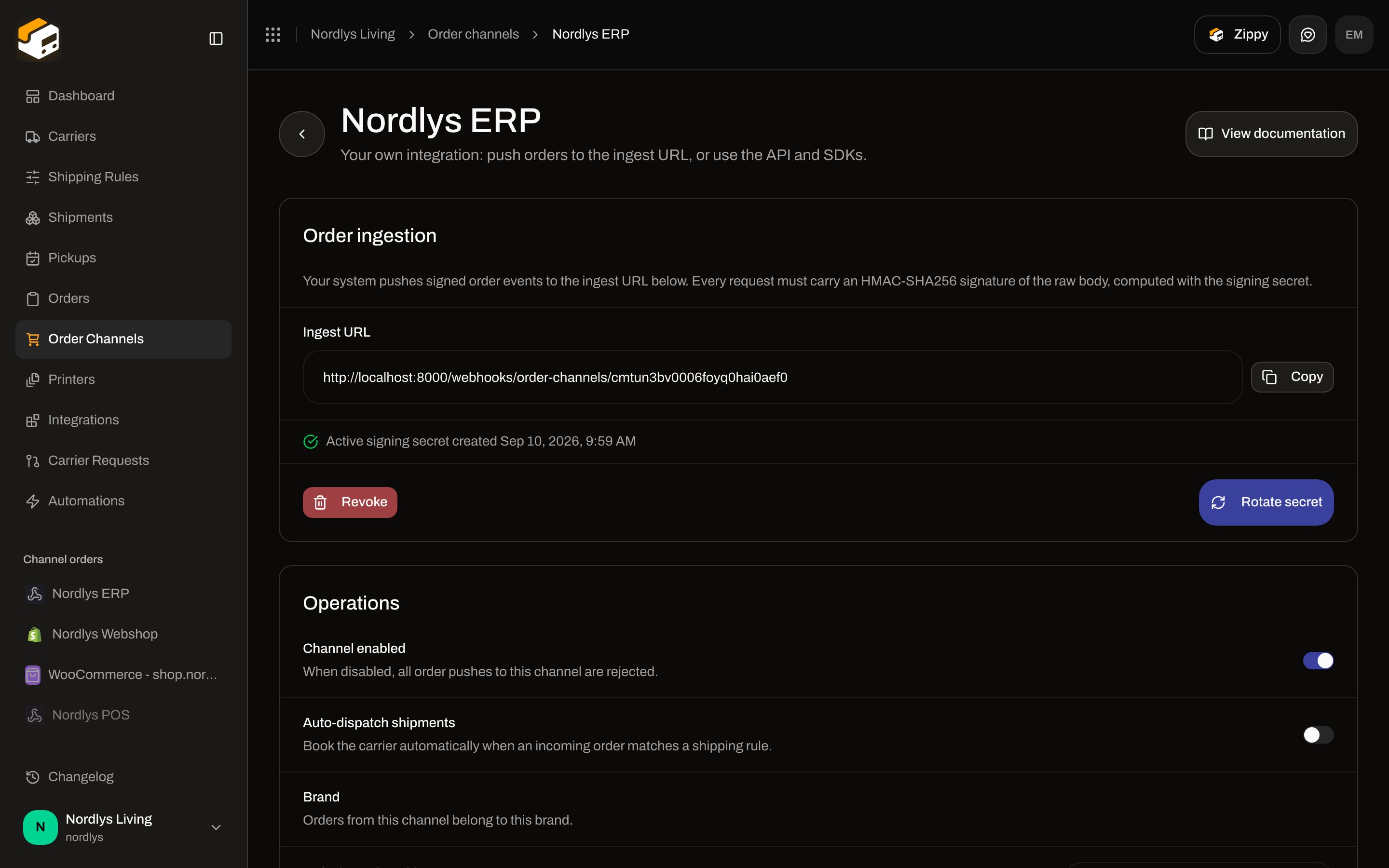 Card title **Order ingestion**. Description: **Your system pushes signed order events to the ingest URL below. Every request must carry an HMAC-SHA256 signature of the raw body, computed with the signing secret.**
| Control | Copy in the UI |
| ------------------- | --------------------------------------------------------------------------------------------------------------------------------------------------------------------------------------- |
| **Ingest URL** | Read-only. Production looks like `https://api.zippendo.com/webhooks/order-channels/{channelId}`. **Copy** → **Copied to clipboard.** / **Could not copy to clipboard.** |
| **Generate secret** | First time. Becomes **Generating…**. Toast **Signing secret generated.** / **Could not generate the signing secret.** |
| **Rotate secret** | After a secret exists. Confirm: **Rotate the signing secret? Your integration will be rejected until it signs with the new secret.** |
| **Revoke** | Confirm: **Revoke the signing secret? All order pushes will be rejected until a new secret is generated.** Toast **Signing secret revoked.** / **Could not revoke the signing secret.** |
| Active line | **Active signing secret created \{date}** |
The **Ingest URL** in screenshots may show `http://localhost:8000/…` because these docs were captured against a local environment. Copy the URL from **your** channel settings.
After **Generate secret** or **Rotate secret**, the plaintext is shown once:
Card title **Order ingestion**. Description: **Your system pushes signed order events to the ingest URL below. Every request must carry an HMAC-SHA256 signature of the raw body, computed with the signing secret.**
| Control | Copy in the UI |
| ------------------- | --------------------------------------------------------------------------------------------------------------------------------------------------------------------------------------- |
| **Ingest URL** | Read-only. Production looks like `https://api.zippendo.com/webhooks/order-channels/{channelId}`. **Copy** → **Copied to clipboard.** / **Could not copy to clipboard.** |
| **Generate secret** | First time. Becomes **Generating…**. Toast **Signing secret generated.** / **Could not generate the signing secret.** |
| **Rotate secret** | After a secret exists. Confirm: **Rotate the signing secret? Your integration will be rejected until it signs with the new secret.** |
| **Revoke** | Confirm: **Revoke the signing secret? All order pushes will be rejected until a new secret is generated.** Toast **Signing secret revoked.** / **Could not revoke the signing secret.** |
| Active line | **Active signing secret created \{date}** |
The **Ingest URL** in screenshots may show `http://localhost:8000/…` because these docs were captured against a local environment. Copy the URL from **your** channel settings.
After **Generate secret** or **Rotate secret**, the plaintext is shown once:
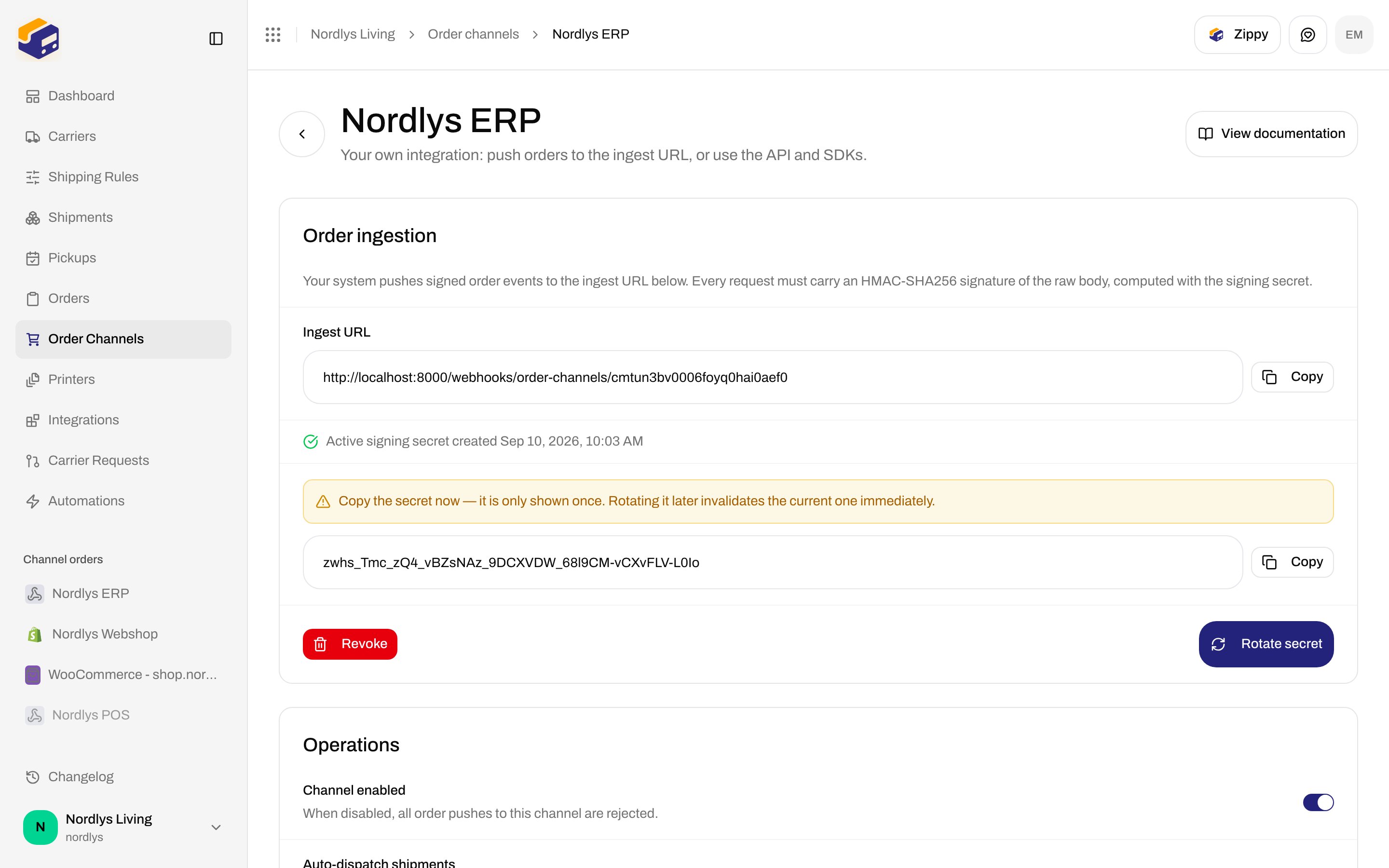
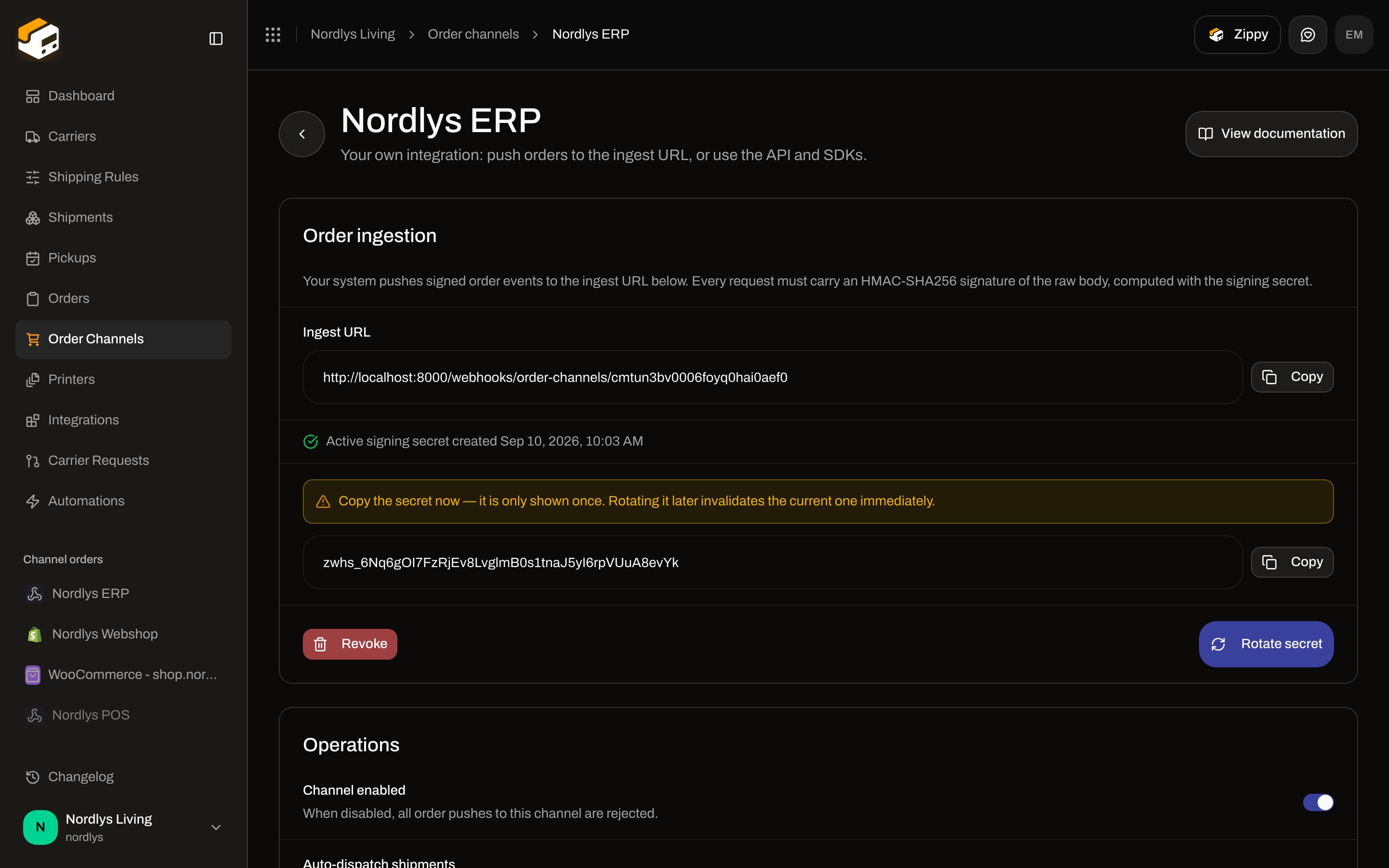 Warning: **Copy the secret now — it is only shown once. Rotating it later invalidates the current one immediately.** The secret starts with `zwhs_`. There is no “enable webhooks” toggle — minting a signing secret is what turns ingest on.
## Send an order
`POST` the **Ingest URL** with two headers:
| Header | Value |
| ---------------------- | ----------------------------------------------------------------------------------- |
| `X-Zippendo-Topic` | `order.created`, `order.updated`, `order.cancelled`, or `ping` |
| `X-Zippendo-Signature` | HMAC-SHA256 of the **raw request body**, hex-encoded, keyed with the signing secret |
`order.created` and `order.updated` both upsert on `externalId`. `order.cancelled` body is `{ "externalId": "…" }`. `ping` returns `200 { "received": true }` without touching data.
```javascript theme={null}
import crypto from "node:crypto"
const body = JSON.stringify(order)
const signature = crypto.createHmac("sha256", process.env.ZIPPENDO_WEBHOOK_SECRET)
.update(body)
.digest("hex")
await fetch(webhookUrl, {
method: "POST",
headers: {
"Content-Type": "application/json",
"X-Zippendo-Topic": "order.created",
"X-Zippendo-Signature": signature
},
body
})
```
Required payload fields: `externalId`, `orderNumber`, `orderLines` (at least one line with `name` and `quantity`). Optional: `customerName`, `customerEmail`, `shippingAddress`, `subtotalAmount`, `totalAmount`, `currency`, `notes`, `shippingMethodTitle`, `serviceCode`. Full field table: [Custom channels](/docs/order-channels/custom-channels).
| Status | Meaning |
| ------ | -------------------------------------------------------------------------------------------------- |
| `200` | Accepted and processed |
| `400` | Missing/unknown topic, or the payload failed validation |
| `401` | Signature failed (wrong secret, missing header, or no secret minted) — `WEBHOOK_SIGNATURE_INVALID` |
| `404` | Unknown channel id |
| `429` | Ingest rate limit — retry after `Retry-After` |
| `5xx` | Processing failed — retry; upsert makes redelivery safe |
When **Channel enabled** is off, pushes are rejected until you turn it back on.
REST alternative: `POST /orgs/{orgId}/orders` with `orderChannelId` and an [API token](/docs/how-to/create-an-api-token). Duplicate `externalId` on the same channel returns `409 ORDER_EXISTS`.
Tracking back to your system uses org [Webhooks](/docs/how-to/webhooks) (`shipment.dispatched`, `tracking.updated`), not a per-channel callback. There is no shipping-method mapping UI on this screen.
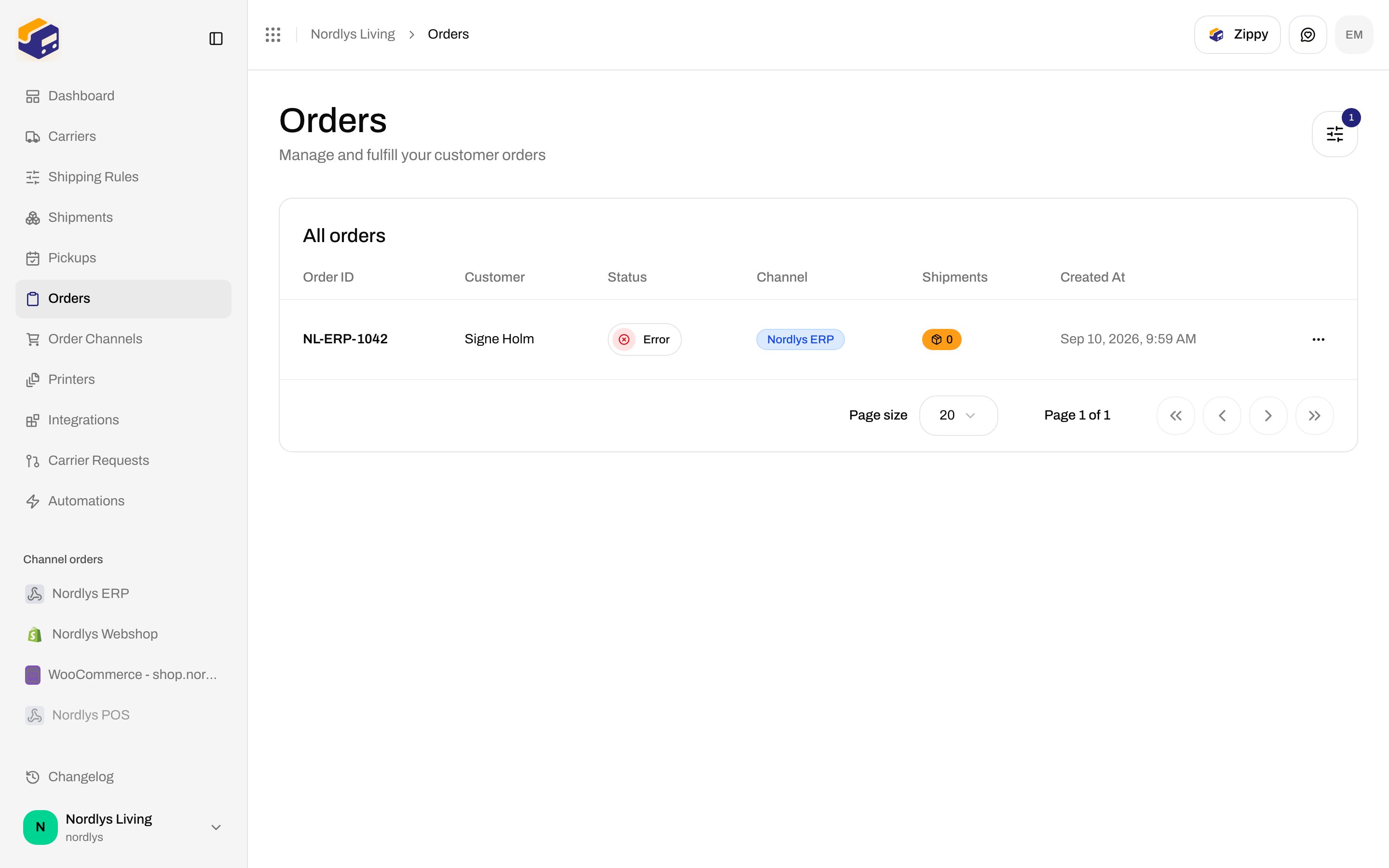
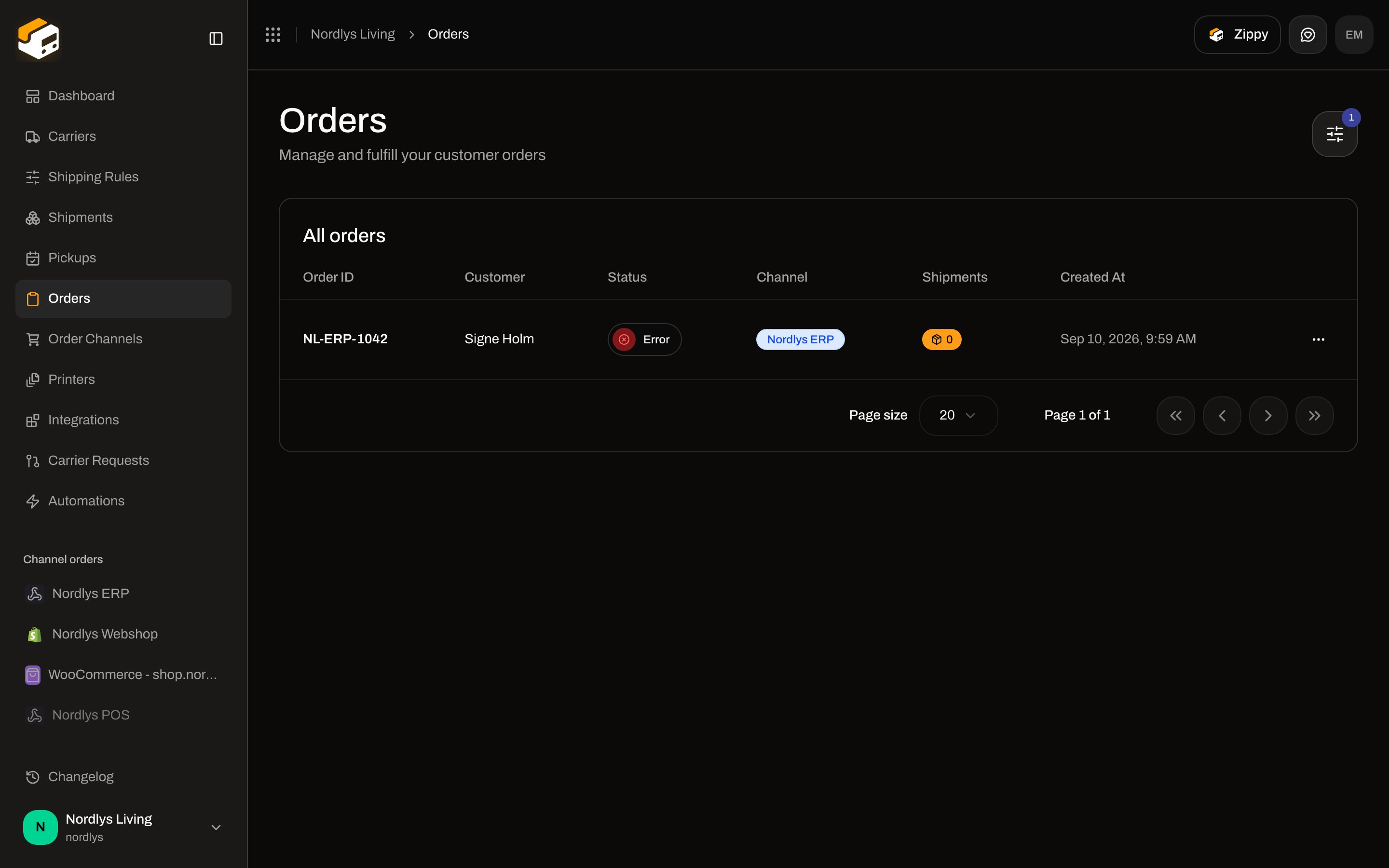
A successful push lands under **Orders**. Status can be **Error** when Zippendo imported the order but could not create a ready shipment (no matching shipping rule or incomplete address). The order is still on the channel.
Warning: **Copy the secret now — it is only shown once. Rotating it later invalidates the current one immediately.** The secret starts with `zwhs_`. There is no “enable webhooks” toggle — minting a signing secret is what turns ingest on.
## Send an order
`POST` the **Ingest URL** with two headers:
| Header | Value |
| ---------------------- | ----------------------------------------------------------------------------------- |
| `X-Zippendo-Topic` | `order.created`, `order.updated`, `order.cancelled`, or `ping` |
| `X-Zippendo-Signature` | HMAC-SHA256 of the **raw request body**, hex-encoded, keyed with the signing secret |
`order.created` and `order.updated` both upsert on `externalId`. `order.cancelled` body is `{ "externalId": "…" }`. `ping` returns `200 { "received": true }` without touching data.
```javascript theme={null}
import crypto from "node:crypto"
const body = JSON.stringify(order)
const signature = crypto.createHmac("sha256", process.env.ZIPPENDO_WEBHOOK_SECRET)
.update(body)
.digest("hex")
await fetch(webhookUrl, {
method: "POST",
headers: {
"Content-Type": "application/json",
"X-Zippendo-Topic": "order.created",
"X-Zippendo-Signature": signature
},
body
})
```
Required payload fields: `externalId`, `orderNumber`, `orderLines` (at least one line with `name` and `quantity`). Optional: `customerName`, `customerEmail`, `shippingAddress`, `subtotalAmount`, `totalAmount`, `currency`, `notes`, `shippingMethodTitle`, `serviceCode`. Full field table: [Custom channels](/docs/order-channels/custom-channels).
| Status | Meaning |
| ------ | -------------------------------------------------------------------------------------------------- |
| `200` | Accepted and processed |
| `400` | Missing/unknown topic, or the payload failed validation |
| `401` | Signature failed (wrong secret, missing header, or no secret minted) — `WEBHOOK_SIGNATURE_INVALID` |
| `404` | Unknown channel id |
| `429` | Ingest rate limit — retry after `Retry-After` |
| `5xx` | Processing failed — retry; upsert makes redelivery safe |
When **Channel enabled** is off, pushes are rejected until you turn it back on.
REST alternative: `POST /orgs/{orgId}/orders` with `orderChannelId` and an [API token](/docs/how-to/create-an-api-token). Duplicate `externalId` on the same channel returns `409 ORDER_EXISTS`.
Tracking back to your system uses org [Webhooks](/docs/how-to/webhooks) (`shipment.dispatched`, `tracking.updated`), not a per-channel callback. There is no shipping-method mapping UI on this screen.
A successful push lands under **Orders**. Status can be **Error** when Zippendo imported the order but could not create a ready shipment (no matching shipping rule or incomplete address). The order is still on the channel.
 ## Operations
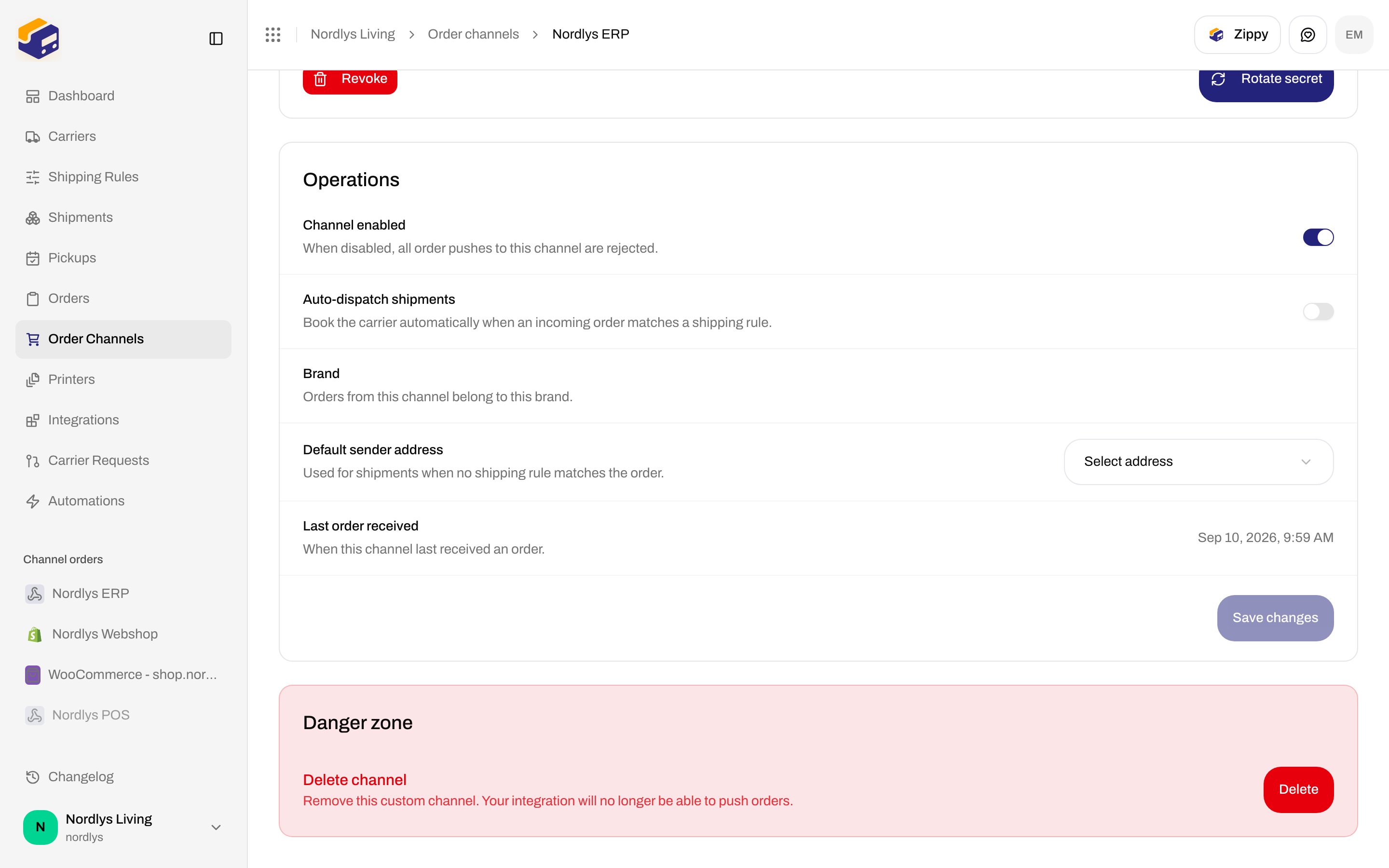
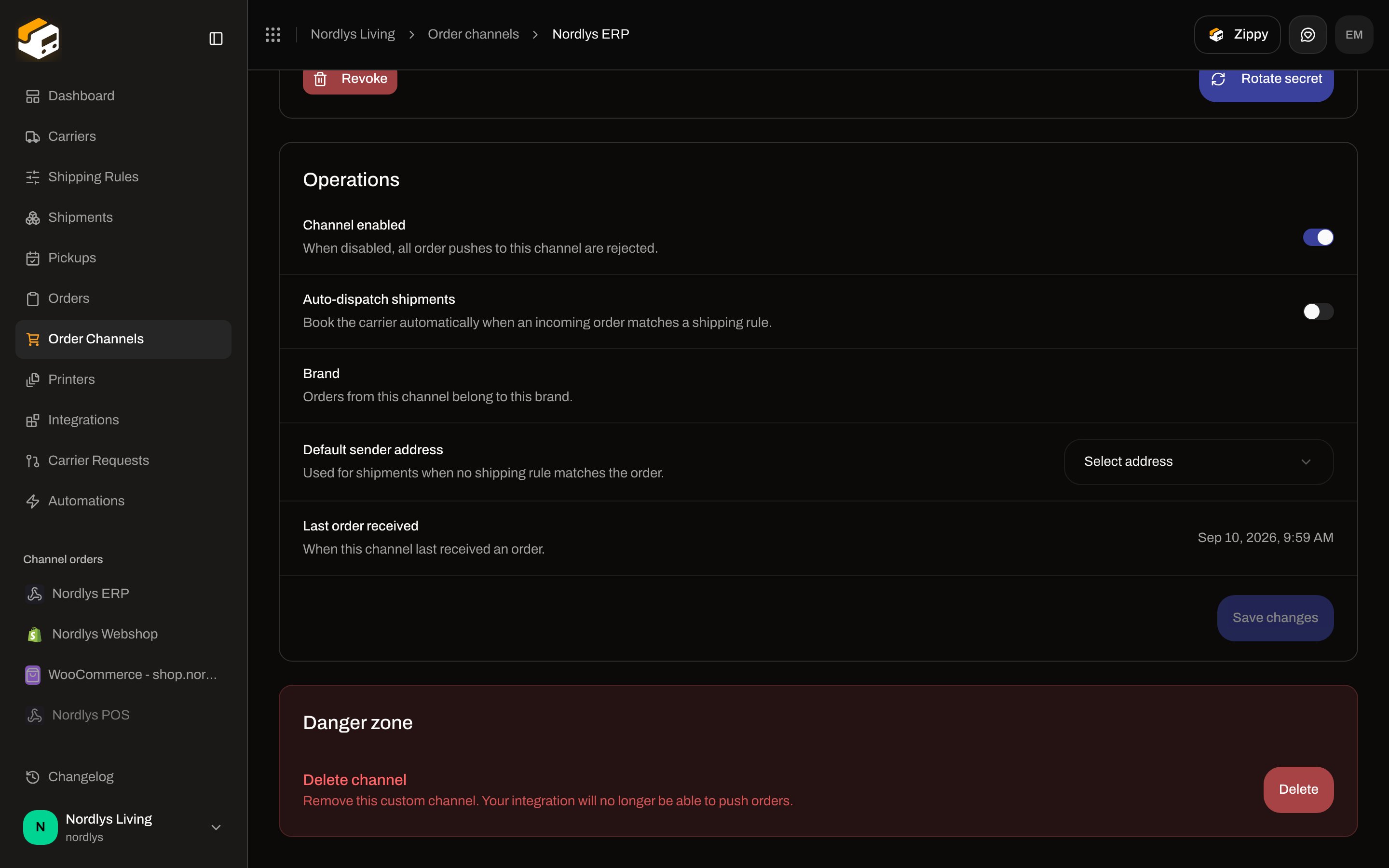 | Field | Saves | Copy in the UI |
| --------------------------- | ---------------- | -------------------------------------------------------------------------------------------------------------------------------------------- |
| **Channel enabled** | Immediately | **When disabled, all order pushes to this channel are rejected.** This is the enable/disable control. |
| **Auto-dispatch shipments** | **Save changes** | **Book the carrier automatically when an incoming order matches a shipping rule.** Off by default. |
| **Brand** | Immediately | Label **Brand**. Helper: **Orders from this channel belong to this brand.** The picker itself only appears when the organization has brands. |
| **Default sender address** | **Save changes** | **Used for shipments when no shipping rule matches the order.** Placeholder **Select address**. Empty: **No addresses yet**. |
| **Last order received** | Display | **When this channel last received an order.** Timestamp, or **Never**. |
**Save changes** / **Saving…** applies auto-dispatch and the default address. Toast **Order channel updated successfully** / **Failed to update order channel**.
## Enable, disable, and disconnected
Turn **Channel enabled** off. The **Connected stores** card shows **Disabled** (not **Disconnected**). Custom channels stay on **Connected stores** — they are never leftover **Disconnected channels** rows.
| Field | Saves | Copy in the UI |
| --------------------------- | ---------------- | -------------------------------------------------------------------------------------------------------------------------------------------- |
| **Channel enabled** | Immediately | **When disabled, all order pushes to this channel are rejected.** This is the enable/disable control. |
| **Auto-dispatch shipments** | **Save changes** | **Book the carrier automatically when an incoming order matches a shipping rule.** Off by default. |
| **Brand** | Immediately | Label **Brand**. Helper: **Orders from this channel belong to this brand.** The picker itself only appears when the organization has brands. |
| **Default sender address** | **Save changes** | **Used for shipments when no shipping rule matches the order.** Placeholder **Select address**. Empty: **No addresses yet**. |
| **Last order received** | Display | **When this channel last received an order.** Timestamp, or **Never**. |
**Save changes** / **Saving…** applies auto-dispatch and the default address. Toast **Order channel updated successfully** / **Failed to update order channel**.
## Enable, disable, and disconnected
Turn **Channel enabled** off. The **Connected stores** card shows **Disabled** (not **Disconnected**). Custom channels stay on **Connected stores** — they are never leftover **Disconnected channels** rows.
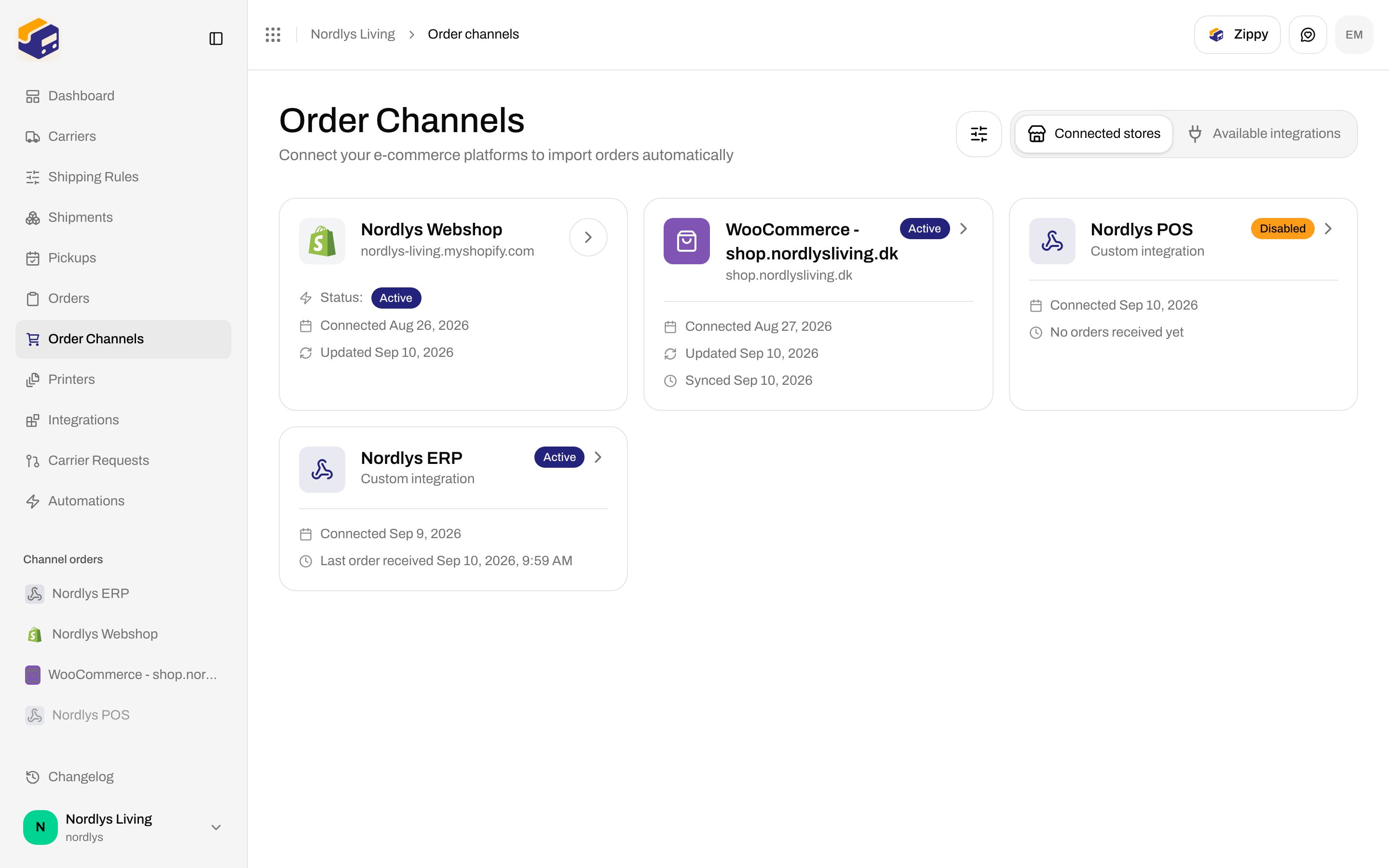
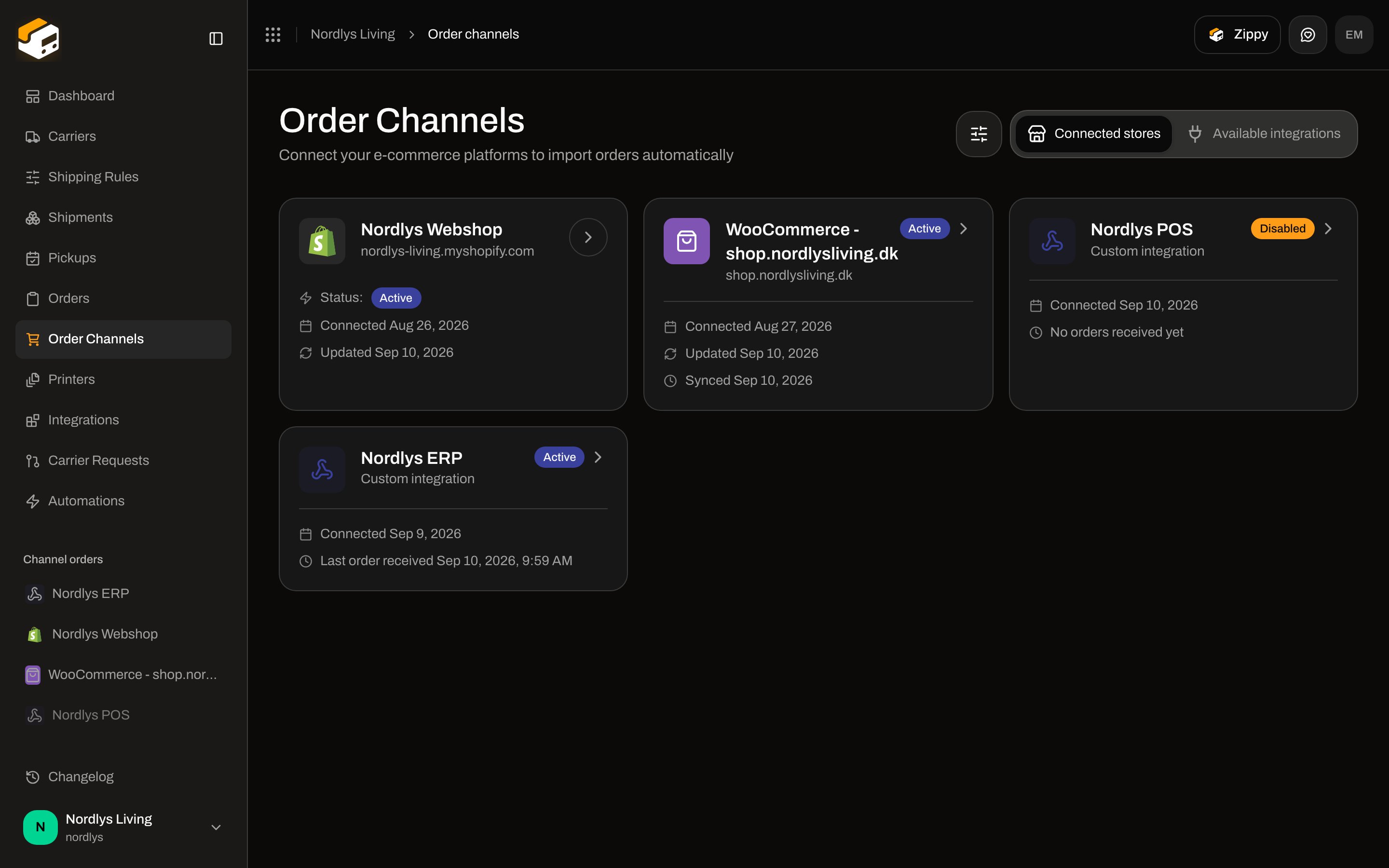 An **Active** custom card shows **Custom integration**, **Connected** date, and **Last order received \{date}** or **No orders received yet**.
Leftover platform stores (no live integration) appear under **Disconnected channels** with **No active integration** and **Remove**. That is not a custom channel. See [Order channel settings](/docs/how-to/order-channel-settings).
## Delete
**Danger zone** → **Delete channel**. Description: **Remove this custom channel. Your integration will no longer be able to push orders.**
An **Active** custom card shows **Custom integration**, **Connected** date, and **Last order received \{date}** or **No orders received yet**.
Leftover platform stores (no live integration) appear under **Disconnected channels** with **No active integration** and **Remove**. That is not a custom channel. See [Order channel settings](/docs/how-to/order-channel-settings).
## Delete
**Danger zone** → **Delete channel**. Description: **Remove this custom channel. Your integration will no longer be able to push orders.**
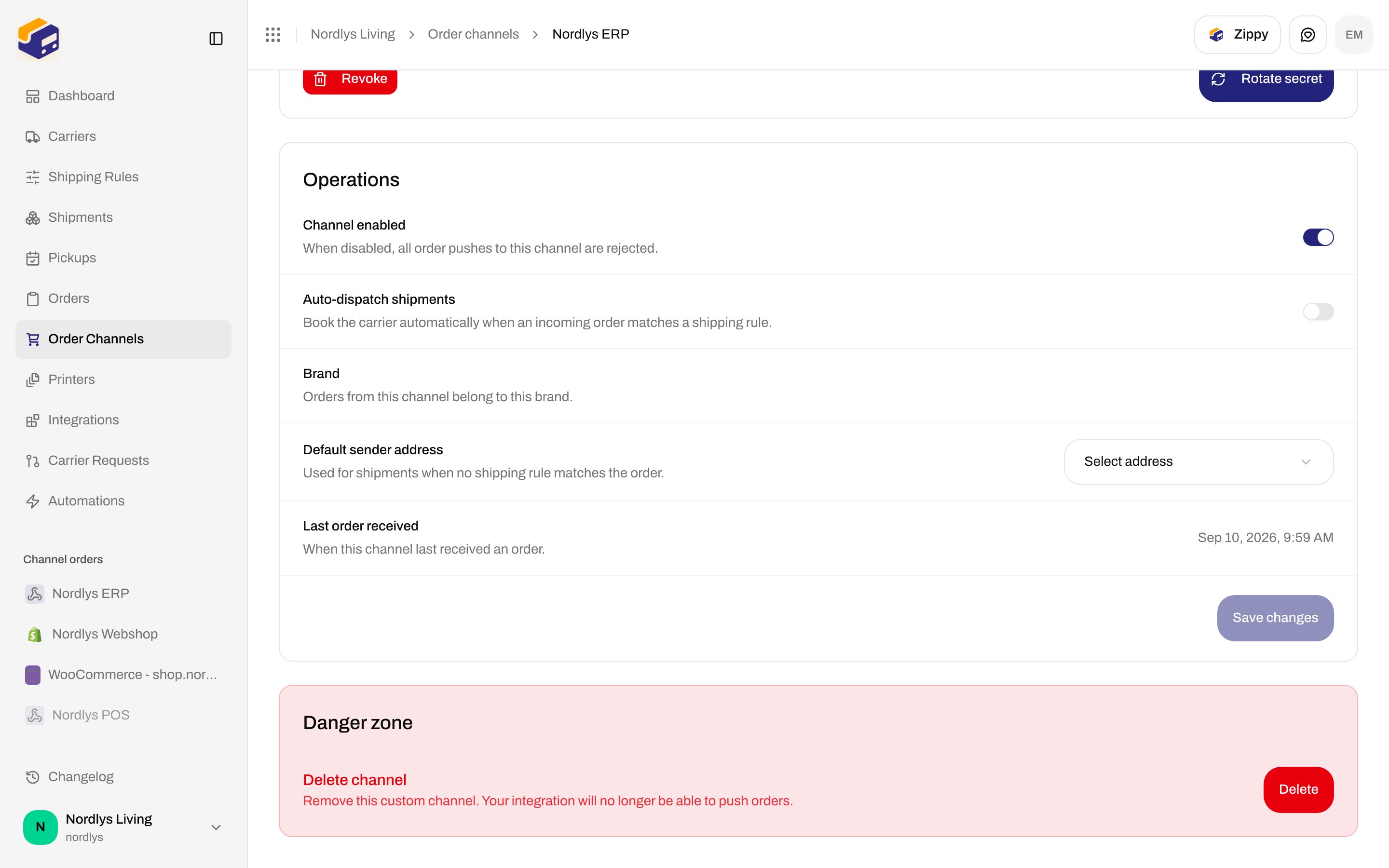
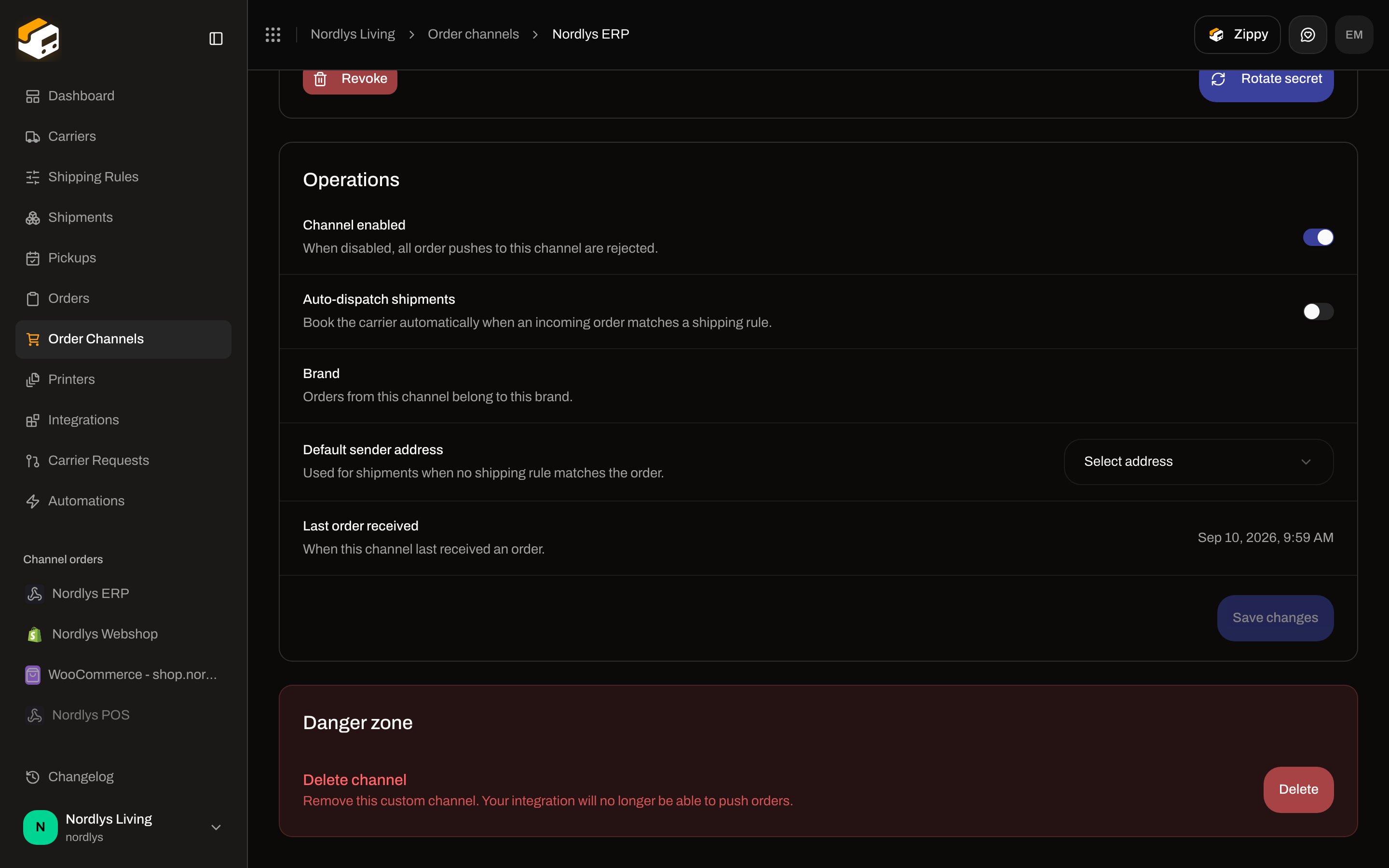 Confirm: **Delete this custom channel? Its ingest URL stops accepting orders immediately.** Button **Delete** / **Deleting…**. Toast **Order channel deleted successfully** / **Failed to delete order channel**.
## Related
Create the channel from the catalog, then open Orders.
Full ingest payload, cancel, ping, and REST examples.
Enable, disable, and leftover disconnected channels.
Token for POST /orgs/\{orgId}/orders instead of signed ingest.
Confirm: **Delete this custom channel? Its ingest URL stops accepting orders immediately.** Button **Delete** / **Deleting…**. Toast **Order channel deleted successfully** / **Failed to delete order channel**.
## Related
Create the channel from the catalog, then open Orders.
Full ingest payload, cancel, ping, and REST examples.
Enable, disable, and leftover disconnected channels.
Token for POST /orgs/\{orgId}/orders instead of signed ingest.