> ## Documentation Index
> Fetch the complete documentation index at: https://www.zippendo.com/docs/llms.txt
> Use this file to discover all available pages before exploring further.
# Carrier credentials
> Add or edit a Zippendo carrier and fill every credential field — Bring API key and secret, GLS login, PostNord customer number, FedEx, UPS, DHL Express, and sandbox.
Connect a shipping **carrier** from **Carriers → All Carriers**, then store that account’s credentials on your organization. The form is generated from the carrier catalog — required and optional fields change with the carrier you pick.
Walkthrough with screenshots: [Carriers](/docs/tutorials/carriers). This page is the field list. [Sandbox mode](/docs/how-to/sandbox-mode) covers the **Sandbox Mode** checkbox in one place.
You do **not** pick a sender address on this form. Add addresses under **Manage → Addresses**. The address is chosen on the shipment or on a [shipping rule](/docs/how-to/shipping-rule-fields).
## Add a carrier
Sidebar **Carriers**. Header tabs: **My Carriers** (`?tab=my-carriers`) and **All Carriers** (`?tab=all-carriers`).
Each catalog card has **Connect** and **Learn more** (the carrier’s public site). Some cards are marked **Deprecated** — prefer the current integration.
Subtitle: **Fill out the information below to create a new carrier**. Shared fields first, then **Carrier Configuration**.
Click **Create** (shows **Creating…** while the request runs) or **Cancel**. Success toast: **Carrier created successfully**.
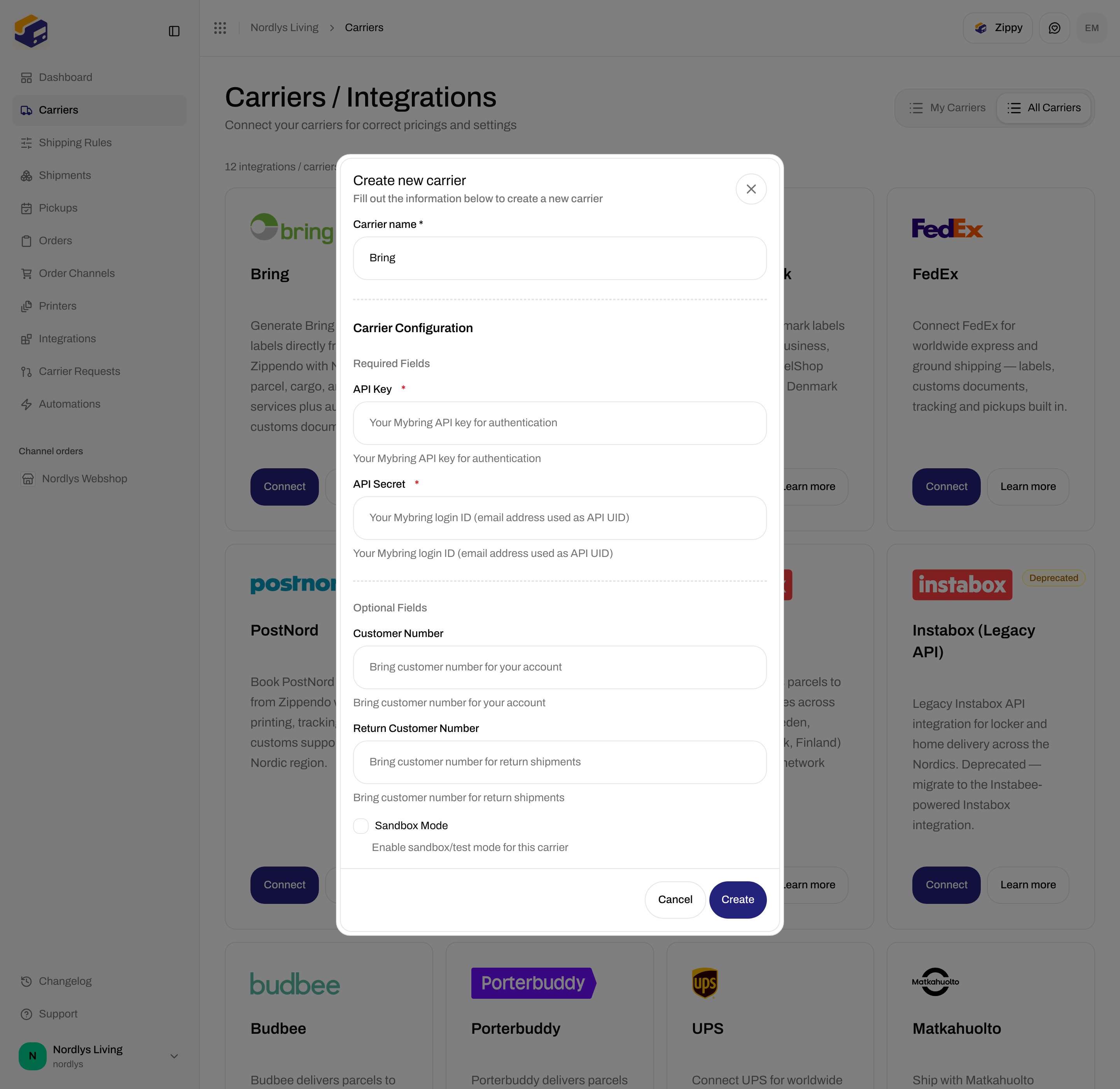
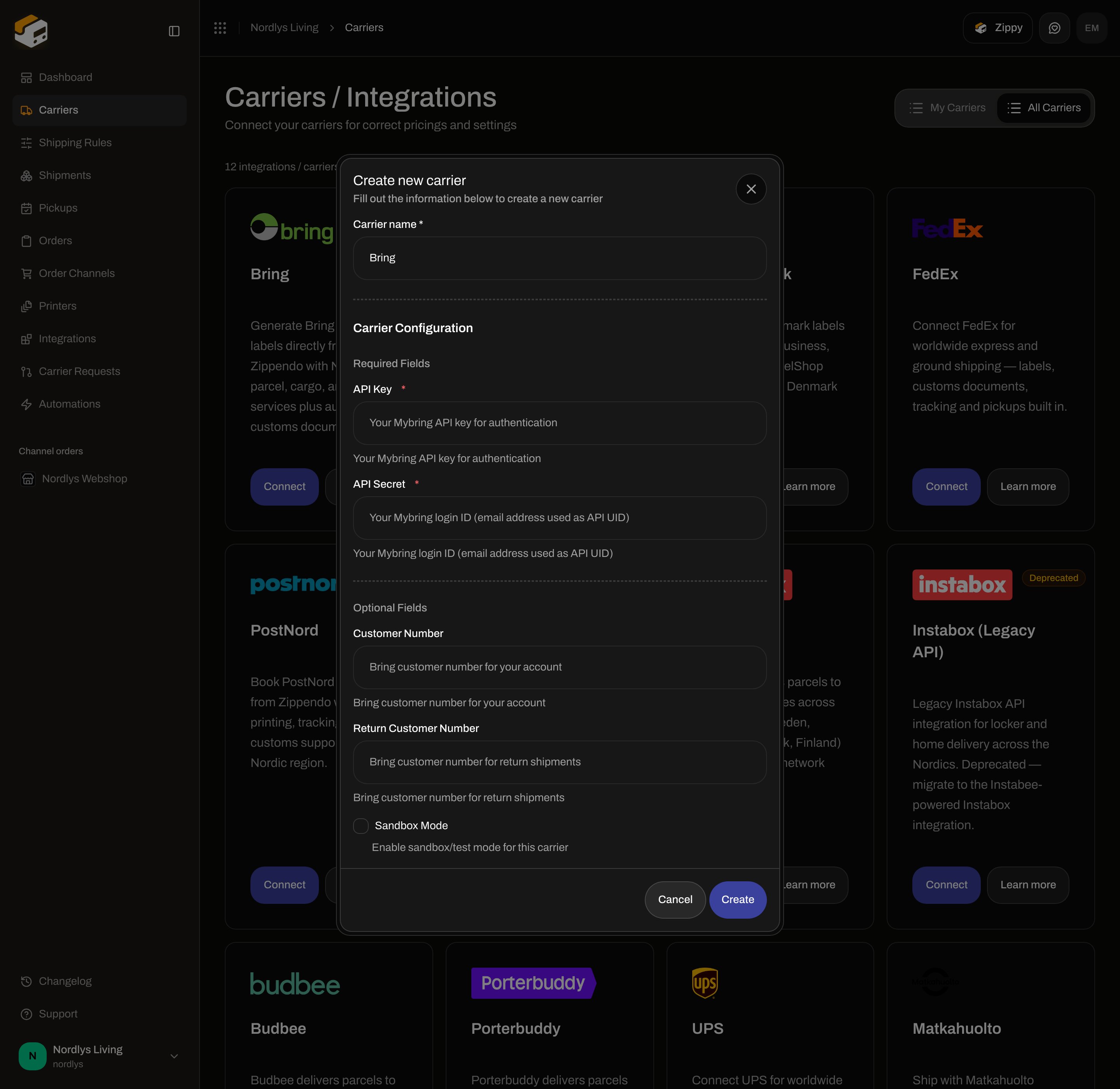 You can connect the same carrier type more than once if each connection has its own name and credentials.
## Shared fields
These appear on every connect dialog and on **Edit your carrier**.
| Field | Required | What it is |
| ---------------- | -------- | ------------------------------------------------------------------------------------------------------------------------------------------------------------------------------------------------------ |
| **Carrier name** | Yes | Display name in **My Carriers** and on shipments. Placeholder **Enter carrier name**. Defaults to the catalog name. Letters, numbers, and `. & ' + / ( ) _ -` only. |
| **Brand** | No | Only when the organization has [brands](/docs/how-to/create-a-brand). Label **Brand**. Helper: **Only this brand can use this carrier.** Leave unset for organization-wide. Hidden when you have no brands. |
**Carrier Configuration** then splits into **Required Fields** and **Optional Fields**. Empty required values block a successful create (the handler returns without saving). Create failure copy: **Failed to create carrier. Please try again.**
Password and secret labels use a password input. Descriptions under each field come from the carrier catalog (quoted per carrier below).
## Credentials by carrier
The catalog on **All Carriers** is the source of truth. These are the fields the connect/edit forms show today.
### GLS Denmark
You can connect the same carrier type more than once if each connection has its own name and credentials.
## Shared fields
These appear on every connect dialog and on **Edit your carrier**.
| Field | Required | What it is |
| ---------------- | -------- | ------------------------------------------------------------------------------------------------------------------------------------------------------------------------------------------------------ |
| **Carrier name** | Yes | Display name in **My Carriers** and on shipments. Placeholder **Enter carrier name**. Defaults to the catalog name. Letters, numbers, and `. & ' + / ( ) _ -` only. |
| **Brand** | No | Only when the organization has [brands](/docs/how-to/create-a-brand). Label **Brand**. Helper: **Only this brand can use this carrier.** Leave unset for organization-wide. Hidden when you have no brands. |
**Carrier Configuration** then splits into **Required Fields** and **Optional Fields**. Empty required values block a successful create (the handler returns without saving). Create failure copy: **Failed to create carrier. Please try again.**
Password and secret labels use a password input. Descriptions under each field come from the carrier catalog (quoted per carrier below).
## Credentials by carrier
The catalog on **All Carriers** is the source of truth. These are the fields the connect/edit forms show today.
### GLS Denmark
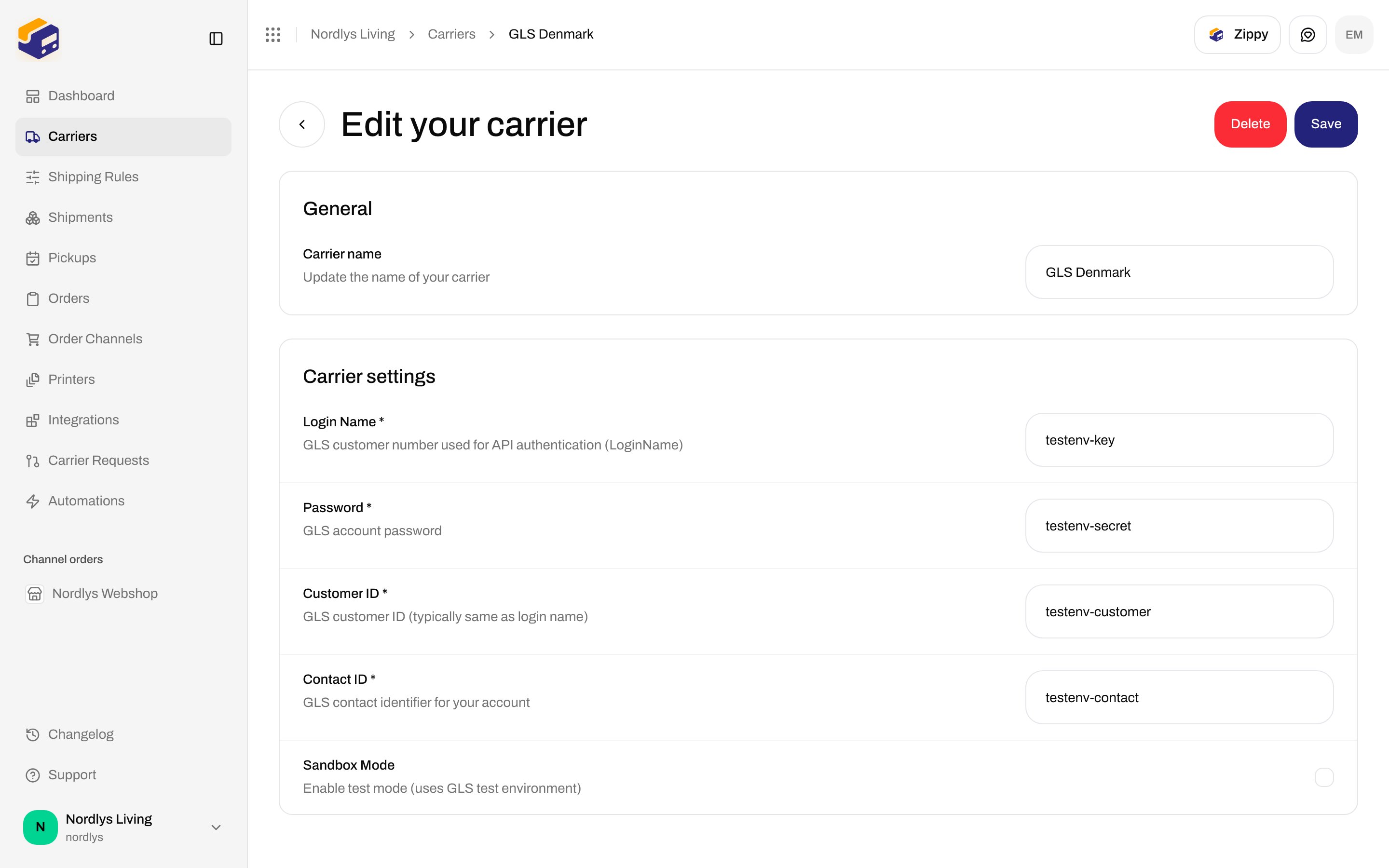
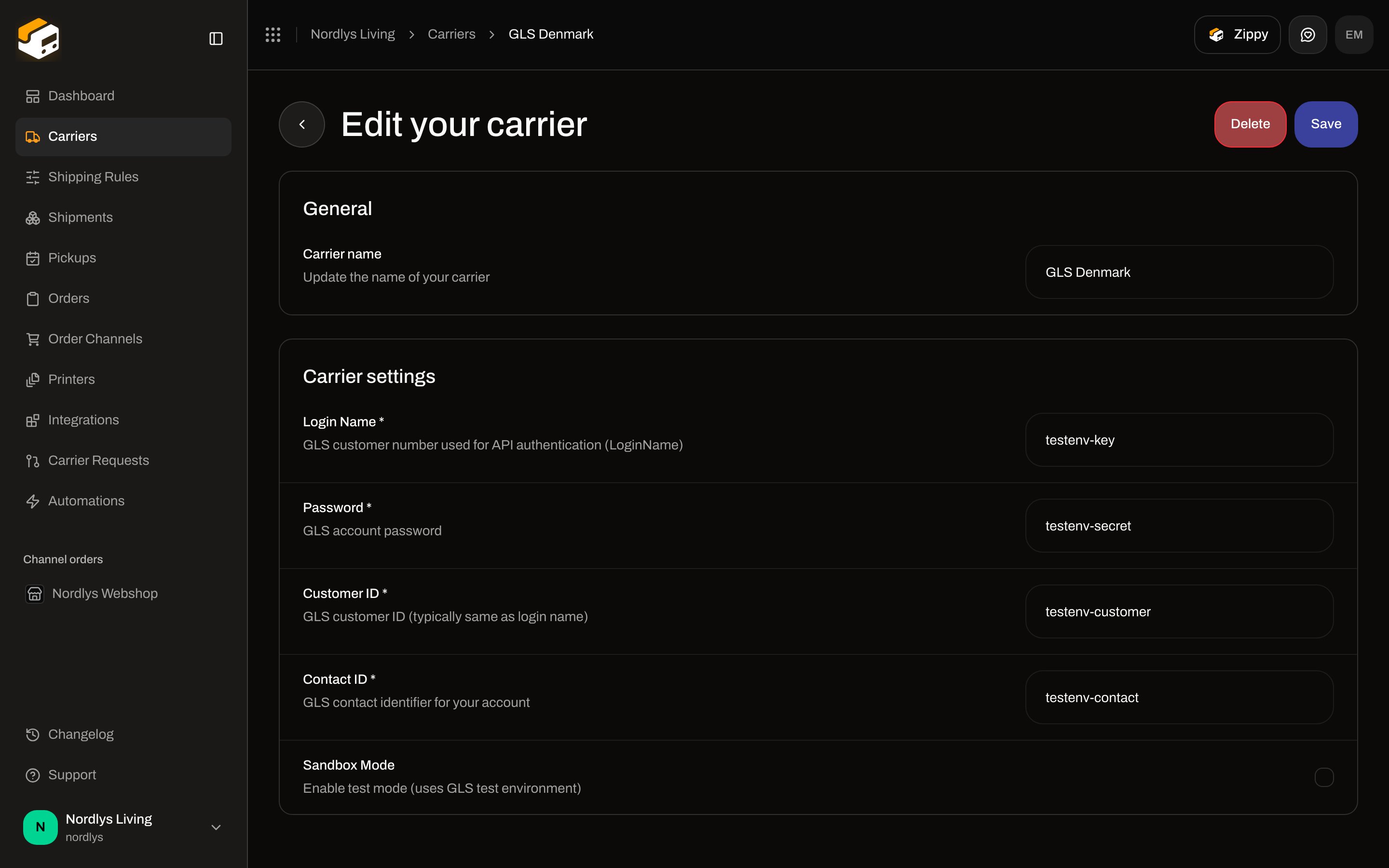 | Field | Required | Description in the form |
| ---------------- | -------- | ----------------------------------------------------------- |
| **Login Name** | Yes | GLS customer number used for API authentication (LoginName) |
| **Password** | Yes | GLS account password |
| **Customer ID** | Yes | GLS customer ID (typically same as login name) |
| **Contact ID** | Yes | GLS contact identifier for your account |
| **Sandbox Mode** | No | Enable test mode (uses GLS test environment) |
### Bring
| Field | Required | Description in the form |
| -------------------------- | -------- | ----------------------------------------------------- |
| **API Key** | Yes | Your Mybring API key for authentication |
| **API Secret** | Yes | Your Mybring login ID (email address used as API UID) |
| **Customer Number** | No | Bring customer number for your account |
| **Return Customer Number** | No | Bring customer number for return shipments |
| **Sandbox Mode** | No | Enable sandbox/test mode for this carrier |
Optional fields sit below the fold — scroll **Optional Fields**.
### PostNord
| Field | Required | Description in the form |
| ---------------- | -------- | ----------------------------------------------------------- |
| **Login Name** | Yes | GLS customer number used for API authentication (LoginName) |
| **Password** | Yes | GLS account password |
| **Customer ID** | Yes | GLS customer ID (typically same as login name) |
| **Contact ID** | Yes | GLS contact identifier for your account |
| **Sandbox Mode** | No | Enable test mode (uses GLS test environment) |
### Bring
| Field | Required | Description in the form |
| -------------------------- | -------- | ----------------------------------------------------- |
| **API Key** | Yes | Your Mybring API key for authentication |
| **API Secret** | Yes | Your Mybring login ID (email address used as API UID) |
| **Customer Number** | No | Bring customer number for your account |
| **Return Customer Number** | No | Bring customer number for return shipments |
| **Sandbox Mode** | No | Enable sandbox/test mode for this carrier |
Optional fields sit below the fold — scroll **Optional Fields**.
### PostNord
 | Field | Required | Description in the form |
| -------------------------- | -------- | ------------------------------------------------------------------------------------------------------------------------------------------- |
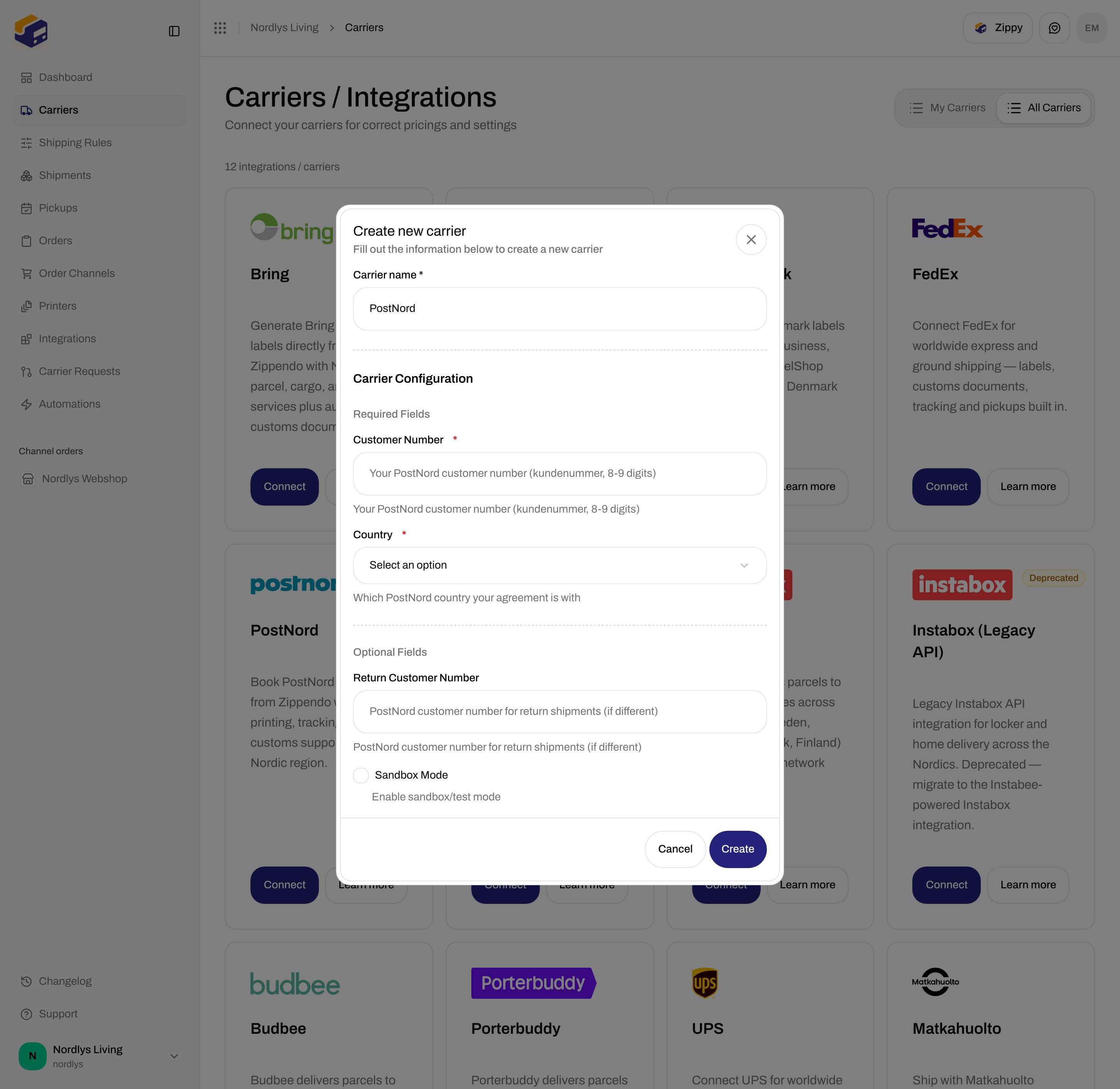
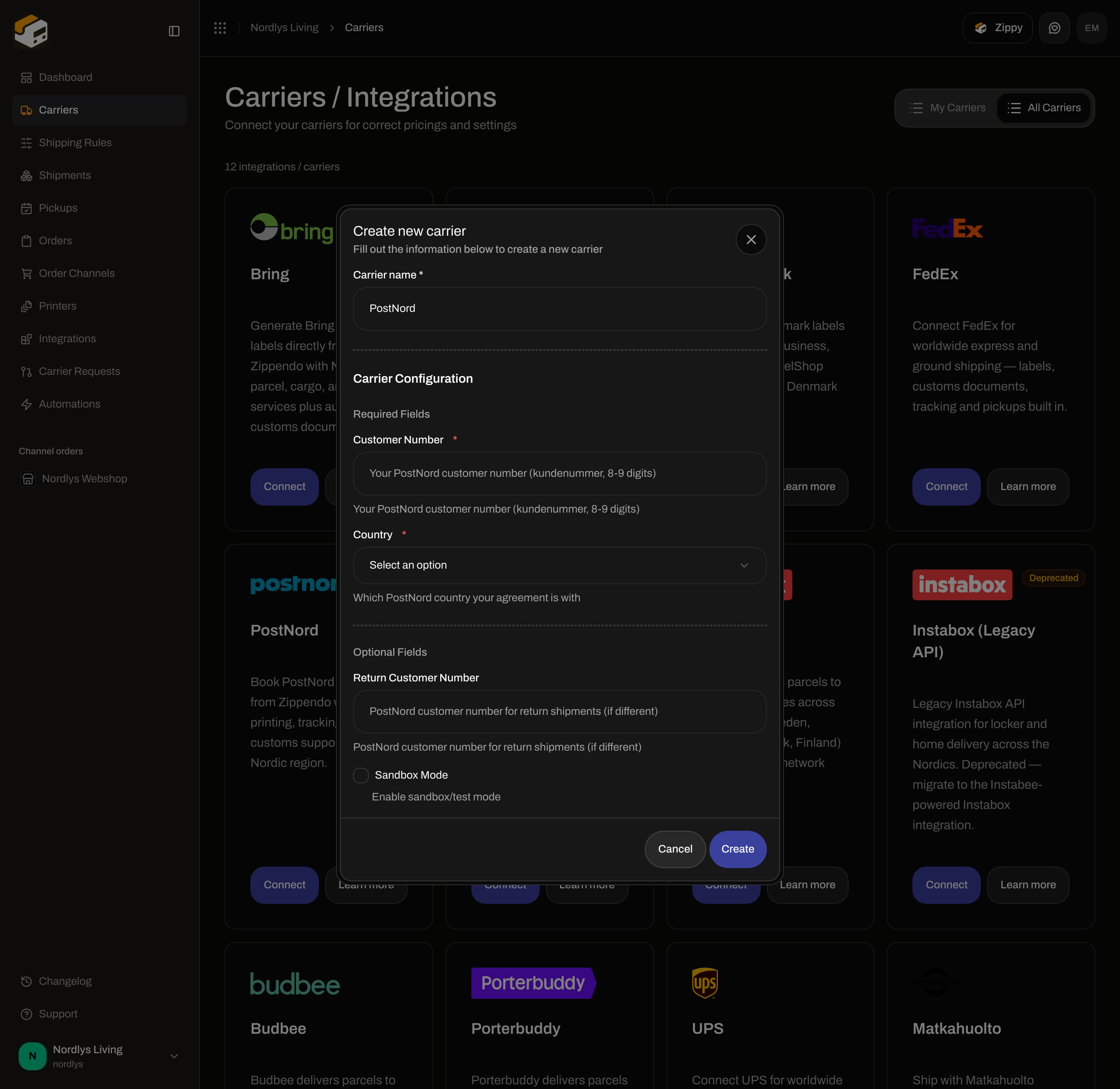
| **Customer Number** | Yes | Your PostNord customer number (kundenummer, 8-9 digits) |
| **Country** | Yes | Which PostNord country your agreement is with. Options: **Denmark**, **Sweden**, **Norway**, **Finland**. Placeholder **Select an option**. |
| **Return Customer Number** | No | PostNord customer number for return shipments (if different) |
| **Sandbox Mode** | No | Enable sandbox/test mode |
You do not enter a PostNord platform API key. Zippendo supplies that.
### DAO Denmark
| Field | Required | Description in the form |
| -------------------------- | -------- | ------------------------------------------------------------------------------------------------------------------------------------------- |
| **Customer Number** | Yes | Your PostNord customer number (kundenummer, 8-9 digits) |
| **Country** | Yes | Which PostNord country your agreement is with. Options: **Denmark**, **Sweden**, **Norway**, **Finland**. Placeholder **Select an option**. |
| **Return Customer Number** | No | PostNord customer number for return shipments (if different) |
| **Sandbox Mode** | No | Enable sandbox/test mode |
You do not enter a PostNord platform API key. Zippendo supplies that.
### DAO Denmark
 | Field | Required | Description in the form |
| ---------------- | -------- | ---------------------------------------- |
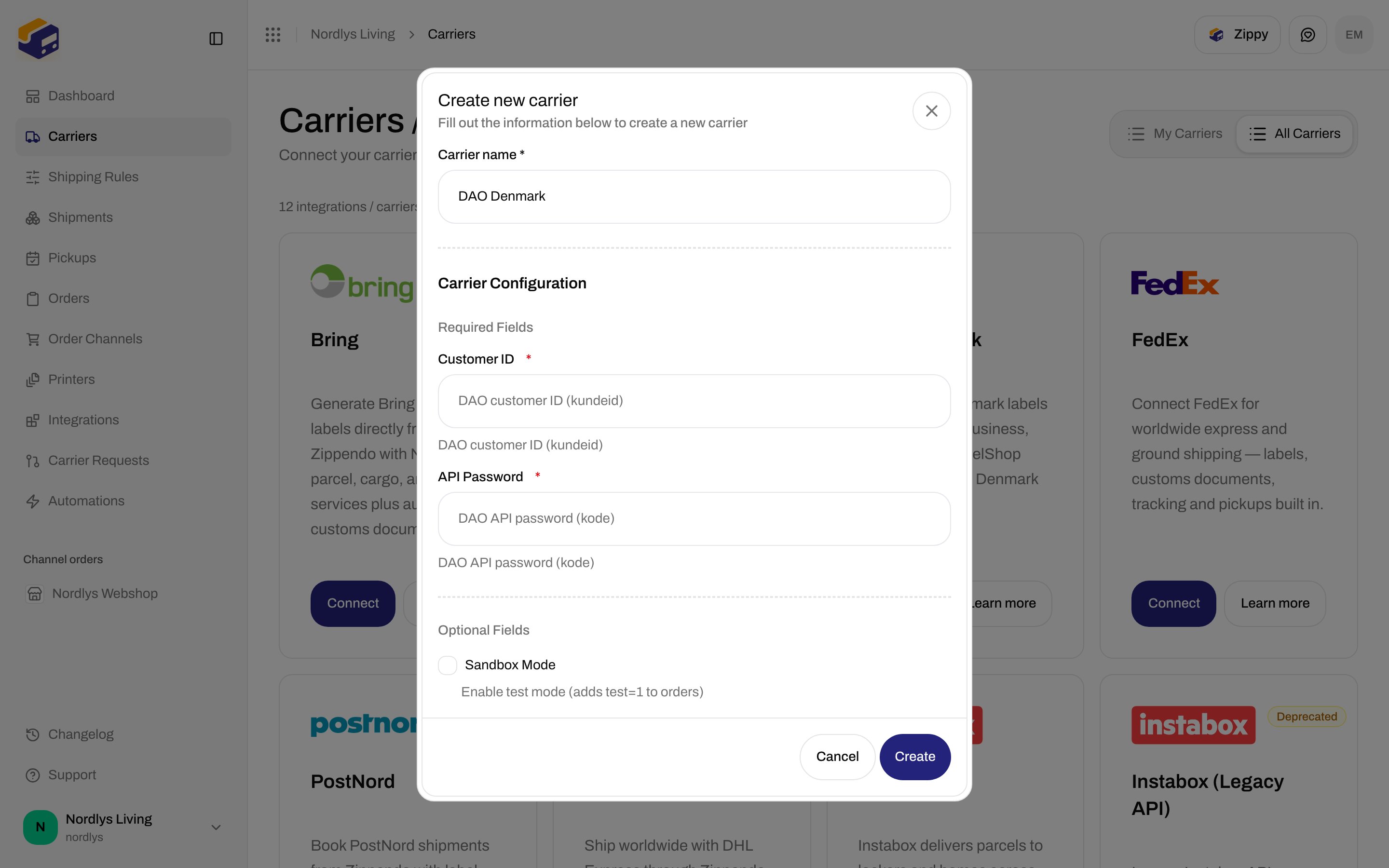
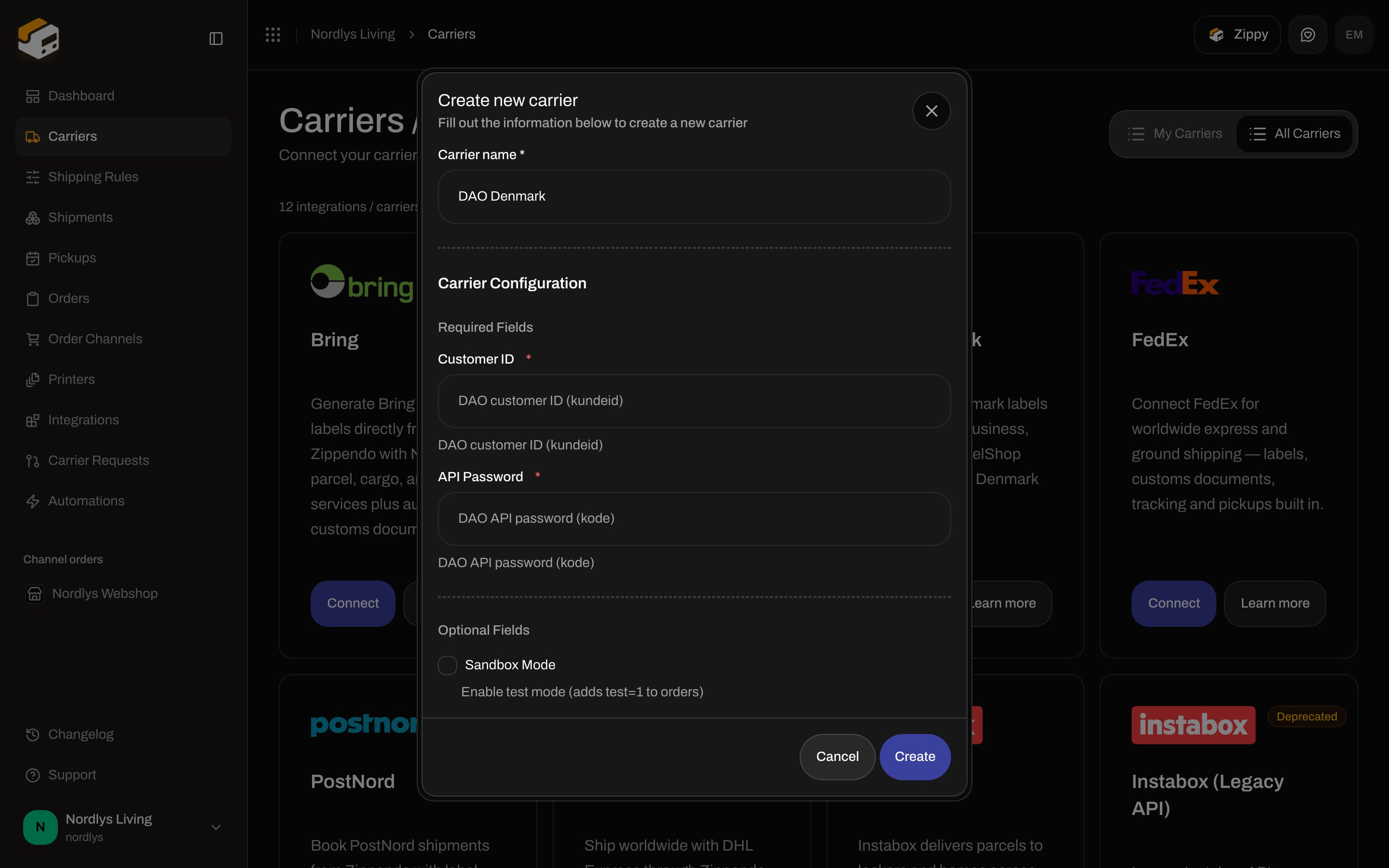
| **Customer ID** | Yes | DAO customer ID (kundeid) |
| **API Password** | Yes | DAO API password (kode) |
| **Sandbox Mode** | No | Enable test mode (adds test=1 to orders) |
### FedEx
| Field | Required | Description in the form |
| ---------------- | -------- | ---------------------------------------- |
| **Customer ID** | Yes | DAO customer ID (kundeid) |
| **API Password** | Yes | DAO API password (kode) |
| **Sandbox Mode** | No | Enable test mode (adds test=1 to orders) |
### FedEx
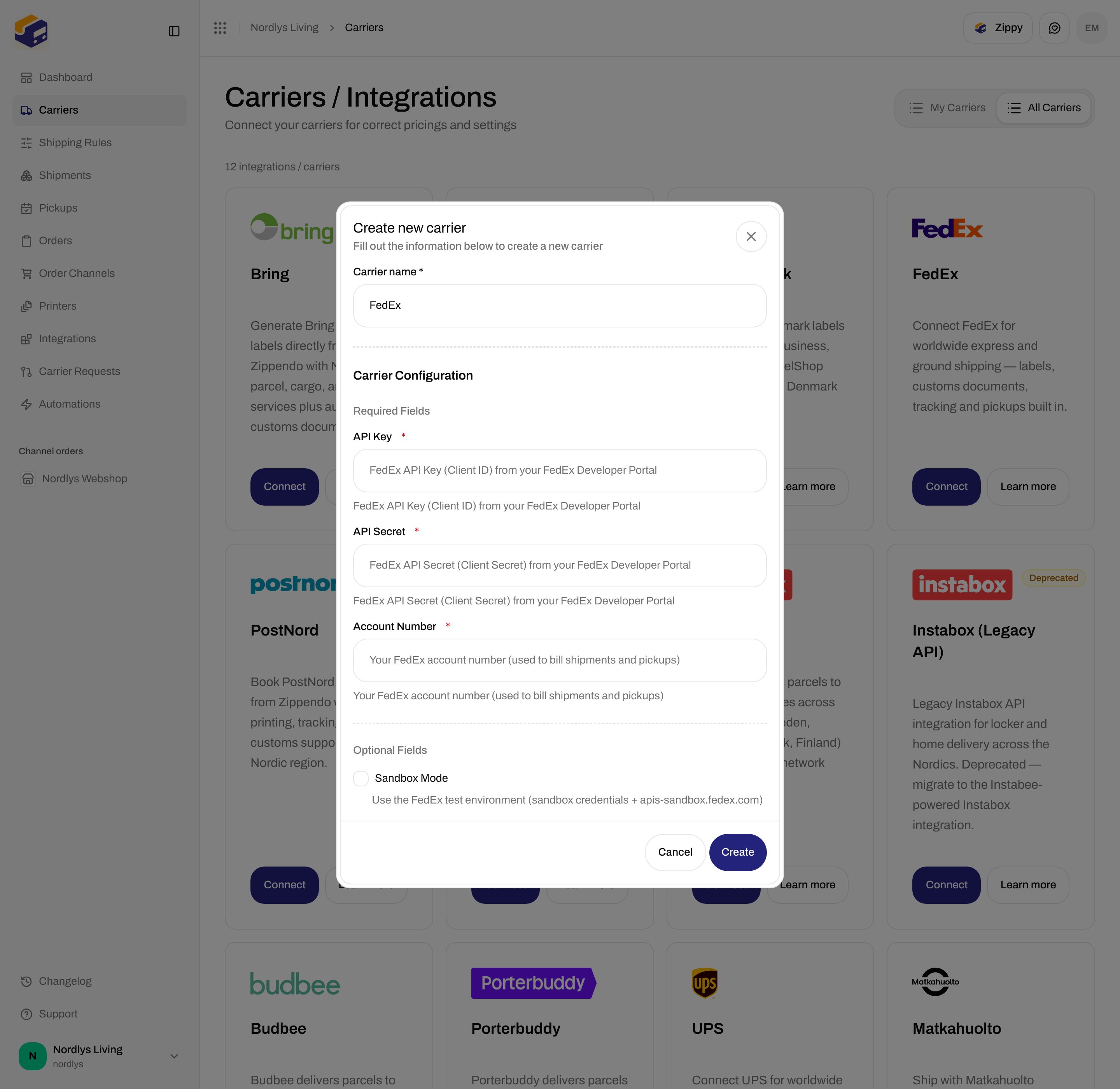
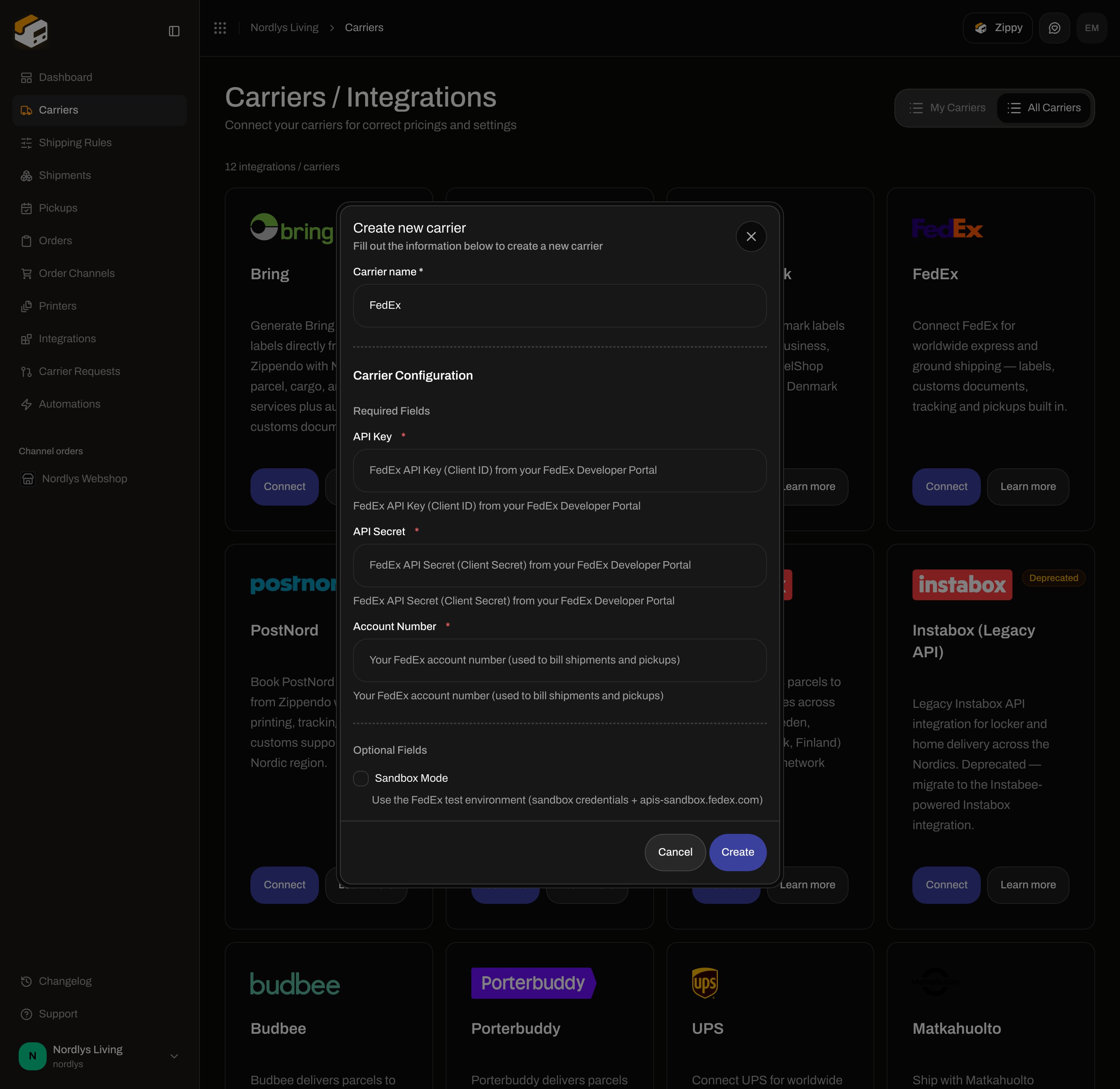 | Field | Required | Description in the form |
| ------------------ | -------- | ----------------------------------------------------------------------------- |
| **API Key** | Yes | FedEx API Key (Client ID) from your FedEx Developer Portal |
| **API Secret** | Yes | FedEx API Secret (Client Secret) from your FedEx Developer Portal |
| **Account Number** | Yes | Your FedEx account number (used to bill shipments and pickups) |
| **Sandbox Mode** | No | Use the FedEx test environment (sandbox credentials + apis-sandbox.fedex.com) |
### UPS
| Field | Required | Description in the form |
| ------------------ | -------- | ----------------------------------------------------------------------------- |
| **API Key** | Yes | FedEx API Key (Client ID) from your FedEx Developer Portal |
| **API Secret** | Yes | FedEx API Secret (Client Secret) from your FedEx Developer Portal |
| **Account Number** | Yes | Your FedEx account number (used to bill shipments and pickups) |
| **Sandbox Mode** | No | Use the FedEx test environment (sandbox credentials + apis-sandbox.fedex.com) |
### UPS
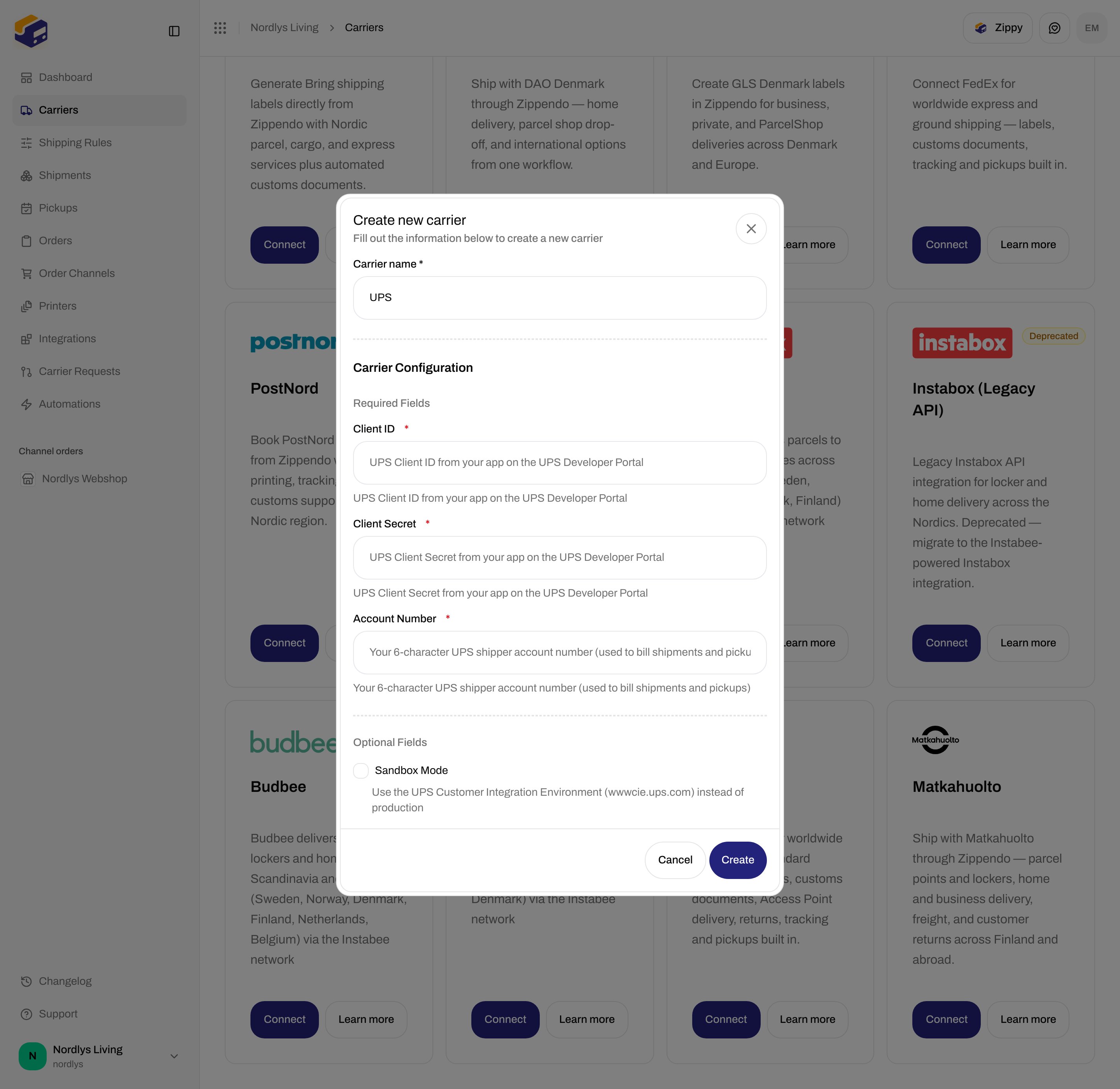
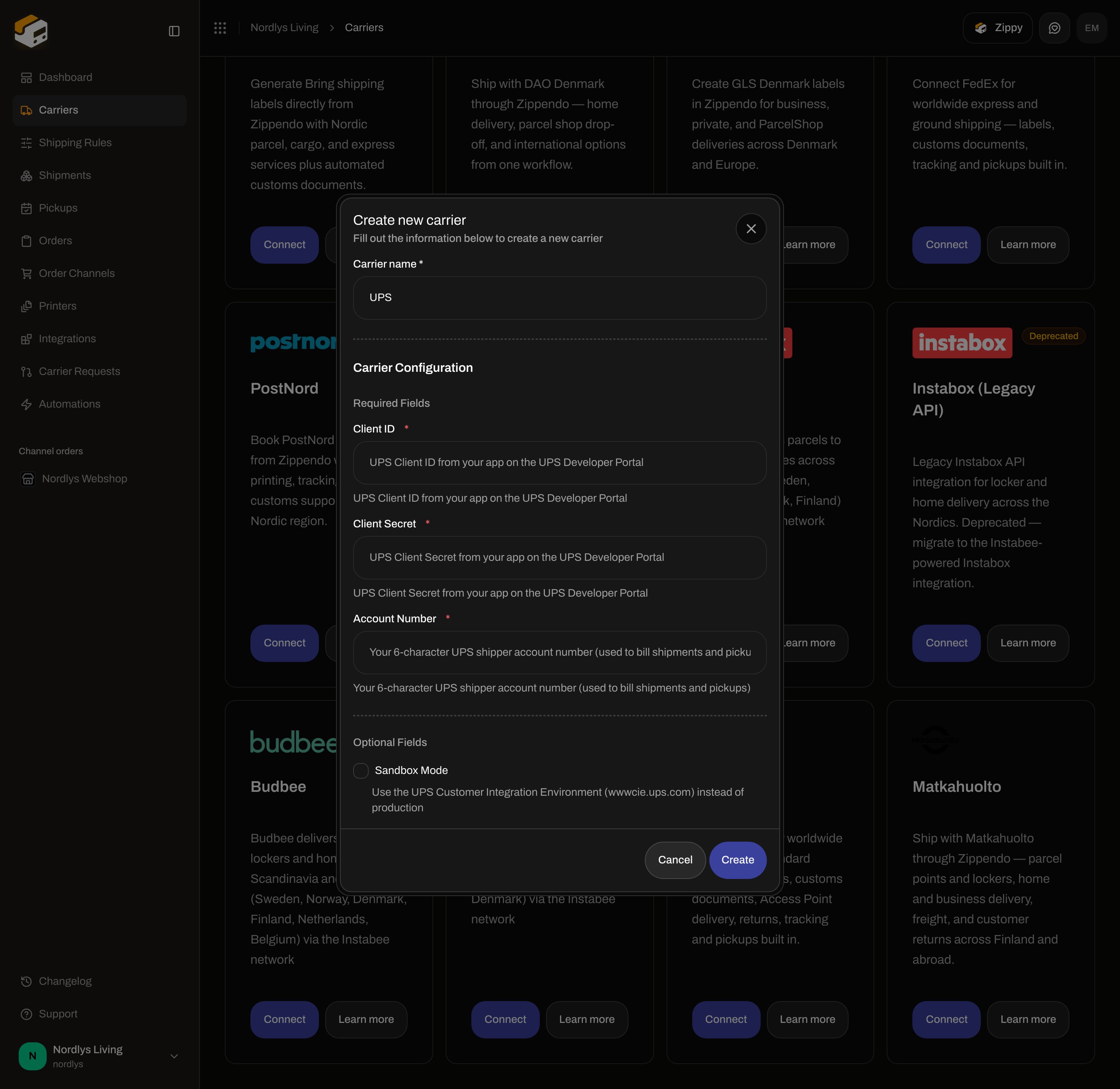 | Field | Required | Description in the form |
| ------------------ | -------- | ----------------------------------------------------------------------------------- |
| **Client ID** | Yes | UPS Client ID from your app on the UPS Developer Portal |
| **Client Secret** | Yes | UPS Client Secret from your app on the UPS Developer Portal |
| **Account Number** | Yes | Your 6-character UPS shipper account number (used to bill shipments and pickups) |
| **Sandbox Mode** | No | Use the UPS Customer Integration Environment (wwwcie.ups.com) instead of production |
### DHL Express
| Field | Required | Description in the form |
| ------------------ | -------- | ----------------------------------------------------------------------------------- |
| **Client ID** | Yes | UPS Client ID from your app on the UPS Developer Portal |
| **Client Secret** | Yes | UPS Client Secret from your app on the UPS Developer Portal |
| **Account Number** | Yes | Your 6-character UPS shipper account number (used to bill shipments and pickups) |
| **Sandbox Mode** | No | Use the UPS Customer Integration Environment (wwwcie.ups.com) instead of production |
### DHL Express
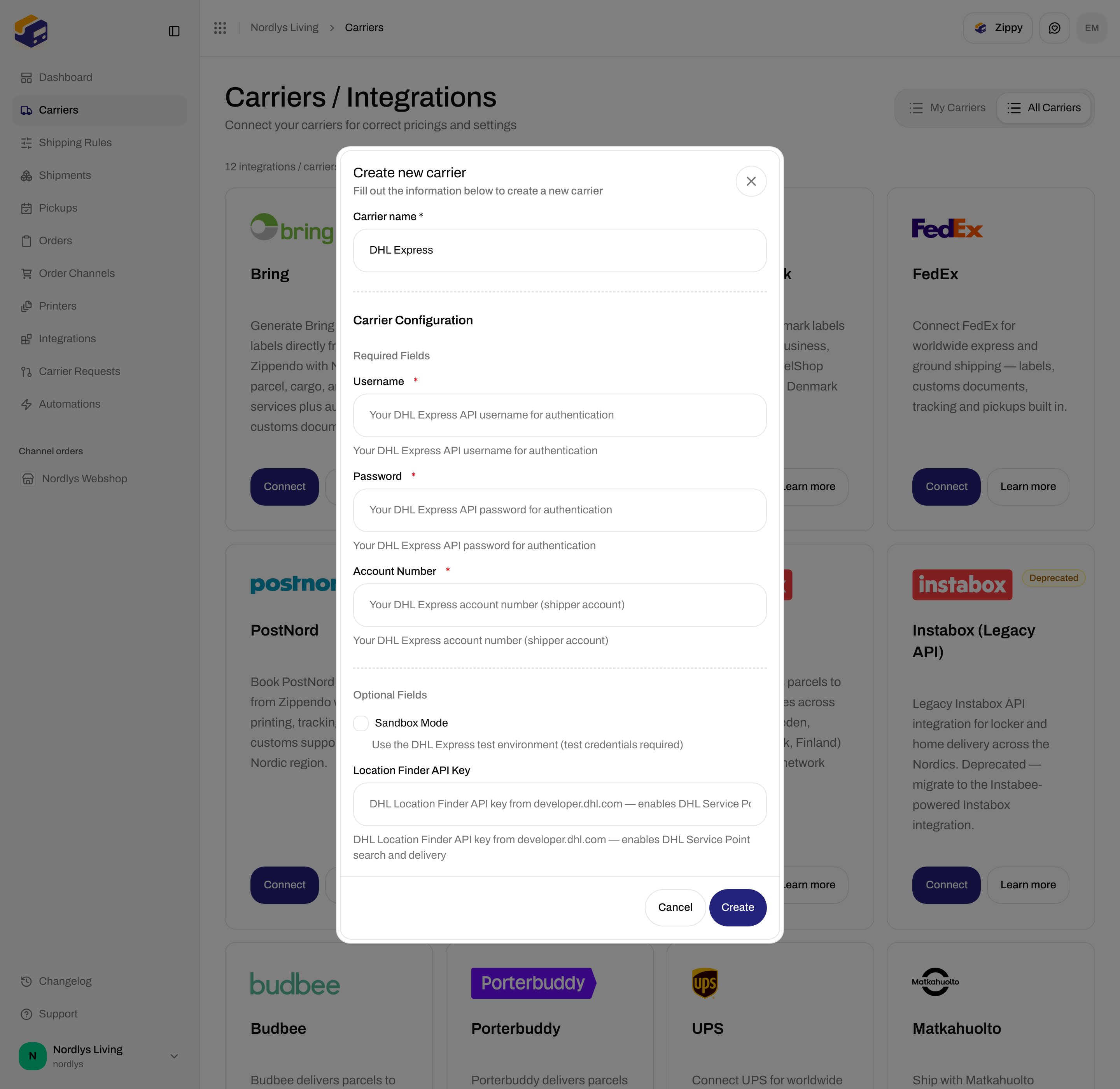
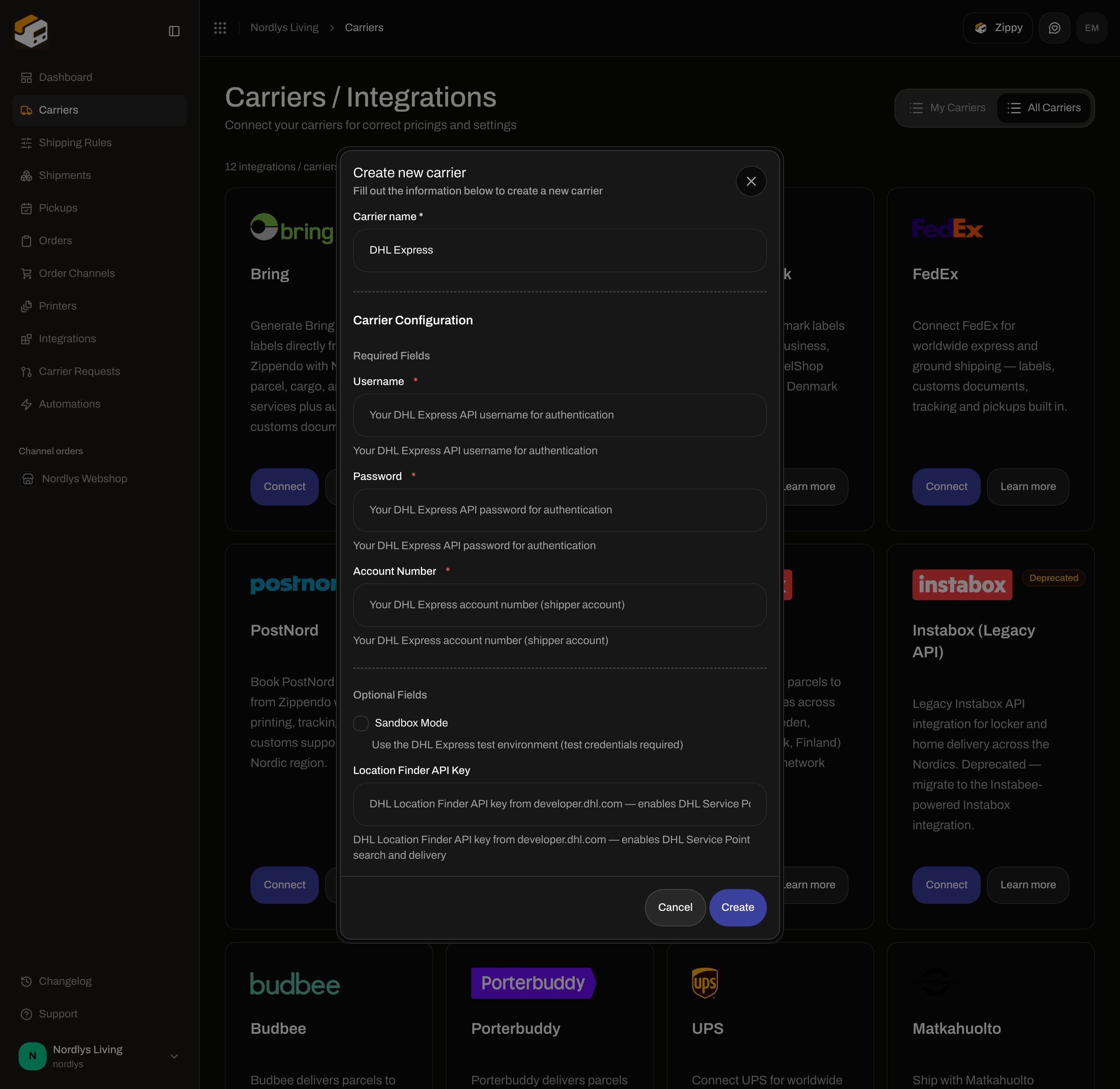 | Field | Required | Description in the form |
| --------------------------- | -------- | -------------------------------------------------------------------------------------------------- |
| **Username** | Yes | Your DHL Express API username for authentication |
| **Password** | Yes | Your DHL Express API password for authentication |
| **Account Number** | Yes | Your DHL Express account number (shipper account) |
| **Sandbox Mode** | No | Use the DHL Express test environment (test credentials required) |
| **Location Finder API Key** | No | DHL Location Finder API key from developer.dhl.com — enables DHL Service Point search and delivery |
### Instabox, Budbee, and Porterbuddy
These three are Instabee brands. The form is the same: one API key plus sandbox.
| Field | Required | Description in the form |
| --------------------------- | -------- | -------------------------------------------------------------------------------------------------- |
| **Username** | Yes | Your DHL Express API username for authentication |
| **Password** | Yes | Your DHL Express API password for authentication |
| **Account Number** | Yes | Your DHL Express account number (shipper account) |
| **Sandbox Mode** | No | Use the DHL Express test environment (test credentials required) |
| **Location Finder API Key** | No | DHL Location Finder API key from developer.dhl.com — enables DHL Service Point search and delivery |
### Instabox, Budbee, and Porterbuddy
These three are Instabee brands. The form is the same: one API key plus sandbox.
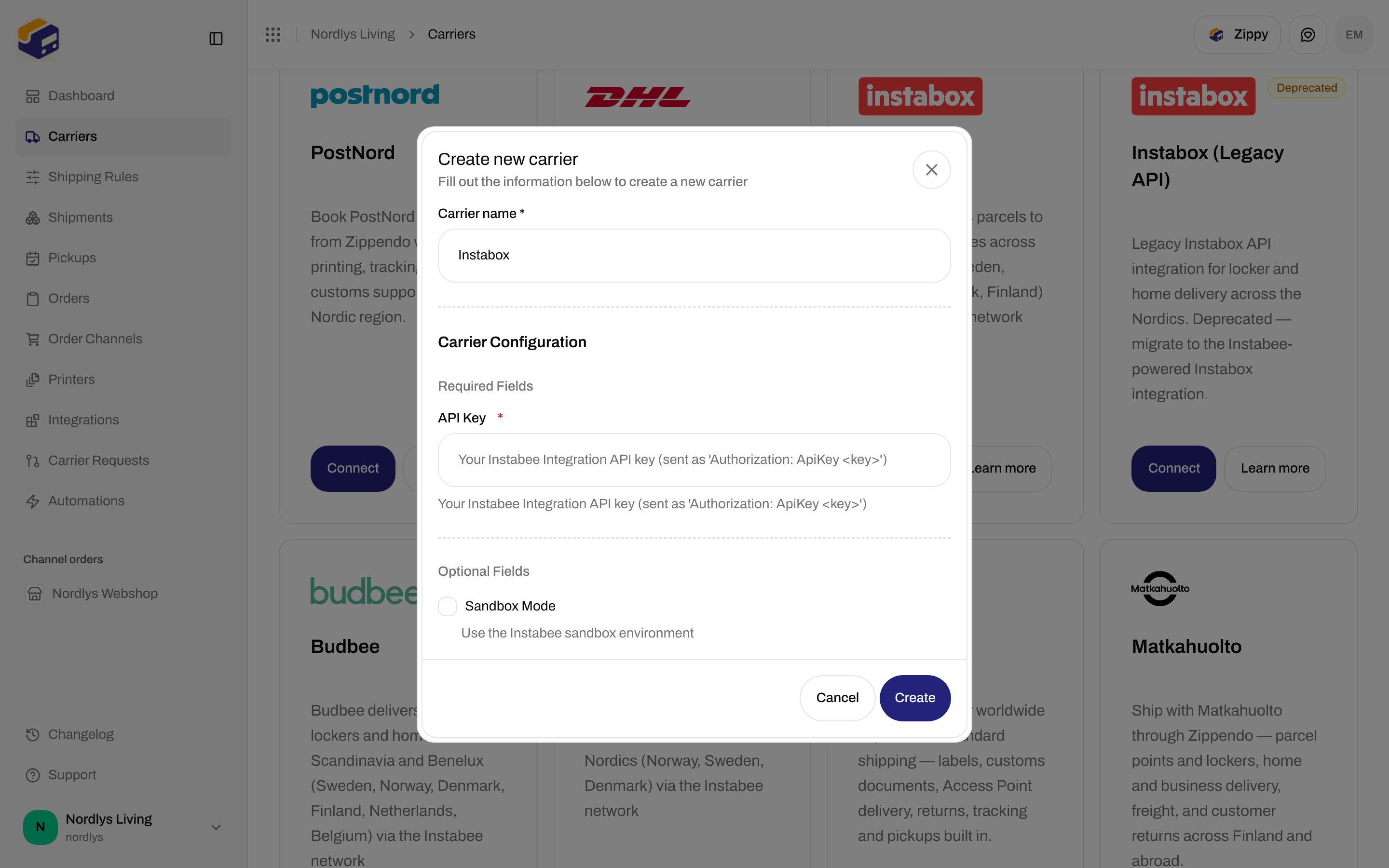
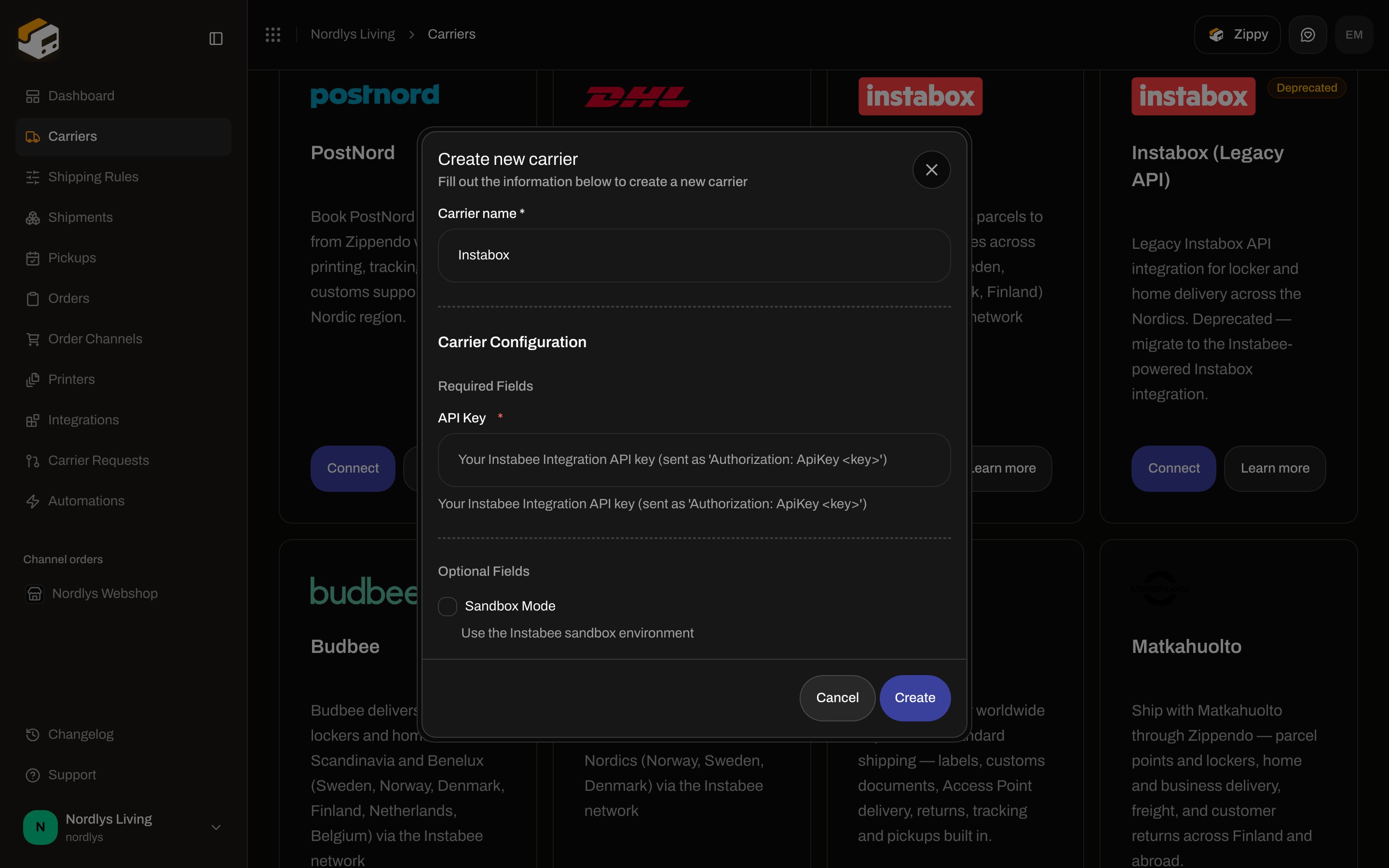 | Field | Required | Description in the form |
| ---------------- | -------- | -------------------------------------------------------------------------- |
| **API Key** | Yes | Your Instabee Integration API key (sent as 'Authorization: ApiKey \') |
| **Sandbox Mode** | No | Use the Instabee sandbox environment |
**Budbee** and **Porterbuddy** use the same two fields and the same descriptions.
### Instabox (Legacy API)
Marked **Deprecated** on **All Carriers**. The copy is: **The standalone Instabox API is deprecated. Migrate to the Instabee-powered Instabox integration.**
| Field | Required | Description in the form |
| ------------------- | -------- | ------------------------------------------------------------------------ |
| **Client ID** | Yes | Your Instabox OAuth client id |
| **Client Secret** | Yes | Your Instabox OAuth client secret |
| **Customer Number** | Yes | Your Instabox customer number — used as the parcel id prefix (e.g. PA02) |
| **Sandbox Mode** | No | Use the Instabox staging environment |
### Matkahuolto
| Field | Required | Description in the form |
| ---------------- | -------- | -------------------------------------------------------------------------- |
| **API Key** | Yes | Your Instabee Integration API key (sent as 'Authorization: ApiKey \') |
| **Sandbox Mode** | No | Use the Instabee sandbox environment |
**Budbee** and **Porterbuddy** use the same two fields and the same descriptions.
### Instabox (Legacy API)
Marked **Deprecated** on **All Carriers**. The copy is: **The standalone Instabox API is deprecated. Migrate to the Instabee-powered Instabox integration.**
| Field | Required | Description in the form |
| ------------------- | -------- | ------------------------------------------------------------------------ |
| **Client ID** | Yes | Your Instabox OAuth client id |
| **Client Secret** | Yes | Your Instabox OAuth client secret |
| **Customer Number** | Yes | Your Instabox customer number — used as the parcel id prefix (e.g. PA02) |
| **Sandbox Mode** | No | Use the Instabox staging environment |
### Matkahuolto
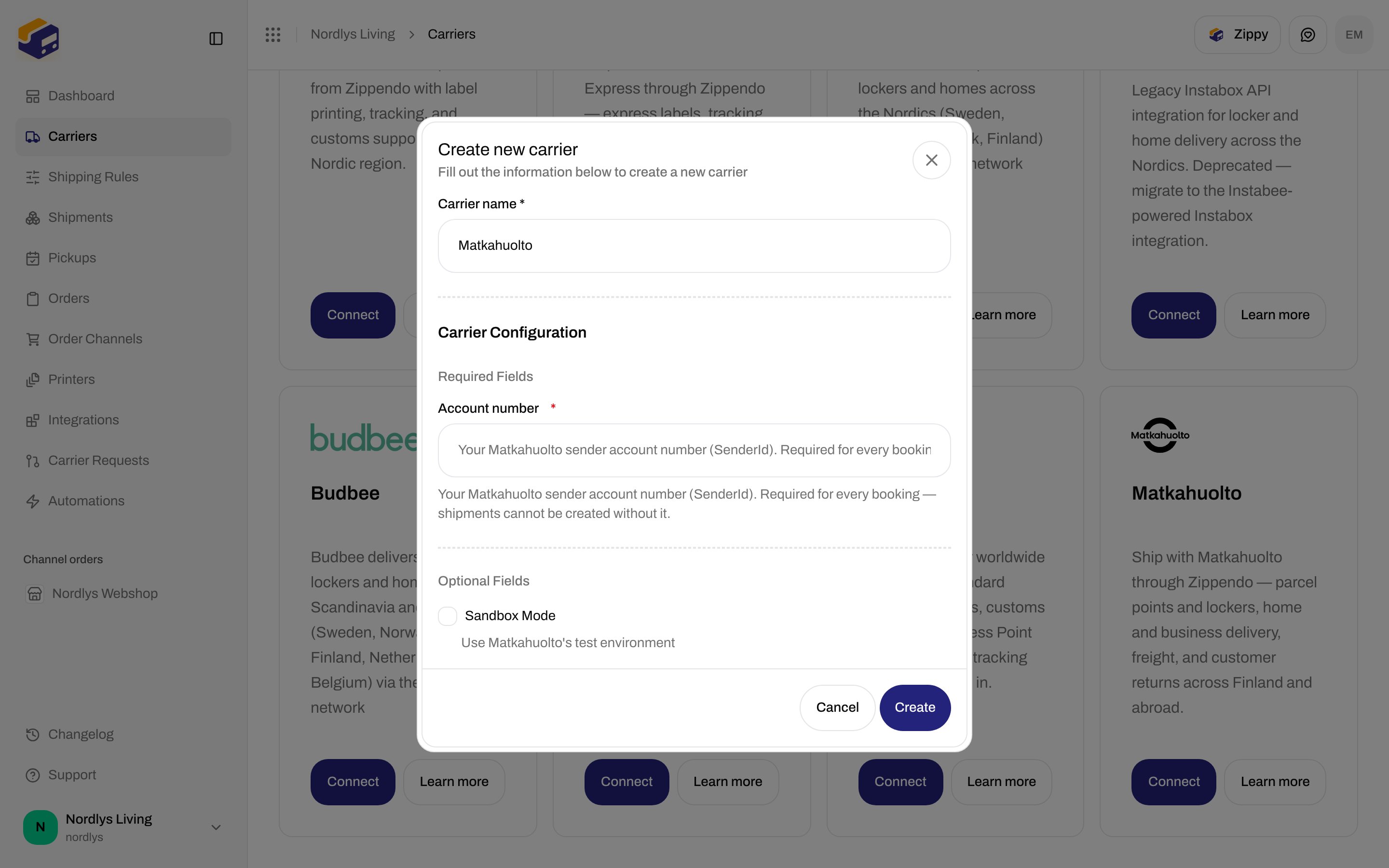
 | Field | Required | Description in the form |
| ------------------ | -------- | ----------------------------------------------------------------------------------------------------------------------- |
| **Account number** | Yes | Your Matkahuolto sender account number (SenderId). Required for every booking — shipments cannot be created without it. |
| **Sandbox Mode** | No | Use Matkahuolto's test environment |
You do not enter Matkahuolto’s platform user ID or password. Zippendo supplies those.
## Edit a carrier
On **My Carriers**, click **Edit Carrier**. Page title: **Edit your carrier**.
Two cards:
* **General** — **Carrier name** (helper: **Update the name of your carrier**), plus **Brand** when brands exist.
* **Carrier settings** — the same dynamic fields as connect, including **Sandbox Mode**.
Header actions: **Delete** and **Save**. Saving shows **Carrier updated successfully**. Loading copy: **Loading carrier…**. Load failure: **Failed to load carrier. Please try again.**
This page does **not** include ZPL, cancel-at-carrier, print-on-error, or sender/return address overrides. Label format and printers live on the shipment and under [Printers](/docs/how-to/add-a-printer).
## Delete
On **Edit your carrier**, click **Delete**. Confirm in **Delete Carrier**. Copy: **This will permanently delete carrier "\{\{name}}". This action cannot be undone.** Type the carrier name in **uppercase** to enable **Delete**. Toast: **Carrier deleted successfully**.
Booked shipments keep their labels and tracking.
## If the catalog is missing your carrier
Open **Carrier Requests** and [request a carrier integration](/docs/how-to/request-carrier-integration).
## Related
* [Connect a carrier or integration](/docs/how-to/connect-index) — one page per catalog carrier
* [Sandbox mode](/docs/how-to/sandbox-mode) — what the checkbox does and when to leave it off
* [Carrier products and services](/docs/how-to/carrier-products-and-services) — products appear on the shipment, not on this form
* [Carriers](/docs/tutorials/carriers) — connect walkthrough
* [Carrier authentication failures](/docs/knowledge-base/carrier-authentication-failures)
| Field | Required | Description in the form |
| ------------------ | -------- | ----------------------------------------------------------------------------------------------------------------------- |
| **Account number** | Yes | Your Matkahuolto sender account number (SenderId). Required for every booking — shipments cannot be created without it. |
| **Sandbox Mode** | No | Use Matkahuolto's test environment |
You do not enter Matkahuolto’s platform user ID or password. Zippendo supplies those.
## Edit a carrier
On **My Carriers**, click **Edit Carrier**. Page title: **Edit your carrier**.
Two cards:
* **General** — **Carrier name** (helper: **Update the name of your carrier**), plus **Brand** when brands exist.
* **Carrier settings** — the same dynamic fields as connect, including **Sandbox Mode**.
Header actions: **Delete** and **Save**. Saving shows **Carrier updated successfully**. Loading copy: **Loading carrier…**. Load failure: **Failed to load carrier. Please try again.**
This page does **not** include ZPL, cancel-at-carrier, print-on-error, or sender/return address overrides. Label format and printers live on the shipment and under [Printers](/docs/how-to/add-a-printer).
## Delete
On **Edit your carrier**, click **Delete**. Confirm in **Delete Carrier**. Copy: **This will permanently delete carrier "\{\{name}}". This action cannot be undone.** Type the carrier name in **uppercase** to enable **Delete**. Toast: **Carrier deleted successfully**.
Booked shipments keep their labels and tracking.
## If the catalog is missing your carrier
Open **Carrier Requests** and [request a carrier integration](/docs/how-to/request-carrier-integration).
## Related
* [Connect a carrier or integration](/docs/how-to/connect-index) — one page per catalog carrier
* [Sandbox mode](/docs/how-to/sandbox-mode) — what the checkbox does and when to leave it off
* [Carrier products and services](/docs/how-to/carrier-products-and-services) — products appear on the shipment, not on this form
* [Carriers](/docs/tutorials/carriers) — connect walkthrough
* [Carrier authentication failures](/docs/knowledge-base/carrier-authentication-failures)